

Improve your WordPress SEO: Write better content and have a fully optimized WordPress site using the Yoast SEO…
About One Click Accessibility
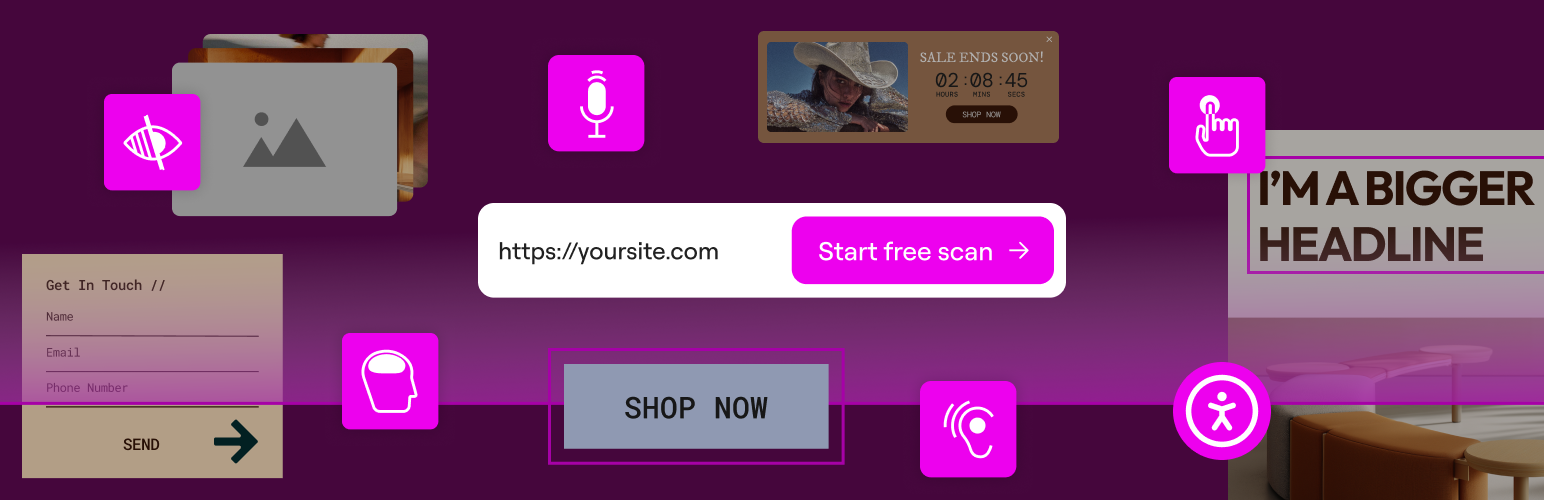
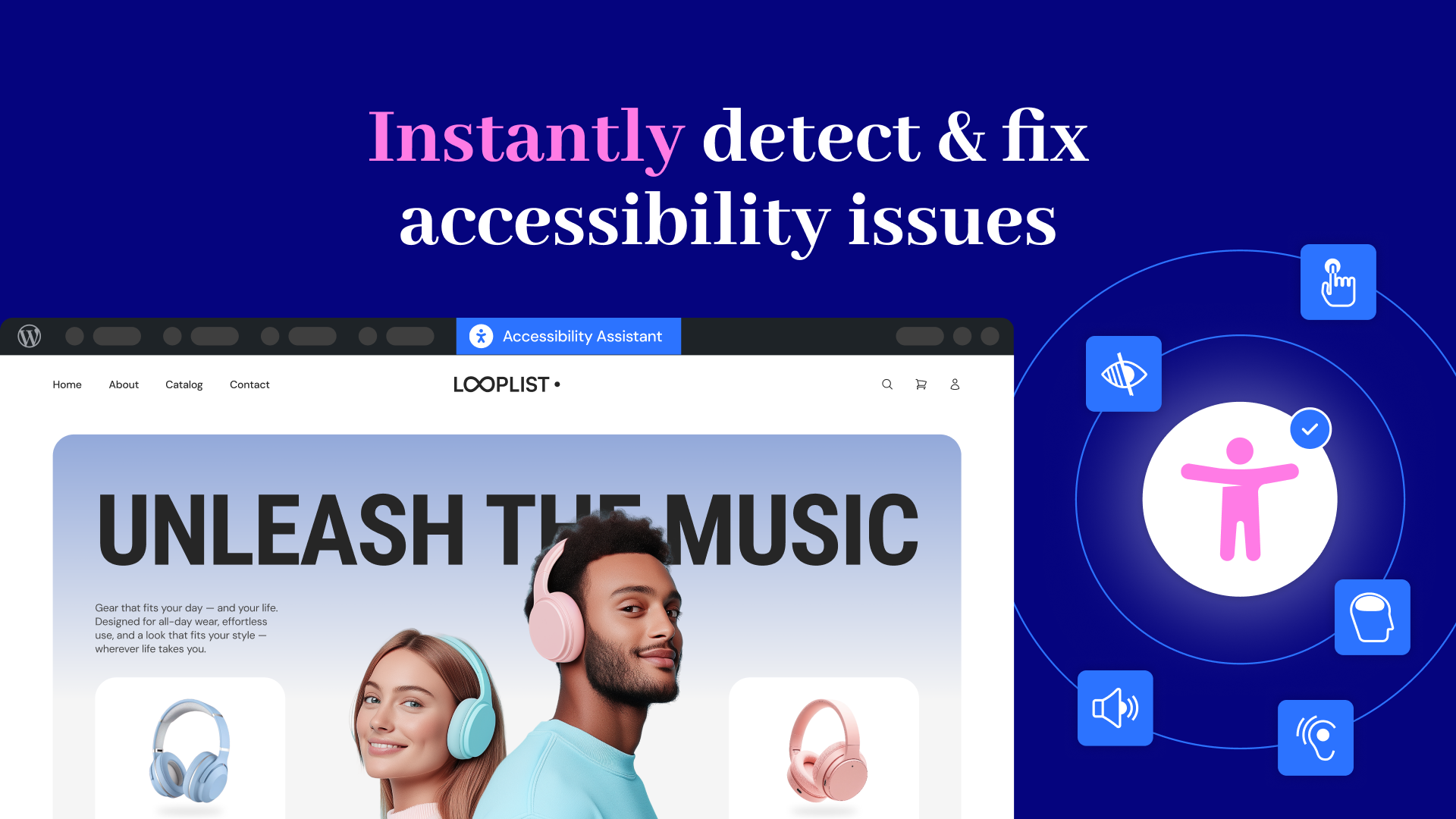
Ally Web Accessibility is a plugin that helps web creators design websites that comply with global accessibility standards. It allows users to customize their website's accessibility settings and provides features for visitors to adjust the design elements to fit their needs. While the plugin is not a substitute for a thorough accessibility audit, it helps make websites more inclusive and improves user experience for all visitors.Screenshots
Frequently asked questions
What is Ally (formerly One Click Accessibility)?
Ally is a free, powerful, and user-friendly WordPress plugin that helps creators build more accessible websites. It simplifies accessibility with three essential tools: Ally Assistant, Usability widget, and Accessibility statement generator.
What is the Ally Assistant?
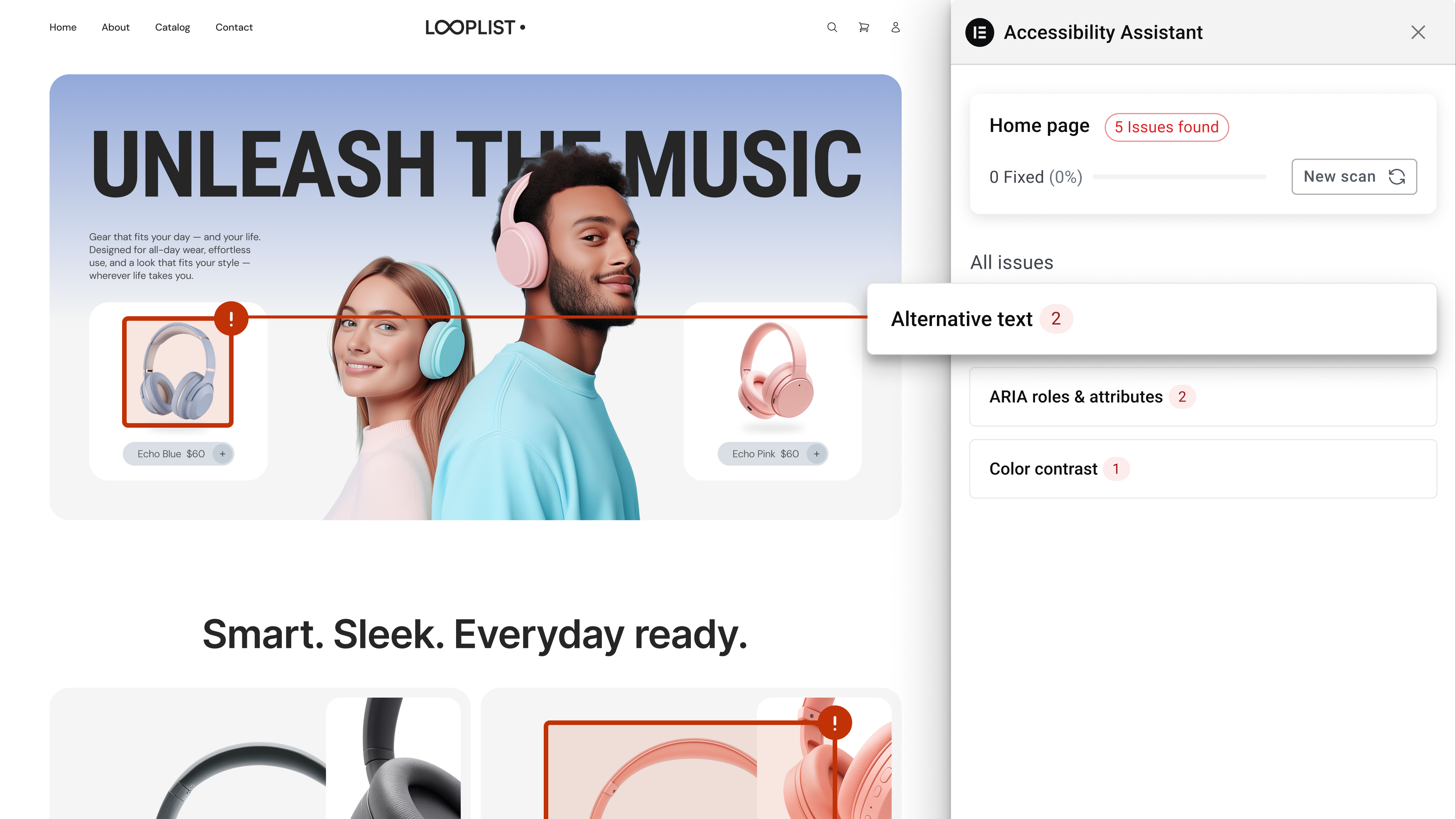
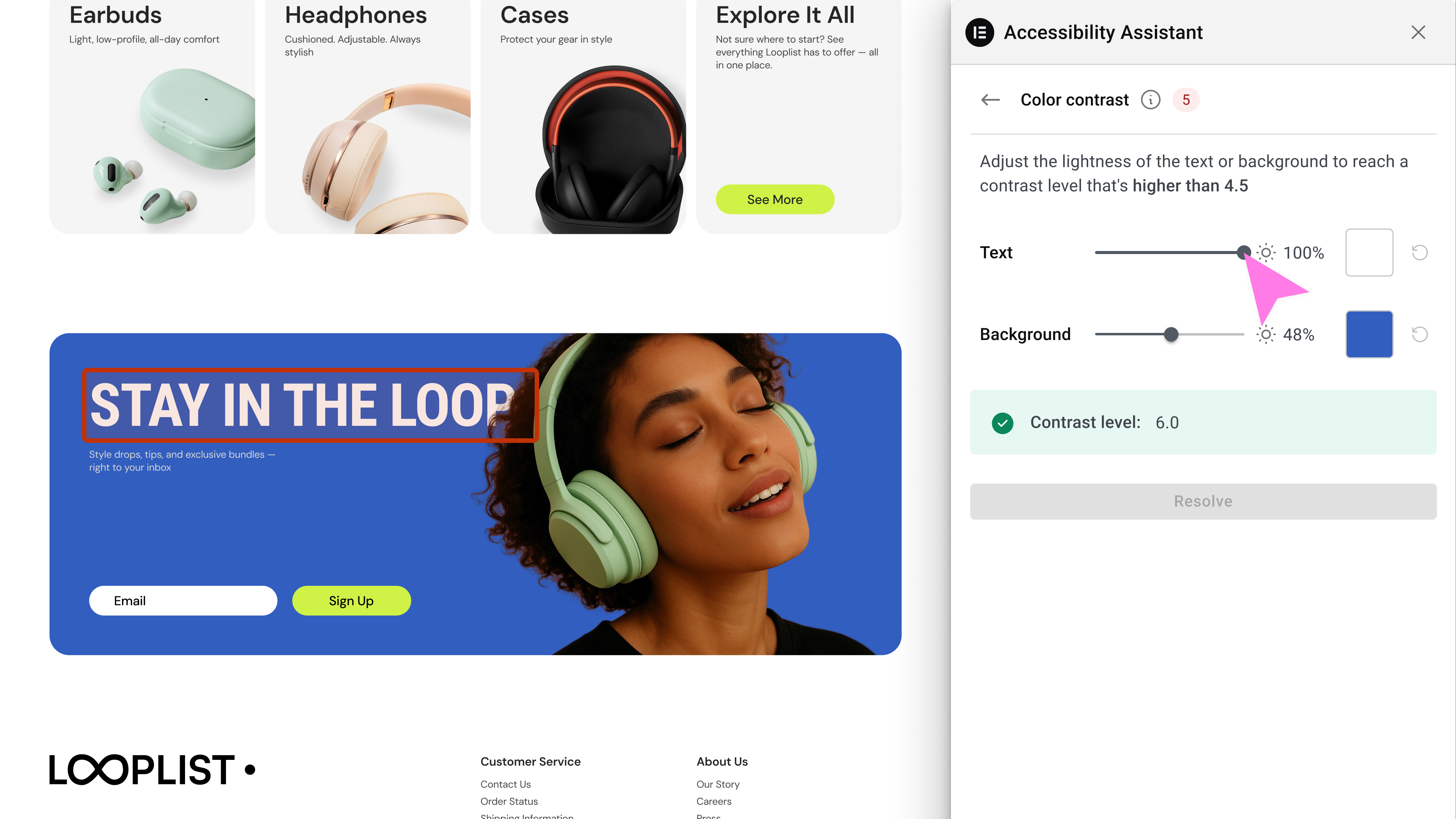
The Ally Assistant scans pages, detects accessibility violations, and provides guided steps to fix them. Users can make manual adjustments or apply AI-powered suggestions, and track their progress.
What does the Usability widget offer?
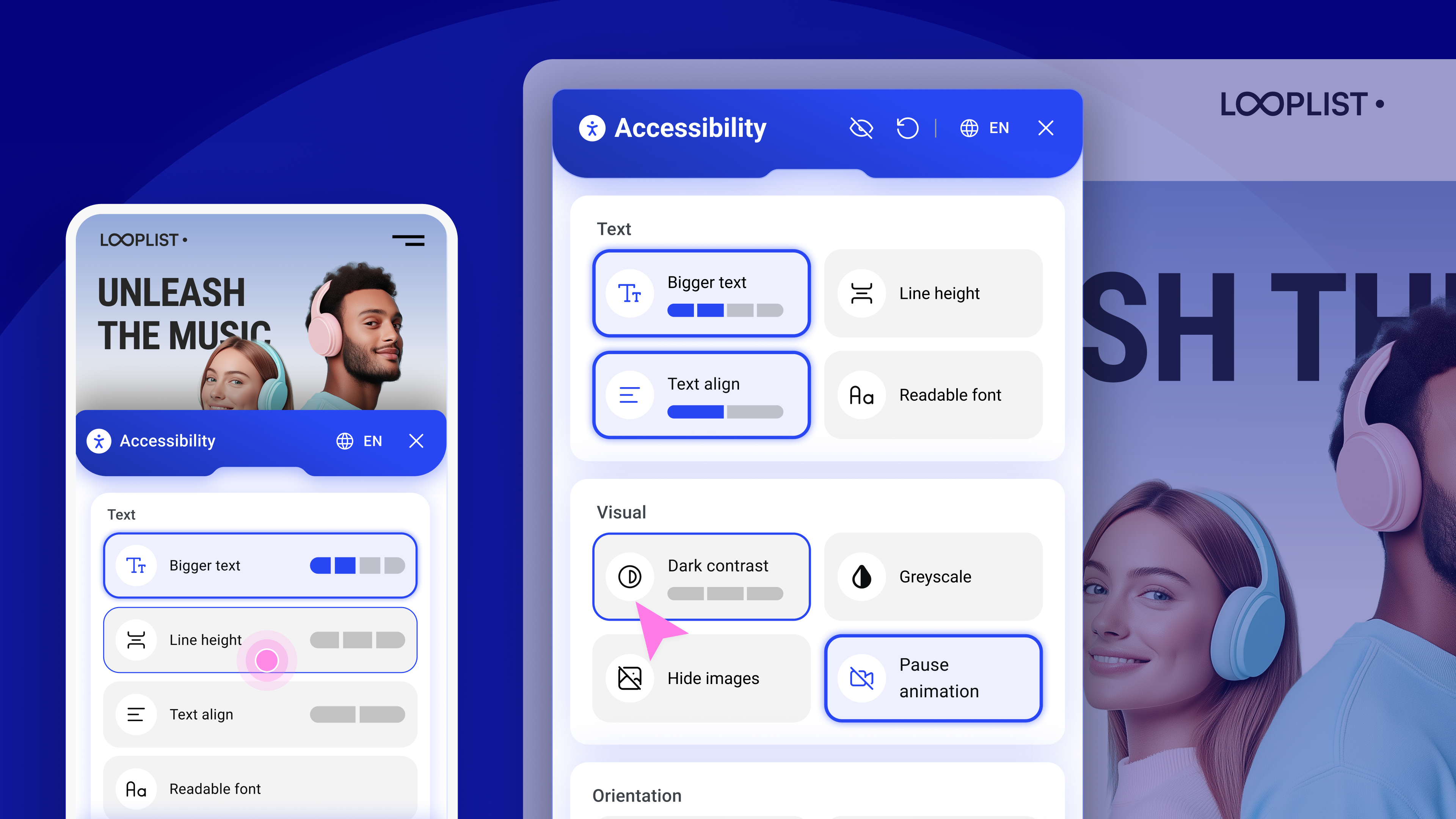
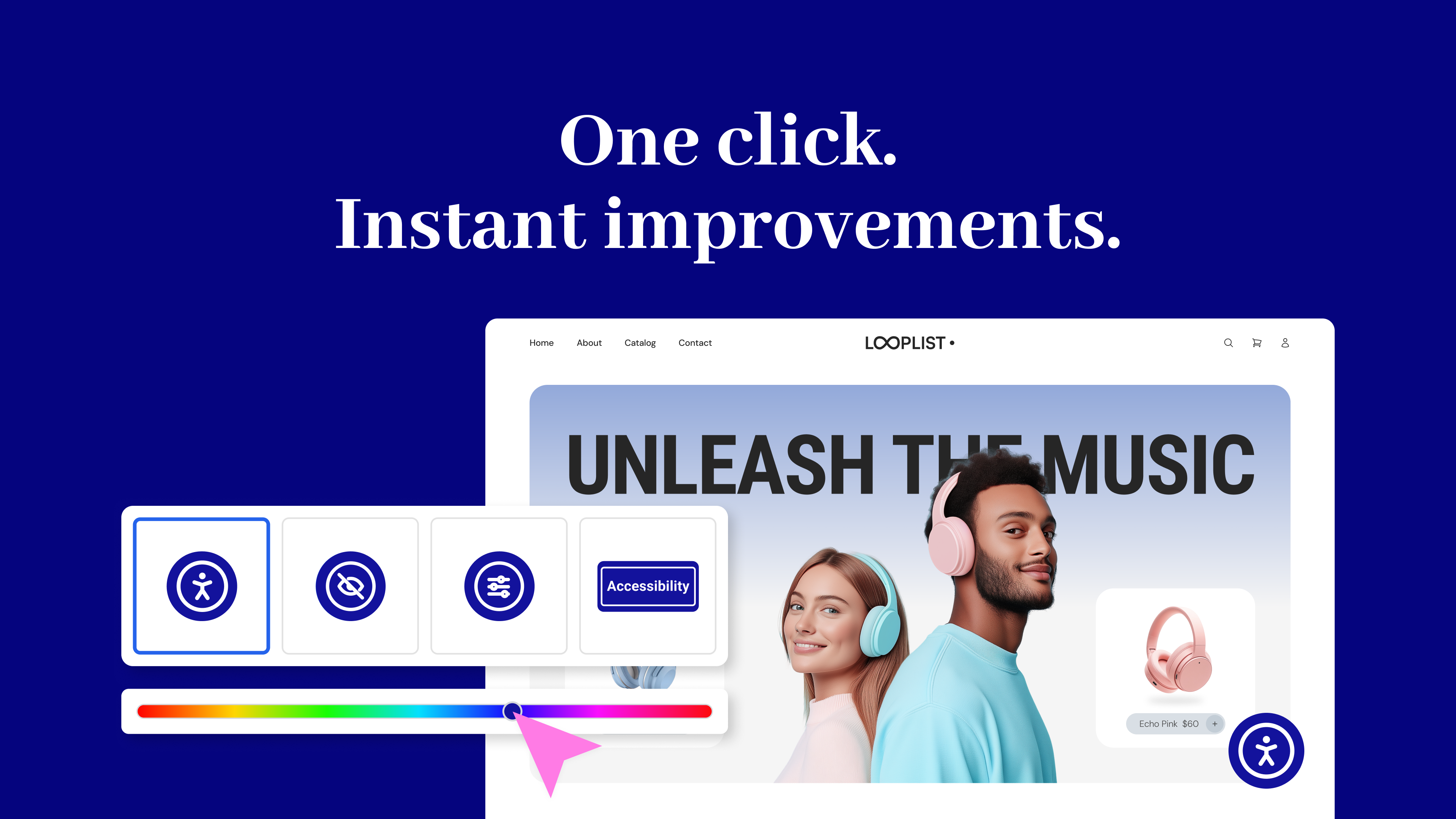
The Usability widget allows visitors to personalize their browsing experience with a floating accessibility menu. Features include font resizing, color contrast, image hiding, animation pausing, language selection, and screen reader support.
What is the Accessibility statement generator?
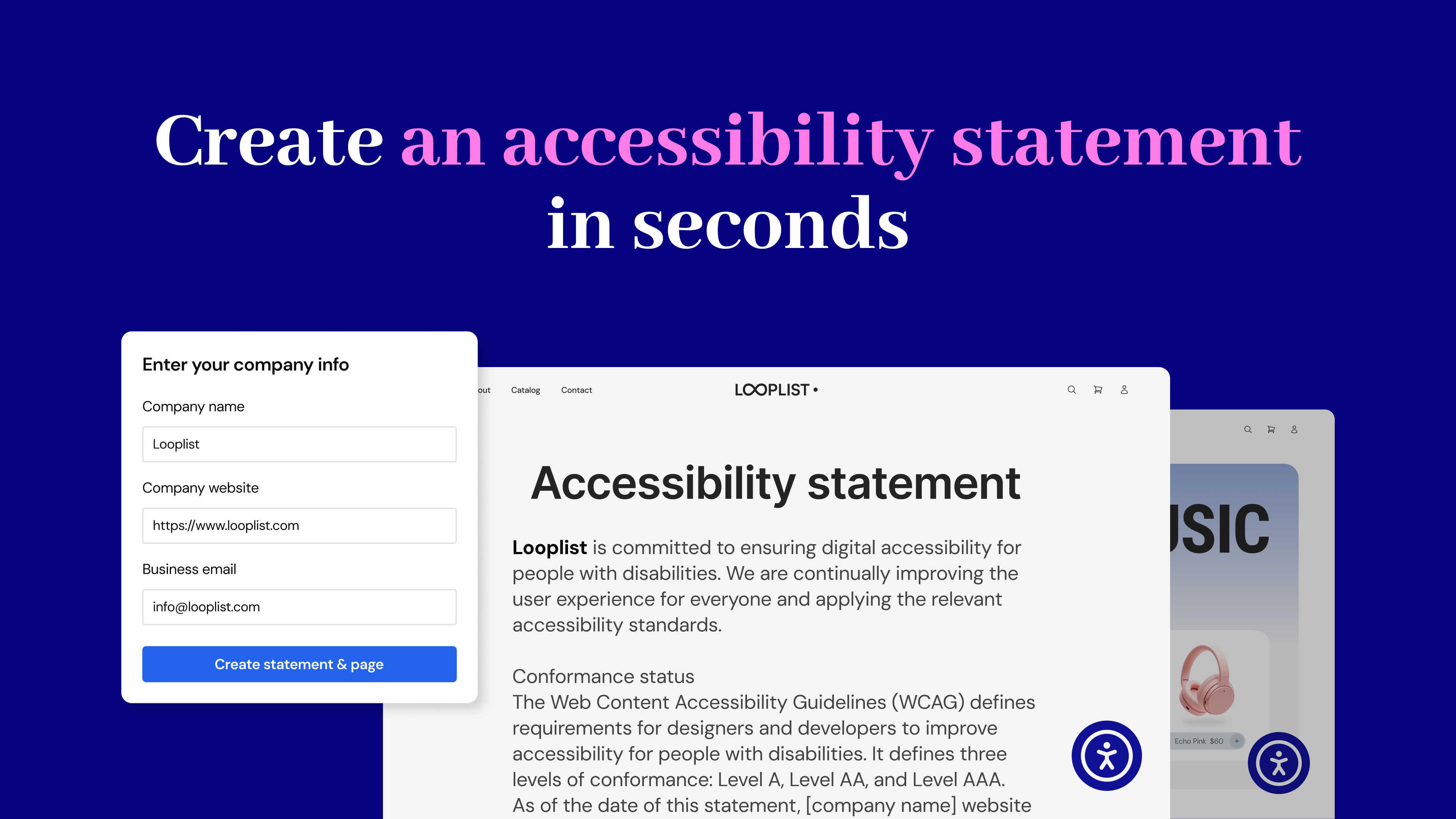
The Accessibility statement generator creates a fully customized accessibility statement and publishes it automatically on your site. This helps meet WCAG and legal requirements.
Who is responsible for web accessibility?
Website owners are legally and ethically responsible for accessibility. The web creator who designs and builds the site must implement and adjust accessibility features to ensure compliance with WCAG guidelines.
Changelog
3.8.1 – 2025-10-15
- Tweak: Code refactor
3.8.0 – 2025-09-29
- New: Headings Remediation Management – Review and correct heading hierarchy with a guided flow
- Tweak: Improved AI remediation results with added context for clearer responses
- Fix: Disabled remediation action not working
- Fix: Quota number displayed incorrectly for Standard plan
3.7.0 – 2025-09-02
- New: Redesigned Accessibility Widget – Clearer structure, Wider accessible buttons, and Improved mobile view
- New: Intro banner for users who connected Ally
- New: Reviews & CSAT flow to gather user feedback
- Tweak: Added cache clearing option in Assistant panel and WordPress Admin Bar
- Tweak: Enhanced color contrast evaluation to fix issues with gradient/video backgrounds
- Fix: found issue count wrong in edge cases
3.6.0 – 2025-08-02
- New: Smart color contrast remediation flow in the accessibility assistant
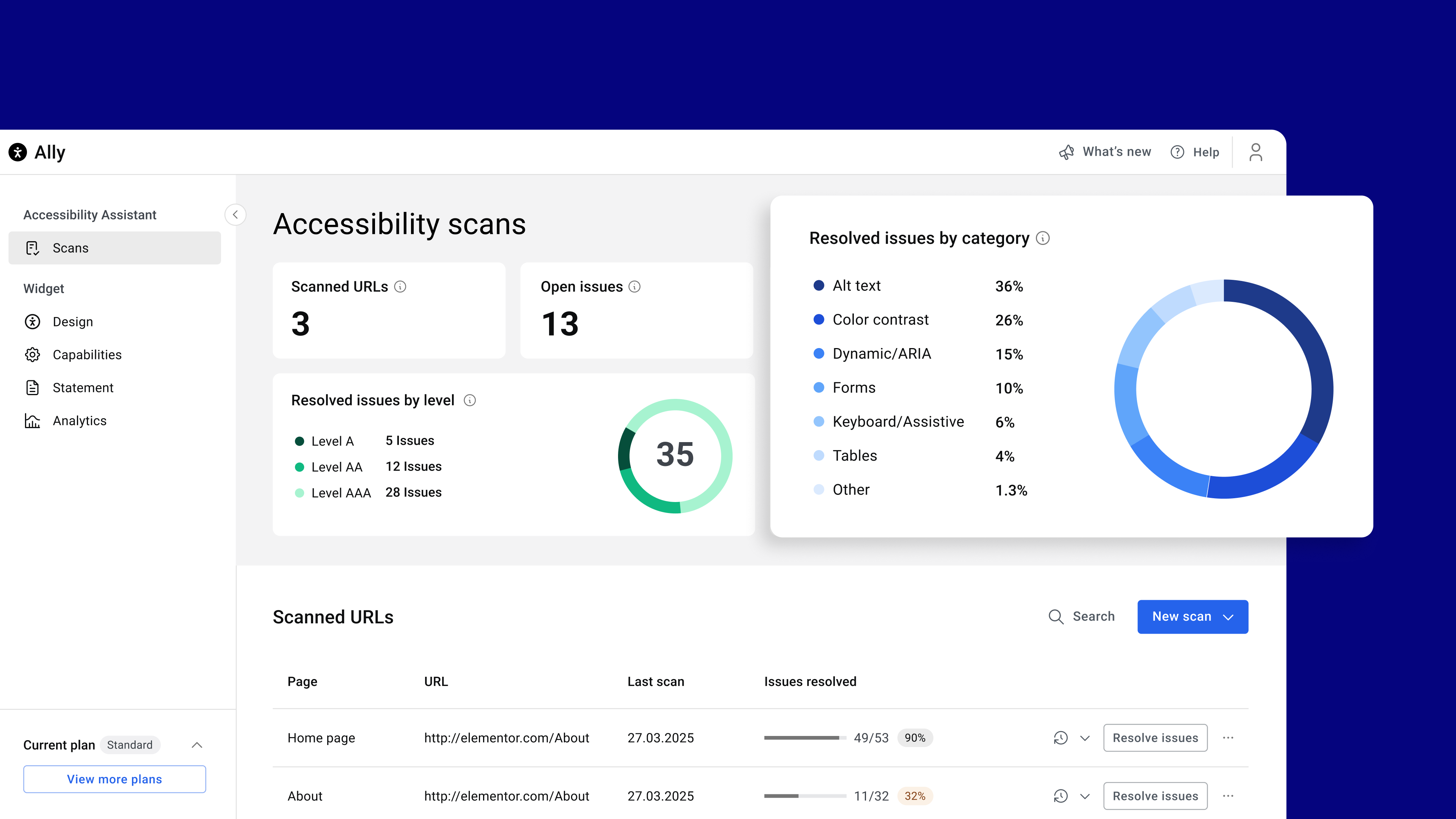
- Tweak: Updated scan dashboard to show open issues and issue breakdown by category
- Tweak: Tooltip on analytics tab encouraging tracking activation
- Tweak: Improve accessibility column in WP admin for better user experience
- Fix: Added WPML compatibility
- Fix: WooCommerce AJAX conflict
3.5.2 – 2025-07-28
- Tweak: Improved performance by enqueuing Assistant only when logged in
- Fix: Admin post columns offset warning
3.5.1 – 2025-07-23
- Tweak: Admin panel UI updates
- Tweak: Assistant UI updates
- Tweak: Ensure case sensitive attributes in remediations
- Fix: Assistant accessibility issues
- Fix: Custom Icon issue in edge cases
- Fix: Critical Error on plugin conflict
3.5.0 – 2025-07-08
- New: Introducing URL Scanner – find 180+ issues instantly (WCAG 2.1 AA)
- New: Introducing Remediation Engine – get in-context guided, AI-powered accessibility fixes
- New: Introducing Overview Dashboard – track scans and accessibility progress in real-time
- New: Introducing Auto-Fix – fix common issues with one click: alt text, forms, keyboard nav, and tables
- Tweak: New admin UI design
3.4.0 – 2025-06-04
- New: Added widget languages selector
- Tweak: Load widget’s font locally for better compliance
- Fix: Estonian language translation
- Fix: Admin UI unused frame
3.3.0 – 2025-05-14
- New: Custom Icon support for the Ally widget
- New: Custom Link Gutenberg block to trigger Ally widget
- New: Elementor Dynamic Tags to trigger Ally widget
- New: Added “What’s new” section in the admin panel
- Tweak: Improved accessibility statement page selector
- Fix: Notice on loading translations too early
3.2.0 – 2025-04-20
- New: Added border radius controls for the new icon widget
- Tweak: Added Hungarian translations to the new widget
- Fix: Improved German translations in the new widget
- Fix: Enhanced sanitization in the legacy widget to prevent potential security issues
3.1.0 2025-03-25
- New: Screen Reader – Improved accessibility with screen reader compatibility.
- New: Widget Usage Analytics – Track and analyze widget usage effectively.
- New: “My Account” Link – Easily access your account with a new direct link.
- New: Plan Quota Display – Admin panel now shows plan quotas.
- New: White Label capabilities
- Tweak: Various text and UI improvements.
- Tweak: The last settings tab is now remembered when navigating.
- Tweak: Sticky “Save Settings” Button
- Fix: Settings Screen Display Issue – Resolved UI inconsistencies.
- Fix: URL Mismatch Flow .
- Fix: Force referer header in widget script tag
3.0.3 2025-03-17
- New: Added an option to manage URL change
- New: Added Danish language support to widget
- New: Added compatibility with popular caching plugins: WP Rocket, W3 Total Cache, and LiteSpeed Cache
- Tweak: Improved connect flow
- Tweak: Admin panel UI widget preview improvements
- Tweak: Improved Admin panel UI accessibility
- Fix: PHP notice on legacy admin pages in PHP 8.2+
3.0.2 2025-02-25
- New: Added an option to revert to the legacy widget
- Fix: Media library not loading in some sites
- Fix: Auto upgrade for old versions with just customizer settings
3.0.1 2025-02-20
- Fix: Fixed favicon missing on some sites
3.0.0 2025-02-18
- ? Introducing Ally Web Accessibility! One Click Accessibility is now Ally Web Accessibility! Discover the new experience: Learn More.
- New: Brand-New Interface – Redesigned for seamless touch-screen and mobile support.
- New: Revamped Infrastructure – Overhauled backend to support new and future capabilities.
- New: Page Structure Overview – Navigate your page’s structure for better accessibility.
- New: Image Hiding Option – Hides all images on the page to reduce distractions and make the page more readable.
- New: Pause animations option – Stops animations running on the page option, helping users focus on content.
- New: Reading Mask option- helps users focus on specific text, reducing distractions and improving readability.
- New: Accessibility Statement Generator – Easily generate an accessibility statement page for your site or link an existing one.
- New: Auto translations of the widget according to the page language
2.1.0 – 2022-12-18
- New: Added custom element ID for “Skip Content” link (#35), (#36)
- Tweak: Added title for all SVG icons (#30)
- Tweak: Add
role="button"to the toggle (#57) - Tweak: Changed the default icon to “One Click”
- Fix: Remove extra quote (Topic)
- Fix: High Contrast and Negative Contrast still appear after disabled from the settings (#39)
- Fix: Added compatibility with Twenty Twenty theme
2.0.3 – 2018-05-28
- Fix: Toolbar settings panel empty in non-English sites
- Fix: Avoid showing Help & Feedback links if not defined (#27)
2.0.2 – 2018-05-03
- Fix! – Added default settings for toolbar title
- Fix! – Print CSS rules before code to fix responsive issues
- Fix! – Added visibility CSS to fix dependency issues
2.0.1 – 2018-05-02
- Fix! – Increased icon size in the toolbar
- Tweak! – Restored
sr-onlyclass for smooth update
2.0.0 – 2018-05-01
- Tweak! – Renamed plugin to One Click Accessibility
- Tweak! – Added an option to select an toolbar icon
- Tweak! – Split Settings Panel to Settings and Toolbar
- Tweak! – Removed FontAwesome dependency
- Tweak! – Removed Bootstrap dependency
- Tweak! – Removed Pojo Framework dependency
1.1.6 – 2017-10-26
- Fix! – Border with RGBA is hidden in high contrast mode
1.1.5 – 2016-03-09
- Tweak! – Fix minor style issue
1.1.4 – 2016-02-23
- Fixed! – tabindex on custom links issue
1.1.3 – 2016-02-21
- Tweak! – Resolve the focus issues by another way
1.1.2 – 2016-02-10
- Fixed! – Triggering blur after focus to avoid auto-focus by browser on tab reactivated
1.1.1 – 2016-02-08
- Tweak! – Added more hebrew strings translate
- Tested up to WordPress v4.4
1.1.0 – 2016-02-07
- New! – Remember toolbar options
1.0.3 – 2016-01-27
- Fixed! – Issue with sidebar in Resize text
- Tweak! – Added more string fields for WPML/Polylang plugins
1.0.2 – 2015-12-08
- Tweak! – Fixed hebrew translate
1.0.1 – 2015-11-17
- New! – Added distance from top toolbar, in Desktop/Mobile devices
- Fixed! – Skip to content in Chrome
1.0.0 – 2015-10-29
- Initial Public Release!

