

Improve your WordPress SEO: Write better content and have a fully optimized WordPress site using the Yoast SEO…
About Password Protected
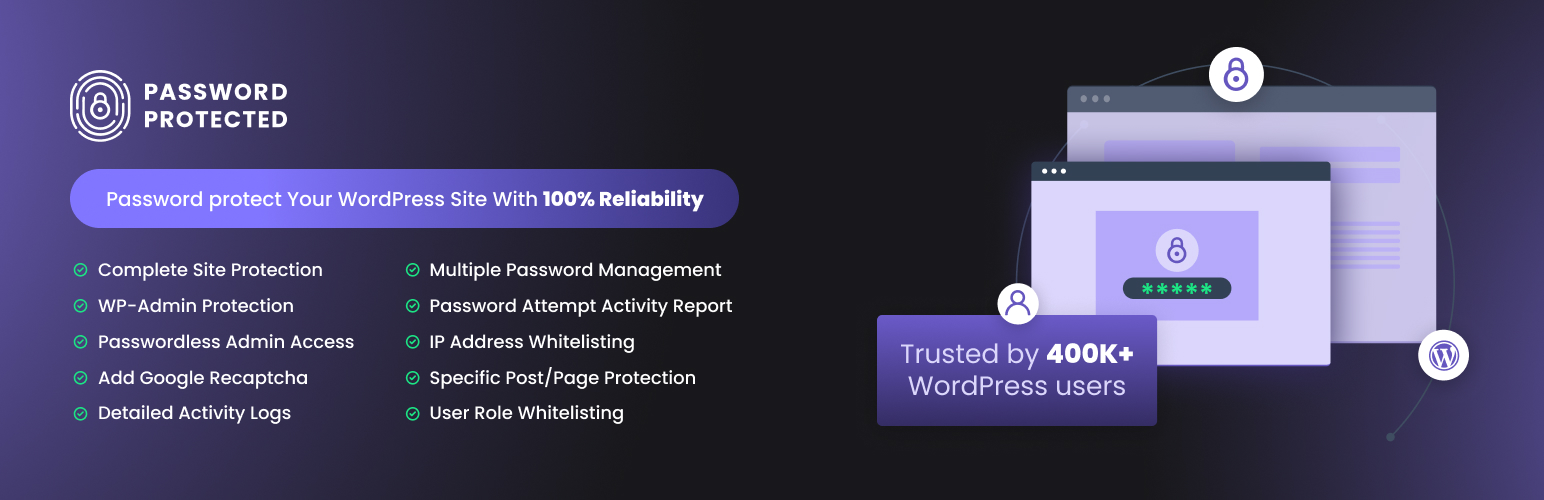
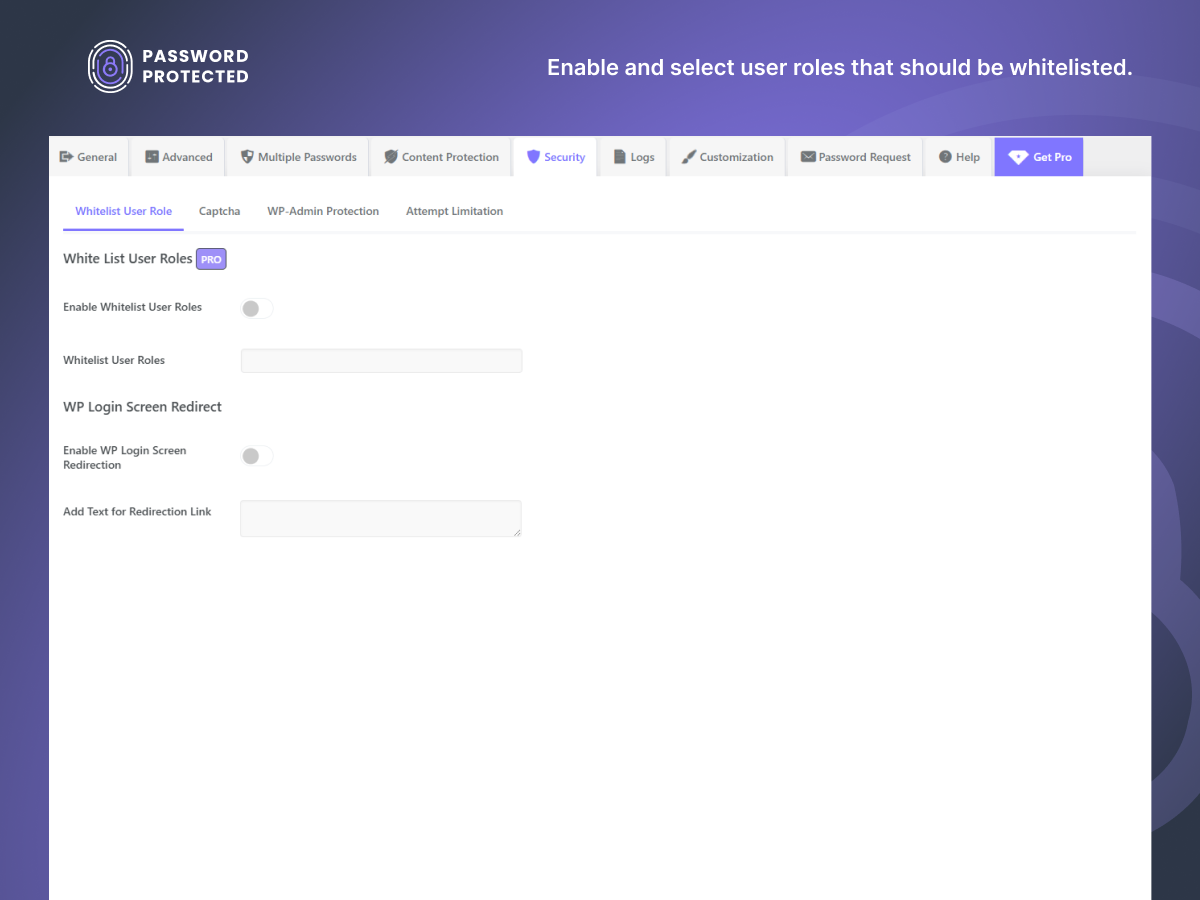
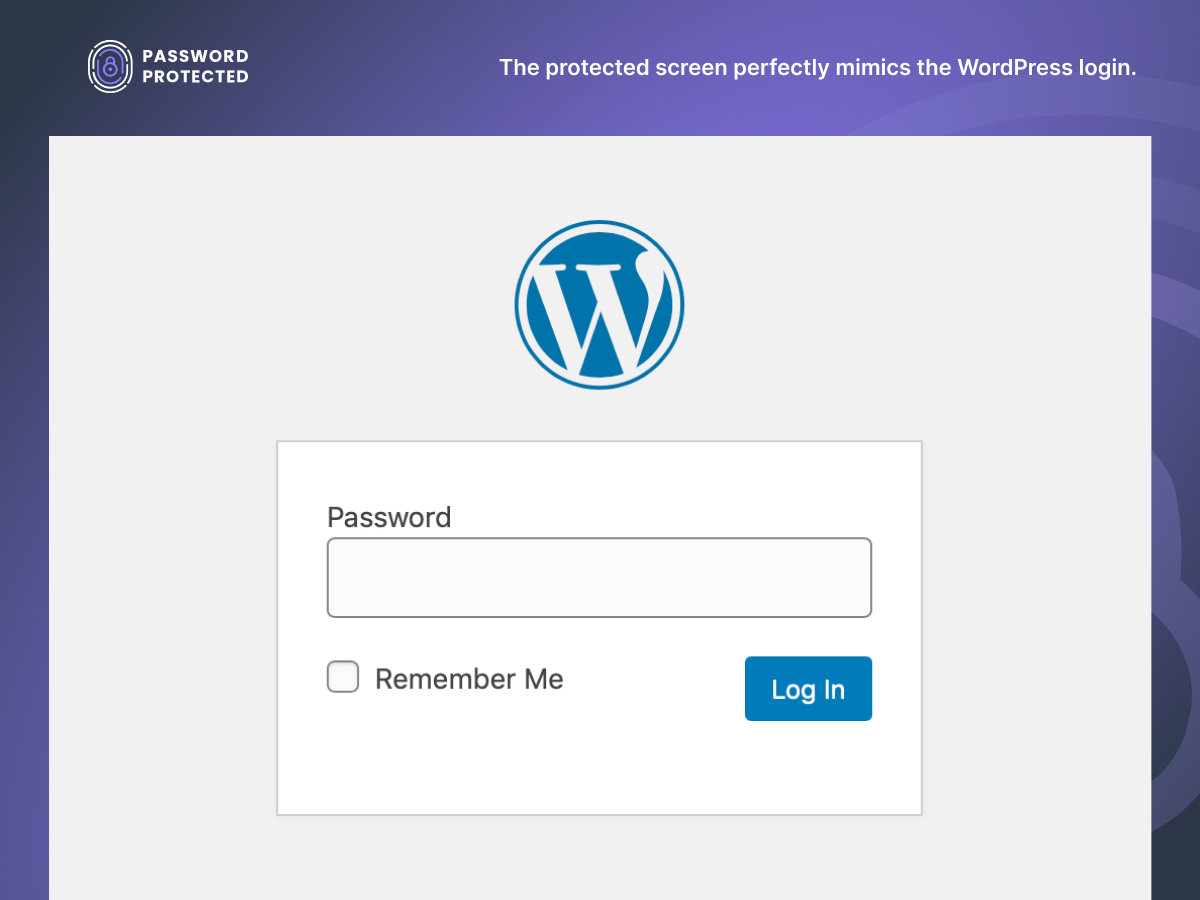
The Password Protected plugin is a robust and easy-to-use tool that allows you to password protect your WordPress site, including pages, posts, WooCommerce categories, and even the WordPress login page. It offers features such as IP address whitelisting, Google reCAPTCHA integration, and detailed activity logs to ensure comprehensive security for your site. The pro version of the plugin provides even more advanced features like user role whitelisting, password expiration, and usage limits.Screenshots
Frequently asked questions
What does Password Protected for WordPress do?
Password Protected for WordPress allows you to secure your website with a single password. The ultimate password protection plugin protects your WordPress categories, posts, products, and more with the simplest of ease.
What features does Password Protected offer?
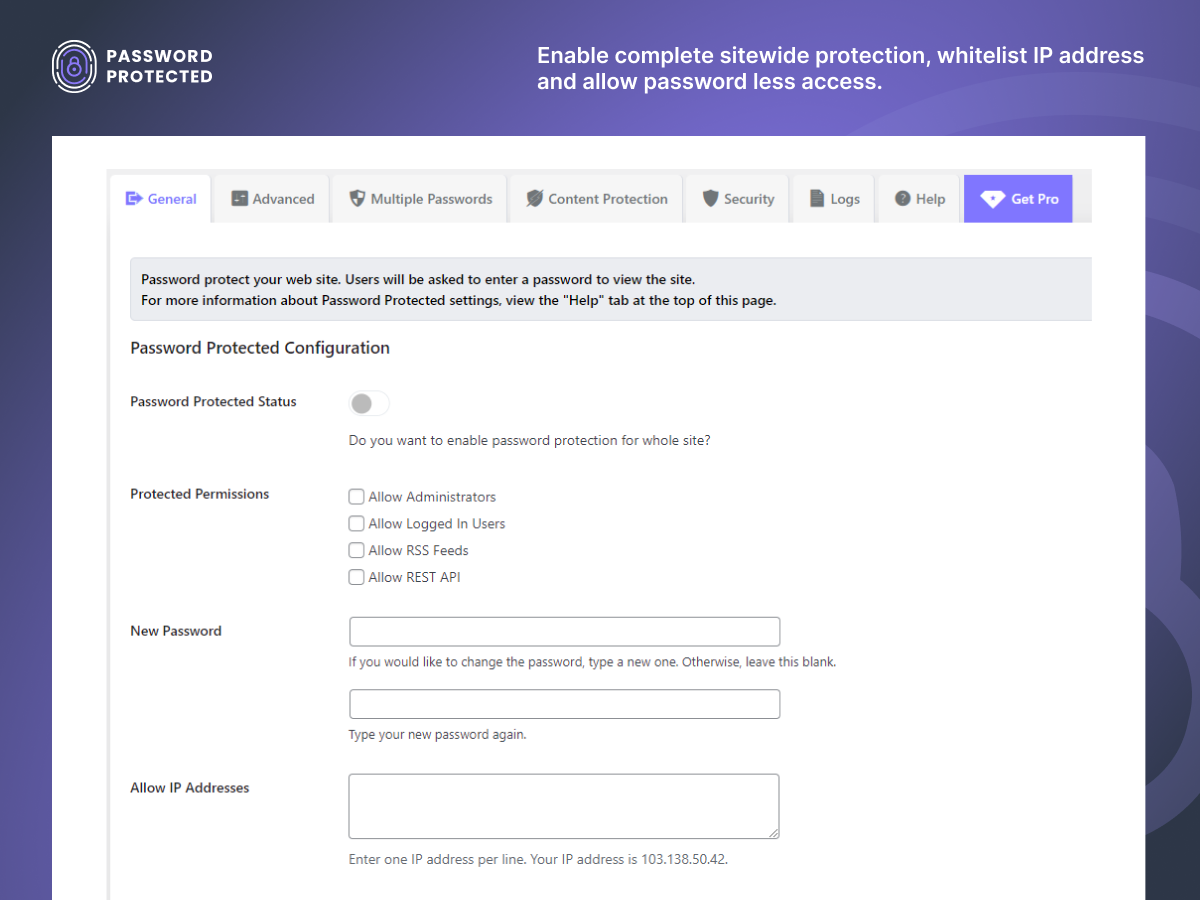
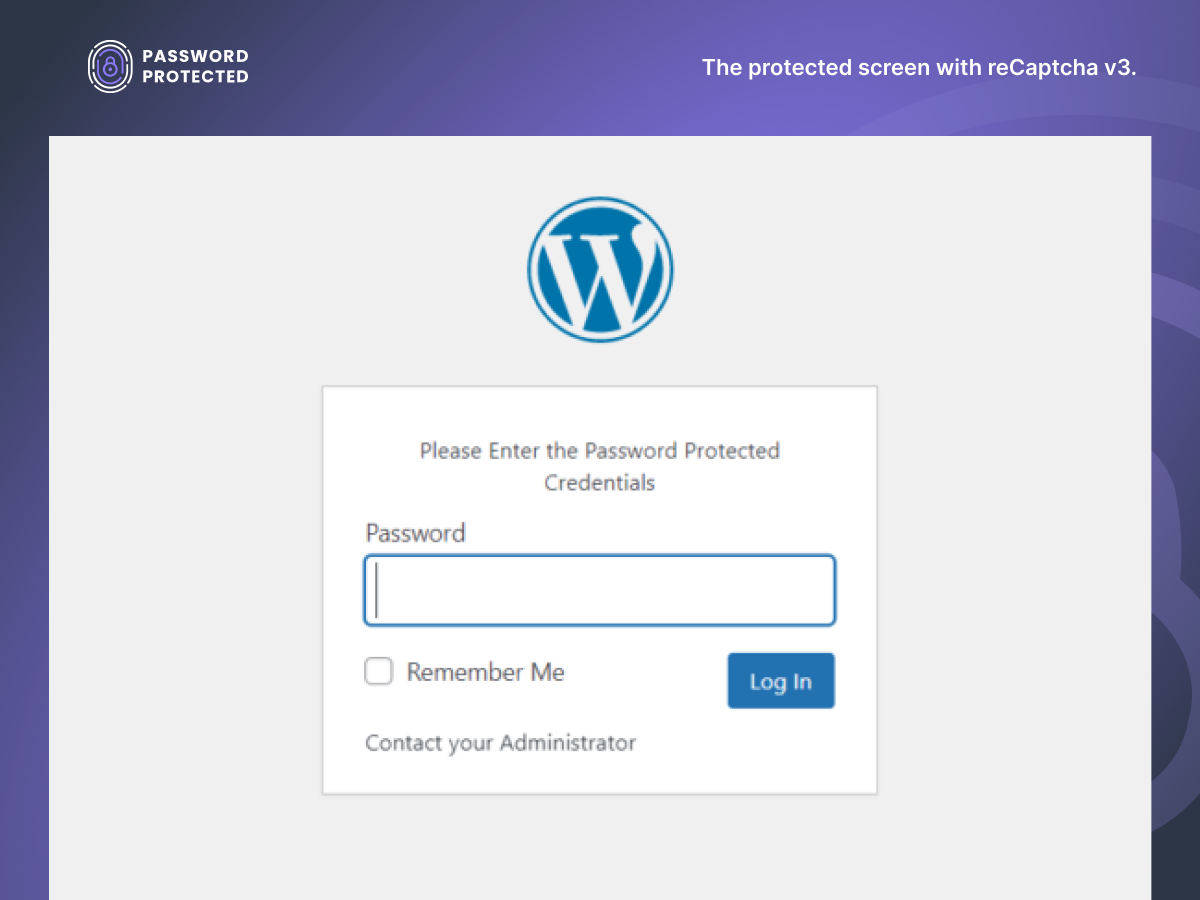
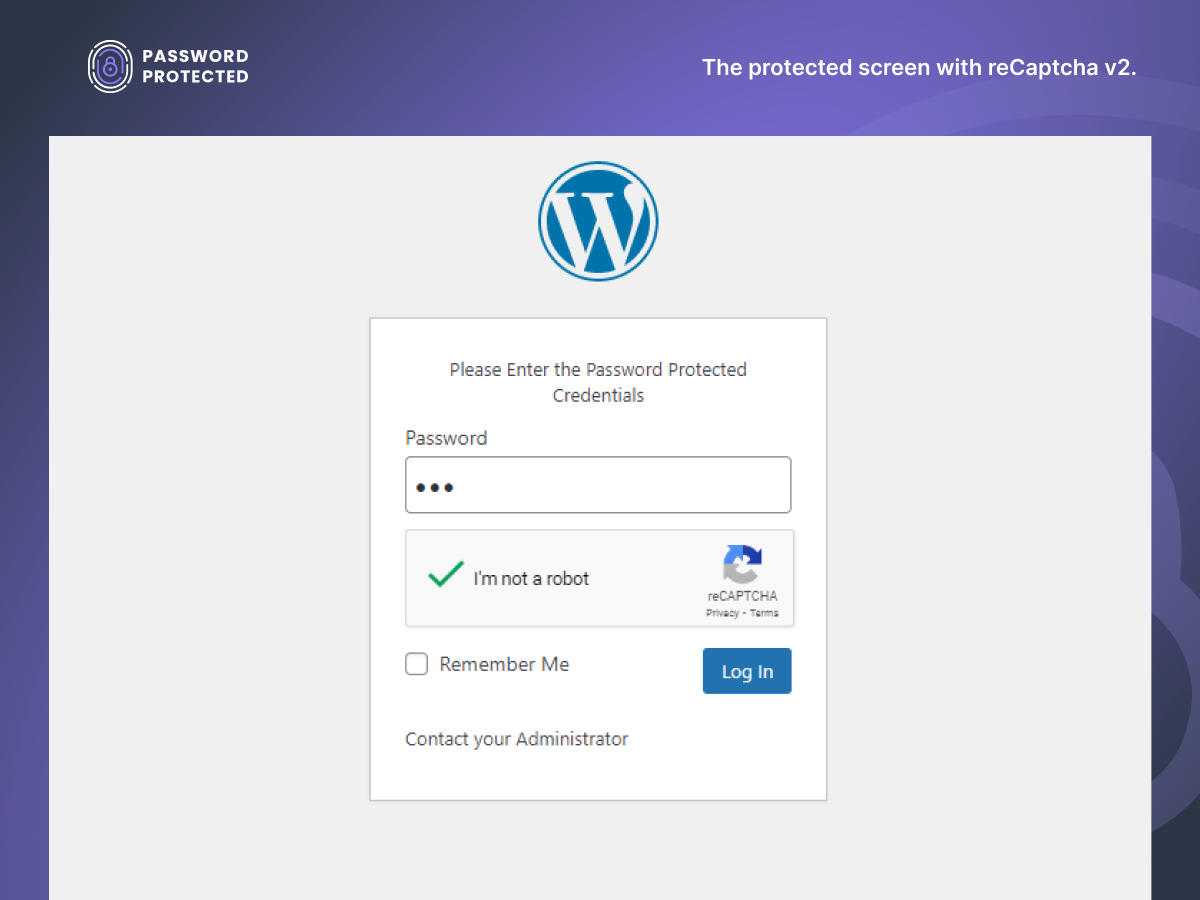
Password Protected offers features such as easy setup, setting a description, enabling reCaptcha v2/v3, allowing administrators access, allowing logged-in users access, allowing RSS Feeds access, allowing Rest API access, and customization options.
What does Password Protected Pro offer?
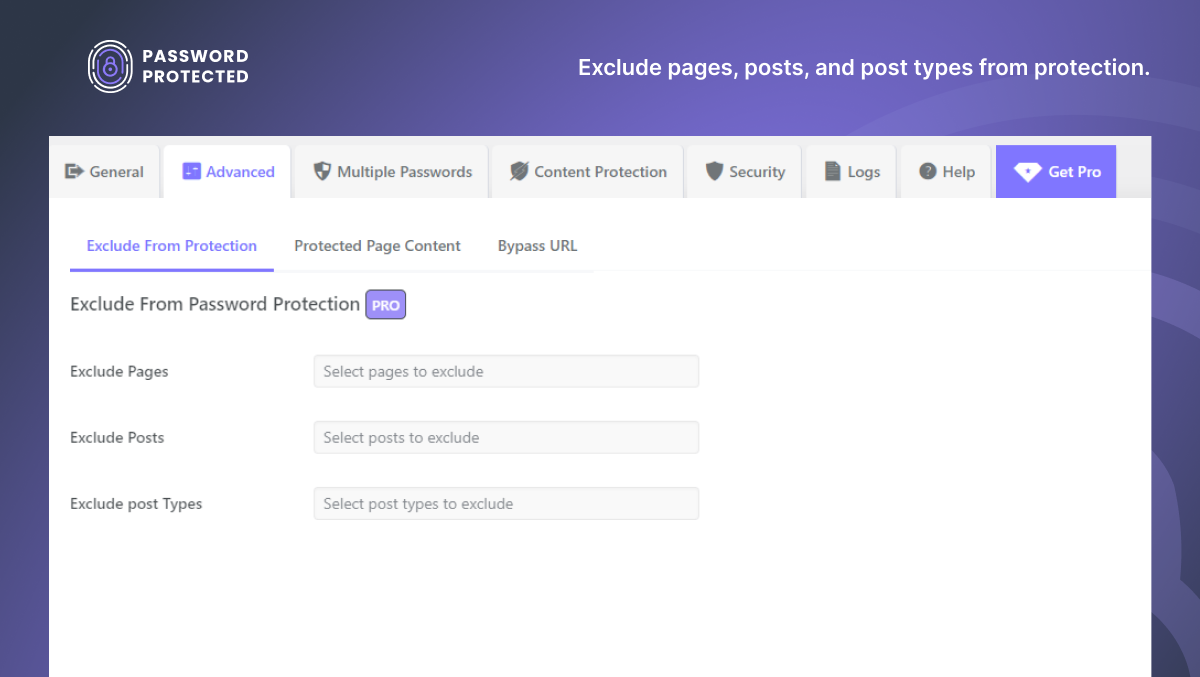
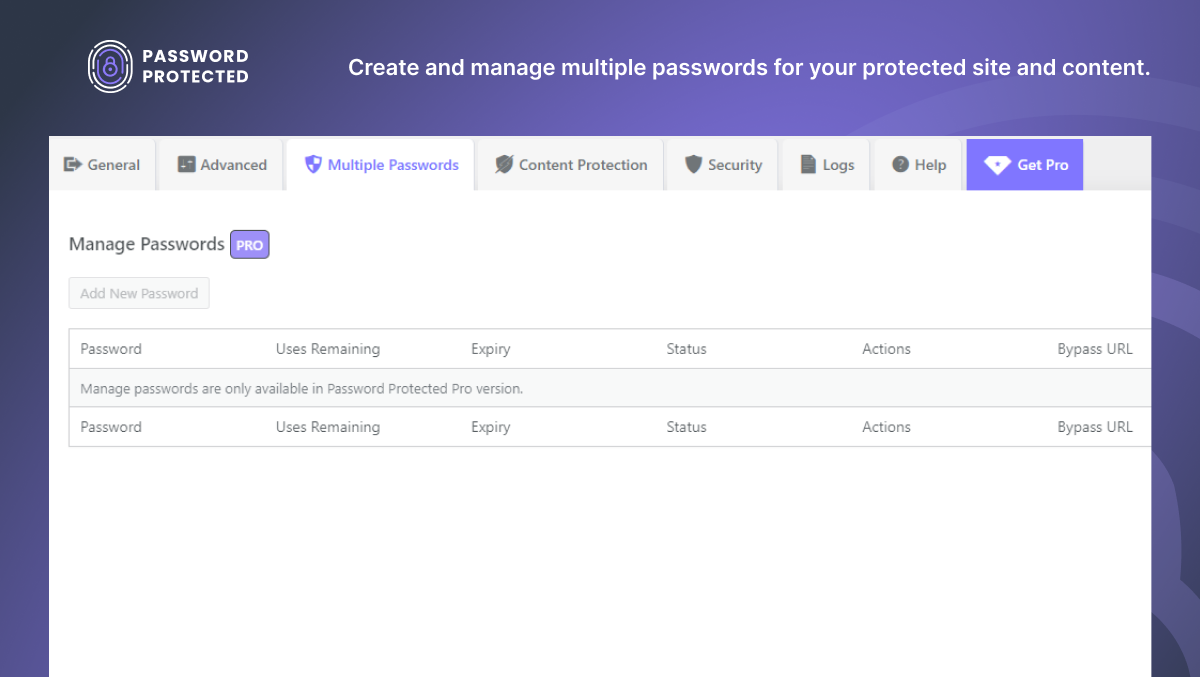
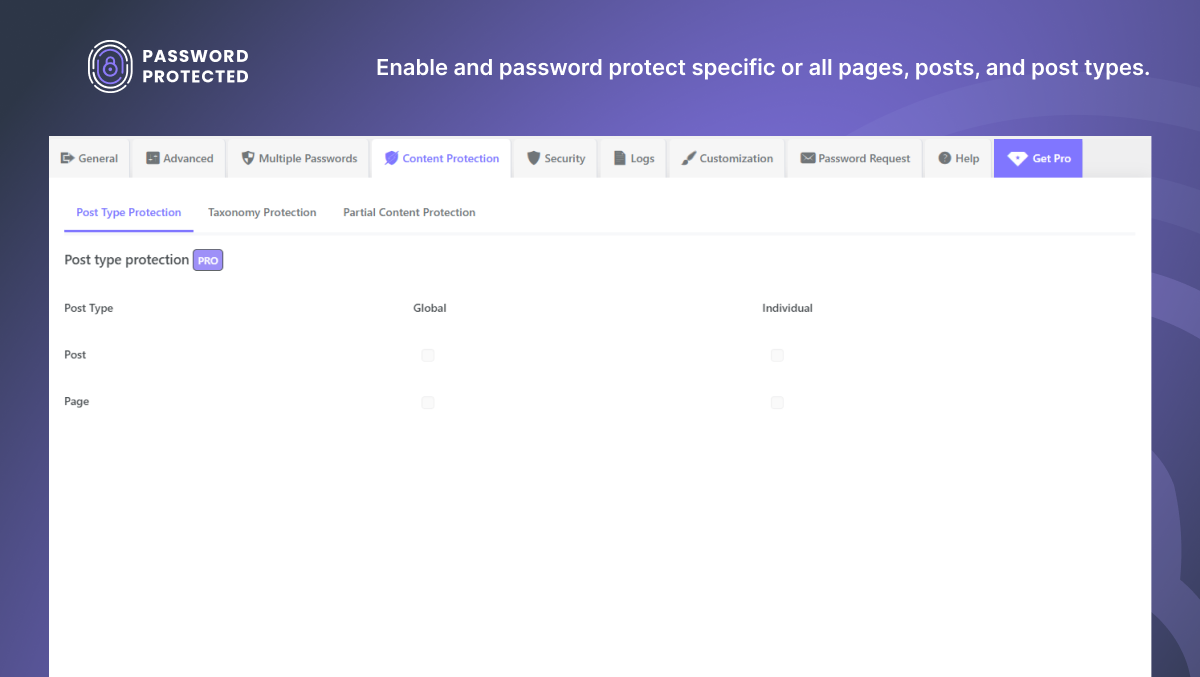
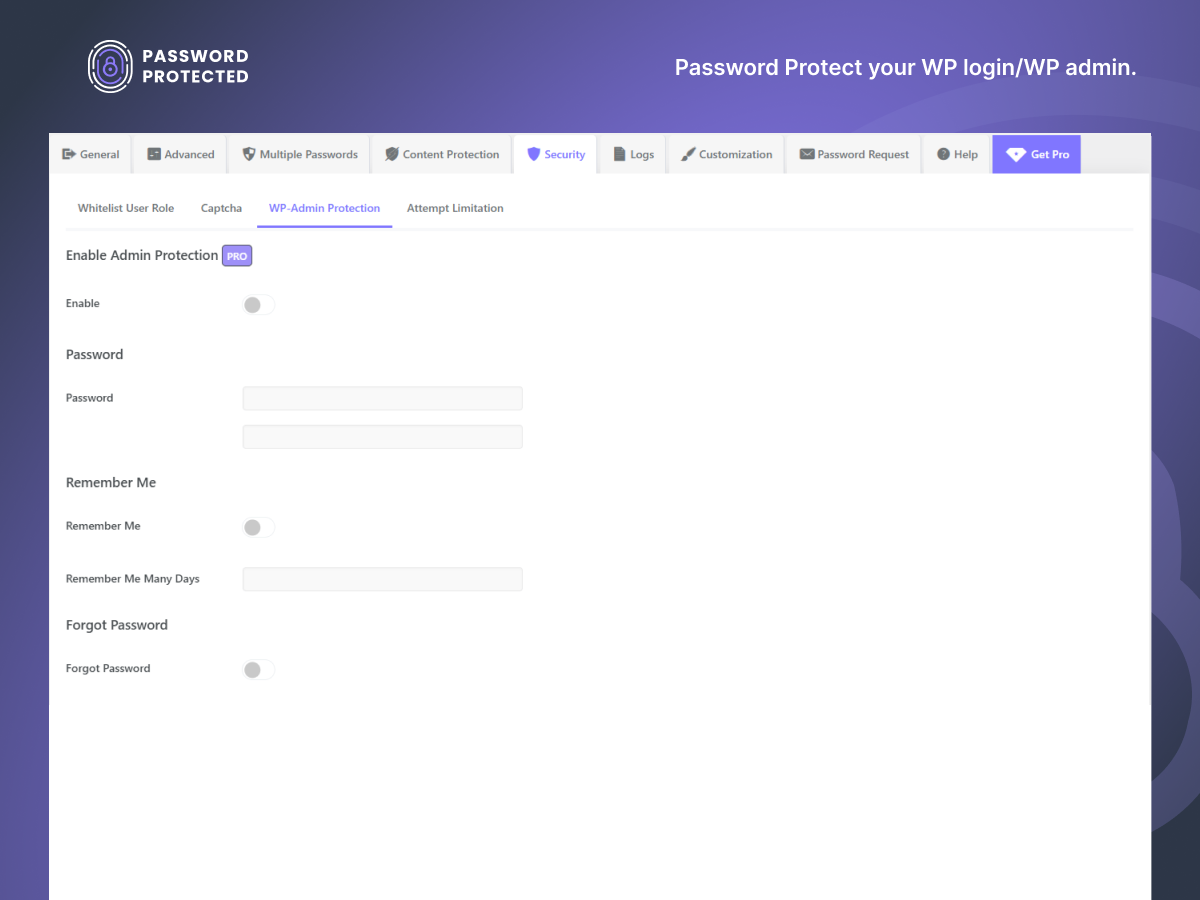
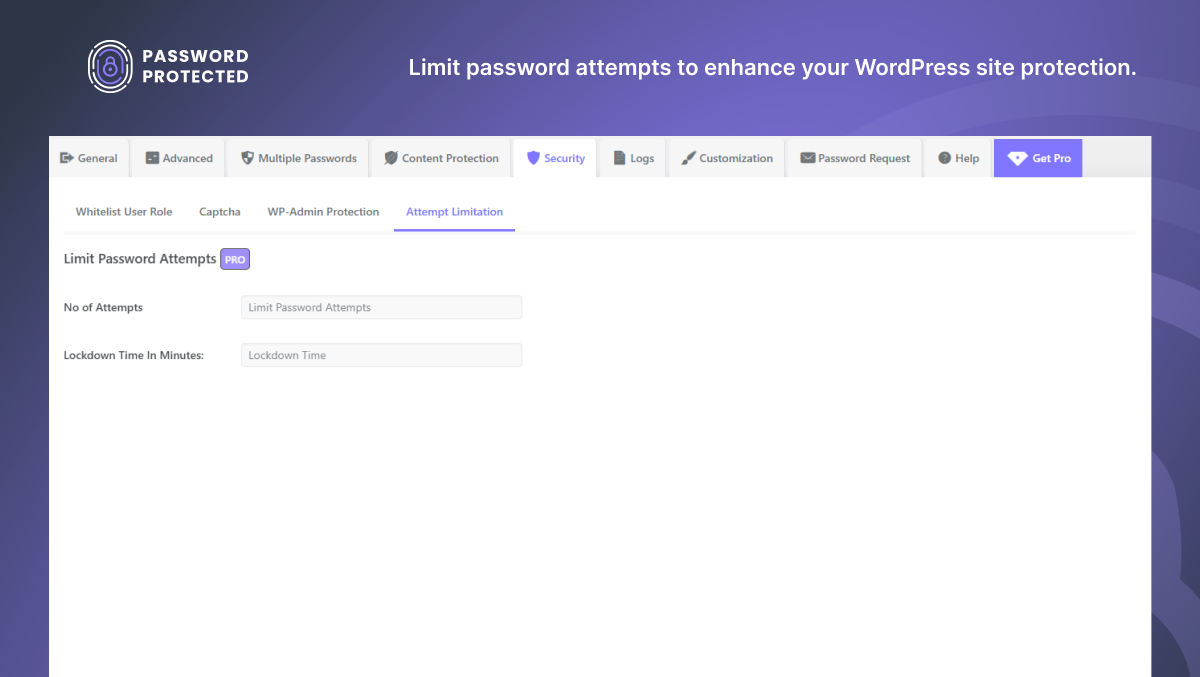
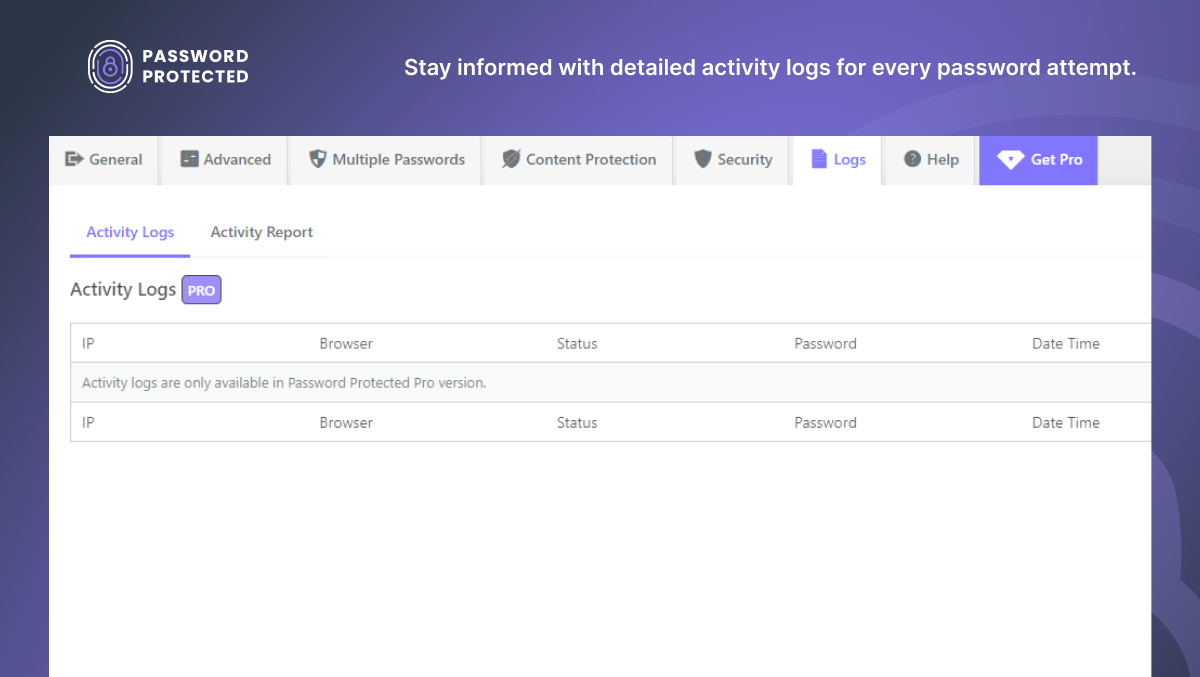
Password Protected Pro offers powerful features such as excluding specific pages and post types from password protection, limiting login attempts, setting a lockdown time, setting usage limits, changing the status of passwords, managing multiple passwords, setting expiry dates for passwords, activity log reports, and priority support.
How does Google reCAPTCHA prevent password abuse?
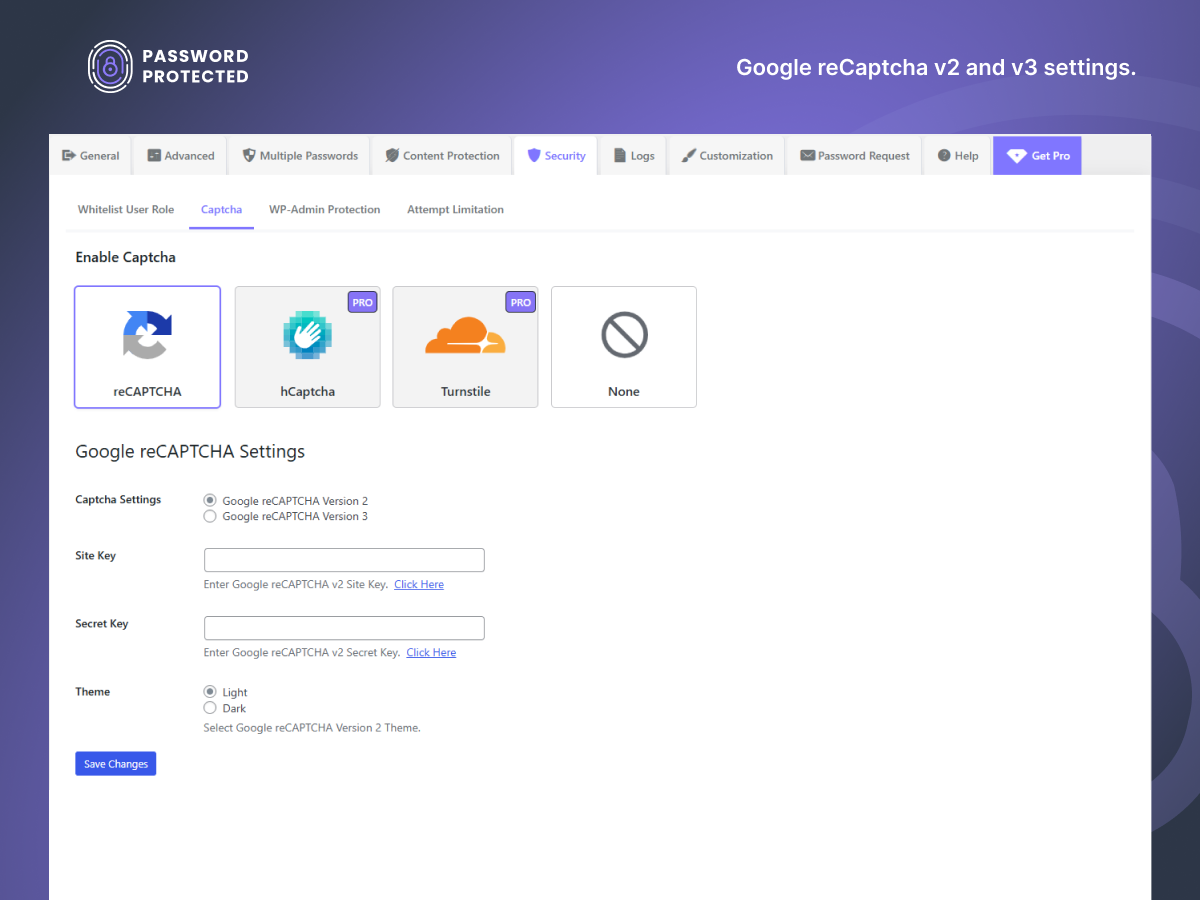
Google reCAPTCHA v2 or v3 empowers your WordPress website to prevent password abuse against automated software, bots, hackers, etc. This anti-spam tool will allow any real user to access your website easily.
Can I password protect any post type with Password Protected?
Yes, you can include or exclude any post type from password protection. All of this can be done from the back end using a single password.
Changelog
2.7.12
- Fixed – Fix the Vulnerability issued by WordFence.
- Fixed – Translation issue.
2.7.11
- Fixed: Translation issue
- Improved code optimization.
2.7.10
- Optimized code for better performance.
- Feedback SDK update.
2.7.9
- Improved code optimization.
2.7.8
- Fixed: compatibility with WordPress 6.8
- Added – Notice on transient/cookies settings recommended by WordFence team.
2.7.7
- Fixed – compatibility with elementor.
2.7.6
- Fixed: login with transient issue resolved.
2.7.5
- Fixed: login with transient issue resolved.
2.7.4
- New – Added functionality to login with transient if the cookies are blocked.
- Fixed: compatibility with WordPress 6.7
2.7.3
- New – Option to view password text in the field while entering.
- Improvement – Preserve custom URL parameters on password protected screen.
2.7.2
- Fix: Updated depreciated PHP function to make it compatible with the latest PHP version.
- Added: Login designer compatibility banner.
- Improvement: Implement few UI tweaks.
2.7.1
- Fixed – Disabled activity report by default.
2.7
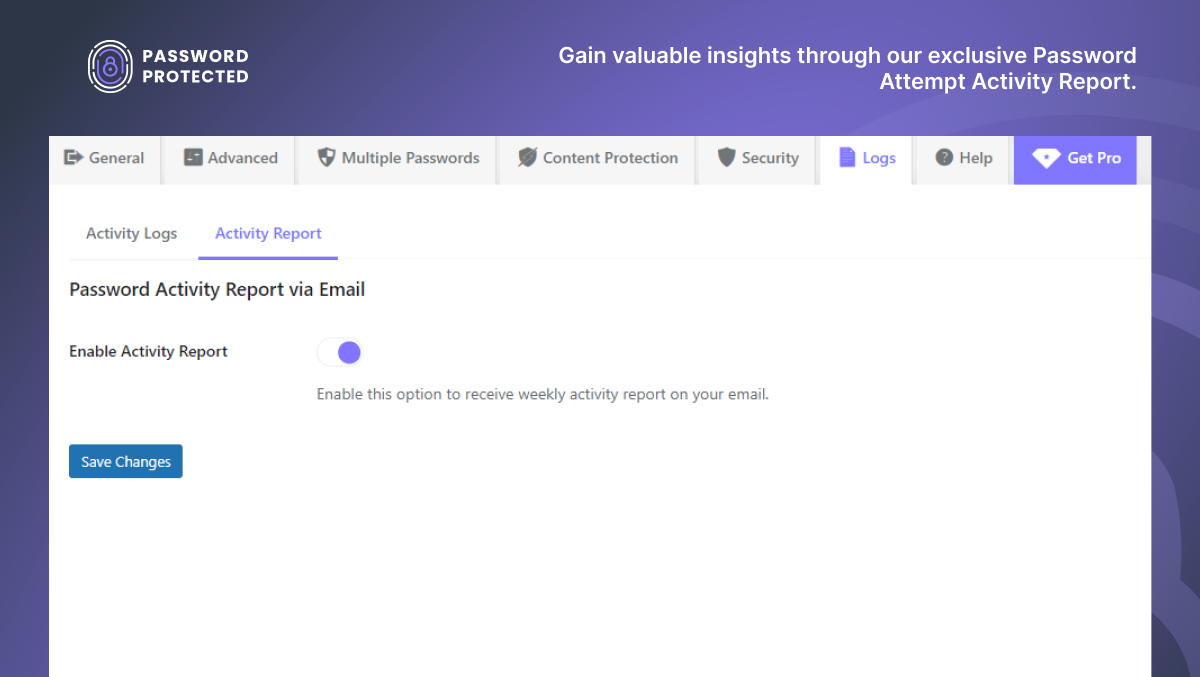
- New: Added Password Activity Report to provide weekly insights on access attempts to your protected sites.
- New: Added Categoric Tabs and Sub-Tabs User Interface for easy navigation and better user experience.
2.6.8
- Fix: Gutenberg compatibility issue fixed – REST API was getting blocked
2.6.7
- Security: Patched two security improvements suggested by Wordfence team.
- Fix: Updated depreciated PHP function to make it compatible with the latest PHP version.
- Compatibility: Improved compatibility with Elementor.
2.6.6
- Improvement – Added support for HTML in the above and bottom text displayed in the password screen.
2.6.5.1
- Ensured seamless compatibility with the latest WordPress version
2.6.5
- Fixed – Login Designer compatibility issues.
2.6.4
- Fixed – Added compatibility for PHP version 8.2
2.6.3.2
- Update – Feedback library updated
2.6.3.1
- Fix – Parse error related to PHP version 7.2
2.6.3
- New – Added Freemius SDK integration.
- New – Added functionality to login with transient if the cookies are blocked.
- Fix – Fixed Redirect Issue from excluded page to password protected page.
2.6.2
- Fix – Parse error related to PHP version 7.2
2.6.1
- Fix – Parse error related to PHP version 7.2
- Update – Link to official Google Re-captcha documentation
2.6.0
- Improved admin settings interface and introduced NEW tabs structure.
- NEW: Added Google Recaptcha v2 and v3 to make it more secure.
- NEW: Added Password Protected top-level admin menu for ease.
- NEW: Added option to add text above password Field.
- NEW: Added option to add text below password Field.
2.5.3
- Improved Settings HTML structure
- Added Note regarding compatibility with login designer within dashboard
2.5.2
- Made compatibility with Login Designer; Now you can customize the password-protected screen with the customizer using login designer plugin.
2.5.1
- Fix – Author name conflict resolved
2.5
- Deprecate
wp_no_robotsand replace withwp_robots_no_robotsfor WordPress 5.7+
2.4
- Add a Nocache header to the login page redirect to prevent the browser from caching the redirect page. Props De’Yonte W.
- Remove ‘password-protected’ query from redirects on successful login or logout.
- Check “redirect_to” query var is set in hidden form field. Props Matthias Kittsteiner.
- Add favicon to password protected login page.
2.3
- Adds
password_protected_cookie_namefilter for the cookie name. Props Jose Castaneda. - Let developers override the capability needed to see the options page via a
password_protected_options_page_capabilityfilter. Props Nicola Peluchetti. - Don’t use a “testcookie” POST query as it is blocked by Namecheap (and possibly other hosts).
- Fix warnings in W3 validator – script and style “type” attribute not required. Props @dianamurcia.
- Translations now via translate.wordpress.org.
- Updated URL references. Props Garrett Hyder.
2.2.5
- Added
password_protected_login_password_titlefilter to allow customizing the “Password” label on the login form. Props Jeremy Herve. - Fix stray “and” in readme. Props Viktor Szépe.
- Update Portuguese translation. Props Jonathan Hult.
- Update Russian translation. Props Alexey Chumakov.
2.2.4
- Check that
$_SERVER['REMOTE_ADDR']is set.
2.2.3
- Restrict REST-API-access only if password protection is active.
- Added viewport meta tag to login page.
- Added
password_protected_show_loginfilter. - Cookie name is not editable in the admin so display just for reference.
- Use default WordPress text domain for “Remember Me” and “Log In” buttons.
2.2.2
- Change locked admin bar icon to green.
- Fix REST option and always allow access to REST API for logged in users.
2.2.1
- Fixed PHP error when calculating cookie expiration date.
2.2
- Added admin bar icon to indicate wether password protection is enabled/disabled.
- Option to show “Remember me” checkbox. Props Christian Güdel.
- REST API access disabled if password not entered.
- Admin option to allow REST API access.
- More robust checking of password hashes.
2.1
- Update caching notes for WP Engine and W3 Total Cache plugin.
- Tested up to WordPress 4.8
2.0.3
- Declare methods as public or private and use PHP5 constructors.
- Show user’s IP address beside “Allow IP Addresses” admin setting.
- Add CHANGELOG.md and README.md
2.0.2
- Check allowed IP addresses are valid when saving.
- Only redirect to allowed domain names when logging out.
2.0.1
- Split logout functionality into separate function.
- Security fix: Use a more complex password hash for cookie key. Props Marcin Bury, Securitum.
2.0
- Added password_protected_logout_link shortcode.
- Load ‘password-protected-login.css’ in theme folder if it exists.
- Added password_protected_stylesheet_file filter to specify alternate stylesheet location.
- Added is_user_logged_in(), login_url(), logout_url() and logout_link() methods.
- Added Basque, Czech, Greek, Lithuanian and Norwegian translations.
- Better handling of login/out redirects when protection is not active on home page.
1.9
- Fixed “Allow Users” functionality with is_user_logged_in(). Props PatRaven.
- Added option for allowed IP addresses which can bypass the password protection.
- Added ‘password_protected_is_active’ filter.
1.8
- Support for adding “password-protected-login.php” in theme directory.
- Allow filtering of the ‘redirect to’ URL via the ‘password_protected_login_redirect_url’ filter.
- Added ‘password_protected_login_messages’ action to output errors and messages in template.
- Updated translations.
- Use current_time( ‘timestamp’ ) instead of time() to take into account site timezone.
- Check login earlier in the template_redirect action.
1.7.2
- Fix always allow access to robots.txt.
- Added ‘password_protected_login_redirect’ filter.
- Updated translations.
1.7.1
- Fix login template compatibility for WordPress 3.9
1.7
- Remove JavaScript that disables admin RSS checkbox.
- Added ‘password_protected_theme_file’ filter to allow custom login templates.
- Add option to allow logged in users.
1.6.2
- Set login page not to index if privacy setting is on.
- Allow redirection to a different URL when logging out using ‘redirect_to’ query and full URL.
1.6.1
- Language updates by wp-translations.org (Arabic, Dutch, French, Persian, Russian).
1.6
- Robots.txt is now always accessible.
- Added support for Uber Login Logo plugin.
1.5
- Added note about WP Engine compatibility to readme.txt
- Requires WordPress 3.1+
- Settings now have their own page.
- Fixed an open redirect vulnerability. Props Chris Campbell.
1.4
- Add option to allow administrators to use the site without logging in.
- Use DONOTCACHEPAGE to try to prevent some caching issues.
- Added a contextual help tab for WordPress 3.3+.
- Updated login screen styling for WordPress 3.5 compatibility.
- Options are now on the ‘Reading’ settings page in WordPress 3.5
1.3
- Added checkbox to allow access to feeds when protection is enabled.
- Prepare for WordPress 3.5 Settings API changes.
- Added ‘password_protected_before_login_form’ and ‘password_protected_after_login_form’ actions.
- Added ‘password_protected_process_login’ filter to make it possible to extend login functionality.
- Now possible to use ‘pre_update_option_password_protected_password’ filter to use password before it is encrypted and saved.
- Ready for translations.
1.2.2
- Show login error messages.
- Escape ‘redirect_to’ attribute. Props A. Alagha.
1.2.1
- Added a “How to log out?” FAQ.
- Only disable feeds when protection is active.
1.2
- Use cookies instead of sessions.
1.1
- Encrypt passwords in database.
1.0
- First Release. If you spot any bugs or issues please log them here.

