

Just another contact form plugin. Simple but flexible.

About Master Slider – Responsive Touch Slider
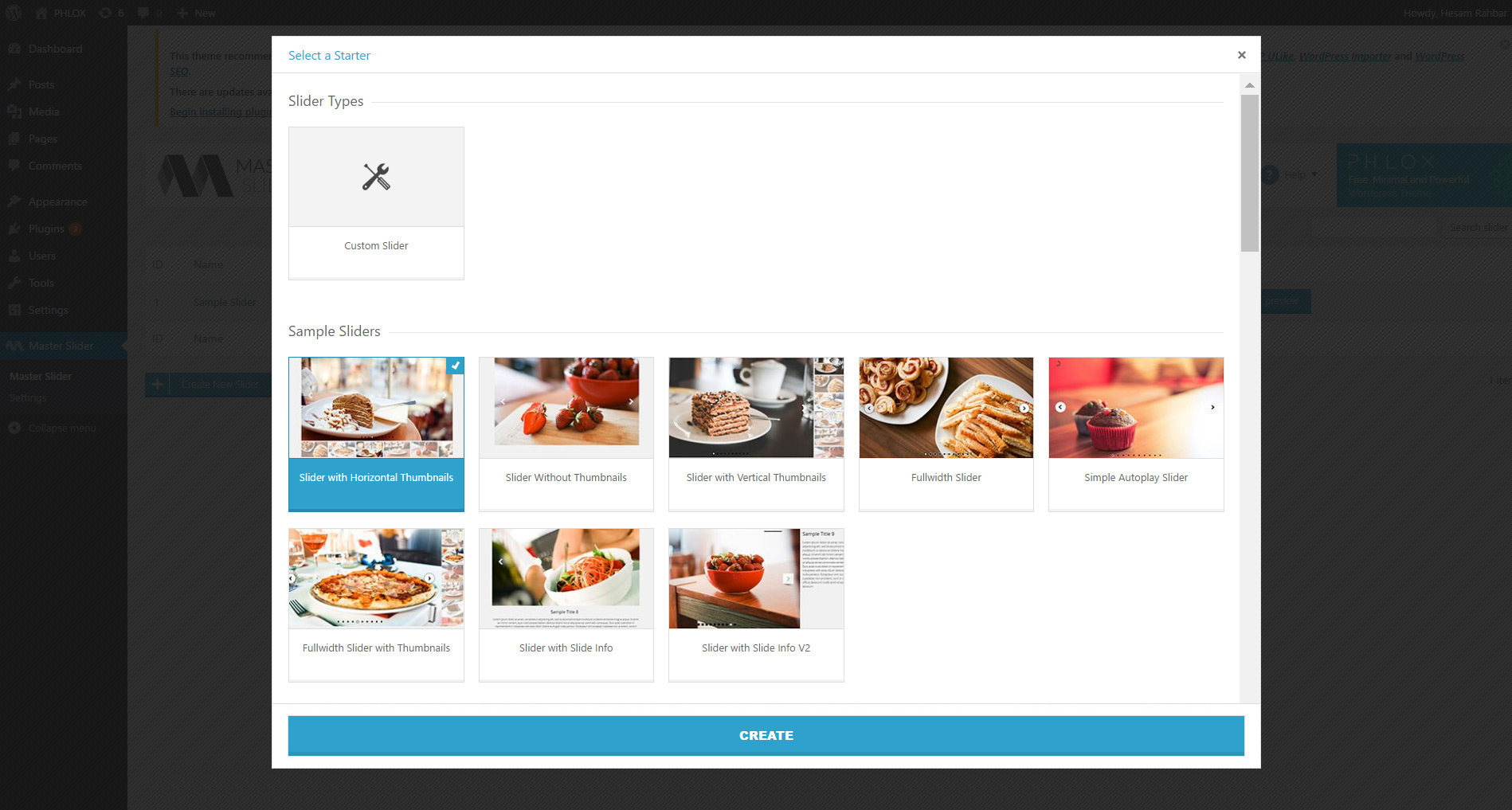
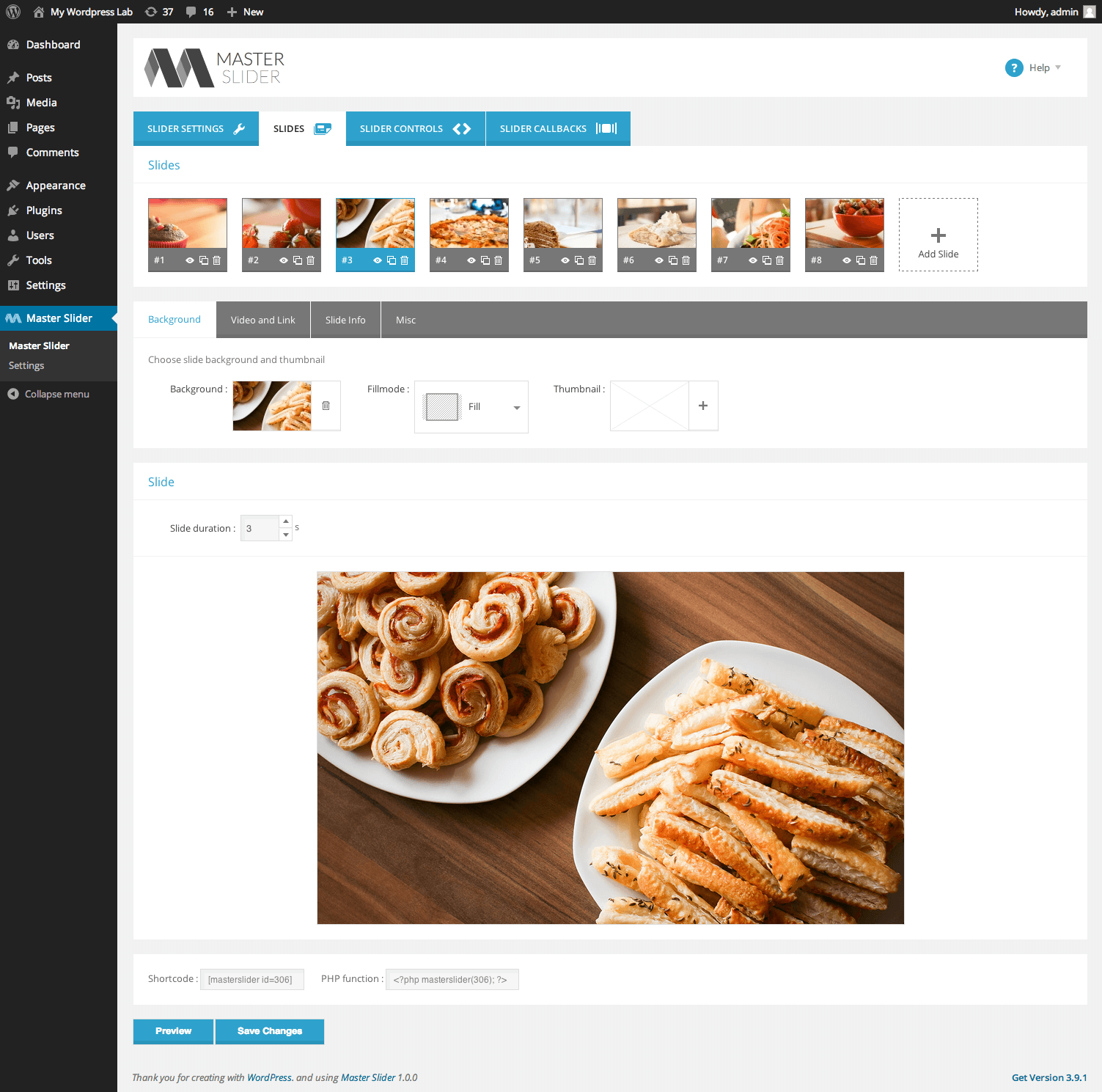
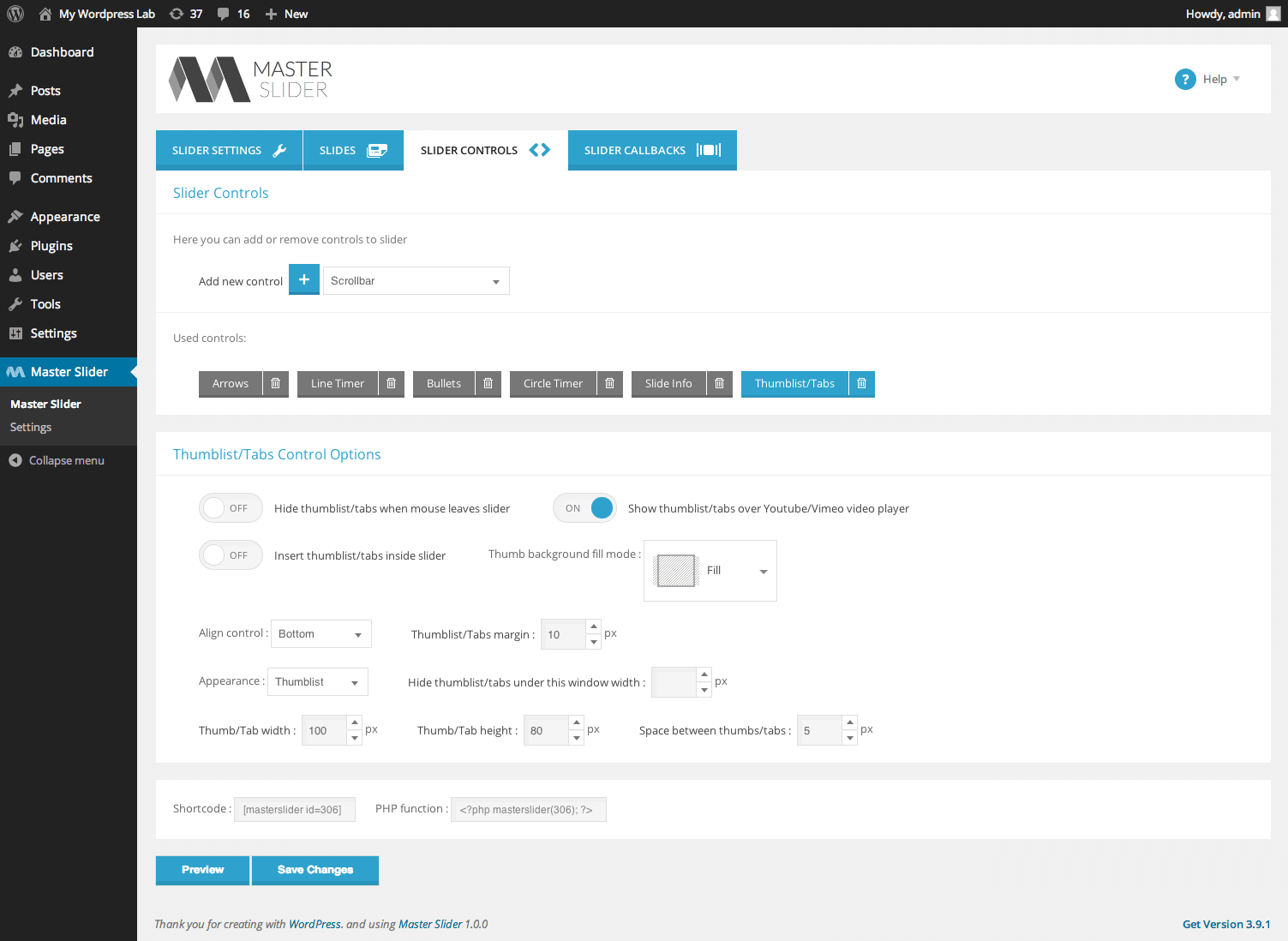
Master Slider is a free image and video slider plugin for WordPress that is SEO friendly and responsive on all devices. It has a user-friendly interface and comes with 8 starter samples to help you create slideshows quickly. There is also a Pro version available with additional features such as full-width layouts, advanced filtering tools, and HD video backgrounds.Screenshots




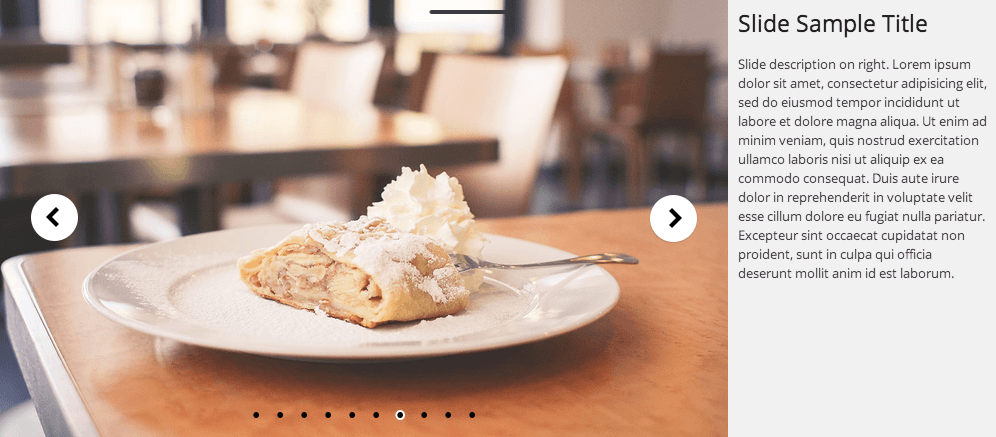
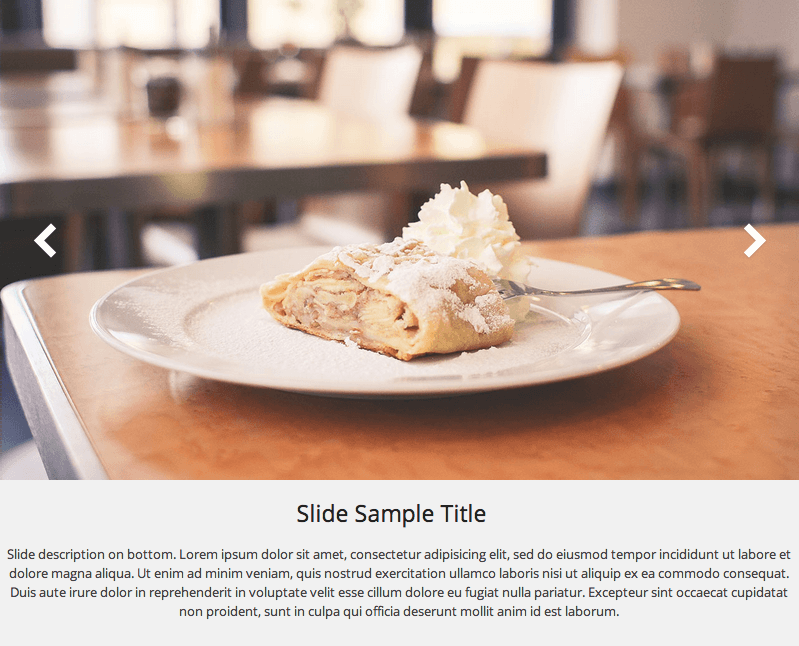
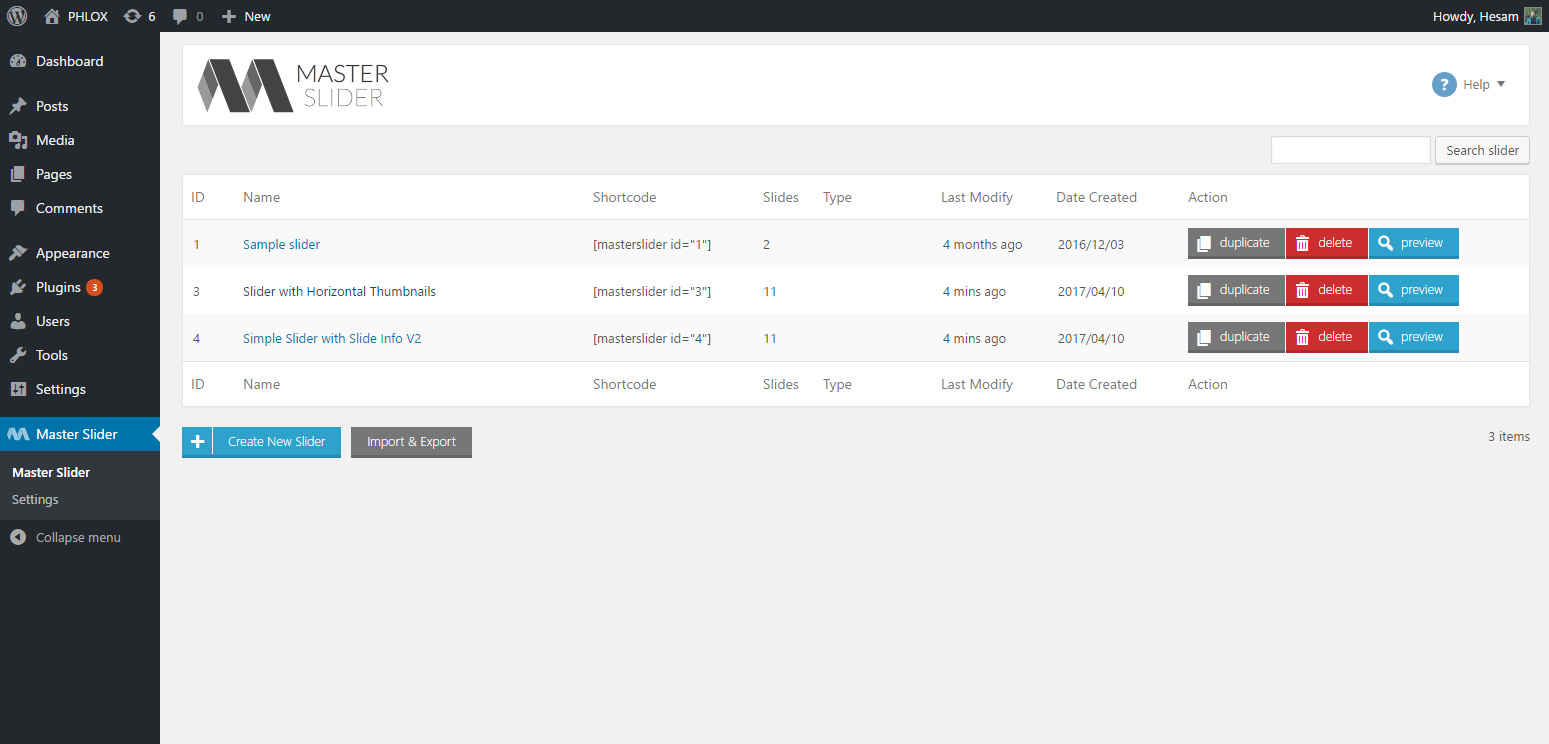
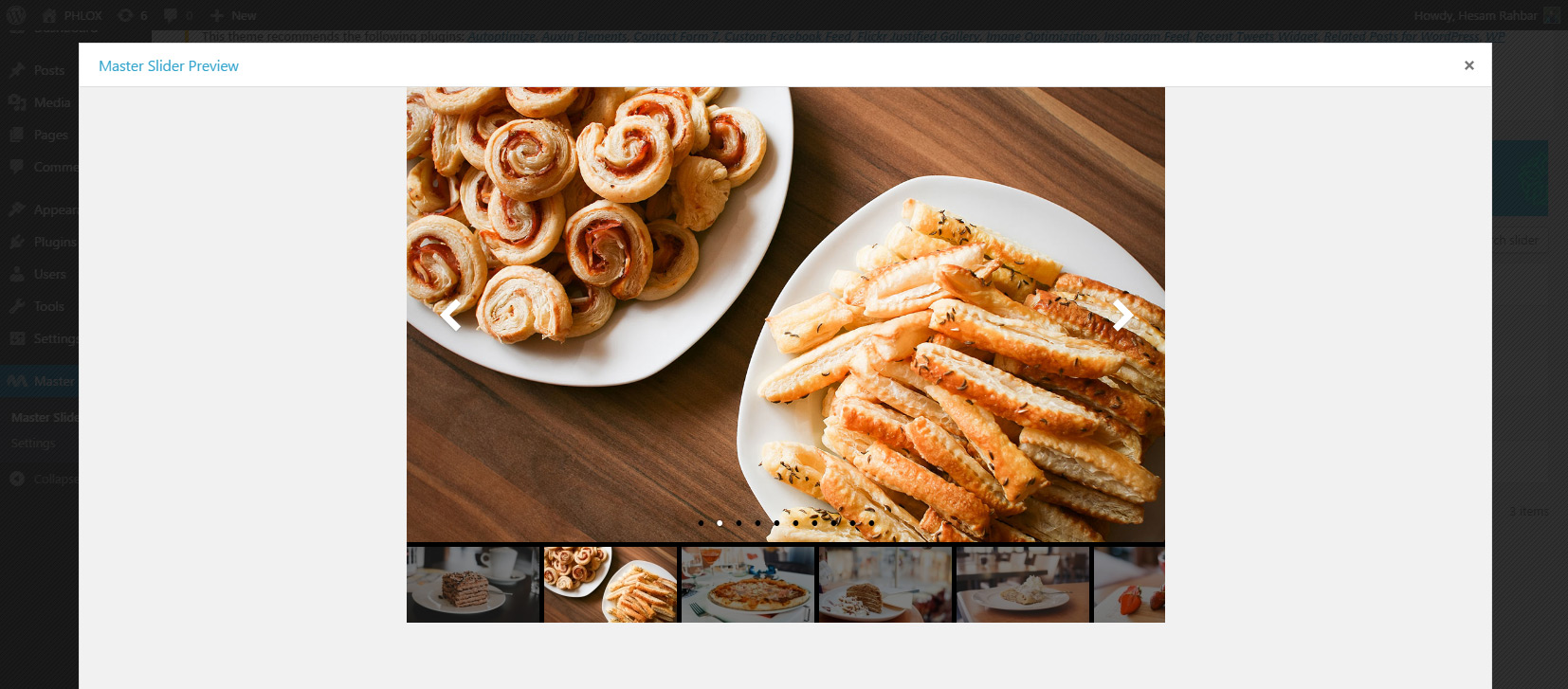
Frequently asked questions
What is Master Slider?
Master Slider is a free SEO friendly, responsive image and video slider that truly works on all major devices, and it has super smooth hardware accelerated transitions. It supports touch navigation with pure swipe gesture that you have never experienced before. It is built using WordPress best practices both on the front and the back end, resulting in an efficient, robust and intuitive plugin.
What are some key features of Master Slider?
Master Slider offers an easy-to-use interface, drag and drop slider creation, and is optimized for any screen sizes and touch devices. It includes touch swipe navigation, CSS3 transitions with jQuery fallback, and hardware accelerated CSS3 3D transforms. Users can manage slideshows with autoplay timing options and benefit from 6+ interactive slide transitions.
Is Master Slider compatible with different themes and browsers?
Yes, Master Slider works with any theme, including WordPress Default Themes. It is also cross-browser compatible and works well on all popular browsers, having been tested on IE8+ and other modern browsers.
Does Master Slider offer starter samples to help with creation?
Yes, Master Slider provides 8 Starter Samples to help users create slideshows quickly and enjoyably. These samples aid in simply creating fully responsive and device-optimized sliders.
What is Depicter?
Depicter is the next generation of Master Slider, offering an ultimate tool for creating engaging WordPress sliders, carousels, hero sections, popups, and various other types of sliders. It is free to start using.
Changelog
3.10.5
Version 3.10.5/ (14.12.2024)
- [Improvement]: Compatibility with WP 6.7 applied.
- [Improvement]: Performance improvement.
- [Improvement]: Security vulnerability fixed.
3.10.0
Version 3.10.0/ (20.08.2024)
- [Improvement]: Minor bugs fixed.
3.9.10
Version 3.9.8/ (11.05.2024)
- [Improvement]: Minor bugs fixed.
3.9.8
Version 3.9.8/ (28.03.2024)
- [Improvement]: Compatibility improvements applied.
3.9.5
Version 3.9.5/ (25.11.2023)
- [Improvement]: Compatibility improvement for WordPress 6.4 applied.
3.9.3
Version 3.9.1/ (21.08.2023)
- [Fixed]: Minor bugs fixed.
3.9.1
Version 3.9.1/ (12.06.2023)
- [Fixed]: Minor bugs fixed.
Version 3.8.7/ (07.12.2022)
- [Fixed]: An issue with loading slider in the editor fixed.
Version 3.8.5/ (20.11.2022)
- [Fixed]: An incompatibility with the new version of WordPress fixed.
Version 3.8.1/ (10.02.2022)
- [Fixed]: An issue with mouse wheel in chrome fixed.
Version 3.8.0/ (03.02.2022)
- [Fixed]: An issue with ordering slides in WordPress 5.9 fixed.
Version 3.7.10/ (11.10.2021)
- [Fixed]: An issue which caused controls
autohideoption didn’t work.
Version 3.7.9/ (19.09.2021)
- [Improvement]: Improvements for jQuery deprecated functions applied.
Version 3.7.5/ (06.05.2021)
- [Improvement]: Security improvements were applied.
Version 3.7.0/ (31.03.2021)
- [Improvement]: Compatibility with WordPress 5.7 applied.
Version 3.6.10/ (15.02.2021)
- [Fix] An issue with detecting css vendor prefix on webkit browsers fixed.
Version 3.6.8/ (13.02.2021)
- [Fix] An issue with applying transitions on new Edge browser fixed.
Version 3.6.2/ (08.09.2020)
- [Fix]: Minor bugs fix.
Version 3.6.0/ (15.08.2020)
- [Improvement]: Compatibility with WordPress 5.5.0 applied.
- [Fix]: Minor bugs fix.
Version 3.5.8/ (20.01.2020)
- [Improvement]: Minor bugs fix.
- [Fix]: Compatibility with PHP 7.4 applied.
Version 3.5.3/ (01.11.2018)
- [Fix]: Fixing an issue with deprecated functions.
- [Fix]: Compatibility with PHP 7.2 applied.
Version 3.5.1/ (06.05.2018)
- [Fix]: Addressed an issue with displaying some sliders in the admin panel.
Version 3.5.0/ (29.04.2018)
- [Fix]: Addressed an issue that prevents calling the slider callbacks.
- [Fix]: An issue with accessing the sample sliders panel fixed.
Version 3.4.4/ (18.04.2018)
- [Fix]: An issue with dynamic tags in tab control fixed.
- [Improvement]: Bug fix and performance improvement.
Version 3.4.1/ (17.12.2017)
- [Fix]: Improvement in wp transient API while object cache is enabled on some web hosts.
Version 3.3.0/ (25.11.2017)
- [Improvement]: Improvements and compatibility for WordPress 4.9.0 added.
Version 3.1.6/ (09.10.2017)
- [Improvement]: Minor bugs fix.
Version 3.1.1/ (17.08.2017)
- [Improvement]: Performance improvement and bug fix.
Version 3.0.2 / (12.07.2017)
- [Improvement]: Some minor bugs fixed.
Version 3.0.0 / (17.06.2017)
- [Fix]: An issue with overlay color for slides fixed.
- [Improvement]: The corresponding styles will be generated after duplicating the slider automatically.
- [Improvement]: Some minor bugs fixed.
Version 2.9.8 / (15.4.2017)
- [Fix]: Italian translation added
- [Fix]: Minor bugs fixed
Version 2.9.7 / (26.3.2017)
- [Fix]: A minor issue with PHP 7 fixed
Version 2.9.6 / (15.3.2017)
- [Fix]: Minor bugs fixes
Version 2.9.5 / (21.9.2016)
- [Fix]: Minor bugs fixes
Version 2.9.0 / (19.8.2016)
- [Improvement]: Better compatibility with Legacy WordPress themes
- [Fix]: Minor bugs fixes
Version 2.8.1 / (11.7.2016)
- [Improvement]: Security improvement
Version 2.7.1 / (4.10.2015)
- [Fix]: Minor issue with an undefined variable fixed
Version 2.7.0 / (26.9.2015)
- [Improvement]: Now the slide info sections with no conent are no longer visible
- [Improvement]: Now Master Slider is fully compatible with new upcoming translation service on wp.org
- [Improvement]: Now auto crop is disabled for thumbnail when user set a custom thumbnail
Version 2.6.4 / (22.9.2015)
- [Fix]: Legacy widget constructor replaced with new one
Version 2.6.3 / (12.9.2015)
- [Fix]: Addressed an issue with undefined IDs while adding shortcodes to WordPress editor
- [New]: Russian translation by: oharreg
Version 2.6.2 / (1.9.2015)
- [Fix]: Security improvement.
Version 2.5.1 / (12.7.2015)
- [New]: Plugin thumbnail changed.
Version 2.5.0 / (30.6.2015)
- [Fix]: Addressed an issue with IE9.
- [Improvement]: Under the hood improvement
Version 2.4.0 / (8.5.2015)
- [Improvement]: Some improvement for serving assets under SSL.
- [Fix]: Default minHeight changed to 0.
- [Fix]: Some CSS reset rules added to links on slider.
Version 2.4.0 / (7.5.2015)
- [New]: Arrows for the thumblist control added.
- [New]: Search box for searching through the sliders added.
- [New]: New option
minHeightadded which specifies min height value for the slider, it prevents slider to be displayed tiny in small screens. - [New]: New option for thumblist to change the slides while moving mouse cursor over thumbnails.
- [New]: Brand new sticky preview and save button with new interface in admin panel.
- [Fix]: A conflict with new API changes in WP 4.2 for gallery fixed.
- [Fix]: An issue with some special characters in slide info fixed.
- [Improvement]: Interface improvement for slider box.
- [Improvement]: Improvement in slider performance.
- [Fix]: An issue with sorting sliders base on date_modified fixed.
- [Fix]: Escaping the brackets for rel attribute on slides.
- [Fix]: Addressed an issue while auto hide in controls did not function properly on touch devices.
- [Fix]: Addressed an issue while inserting larger numbers than slides number in preload field.
- [Fix]: An issue with encoding brackets in custom styles fixed
- [Fix]: An issue in calculating thumbnails width fixed.
- [Fix]: An issue in aligning thumbnails which doesn’t have fillMode option fixed.
- [Improvement]: Improvements under the hood.
- Master Slider is 100% secure in vulnerability check
Version 2.2.1 / (6.4.2015)
- [Fix]: Some minor bugs fixed.
Version 2.2.1 / (21.3.2015)
- [New]: Introducing “Start On Hover” feature, to display the slider when it appears in browser viewport.
- [Improvement]: API methods updated
- [Fix]: Some minor JavaScript errors fixed.
Version 2.1.3 / (5.3.2015)
- [Fix]: Address an issue with rendering 3D transitions on firefox and mouse wheel
- [New]: French. Special thanks to Thomas:www.thomasgrimaud.fr
- [New]: Brazilian Portuguese. Special thanks to WebPress
- [New]: Serbian. Special thanks to Borisa Djuraskovic:www.webhostinghub.com
- [Fix]: Throwing error after destroying slider with API destroy method.
- [Fix]: Addressed a Javascript error in IE9.
- [Fix]: Addressed a bug which prevents using bracket in slide title and alt
Version 2.0.4 / (1.2.2015)
- [New]: New API added to let developers change default values in admin panel
Version 2.0.0 / (28.1.2015)
- [New]: Introducing multiple image Upload
- [New]: Autoplay option for video slides added
- [New]: Custom css editor added to admin panel
- [Improvement]: Major improvement in linking slides
- [Improvement]: Some improvement in API for managing front end assets
- [Improvement]: improvement in aligning the content of tab control
- [Improvement]: User interface improvement
- [Improvement]: Lots of improvement in slider performance
- [Improvement]: Adding compatibility with wheel navigation by Magic Mouse or Trackpad in OS X
- [Fix]: Addressed and issue with rendering issue in latest version of Firefox
- [Fix]: An issue with slide link in latest version of Firefox fixed
- [Fix]: An conflict with modal window in WordPress 4.1 fixed
- [Fix]: An issue with a missing file fixed
- [Fix]: An issue with slider fallbacks fixed
- [Fix]: An issue with wheel navigation with non-loop slider fixed
- [Fix]: Fixed unexpected js errors when swipe navigation is disabled
- [Fix]: An issue removeEventListener method fixed
- [Update]: Annoying glow on buttons and links in admin panel removed
- [Update]: Slider base styles updated
- [Update]: Translate files updated
Version 1.4.4 / (8.1.2015)
- Addressed a bug which stopped the sliders in some WordPress site
Version 1.4.2 / (7.1.2015)
- [Improvement]: Improvement in loading front end assets
- [New]: New developer API added
- [Fix]: Minor bugs fixed
Version 1.4.0 / (19.12.2014)
- A conflict with modal in WordPress 4.1 fixed
Version 1.3.9 / (22.11.2014)
- Some class names renamed to eliminate the conflict with others themes and plugins.
Version 1.3.8 / (16.11.2014)
- Mino bugs fixed
Version 1.3.6 / (22.10.2014)
- Improvement in swipe on android devices
Version 1.3.4 / (6.10.2014)
- Improvement in loading admin assets
Version 1.3.3 / (29.09.2014)
- Improvement in Master Slider’s built-in cache
Version 1.3.2 / (28.09.2014)
- Minor bugs fixed
- Translate file updated
Version 1.3.1 / (22.09.2014)
- Documentation updated
Version 1.3.0 / (19.09.2014)
- [Fix]: Addressed an issue with grap cursors in internet explorer
- [Fix]: An issue with creating styles on multisite fixed
- [New]: New developer API to change origin_uploads_url for importing medias
- [Improvement]: Improvement in admin interface
Version 1.2.5 / (17.09.2014)
- Performance Improvement
- Minor bugs fixed
Version 1.2.1 / (11.09.2014)
- Minor bug in admin panel fixed
Version 1.2.0 / (08.09.2014)
- [New Feature]: New button added to WordPress editor in order to add Master Slider shorcodes with just simple click
- [Improvement]: Improving responsiveness of admin panel
- [Improvement]: Interface compatibility with WordPress 4.0 in admin area applied
Version 1.1.0 / (06.09.2014)
- compatibility with WordPress 4.0.0 added
- Minor bugs fixed
Version 1.0.10 / (07.08.2014)
- Slide info is now shortcode enabled
- compatibility with WordPress 3.9.2 added
Version 1.0.9 / (22.07.2014)
- A minor bug in plugins page fixed
Version 1.0.8 / (21.07.2014)
- A link added to plugins page for rating this plugin
Version 1.0.7 / (19.07.2014)
- [New Feature]: New option added to global setting that let you load plugins’s scripts on all pages.
( Useful when loading slider via Ajax ) - An issue with text editor fixed
Version 1.0.6 / (17.07.2014)
- [New]: Introduction video added
Version 1.0.5 / (15.07.2014)
- [Fix]: An issue with uninstalling the plugin fixed
Version 1.0.1 / (12.07.2014)
- initial release

