

Just another contact form plugin. Simple but flexible.
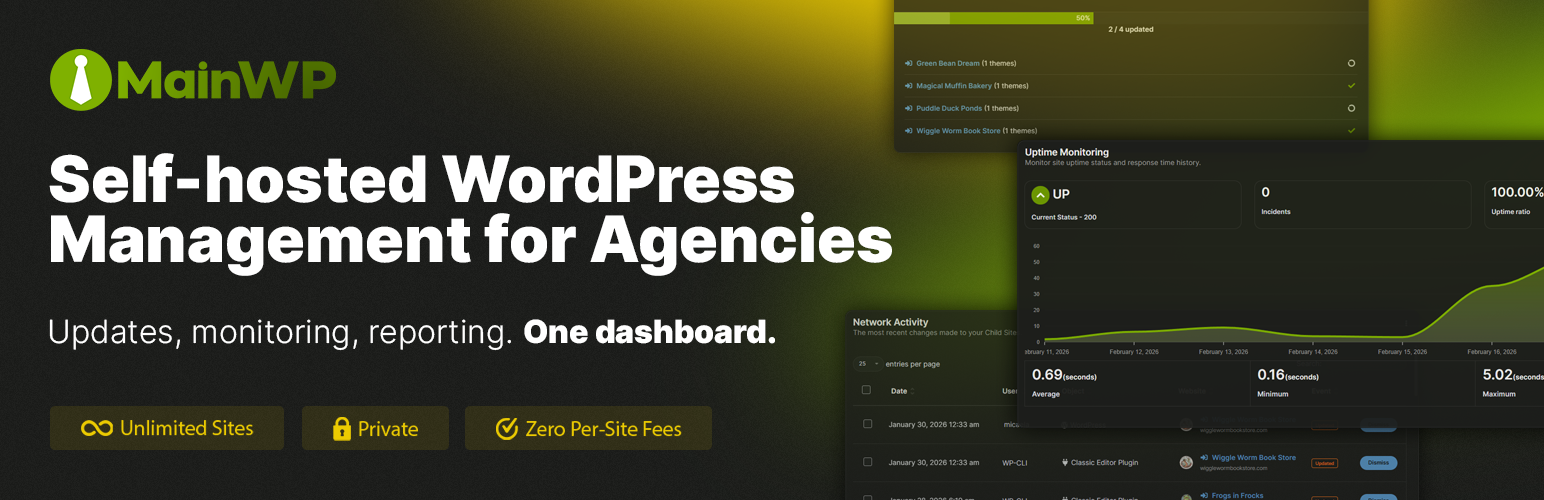
About MainWP Child – Securely Connects Sites to the MainWP WordPress Manager Dashboard
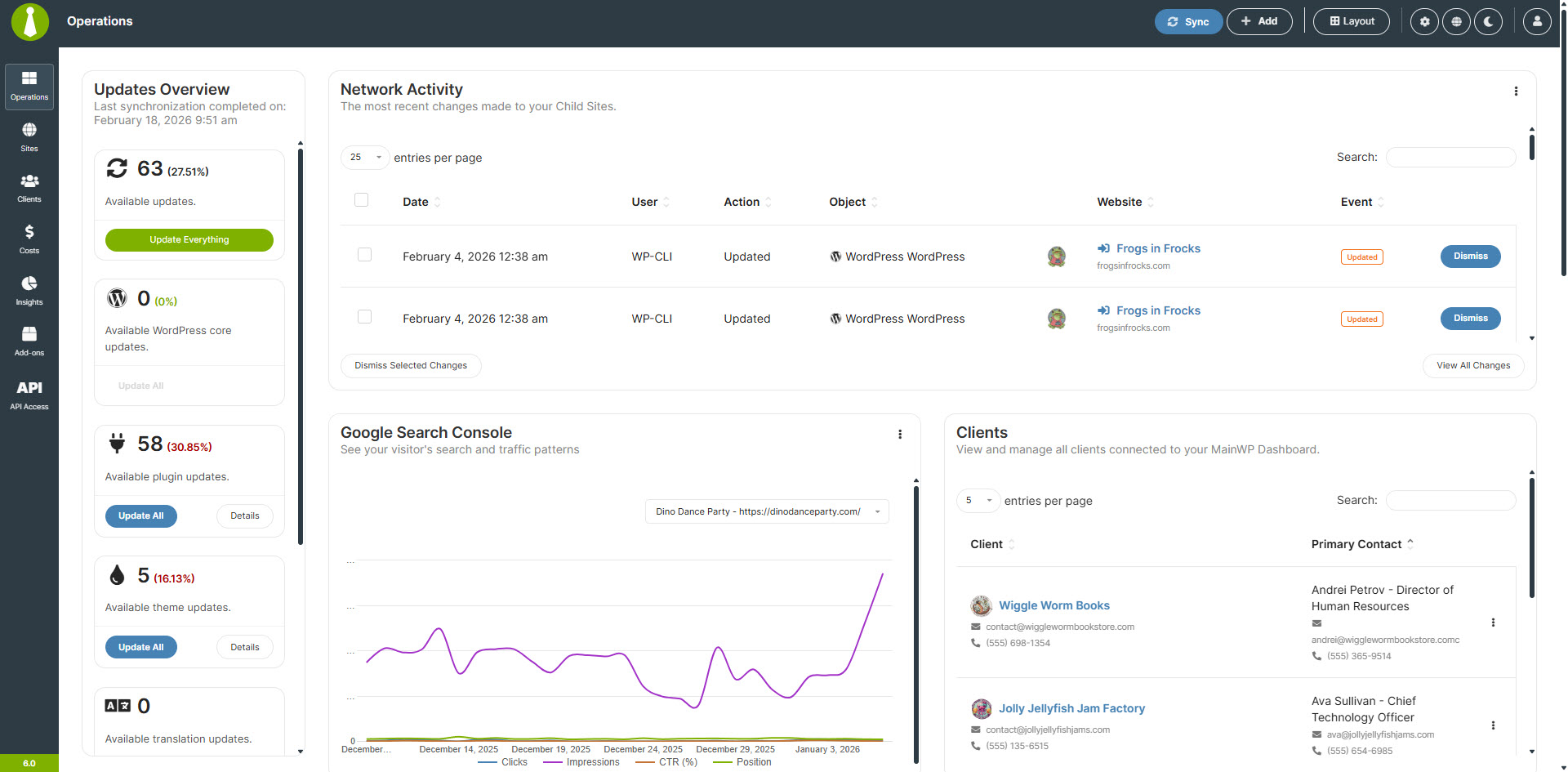
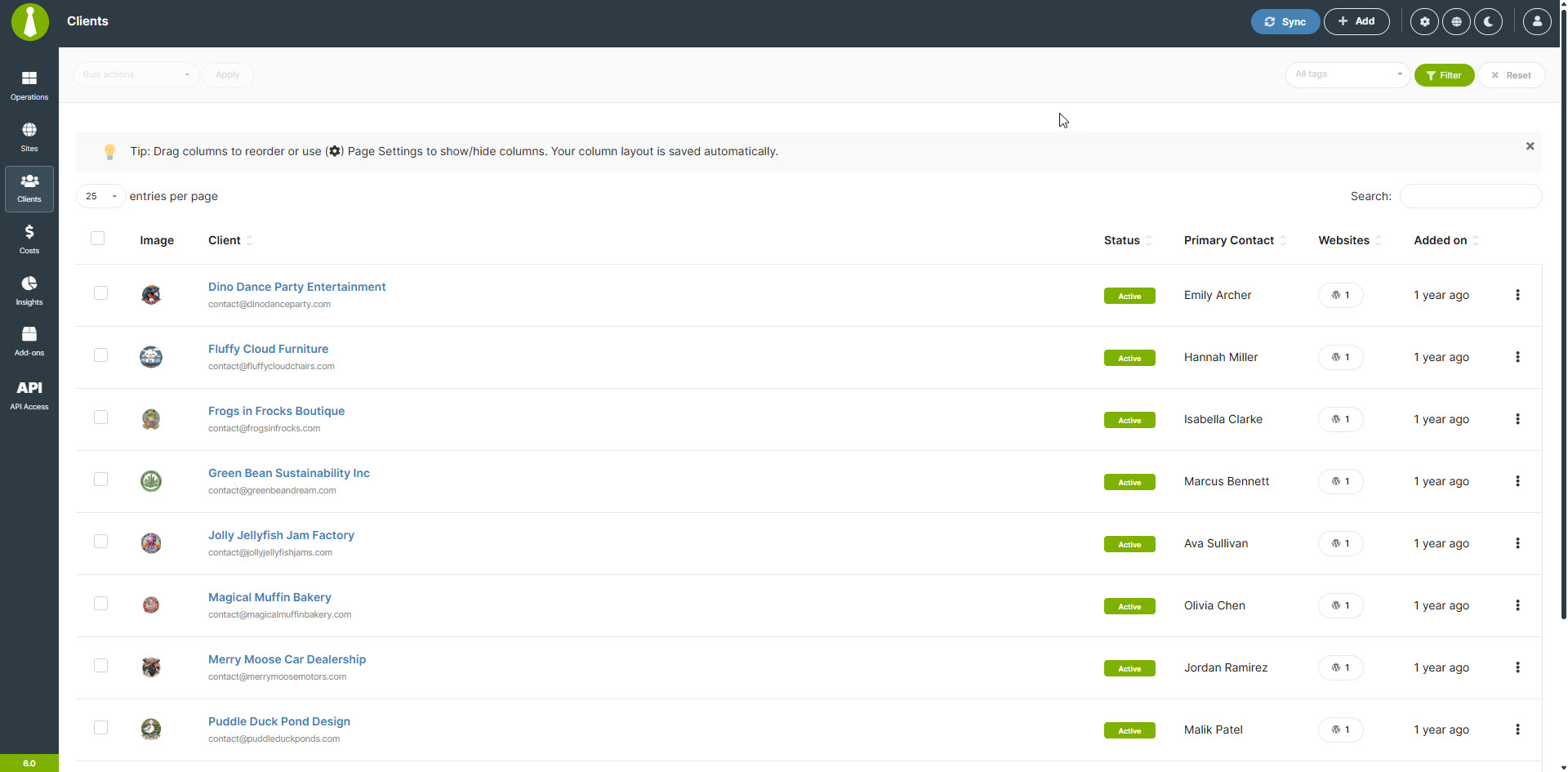
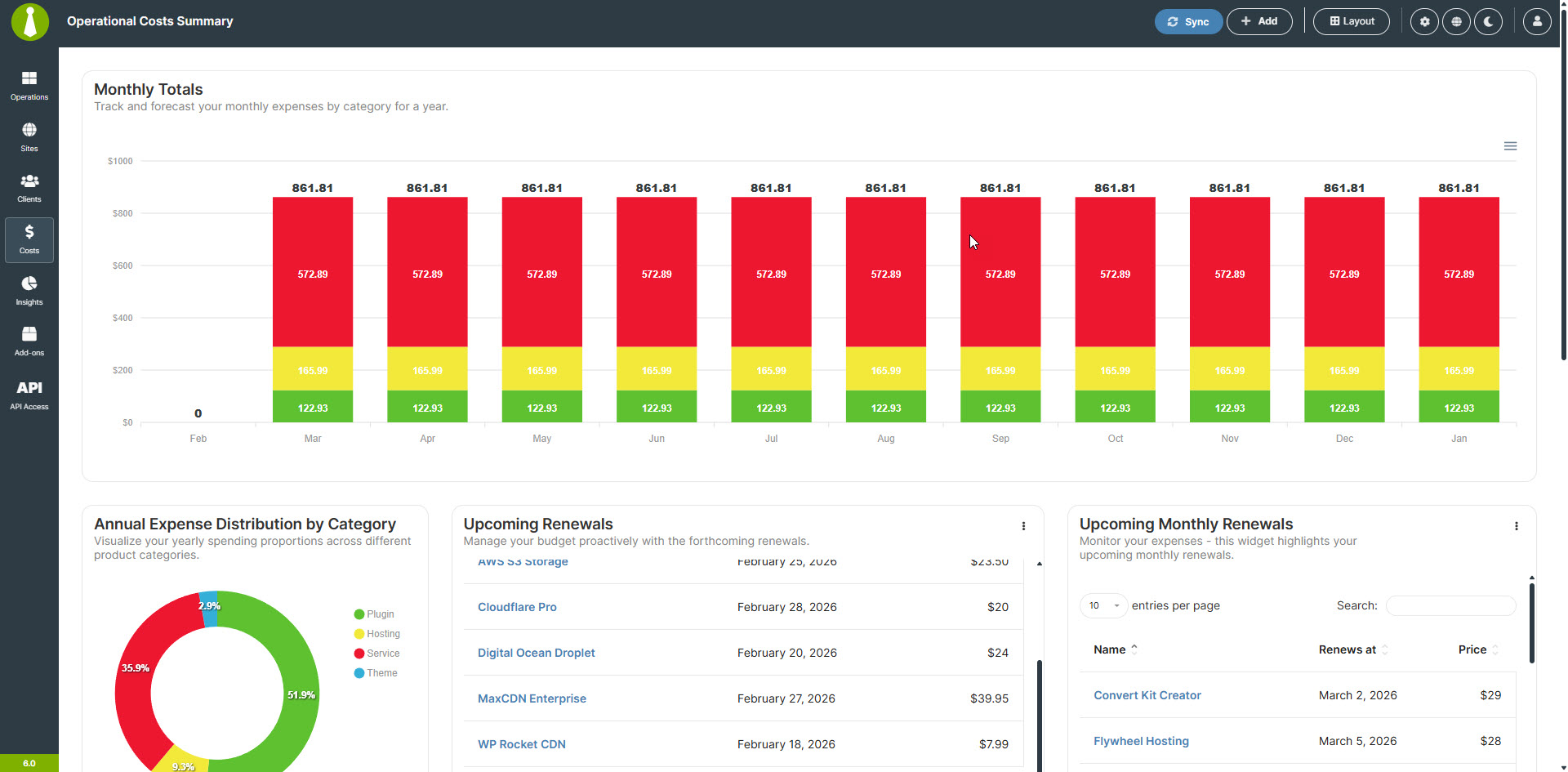
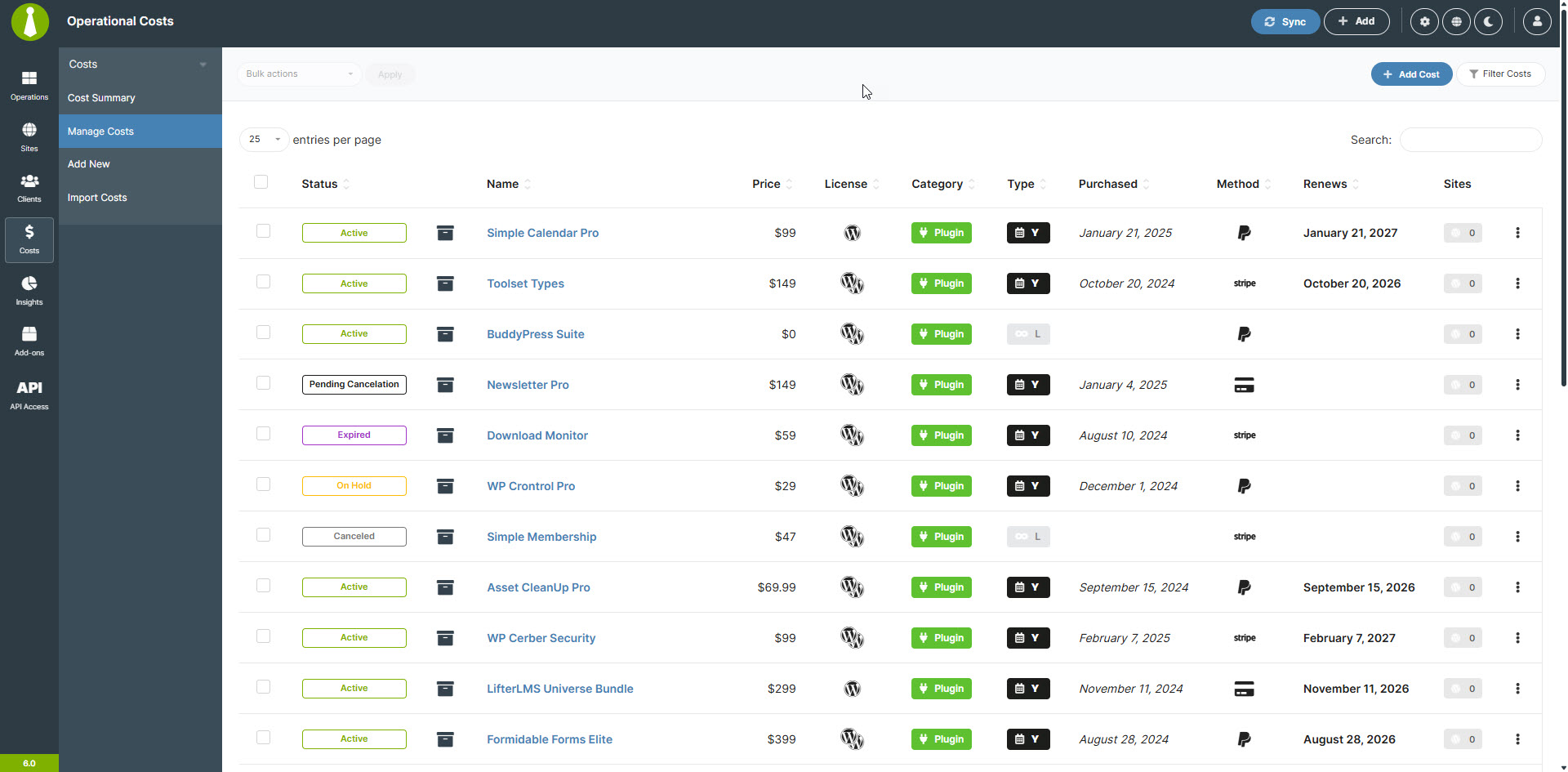
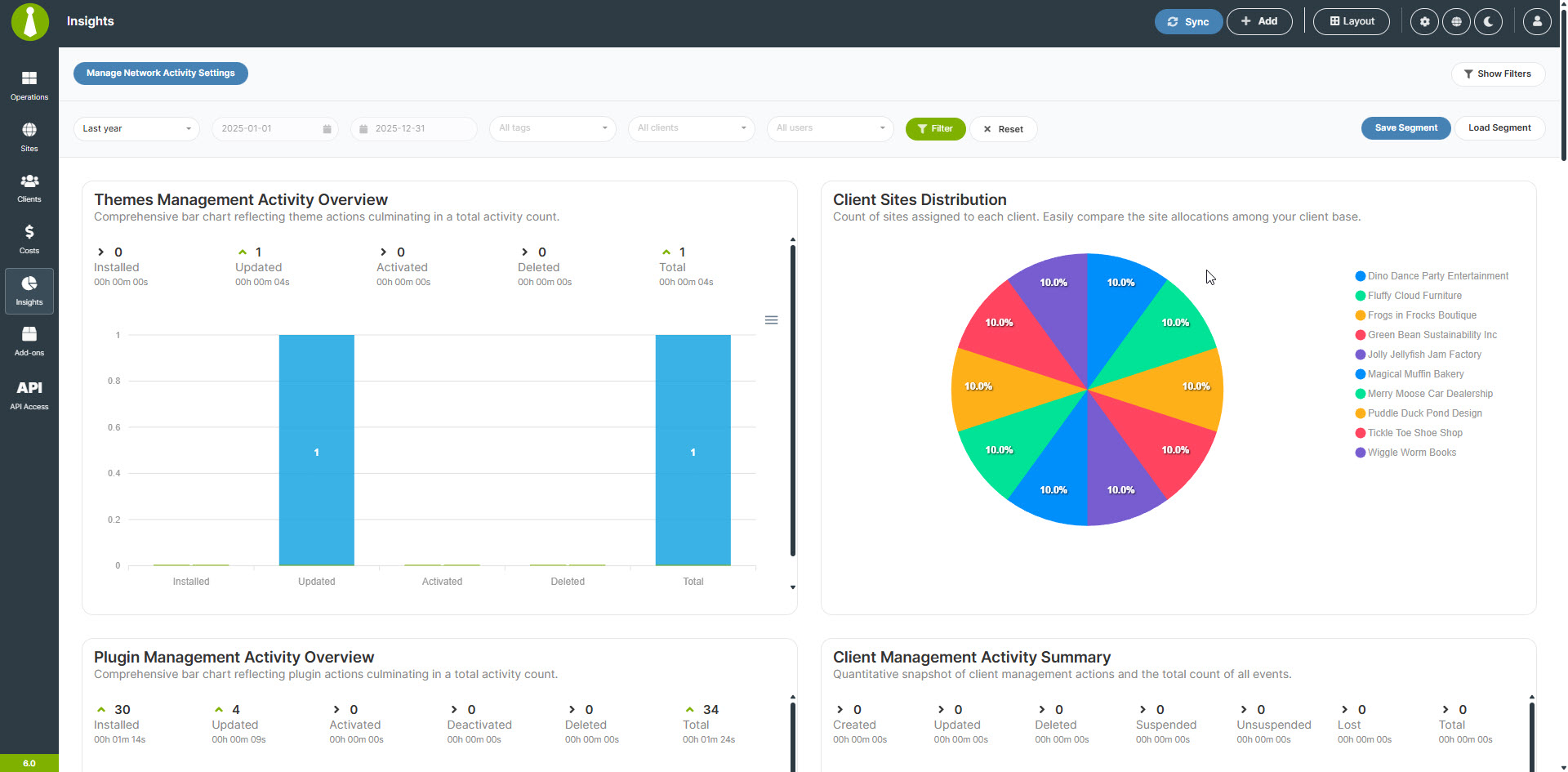
The MainWP Child Plugin securely connects your WordPress sites to the MainWP Dashboard, allowing you to efficiently manage multiple sites from one centralized location. With features like one-click updates, automated backups, and bulk management options, MainWP is a free and open-source solution ideal for freelancers, agencies, developers, marketers, and anyone handling multiple WordPress sites. Additionally, MainWP offers a range of add-ons to expand the functionality of the Dashboard and has a supportive community of WordPress professionals.Screenshots
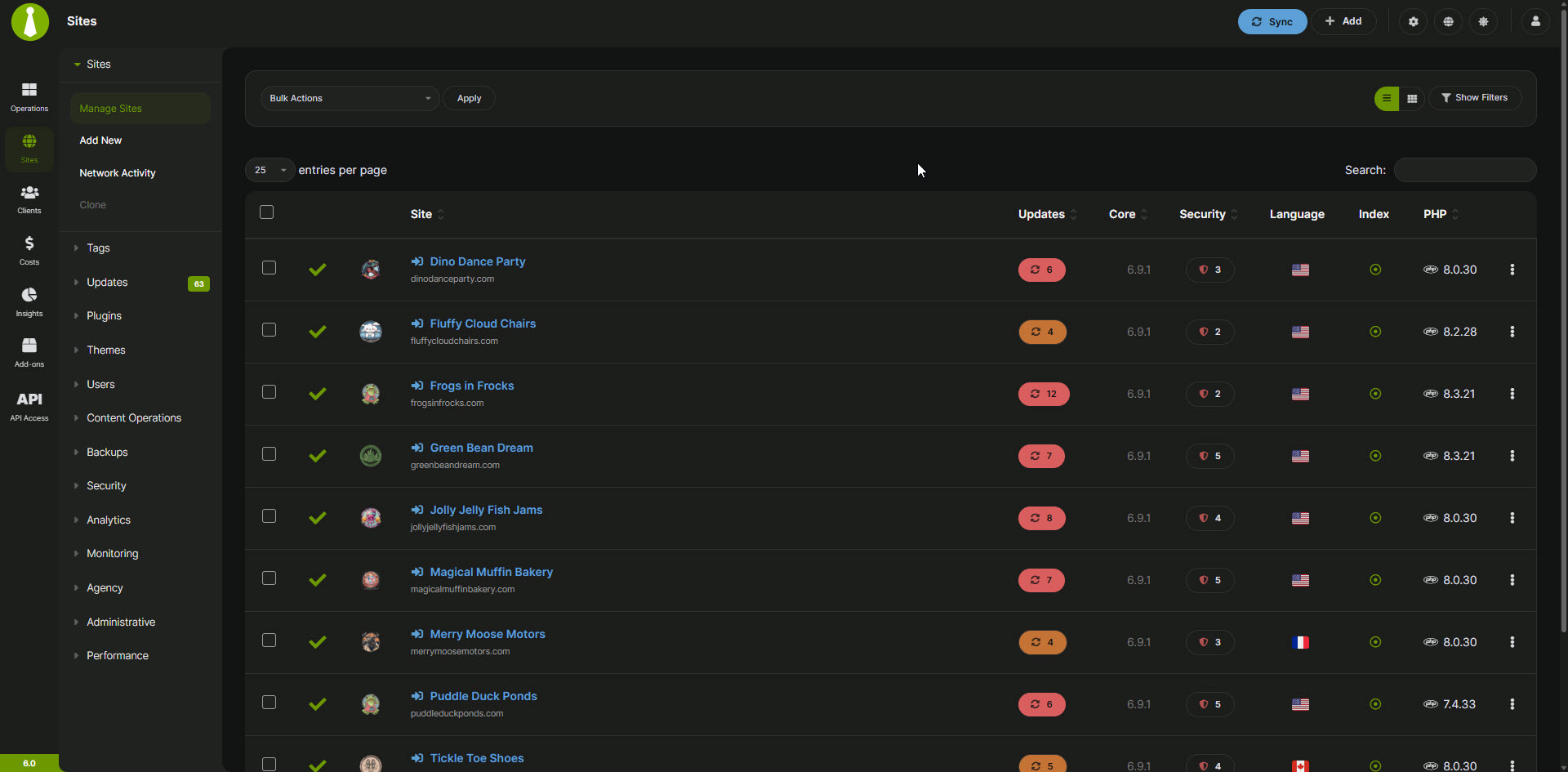
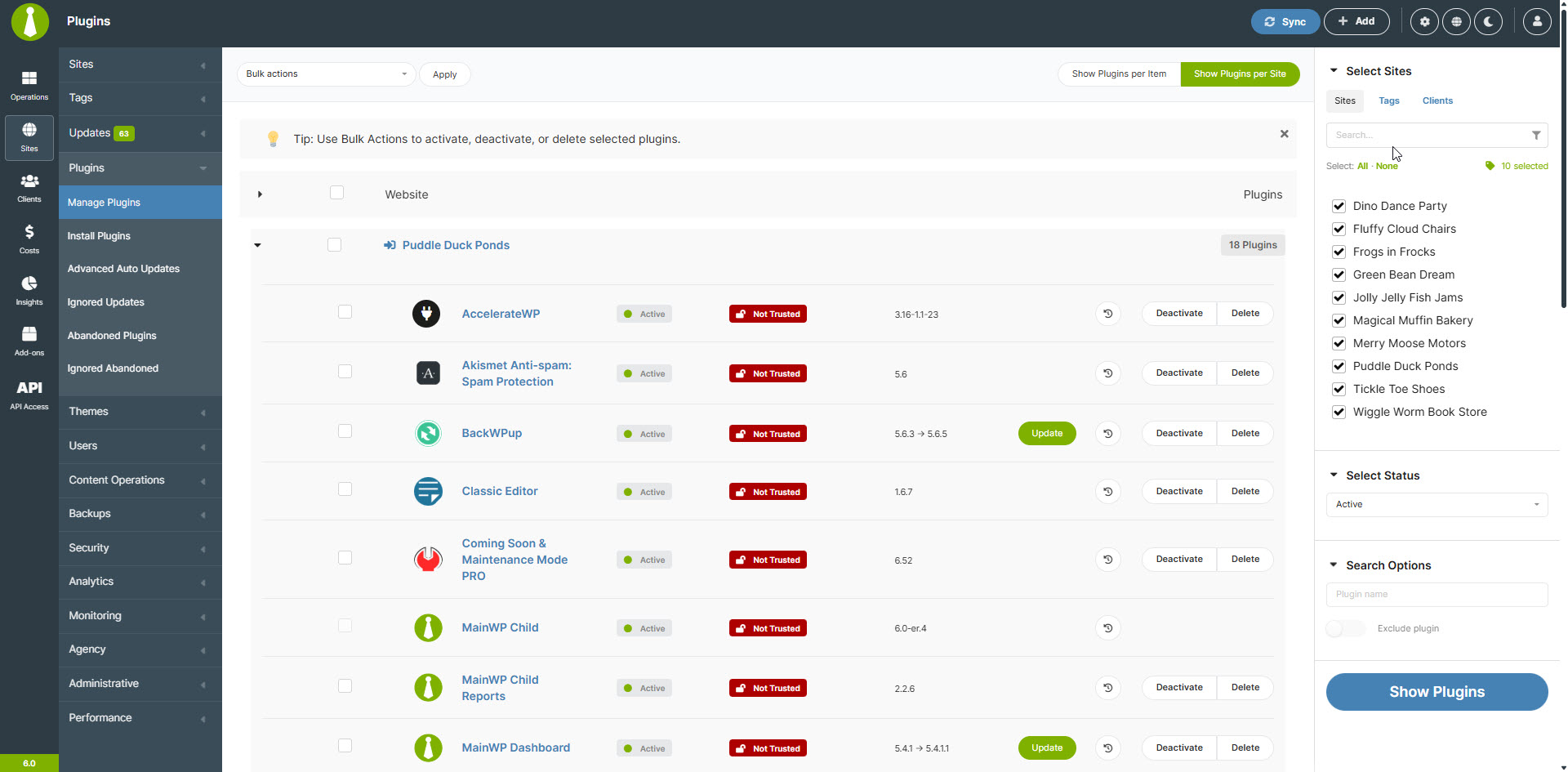
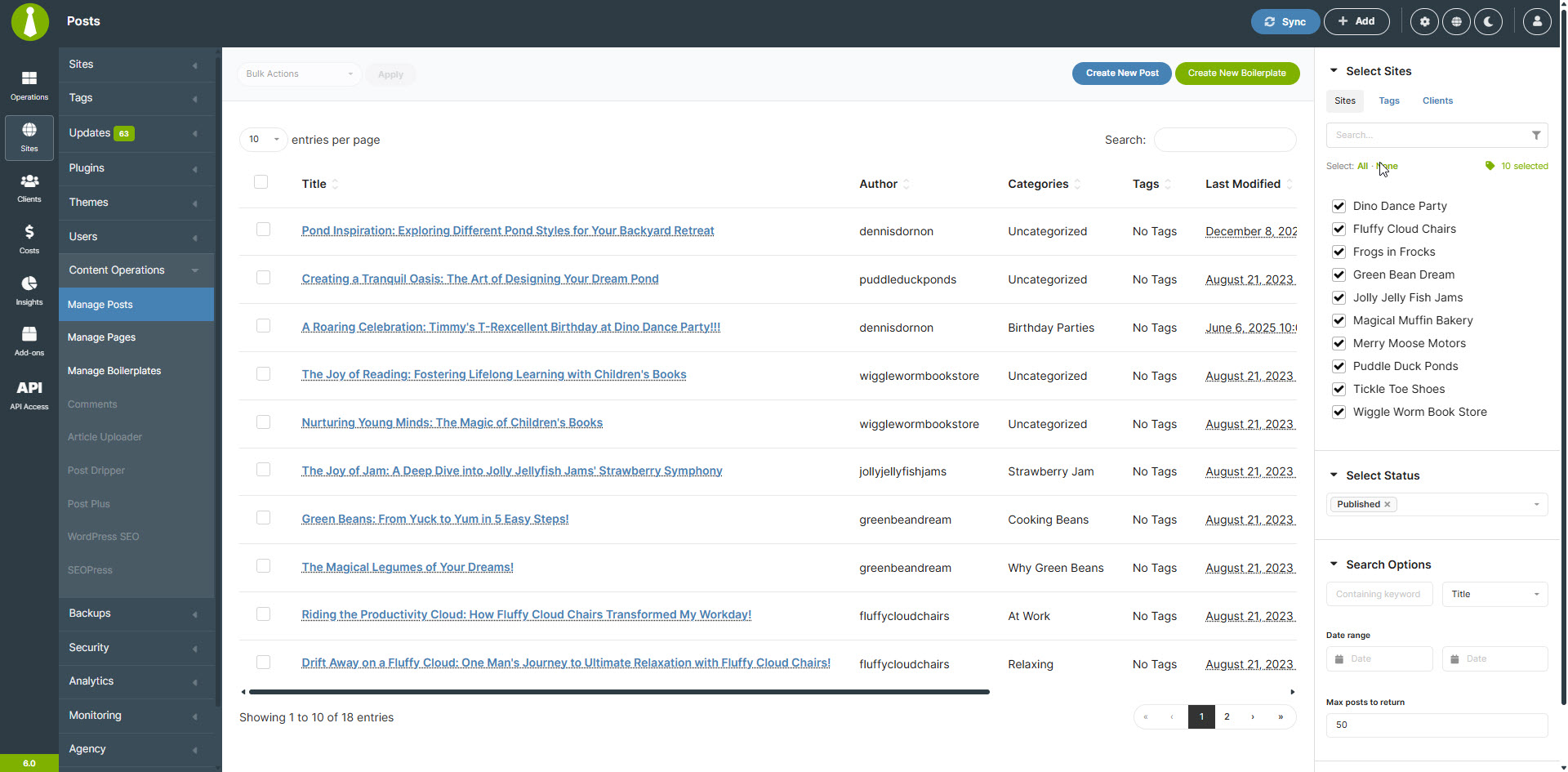
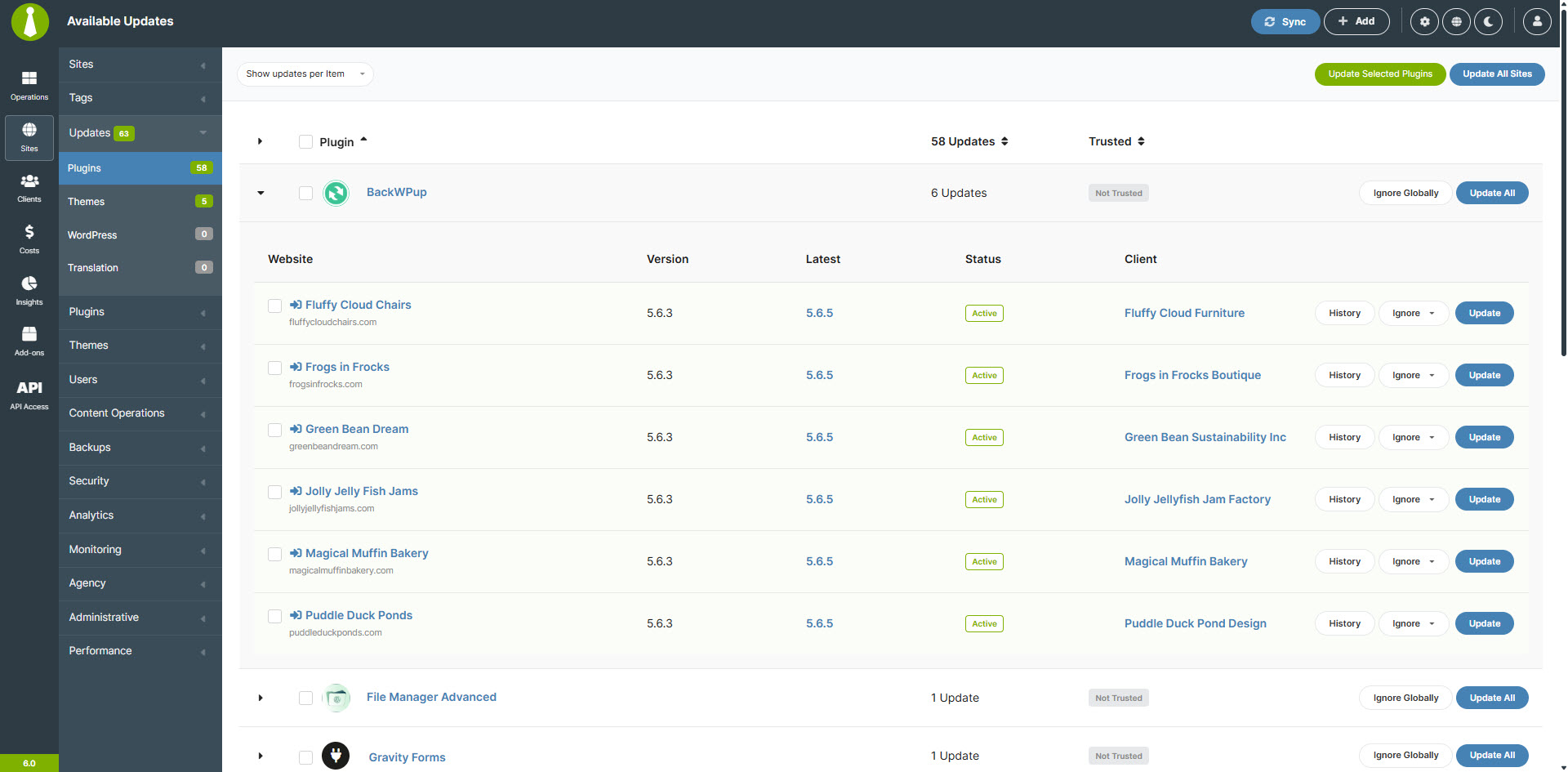
Frequently asked questions
What is MainWP?
MainWP is a complete WordPress Management solution that allows you to control multiple WordPress websites from your own WordPress website.
Who is MainWP for?
MainWP is perfect for agencies, freelancers, developers, designers, consultants, marketers, and anyone who wants to manage multiple WordPress sites.
How does MainWP work?
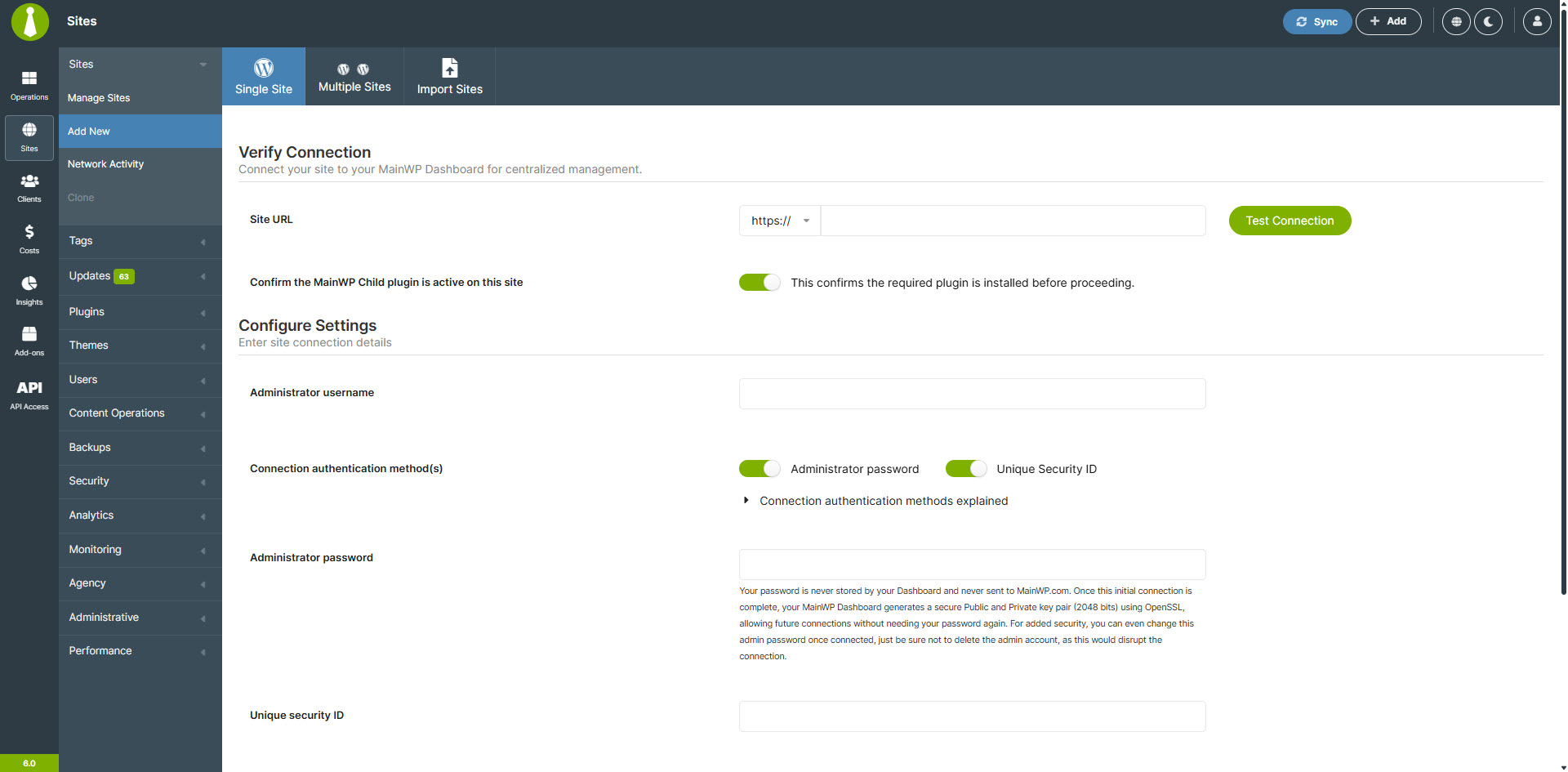
First, install and activate the MainWP WordPress Manager Dashboard plugin on a WordPress site you will use for controlling all other sites. Next, install and activate the MainWP Child plugin on all the WordPress sites you want to connect to your MainWP Dashboard. Once connected, you can manage them from your MainWP Dashboard.
What features does MainWP have?
MainWP features include connecting and controlling all your WordPress installs, updating all WordPress installs, plugins, and themes from one location, managing and adding all your posts and pages from one location, one-click login to your Child Sites, easy plugin management, and more.
Where can I find more information about MainWP?
You can find more information about MainWP in the MainWP Documentation, MainWP Community, MainWP Support, MainWP Videos, MainWP Extensions, Develop MainWP Extensions, and MainWP on Github.
Changelog
5.4.0.10 – Maintenance Release – 6-3-2025
- Fixed: Restored cache and minified file clearing in Cache Control add-on when using WP Fastest Cache plugin.
5.4.0.9 – Maintenance Release – 5-27-2025
- Fixed: Resolved an issue where sites would lose connection after being cloned and require manual reconnection. (#792)
- Fixed: Corrected the Solid Security plugin hiding feature to ensure complete concealment across all admin areas.
5.4.0.8 – Maintenance Release – 5-20-2025
- Fixed: Resolved a critical error occurring when updating or installing BackWPup plugin version 5.2.2. The issue was caused by undocumented changes in the plugin. (#789)
5.4.0.7 – Maintenance Release – 5-13-2025
- Fixed: Resolved caching issue in the
mainwp_securityoption to ensure reliable option retrieval. (#785) - Added: Introduced batching for plugin vulnerability checks to improve efficiency.
- Added: Implemented scheduled background tasks to continue vulnerability scanning in batches.
- Added: Enabled external customization of client report data via new filter hooks.
- Updated: Enhanced WooCommerce Status data retrieval with compatibility for newer versions. (#780)
- Updated: Improved plugin vulnerability checks by updating the NVD NIST API query to better match plugins, increasing the accuracy of vulnerability detection.
5.4.0.6 – Maintenance Release – 4-22-2025
- Updated: Implemented the
time()function to capture Sites Changes event timestamps instead of a custom method, resolving display issues caused by timezone differences. - Updated: Implemented
wp_get_wp_version()method to retrieve WordPress version instead of using the global$wp_versionvariable for improved code reliability. (#762)[https://github.com/mainwp/mainwp/issues/762]
5.4.0.5 – Maintenance Release – 4-15-2025
- Fixed: Site Changes filter “Users” filter showing only some users.
- Fixed: When adding a child site that has never had Wordfence plugin installed, applying settings causes an error (#755).
5.4.0.4 – Maintenance Release – 4-3-2025
- Fixed: PHP error caused by the disabled posix_getpwuid() function.
- Fixed: Issue with the %site% token not working correctly in UpdraftPlus extension settings.
- Updated: Enhanced WP Core vulnerability checks for better compatibility with the NIST NVD API.
5.4.0.3 – 3-24-2025
- Fixed: Conflict with the Git Updater plugin
- Fixed: Issue with querying extra data in Non-MainWP Changes logs
5.4.0.2 – 3-12-2025
- Updated: Site Hardening Inactive themes check now allows one default WordPress theme before raising an alert.
5.4.0.1 – 3-6-2025
- Fixed: Detection of inactive themes in the Site Hardening process
5.4 – 3-5-2025
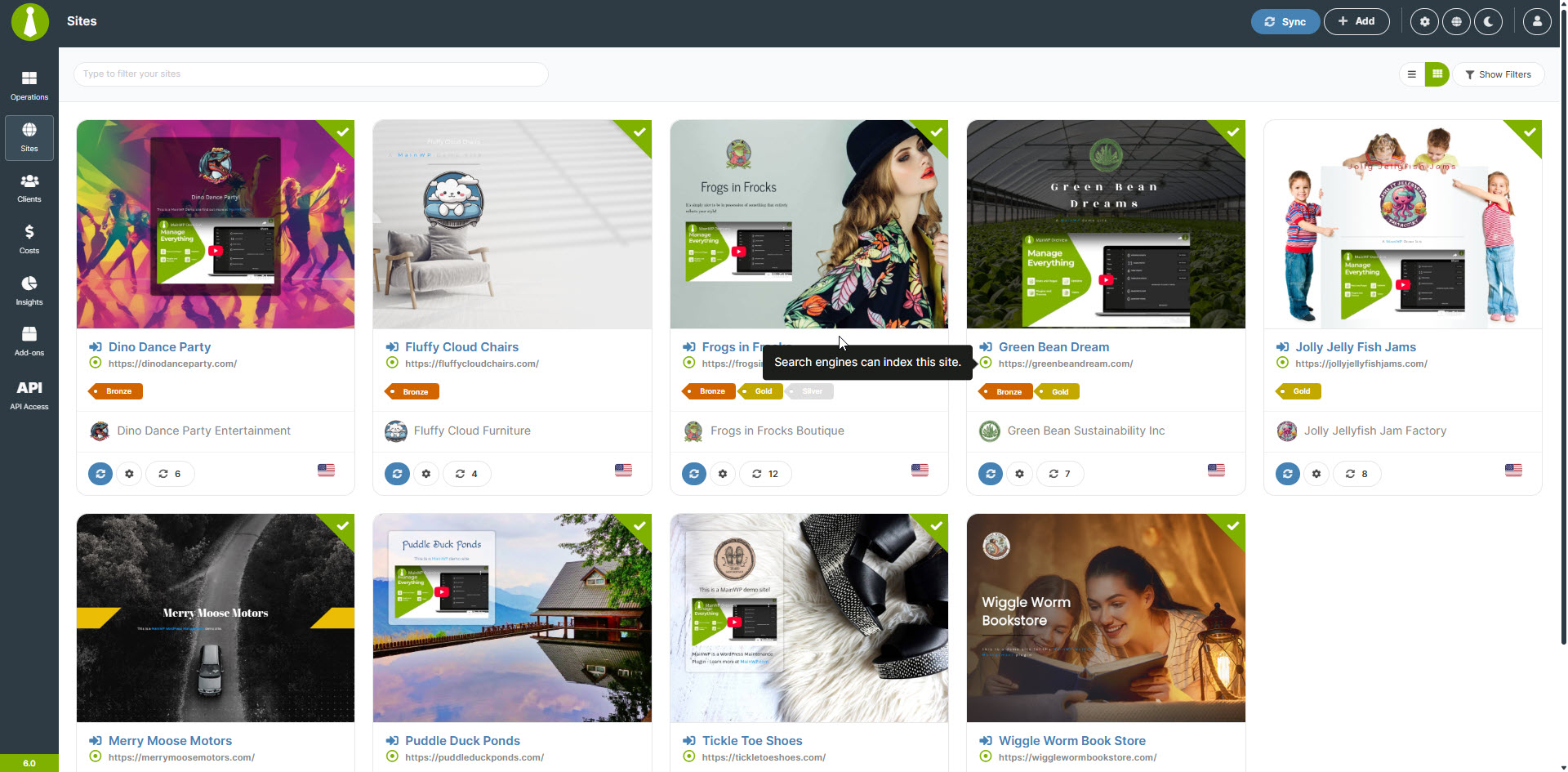
- Added: Support for the new column displaying the child site language as a matching flag.
- Added: Support for the new column warning if a child site is not indexable by search engines.
- Added: Support for the option to select which data to include in the sync process.
- Added: Improved WP Debug Mode status check logic.
- Added: Support for the new Regression Testing extension
- Updated: Site Hardening checks, removing outdated ones and introducing new ones.
5.3.5 – 2-6-2025
- Added: Pull Request #441 by aamplugin for future AAM integration.
- Added: Support of the “Delay JavaScript Execution” WP Rocket option.
- Updated: Improved the Security Hardening check to better detect if WP_DEBUG is enabled.
5.3.4 – 1-27-2025
- Security Fix: Improved authentication security to ensure password verification cannot be bypassed on sites where the MainWP Child plugin is active but not connected to a Dashboard and not set to require Unique Security ID verification.
5.3.3 – 12-27-2024
- Fixed: Incorrect feedback message displayed when running updates.
- Fixed: Issue causing WP Cron scheduled events to fail.
5.3.2 – 12-26-2024
- Updated: Compatibility with the latest WP Rocket plugin settings.
5.3.1 – 12-12-2024
- Fixed: Typo in the MainWP Child plugin settings page (#426) – thanks to Isaac Russell
- Added: Support for the new Vulnerability Checker service (#419) – thanks to Asif Zaman
- Updated: WPvivid Backups extension support with new feature improvements (#422) – thanks to LiuGeng399
- Updated: Redirection to the MainWP Child settings page now occurs only when the plugin is activated manually from the Plugins page.
5.3 – 11-26-2024
- Security Enhancement: Enhanced the pre-connection process with additional security features to address recommendations from a security company. Read more
- Added: Password authorization requirement when connecting a site to enhance security.
- Added: “Clear Connection Data” button to unlock a site for a new connection.
- Added: Automatic deactivation of the MainWP Child plugin after a preset period if the site is not connected to a dashboard.
- Added: Translations for French (fr_FR), Spanish (es_ES), German (de_DE), and Portuguese (pt_BR).
- Updated: Plugin settings page design for improved consistency with the MainWP Dashboard plugin.
- Updated: Resetting of the
pubkeyvalue to ensure it remains intact when the plugin is deactivated. - Updated: Compatibility with the latest WP Rocket plugin settings.
See changelog for all versions.
5.2.1 – 11-20-2024
- Added: After activating the MainWP plugin, users are now redirected to the MainWP Settings page for a smoother onboarding experience.
- Updated: The Unique Security ID option is now enabled by default to enhance security for all MainWP installations.

