

The Elementor Website Builder has it all: drag and drop page builder, pixel perfect design, mobile responsive editing,…
About LWS Cleaner
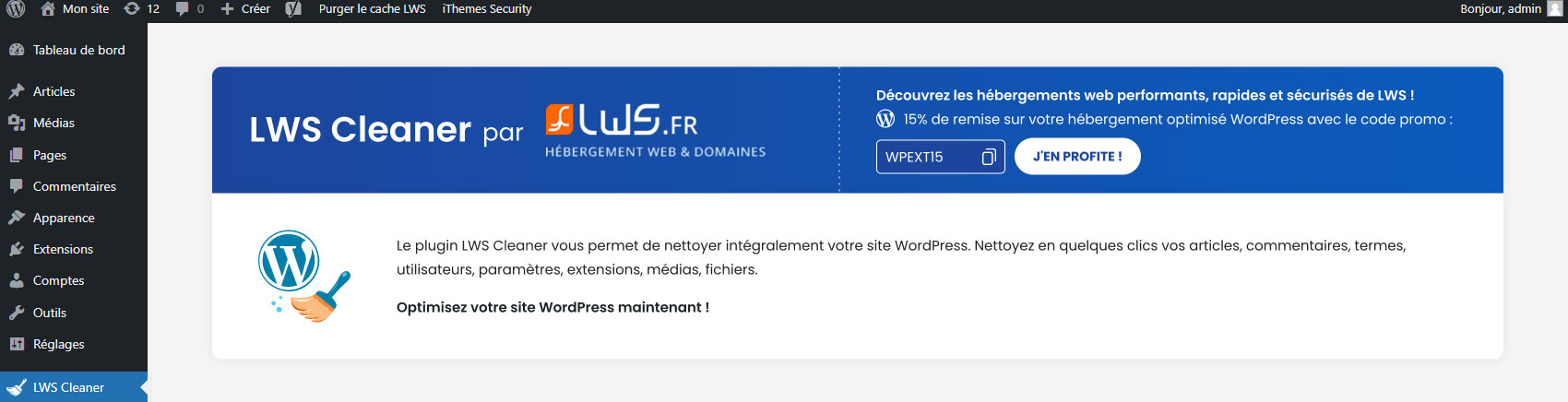
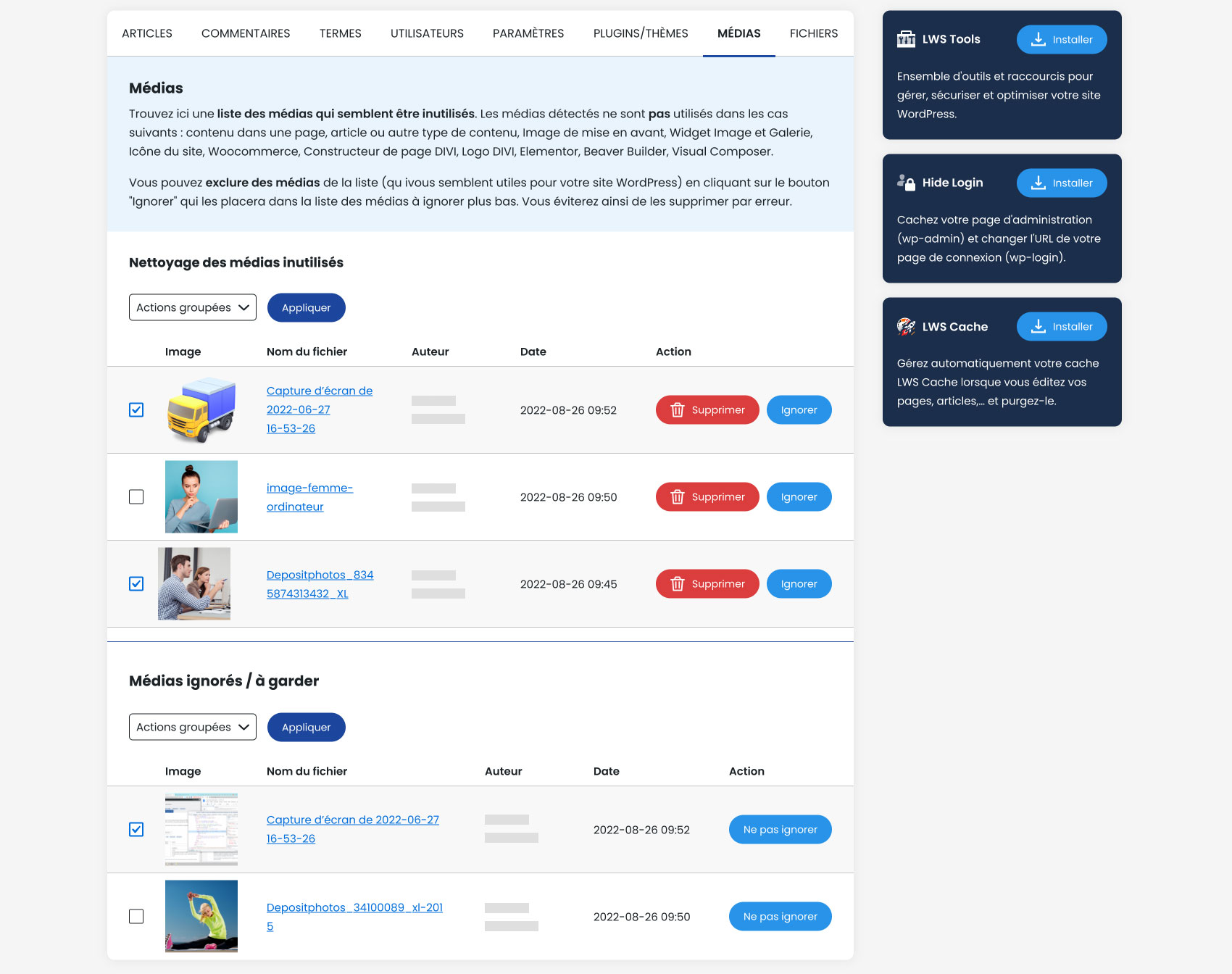
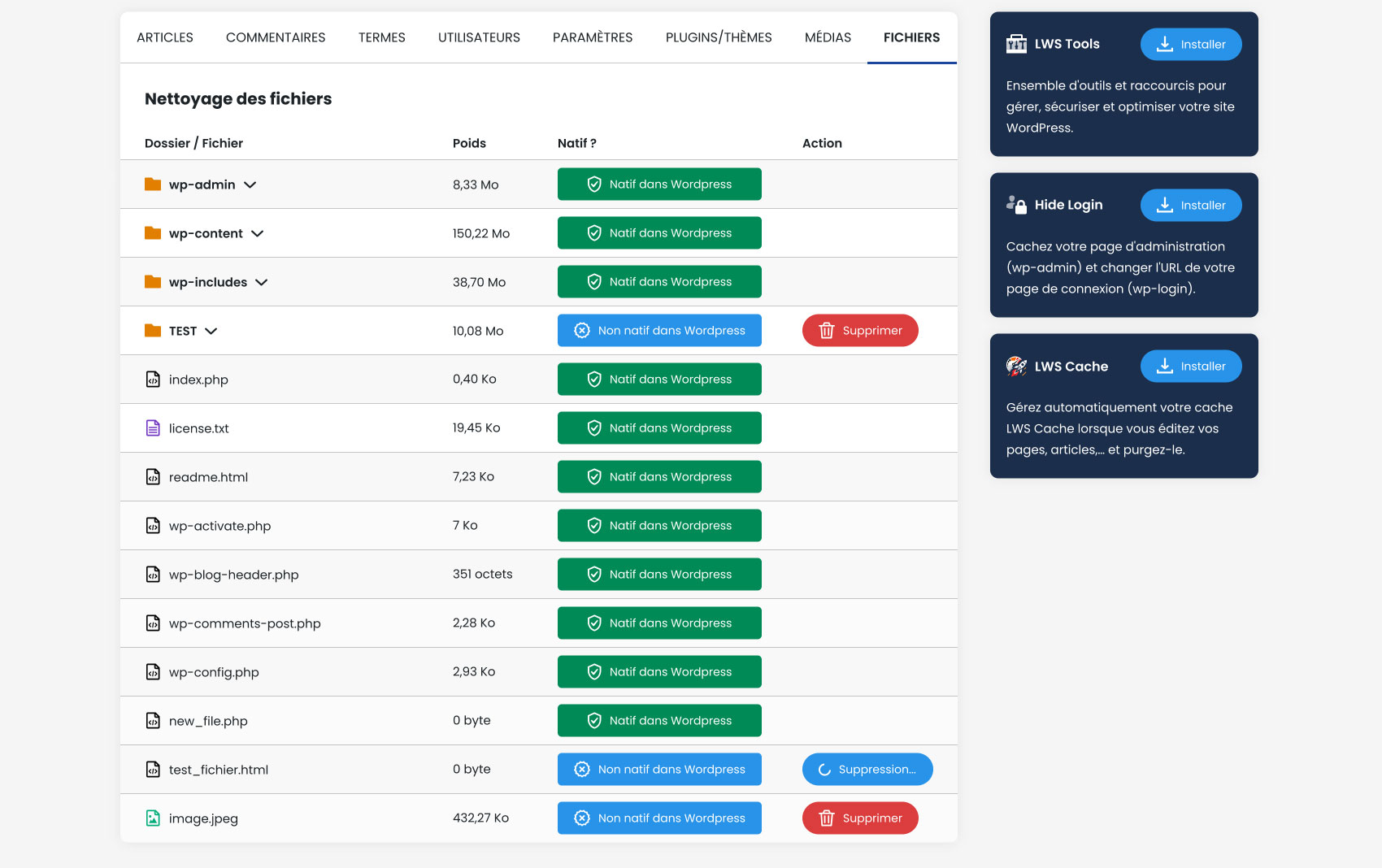
LWS Cleaner is a WordPress plugin that helps you clean up your website by deleting unnecessary content such as revisions, drafts, comments, terms, users, and unused media. It also allows you to delete non-native files and folders to ensure the security of your website. The plugin is pre-installed when you order LWS web hosting.Screenshots



Frequently asked questions
What types of content can LWS Cleaner clean?
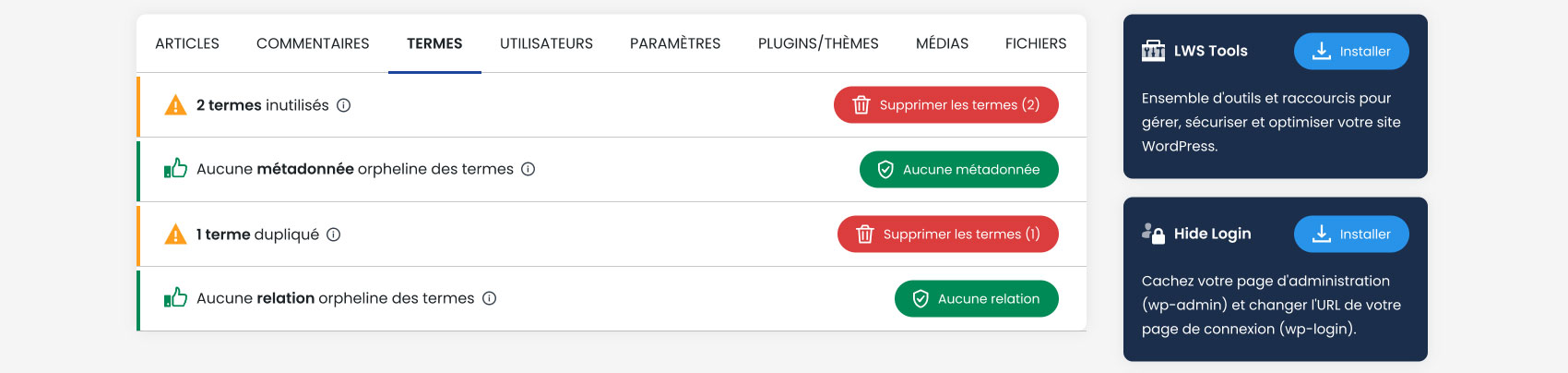
LWS Cleaner can clean posts, comments, terms, users, and even unused media. It also helps manage files by deleting non-native ones.
What specific cleaning options are available for articles?
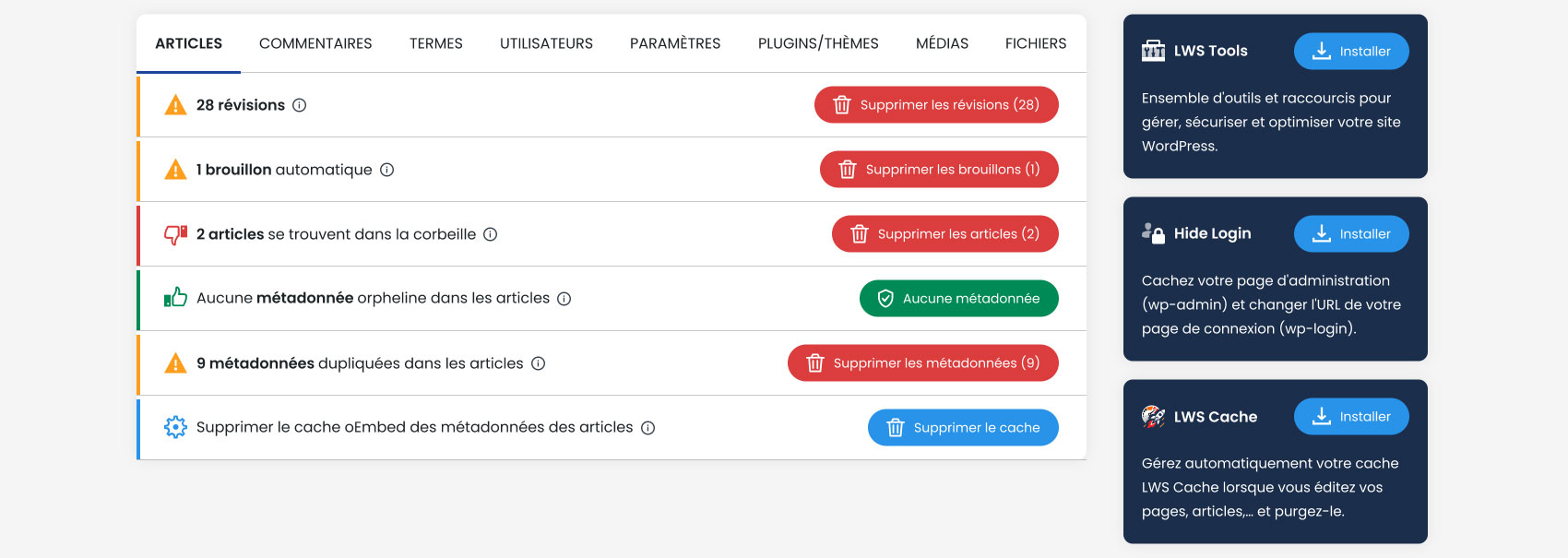
For articles, you can delete revisions, automatic drafts, articles in the recycle bin, orphan metadata, duplicate metadata, and the oEmbed cache of metadata.
How does LWS Cleaner help with comments?
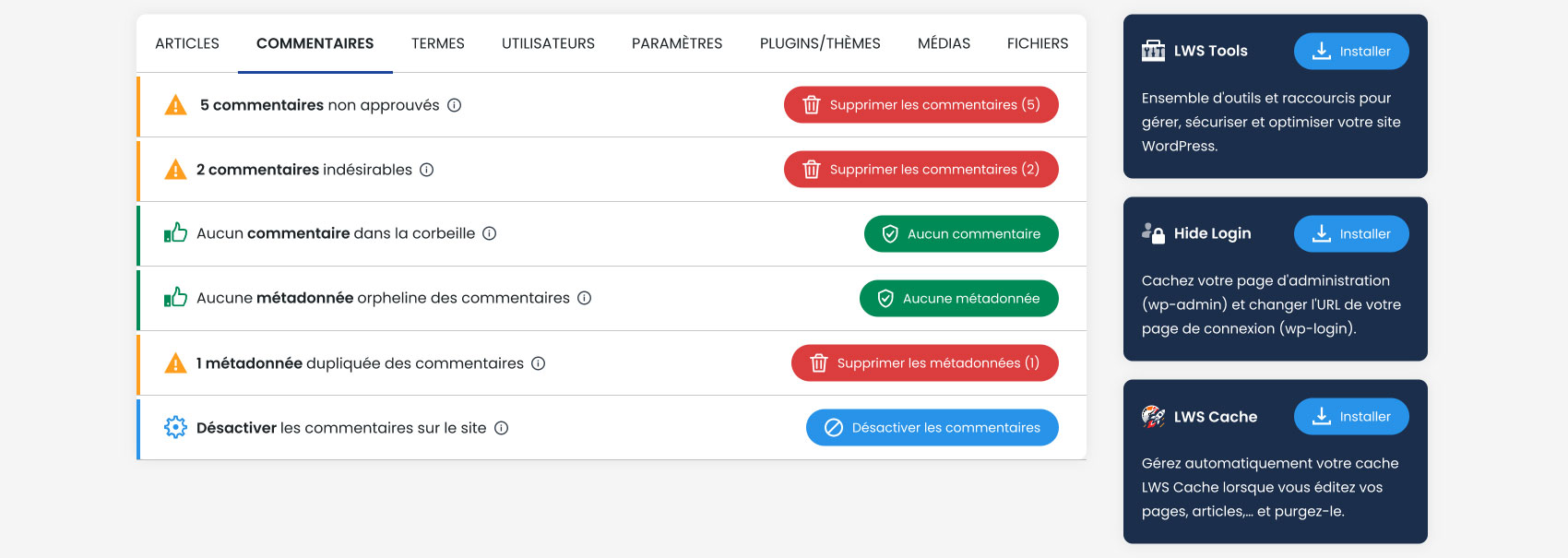
It allows you to delete unapproved comments, unwanted comments, comments in the recycle bin, orphaned metadata, duplicate metadata, and disable comments on the site.
Can LWS Cleaner manage plugins and themes?
Yes, LWS Cleaner can delete unused plugins and unused themes from your WordPress installation.
What is the purpose of the 'Files' tab?
The 'Files' tab helps detect and delete non-WordPress native files found in your web files. This can free up server space and help identify suspicious files.
Changelog
2.4.1.2
- Fixed issue where activating a plugin from the plugin tab was not working
- Fixed a translation issue in French where orphaned terms relationships would say “unused terms” instead
- Fixed issue where parent theme would get deleted when removing unused themes
2.4.1.1
- Unexpected character sent on activation fixed. It could cause unexpected errors with the wp-cli
2.4.1
- Minor changes
- Can now remove specific theme/plugin instead of all of them
2.4
- Fixed bug where the POST page was not working
- Deleting duplicated metadata was deleting all of them. Now, will keep one metadata
- Changed duplicated terms to duplicated terms metadata, as it was not referring to the right thing
- Fixed orphan user metadata not getting deleted
- Fixed translations errors
- Bugs fixed
2.3.1
- CSRF vulnerability fix
2.3
- “Media” tab removed from the plugin due to unforseen problems
- The plugin should now load faster or even just launch, now
2.2.5
- Minor changes
2.2
- Fixed issue where loading the page could take a long time
- “Files” tab now loading when accessing it only, to prevent unecessary loadings
- Made some changes to the UI
2.1
- Preventive change for security
- New plugin added to “Our plugins”
2.0.3
- Mistranslations corrected for comments *
- New plugin promoted in the Our Plugins tab
2.0.2
- Missing translations fixed
- Error with the “Files” tab fixed when updating to a new WP version
2.0
- New design
- Bug fixes
- Optimisations
- Can now disable comments / hide comments
1.0.1
- Bug fixed : no more error when activating plugin
1.0
- Plugin created and published

