

Enables the previous "classic" editor and the old-style Edit Post screen with TinyMCE, Meta Boxes, etc. Supports all…

About LIQUID SPEECH BALLOON
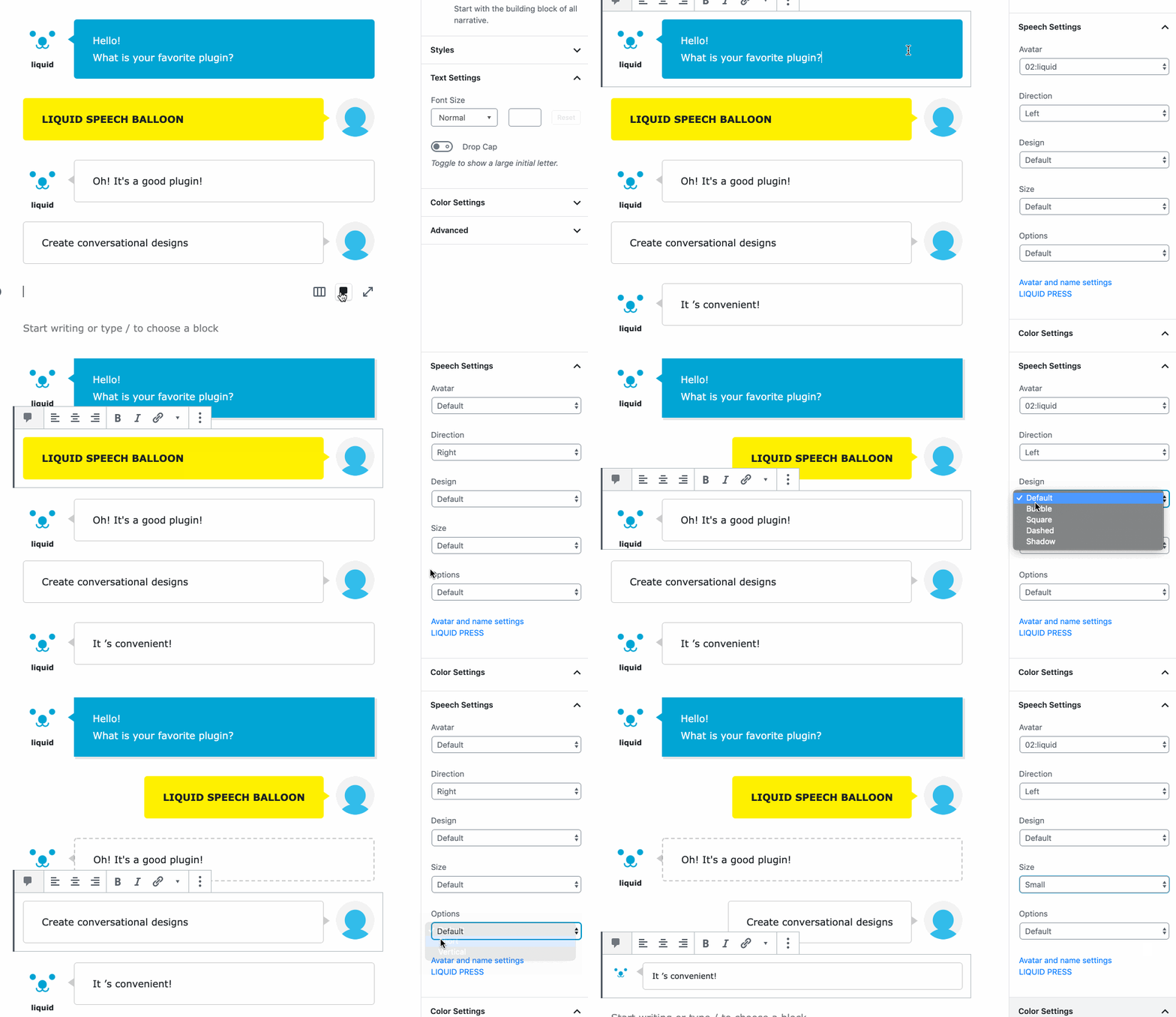
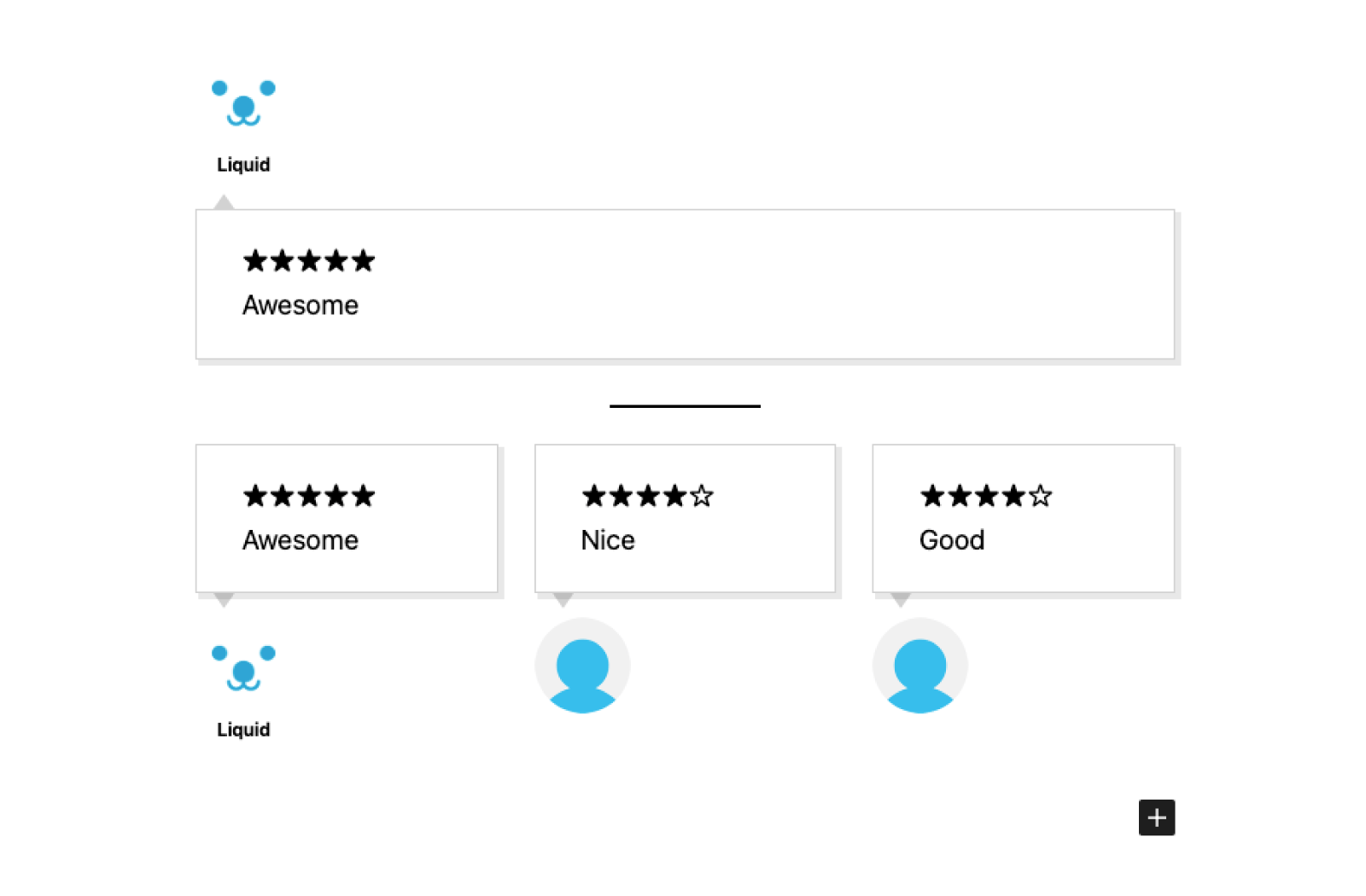
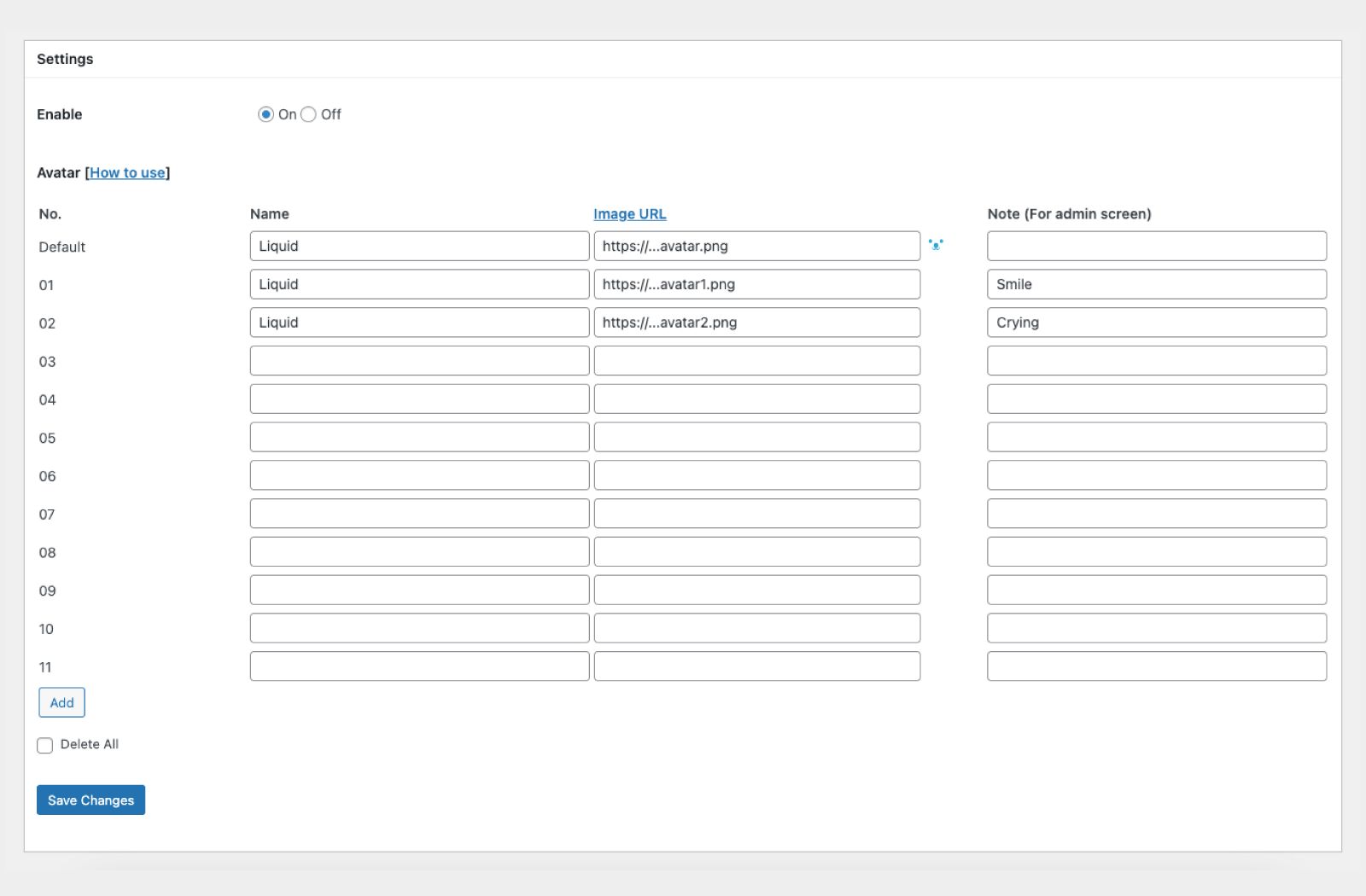
The Gutenberg Editor Blocks Plugin allows you to create a talk style design in the block editor, and it is compatible with AMP. You can customize settings such as avatar, name, direction, design, size, options, background color, and text color. For more information, visit LIQUID PRESS.Screenshots
Frequently asked questions
How can I create a talk style design with a visual editor Gutenberg?
You can create a talk style design with a visual editor Gutenberg by using the Gutenberg Editor Blocks Plugin. It is also compatible with AMP.
What are the settings for the talk style design?
The settings for the talk style design include: Avatar and Name, Direction (Left or Right), Design (Default, Bubble, Square, Dashed, Shadow, Borderless), Size (Default, Small, Large), Options (Default, Short, Vertical), Background color, and Text color.
Where can I find the latest information on LIQUID PRESS?
You can find the latest information on LIQUID PRESS on their website: https://lqd.jp/wp/
Changelog
1.2.4
- Minor bug fixes.
1.2.3
- Live preview support.
1.2.2
- Added “Note” setting for avatars.
1.2.1
- Minor bug fixes.
1.2
- Fixed security issue related to input in setting forms.
1.1.8
- Minor bug fixes.
1.1.7
- Minor bug fixes.
1.1.6
- Add design and options.
1.1.4
- Minor bug fixes.
1.1.1
- Minor bug fixes.
1.1.0
- Minor bug fixes.
1.0.9
- Compatible with AMP.
1.0.8
- Minor bug fixes.
1.0.7
- Fixed security issue related to input in setting forms.
1.0.6
- Add Borderless design.
1.0.5
- Add design and options.
1.0.4
- Expand avatar settings.
1.0.0
- A first version.

