

Just another contact form plugin. Simple but flexible.

About Lightweight Accordion
The Lightweight Accordion plugin for WordPress allows you to add collapsible elements to your posts using either a Gutenberg block or a shortcode. It is extremely lightweight, using minimal code and no JavaScript for fast page load times. You can customize the accordion's title, appearance, and behavior using various options.Screenshots
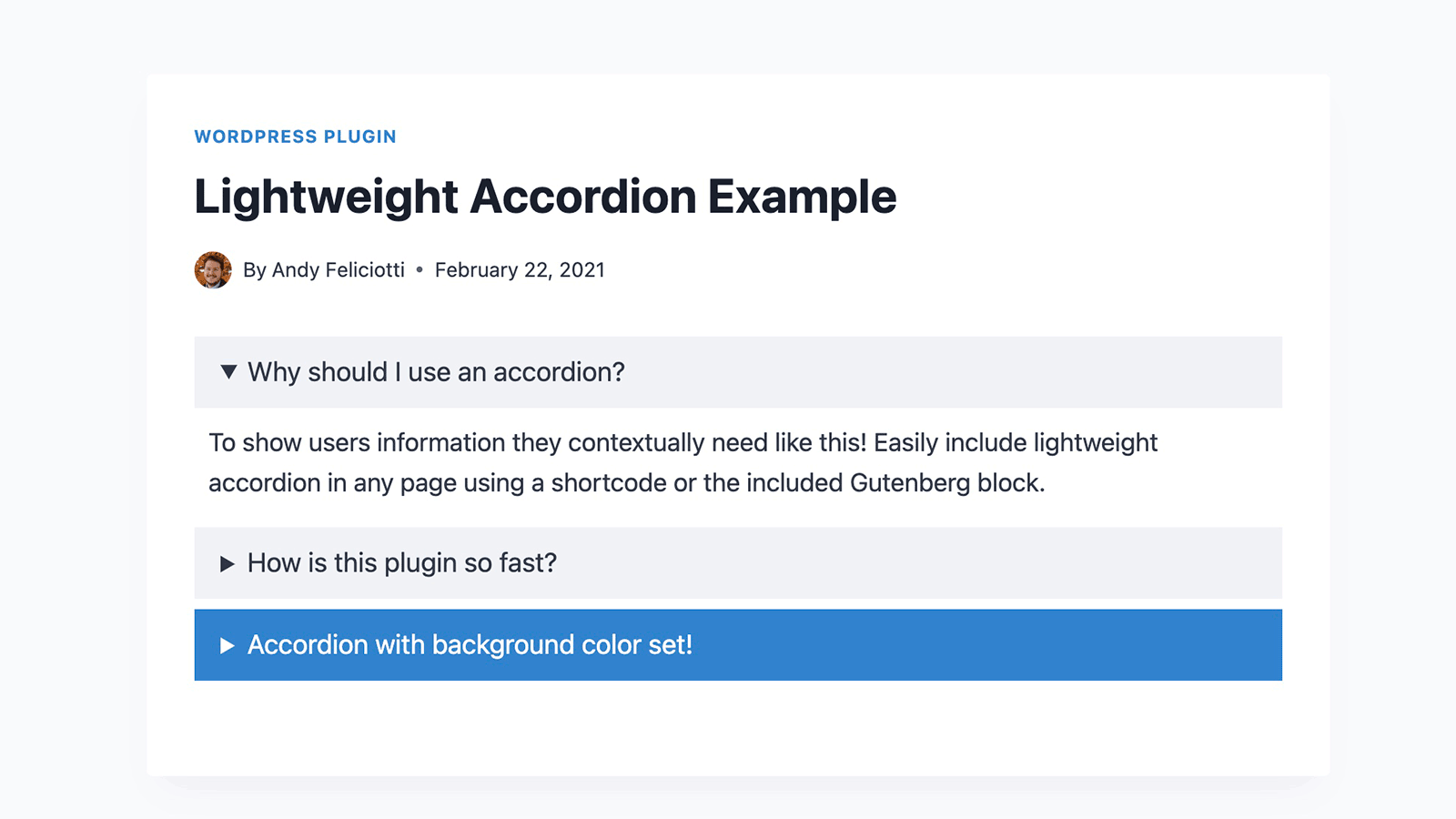

Frequently asked questions
What is Lightweight Accordion?
Lightweight Accordion is a WordPress plugin that allows you to add collapse elements to posts using a Gutenberg block or a shortcode. It uses the details HTML tag and a few lines of CSS for a javascript-free accordion.
What are the key features of Lightweight Accordion?
The plugin is extremely lightweight, less than 1kb, and has almost no impact on the front-end. It is customizable, allowing options for the HTML tag used for the accordion title, open by default, orders, and colors.
How can I use the Lightweight Accordion shortcode?
You can use `[lightweight-accordion title="My Accordion"]My Content[/lightweight-accordion]` for a basic accordion. Options like `accordion_open`, `title_tag`, `schema="faq"`, and `bordered=true` can be added to the shortcode for more functionality.
Does Lightweight Accordion support FAQ schema?
Yes, you can include FAQ schema by adding the `schema="faq"` option to your shortcode. For example: `[lightweight-accordion title="What is your return policy?" schema="faq"]You have 1 week to return your items[/lightweight-accordion]`.
Are shortcode options available in the Gutenberg block?
Yes, all shortcode options are also accessible when using the Gutenberg block.
Changelog
1.5.20
- Tested up to WordPress 6.7.
1.5.19
- Restore content display system to 1.5.16’s version.
1.5.18
- Bug fix for sanatizing titles.
1.5.17
- Tested up to WordPress 6.5.
- Minified CSS files.
- Security fixes to sanitize outputs.
1.5.16
- Tested up to WordPress 6.2.
1.5.15
- Security fixes to sanitize outputs.
1.5.14
- Tested up to WordPress 6.1.
- Tweaked the readme to change “title_background” to “title_background_color”.
1.5.13
- Bug fix when using Lightweight Accordion inside a GeneratePress container.
1.5.12
- Small security enhancement.
- New option ‘autop’ when using the shortcode to disable autop from processing your accordion content.
- New ‘lightweight_accordion_always_include_frontend_stylesheet’ filter to force inclusion of Lightweight Accordion CSS file on all pages.
1.5.11
- WordPress 6.0 bug fix when using Lightweight Accordion Block.
1.5.10
- Tested up to WordPress 6.0.
1.5.9
- Bugfix for PHP notice on line 22.
- Added index.php file to directory for added security.
- Added support for nested Lightweight Accordions by adding ‘[lightweight-accordion-nested]’ shortcode that can be used when adding an accordion inside of an accordion (this only affects shortcode users).
1.5.8
- Tested up to WordPress 5.9.
- Added support for WPML translations.
1.5.7
- Tested up to WordPress 5.8.
- Bug fix for __ declaration.
1.5.6
- Bug fix for copy and pasting the accordion title in Safari.
1.5.5
- Anchor support in Gutenberg and shortcode which adds an ID to be used as an anchor (can be found in the advanced tab of Gutenberg or using the ‘anchor’ attribute in the shortcode).
- Fixes bug when enabling microdata using the filter (removes JSON-LD output when using microdata).
1.5.4
- FAQ schema for accordions now output as JSON-LD in the footer instead of as Microdata. If you’d like to continue using Microdata you can set the lightweight_accordion_output_microdata filter to true.
1.5.3
- PHP Warning bug fix for “class” and “className”.
1.5.2
- Empty array bug fix.
- Included an example pane in the Gutenberg insert block page.
1.5.1
- Readme update.
- Added block.json to be included in Gutenberg block library.
- Style bugfix in the Gutenberg editor.
1.5.0
- New option to add a border around the accordion content on the front-end.
- Shortcodes are now processed in the content of the accordion.
- New filter to disable shortcode processing.
1.4.1
- Tested up to WordPress 5.7.
1.4
- New option for title and background color for the accordion tab (works with Gutenberg and shortcode).
- New visual border to see what’s inside the accordion while using Gutenberg.
- New ability to append a custom class to the main accordion div.
- No longer runs content clean up processing (wpautop/preg_replace) to tab content when using Gutenberg.
1.3.3
- CSS style compatibility fix for some themes.
1.3.2
- Tested up to WordPress 5.6.
- Bug fix in Gutenberg editor styles.
1.3.1
- Added a slight opacity change animation when opening accordions.
1.3.0
- Ability to add FAQ schema to a collapsible using the new ‘schema’ option in the shortcode or dropdown in the Gutenberg editor.
- Bug fixes for PHP warnings.
1.2.0
- Better Gutenberg editor styles to tell what is inside a collapsible.
- Tested up to WordPress 5.5.
1.1.1
- Bug fix: now runs wpautop() on the entire contents of the accordion (so the first paragraph won’t be missing a p tag now)
1.1.0
-
New filter to denqueue the lightweight accordion CSS from the front-end.
add_filter(‘lightweight_accordion_include_frontend_stylesheet’, ‘__return_false’ );
1.0.0
- Initial Release.

