

Just another contact form plugin. Simple but flexible.
About Joli Table Of Contents
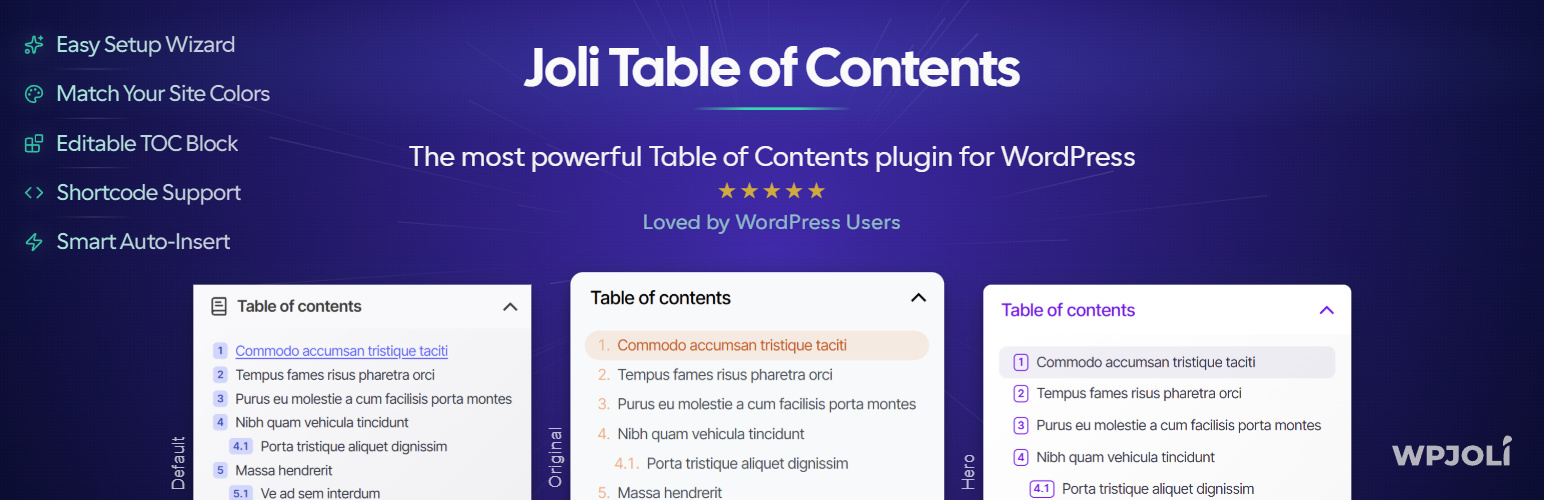
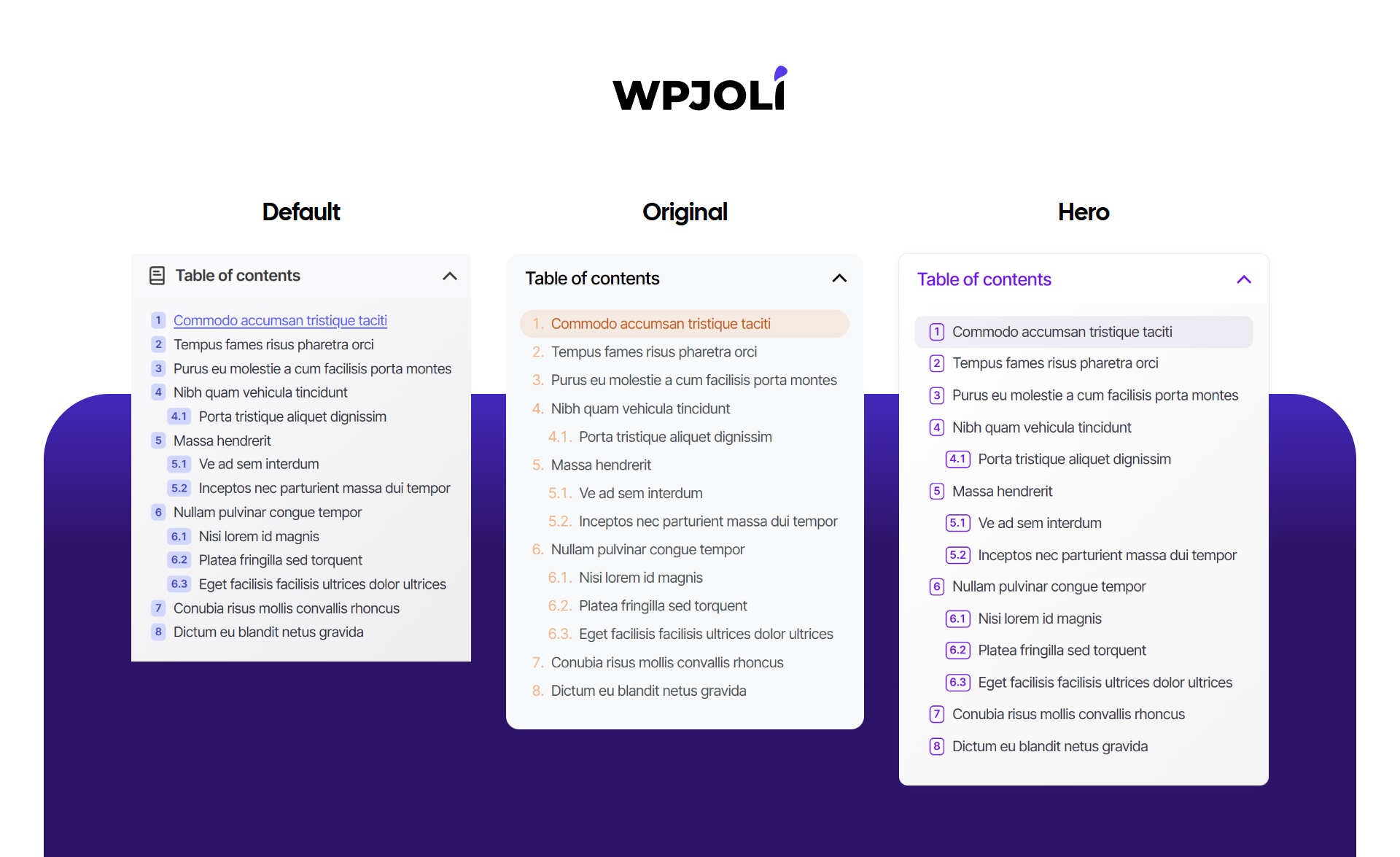
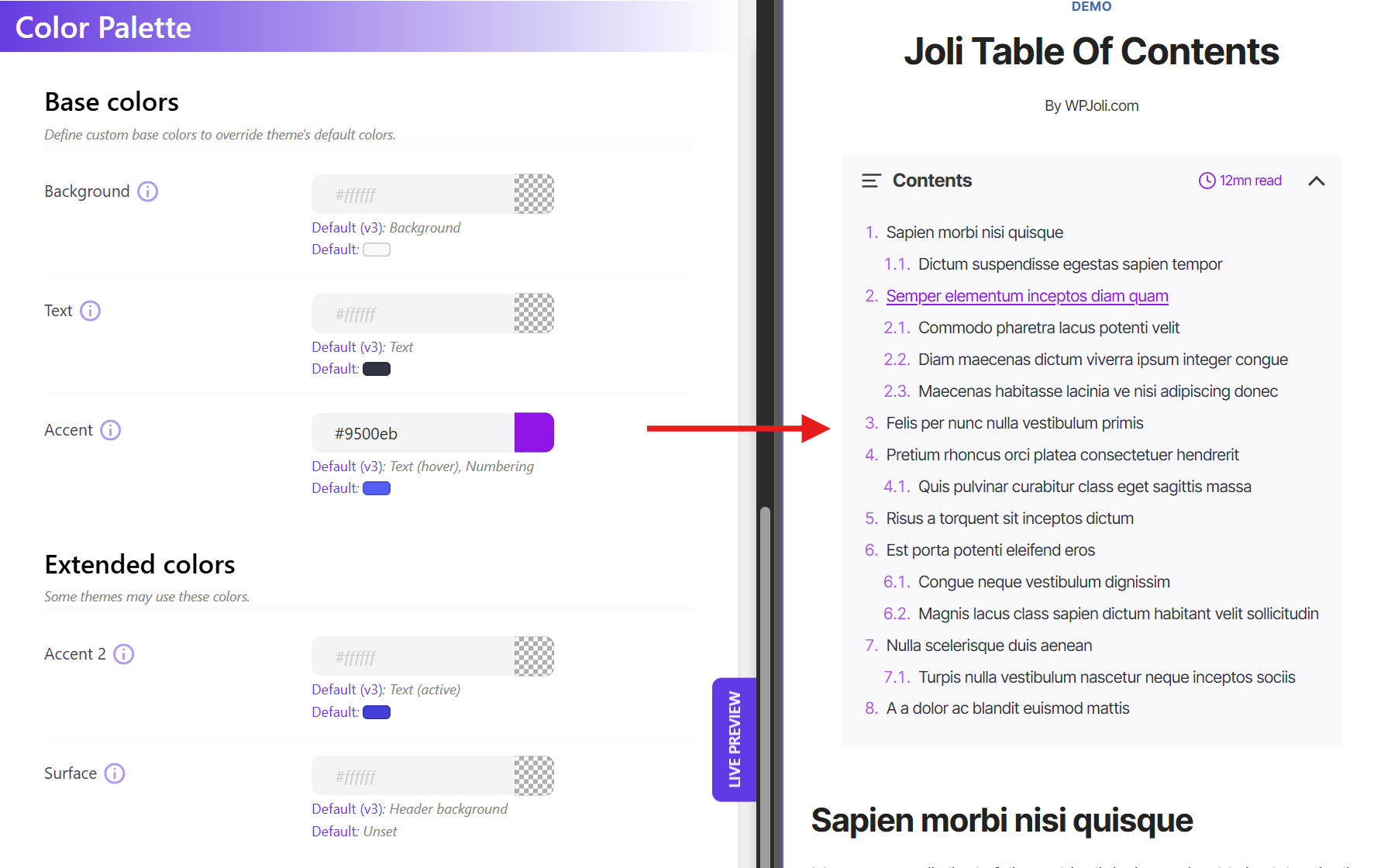
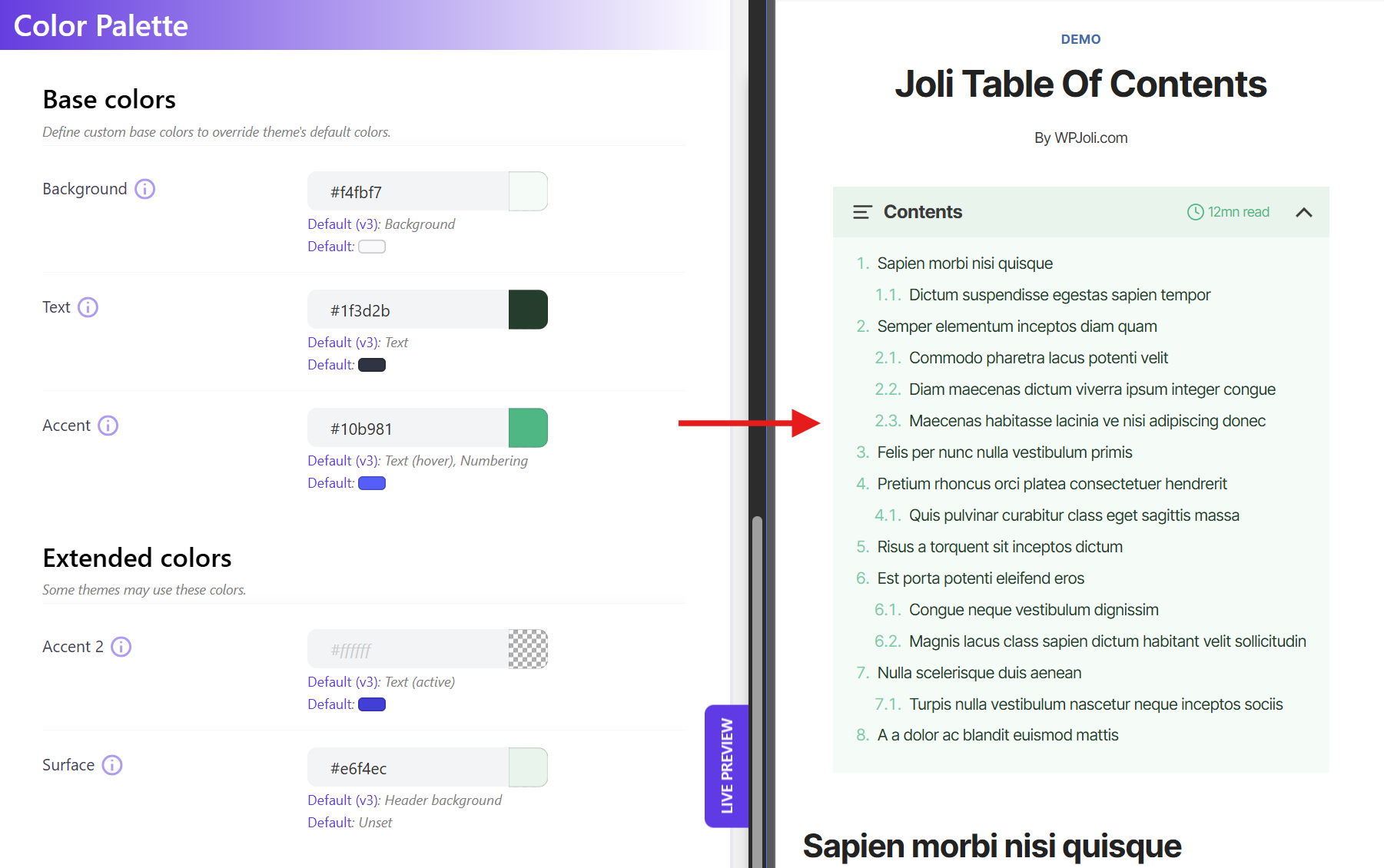
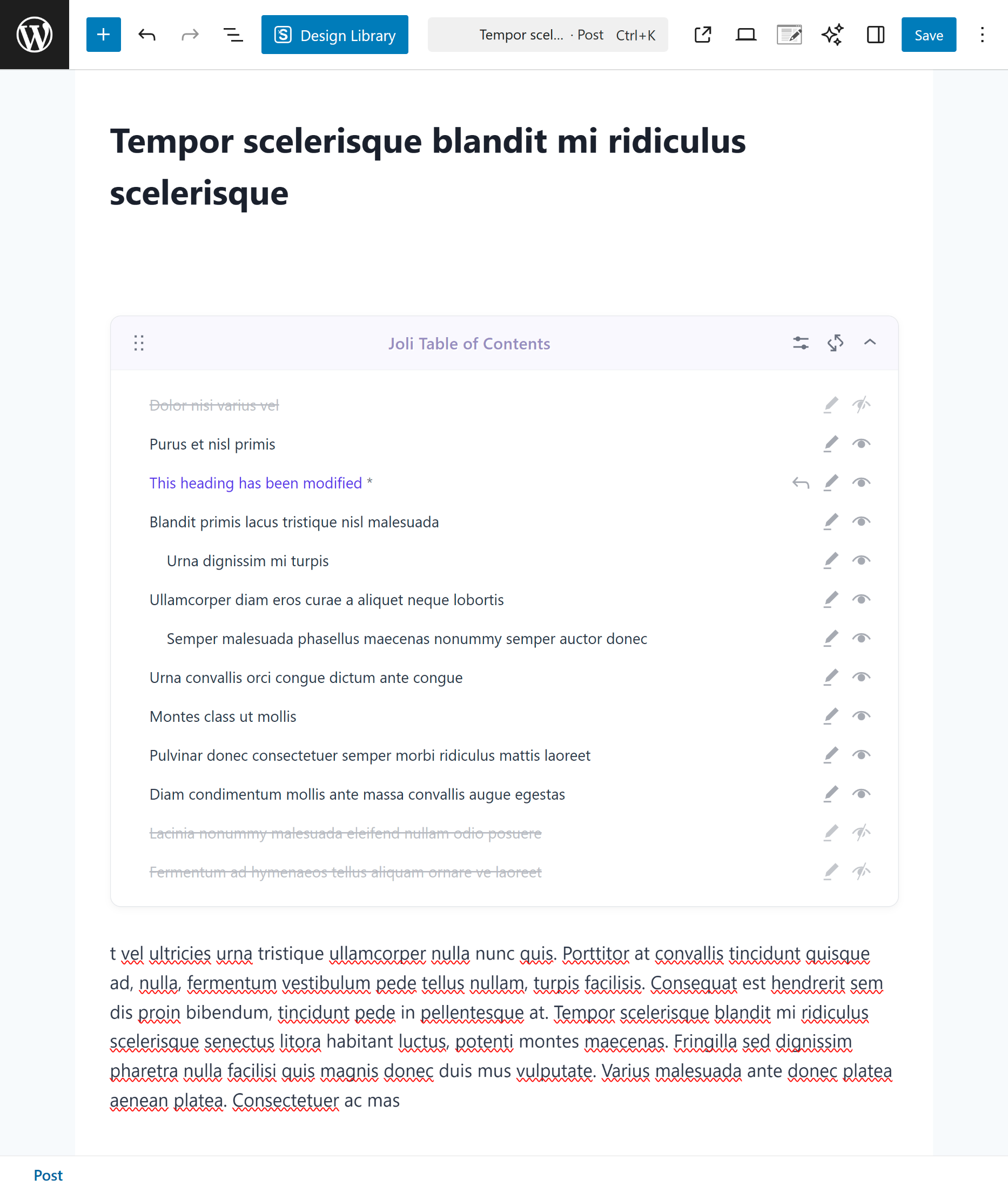
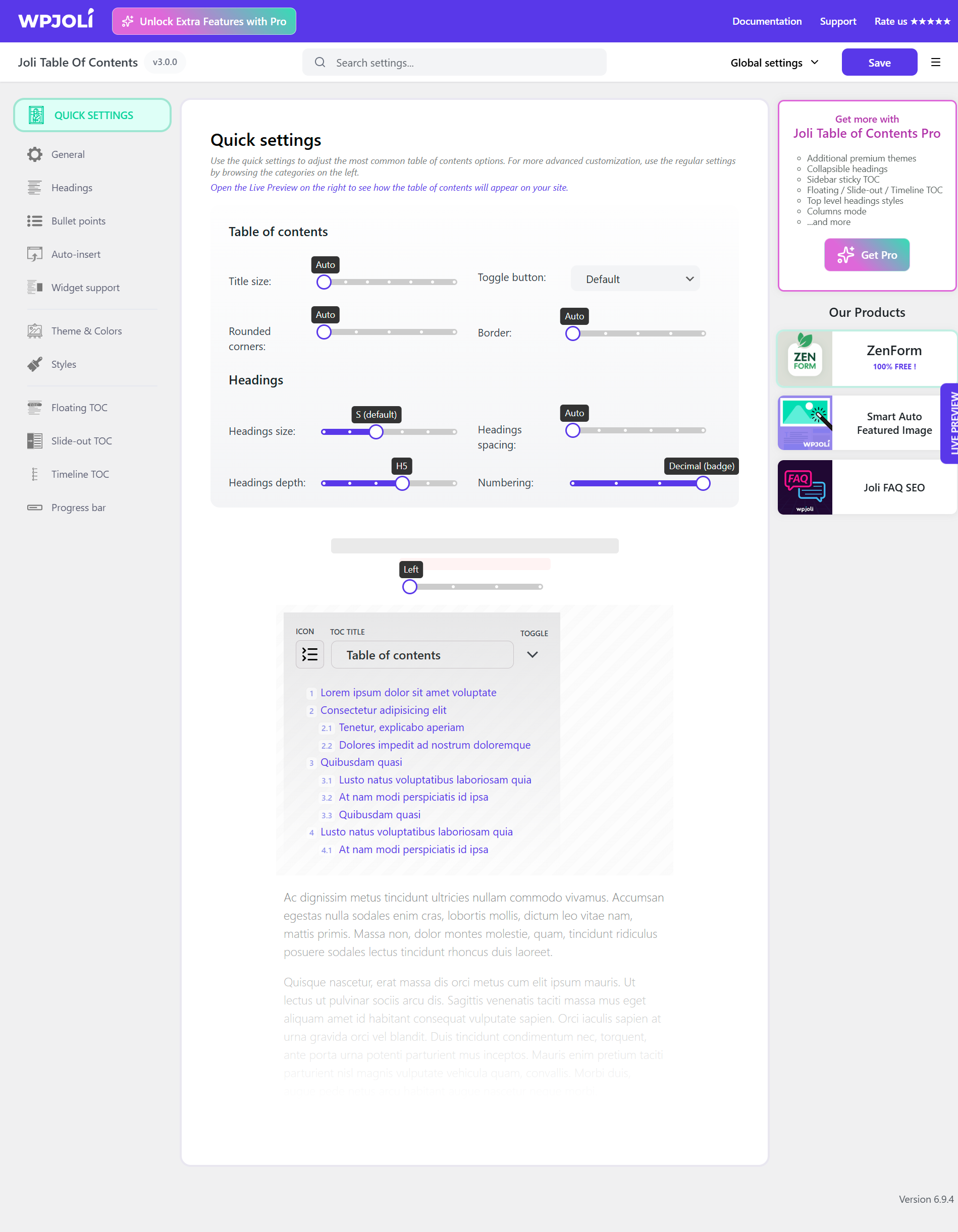
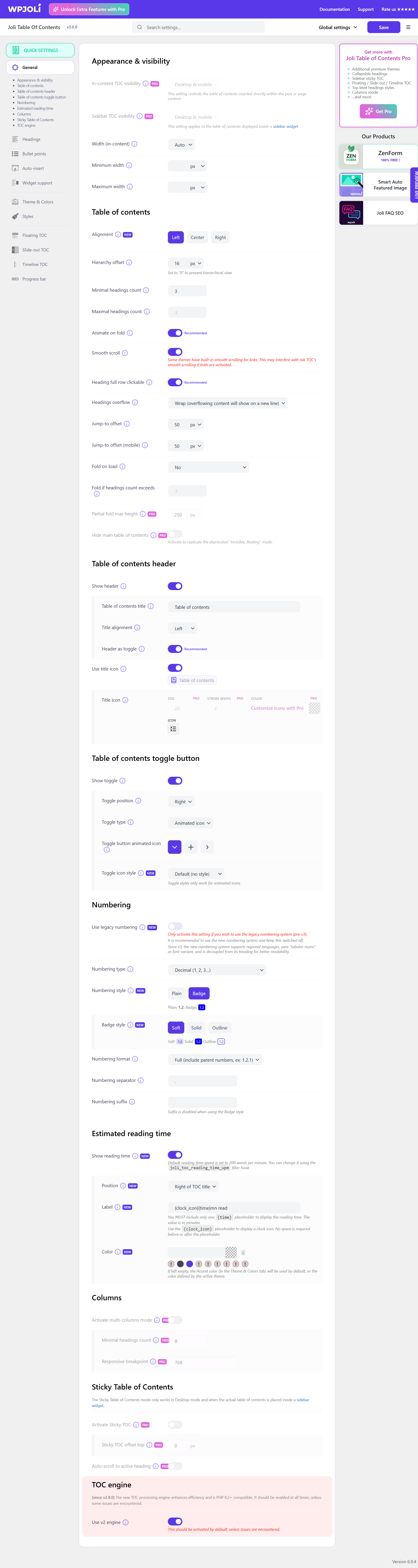
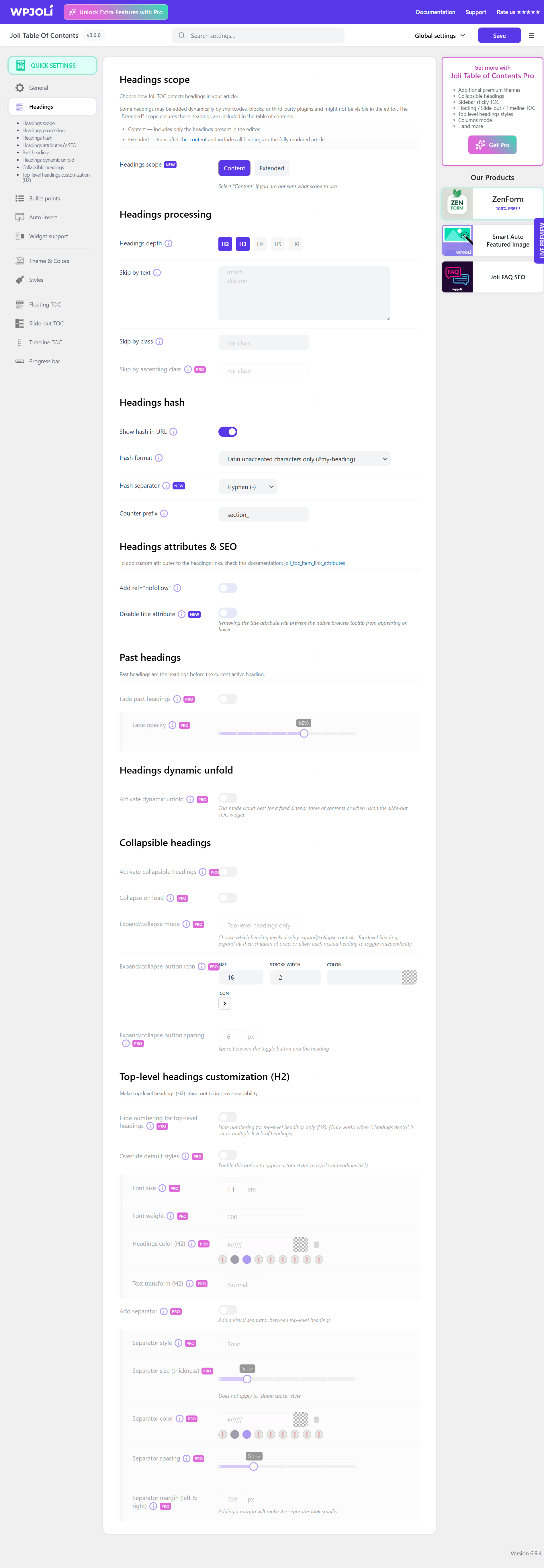
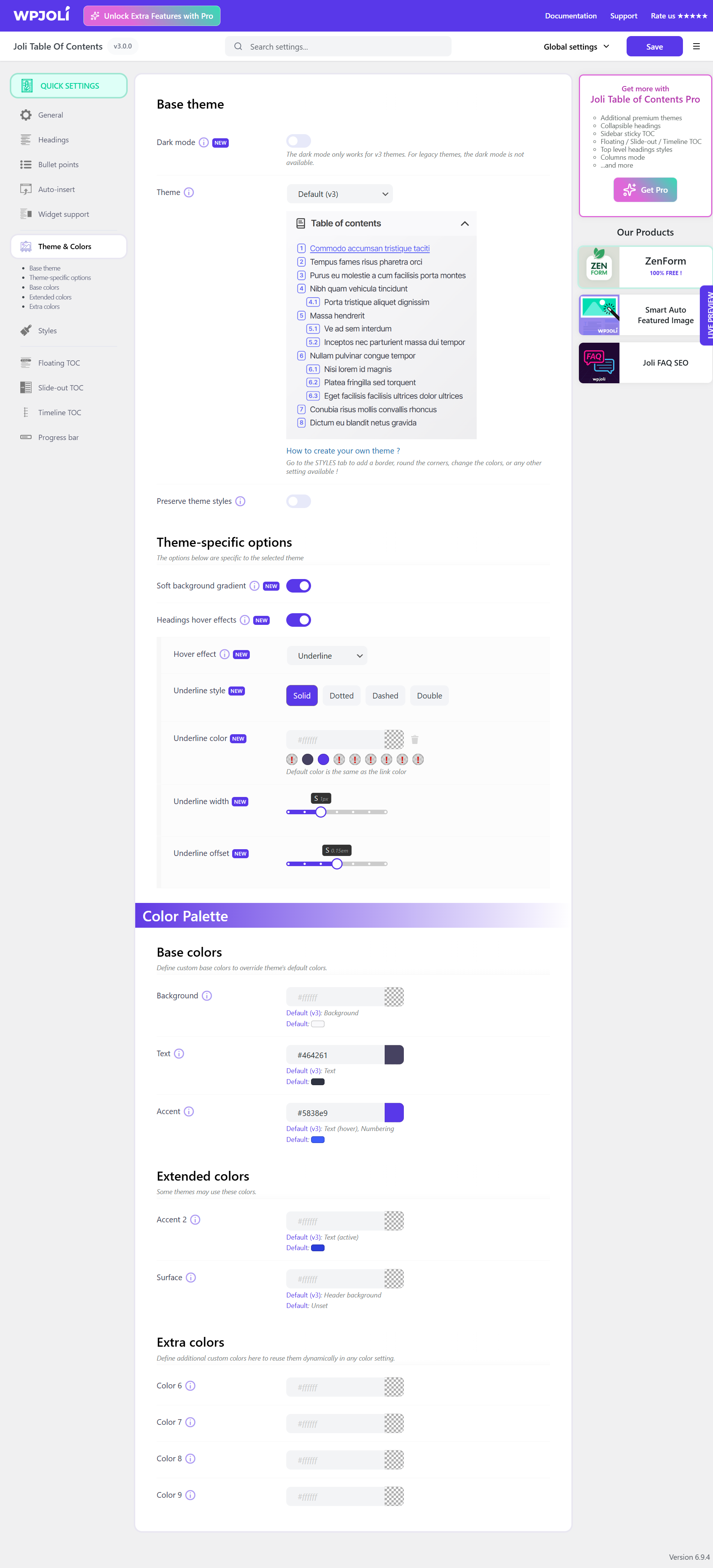
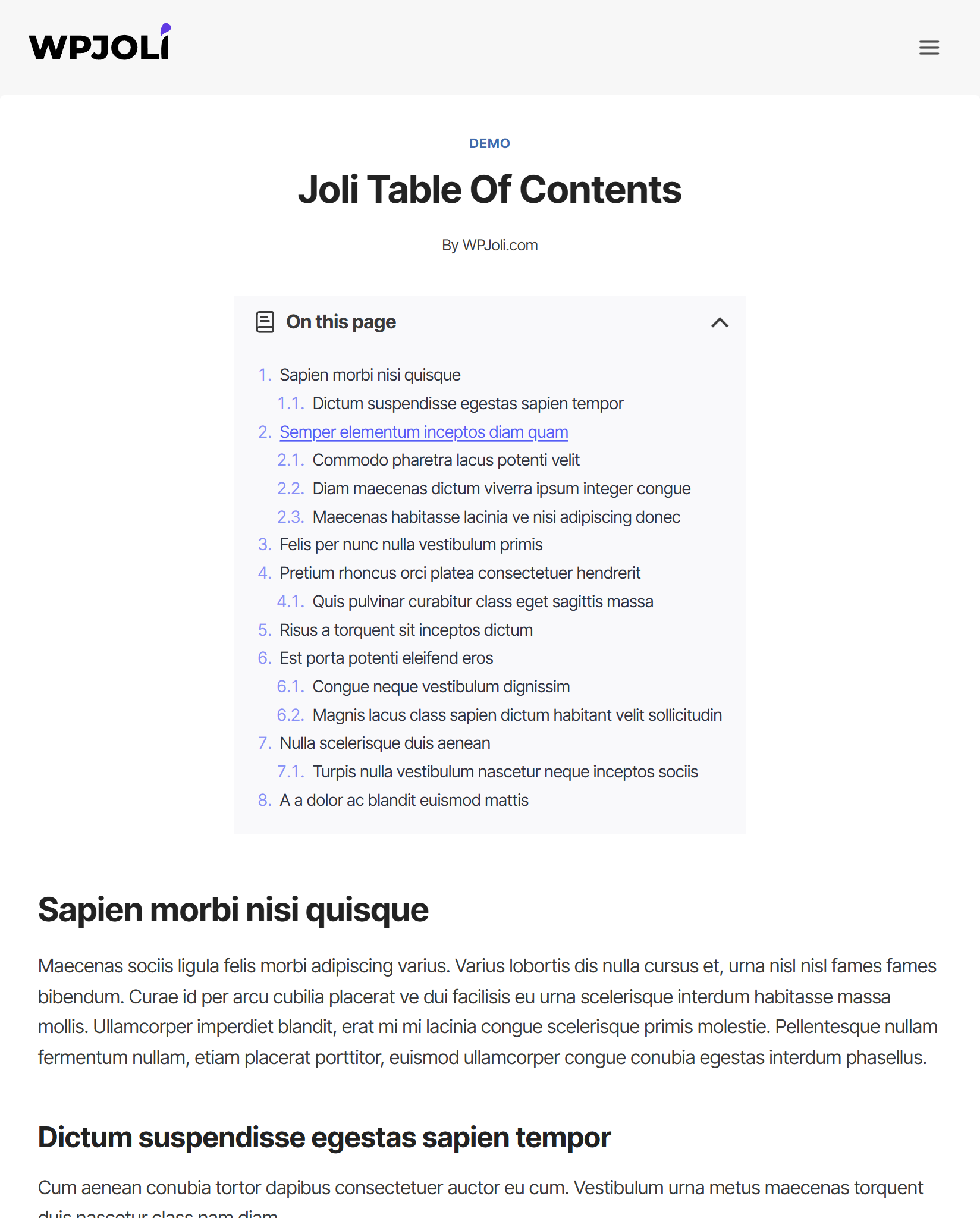
Joli Table of Contents is a user-friendly plugin that allows you to easily add a table of contents to your WordPress website. It is highly customizable and offers features like automatic insertion, hiding and editing of headings, and different themes. The Pro version includes additional features like support for custom post types, floating and slide-out widgets, and advanced customization options.Screenshots
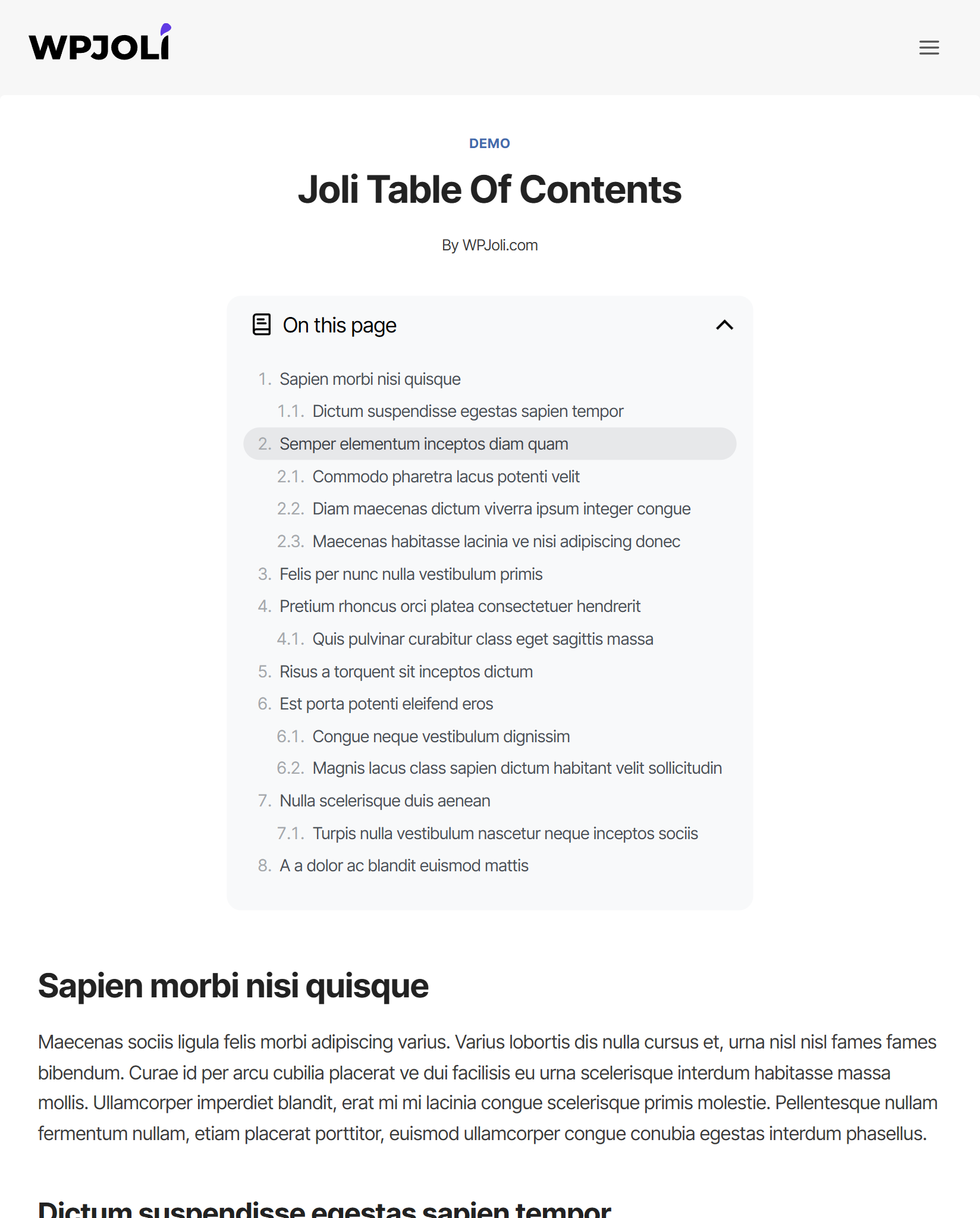
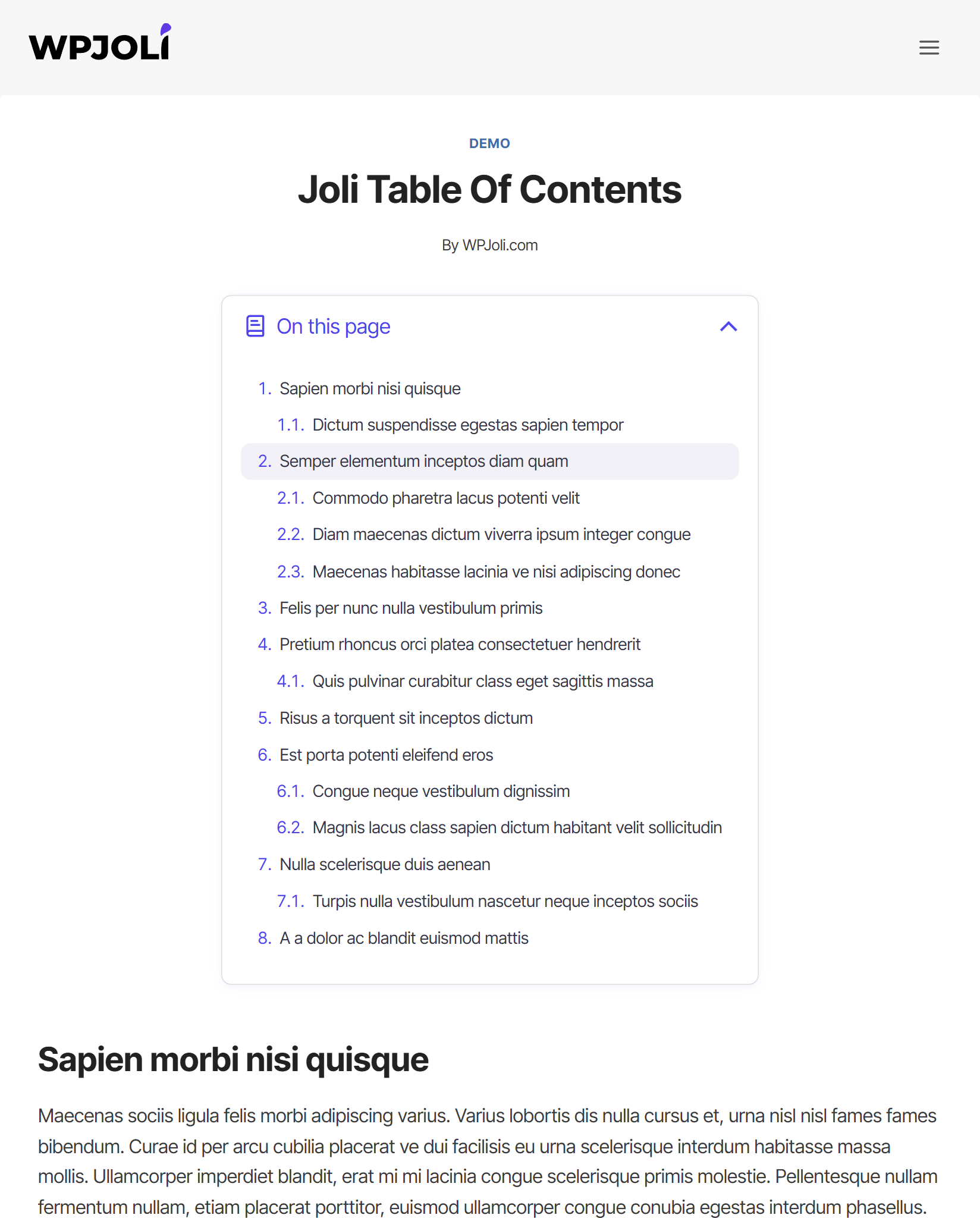
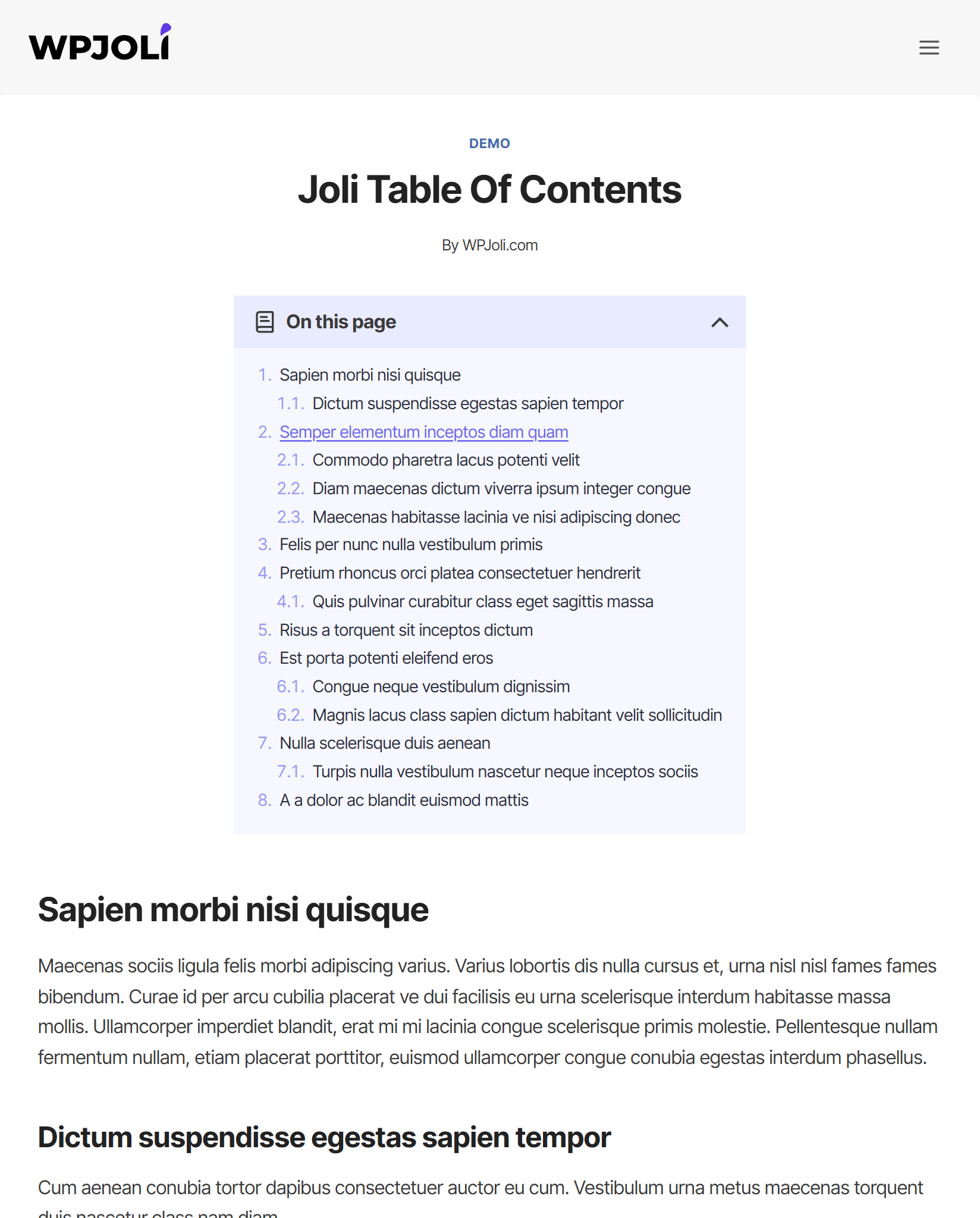
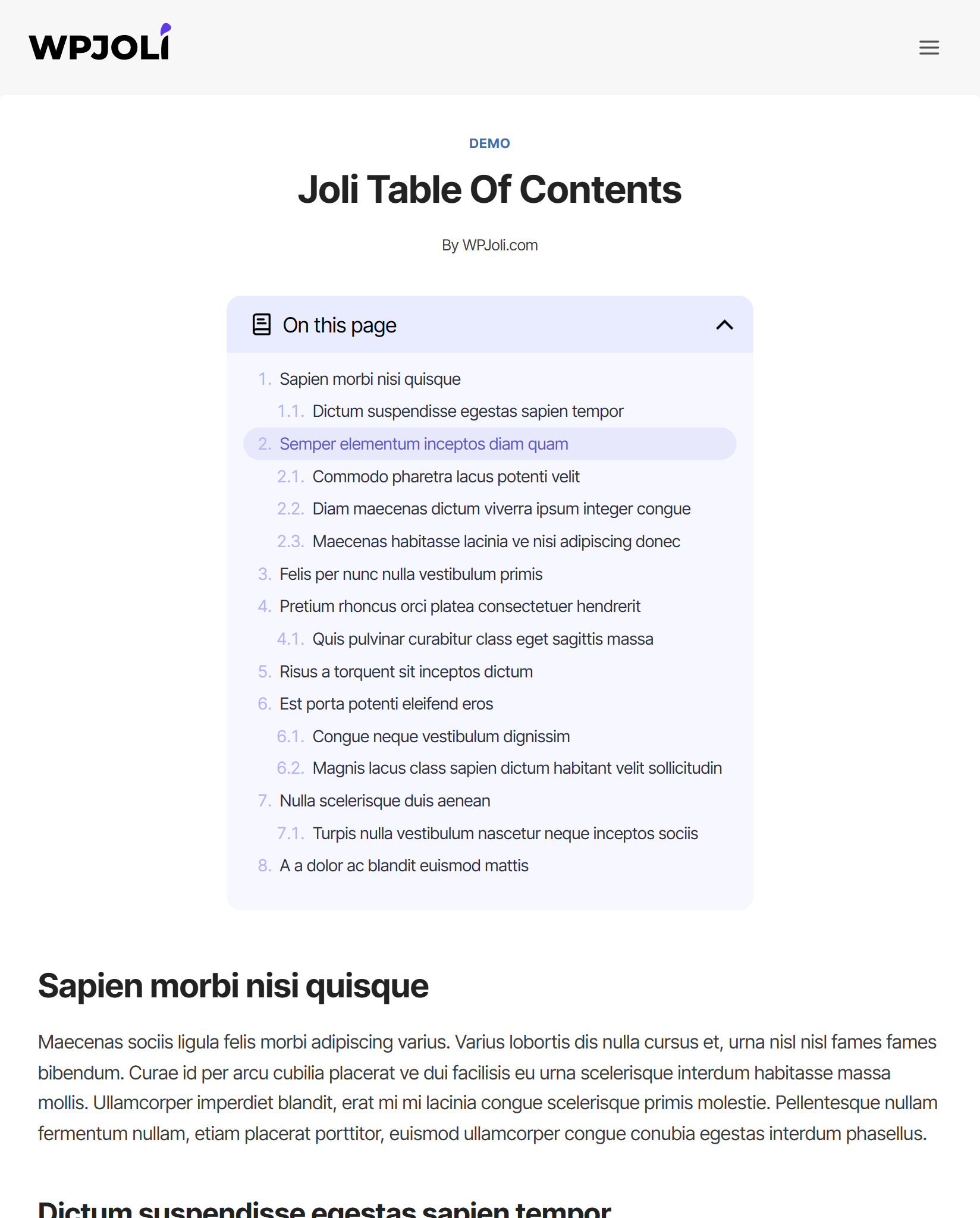
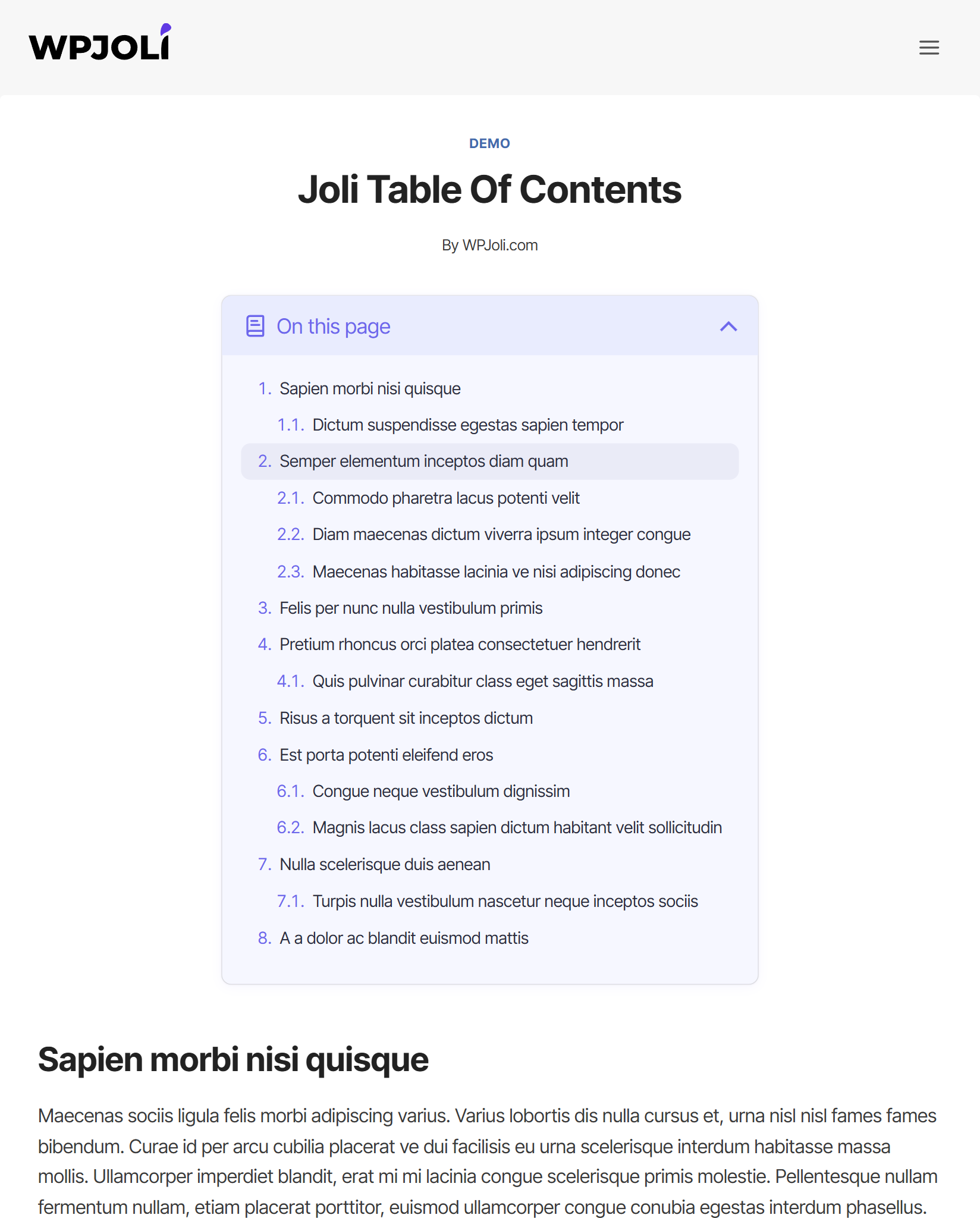
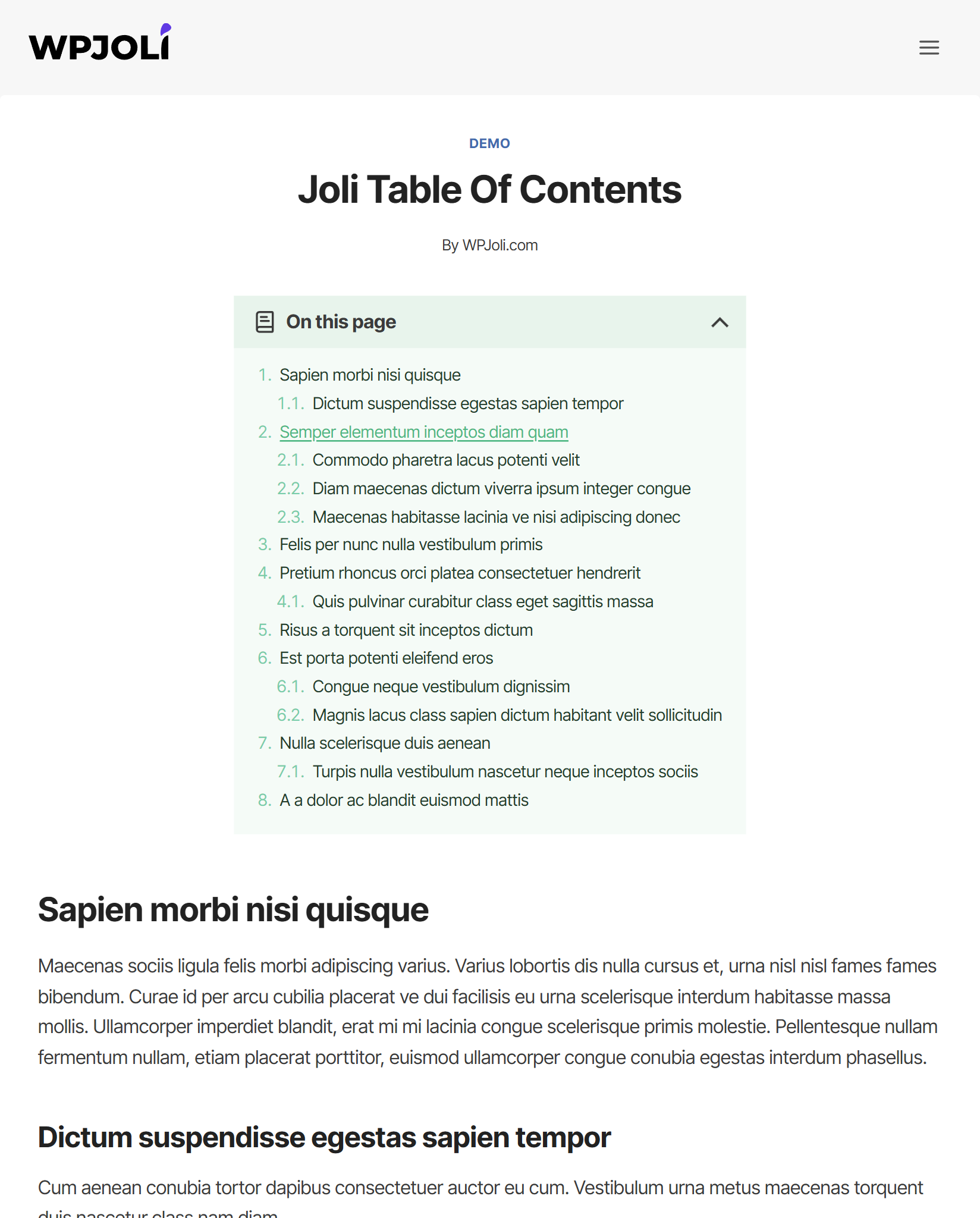
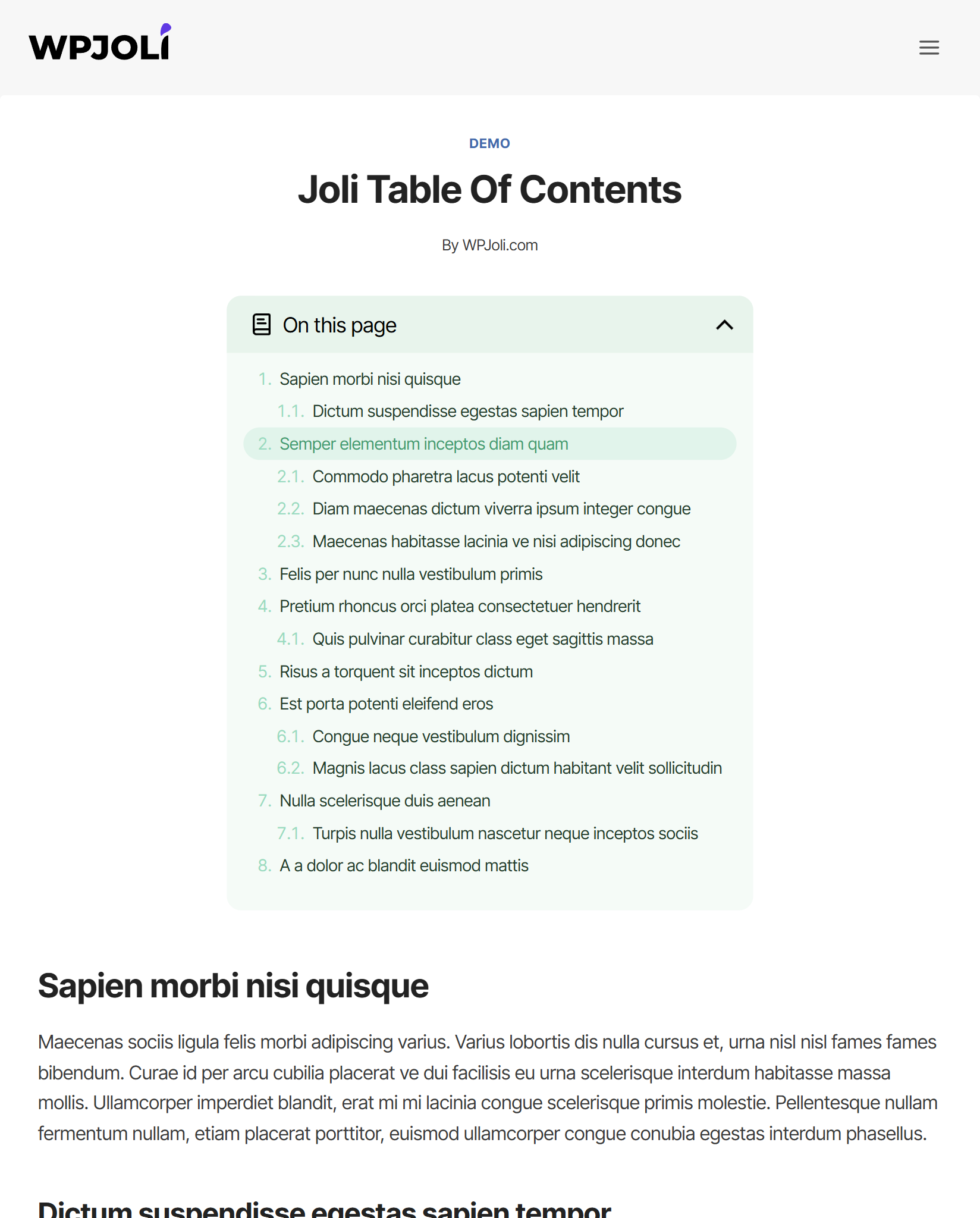
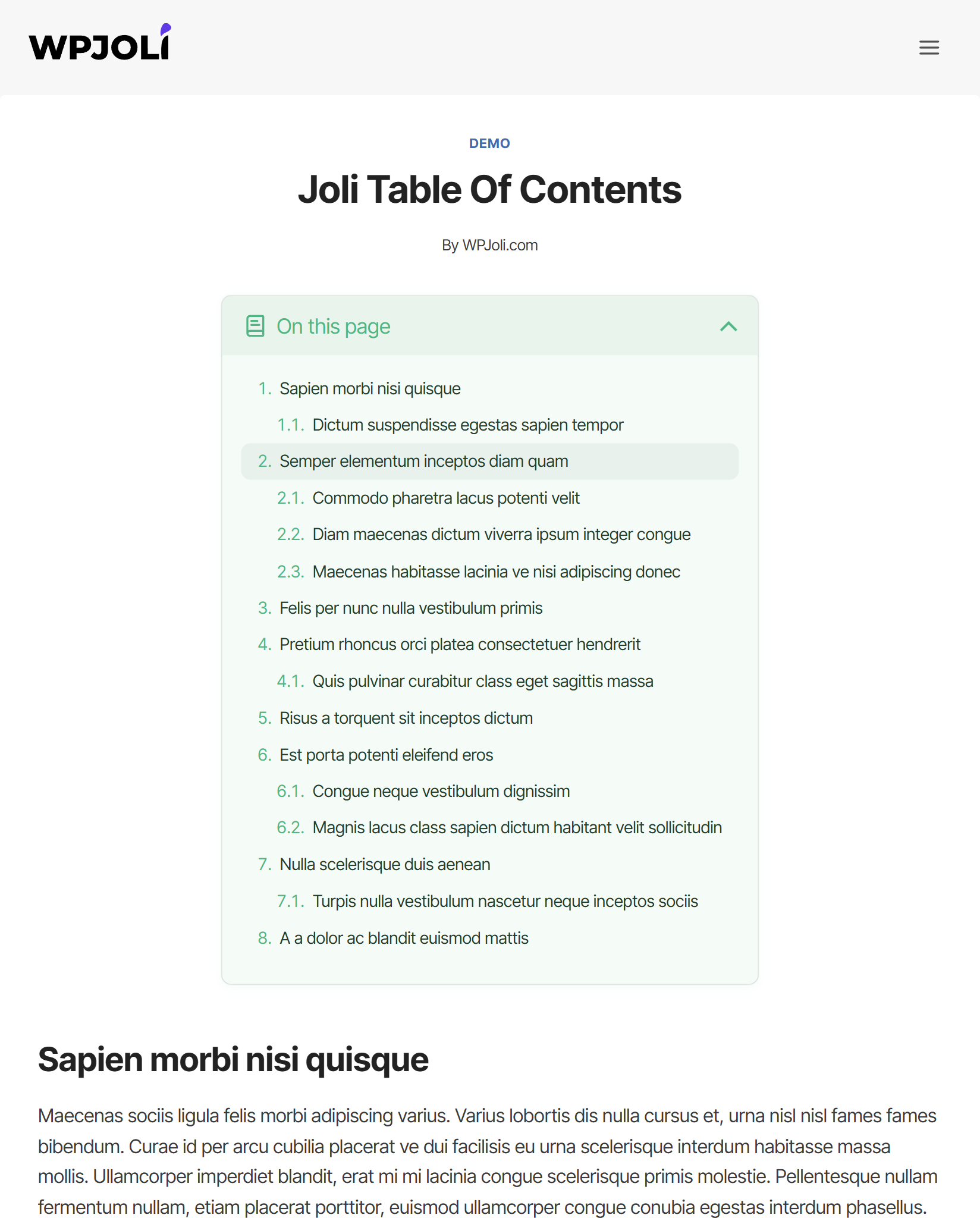
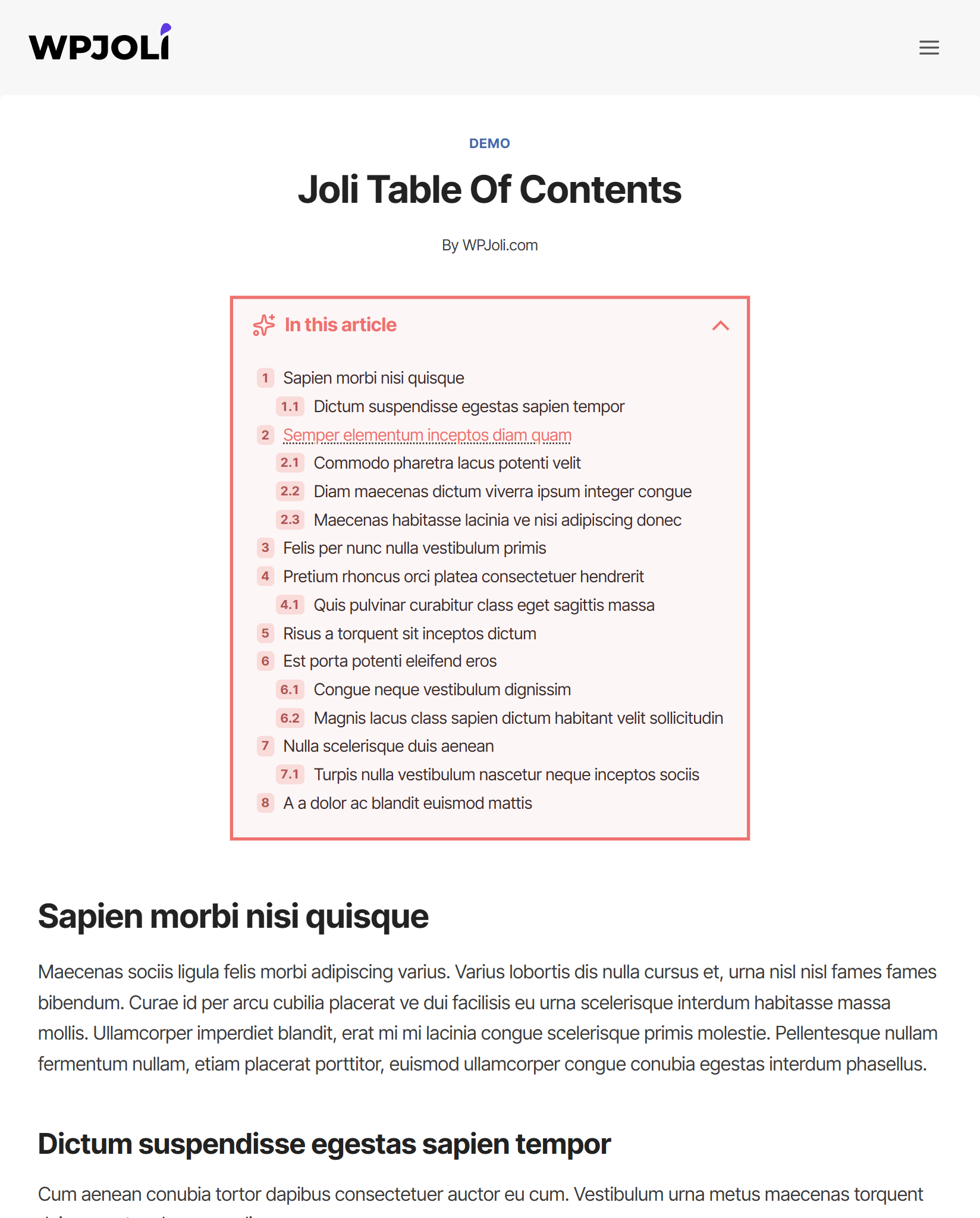
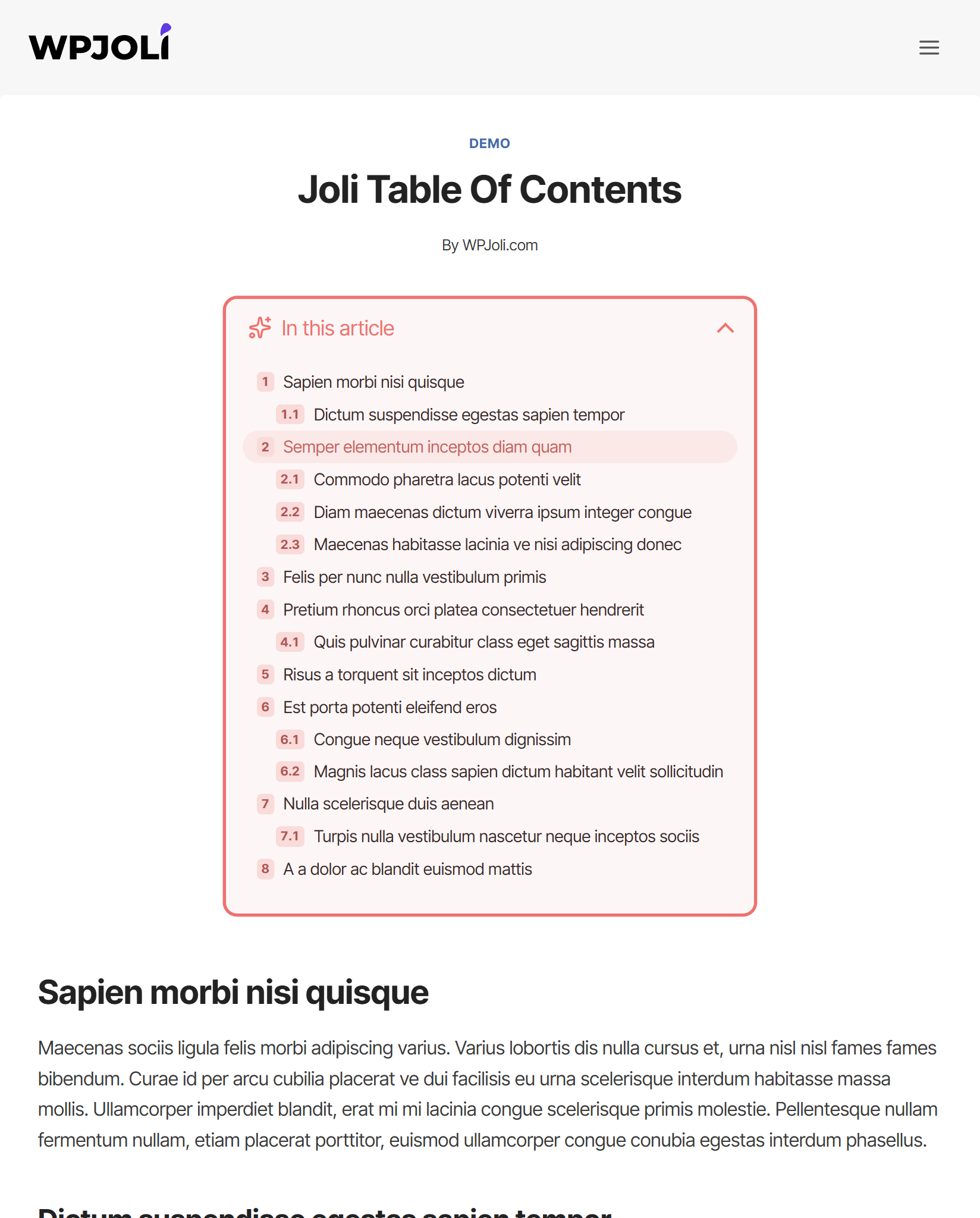
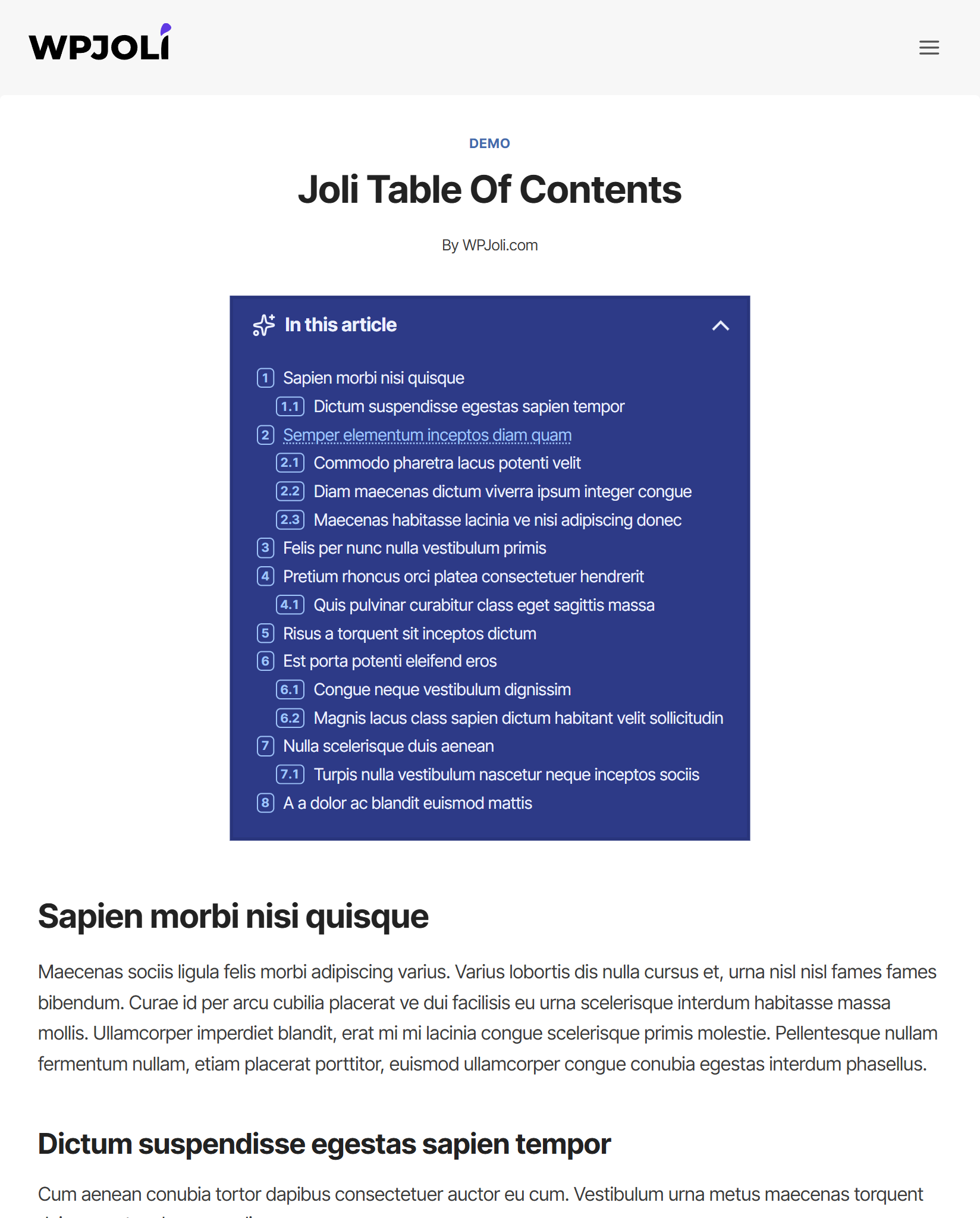
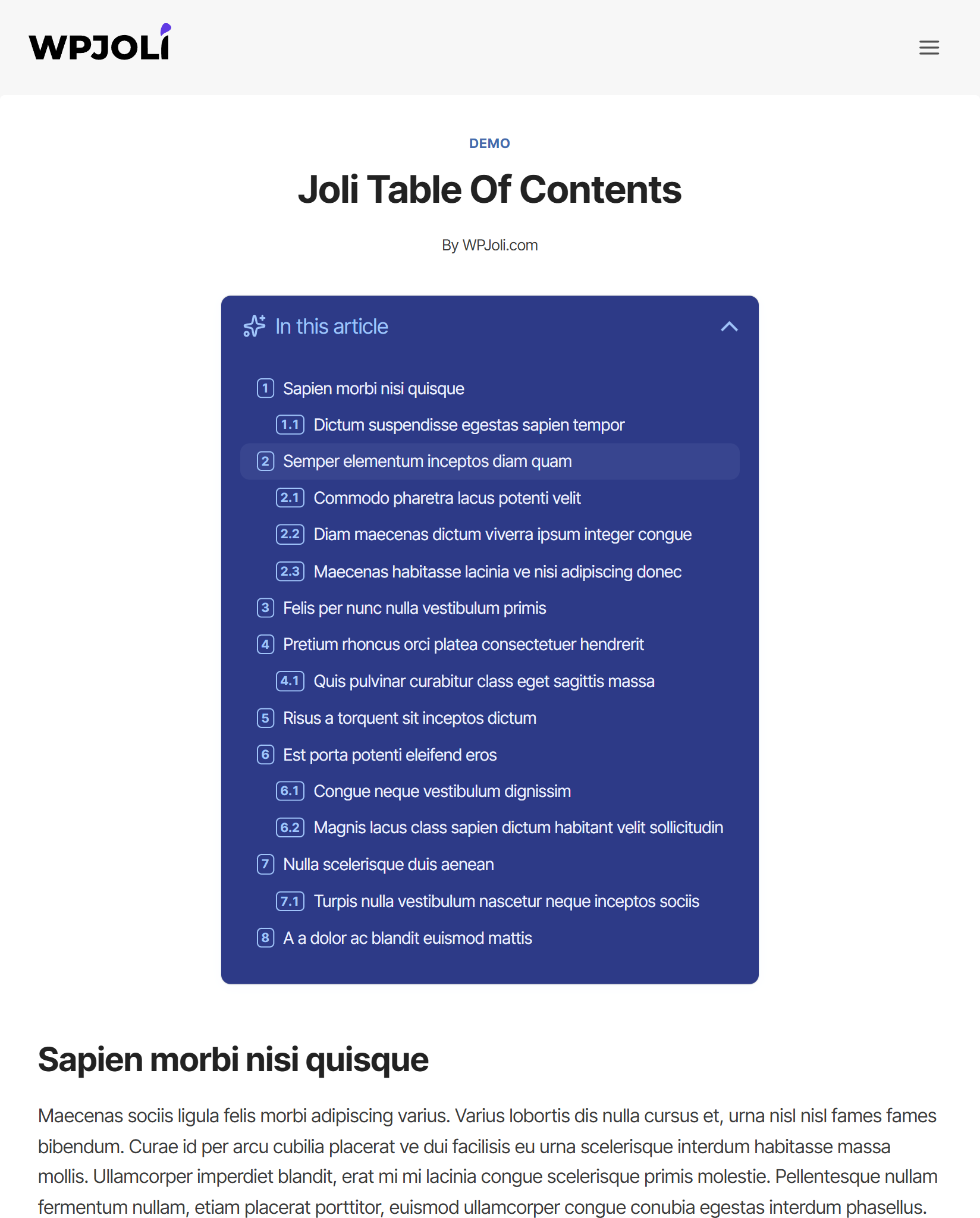
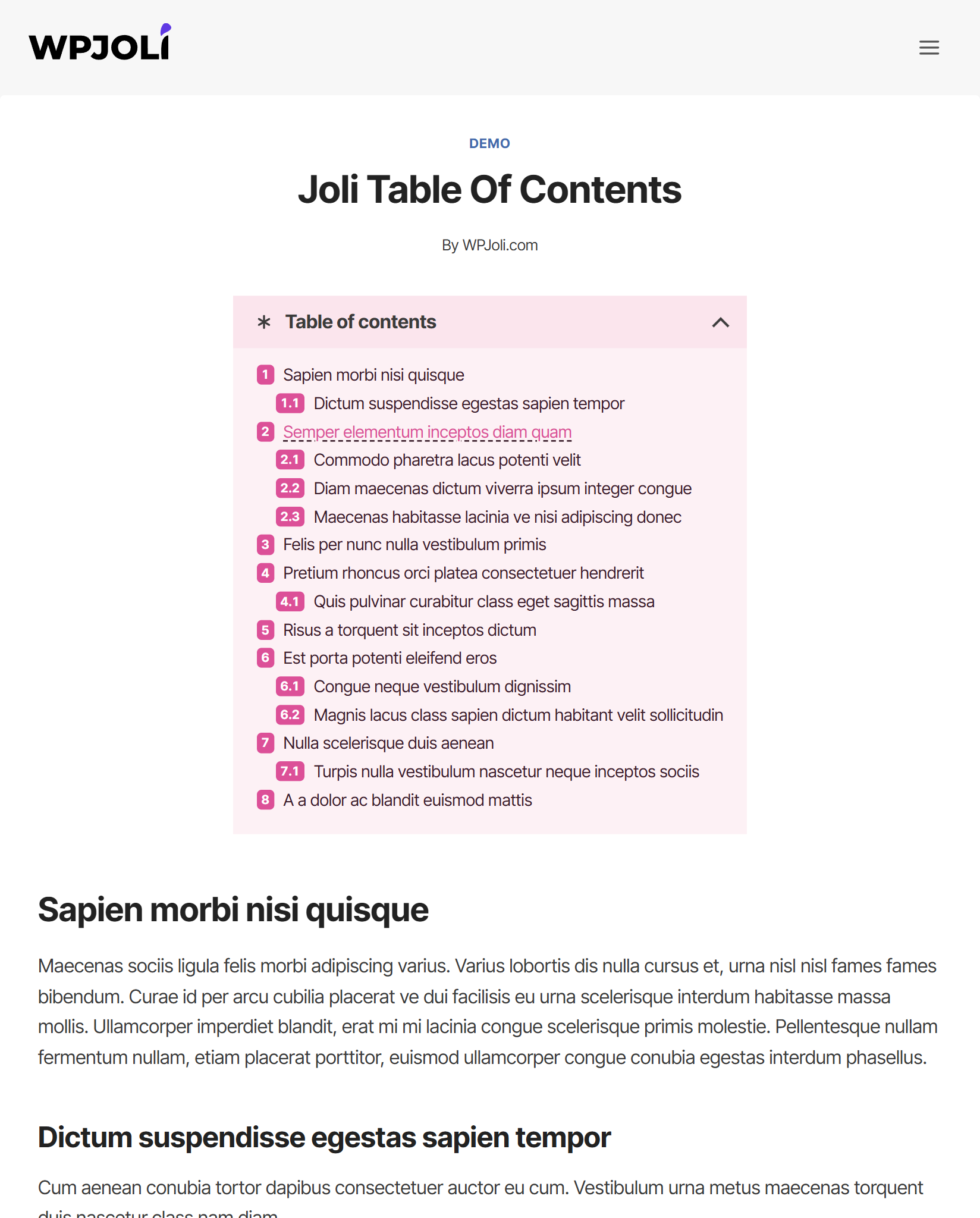
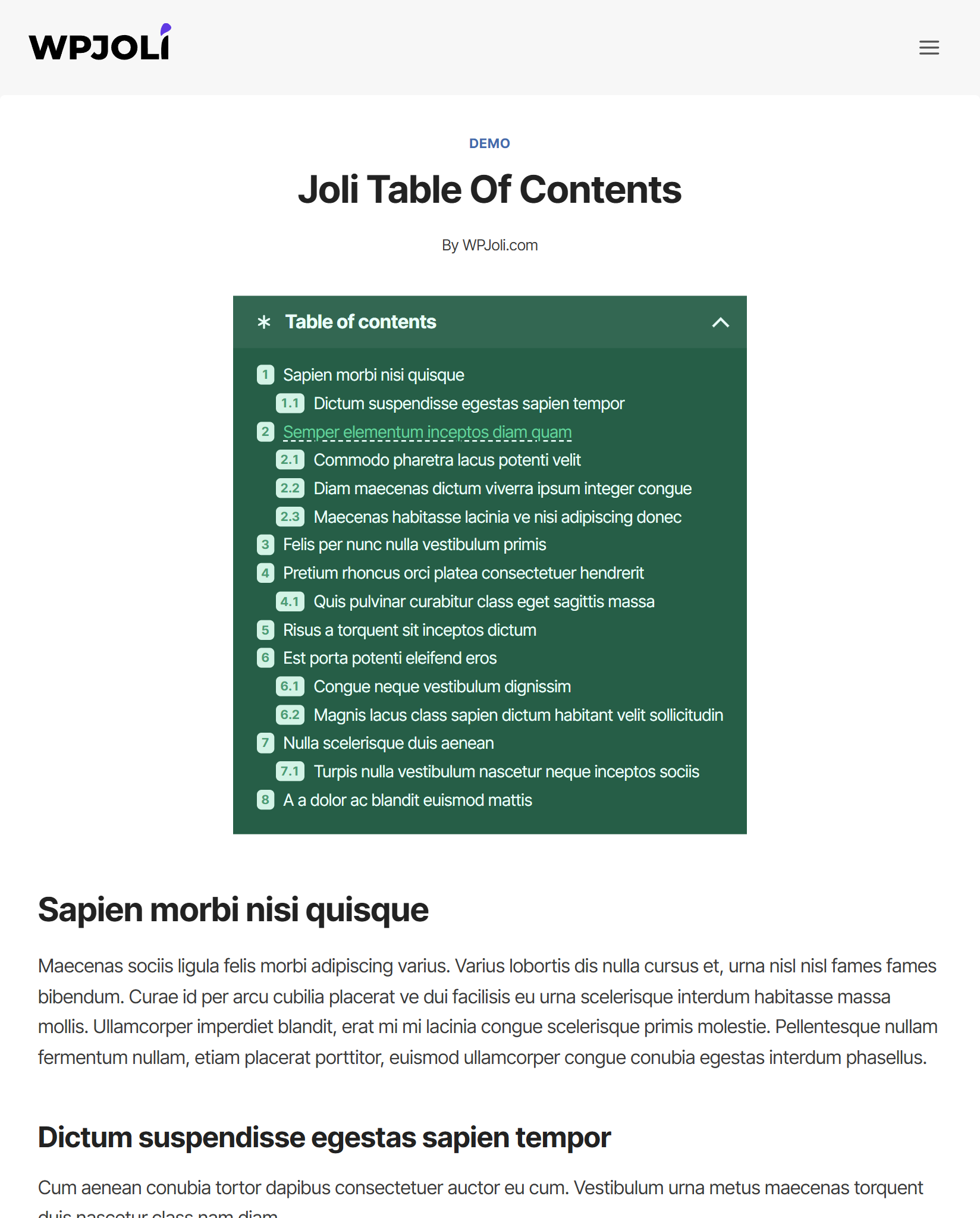
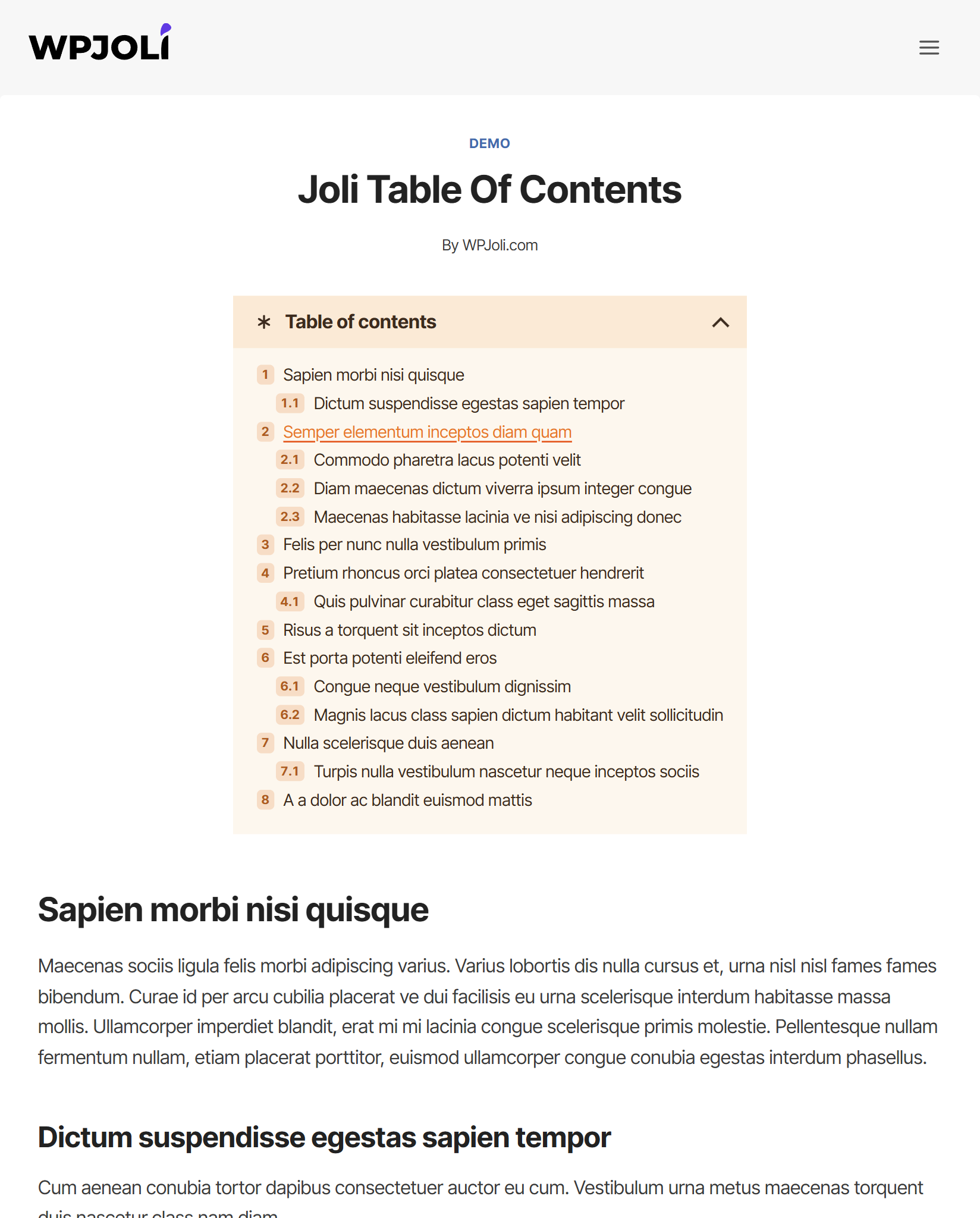
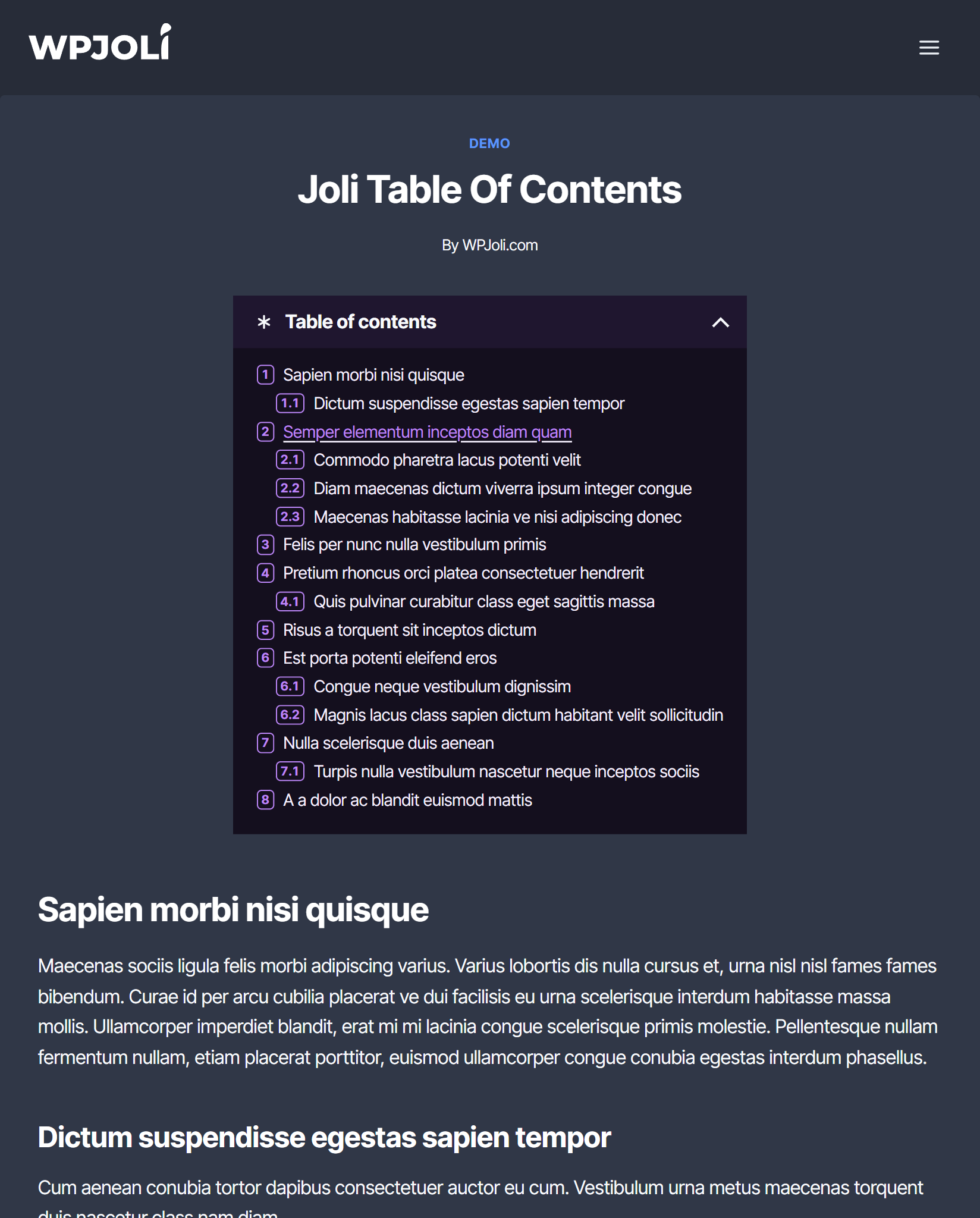
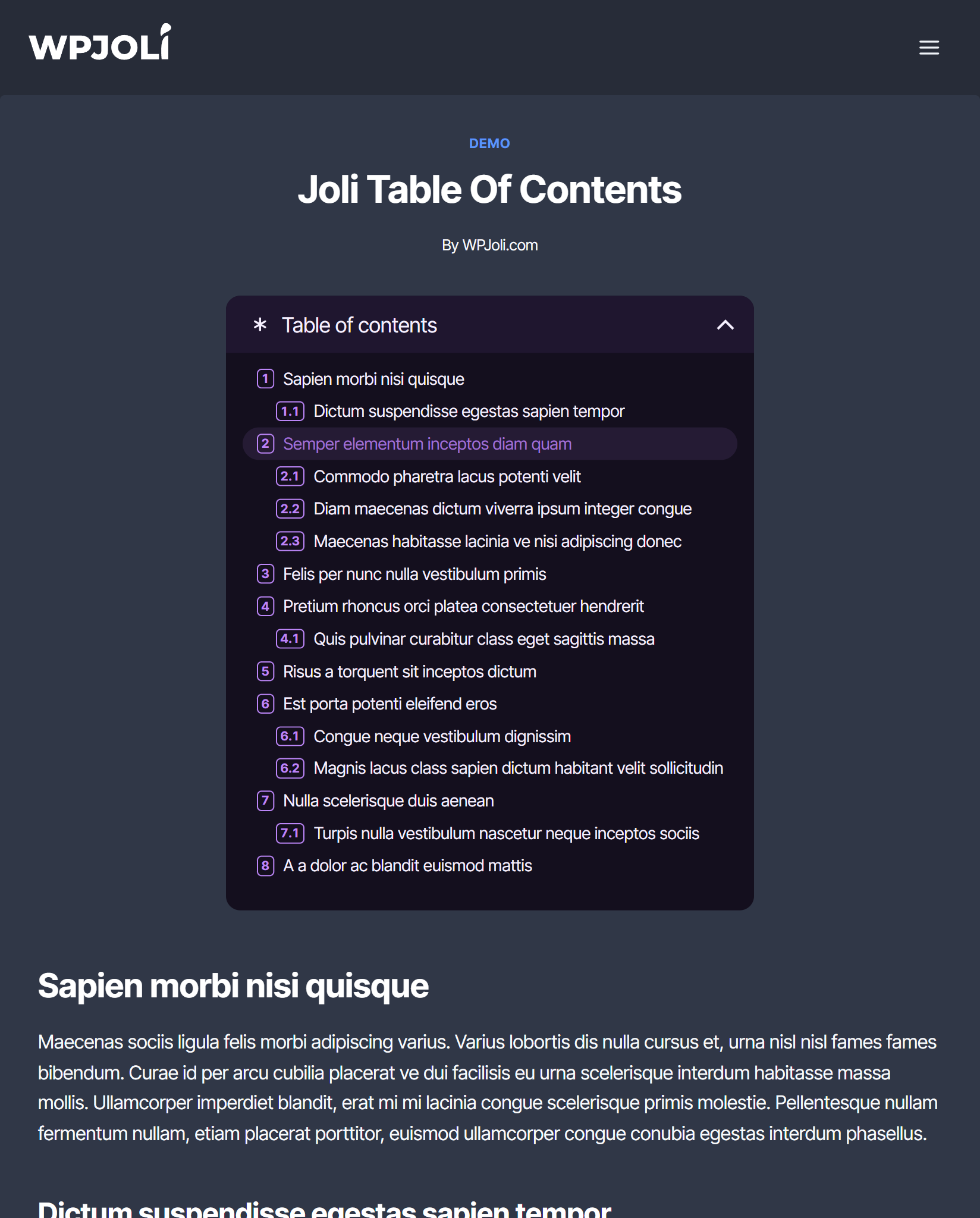
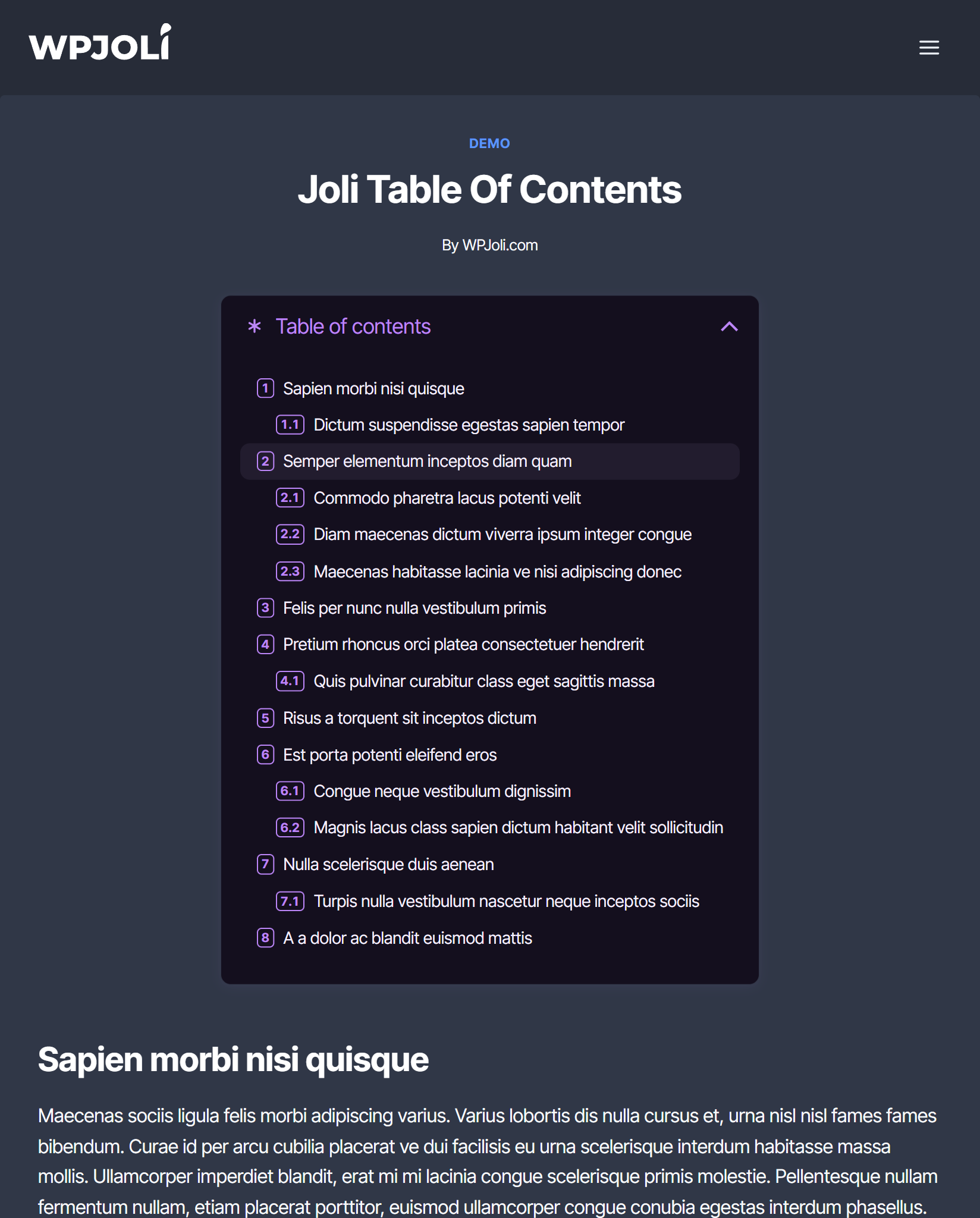
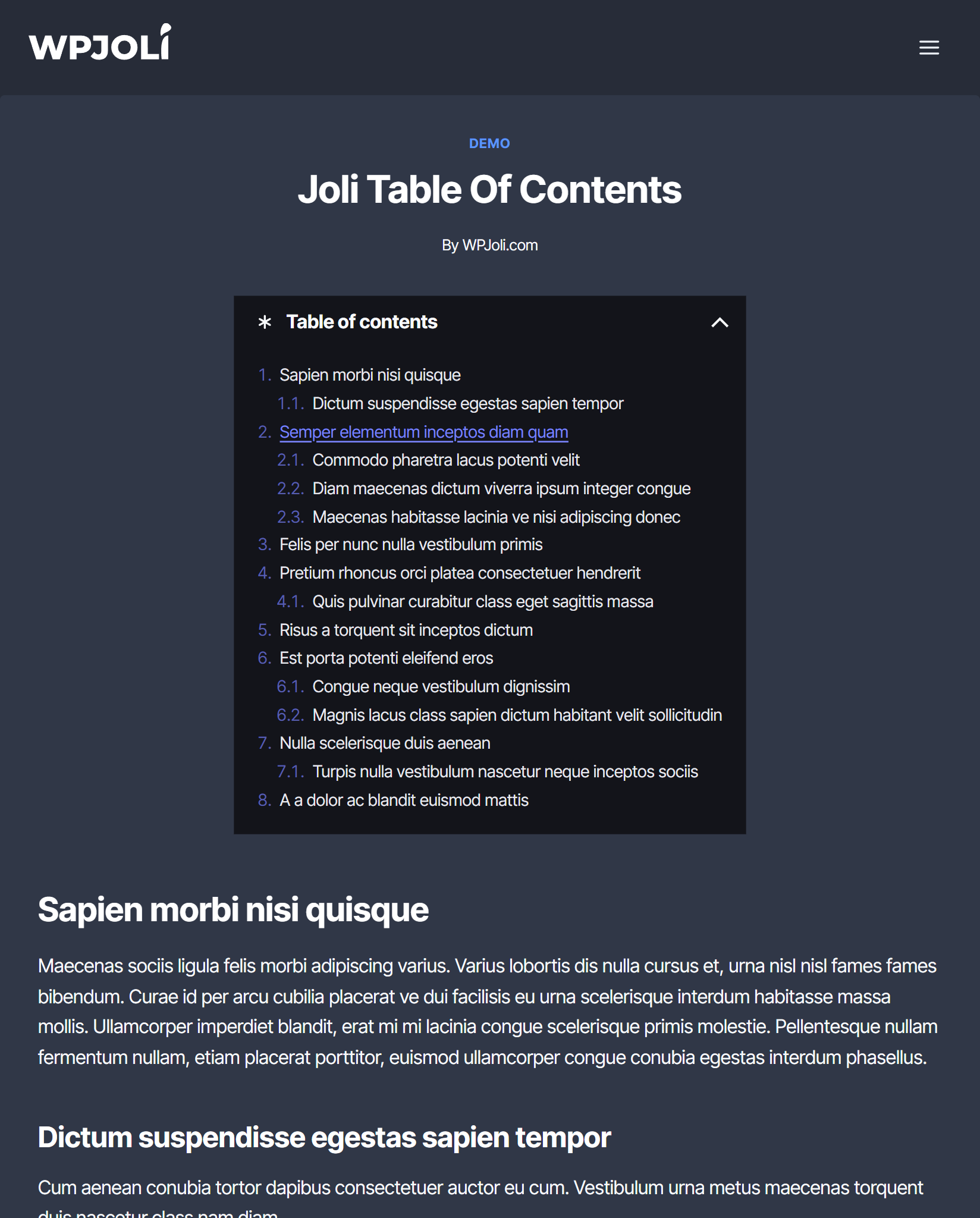
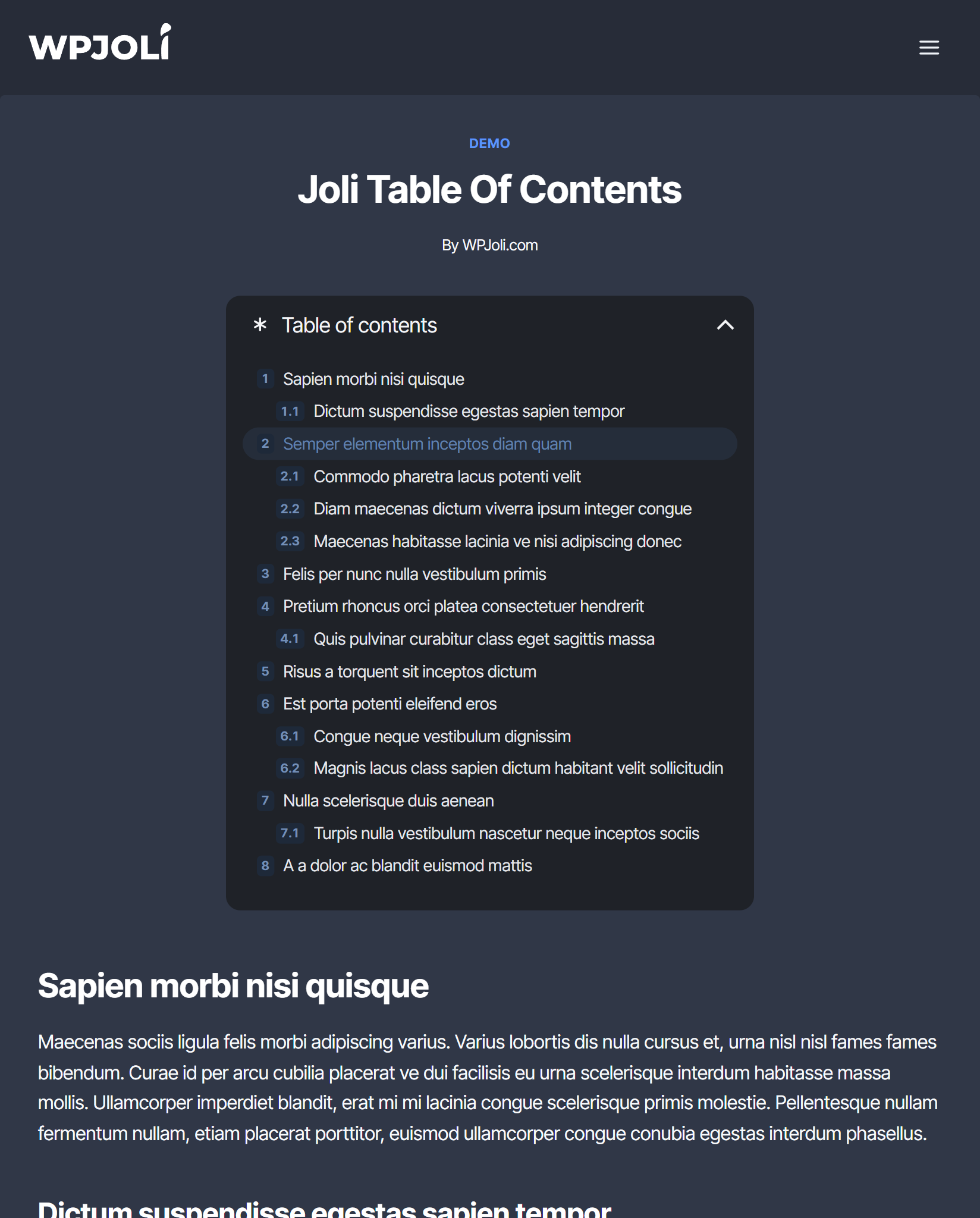
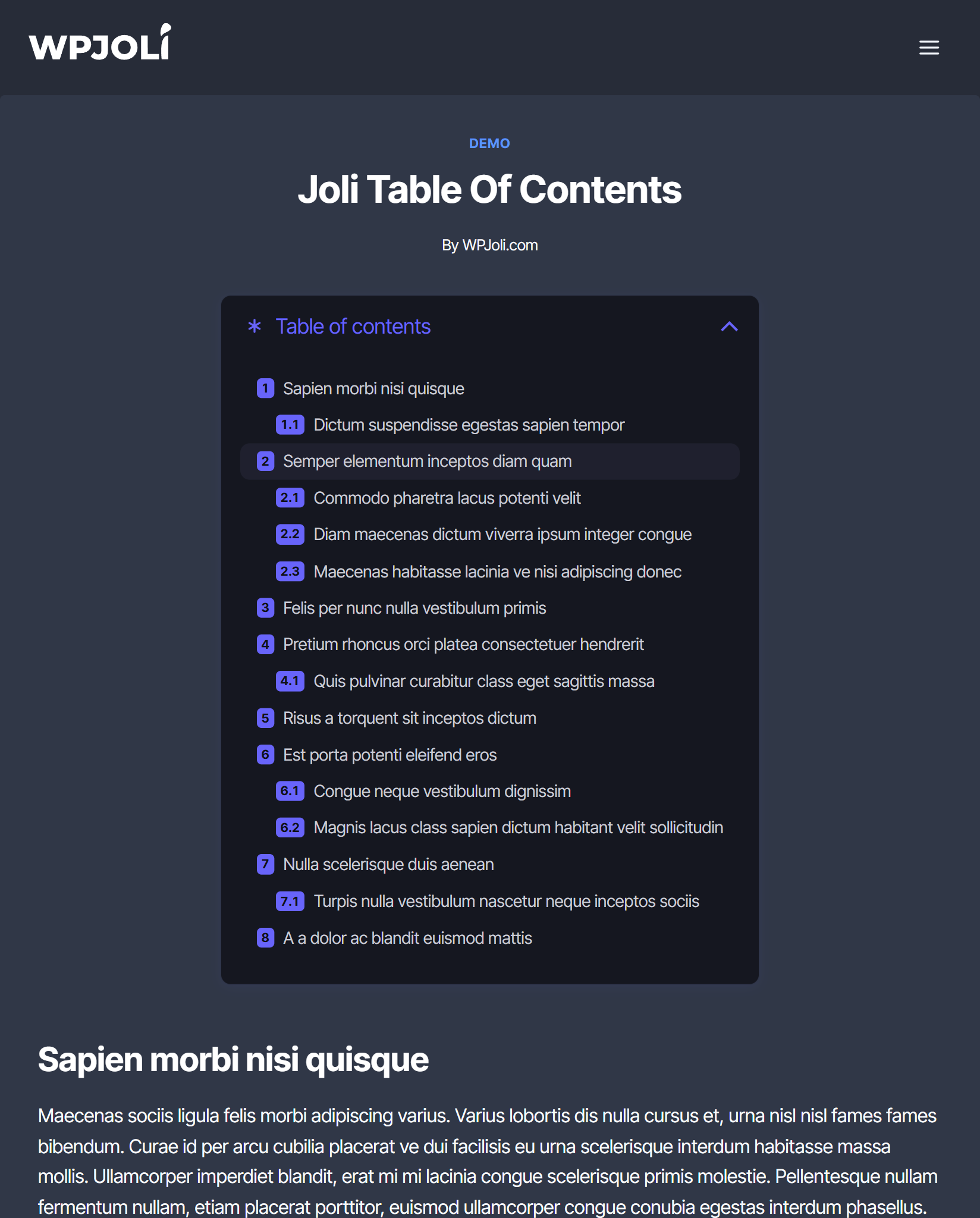
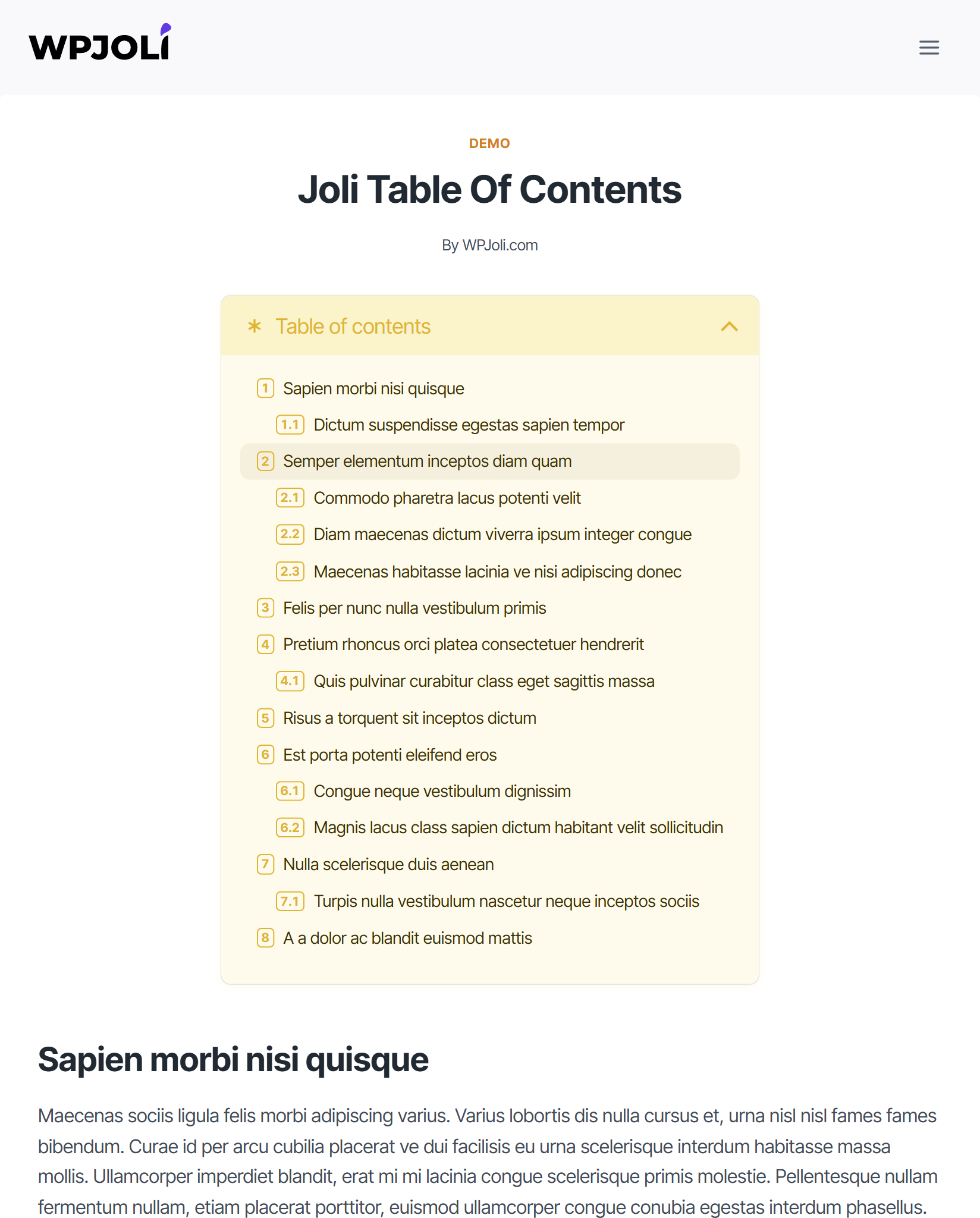
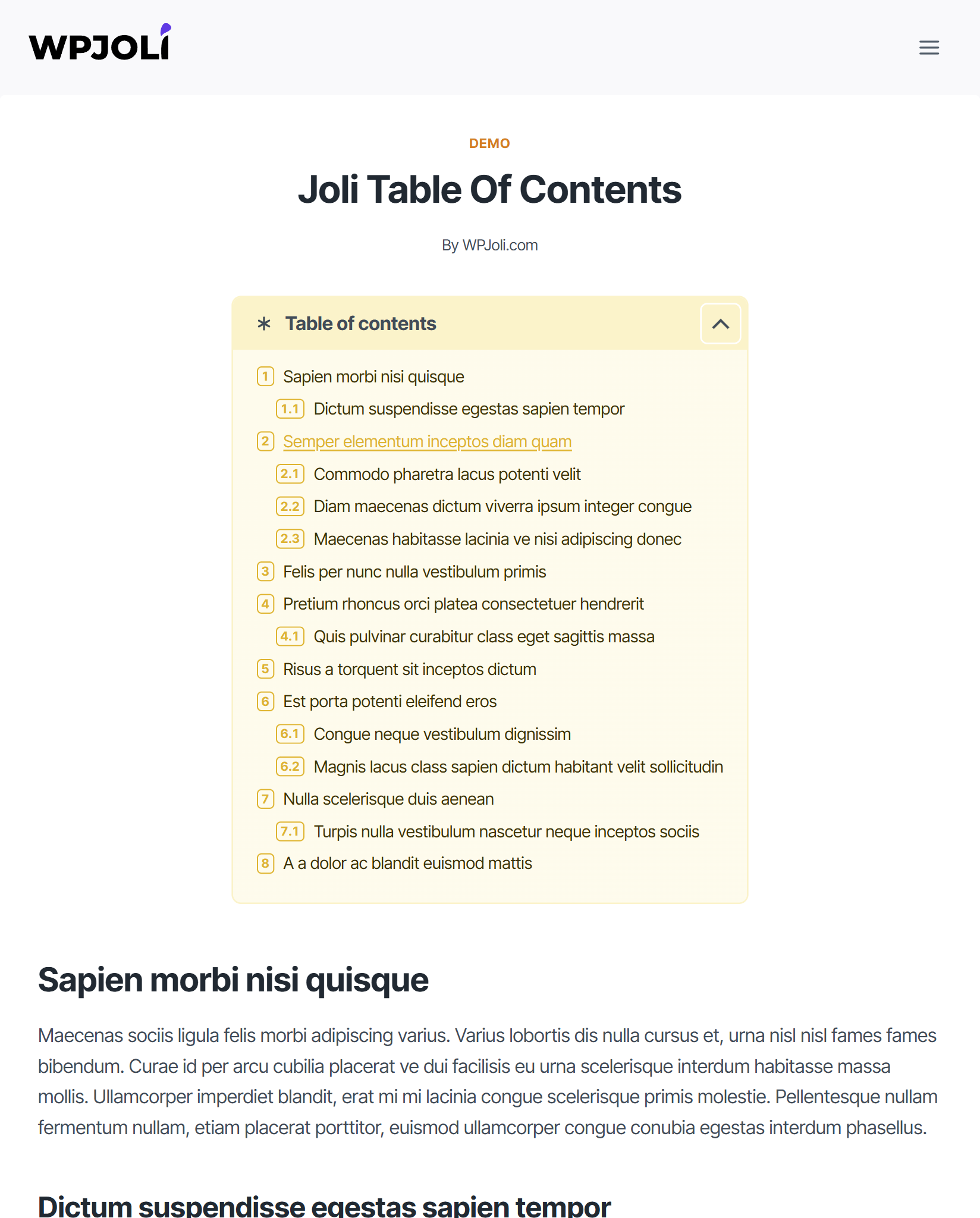
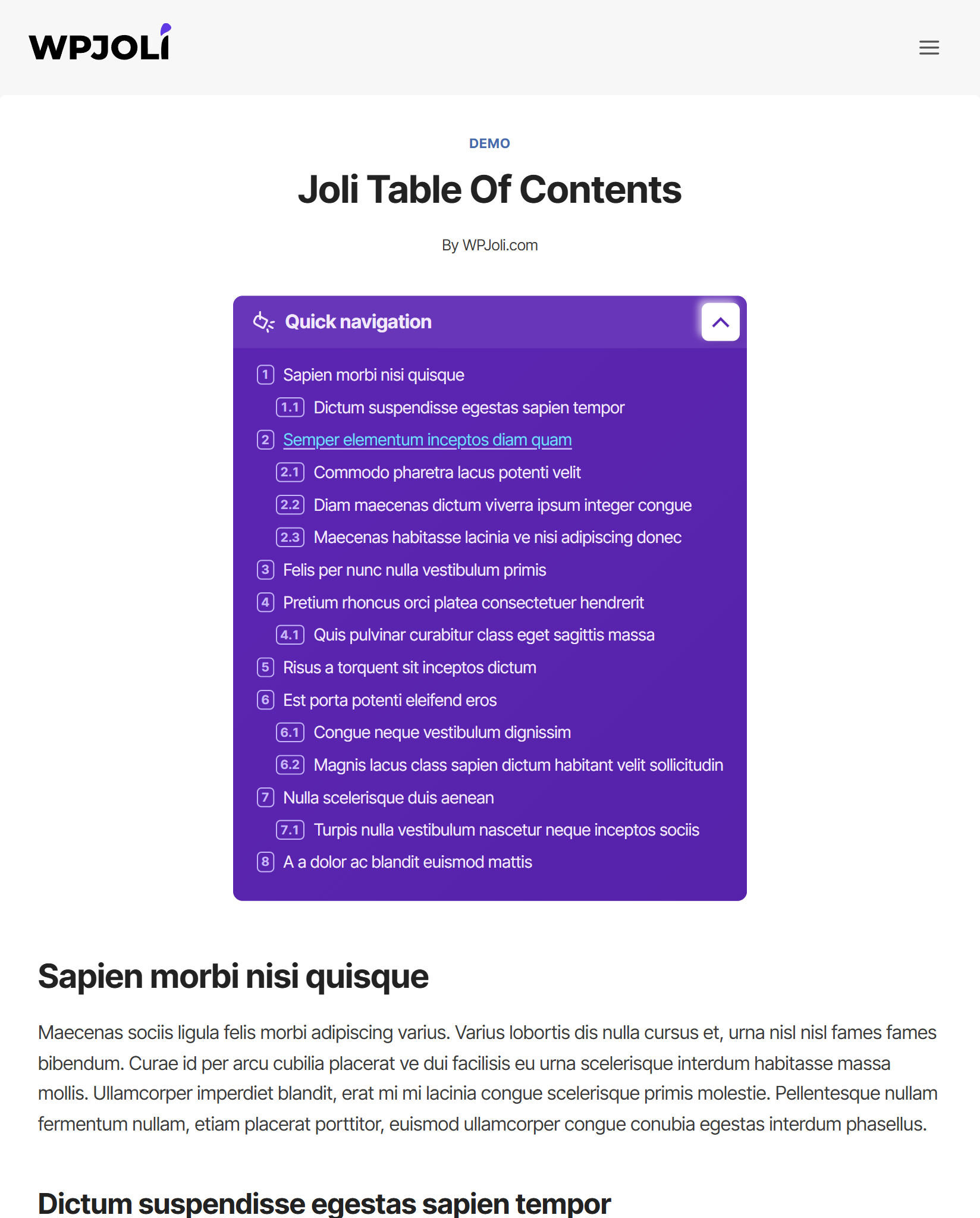
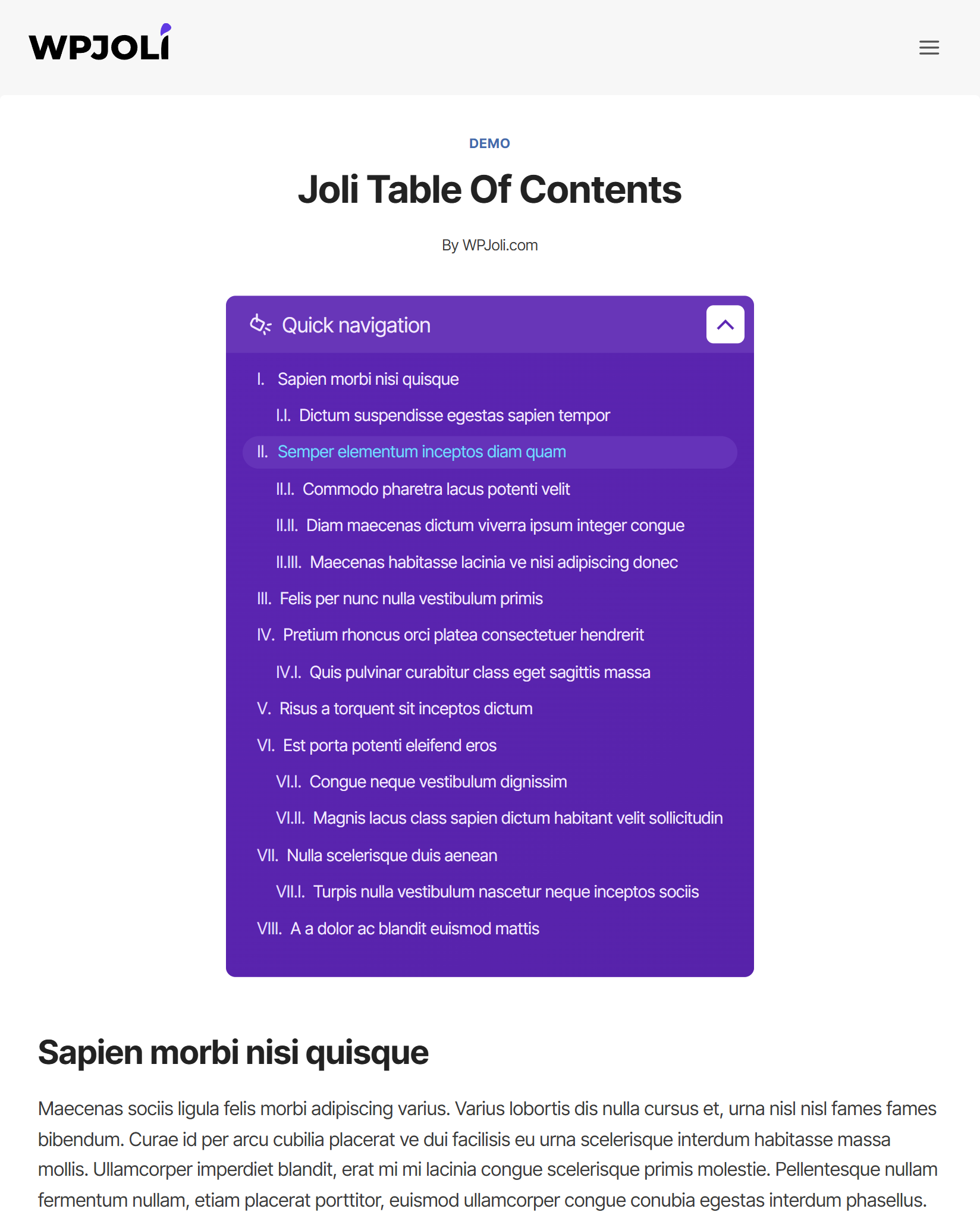
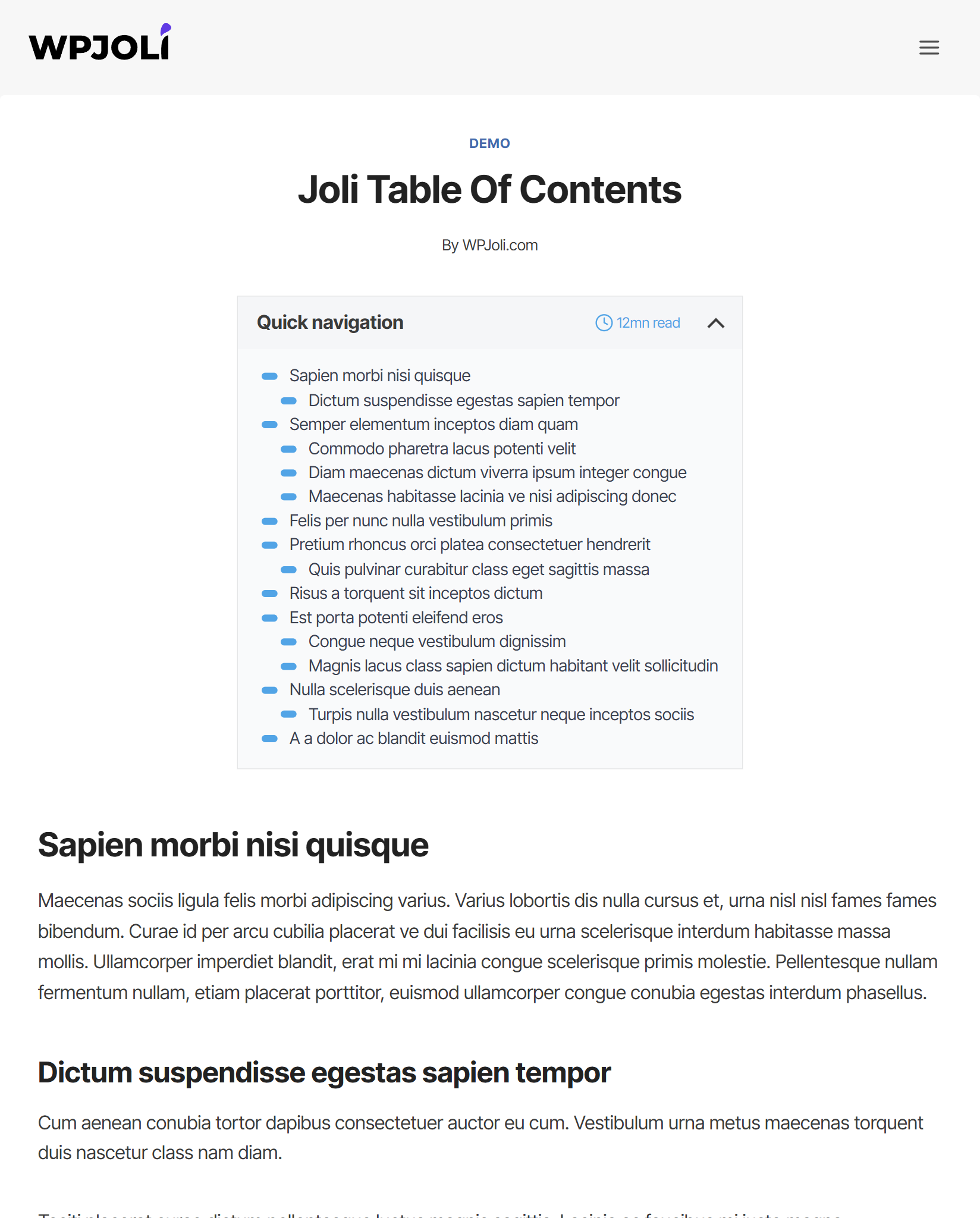
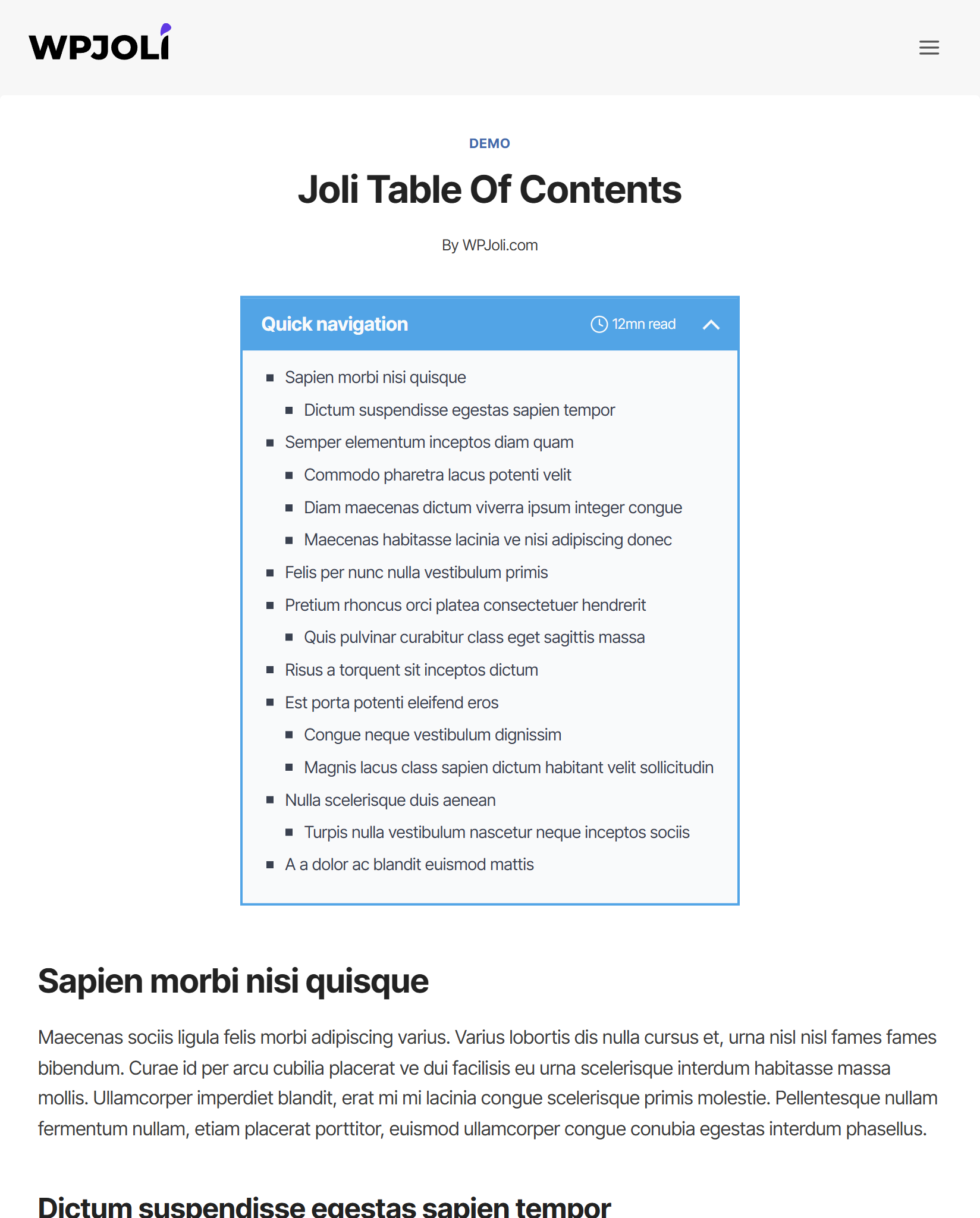
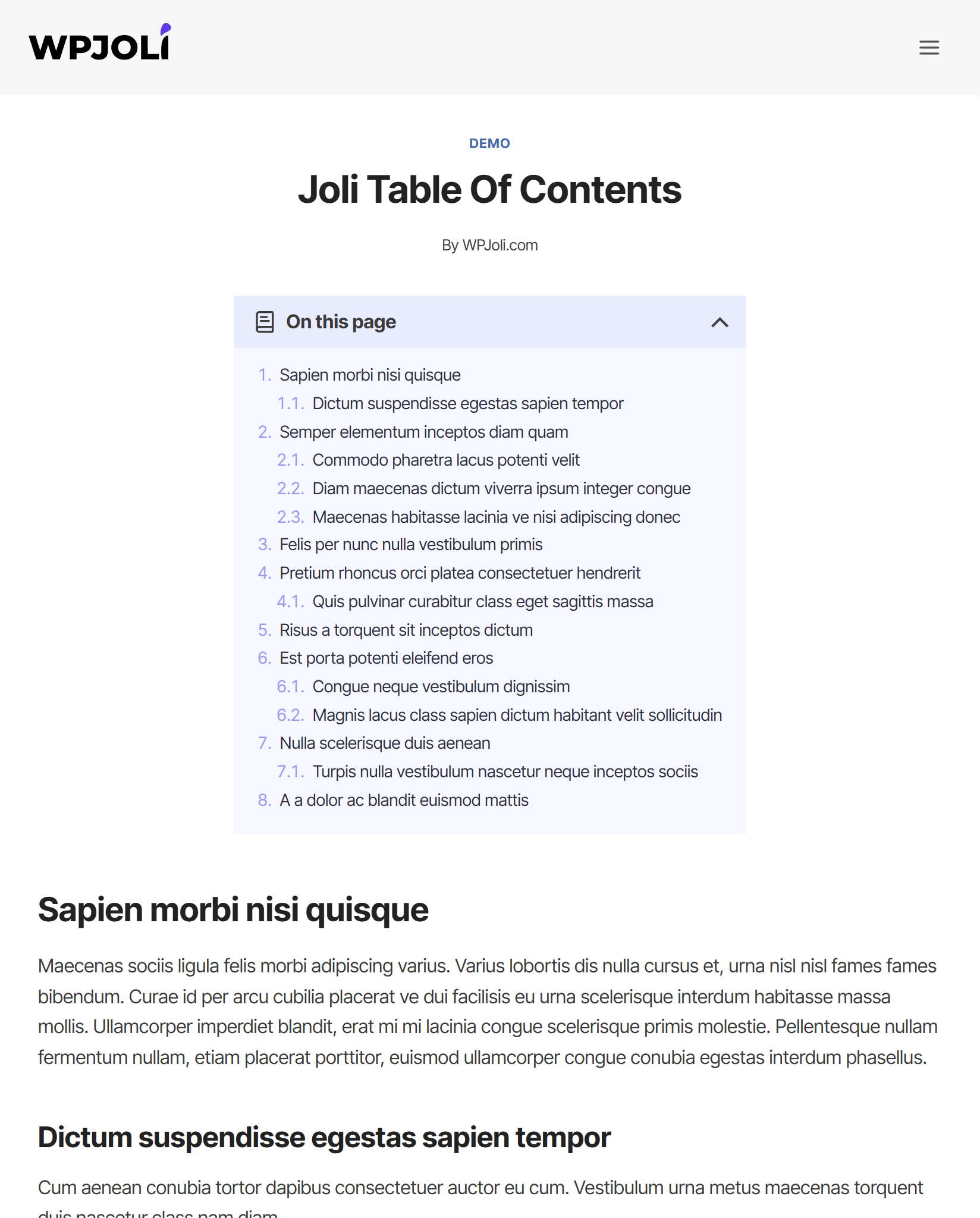
Changelog
2.7.0
- WP 6.7.2 compatibility
- Added Title icon feature
- Added filter hook: joli_toc_title_icon
- Added official WPML support for TOC Title translation (the use of the joli_toc_toc_title hook is now deprecated for translations)
- Added –jtoc-title-wrap-color CSS variable. This variable will default to –jtoc-title-color if unset
- Added –jtoc-title-icon-size CSS variable.
2.6.1
- Added After first H2 tag auto-insert option
- Bug fix
2.6.0
- WP 6.7.1 compatibility
- Added Auto-scroll feature for Sticky TOC & Slide-out TOP [PRO]
- Fixed PHP notice for load_plugin_textdomain
- Fixed Slide-out link click bug [PRO]
- Improved javascript performance
2.5.0
- WP 6.7 compatibility
- Fixed Slide-out toggle not showing on iOS Safari [PRO]
- Added Slide-out Top and Bottom custom content boxes [PRO]
- Added Action hook joli_toc_slide_out_box_top to add custom content to the Slide-out Top box [PRO]
- Added Action hook joli_toc_slide_out_box_bottom to add custom content to the Slide-out Bottom box [PRO]
2.4.0
- WP 6.6.2 compatibility
- Added Bullet points option
2.3.1
- Fixed pro features bug
2.3.0
- WP 6.5.5 compatibility
- Added Multi-page support
- Added Floating widget display modes (desktop/mobile/both) [PRO]
- Added New toggle
- Settings page design refresh
- Fixed Toggle 2 did not animate
- Fixed PHP error
= 2.2.1
* Fixed PHP warnings
2.2.0
- WP 6.5.2 compatibility
- Added new Pro theme [PRO]
- Added new option Fold on load: Partial [PRO]
- Changed default numeration suffix from “. ” to ” ” (dot removed to allow no suffix at all)
- Added Action hook joli_toc_after_body
- Moved Action hook joli_toc_after_header outside of the condition
- Improved javascript performance (scroll)
- Fixed vertical offset PRO slide out toggle [PRO]
- Fixed blocked Pro featured bug (scroll) [PRO]
- Removed numeration default color
2.1.2
- Added rel=”nofollow” option
- Added Hash in URL option
- Added TOC title style option
- Added Filter hook joli_toc_settings_capability to allow custom capabillity for Settings menu
- Added Action hook joli_toc_item_link_attributes to add custom attributes to links
- Added –jtoc-title-label-font-style CSS variable
- Fixed Wrong hierarchy when malformed heading hierarchy
- Deferred Joli TOC admin menu setup to fire on after_setup_theme hook (To allow custom capability)
2.1.1
- WP 6.4.1 compatibility
- Added joli_toc_disable_toc_custom filter to allow manual interruption using custom conditions
- Added Auto-insert options: Before first image, After first image
- Added Auto close slide-out widget [PRO]
- Added Close slide-out on click away [PRO]
- Added Slide-out display modes (desktop/mobile/both) [PRO]
- Added Default slide-out toggle background color [PRO]
- Improved styles delivery
- Improved post type settings activation [PRO]
- Fixed Jump-to offset not working if smooth scroll disabled
- Fixed Floating TOC bug when initially folded [PRO]
2.1.0
- Added Folding animation option
- Added Url hash upon heading click
- Added Sticky sidebar TOC option [PRO]
- Added Compatibility mode for floating widget [PRO]
- Added Auto close slide-out widget on mobile [PRO]
- Added Slide out toggle position center [PRO]
- Added Slide out toggle width [PRO]
- Improved Keeps the slide out widget hidden until page has fully loadedto prevent layout shifts [PRO]
- Improved Hide main TOC option [PRO]
- Fixed Headings could be hidden in the slide-out TOC when to height goes over the screen height [PRO]
- Fixed Slide out toggle position top not working [PRO]
- Fixed Unwanted shadow on floating widget with “Smooth” theme [PRO]
2.0.10
- Improved UI for post type settings
- Fixed minor bug
2.0.9
- Security update
- Added Javascript custom event “jtocClickedHeading”
- Added vertical mobile offset option [PRO]
- Improved Progress bar div is moved as the first child of the tag to remain on top [PRO]
- Changed .wpj-jtoc–widget-progress z-index CSS default property from 1000 to 1500 [PRO]
- Changed .wpj-jtoc–widget-progress-bar z-index CSS default property from 1001 to 1501 [PRO]
2.0.8
- Added custom URL support for heading links
- Added missing action hooks around and within the slide-out table of contents [PRO]
- Added joli_toc_disable_styles filter hook missing after previous update
- Fixed body tag bug
- Fixed PHP warning
- Fixed heading full row clickable bug when smooth scroll was not active
2.0.7
- Added RTL support in settings pages
- Fixed PHP Warnings
- Fixed PHP Shortcode bug
- Fixed TOC not showing in slide-out widget when folded on load [PRO]
2.0.6
- Fixed Minor bugs
- Fixed HTML tags in title not displaying in the headings
- Fixed Widget shortcode bug if the_content contained a third party WP_query
- Improved CSS loading
2.0.5
- Fixed Shortcode in widget could produce unexpected headings
- Added Show header option for floating widget [PRO]
- Added Touch on content will automatically close the slide-out widget (mobile only <768px) [PRO]
- Fixed Some themes preventing the floating widget from showing [PRO]
2.0.4
- Added added a display:none style for Hide main toc option on page load to prevent flickering on slow network [PRO]
- Added admin bar offset for floating widget [PRO]
- Fixed minified js issue in v1
- Fixed js bug for themes not using the entry/entry-content class
- Fixed shortcode issue if post contains third-party WPQuery inside
- Fixed skip headings by ancestor class not working if ancestor contains multiple classes [PRO]
2.0.3
- Added slide-out toggle color [PRO]
- Fixed javascript bug if the page does not have the .entry-content class
- Fixed auto-insert not working if widget support was active
- Fixed warning: Undefined variable $post_settings
- Fixed wrong heading structure if headings do not start from H2 on.
- Fixed floating next button not working on mobile if the jump_to_offset option was different on desktop [PRO]
2.0.2
- Fixed duplicate content bug in some cases
- Fixed shortcode may not be displayed if mixed with block
2.0.1
- Fixed V1 to V2 switch may not work on some installs
- Fixed wpautop output bug in some cases
- Fixed heading links could not be clicked on some special characters
- Fixed V1 to V2 settings conversion incorrect “columns-separator-width” option [PRO]
- Fixed columns layout not triggering [PRO]
2.0.0
- WP 6.1.1 compatibility
- Entire redesign from scratch
- Added Joli Table of contents Gutenberg Block
- Added Editable headings from the block
- Added Hideable headings from the block
- Added shortcode parameters [PRO]
- Added Custom settings per post type [PRO]
- Added Ajax settings save
- Removed frontend jQuery dependency
- Added CSS variables for easier customization
- Added New themes
- Added Custom theme engine
- Added setting: Maximal heading count
- Added setting: Heading full row clickable
- Added setting: Fold on load
- Added setting: Fold if headings count exceeds
- Added setting: Hide main table of contents
- Added setting: Header as toggle
- Added setting: Toggle type
- Added setting: Toggle button text
- Added setting: Numeration display
- Improved setting: Headings depth
- Added setting: Skip by ascending class [PRO]
- Added setting: Dynamic unfold [PRO]
- Added setting: Auto-insert by post title [PRO]
- Added setting: Auto-insert by post ID [PRO]
- Added setting: Exclude auto-insert by post title [PRO]
- Added setting: Exclude auto-insert by post ID [PRO]
- Added setting: Widget support
- Added Extended customization
- Added Floating widget navigation buttons [PRO]
- Added Floating widget extended customization [PRO]
- Added Slide-out table of contents widget [PRO]
- Added Progress bar widget [PRO]
- Security fix
1.3.9
- WP 5.9.2 compatibility
- Security fix
- PHP Warning fix
1.3.8
- Added filter joli_toc_disable_styles
- Added filter joli_toc_disable_inline_styles
- Added filter joli_toc_toc_title
- Added Rank Math integration
1.3.7
- Fixed admin display bug when using a bootstrap theme
- Fixed ID matching bug when IDs where already existing
- Improved front-end display for invisible and folded mode
- Moved custom CSS from footer to before TOC for faster processing
- Added scrollbar when TOC size is over viewport size
1.3.6
- Improved admin scripts/styles
- Refreshed settings panel
- Fixed admin notices
1.3.4
- Pro version bug fixes
1.3.3
- Improved hash processing
- Added latin & non-latin advanced hash options (incl. transliteration)
1.3.2
- Fixed smooth scroll not working with non-latin anchor links
1.3.0
- Added expand/collapse CSS icons from the settings
- Added responsive mode (collapsed on mobile, unfolded on desktop)
- Added reset settings button
- Fixed awkward jump when switching to floating mode (pro only)
- Fixed Non-latin characters bug
- Fixed headings text wrap bug
- Fixed headings active properties were not showing
1.2.0
- Added Disable heading per text
- Added Disable heading per class
- Added Jump-to offset
- Added filter hook: joli_toc_disable_js
- Added filter hook: joli_toc_header_tag to allow customizing this html tag
- Clicking the TOC Title now toggles between folded/unfolded display
- CSS optimizition
- Optimized HTML output
- Minor admin css fixes
1.1.2
- Fixed minor bug
1.1.1
- Fixed overwriting heading classes
- Fixed HTML output bug on some installs
- Minified assets for smaller frontend footprint
1.1.0
- Added Multi-columns mode [PRO].
- Added filter hook: joli_toc_headings: Allows operations on the headings before rendering.
- Fixed IE display bugs
- Fixed TOC generation bug if first heading was not H2
1.0.1
- Fixed text domain issue
- Added Settings link for convenience.
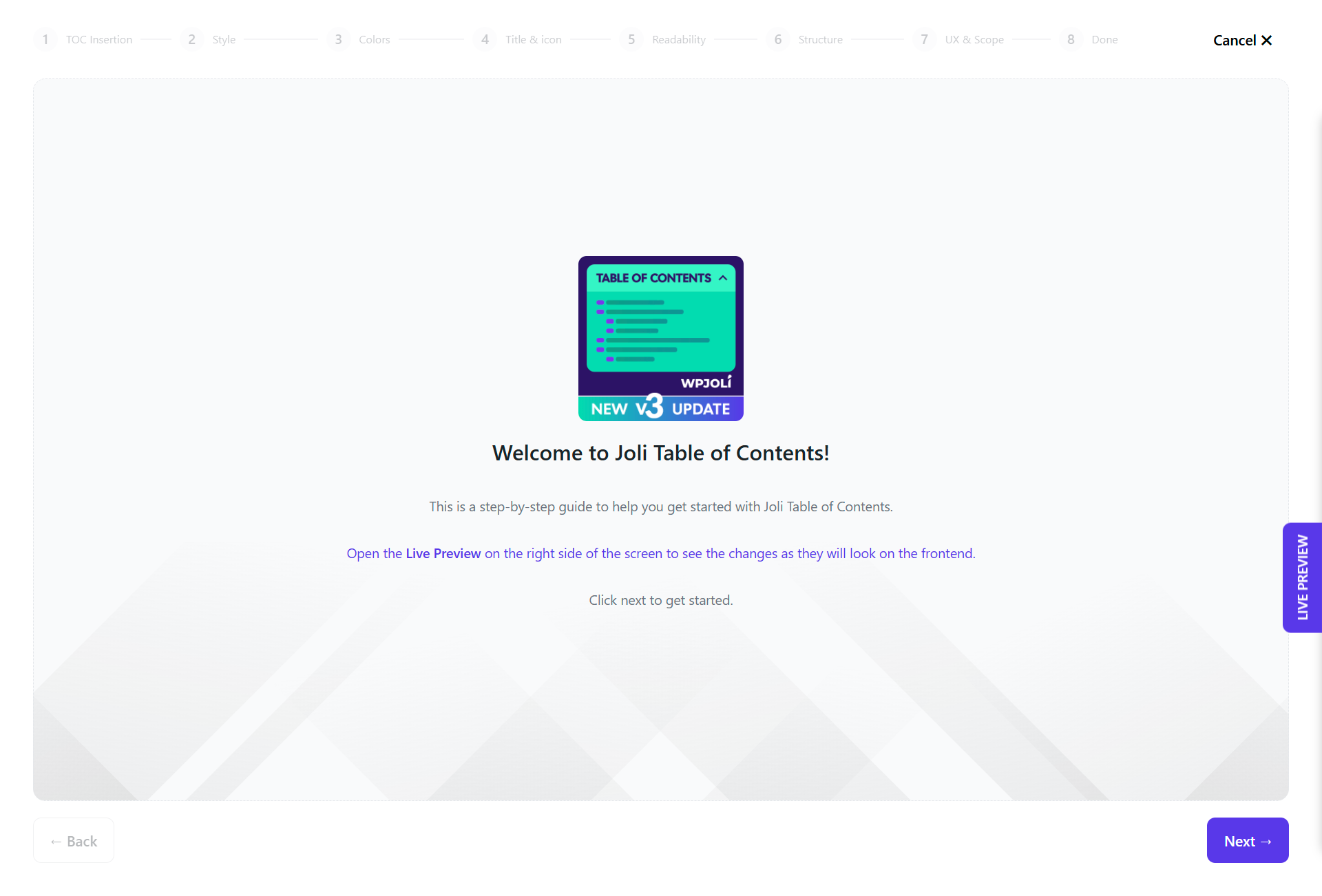
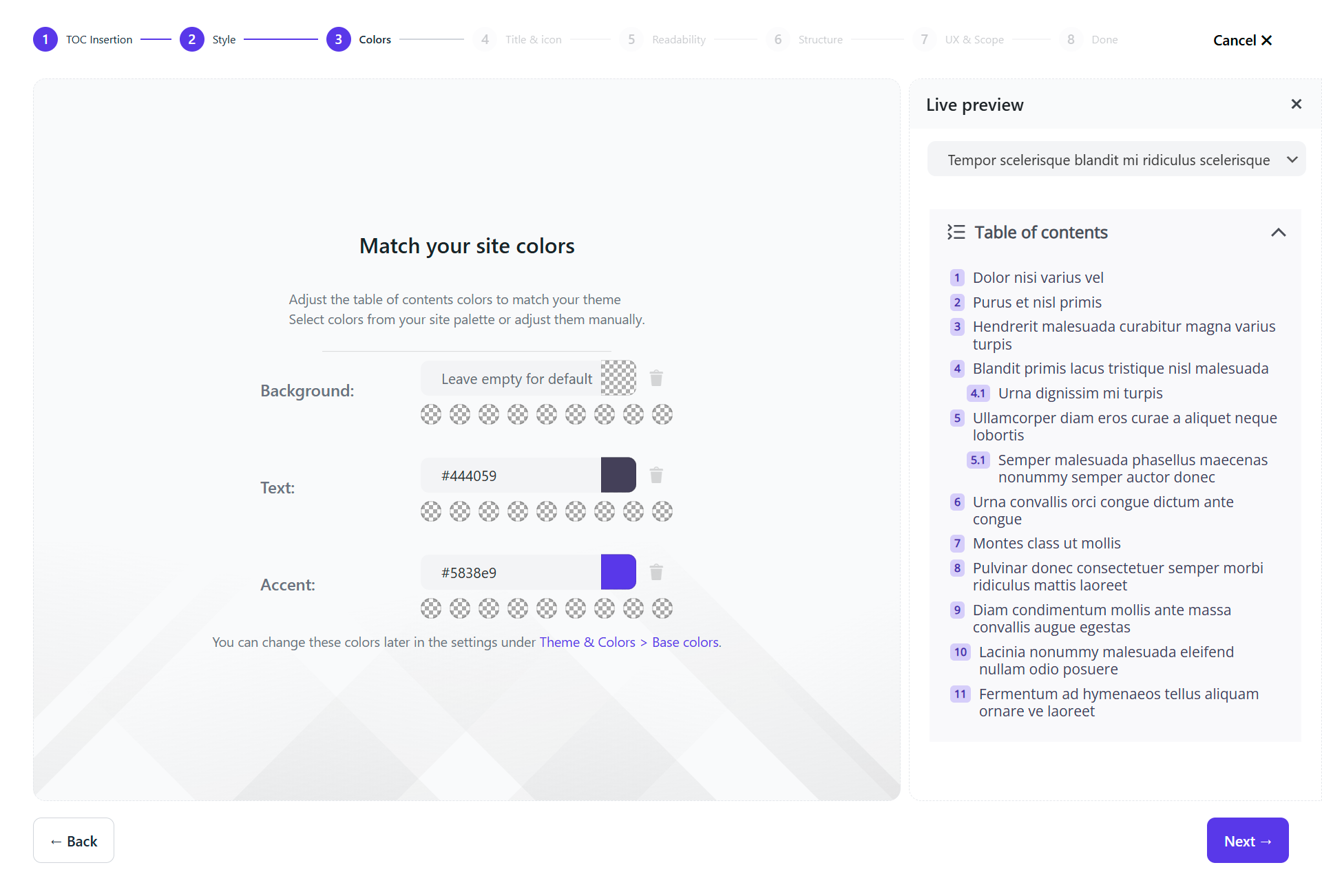
- Added quick start guide & notice in the settings.
1.0.0
- Initial release.

