
The Elementor Website Builder has it all: drag and drop page builder, pixel perfect design, mobile responsive editing,…
About Jetpack Protect
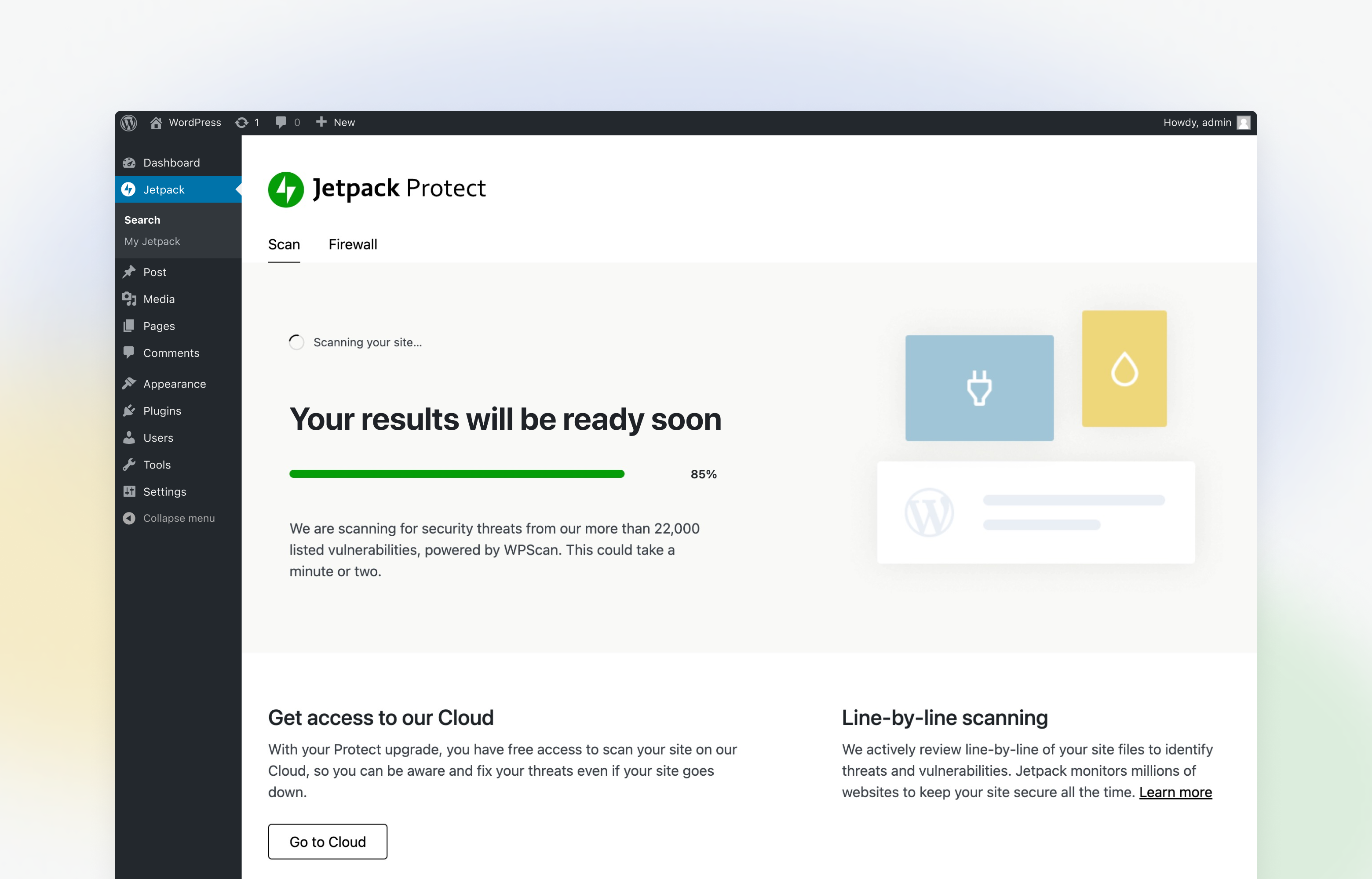
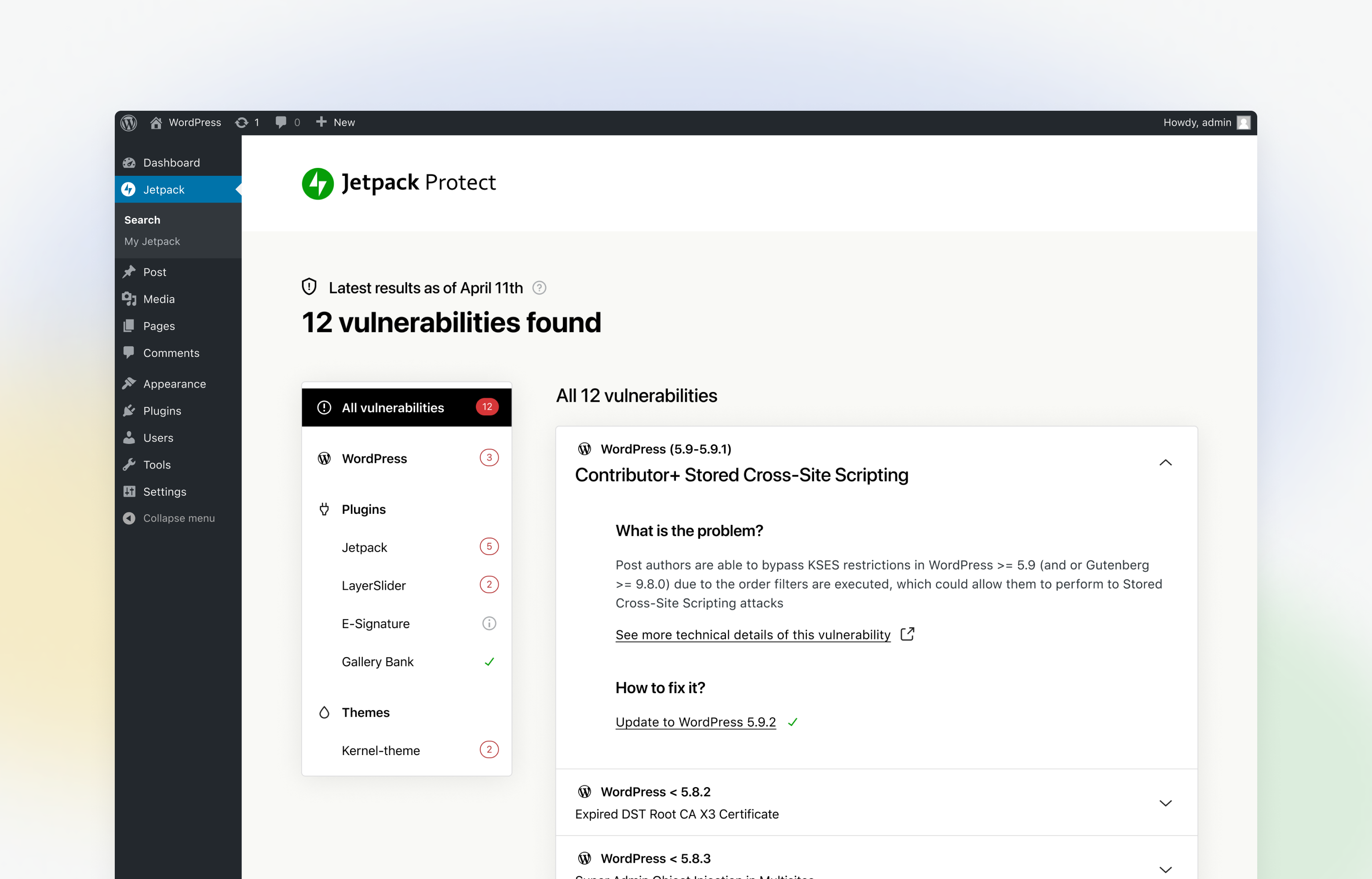
Jetpack Protect is a free WordPress security plugin that scans your site daily for vulnerabilities and malware. It is easy to set up and provides essential protection against brute force attacks. By upgrading to the paid version, you unlock additional features such as one-click fixes for malware issues and instant notifications when threats are detected.Screenshots
Frequently asked questions
What does Jetpack Protect (free) check for?
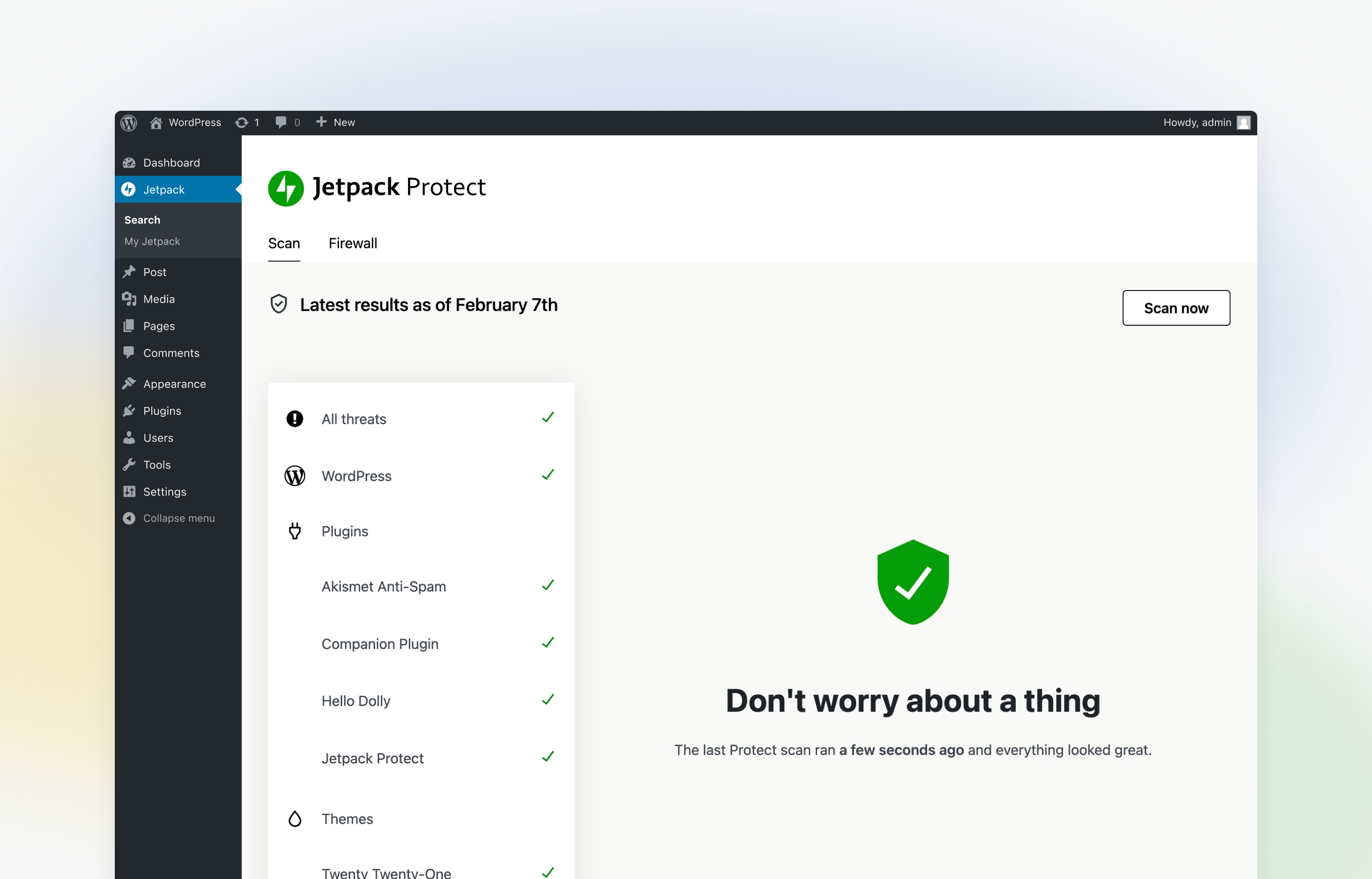
Jetpack Protect scans your site on a daily basis and warns you about: - The version of WordPress installed, and any associated vulnerabilities - What plugins are installed, and any related vulnerabilities - What themes are installed, and any associated vulnerabilities
What are vulnerabilities? Why do I need to scan my site regularly?
Site vulnerabilities are flaws in a website's code that weaken the site's overall security. These can be introduced to a site in various ways, in most cases unintentionally. Some of the ways vulnerabilities can be introduced to a site are: - Poorly written site code - Plugin and theme bugs - WordPress version bugs - System misconfigurations If a bad actor detects a vulnerability on your site, they can exploit it to access sensitive information, update your site, and more to damage your business or brand. That's why it's essential to use a reputable and reliable vulnerability & malware site scanner like Jetpack Protect to safeguard your site.
Can I use Jetpack Scan to fix a site that is already infected?
Jetpack Protect (Scan) detects and prevents attacks, but is not designed to fully clean up sites infected before it was active. If your site has malware, take immediate action to clean it up and remove the malicious code. To clean up your site, we suggest using a malware removal tool, or if possible restore from a backup taken before the infection. We recommend using Jetpack VaultPress Backup in conjunction with Jetpack Scan to secure your website.
What is malware? Why do I need to protect against it?
Malware is malicious code or software that has been created by bad actors to disrupt, damage, or gain access to your site. There are many ways that malware can get onto your WordPress site. The most common method is through attackers using vulnerable plugins or themes to install malware. Similar to the vulnerabilities listed above, bad actors can use malware to capture sensitive information, damage your site, and harm your business or brand. Jetpack Protect instantly notifies you of any threats detected, with one-click fixes for most issues.
What is a Web Application Firewall (WAF)?
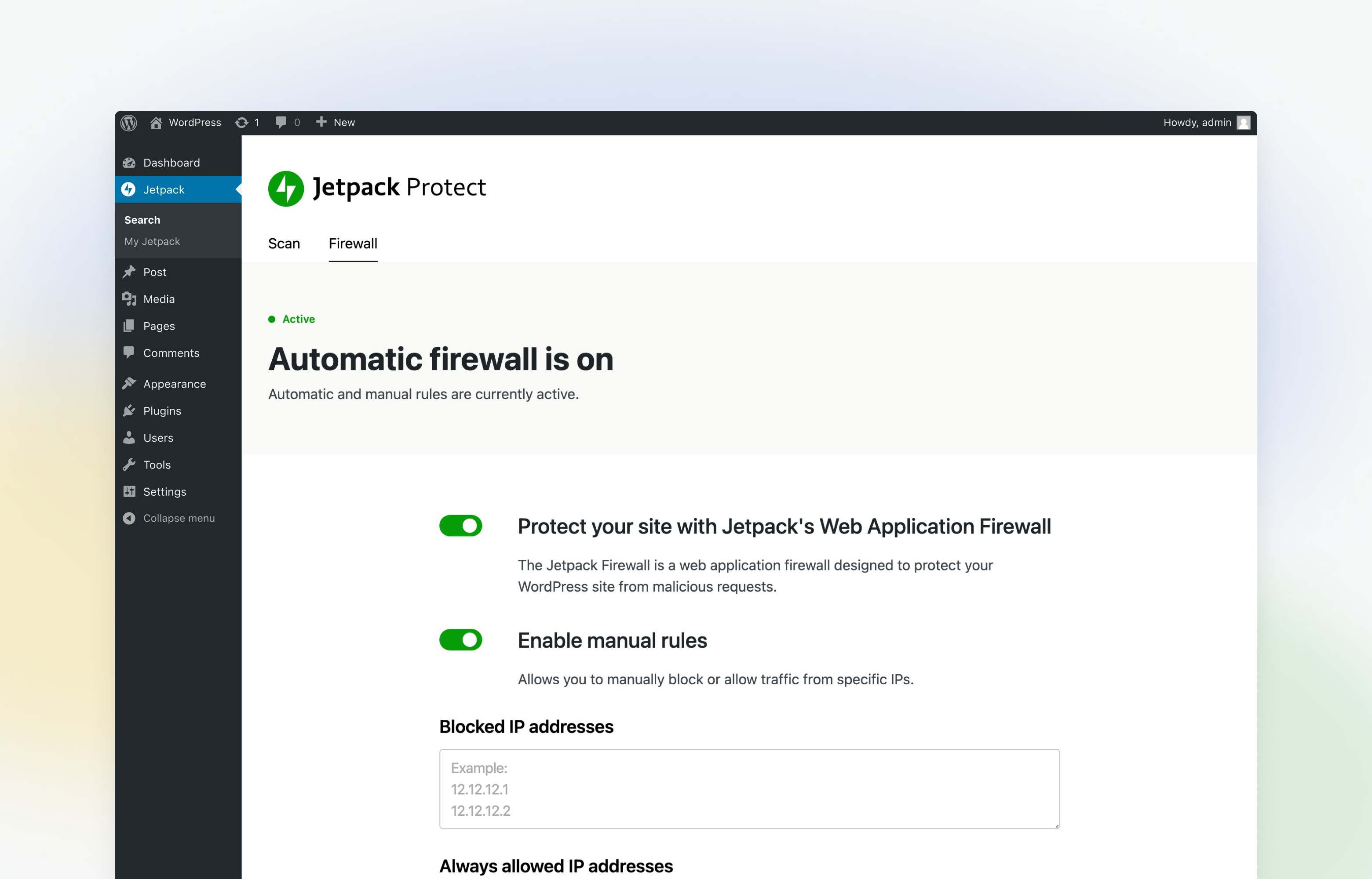
A web application firewall blocks traffic and malicious requests to your site from known bad actors. As threats are detected, new rules are added to Jetpack Protect's firewall, which provides around-the-clock protection for your WordPress site.
Changelog
3.1.1 – 2024-10-17
Changed
- Firewall: Fix backwards compatibility for sites running standalone mode with outdated packages autoloaded.

