

Just another contact form plugin. Simple but flexible.
About Smash Balloon Social Photo Feed – Best Social Feed Plugin for WordPress
Smash Balloon Social Photo Feed is a powerful and easy-to-use WordPress plugin that allows you to create and embed Instagram feeds on your website with just a few clicks. It is designed for both beginners and advanced users, and offers a range of customizable features. With over 1 million users worldwide, it is a trusted tool for showcasing Instagram content on websites.Screenshots

Frequently asked questions
How do I display Instagram posts from my Instagram accounts?
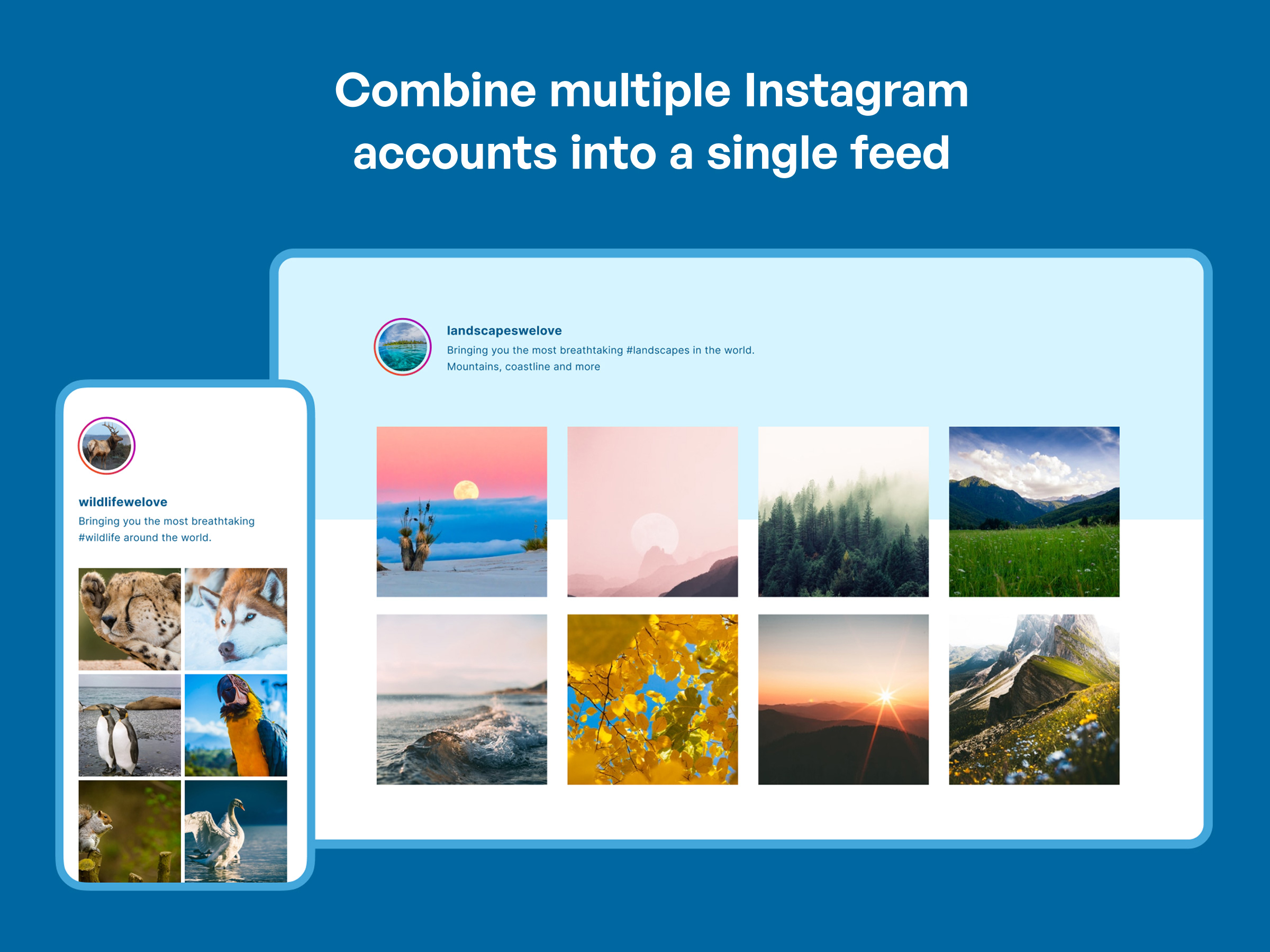
You can display Instagram posts from your Instagram accounts by using the Instagram Feed plugin. It allows you to display photos from multiple Instagram accounts in the same feed or in separate feeds.
Is the Instagram Feed plugin responsive and mobile ready?
Yes, the Instagram Feed plugin is completely responsive and mobile ready. The layout looks great on any screen size and in any container width.
Can I customize the appearance of my Instagram feeds?
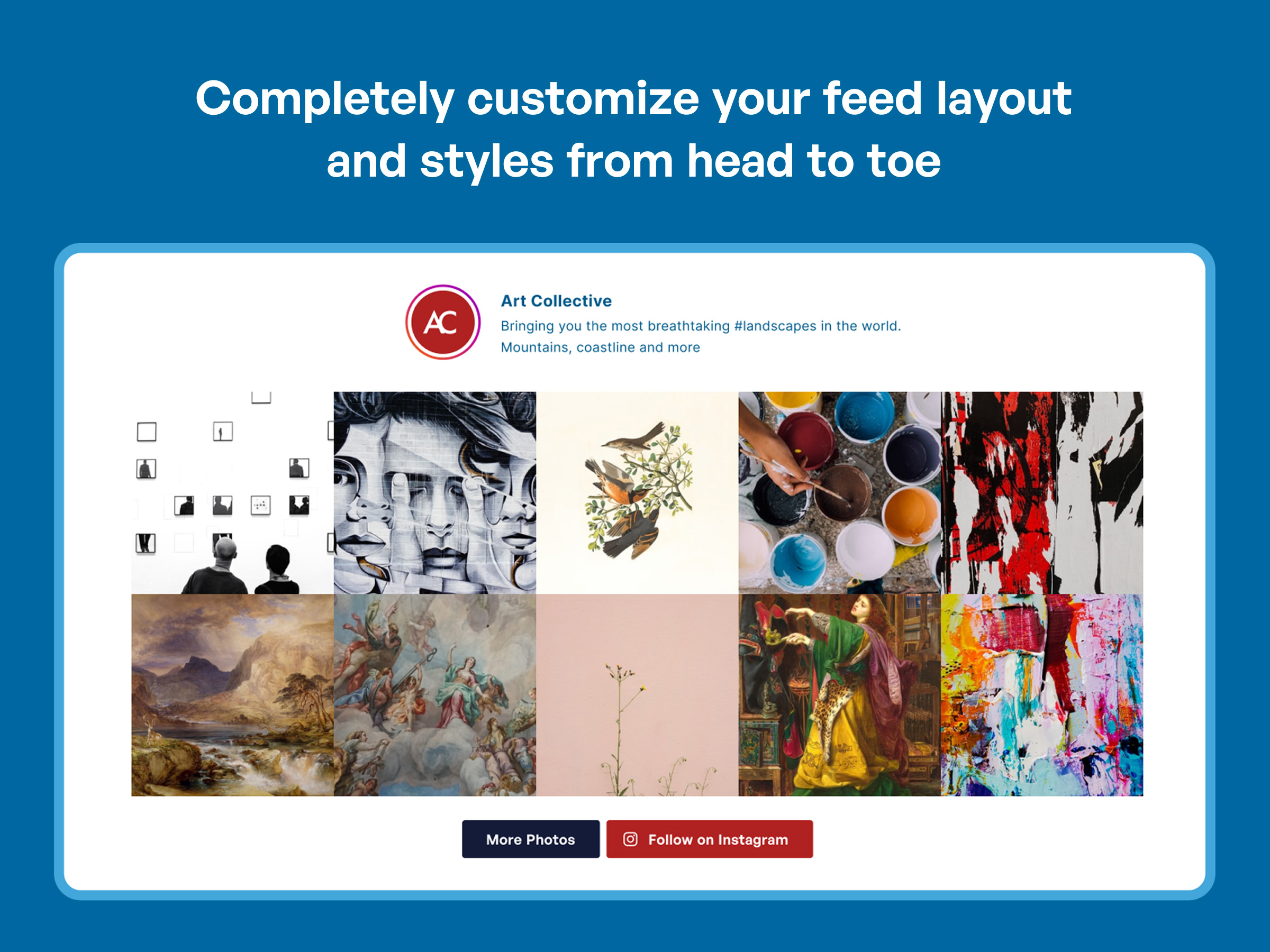
Yes, the Instagram Feed plugin is completely customizable. You can customize the width, height, number of photos, number of columns, image size, background color, image spacing and more!
Can I display multiple Instagram feeds on the same page or on different pages of my website?
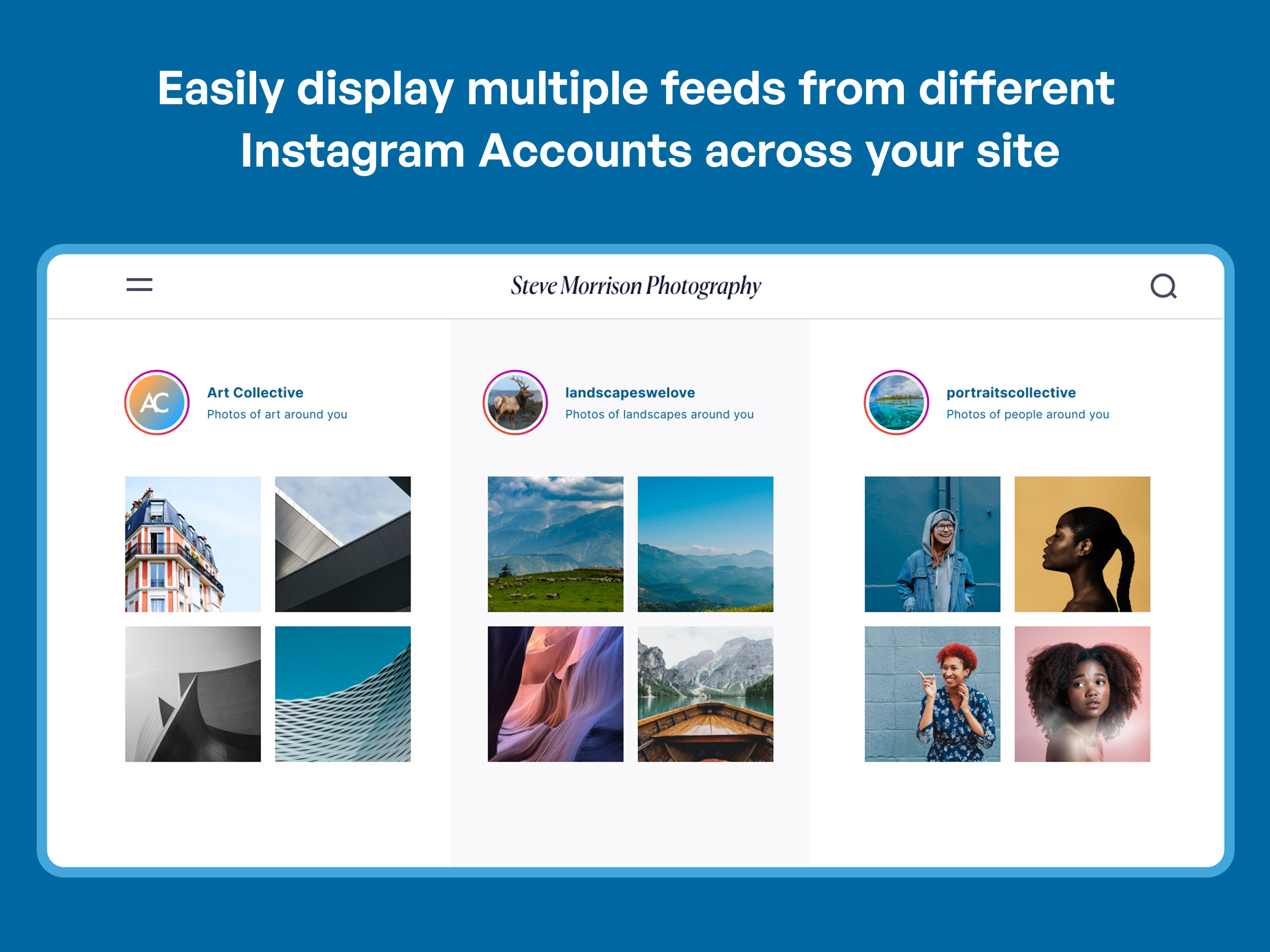
Yes, you can display multiple Instagram feeds on the same page or on different pages throughout your website using the Instagram Feed plugin.
Does the Instagram Feed plugin have GDPR compliance?
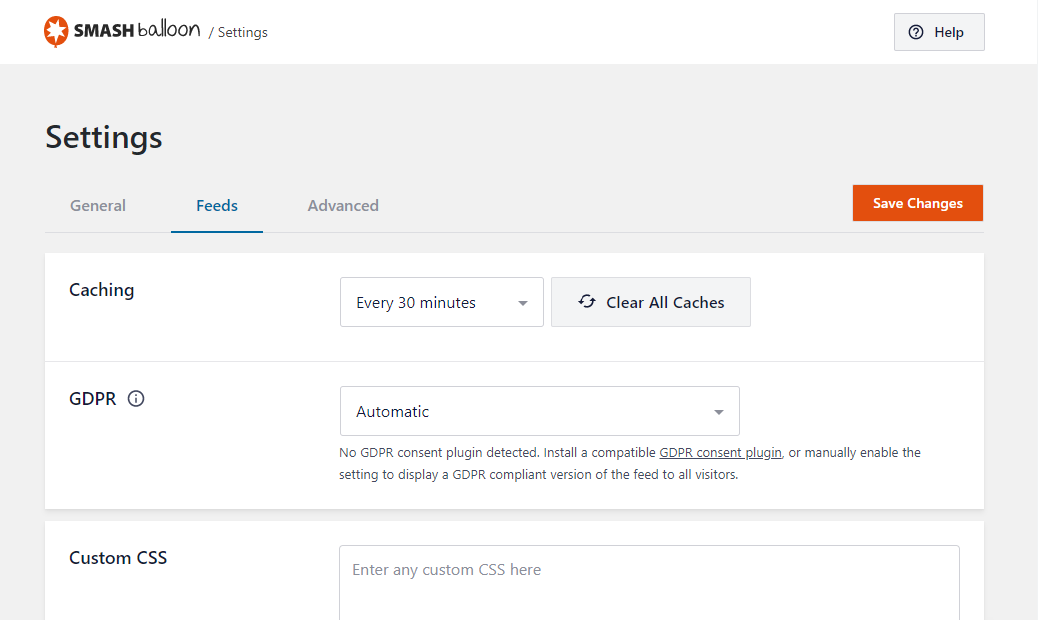
Yes, the Instagram Feed plugin automatically integrates with many popular GDPR cookie consent plugins and includes a 1-click easy GDPR setting.
Changelog
6.9.1
- Fix – Additional code hardening.
6.9.0
- Important – Added accessibility improvements related to the front-end feed display. This may affect custom code applied to the feed. Please check and reach out to support if you need help.
- Important – To comply with Meta’s security standards, we have raised the minimum PHP version to 7.4.
- Fix – Instagram feed plugin no longer triggers the _load_textdomain_just_in_time warning
- Fix – Additional code hardening.
6.8.0
- New – Added a new setting to support Instagram’s new 3:4 aspect ratio. Edit your feed, select the “Layout” tab and choose among a 1:1 square, 4:5 portrait, or 3:4 Instagram official aspect ratio.
- New – Added support for a new GDPR consent plugin WPConsent.
6.7.1
- Fix – Prevented PHP error “Fatal error: Uncaught TypeError: unserialize()”
- Fix – Removed advertisements for ClickSocial that appear in the block editor.
6.7.0
- New – Added information regarding our newest product ClickSocial! Schedule your social media posts through the WordPress dashboard.
- Fix – Added a notice and more details if a database update fails. Most commonly this is due to the MySQL user not having permissions to alter tables.
- Fix – Improved our compatibility with the latest versions of Divi and Elementor.
- Fix – Resolved a PHP warning related to _load_textdomain_just_in_time.
- Fix – Additional plugin hardening.
6.6.1
- Tweak: Added support for our new Feed Analytics product. Get insights as to how your feeds are being used by site visitors.
6.6.0
- Important: For users with a personal account connection, you will need to reconnect your account before December 2024 after updating to version 6.6 or higher. Learn more
- New: Added support for GDPR Cookie Compliance by Moove Agency and Real Cookie Banner GDPR plugins.
- Fix: Existing data is no longer deleted after removing the free version if the Pro version is also installed.
- Fix: Fixed a rare issue causing 404 errors when editing a feed.
- Fix: Improved compatibility with the Thrive Architect plugin.
6.5.1
- Fix: Plugin hardening.
6.5.0
- New: Added webp image support for the local image optimization feature. This will improve the performance of your feed by serving images in the webp format when possible.
- New: Added Blocks to easily use our other social media feeds.
- Fix: Fixed an issue with images not loading in the post editor when using the Instagram Feed block.
6.4.3
- New: Added support for new version of CookieYes GDPR plugin.
- New: Updated the URL for oEmbed auth flow.
- Fix: Resolved conflict with TikTok Feeds and removed assets when callout is not shown.
- Fix: Fixed issues with admin notices not dismissing properly.
6.4.2
- Fix: PHP fatal error caused by dependencies not being prefixed with the correct namespace.
6.4.1
- Fix: PHP fatal error that could occur in some circumstances when using the plugin.
- Fix: JS error that occurred on the frontend.
6.4
- New: Added a checklist and callout feature to help users get started with all Smash Balloon products installed
- Tweak: Added some improvements to our onboarding wizard to make it clear what certain steps do.
- Tweak: Made improvements to our oEmbed connection process.
- Fix: Fixed AJAX themes not loading jQuery dependency causing the feed to break in some circumstances.
- Translations: Updated our translation .pot file.
6.3.1
- Fix: Fixed some admin notices not dismissing as expected.
- Fix: Fixed an issue that would cause a fatal error when trying to delete the plugin.
6.3
- New: Updated CSS floats to flexbox and grid for better layout support and compatibility with themes. If you have made customizations in form of CSS, JS, or custom feed templates, make sure your feed looks as expected after updating. If you need time to update your customizations, use the “Legacy CSS” setting on the “Advanced” tab to revert the CSS file to version 6.2.
- New: Improved how images are displayed to support lazy loading.
- Fix: Added support for Borlabs Cookie v3.0.
6.2.10
- New: Added a menu item to easily install our new TikTok Feeds plugin!
6.2.9
- New: Added Elementor widget and Divi module for Instagram Feed.
- Tweak: Enhanced the secure custom login tool for the support team to troubleshoot certain API issues on your site.
- Tweak: Improved and hardened our code base to improve reliability.
- Fix: Updated settings info to display in the debug report.
6.2.8
- Fix: Menu items for our other plugins were not working when clicked.
6.2.7
- Tweak: Improved and hardened our code base to improve reliability.
6.2.6
- Fix: Resetting optimized images would also reset Instagram Feed settings.
6.2.5
- Fix: Fixed a problem with our code that would remove admin footer text from other sources.
- Fix: Fixed an issue causing the minified CSS file to not actually be minified.
6.2.4
- Fix: Disabled translation for a string that would cause an error in some languages.
6.2.3
- Fix: Fixed translation bugs that would cause PHP errors on certain settings pages.
- Fix: Fixed a PHP error that would occur when the database record for translations was corrupted.
6.2.2
- Translations: Fixed many translation issues and added translation files for German, French, Japanese, and many more.
- Fix: Fixed an issue that would cause extra slashes to be added to text settings that contained single and double quotes.
- Fix: Fixed an issue that would cause the customizer to not work the first time it was accessed.
6.2.1
- Fix: Fixed a deprecation warning that would occur in PHP 8.2+.
- Fix: Fixed a PHP error that would occur when using PHP 8.0+, legacy feeds, and a shortcode with no arguments.
6.2
- New: Added an onboarding wizard for new users to easily get started with Instagram Feeds.
6.1.6
- Fix: Changed code related to account connection for increased reliability.
- Fix: Only 20 feeds were available for export when using the tool on the settings page.
- Fix: Fixed an issue causing a PHP error “creation of a dynamic property” when using PHP 8.2.
6.1.5
- Fix: Fixed personal accounts unable to retrieve new tweets and showing an error with the code 100.
- Fix: Updated API calls for business accounts to work with upcoming changes from Instagram.
6.1.4
- Fix: Removed the option to add a feed to a widget if the current theme does not support widgets.
- New: Added a menu item to easily install our new Reviews Feed plugin!
6.1.3
- Fix: Fixed a PHP Warning: strtotime(): Epoch doesn’t fit in a PHP integer.
- Fix: Header bio was not updating when the bio for the connected Instagram account was updated.
- Fix: Fixed a few text items not being translatable.
6.1.2
- Fix: When enabling Facebook oEmbeds from the oEmbed page, an Instagram icon would appear when the Custom Facebook Feed plugin was being activated.
- Fix: Fixed a CSS parsing error.
6.1.1
- Fix: When using the customizer to enable the setting for the header “show outside scrollable area” and adding a background color, the preview would not show the same result as the actual feed.
- Fix: Disabling the JavaScript image loading on the “Advanced” settings tab would cause the customizer preview to look distorted.
- Fix: When customizing a feed, the load more button would become active when switching the device preview.
- Fix: Fixed a PHP warning that would occur when bulk deleting feeds.
6.1
- New: Added the ability to filter “Reels” posts in feeds. When customizing a feed and using the moderation settings you can now choose to show or hide Instagram “Reels” posts.
- New: Add a header image and bio text for personal sources. Go to the settings page and click on the gear icon to add this to an existing source.
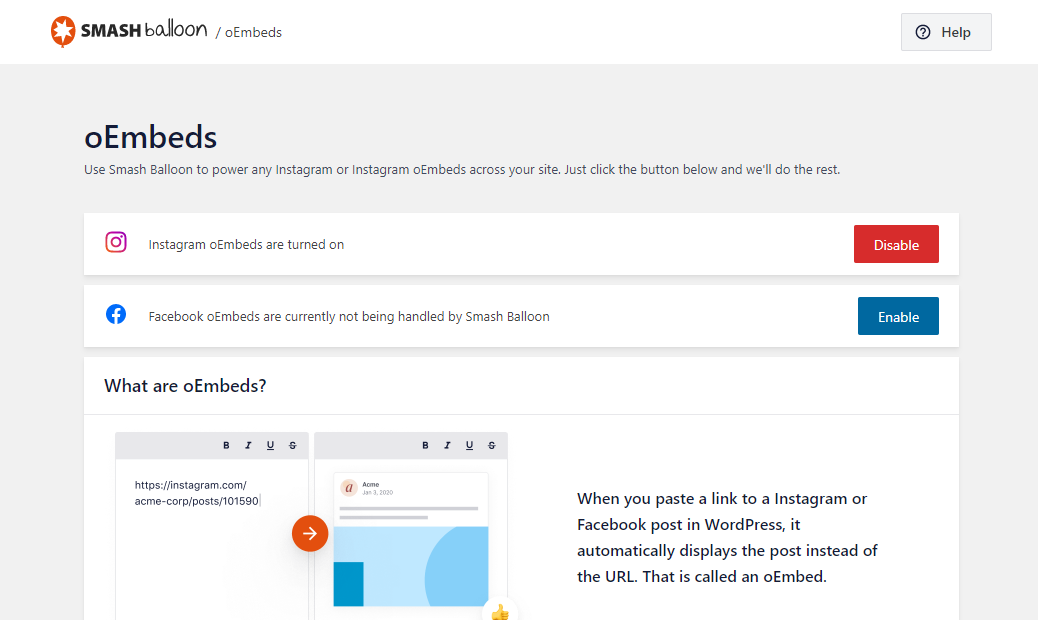
- New: Added support for Instagram “Reels” oEmbeds. Use WordPress’ embed block to create rich oEmbed links in blog posts and pages.
- Tweak: Vue.js code is now loaded from a local file shipped with the plugin rather than an external CDN for use with the customizer in the admin area.
6.0.8
- Tweak: Added a workaround to retrieve missing images if none were returned by Instagram for a post.
- Fix: Custom colors assigned to the Follow button would not apply when using a custom color palette.
- Fix: Added additional plugin hardening.
- Fix: A fatal error would occur with older versions of PHP and WordPress in some circumstances.
6.0.7
- Fix: Removed legacy “disable mobile” setting support as it was causing confusion for users updating from 2.x where changes to feed columns would not have an effect.
- Fix: Removed the reference in the feed CSS file to an image file that didn’t exist.in the feed CSS file.
- Fix: All sources would be removed when the grace period to address app permission issues ended. Now only the single source will be removed.
- Fix: The number of posts would be inaccurate in the feed preview when using the customizer for mobile devices.
6.0.6
- Tweak: Added a warning notice to allow a grace period before Instagram data is permanently deleted from your site after deauthorizing the Smash Balloon Instagram app. Due to Instagram requirements, any Instagram data on your site must be deleted within a reasonable time after the app has been deauthorized. The new warning notice provides a 7 day grace period to allow you time to reauthorize the app if you don’t want the data to be deleted.
- Tweak: Reconnecting an account now results in deleting the original connection in the database and adding a new one. This will prevent issues with some caching systems like Redis.
- Fix: Only the first 20 sources were available when creating feeds and changing sources for a feed.
- Fix: The link in some error messages were incorrect resulting in “access denied” error messages when clicking on them.
6.0.5
- Tweak: If WordPress cron is broken or behind schedule and causing background caching to not work, the plugin will update the feed when the page loads.
- Fix: Jetpack’s “Master Bar” feature was causing the sidebar in the customizer to be partially hidden.
- Fix: Added back support for the “class” shortcode setting for all feeds.
- Fix: Removed all Font Awesome icons and no longer include the CSS file from the Font Awesome CDN.
6.0.4
- Fix: Added back the ability to use up to 10 columns in feeds.
- Fix: The reconnect link that would display when an account had an error would not redirect to connect.smashballoon.com.
6.0.3
- Tweak: Updated our logo throughout the plugin to match our new website.
- Tweak: Changed how the hover color for follow and load more buttons is applied to prevent theme conflicts.
- Fix: Fixed JavaScript file not being added to the page when using the plugin GDPR Cookie Consent by WebToffee.
- Fix: Dismissing dashboard notifications would cause the “Add new feed” button to stop working until the page was refreshed.
6.0.2
- Fix: Fixed Instagram Feed JavaScript file missing from the page when using the “AJAX theme loading fix” setting causing blank images to display.
- Fix: Added the ability to create the custom database tables if there was an error when first trying to create them.
- Fix: Fixed the error message not displaying if there was an error when trying to connect a personal or basic account.
6.0.1
- Fix: Custom HTML templates were not applying to new feeds.
- Fix: Some custom tables were not being created for specific versions of MySQL.
- Fix: The shortcode setting “showfollow=false” was not working for legacy feeds.
- Fix: The shortcode settings “showheader” and “showbio” were applying for non-legacy feeds causing confusion when trying to change these settings in the customizer.
- Fix: The customizer would not resize images causing blank images to show when GDPR features were enabled.
- Fix: Fixed PHP warning “Undefined array key tagged”.
6.0
- Important: Minimum supported WordPress version has been raised from 3.5 to 4.1.
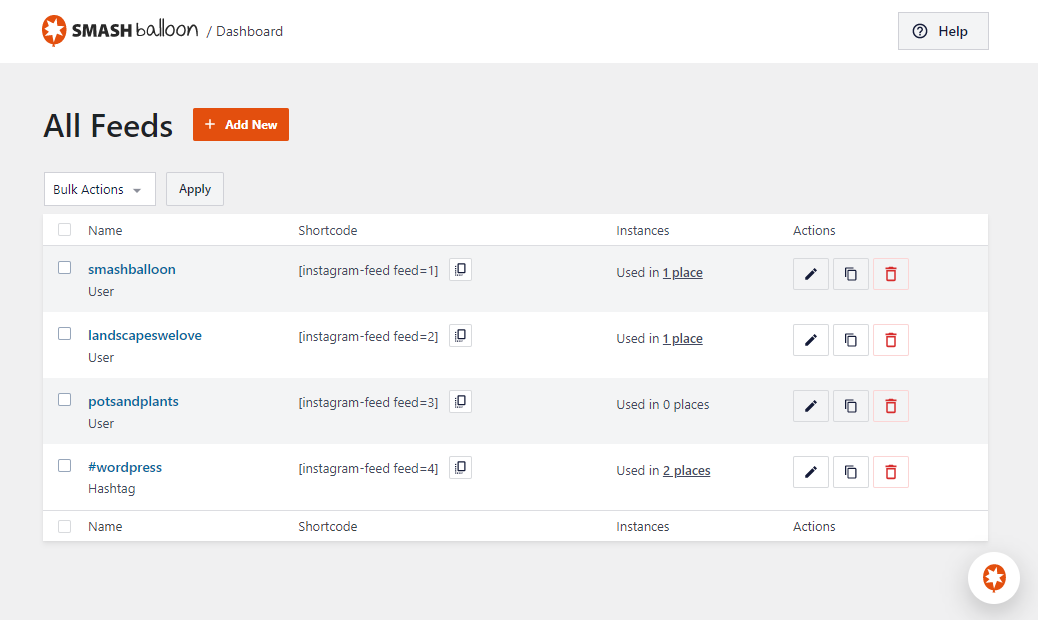
- New: Our biggest update ever! We’ve completely redesigned the plugin settings from head to toe to make it easier to create, manage, and customize your Instagram feeds.
- New: All your feeds are now displayed in one place on the “All Feeds” page. This shows a list of any existing (legacy) feeds and any new ones that you create. Note: If you updated from a version prior to v2.8 then you may need to view your feeds on your webpage so that the plugin can locate them and list them here.
- New: Easily edit individual feed settings for new feeds instead of cumbersome shortcode options.
- New: It’s now much easier to create feeds. Just click “Add New”, select your feed type, connect your account, and you’re done!
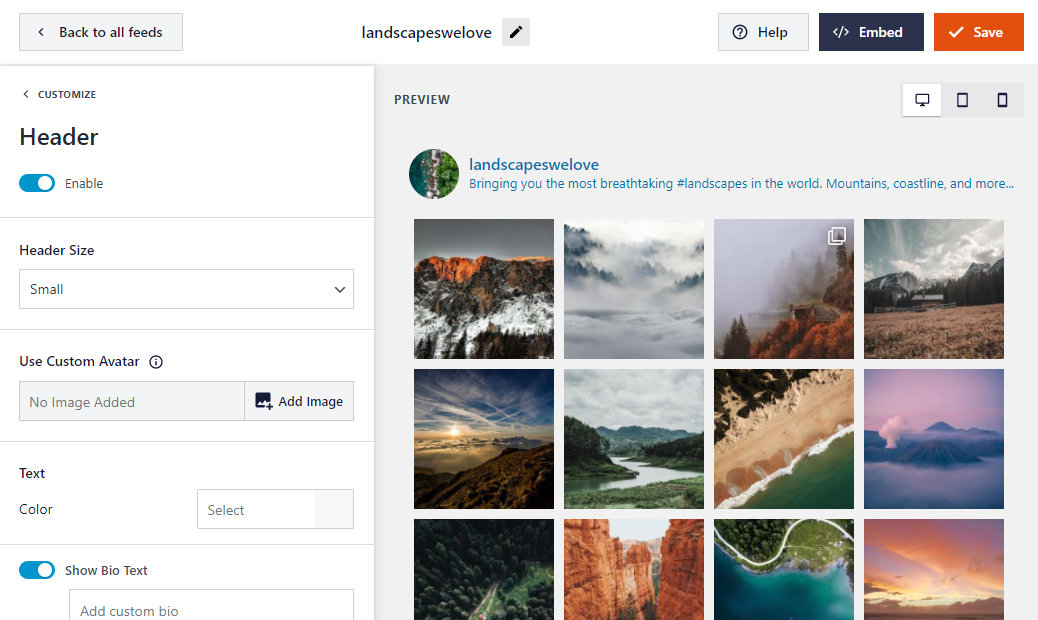
- New: Brand new feed customizer. We’ve completely redesigned feed customization from the ground up, reorganizing the settings to make them easier to find.
- New: Live Feed Preview. You can now see changes you make to your feeds in real time, right in the settings page. Easily preview them on desktop, tablet, and mobile sizes.
- New: Color Scheme option. It’s now easier than ever to change colors across your feed without needing to adjust individual color settings. Just set a color scheme to effortlessly change colors across your entire feed.
- New: You can now change the number of columns in your feed across desktop, tablet, and mobile.
- New: Easily import and export feed settings to make it simple to move feeds across sites.

