

Just another contact form plugin. Simple but flexible.
About Image Hover Effects – Elementor Addon
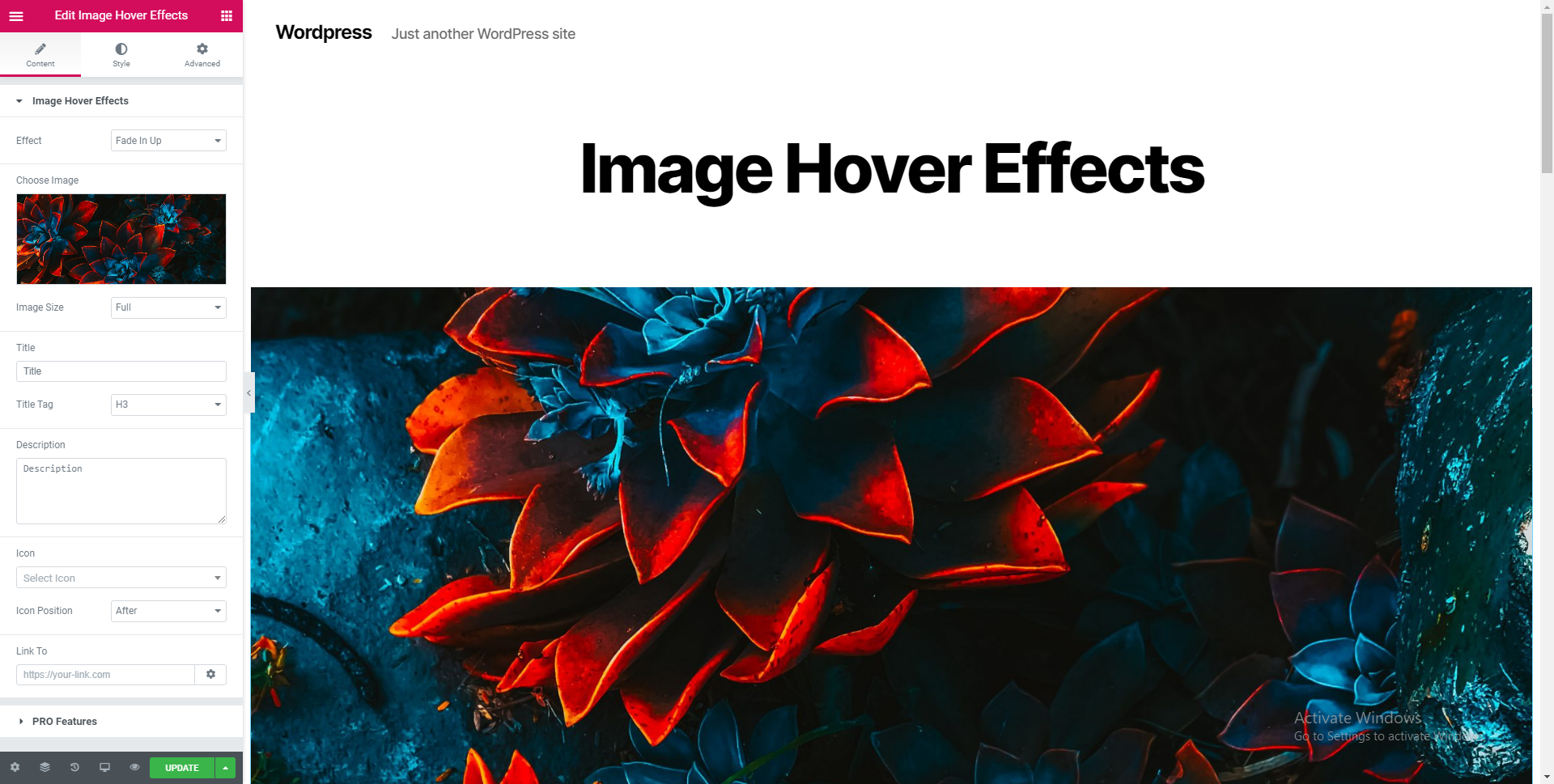
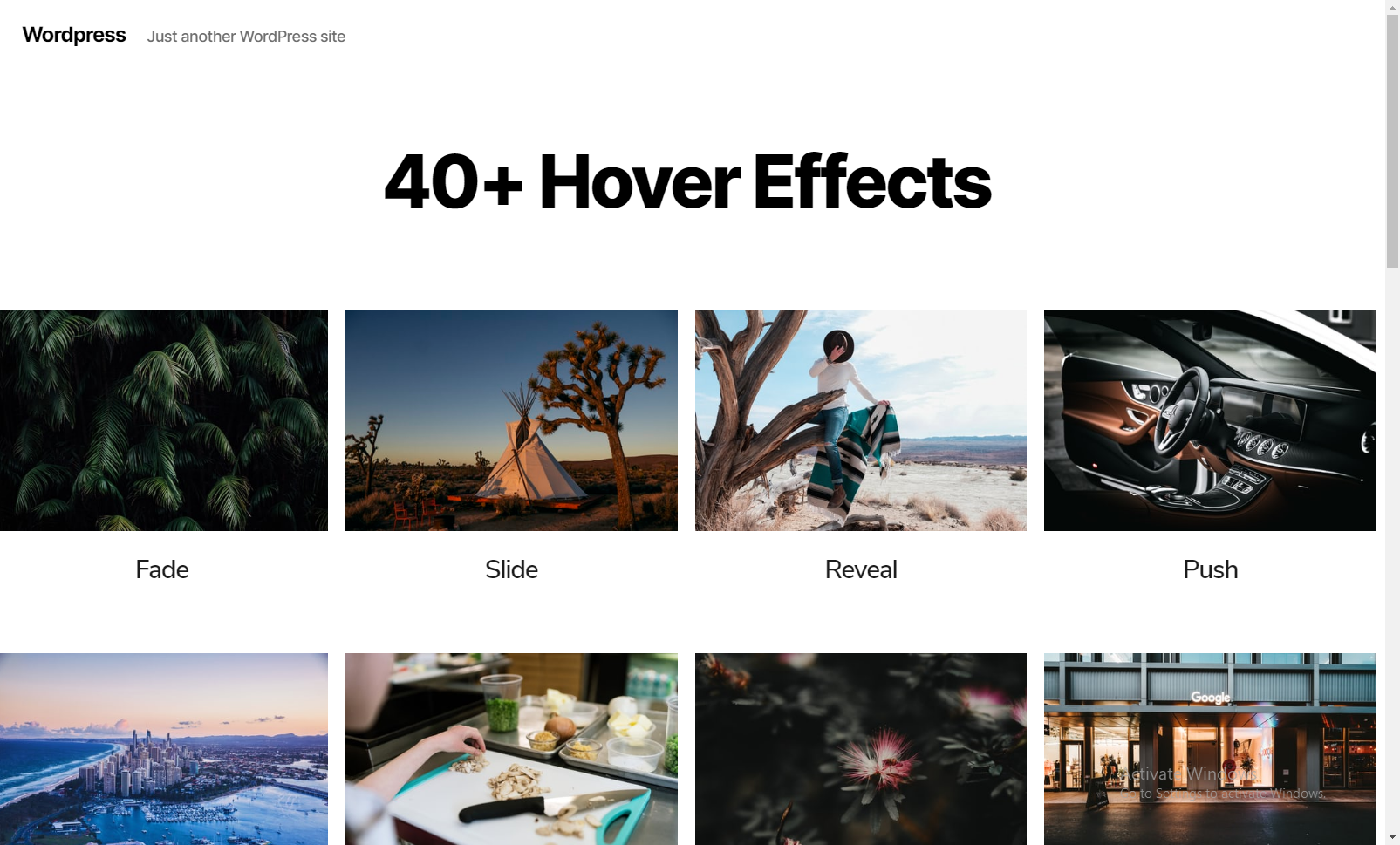
Image Hover Effects Addon for Elementor Page Builder is a plugin that allows you to customize hover effects for your images. With over 40 effects to choose from, you can add titles, descriptions, icons, and links to your images. The plugin is easy to use and has options for both beginners and advanced users.Screenshots


Frequently asked questions
What is the Image Hover Effects Addon for Elementor Page Builder?
The Image Hover Effects Addon for Elementor Page Builder is an addon that allows you to set customized hover effects for your images. It offers over 40 image hover effects and allows you to align text, change background, set borders, and more.
What are some of the features of the Image Hover Effects Addon?
Some of the features of the Image Hover Effects Addon include easy customization options, 40+ image hover effects, circle and square border options, horizontal and vertical alignment control, padding settings, WPML compatibility, and more.
Can I customize the appearance of the hover effects?
Yes, you can easily customize the appearance of the hover effects with just a few clicks. You can also add custom HTML or CSS attributes if you prefer.
Is the Image Hover Effects Addon SEO friendly?
Yes, the Image Hover Effects Addon is SEO friendly. It allows you to add title tags, headings, and descriptions to your images, which can help improve your website's SEO.
Where can the Image Hover Effects Addon be used?
The Image Hover Effects Addon can be used on any WordPress website that supports Elementor. It is suitable for blogging sites, news websites, e-commerce sites, e-learning websites, and more.
Changelog
1.4.4
- Minor security fix
1.4.3
- Minor security fix
1.4.2
- WP 6.5.2 Compatibility update
- Widget editor based security fix
1.4.1
- Minor Security Fix
1.4
- Enhancement – Elementor Deprecation fixes
1.3.8
- Enhancement – Compatibility tested with latest Elementor and WordPress 6.2
- Enhancement – Compatibility tested with PHP 8
1.3.7
- Enhancement – Compatibility tested with latest Elementor and WordPress 6
- Fixed – Deprecation errors handled
1.3.6
- Enhancement – Compatibility tested with latest Elementor and WordPress 5.9
1.3.5
- Added – Dynamic value option for Title, Description, Image and Link
- Fixed – Deprecation errors handled
1.3.4
- Fixed – Hardened allowed options in the editor to enforce better security policies
1.3.3
- Fixed – Content alignment
1.3.2
- Enhancement – Icons control upgraded to support Font Awesome 5 and SVG icons
1.3.1
- WordPress 5.5 Compatibility Update
- Minor Fix
1.3.0
- Added – WPML Translation Support
1.2.8
- WordPress 5.3.2 Compatibility Update
1.2.7
- WordPress 5.3 Compatibility Update
1.2.6
- Enhancement – Vertical alignment option type
1.2.5
- WordPress 5.2 Compatibility Update
1.2.4
- WordPress 5 Compatibility Update
- Fixed – Minor CSS related fixes
1.2.3
- Features notice removed
1.2.2
- Readme update
1.2.1
- Fixed – Minor UI fixes and widget controls arrangements
1.2
- Added – Translation ready
- Added – Icon added for title
- Fixed – Code improvements
- Fixed – Typography issue fix
- Fixed – UI improvements
1.1
- Removed – Columns control
- Added – Support for iOS devices
- Added – Link feature
- Added – Inline editing
- Added – Change image size
- Added – Center align text by default
1.0
- Initial version

