

Just another contact form plugin. Simple but flexible.
About Html5 Video Player – mp4 player, Video Player for WordPress
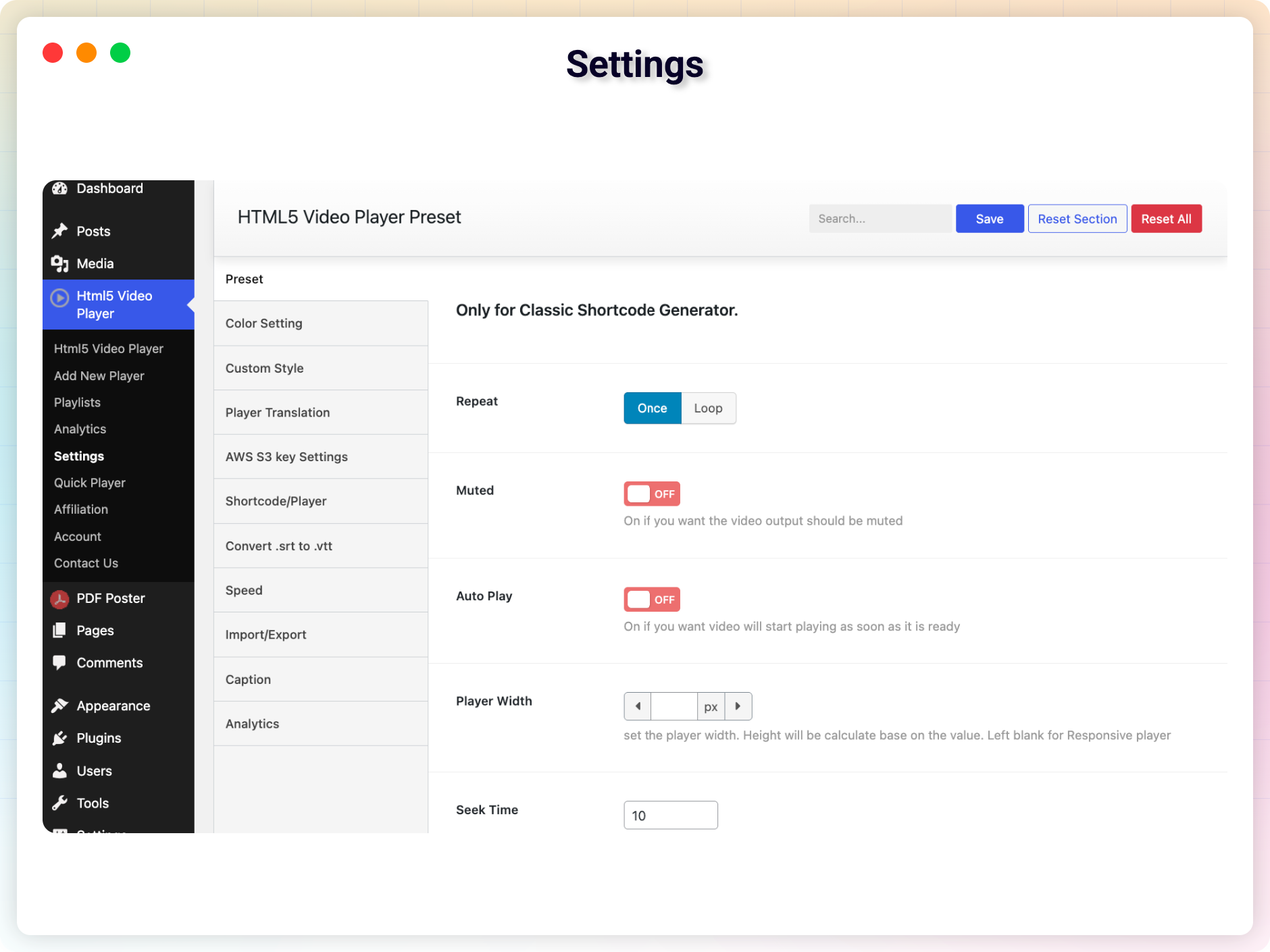
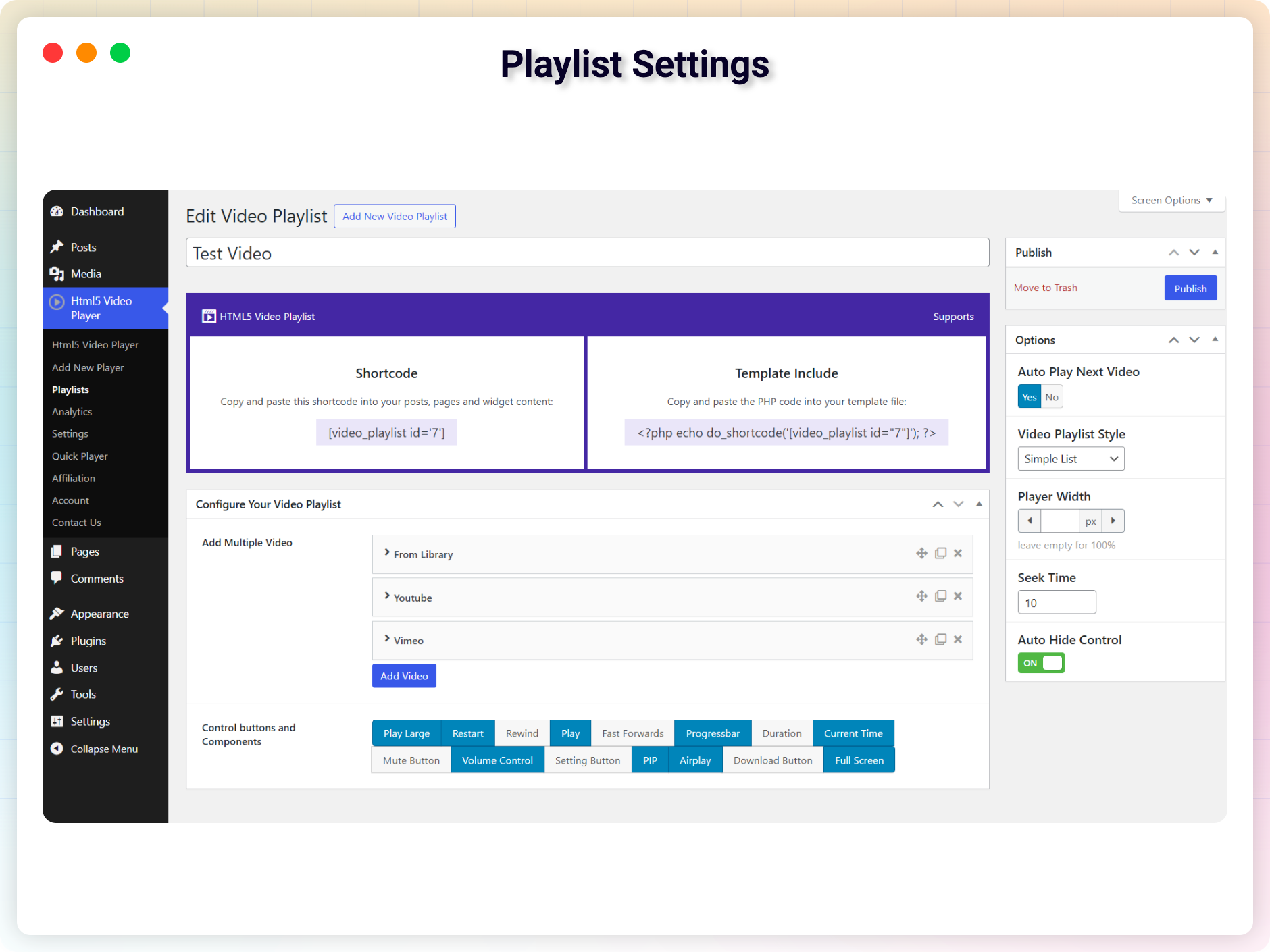
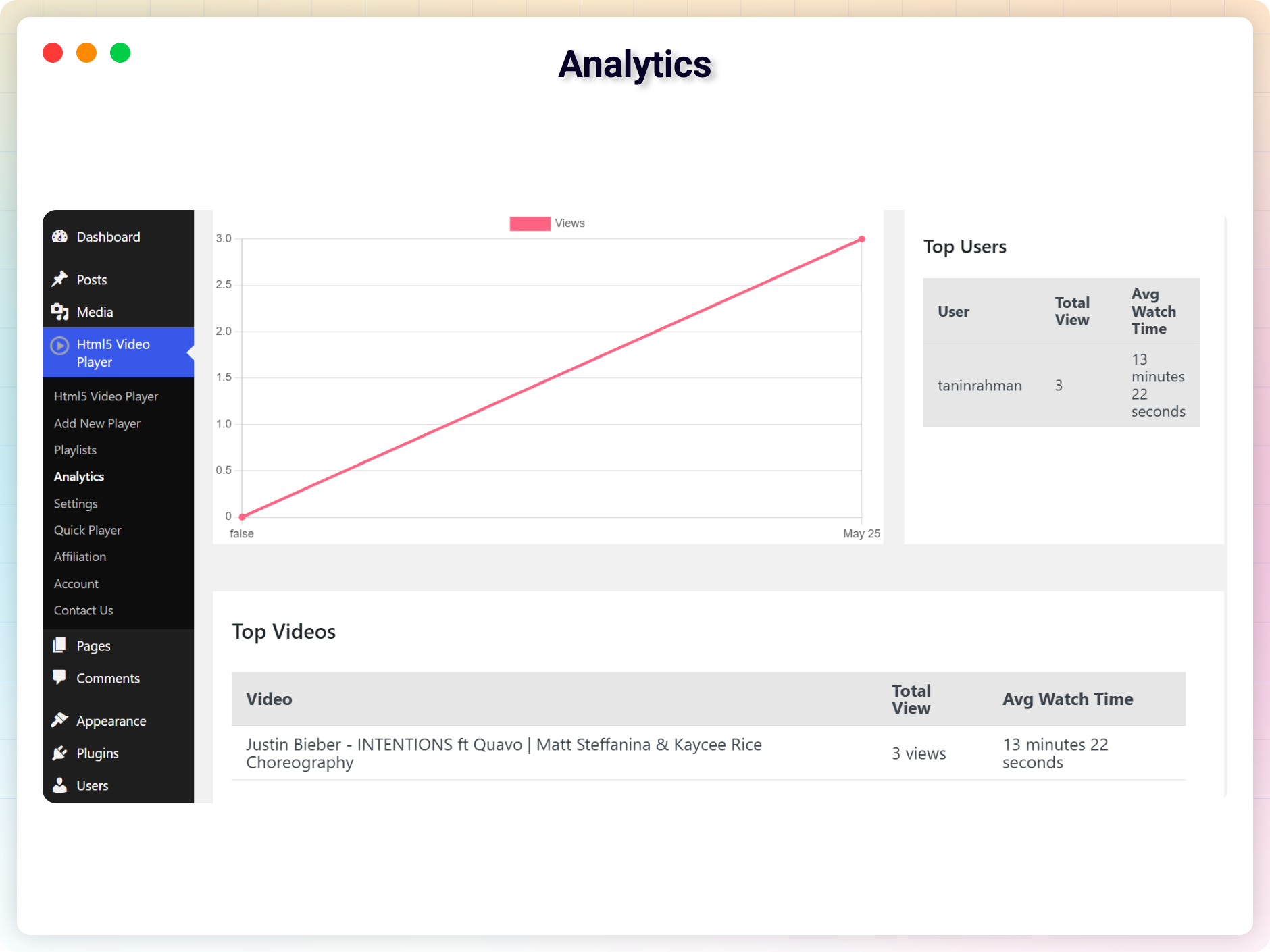
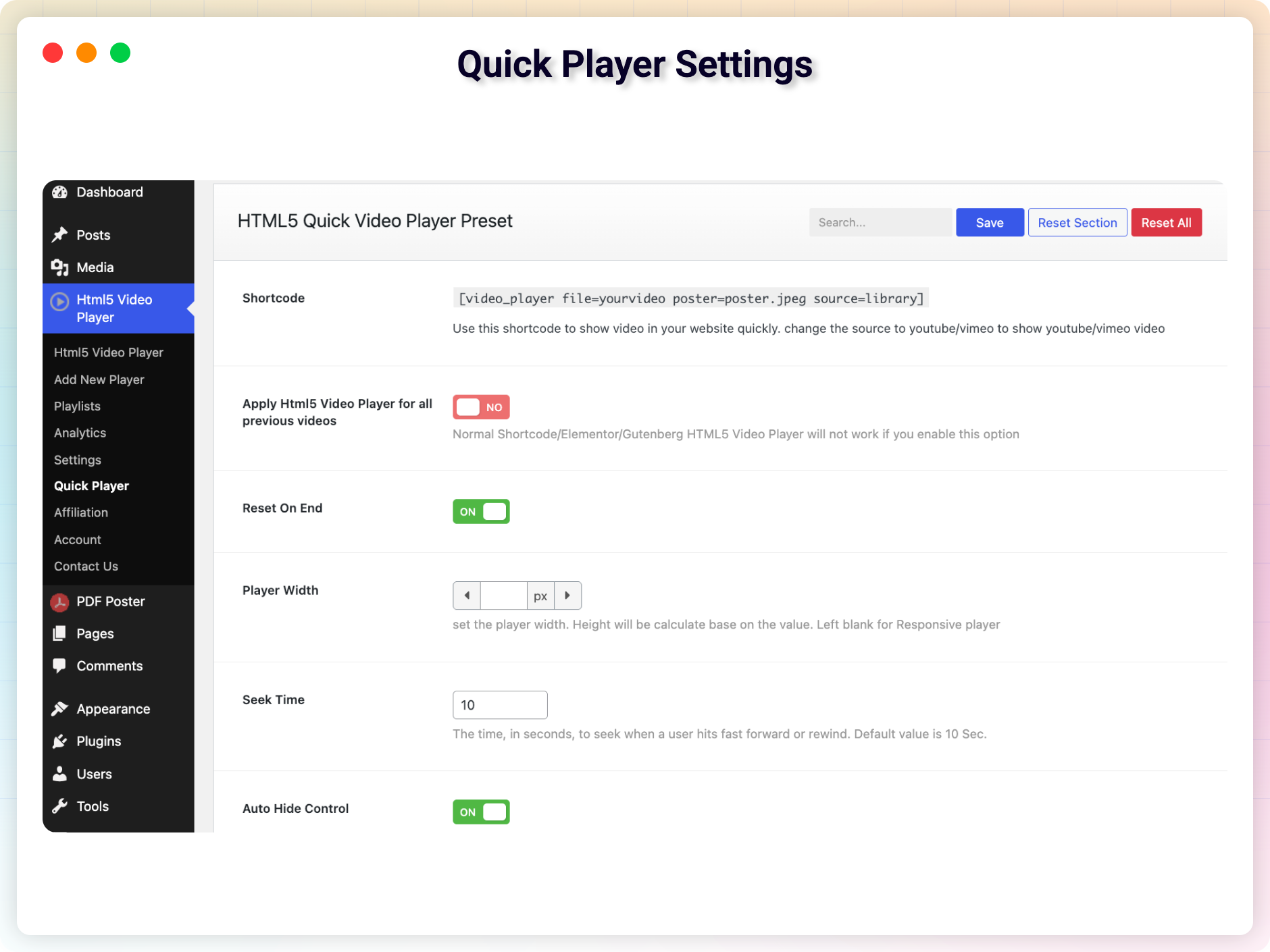
HTML5 Video Player is a powerful and versatile plugin that allows you to easily embed and customize HTML5 videos on your WordPress website. It supports various video formats, offers customization options, and is optimized for SEO and mobile devices. The plugin also has a Pro version with additional features such as color changing options, external video source support, and video quality switcher.Screenshots
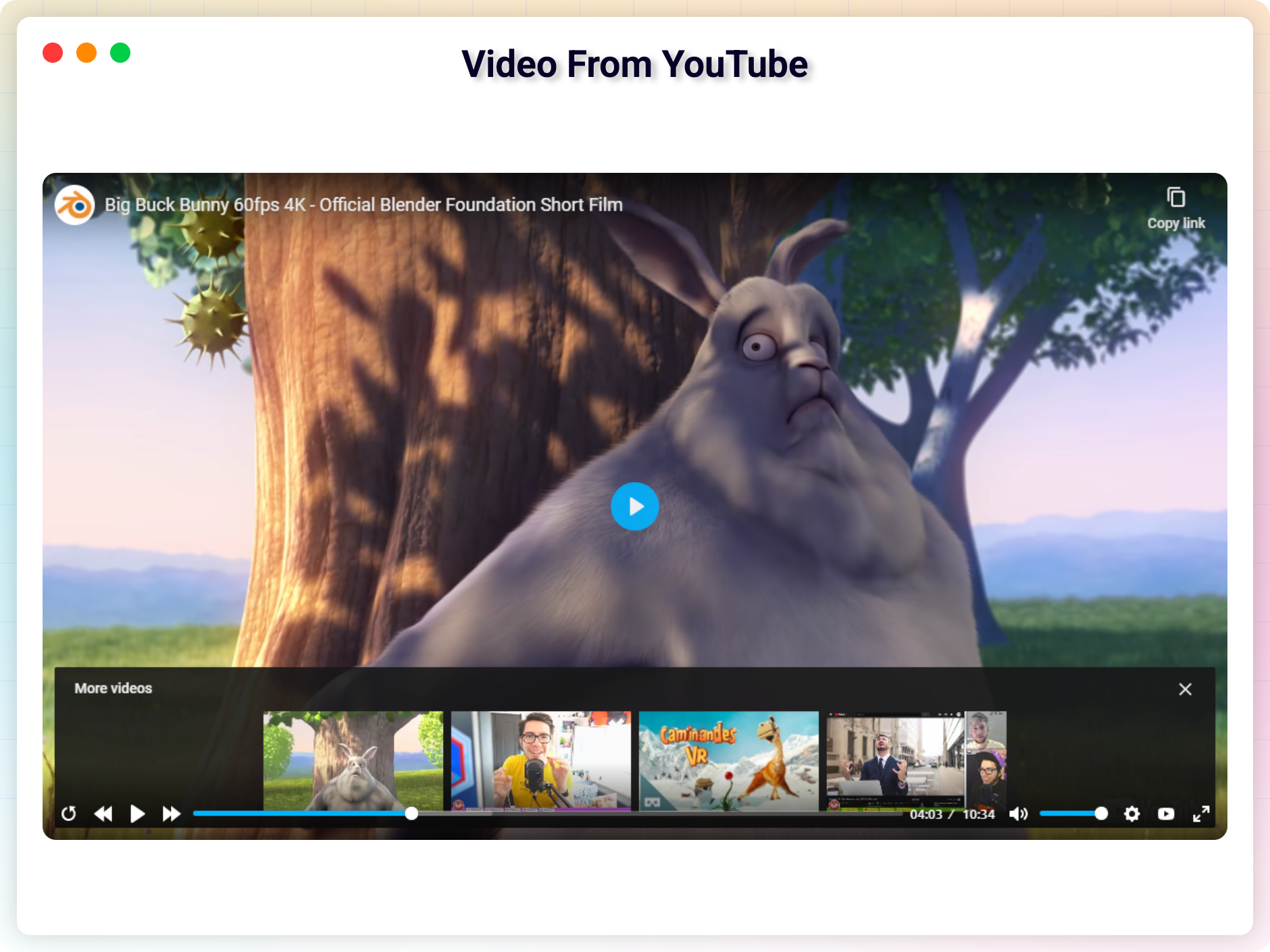
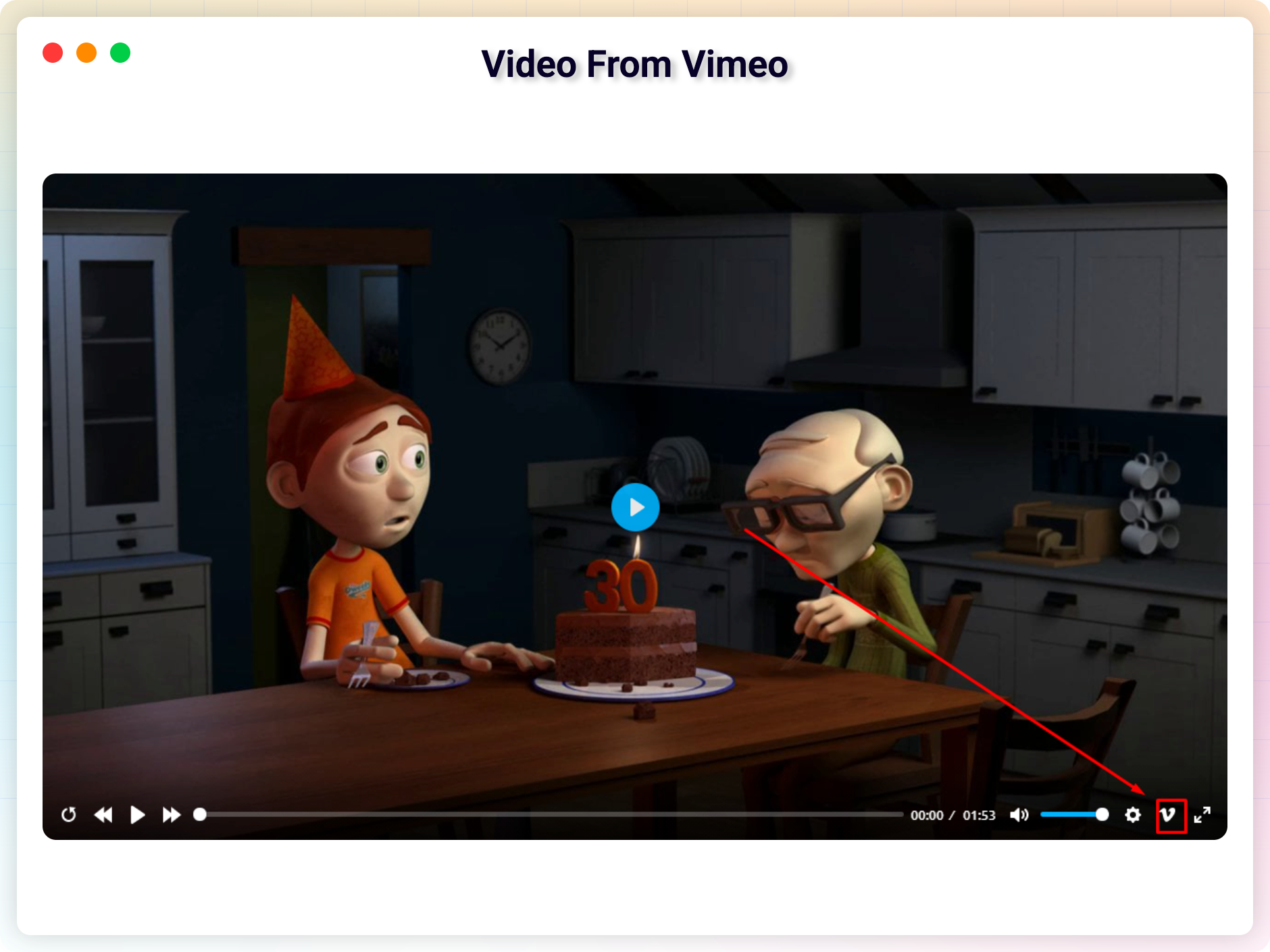
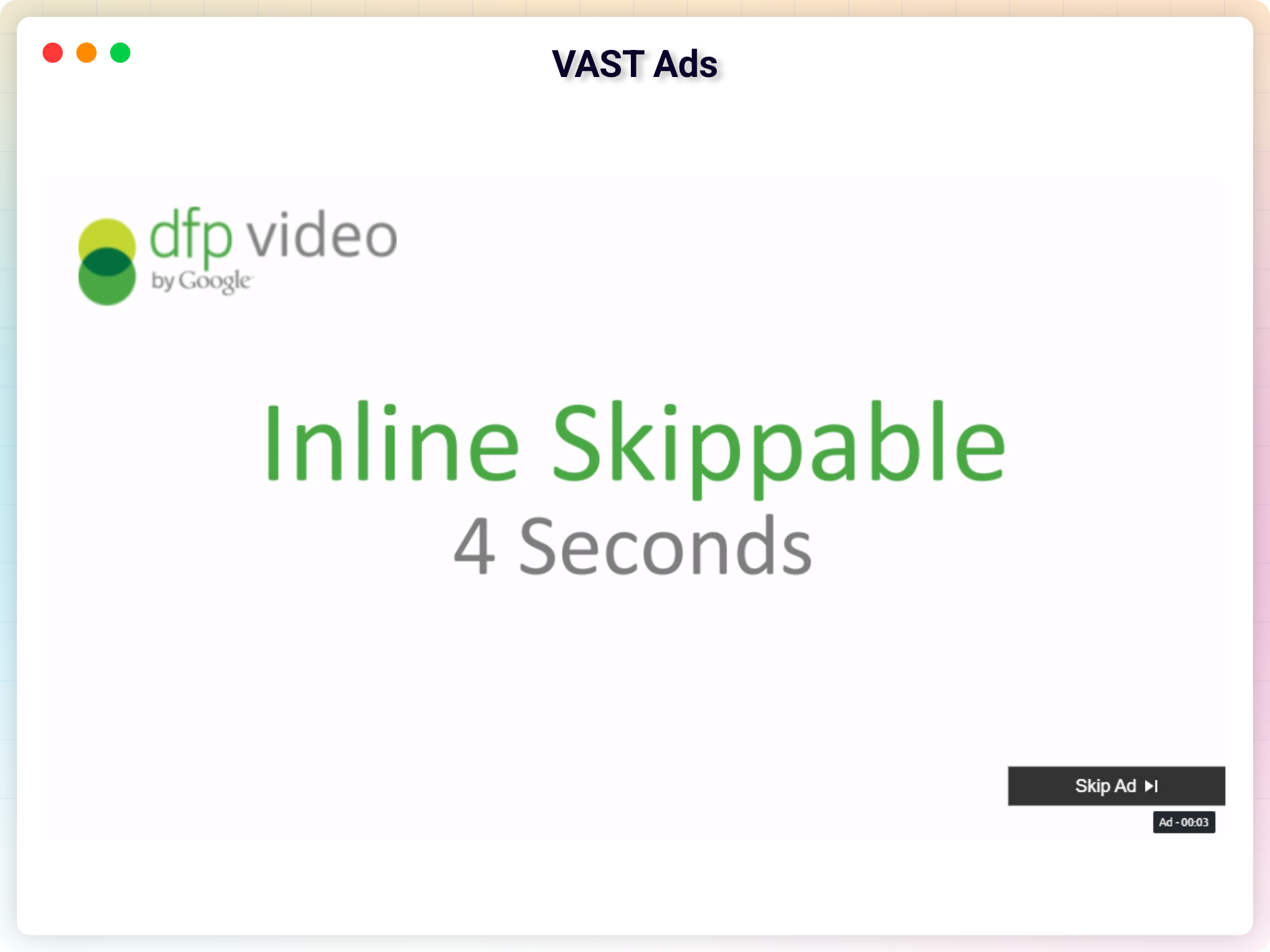
Frequently asked questions
How to use it?
Here is a quick tutorial.
How to use
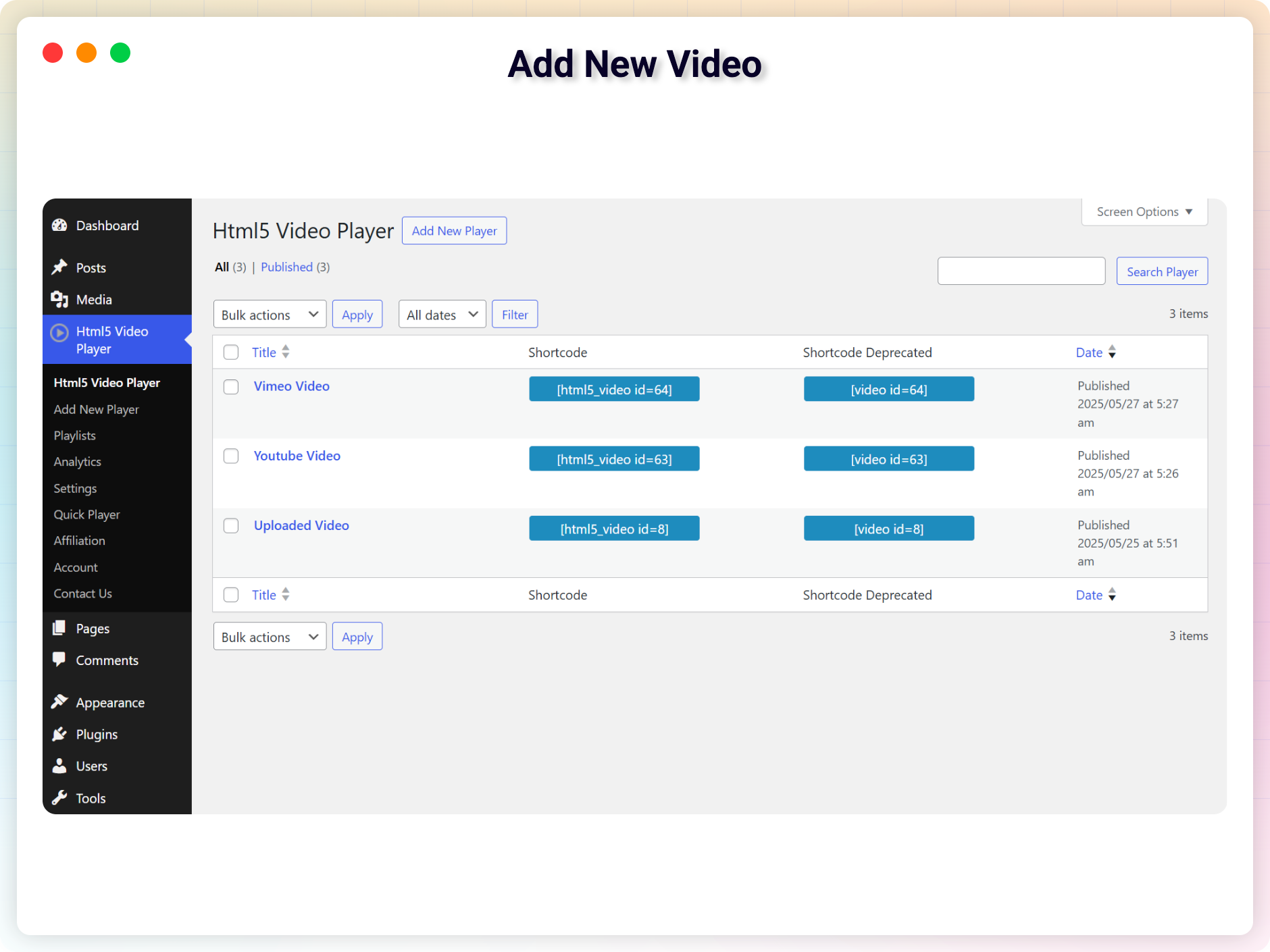
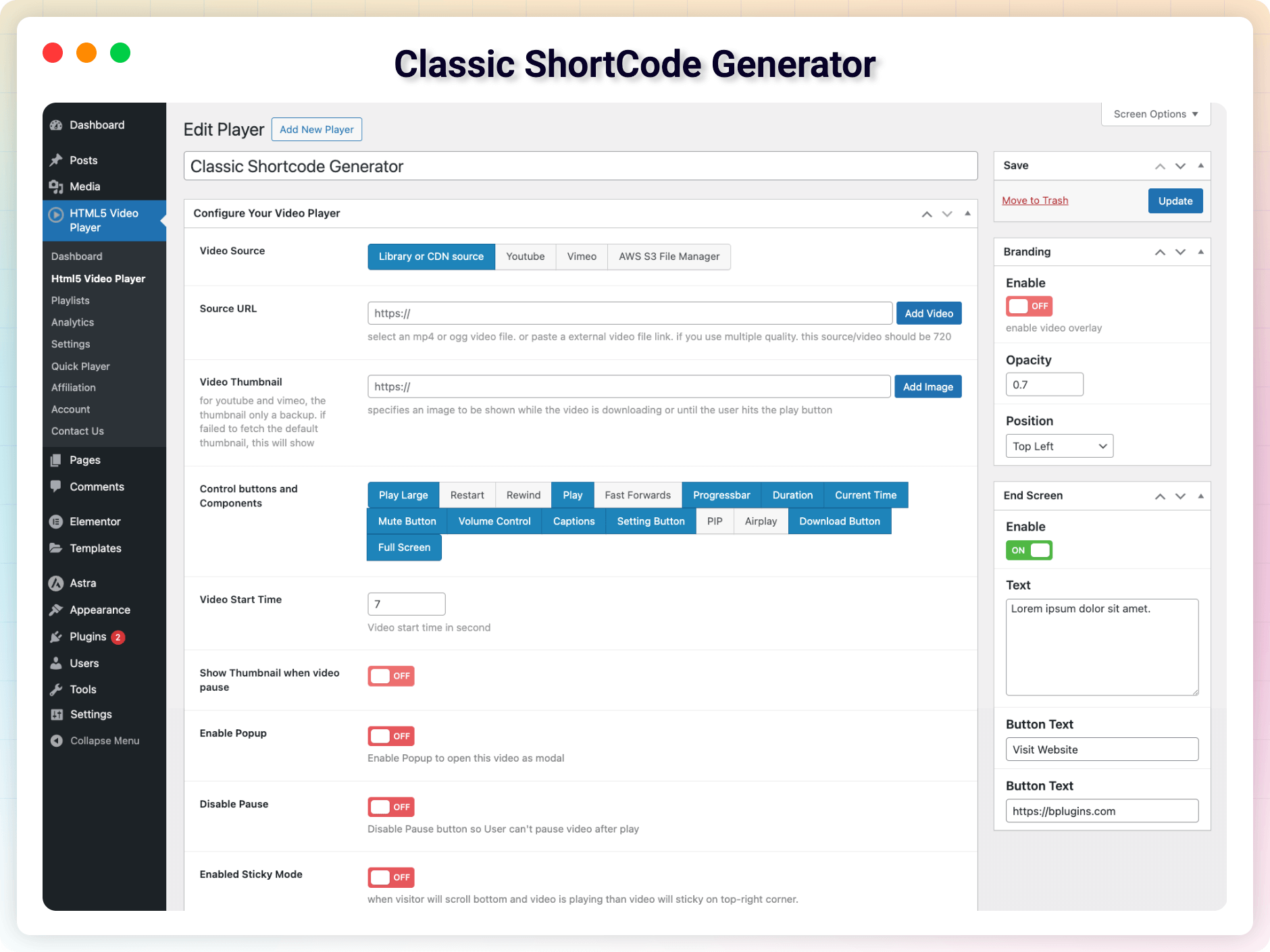
After install you can see a sidebar menu in the dashboare called 'Html5 Video Player'. Add one or more players from there. You will get Shortcode for every player In the player list. Copy Shortcode for playre you wanna publish. Past the shortcode in post, page, widget areas To publish them. if you want to publish a player in template file use. Enjoy !
Gutenberg Block
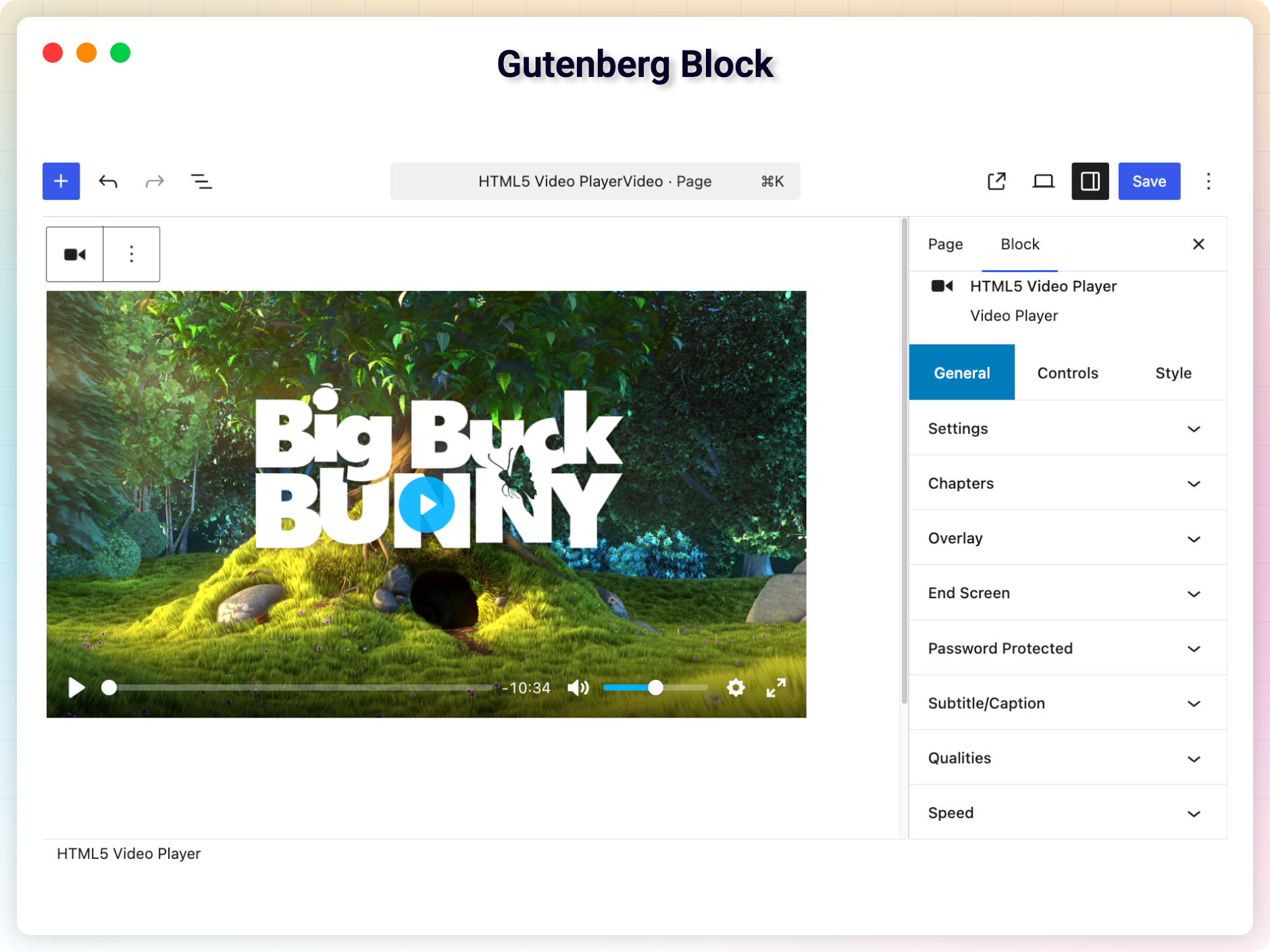
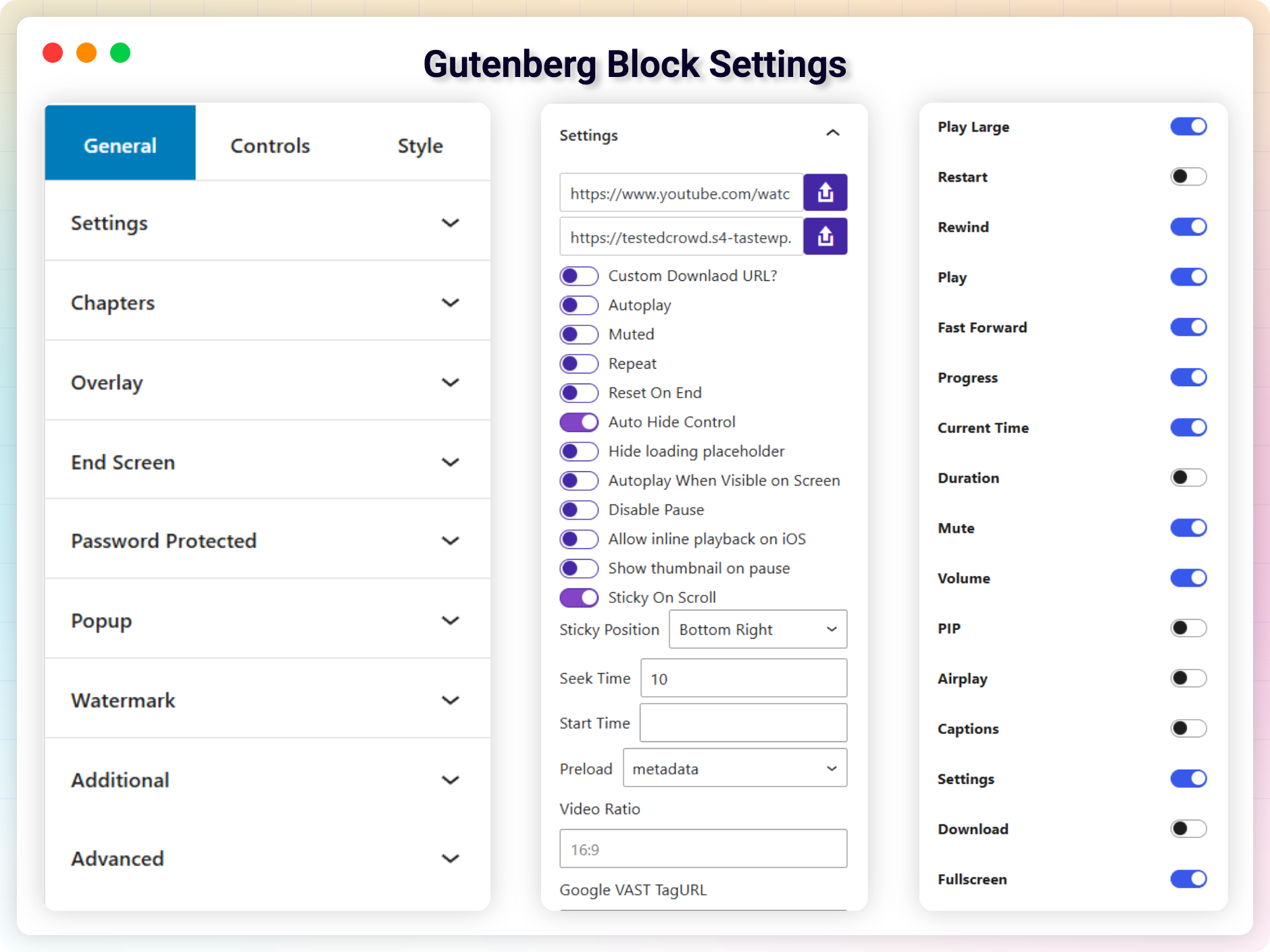
This plugin add a Gutenberg Block called Html5 Video Player Under Common Block. To Add Video player block Go to Post/Page Editor. Go to Common Block >Select Html5 Video Player. Select a video Player. Publish > And enjoy !. For installation help click on Installation Tab
Features
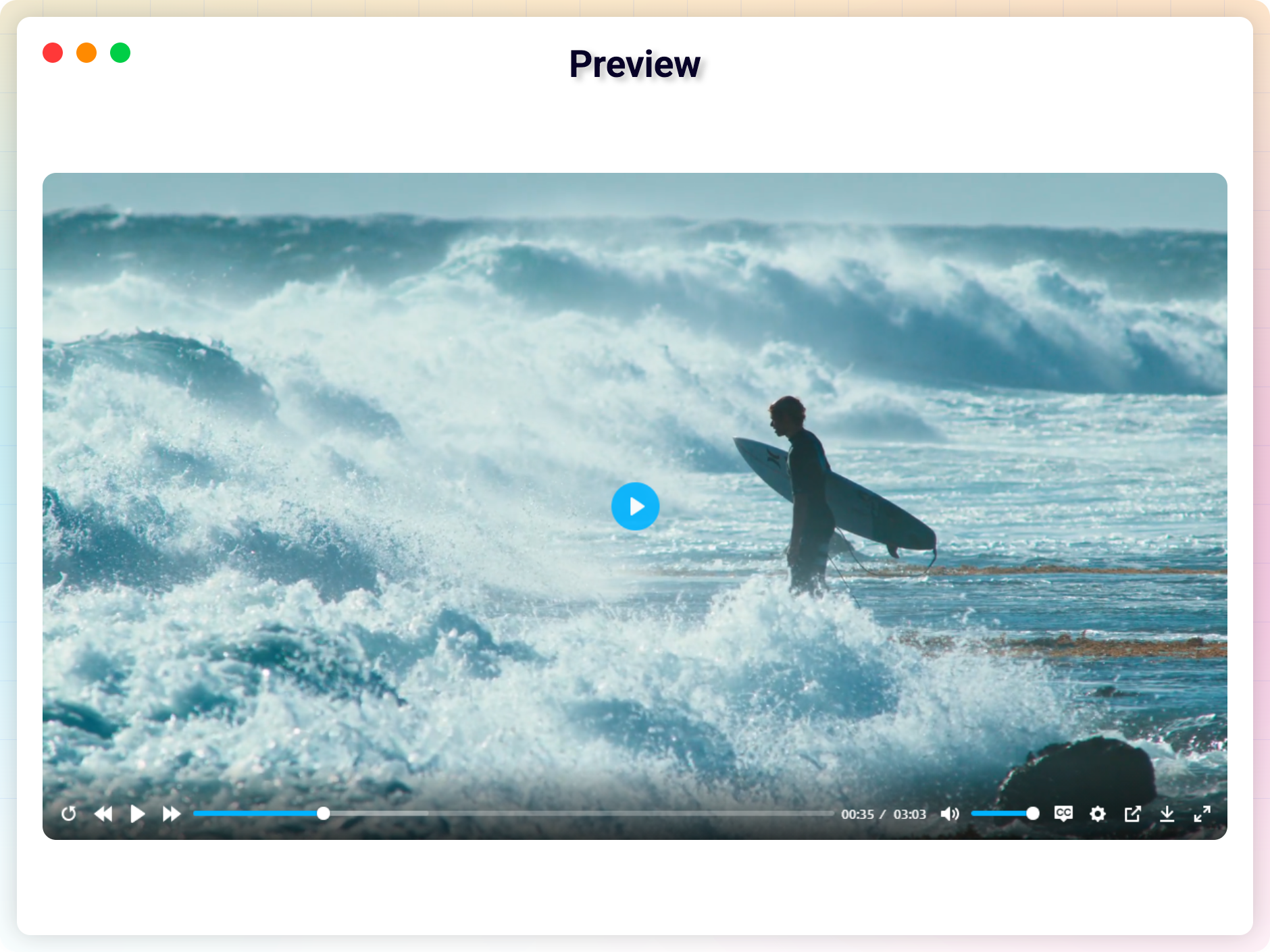
The video player is compact so it does not take a lot of real estate on your webpage. HTML5 compatible so the video files embedded with this plugin will play on iOS devices. Works on all major browsers - IE7, IE8, IE9, Safari, Firefox, Chrome. The video player is responsive. Player can be used to embed the video files on your WordPress posts or pages. If you are selling video files from your site then you can use this plugin to offer a preview. Add the video player to any post/page using shortcode. Use autoplay option to play an video file as soon as the page loads. You can play unlimited video. User friendly interface. Powered by html5
Pro Version Features
What's New in PRO ? Color changing Option. Add Videos from external source such as Amazon S3 / other hosts. Support Multiple Subtitle. Video Quality Switcher. Increase Page load speed by changing Preload option. Added Restart, Fast forward, Rewind button. No ads. Show / Hide download button. Show / Hide Every button and controls. Control Video speed And Quality Like YouTube. Added Shortcode Generator in text editor of post / Page
Changelog
2.5.38 – 27 Jan, 2025
- Update: Freemius SDK Update
2.5.37 – 18 Jan, 2025
- Fixed: Undefined array key “passwordProtected”
2.5.36 – 11 Jan, 2025
- Fixed: Vulnerability
2.5.35 – 4 Sep, 2024
- Improved: Security
2.5.34 – 24 Aug, 2024
- Fixed: Video only showing for administrator
2.5.33 – 22 Aug, 2024
- Fixed: Security Issue
2.5.32 – 3 Aug, 2024
- Tried to Fixed: Unknown Error when activate (not for everyone)
2.5.31 – 29 July, 2024
- Improved: Removed extra code
2.5.30 – 23 June, 2024
- Fixed: brand color
- Fixed: Caption font-size
2.5.28 – 17 March, 2024
- Improved: Password Protected
- Fixed: Thumbnail on Safari
2.5.27 – 4 Feb, 2024
- Improved: Security issues
2.5.26 – 24 Jan, 2024
- Fixed: aws.png not found in backend
2.5.25 – 23 Jan, 2024
- Improved: Security
2.5.24 – 11 Jan, 2024
- Fixed: Removed CDN URL
2.5.23 – 9 Jan, 2024
- Fixed: 404 not found
2.5.22 -27 Dec, 2023
- Fixed: Undefined property: stdClass::$plan_id
2.5.21 – 25 Dec, 2023
- Fixed: download button
- Fixed: 404 not found error
2.5.20 – 24 Dec, 2023
- Fixed: Added Quick Player
2.5.19 – 30 Nov, 2023
- Fixed: AWS picker is not working
2.5.17 – 24 Nov, 2023
- Feature: Set Default Ratio
2.5.15 – 28 Sep, 2023
- fixed: str_contains issue
2.5.14 – 24 Sep, 2023
- Improved: Autoplay in all devices
2.5.13 – 23 Sep, 2023
- Fix the aspect ratio issue
2.5.12 – 22 Sep, 2023
- Fix the iOS video height issue.
2.5.8 – 29/09/2022
- issue fixed: autoplay on mobile
2.5.7 – 22/08/2022
- Codestar framework updated
2.5.6 – 16/04/2022
- Added an option to pause other players on play video
2.5.5 – 16/04/2022
- pause other players on play
2.5.4 – 23/03/2022
- Solved the fullscreen issue on Safari
2.5.3 – 22/03/2022
- rotate screen automatically when entering fullscreen
2.5.2 – 08/02/2022
- option to disable [video] shortcode to avoid conflict
2.5.0 – 08/02/2022
- removed black background before load.
2.4.9
- Removed unnecessary text
2.4.6
- Fixed Elementor Addon mobile issue
2.4.5
- Option to disable Gutenberg shortcode generator
2.4.3
- Fullscreen issue fixed.
2.4.1
- Advanced Shortcode Generator
2.3.7
- Ability To Customize ALL Controls
- Added Elemenotor Addons
- Added Gutenberg Block
- Improved code quality
- Fixed Security issue
1.5.0
- Added Fast Forward Button
- Added Fast Rewind Button
- Added Fast Reset Button
- Fixed a minor bug
1.4
- Fix Volume issue
- Enable Direct Download with file name.
- Improved performance
1.3
- Add support for Gutenberg Block
1.2
- Add modern player skin
- Improved performance
1.1
- Fix player position issue
1.0
- Initial Release

