

Just another contact form plugin. Simple but flexible.
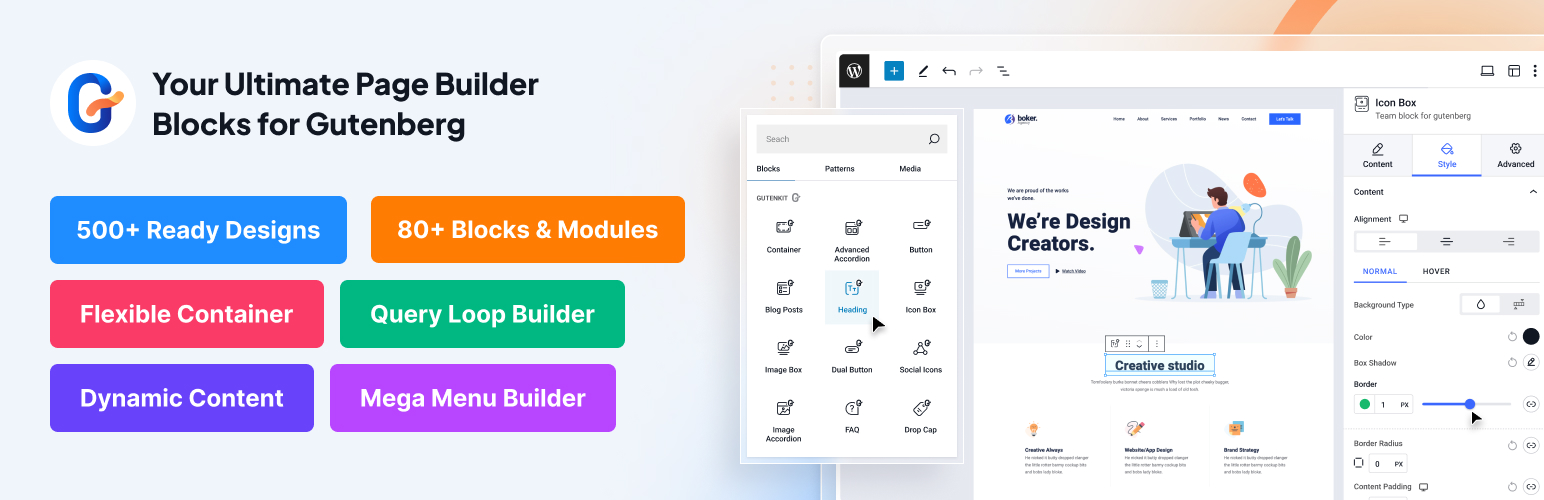
About GutenKit – Page Builder Blocks, Patterns, and Templates for Gutenberg Block Editor
GutenKit for Gutenberg is a powerful and user-friendly plugin that allows you to easily design and build web pages in WordPress without the need for coding or complicated page builders. With over 65 WordPress blocks, 20+ modules, and 900+ pre-designed templates, you can create professional and responsive web content in minutes. Whether you're a website owner, blogger, marketer, web designer, or anyone seeking a user-friendly solution, GutenKit is the ultimate tool for effortless web page building in Gutenberg.Screenshots
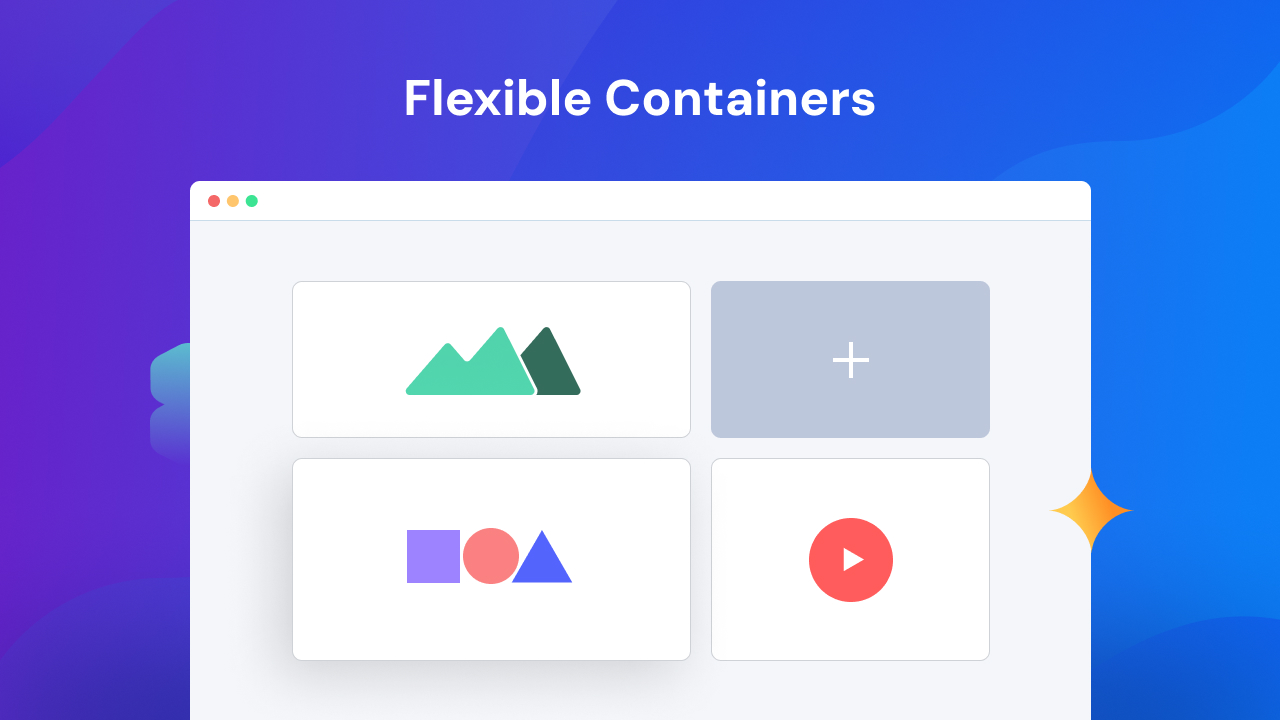
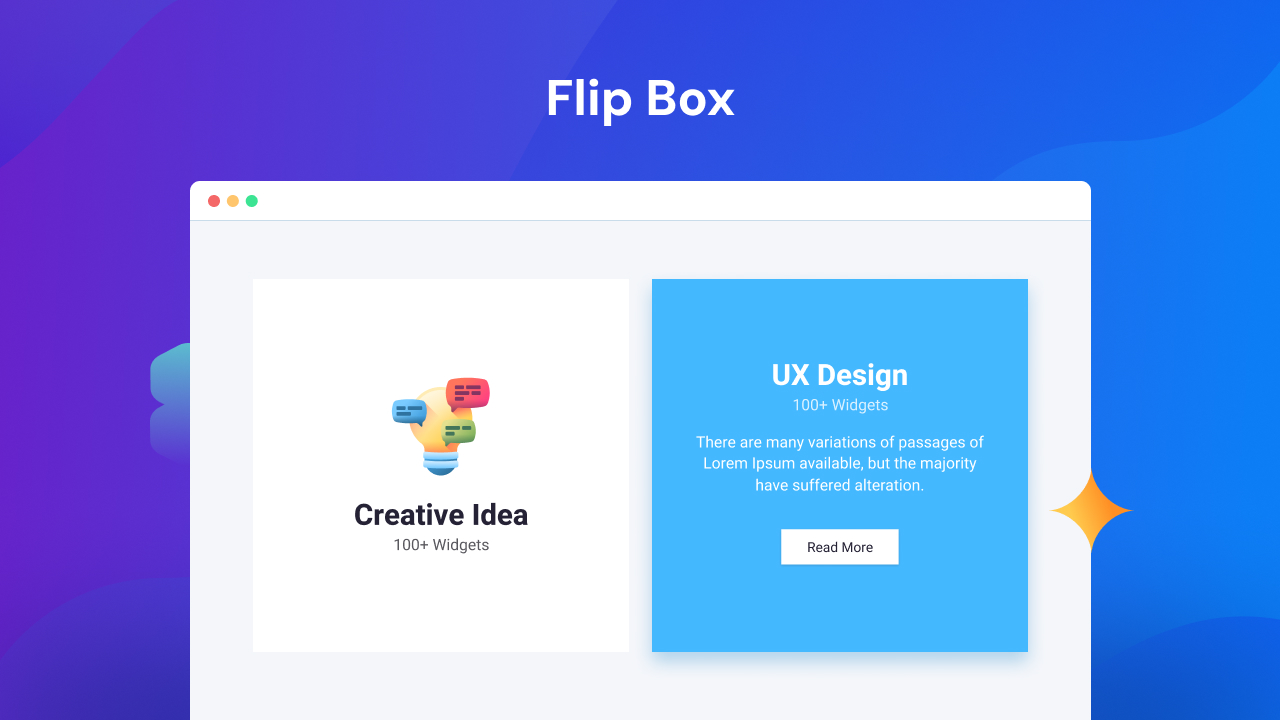

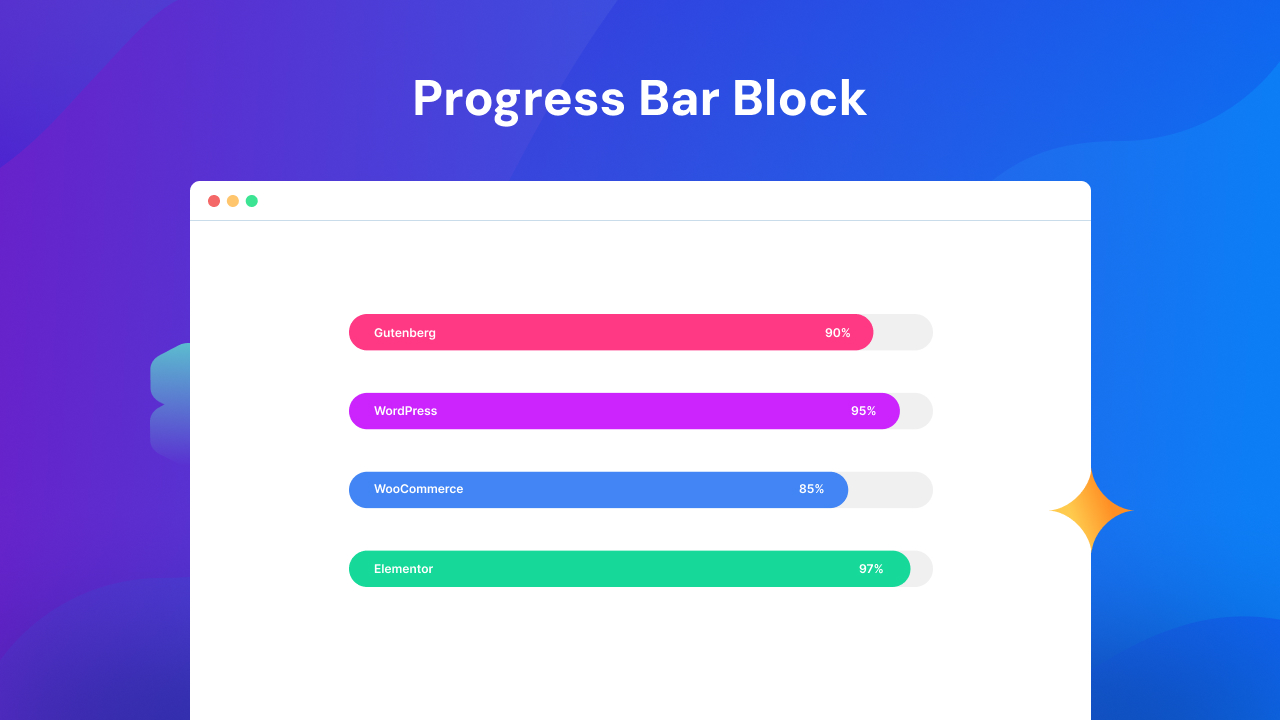
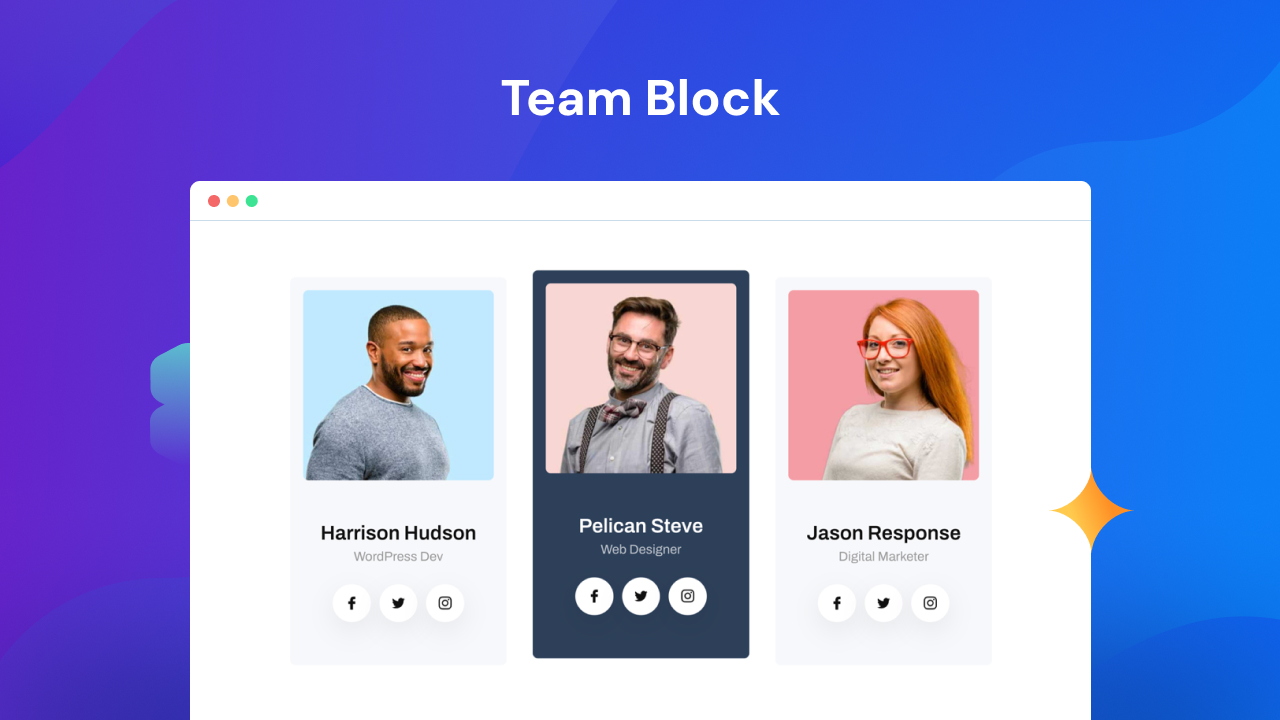
Frequently asked questions
What is GutenKit?
GutenKit is a WordPress plugin that provides page builder blocks, patterns, and templates for the Gutenberg block editor. It aims to offer an effortless web page building experience directly within WordPress. It includes over 65 WordPress blocks, 20 versatile modules, and more than 900 pre-designed templates.
What are some key features of GutenKit?
GutenKit offers complete page building functionalities for Gutenberg, including an easy way to build complex layouts and full site editor compatibility. It also provides responsive breakpoints, a mega menu builder, a query loop builder, and motion animation effects for blocks. Additionally, users can copy and paste styles across blocks.
How does GutenKit help with responsive design?
GutenKit's Breakpoints module allows users to design responsive websites with precision and flexibility. By defining custom breakpoints, users can tailor website design and control content layout to fit various screen sizes. This ensures a seamless user experience across all devices.
Changelog
GutenKit Blocks Addon: 2.2.1 (2025-02-16)
- Added: Filter to load separate core block assets for non-block themes
- Fixed: Page settings not working when no GutenKit blocks
- Fixed: Sticky module warning issue
- Fixed: Heading block deprecated issue
- Fixed: Settings pannel tabs erros
- Fixed: Template library button not working
- Fixed: Container block z-index conflict with sticky
- Fixed: Title hover color in advanced accordion block
- Fixed: Update post type condition in page settings sidebar
- Improved: Swiper arrow controls across the blocks
- Improved: Entrance animation editor component for improved readability and performance
GutenKit Blocks Addon: 2.2.0 (2025-01-20)
- Added: Fill style to heartbeat animation in advanced tab block
- Fixed: API integration dashboard popup close on outside click
- Fixed: Mailchimp block text area styling issue
- Improved: Nav submenu controls for mobile menu
- Improved: Third-party compatibility
GutenKit Blocks Addon: 2.1.9 (2024-12-29)
- Added: Hamburger menu style option for the offcanvas block
- Added: Close icon position control for the offcanvas block
- Added: Icon position control for the mailchimp input field
- Fixed: Fraction input issue in the fun fact block
GutenKit Blocks Addon: 2.1.8 (2024-12-11)
- Fixed: Background image issue with container block
- Fixed: WPCS issues check by plugin check plugin
GutenKit Blocks Addon: 2.1.7 (2024-12-09)
- Fixed: Updated the icon box block button selector to support left-aligned icons
- Fixed: Adjusted the Icon Box button font size to accommodate left-aligned icons
- Fixed: Added left icon group styles to the advanced accordion item
- Fixed: Removed the bounce animation from
gkit-animate.css - Fixed: Improved icon color handling in
Header Infostyles - Fixed: Resolved the image height issue in the image comparison block on the frontend
- Improved: Enhanced responsive compatibility across multiple blocks
GutenKit Blocks Addon: 2.1.6 (2024-11-24)
- Fixed: Mailchimp block border radius issue
- Fixed: Initialized breakpoints button and cleaned up styles in the template library
- Fixed: Overlay control and sidebar transition issues on the frontend in the offcanvas block
- Improved: Responsiveness by updating the default height of the navigation menu to 100vh
GutenKit Blocks Addon: 2.1.5 (2024-11-13)
- Fixed: Editor topbar visual compatibility issue with WP 6.7
- Fixed: Breakpoints button initialization and cleanup styles in template library

