

Just another contact form plugin. Simple but flexible.

About AI Power: Complete AI Pack – Powered by GPT-4
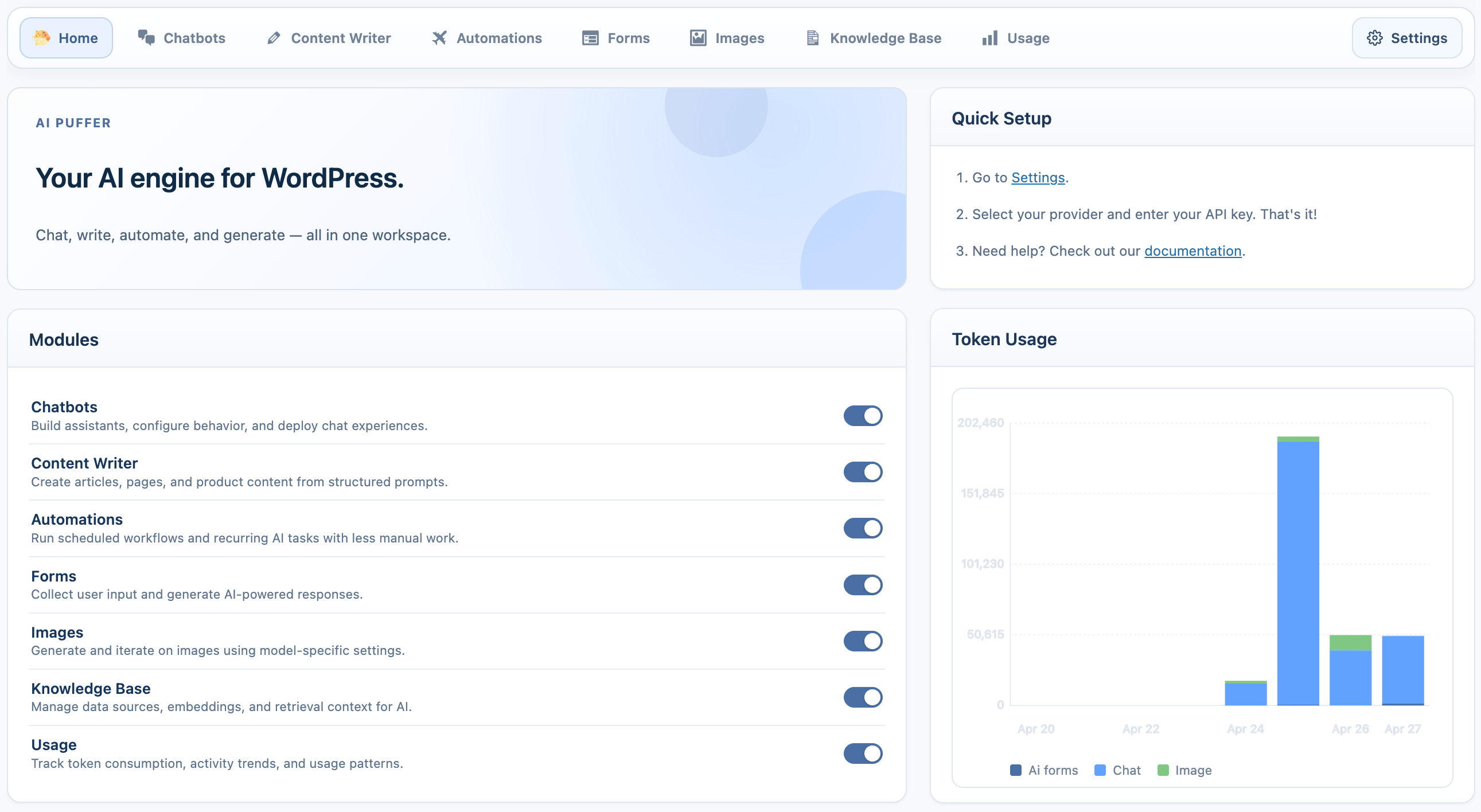
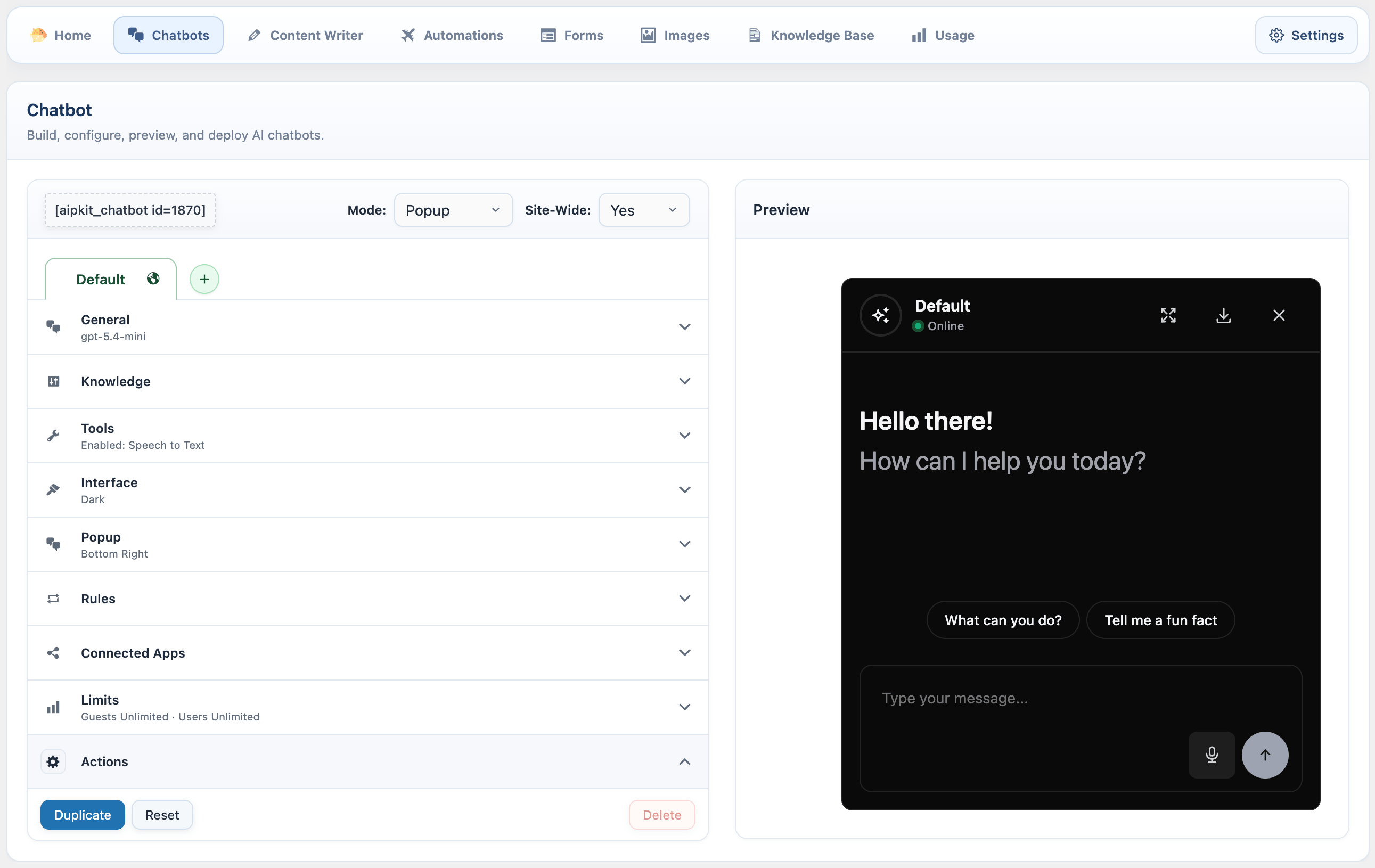
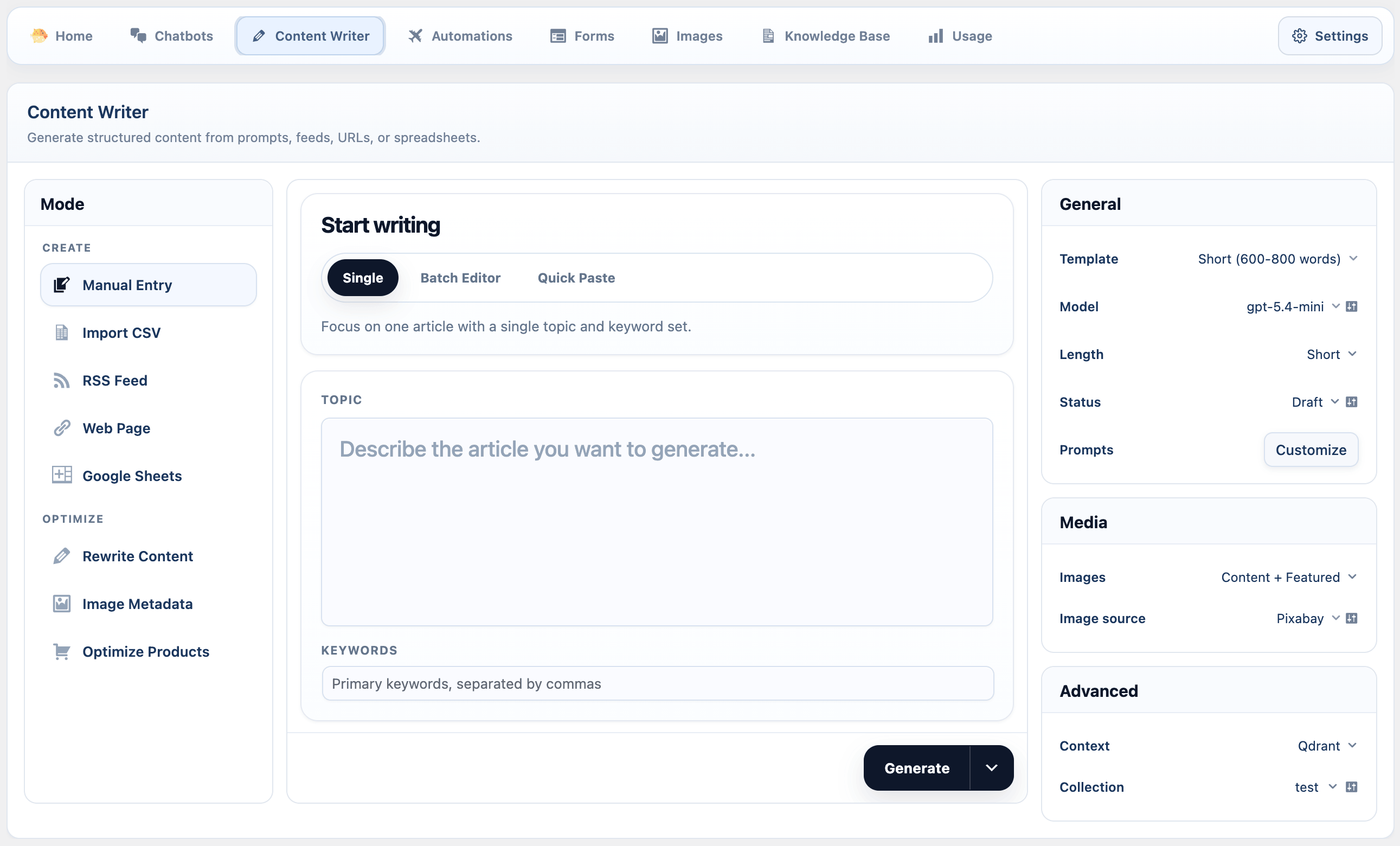
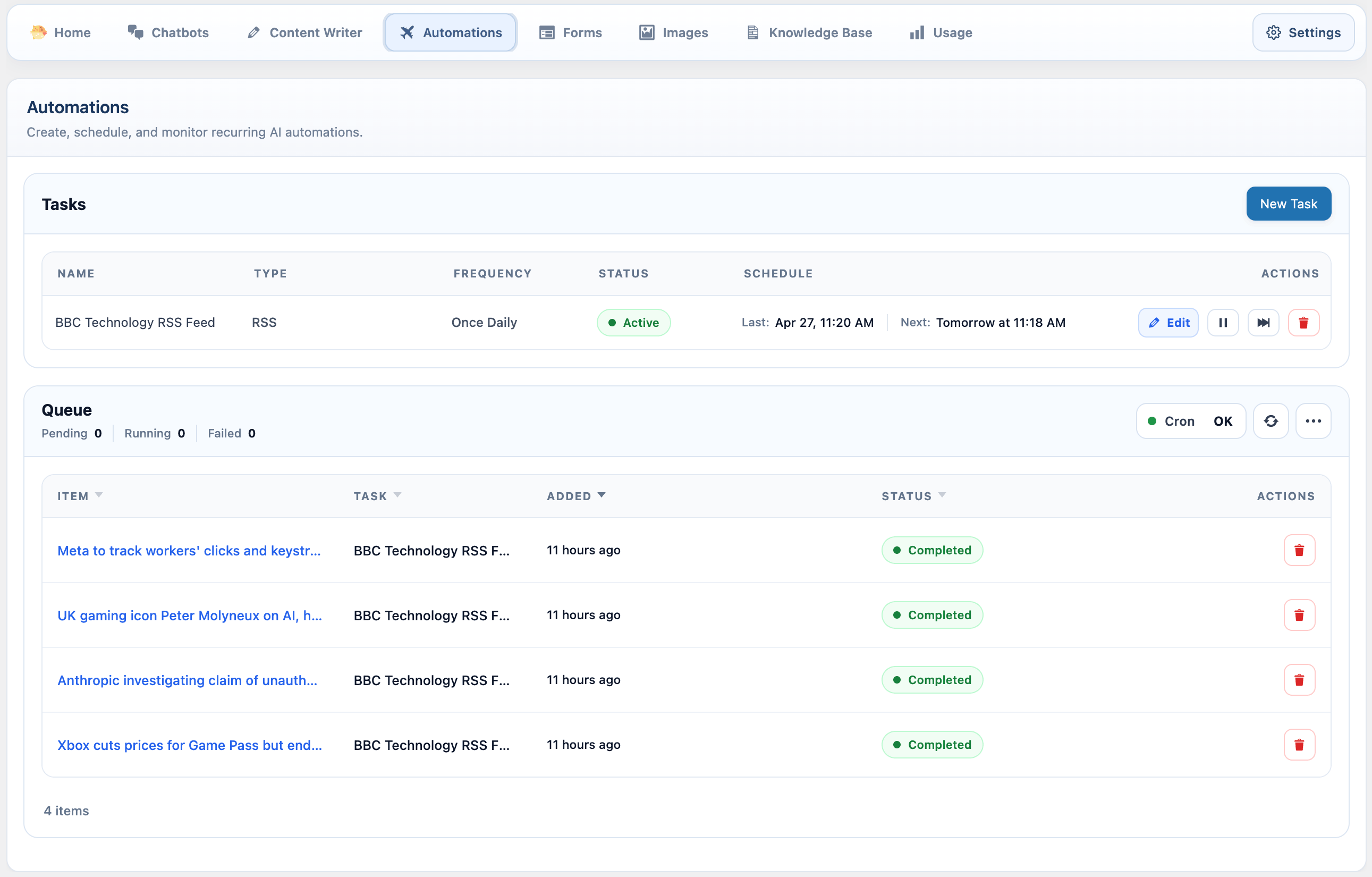
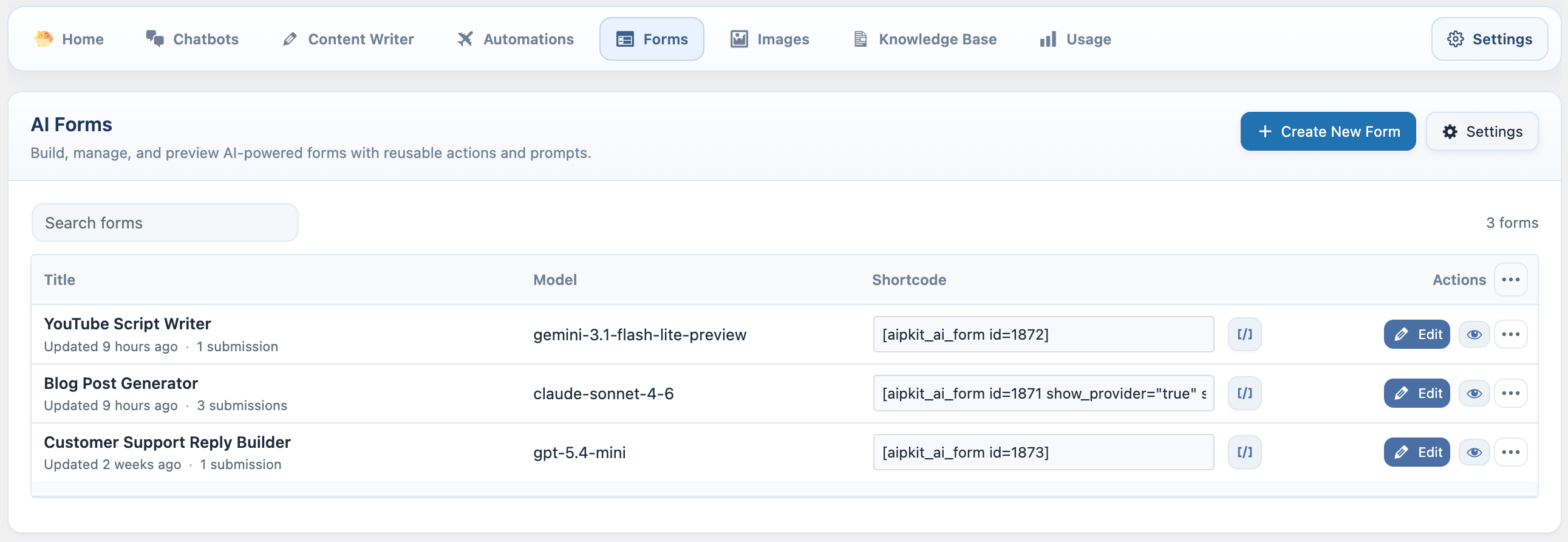
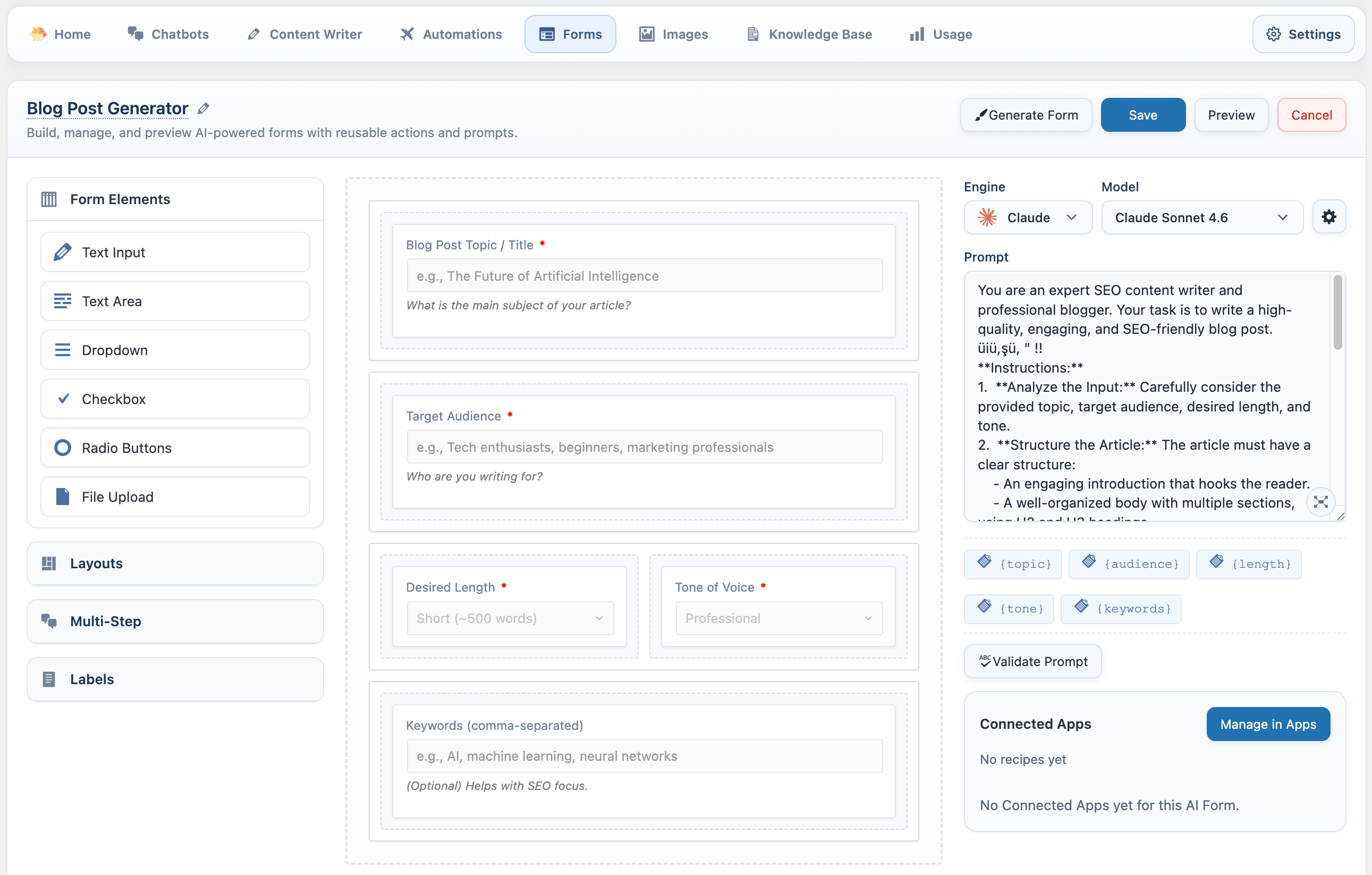
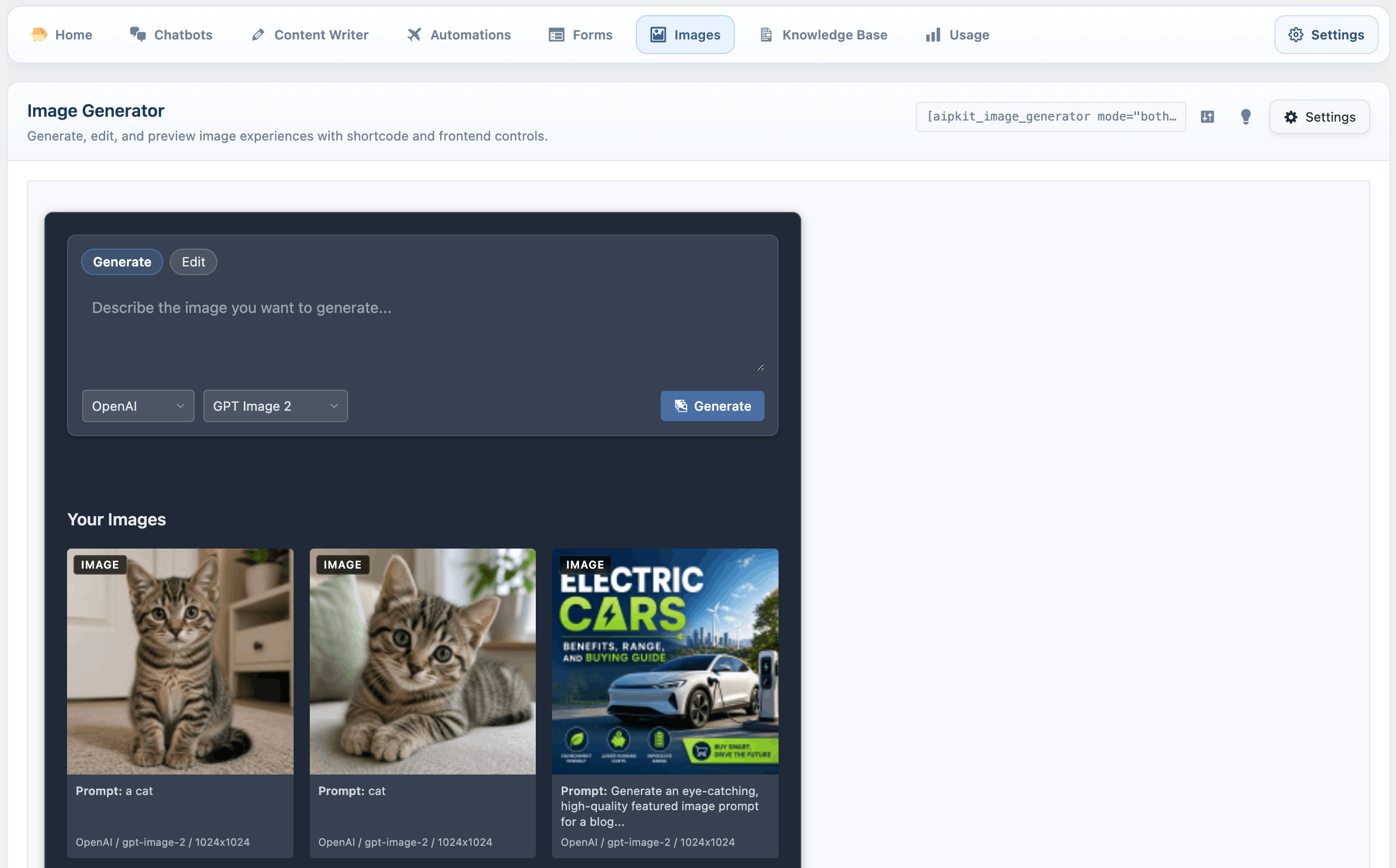
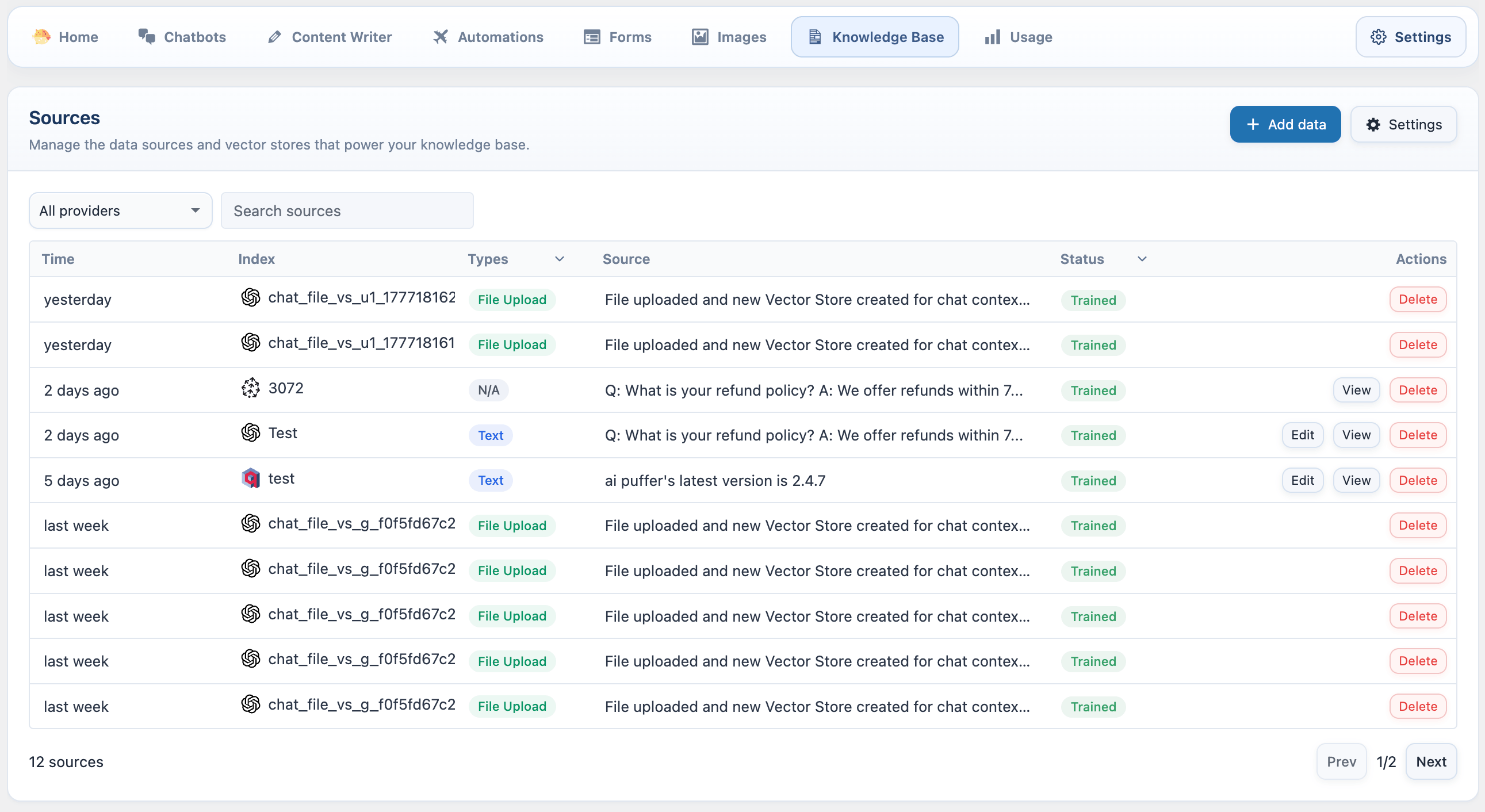
AI Power is an AI solution for WordPress that offers a variety of AI models and features to generate content, images, and forms for your website. It integrates with multiple AI providers, including OpenAI, Microsoft Azure, and Google, and also offers integrations with SEO tools, image libraries, e-commerce platforms, and more. You can find more information in the documentation provided.Screenshots
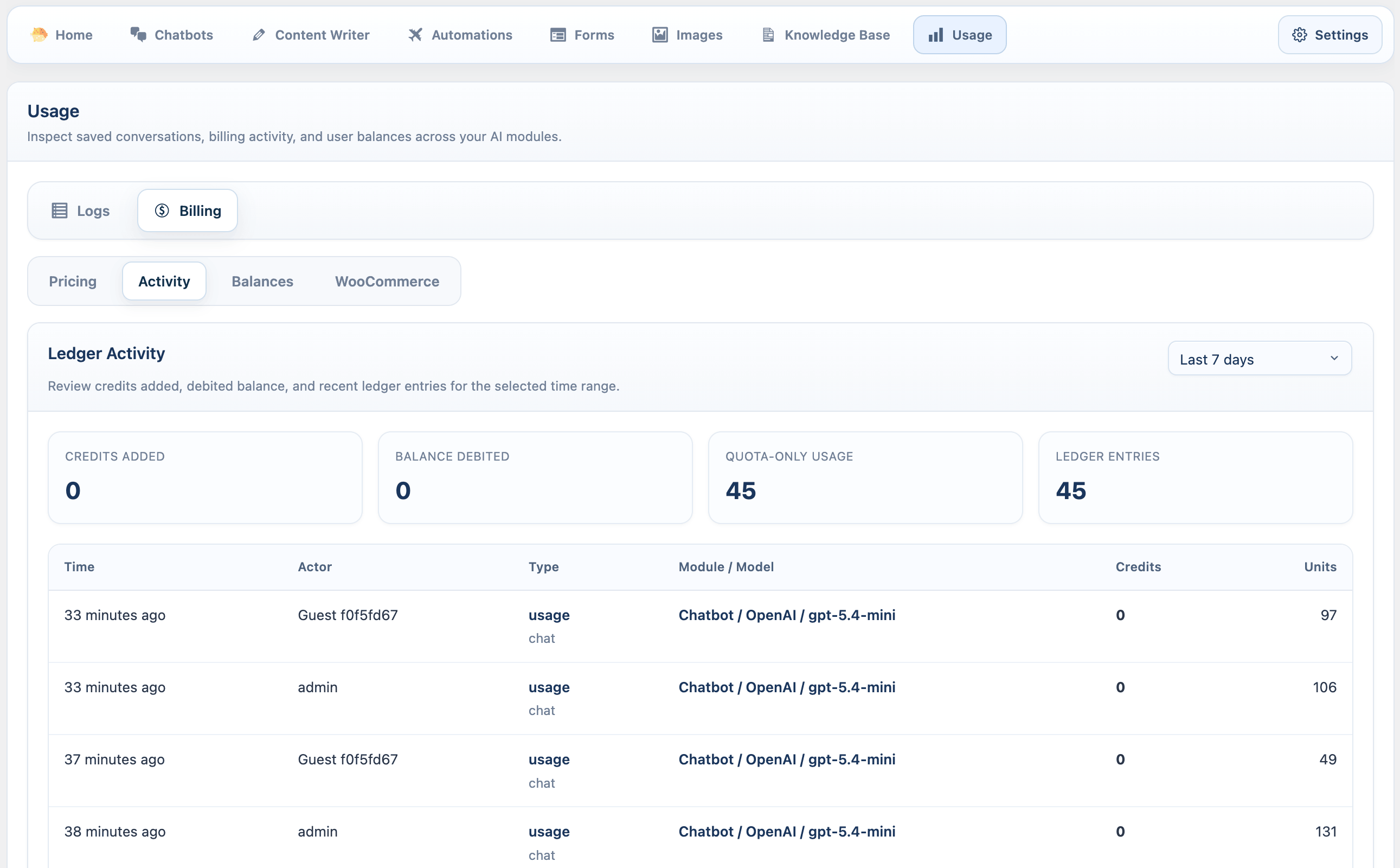
Frequently asked questions
What is AI Power?
AI Power is a complete AI package for WordPress powered by gpt-3.5-turbo, gpt-3.5-turbo-16K, gpt-3.5-turbo-instruct and gpt-4. It is the most popular, WordPress-based open-source AI solution. It utilizes GPT-3.5, GPT-4, DaVinci and more to generate content, images, and forms with customizable options. It includes AI training, Chat widget, WooCommerce integration, Embeddings and more.
Where can I find the documentation for AI Power?
You can find the documentation for AI Power at https://docs.aipower.org/
What are the core features of AI Power?
The core features of AI Power include Content Writer, Auto Content Writer (Bulk- Autoblogging), Image Generator (DALL-E and Stable Diffusion), ChatGPT - Fully customizable chat widget and chat bot with Chat logs and long term external memory, PDF Chat, WooCommerce Product Writer, AI Assistant (Integrated with Gutenberg and Classic Editor), AI Training, Fine-Tuner, Dataset Converter, Audio Converter, Embeddings! Customize your chat bot with embeddings - Integrated with Pinecone vector DB, Index builder for Embeddings! Convert all your pages, posts and products to embedding format with one click, Content Builder, PromptBase - hundreds of ready to use prompts, AI Forms - Design your own forms and embed them into your website, Playground, SEO Optimizer, Title suggestion tool for posts, pages and products, GPT powered semantic search with Embeddings, Pexels integration, Scheduled Posts, Speech-to-Post (Whisper), Text-to-Speech (ElevenLabs), Text-to-Speech (Google), Model Comparison Tool, Role Manager, Token Sale, Comment Replier, Twitter bot, WooCommerce Bulk Writer, and Microsoft Azure OpenAI Integrated.
How do I generate an OpenAI API Key?
To generate an OpenAI API Key, please refer to the documentation or tutorial provided.
How do I use Content Writer in Express Mode?
To use Content Writer in Express Mode, please refer to the documentation or tutorial provided.
Changelog
1.9.11
- Made KaTeX support for AI Forms optional to reduce page load times. KaTeX libraries (80KB) are now only loaded when needed. Disabled by default, can be enabled in AI Forms > Setting tab.
1.9.9
- Added OpenAI’s latest model, GPT-4.5 Preview. Please note that it’s significantly more expensive compared to other models. For detailed pricing, visit OpenAI’s pricing page.
- Fixed an issue affecting the main dashboard.
1.9.8
- Fixed an issue in the chat bot.
1.9.7
- Added Internet Browsing for AI Forms.
1.9.6
- Fixed chat bot fullscreen issue.
1.9.5
- Added KaTeX support for AI Forms, enabling mathematical expressions. (Works only when the form output is set to Inline.)
1.9.4
- Added a conversation sidebar for the chatbot (shortcode only).
- Fixed an issue where Google was not working in AI forms.
- Improved copy functionality in AI forms.
- Improved markdown formatting for headings in chat responses.
1.9.3
- Added doc, docx support for AI Forms file upload tool.
1.9.2
Added Provider selection in AI Forms.
1.9.1
- o3-mini added.
- File upload option for AI forms. For now it supports text and csv only.
- Bug fixes in PromptBase
1.9.0
New AI Forms.
1.8.99
Improved token management page.
1.8.98
Better markdown support for AI Forms.
1.8.97
This release includes several improvements and security patches.
- Added OpenAI o1 model support.
- Fixed issues with Google Voice selection in the chatbot.
- Fixed issues related to deleting PDFs from the Pinecone namespace.
- Improved the “Delete All PDFs” functionality.
- Added the ability to upload data directly to the vector database through chatbot settings.
- AutoGPT – RSS module now retrieves descriptions from target RSS feeds. You can use the [description] variable in custom prompts to provide the AI with more context.
1.8.96
- Implemented IP anonymization in chat logs to ensure GDPR compliance.
- Markdown improvements in the chat bot.
- New safety category for Google models.
- Improved display of leads and feedback in chat logs.
1.8.95
This release includes couple of improvements for the chat bot:
- OpenAI Assistant API Integration: The chatbot now supports the OpenAI Assistant API. To use it, go to your chatbot settings and click the “Sync” button next to the models. This will synchronize your assistants.
- Improved Markdown Formatting: Switched to a better third-party library for parsing markdown.
- Simplified Interface: I’ve removed the AI Name and Avatar options to keep the chat window clean and simple.
The next release will introduce a conversation sidebar for viewing and managing conversations.
Note: If you’re using a caching plugin, please remember to clear your site cache to make sure that the changes take effect.
1.8.94
This update imrproves image generation capabilities in both Express Mode and AutoGPT.
- Custom Prompts for Image Generation: You can now set your own custom prompts. Go to the Dashboard > Tools tab to configure your prompt or choose from ready-to-use templates.
- Improved Replicate Integration: Improved support for configuring individual models (e.g., Flux, Flux Ultra) with detailed settings. Go to Dashboard > Tools and click the Settings icon for Replicate to customize each model.
1.8.93
Fixed compatibility issues with OpenRouter integration following their API update today. Adjustments were made to align with their new API structure.
1.8.92
This release includes several improvements.
1.8.91
- Updated third-party libraries.
- Added WordPress 6.7 compatibility
- Security fixes.
1.8.90
This release includes several improvements and security patches.
1.8.89
- New moderation model added: omni-moderation-latest
- Fixed issues with widget preview display.
- Fixed widget toggle functionality.
- Fixed chatbot duplication.
1.8.88
- Updated third-party libraries to the latest versions.
- Fixed an issue with OpenRouter streaming.
- Fixed console error occurrences.
- Removed unused functions for optimization.
1.8.87
- Lead Collection added for chat bot. You can now collect leads and view them under the Logs tab.
1.8.86
- Few tweaks to the new dashboard.
- Fixed log saving issue.
- Added token/cost details.
- Tweaked o1 model handling.
1.8.85
- Few tweaks to the new dashboard.
- Added Export, Import, and Duplicate options for chatbots.
- Fixed issue where instructions were sent with chat messages.
1.8.84
- New UI. This is a major update. Please make sure to clear your entire cache.
1.8.83
- New UI. This is a major update. Please make sure to clear your entire cache.
1.8.82
- New UI. This is a major update. Please make sure to clear your entire cache.
- Fixed AI Forms new line issue.
1.8.81
- Performance improvements in scheduled jobs.
1.8.80
- Improved memory management for the chatbot, allowing higher memory limits for longer conversation history.
- Fixed an issue where the bot occasionally failed to remember previous conversations.
- Now we are sending user queries via form submission instead of the URL, removing URL length limitations in the chat bot while using streaming.
- Fixed encoding issues for non-Latin languages like Ukrainian and Russian.
- Export logs now verify proper permissions for the uploads folder.
- Improved handling of the o1 model by bypassing unsupported parameters such as top_p, frequency and presence penalties, and streaming. Check o1 models limitations here.
1.8.79
- Added support for the o1-preview and o1-mini models. Please note that access to these models requires your organization to be at usage tier 5 or higher. See usage tiers for more details. If you are accessing o1-preview or o1-mini via OpenRouter, make sure to disable streaming.
- Users can now enable or disable audio directly from the chat interface. More information here.
- Fixed a spacing issue in AI Form outputs for consistent formatting.
- Updated chat logs to use current_time(‘timestamp’) instead of time() for more accurate local time records.
- Added a “Limits” button to check OpenRouter usage and credits.
1.8.78
- Added new “Copy” and “Feedback” features for the chatbot. For more details, refer to the documentation
- Optimized the log retrieval process in the Chat Log tab for better performance.
- Added the ability to block IP addresses directly from the log table.
- Fixed hyperlink, markdown and some formatting issues in the chat bot.
- Added an “Empty Log Table” option under Chat Settings – Performance tab to quickly clear the log table when it grows too large.
- Improved bulk user retrieval, now excluding subscribers for AutoGPT.
- SDK update.
Note: If you’re using a caching plugin, please remember to clear your site cache to ensure that the changes take effect.
1.8.77
[New]
- Added support for new image models: Flux, SDXL, Kandinsky, and more for text-to-image generation across Content Writer, AutoGPT, and Image Generator modules.
For more details, refer to the documentation
[Improvements]
- Better markdown support for chat bot.
- Fixed broken links in chat response.
Note: If you’re using a caching plugin, please remember to clear your site cache to ensure that the changes take effect.

