

Improve your WordPress SEO: Write better content and have a fully optimized WordPress site using the Yoast SEO…

About Formidable Forms – Contact Form, Survey, Quiz, Payment, Calculator Form & Custom Form Builder
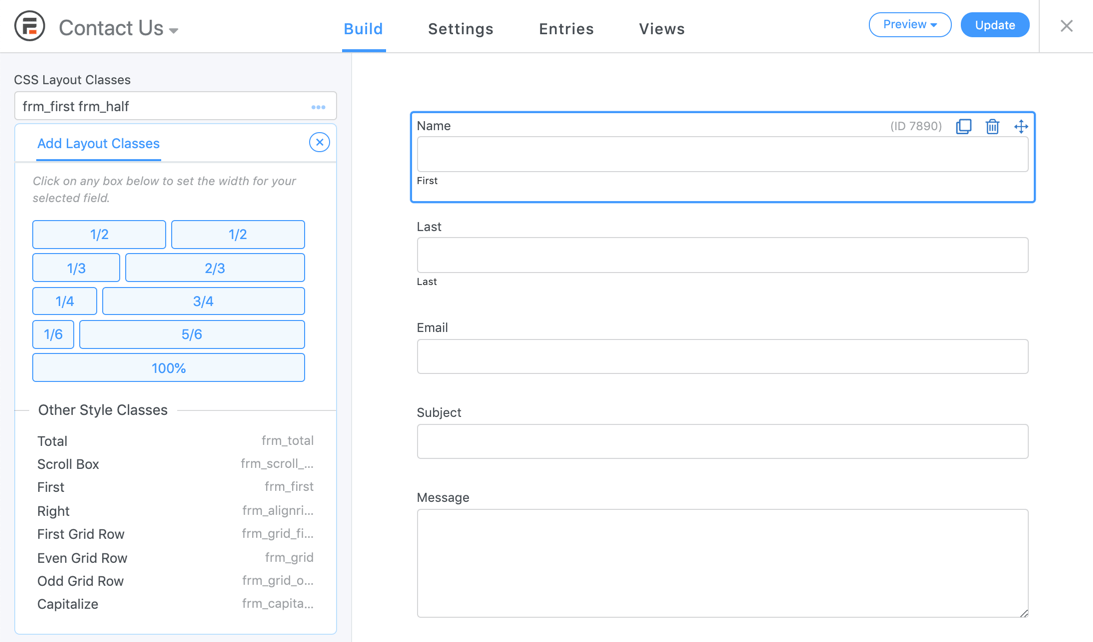
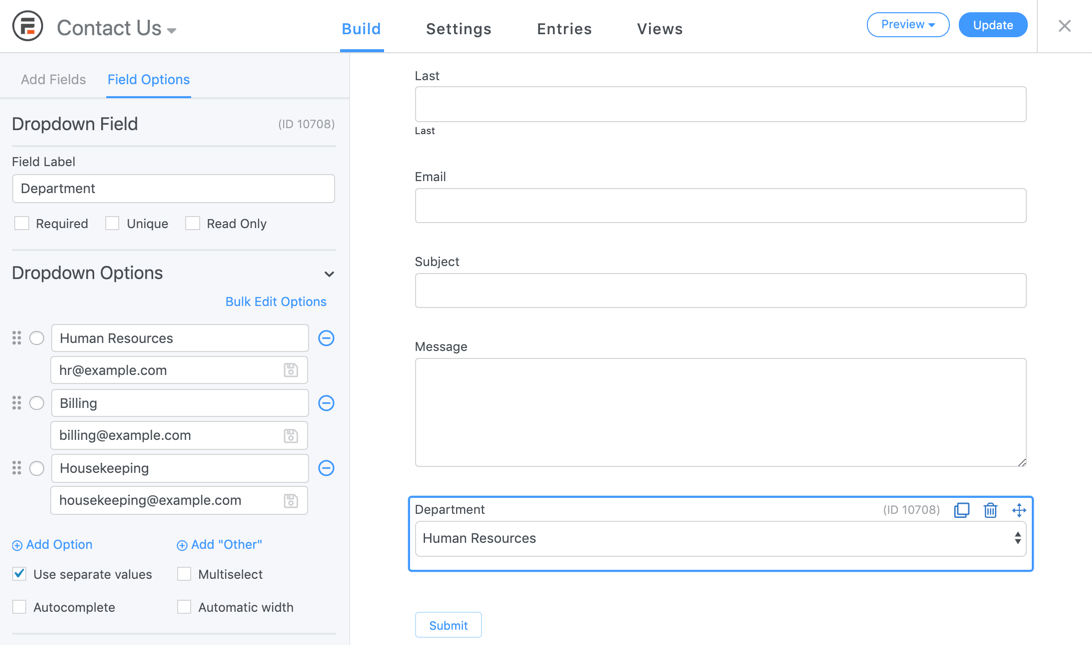
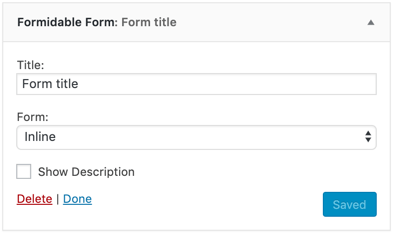
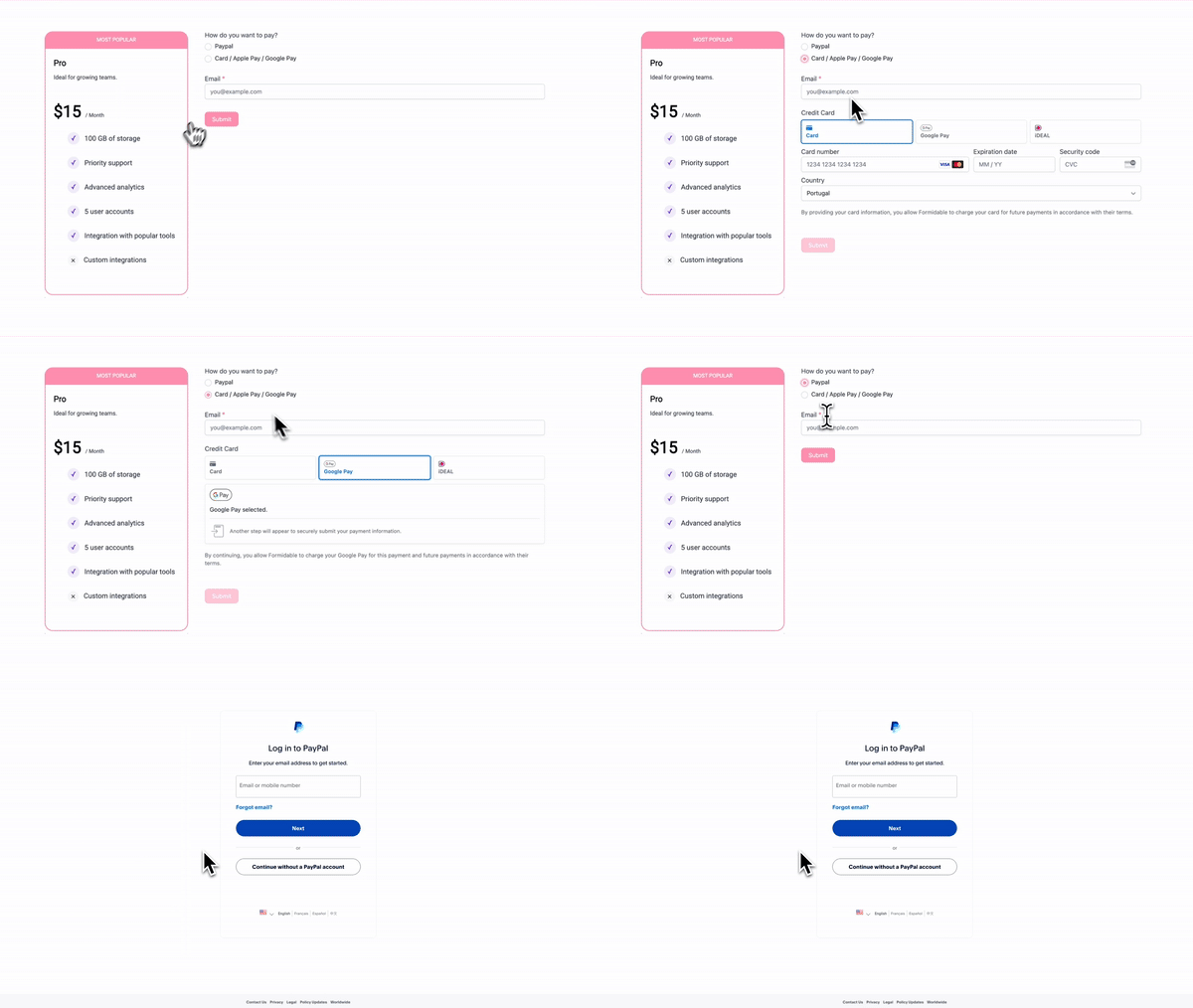
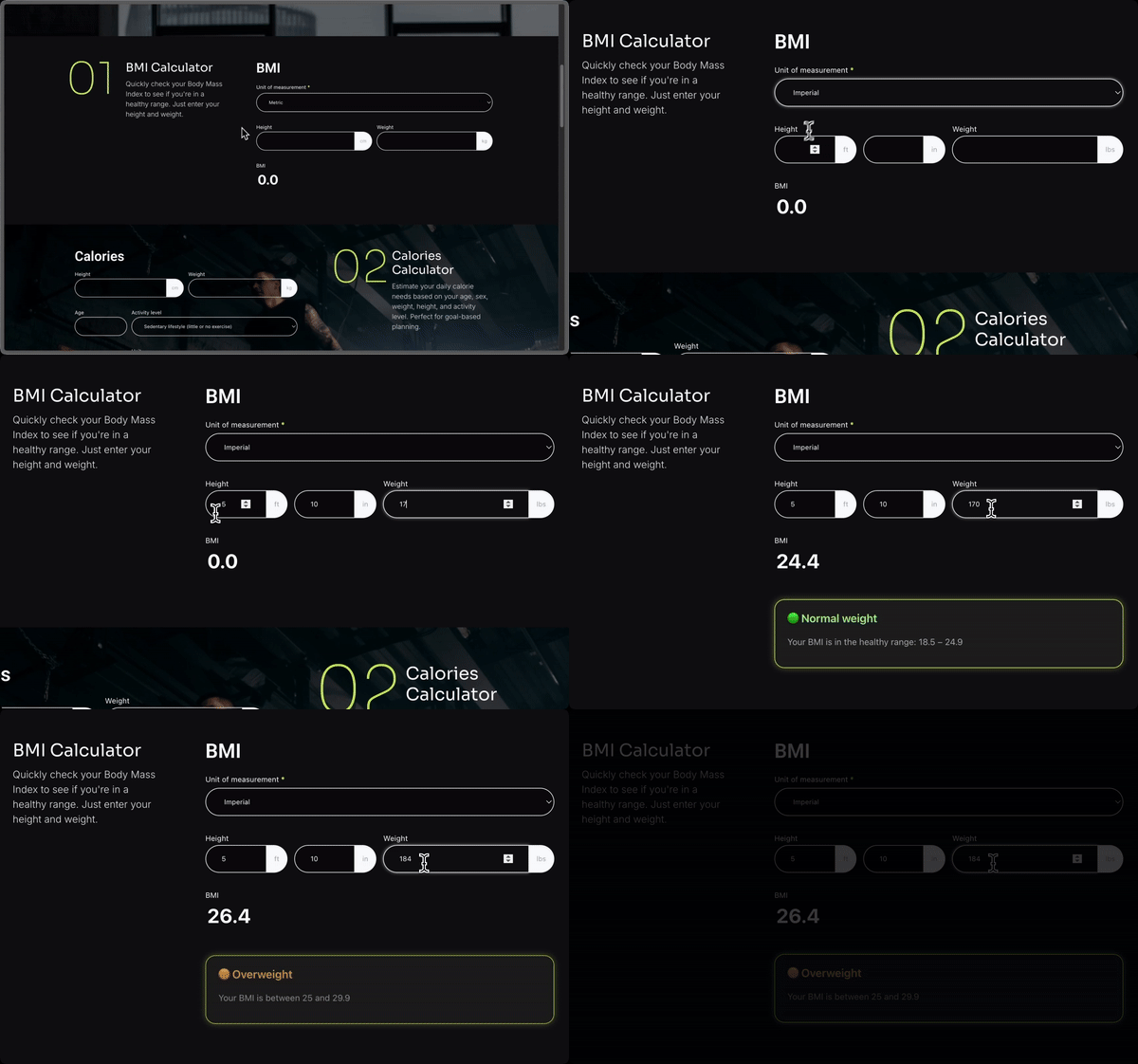
Formidable Forms is a powerful WordPress form builder plugin that allows you to create a variety of forms such as surveys, quizzes, registration forms, and more. It offers a drag-and-drop interface, fast performance, and advanced features like conditional logic and payment integrations. Upgrading to the Pro version unlocks even more advanced options and integrations.Screenshots





Frequently asked questions
What can I create with Formidable Forms?
You can use Formidable Forms to create a contact form, survey, quiz, registration form, payment form, lead form, or calculator form.
Is Formidable Forms mobile responsive?
Yes, Formidable Forms is 100% mobile responsive and will look great on all devices.
What are the main features of Formidable Forms?
Some of the main features of Formidable Forms include drag & drop form creation, complete entry management, advanced styler, smart surveys with beautiful reports, advanced WordPress registration forms, accepting credit cards and collecting payments, creating data-driven web applications, WooCommerce integration, and creating powerful quiz forms and calculators.
Can I customize the look of my Formidable Forms?
Yes, Formidable Forms comes with a built-in styler that allows you to customize the look and feel of your forms to match your website design.
Does Formidable Forms offer integrations with other services?
Yes, Formidable Forms offers integrations with services like Mailchimp, PayPal, Stripe, Authorize.net, Salesforce, ActiveCampaign, and many others.
Changelog
6.25
- New: Style settings have been added to Email actions.
- New: reCAPTCHA and Turnstile now support a new frm_captcha_lang filter for modifying the captcha language.
- New: Square forms will now automatically enforce JavaScript validation before attempting to make the Square payment.
- New: Payment hooks like frm_payment_status_complete are now called even when no payments add-ons (Stripe or Authorize.Net) are active.
- Fix: An empty address will no longer be sent to Square when verifying the buyer to help reduce buyer verification issues.
- Fix: Square location IDs could be incorrectly set when connecting when another mode was active.
- Fix: Calculation settings would not properly load if the field was loaded using AJAX.
- Fix: Checkbox and radio button fields no longer include the aria-invalid attribute. Instead, this is applied to the group for better accessibility.
- Fix: Buttons could be cut off in an application pop-up when there was a lot of content in the description.
- Fix: Field unit dropdowns would lose its unit value.
- Fix: An Undefined property: stdClass::$item_key PHP warning when making Square payments has been fixed.
- Fix: The country code would not properly get sent to Square when using US as the address type.
- Fix: A Cannot access offset of type string on string fatal error that occurs when field options data is in an unexpected format has been fixed.
- Fix: Font sizes would not scale as expected after changing the base font size style setting for a second time.
6.24.1
- Fix: Importing entries with a CSV file stopped working with v6.24.
6.24
- New: Field settings have been redesigned.
- Fix: A section ID would not properly get set when dragging a field into a field group within a section or repeater. This could cause issues with fields unexpectedly appearing outside of a repeater.
- Fix: Conditional logic field IDs would not properly update after importing an XML.
- Fix: Line breaks used in Quiz Outcome actions would not properly import.
- Fix: In some cases, a field group would not be draggable after a field was added beside another field.
- Fix: In some cases, field shape settings would not work if another setting was blank or matched the default.
- Fix: JS errors would occur in some cases after deleting a field group or section.
- Fix: The line height style setting is no longer applied to the label in the visual styler preview.
6.23
- New: The GDPR agreement text can now be translated using the WPML or Polylang add-ons.
- New: GDPR agreement text will no longer strip a few additional HTML tag types including b, br, div, em, i, p, span, and strong.
- New: Message spacing on the front end has been updated to improve consistency. Margins for paragraph tags in messages have been reduced, and single line success messages will no longer have paragraph tags automatically added. A new frm_wpautop_success_message filter has been added to modify this behavior.
- New: URL fields will now automatically add https:// instead of http:// to the beginning of the URL if it is missing.
- New: One time Stripe payments will now include a Statement Descriptor matching the active Site name by default. A new frm_stripe_statement_descriptor filter has been added to modify the value sent to Stripe.
- New: Generated table data row labels will now include scope=”row” to help with accessibility.
- Fix: Option validation would fail in rare cases when a field that does not support options incorrectly has option data defined.
- Fix: In some cases, calculation settings using < and > characters would only partially save.
- Fix: The auto width setting for dropdowns would not properly appear enabled.
- Fix: The deactivation pop-up has been updated to help prevent issues where the confirmation buttons were not visible because of an overflow issue.
- Fix: Denylist terms using forward slashes would not match spam data as expected.
- Fix: Square buyer tokens are now re-used when nothing has changed to prevent an “An unexpected error occurred verifying buyer” error from Square.
- Fix: Captcha validation would fail when trying to submit a Square payment.
- Fix: Stripe payment fields would not appear correctly when using a version of Pro older than 6.21.
- Fix: Previous attempts to delete a field would re-trigger when deleting a field group, causing unexpected JS errors and issues with deleting a field unintentionally.
- The deprecated filter frm_email_value has been removed.

