Securely accept credit and debit cards on your WooCommerce store. Manage payments without leaving your WordPress dashboard. Only…

About FareHarbor for WordPress
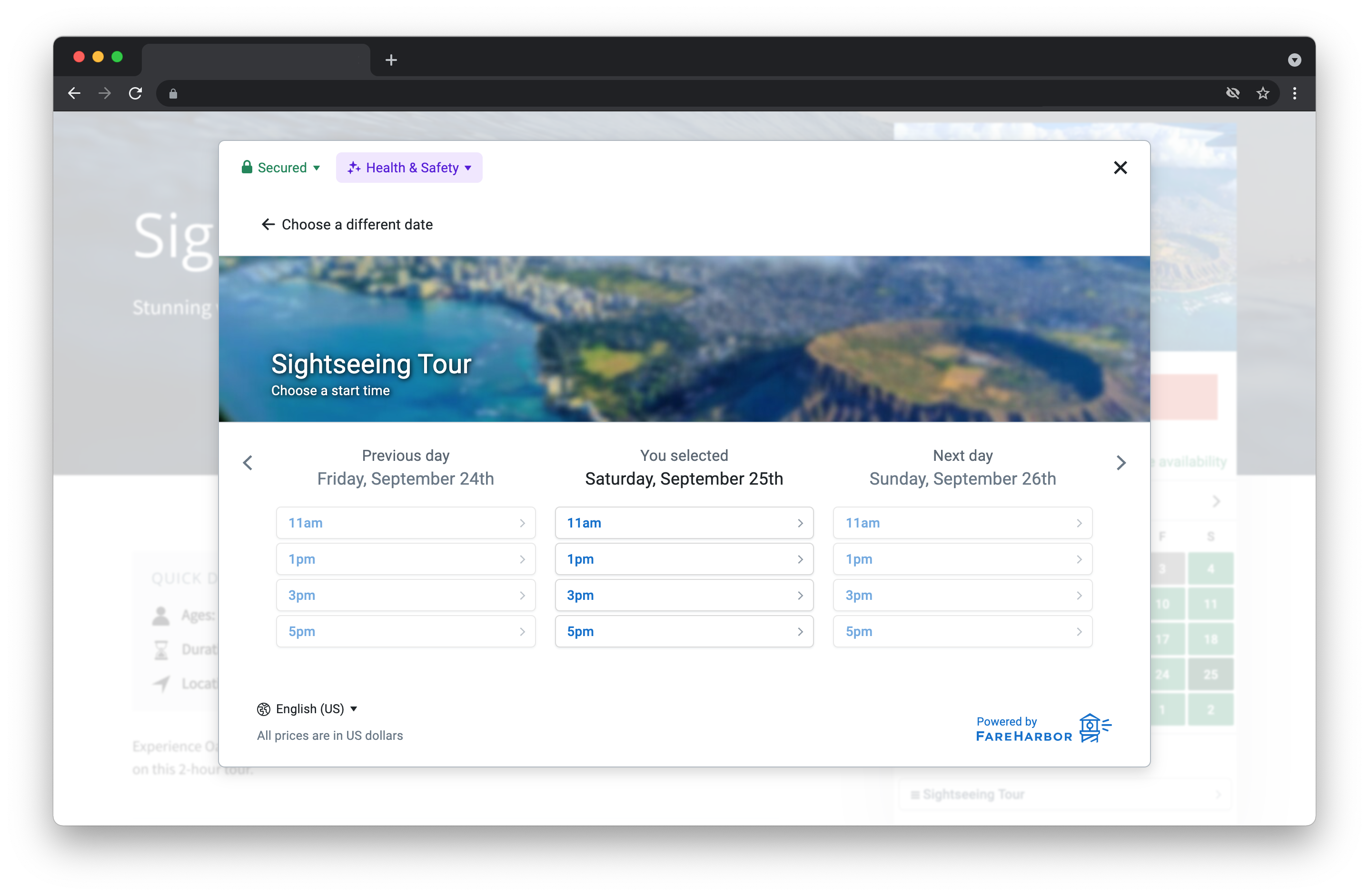
This plugin adds shortcodes that allow you to easily embed FareHarbor booking calendars, activity grids, and booking buttons on your WordPress site. You can find more information and examples of how to use the shortcodes on the FareHarbor website.Screenshots


Changelog
3.6.10
- Updated tested up to version to 6.6.1
3.6.9
- Fixed double quote attribute issue.
3.6.8
- Updated tested up to version to 6.2.2
- Fixed lightframe shortcode XSS issue.
3.6.7
- Updated tested up to version to 6.2
- Fixed admin settings fields XSS issue.
3.6.6
- Updated tested up to version to 6.1.1
3.6.5
- Add support for schedule_uuid, sheet_uuid, bookable_only, and branding shortcode parameters. Tested up to WordPress version 5.9.2.
3.6.4
- Updated tested to 5.8.1, and new screenshots
3.6.3
- Removed referrer parameter that is now handled in lightframe
3.6.2
- Updated tested up to version to 5.6
3.6.1
- Update plugin name to “FareHarbor for WordPress
3.6
- Add support for overriding language selection via
langaugeshortcode option - Add support for setting price schedule via
scheduleshortcode option - Updates output to default to “simple” fallbacks if no value is set
3.5
- Add support for Booking Flows via
flowshortcode option
3.4
- Upgrade to version 2 of FareHarbor Kit for even better looking buttons with more features
3.3.1
- Fix PHP issue with some configurations when upgrading
3.3
- Default to responsive calendars for new installs
- Default to simple fallback for new installs
- Enable Auto-Lightframe by default for new installs
3.2
- Improvements to plugin initialization code
3.1
- Add support for automatic Lightframing, an even easier way to put FareHarbor buttons on your site.
3.0.1
- Add type=”responsive” option to [fareharbor] shortcode
3.0
- Add support for [itemgrid] shortcode
- Add support for an even better mobile booking experience via
fallback="simple"shortcode option - Add a settings page (Settings > FareHarbor)
- Allow setting shortcode option defaults in the settings page and via filters.
- Add support for including a FareHarbor Buttons stylesheet on all pages.
2.1
- Add support for specifying price sheets to use while booking
2.0
- Add support for [partners] shortcode
1.2
- Fix compatibility with some Windows servers
1.1
- Generate better Lightframe fallback URLs
1.0
- Add support for displaying full item information (
full_items="yes")
0.9
- Strip spaces and trailing commas from item ID list
- Fix potential PHP warnings with $output
0.8.1
- Allow setting custom
classandidon anchor generated by Lightframe shortcode
0.8
- Strip smart quotes returned with shortcode values
- Adjust onClick attribute to work better with other plugins
0.7.1
- Fix discrepancy with documentation
0.7
- Add [lightframe] shortcode
0.6
- Fix for ASN reference
0.5
- Initial public implementation