

Just another contact form plugin. Simple but flexible.

About EventPrime – Events Calendar, Bookings and Tickets
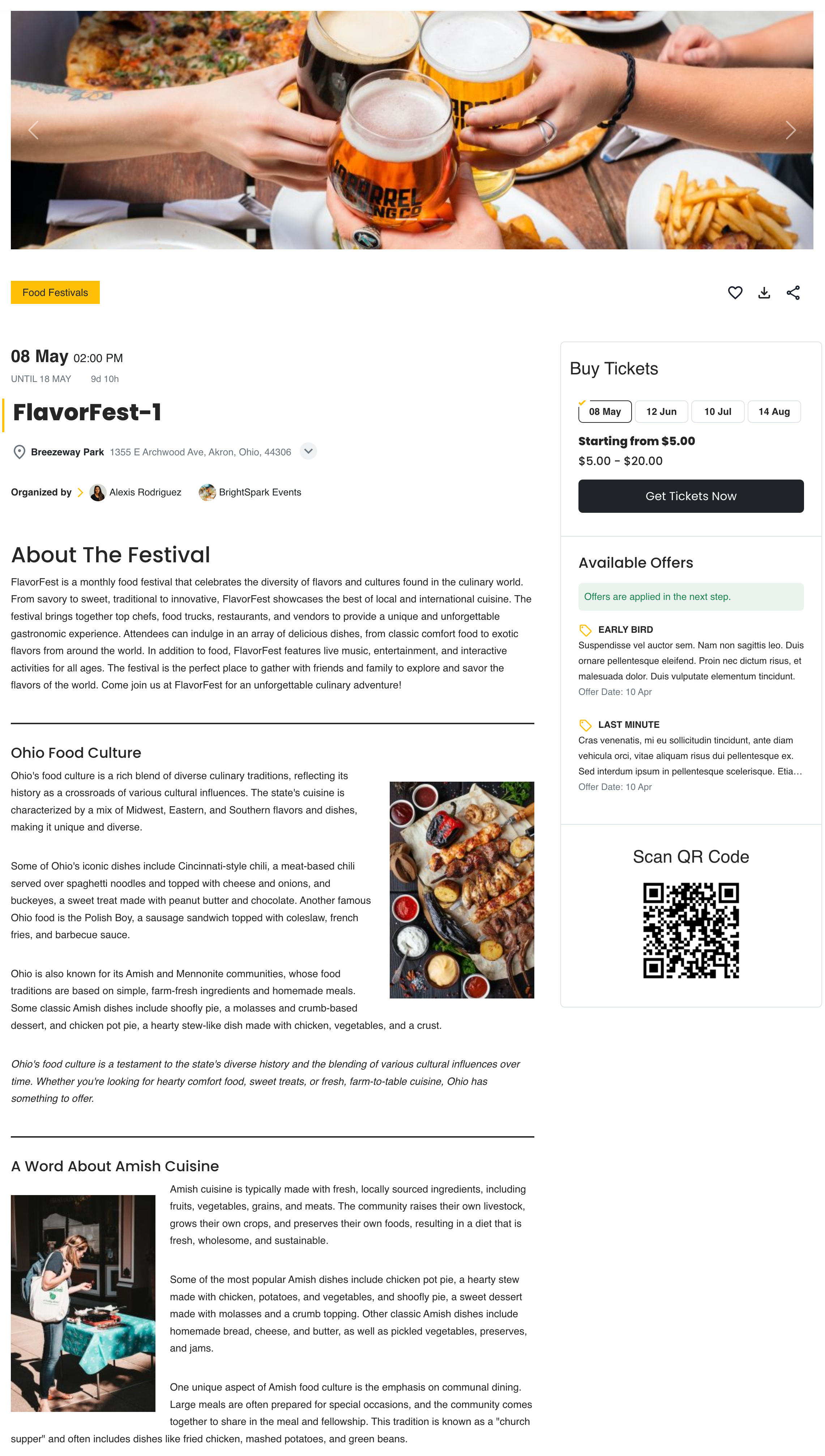
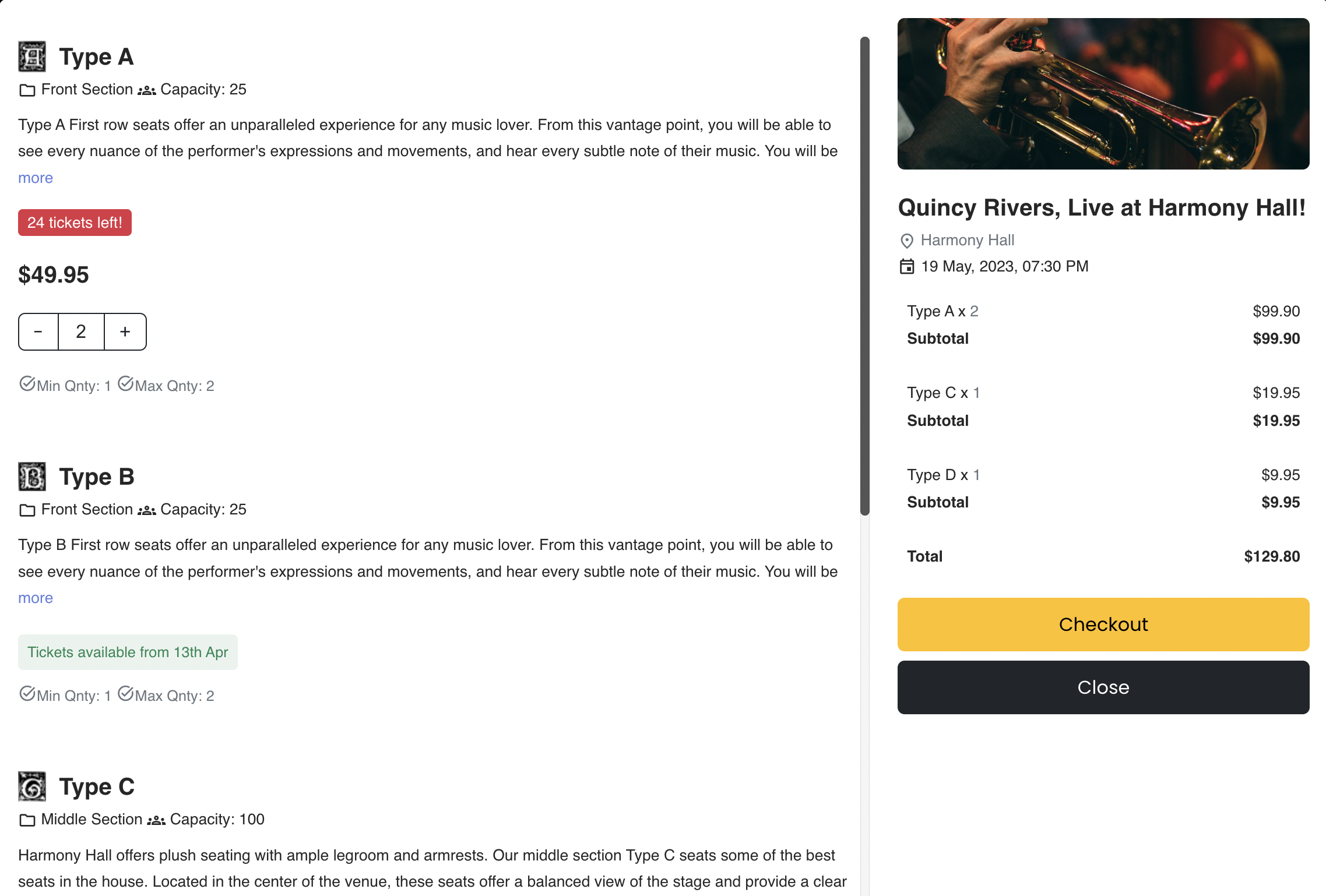
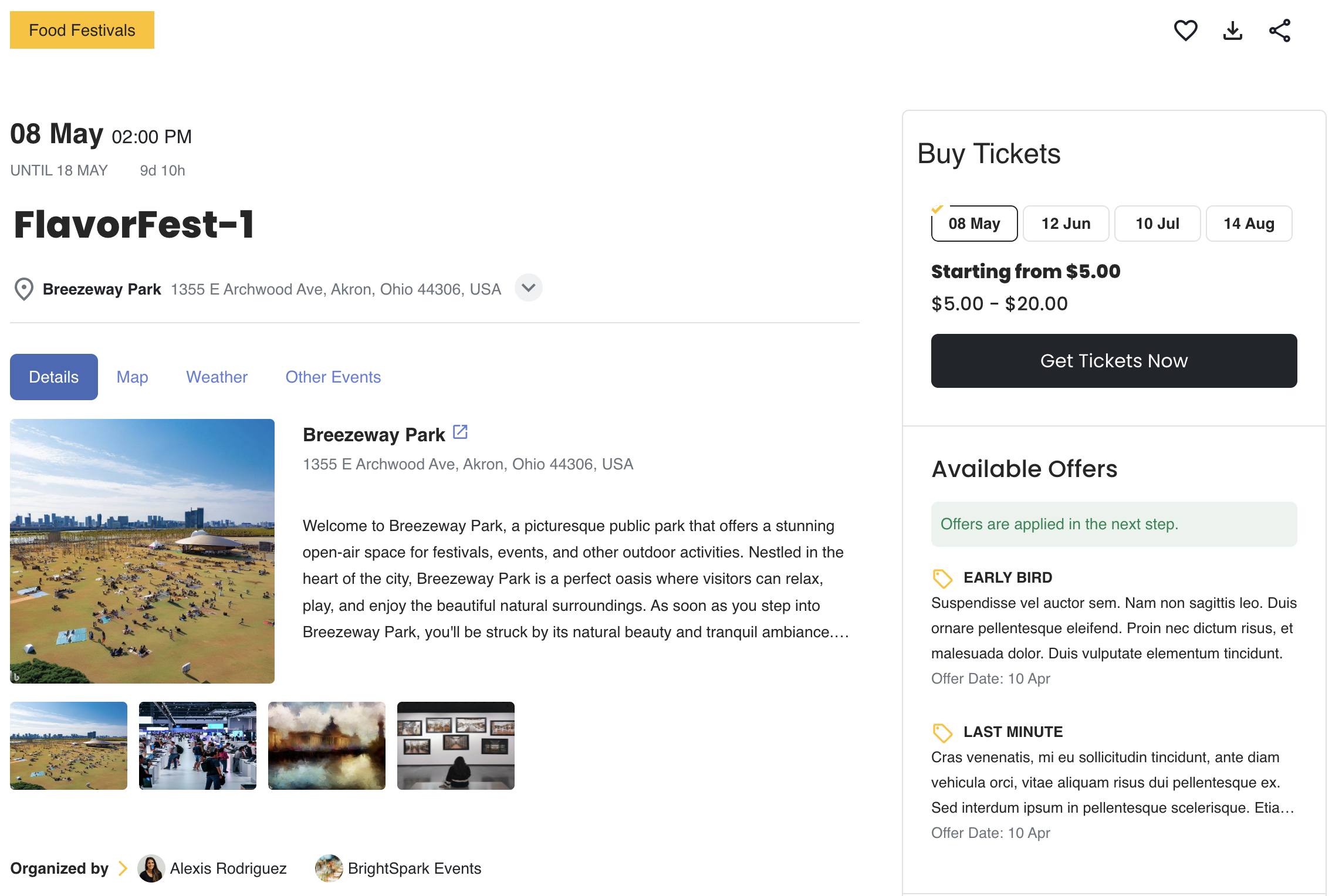
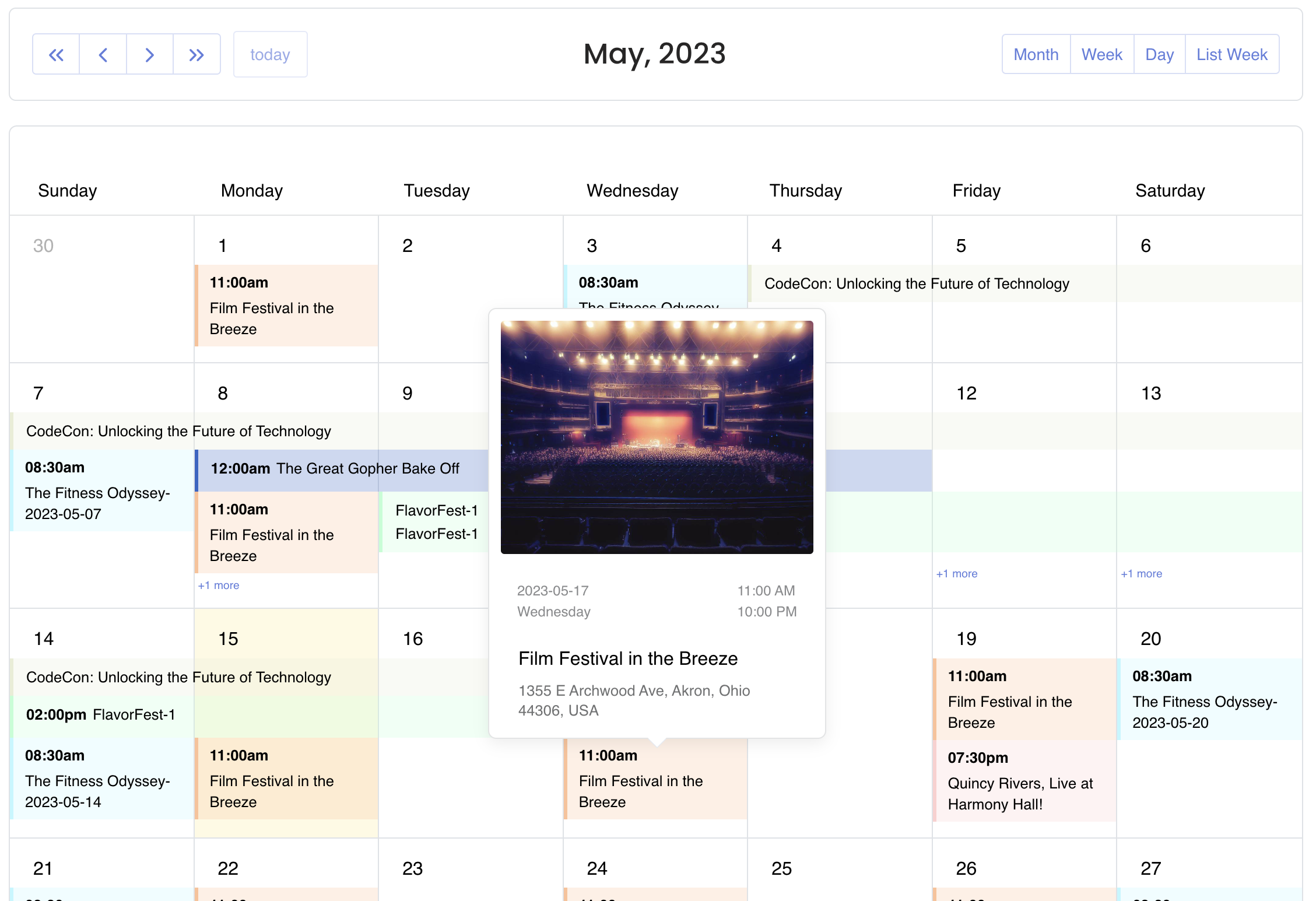
EventPrime is a WordPress Events Calendar plugin that allows you to easily publish events on your website. It supports both free and paid events, and offers features such as multi-day and recurring events, online bookings, ticket creation, and customizable email templates. There are also various extensions available to enhance the functionality of the plugin.Screenshots
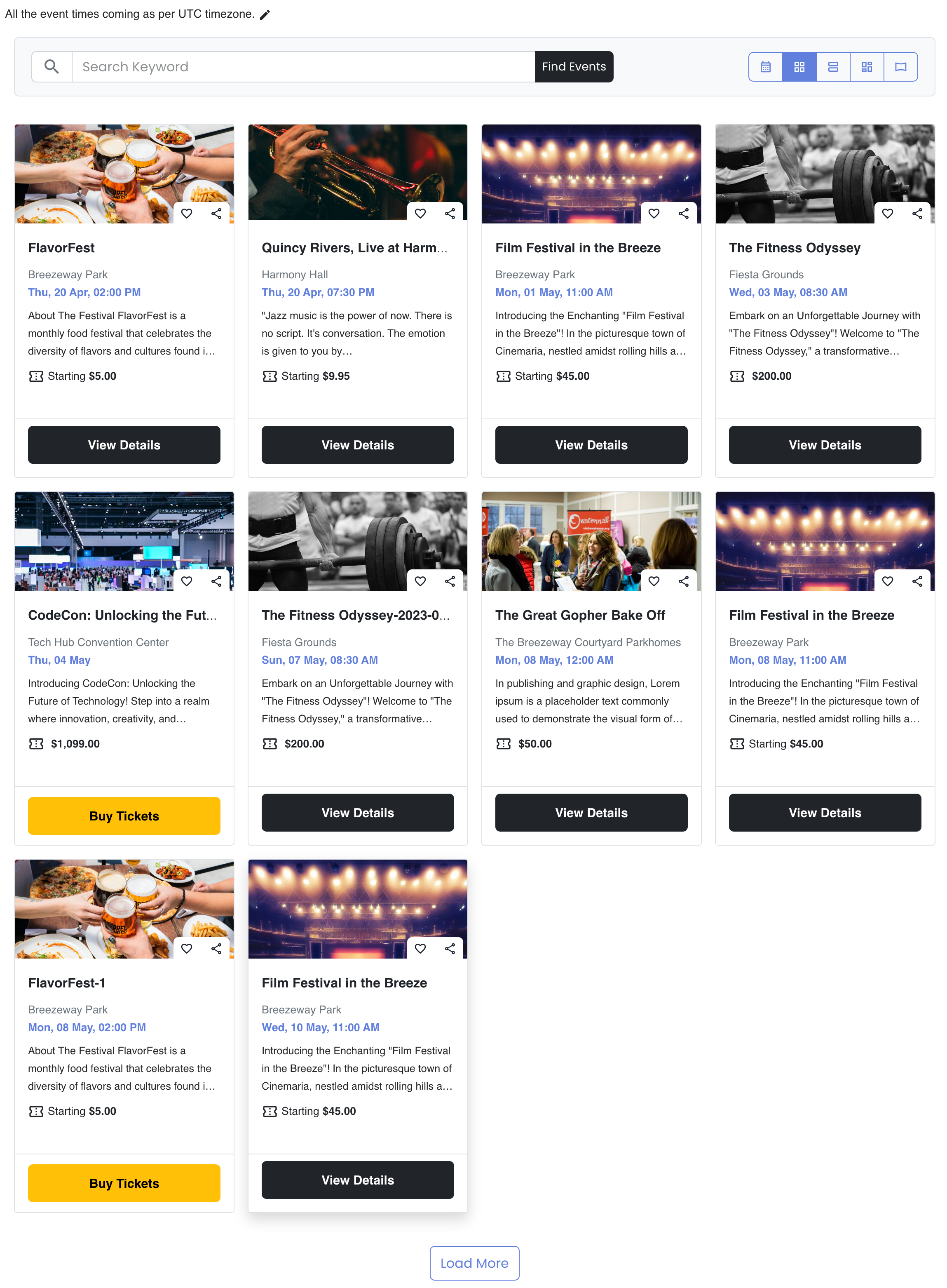
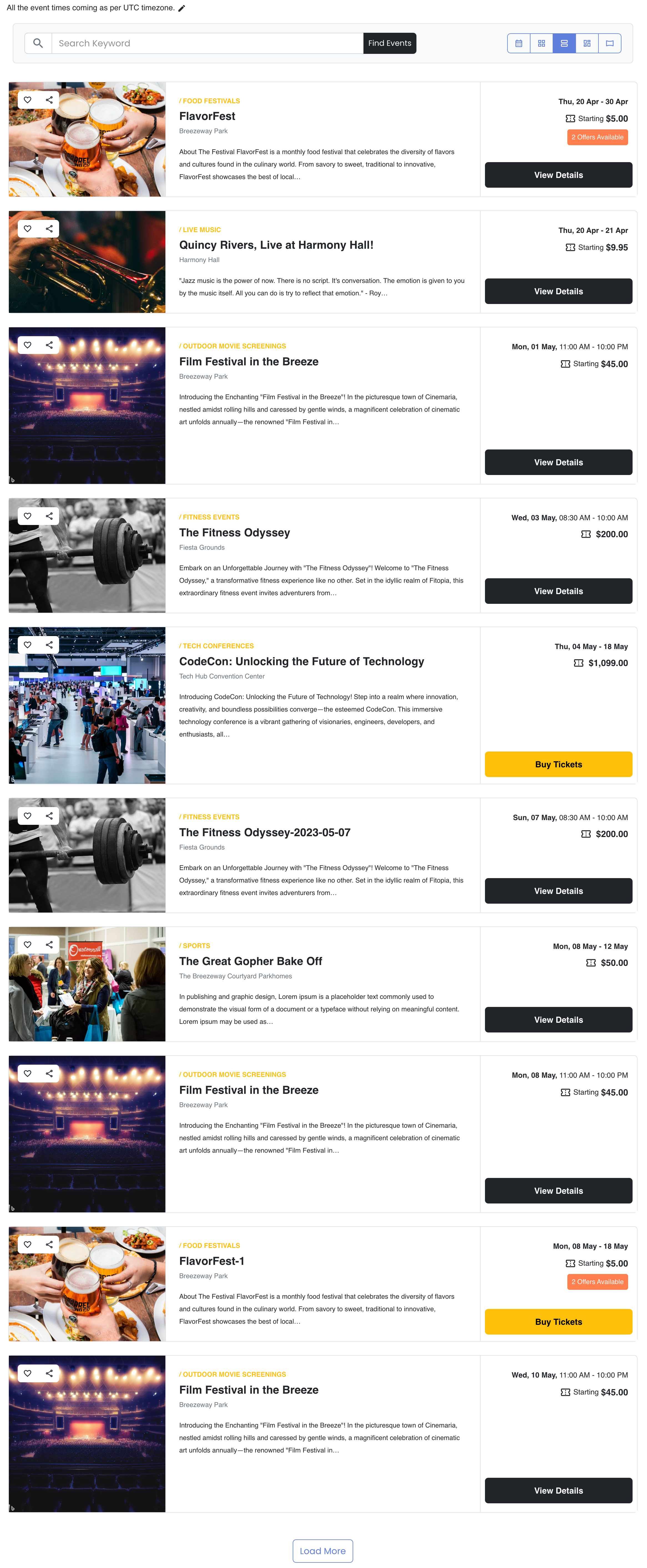
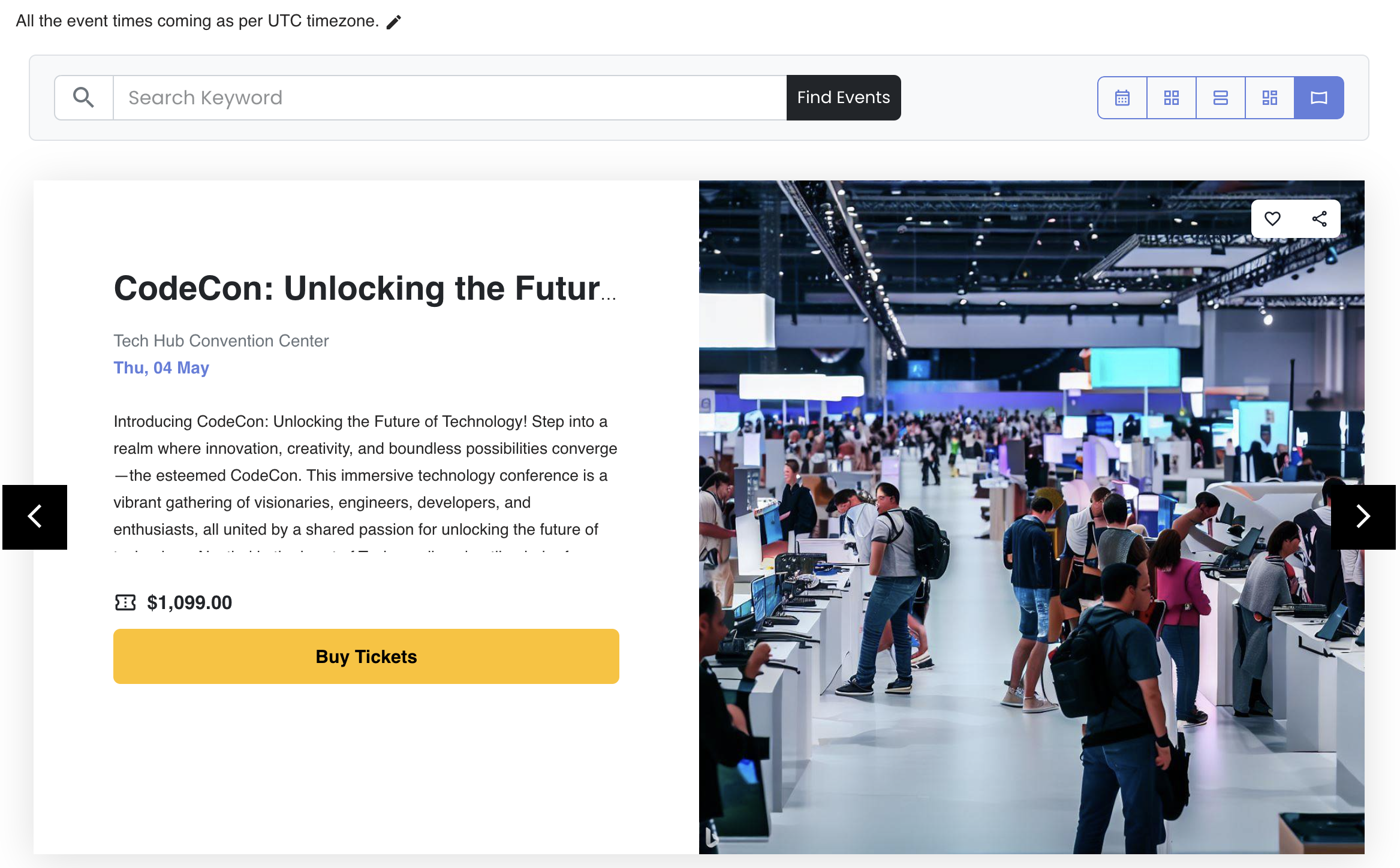
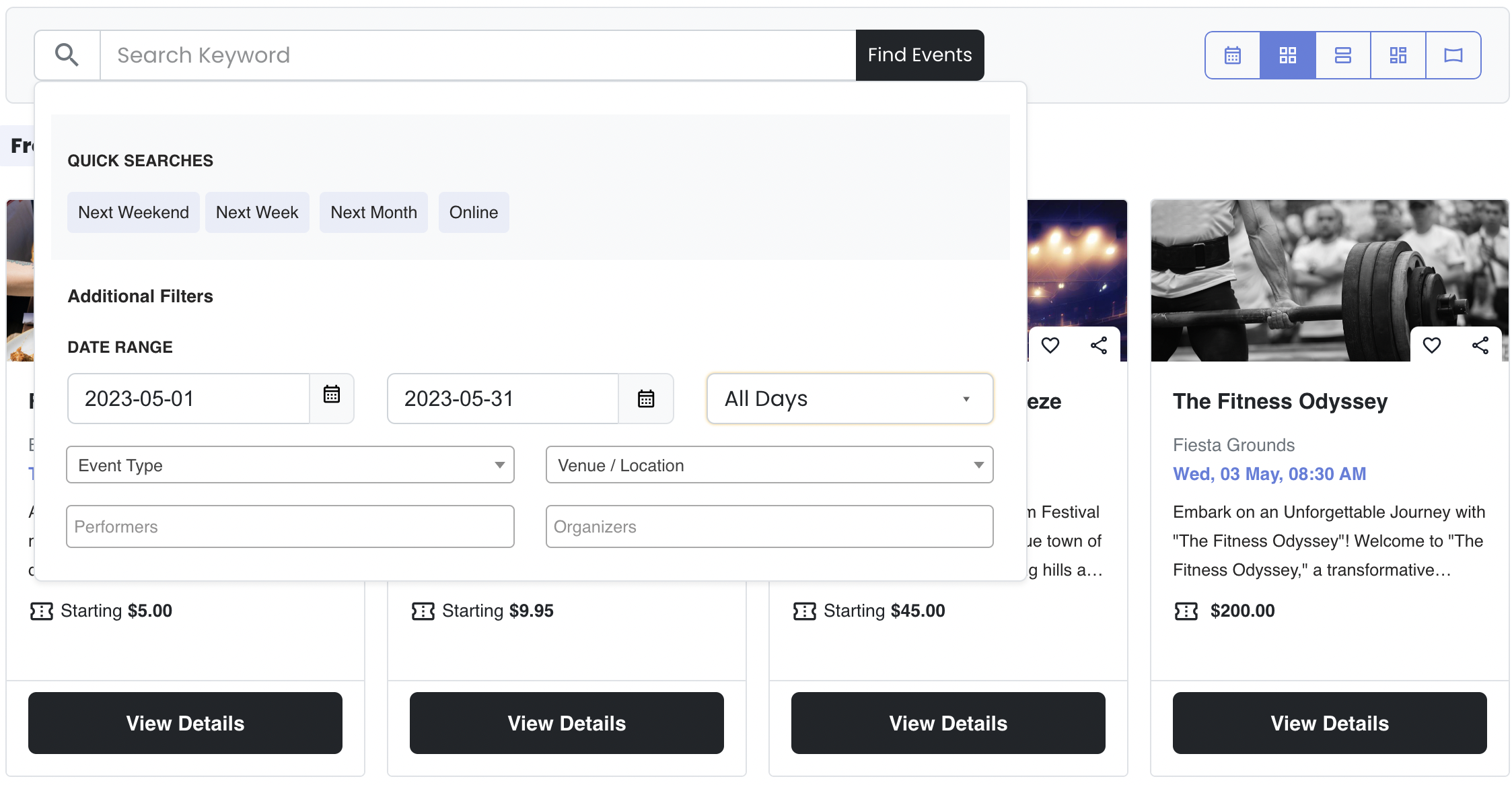
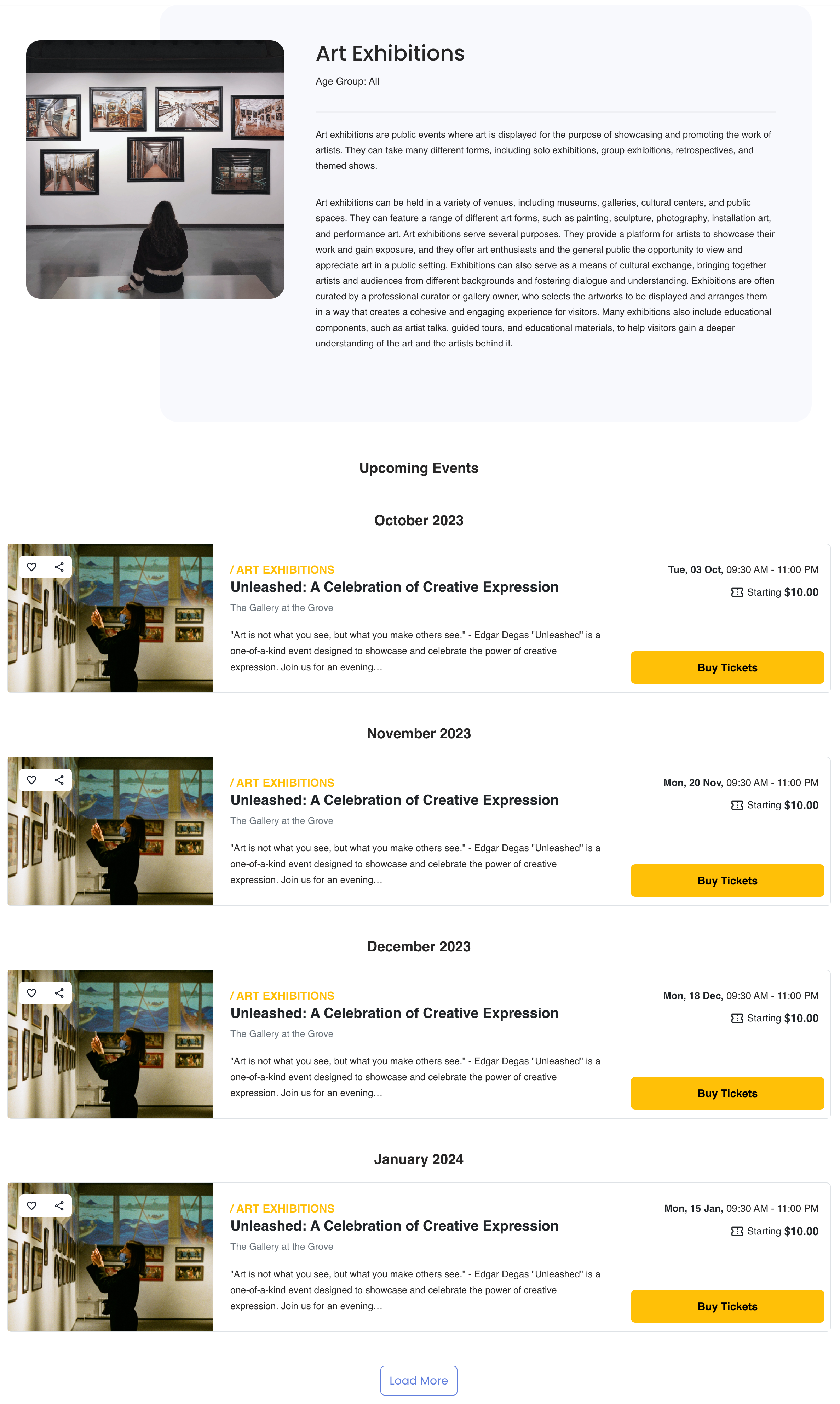
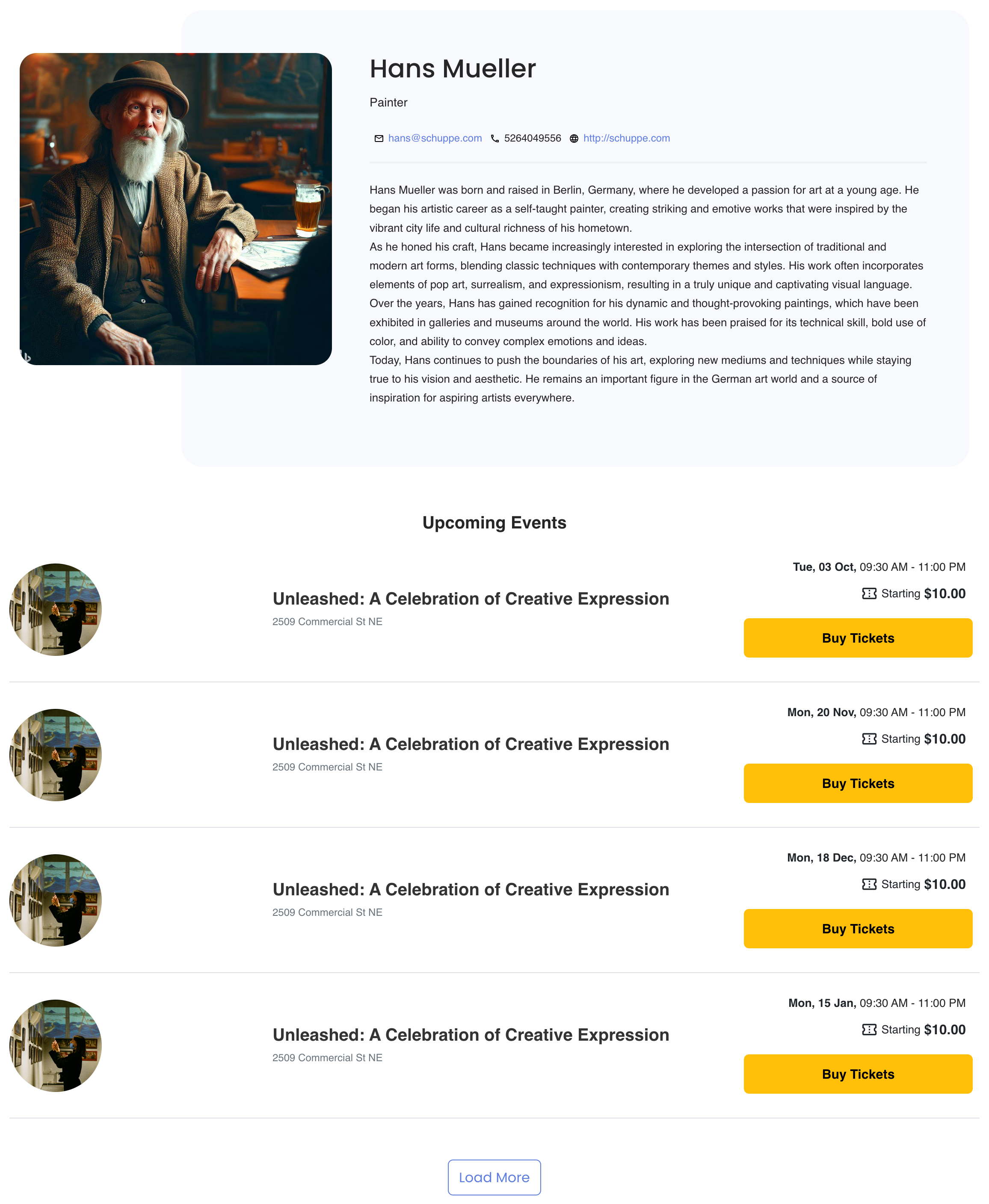
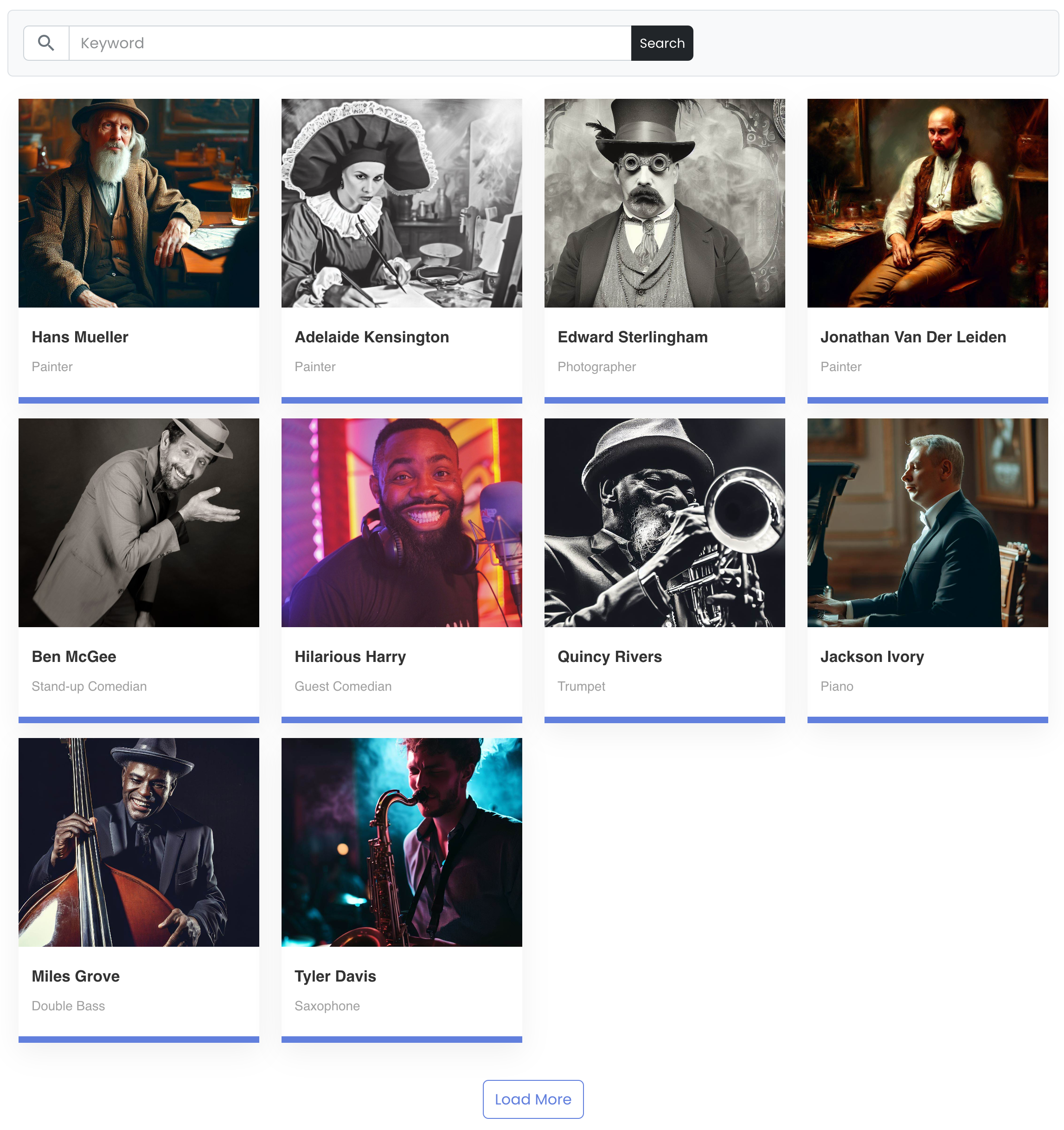
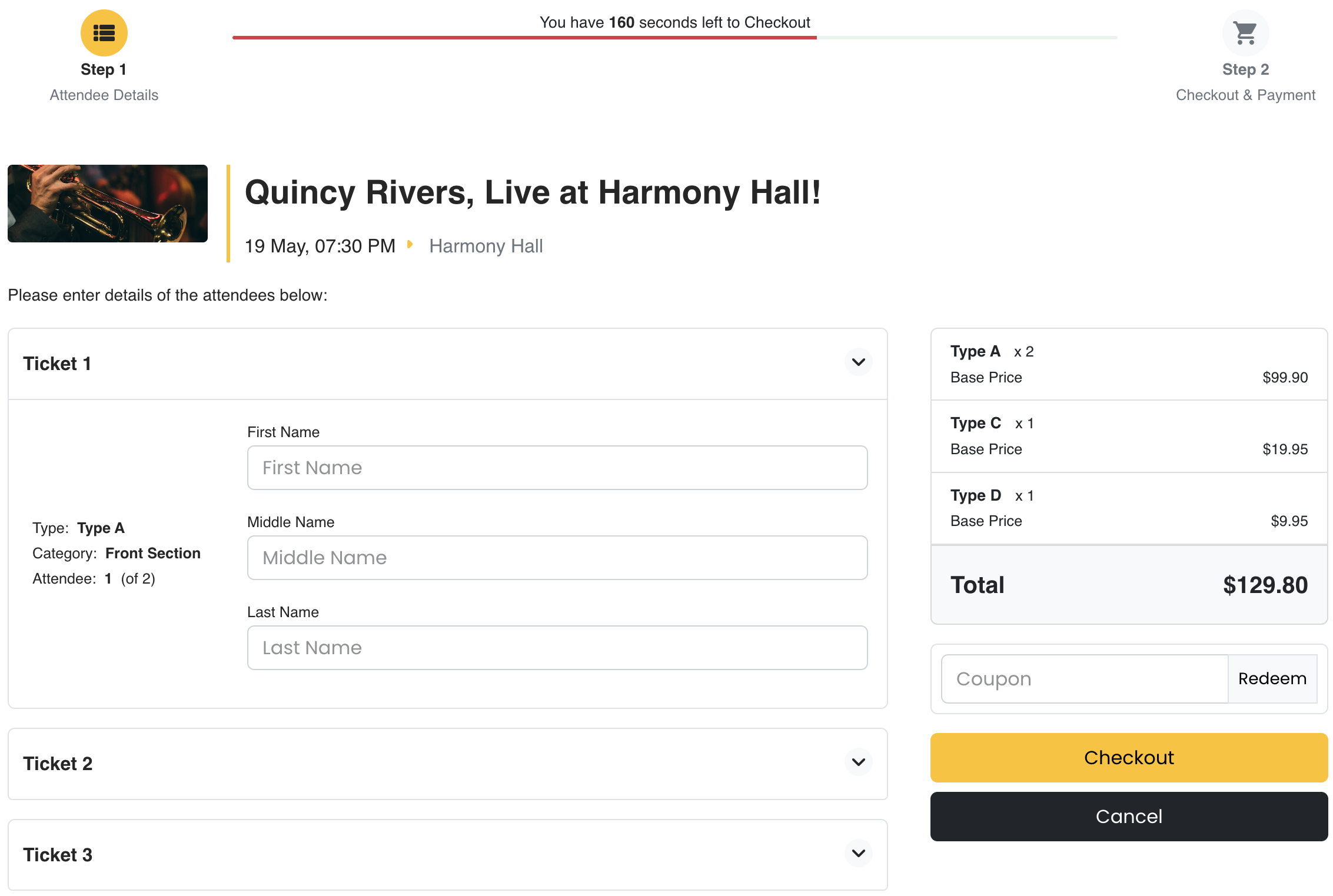
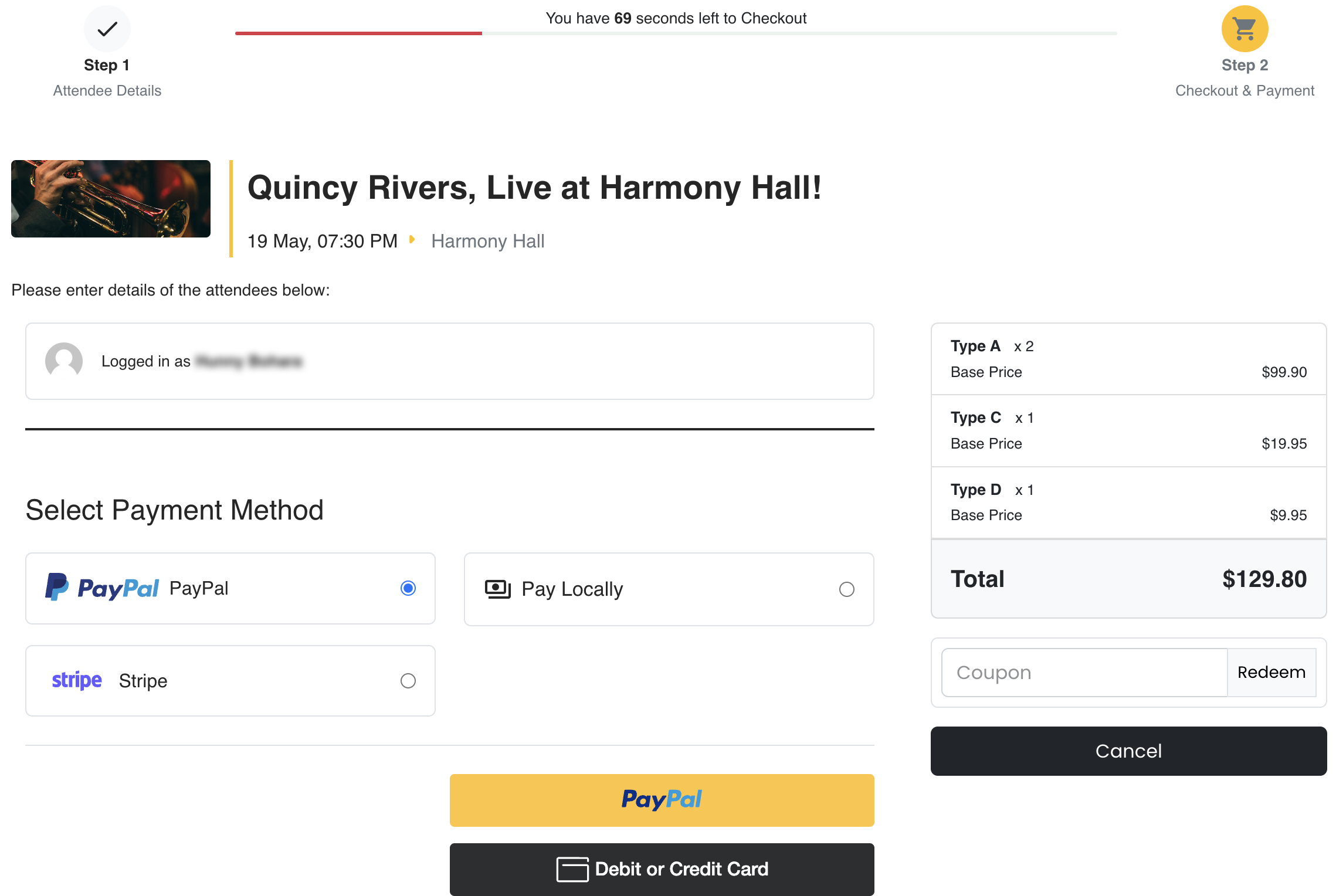
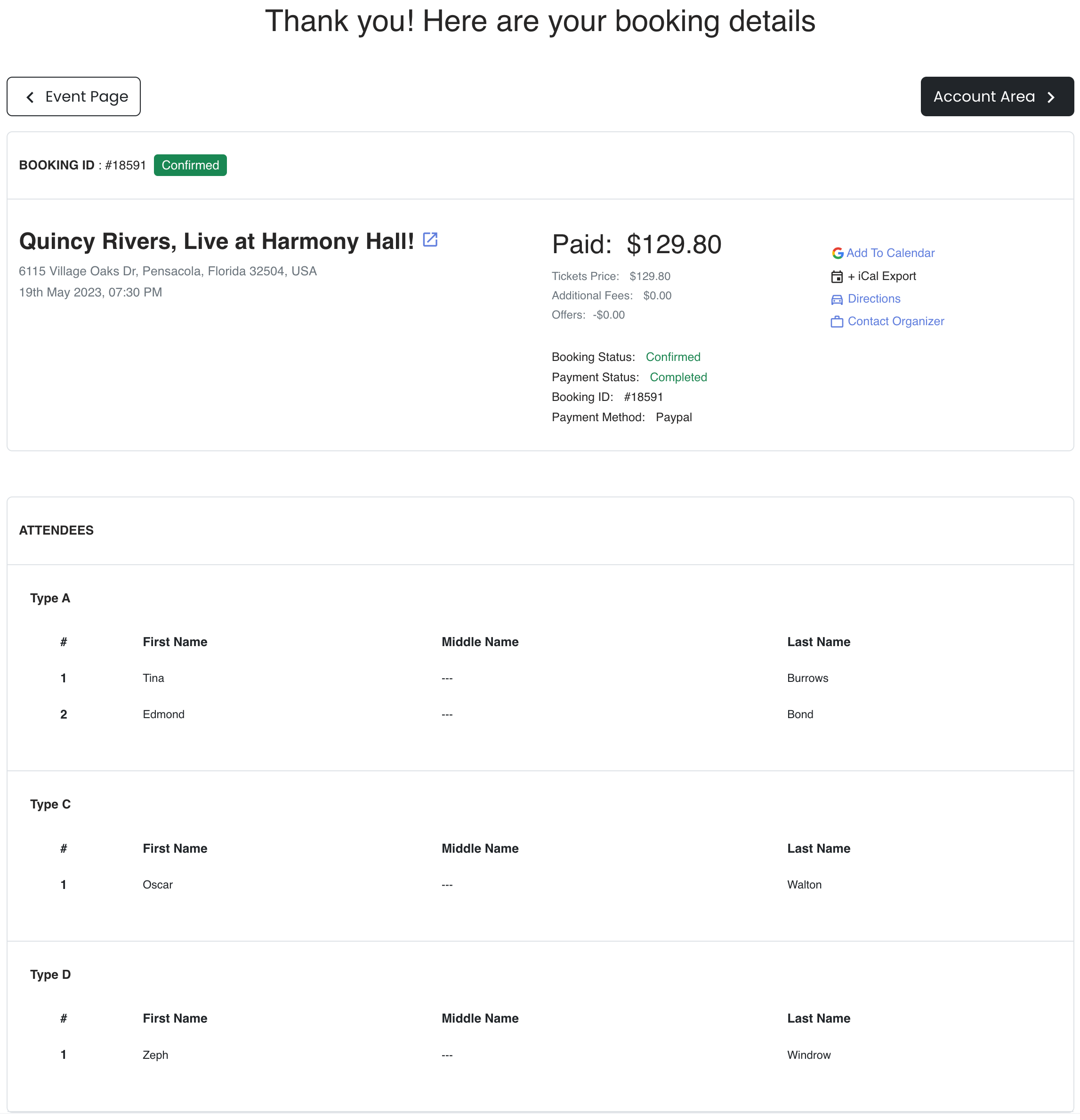
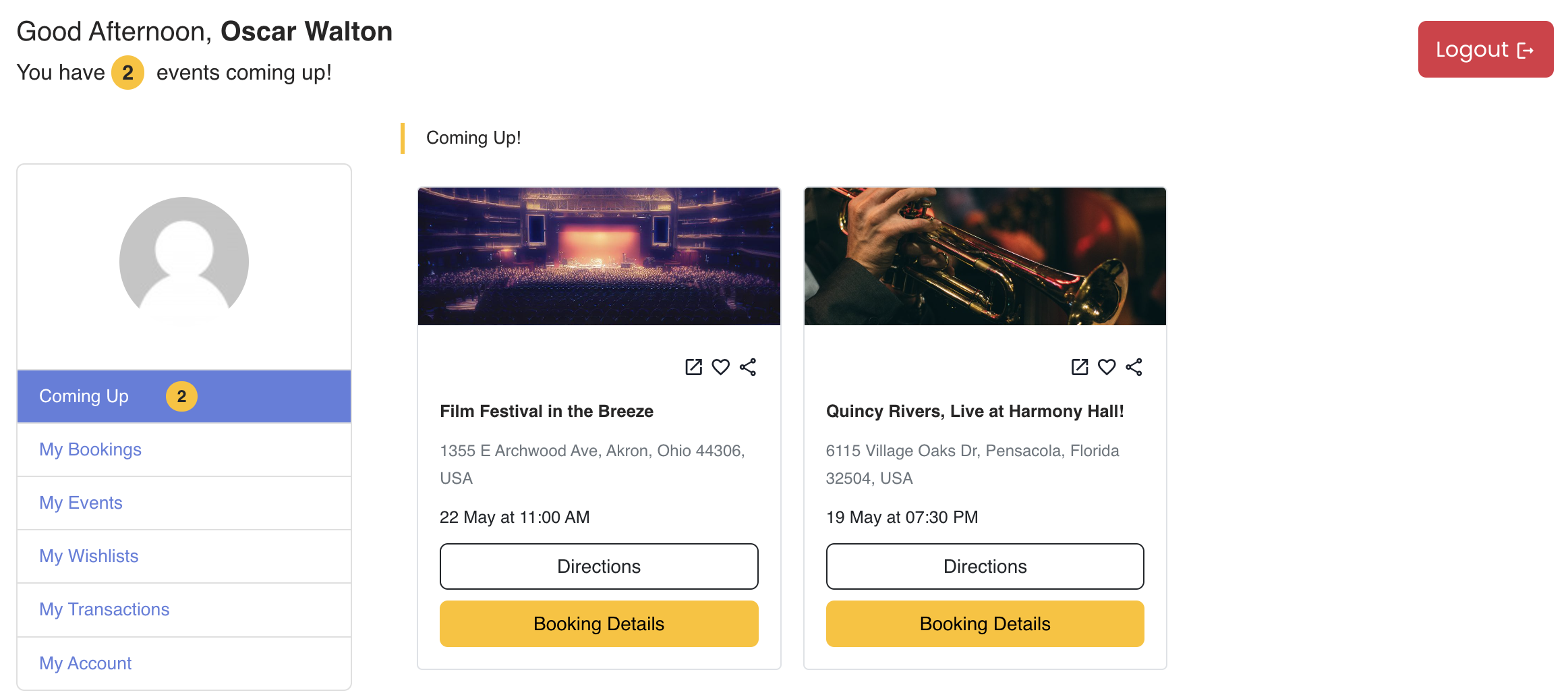
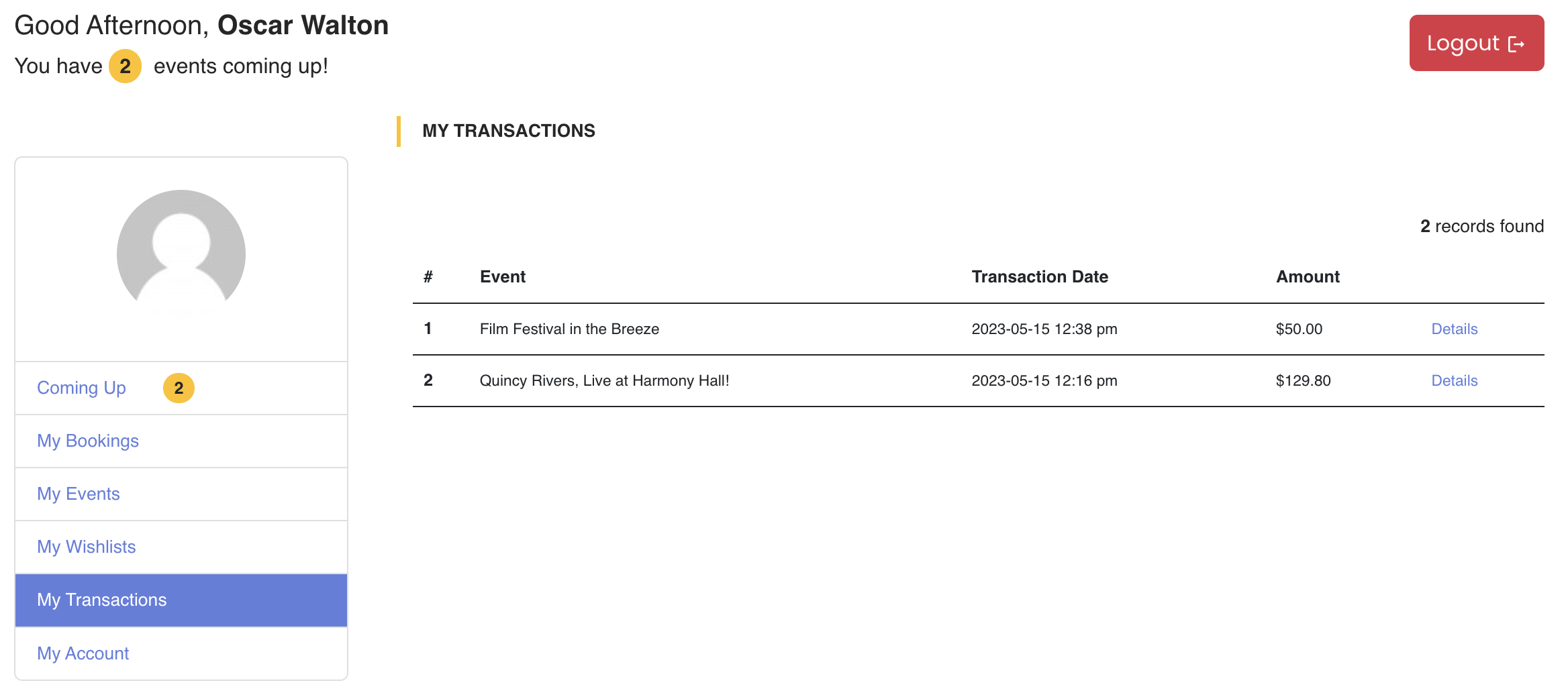
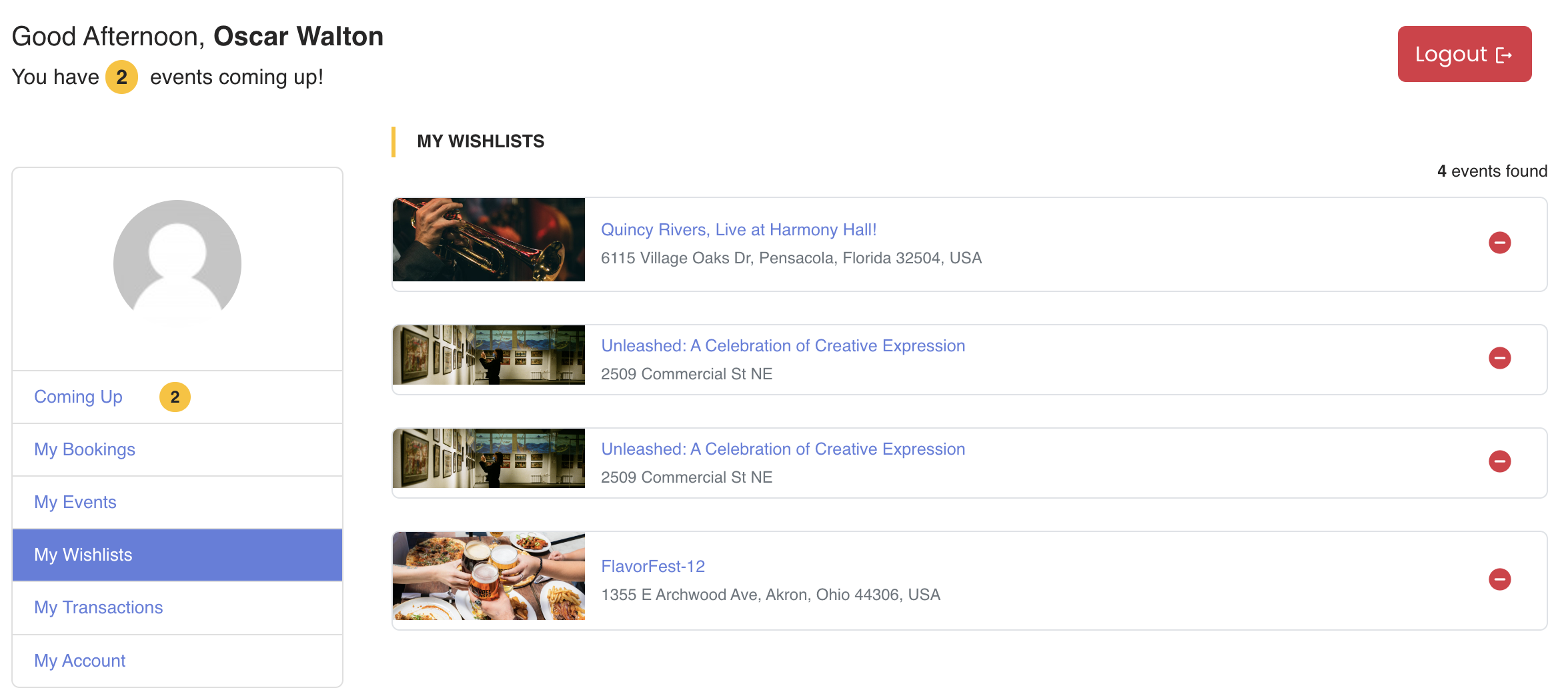
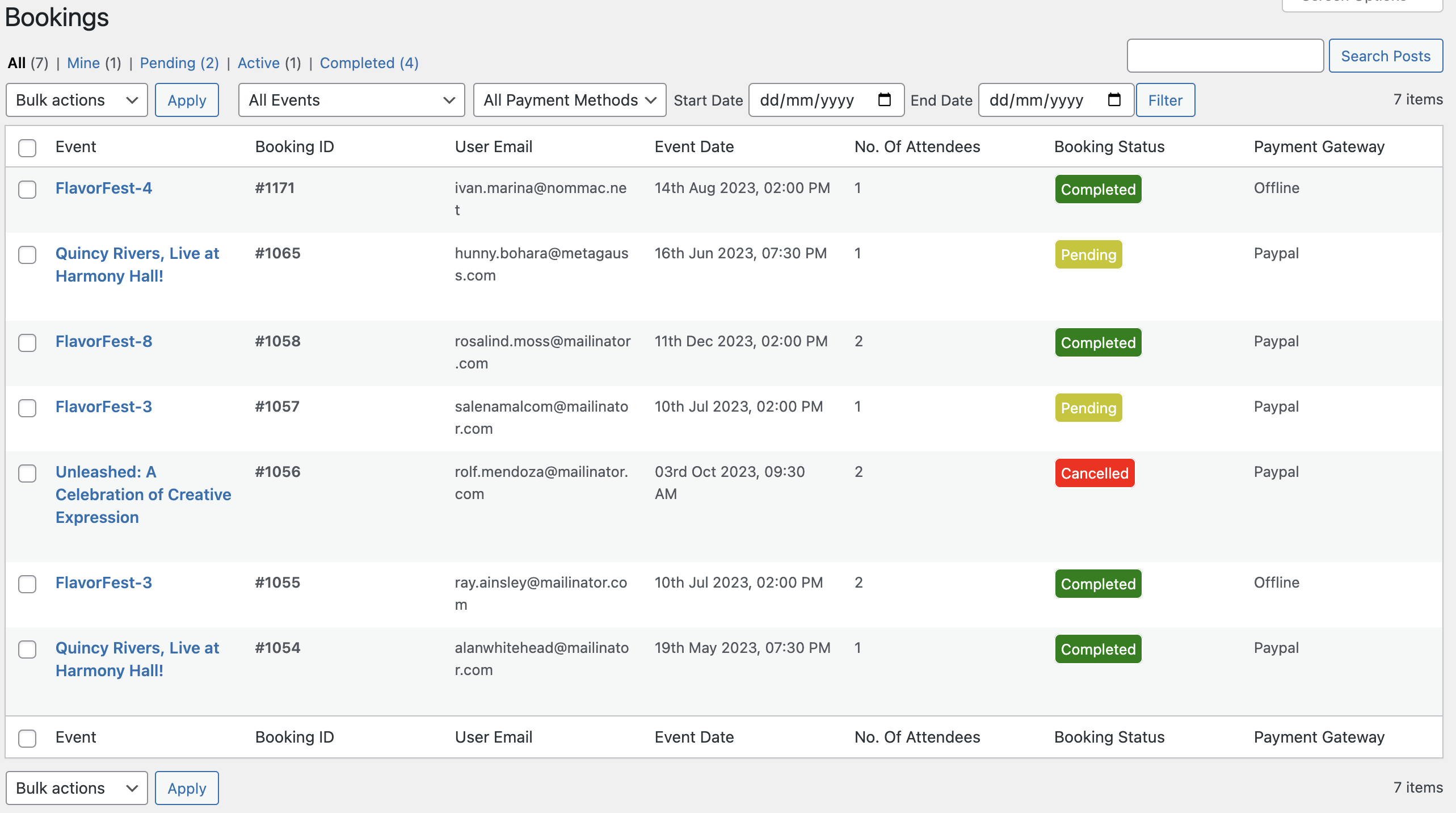
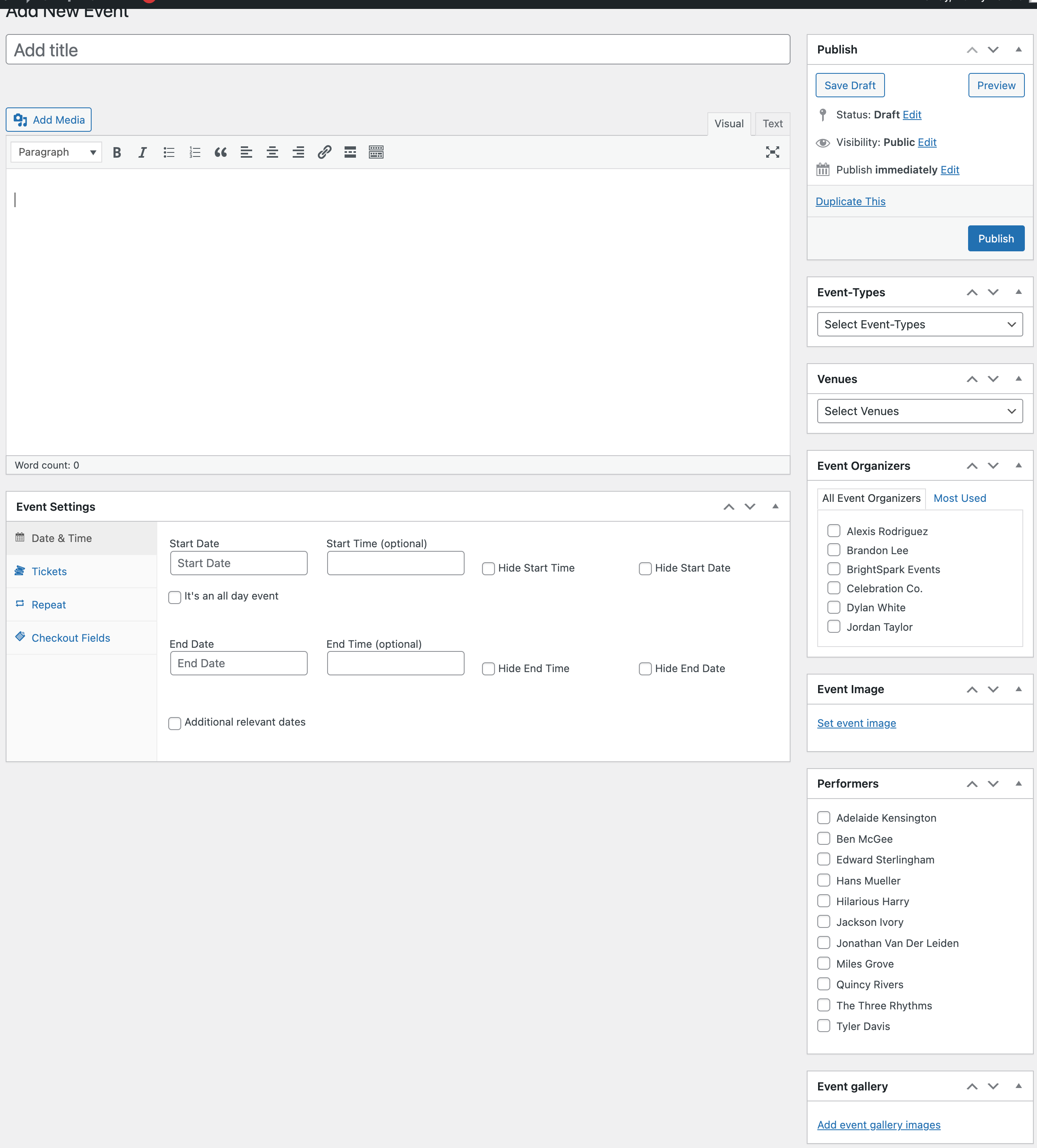
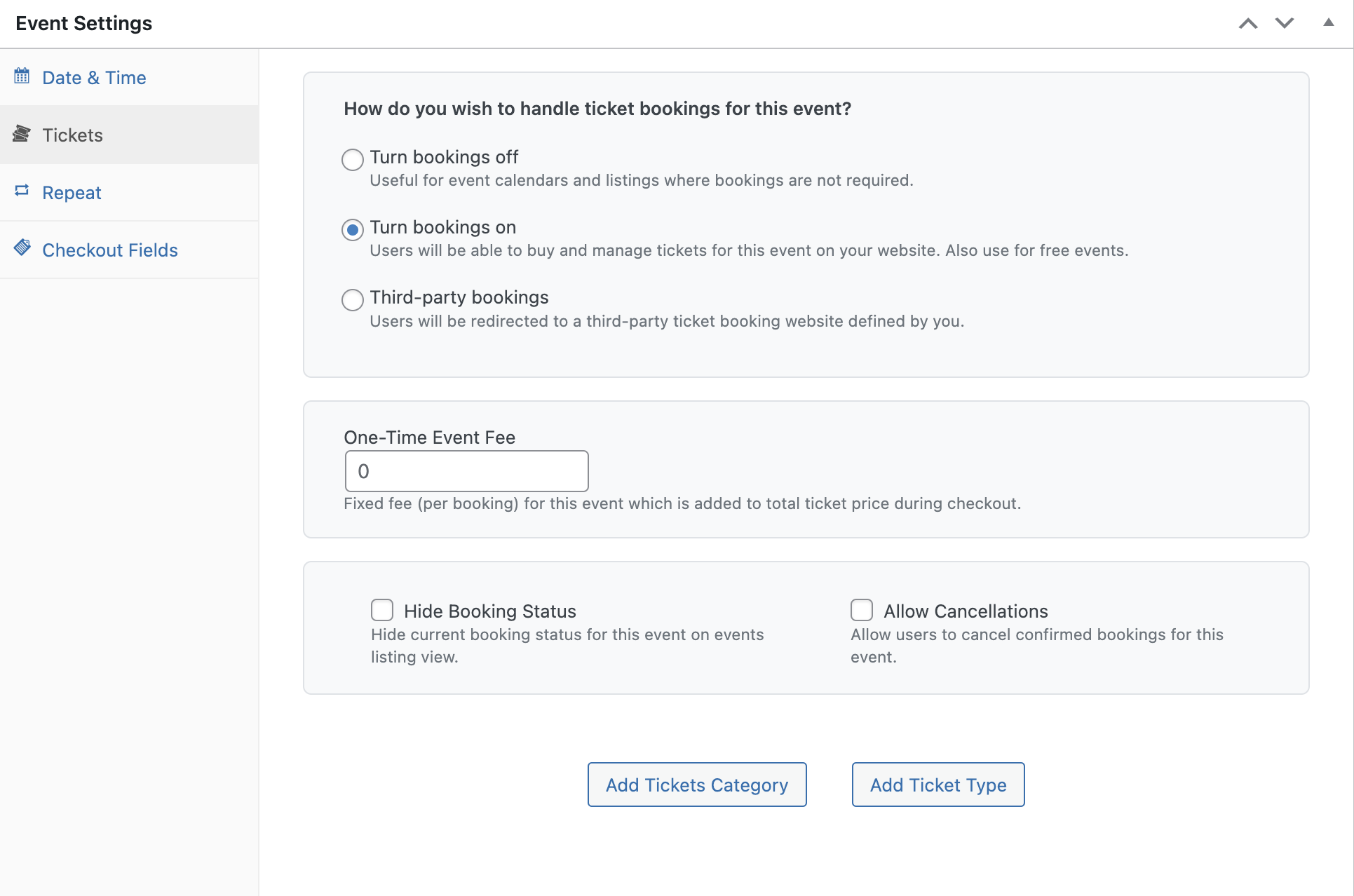
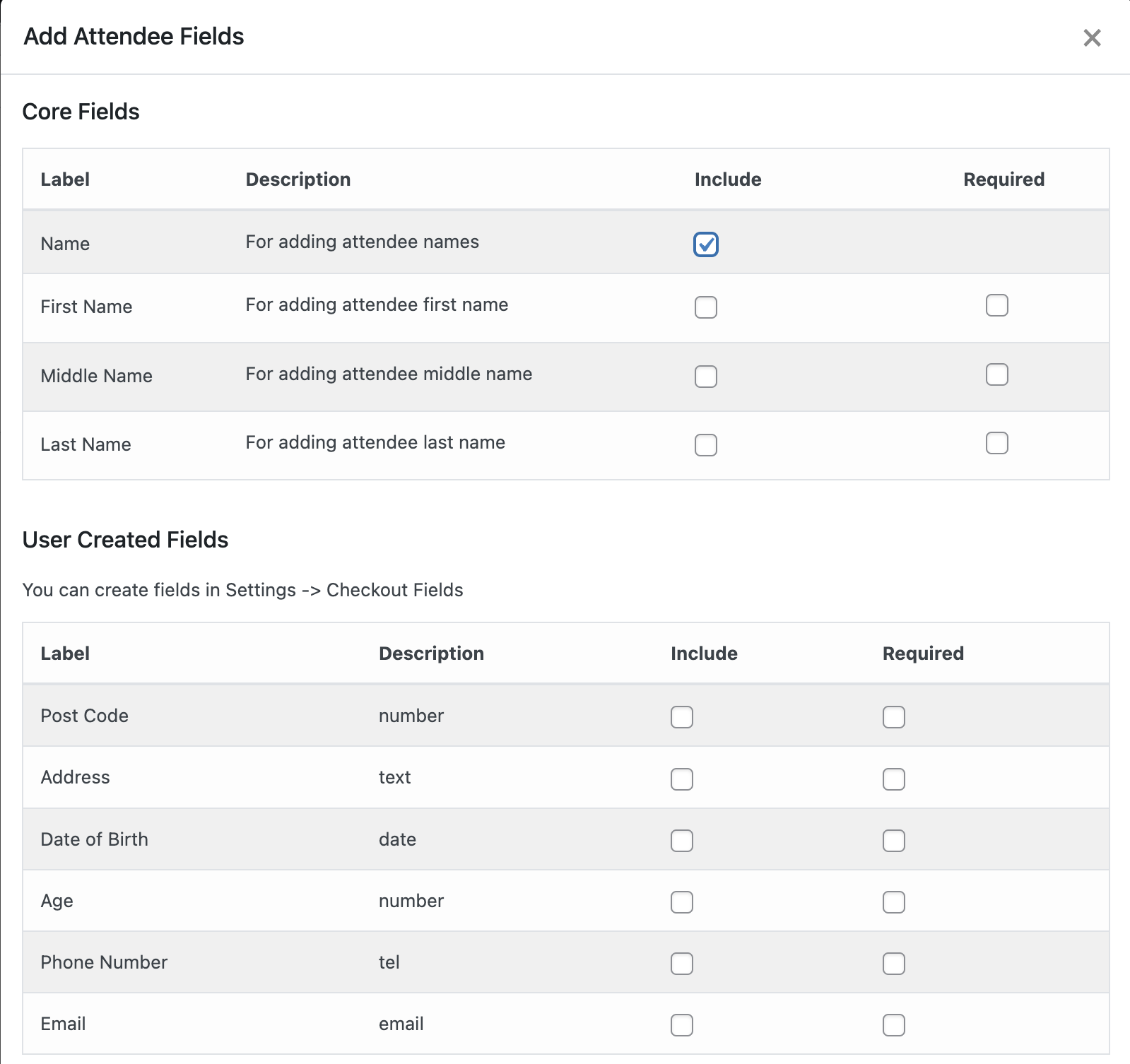
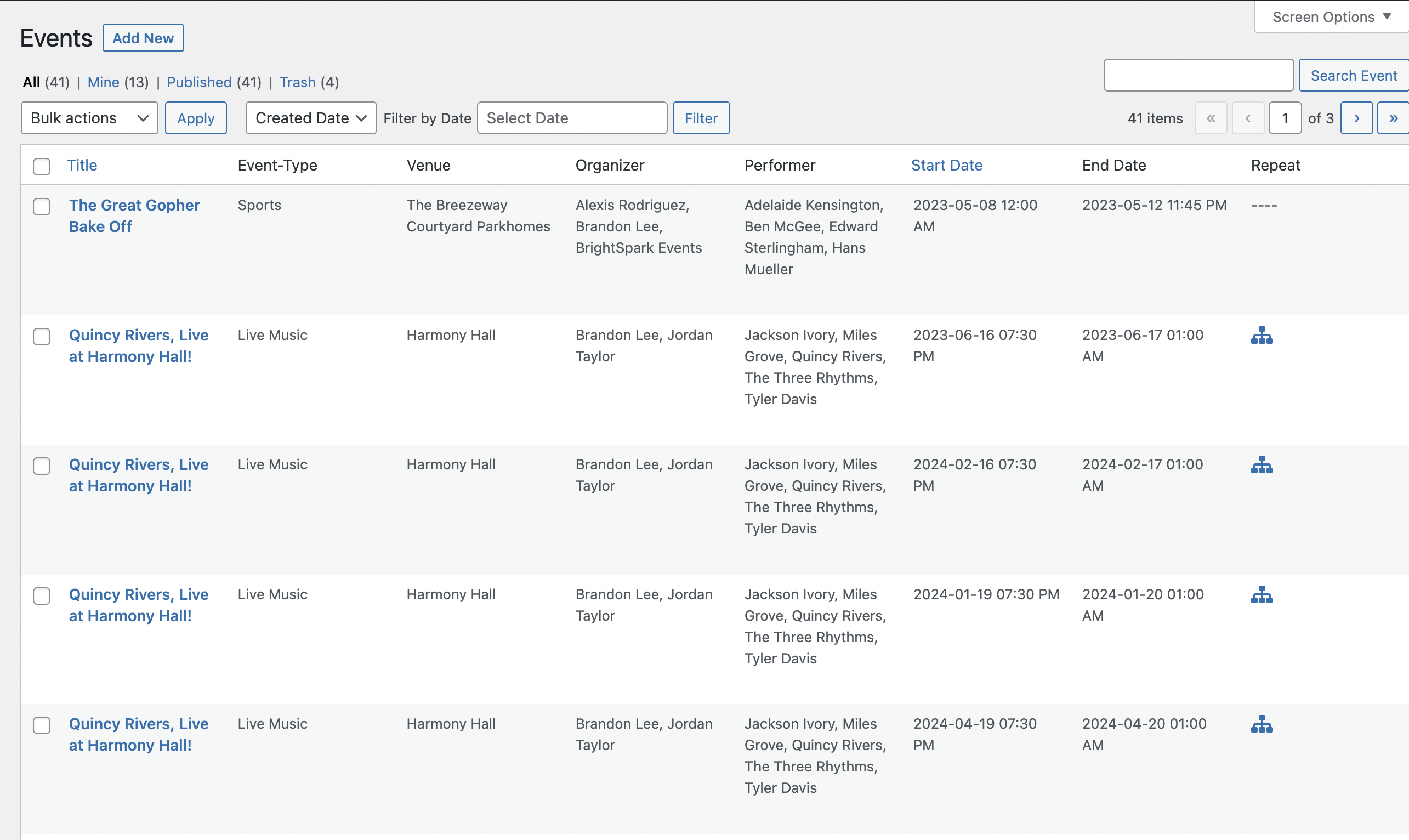
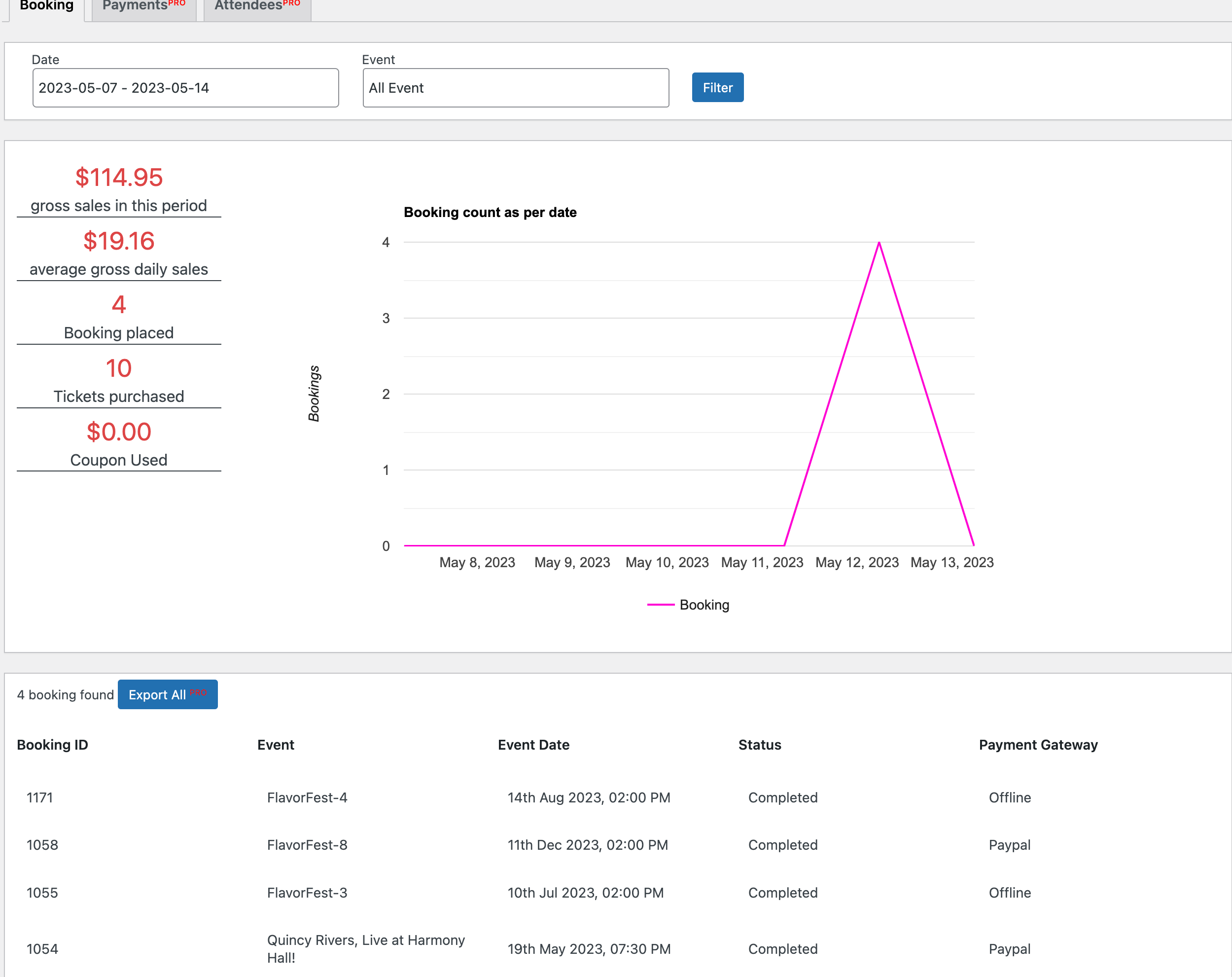
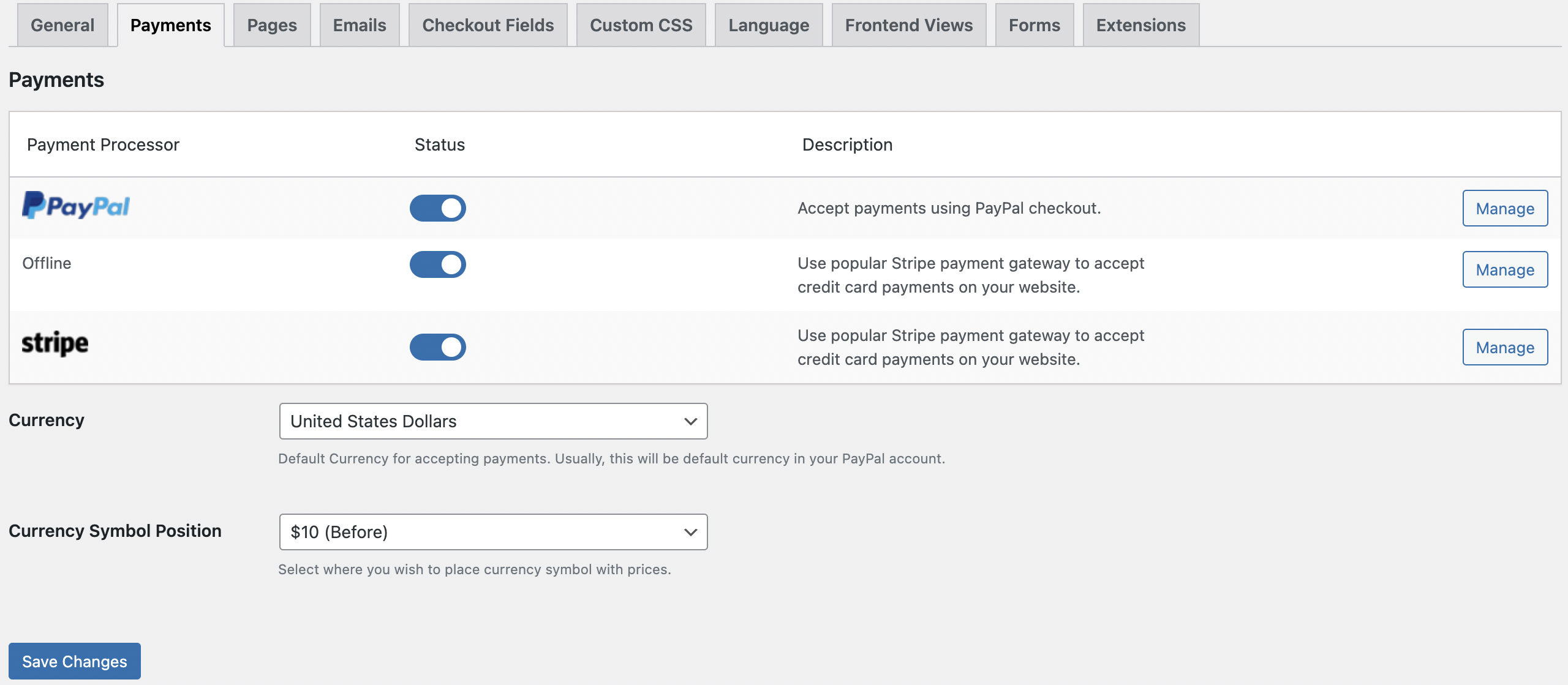
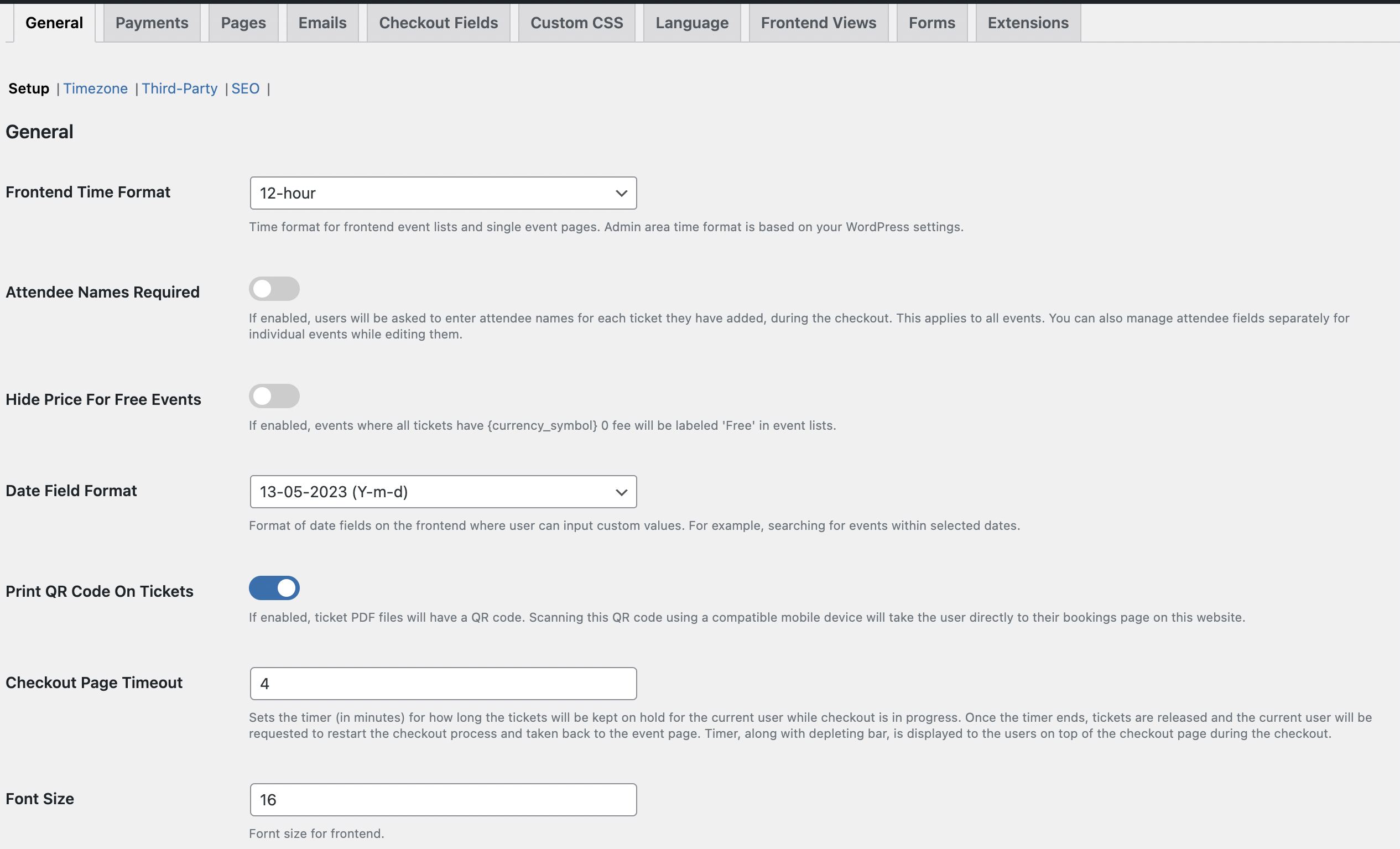
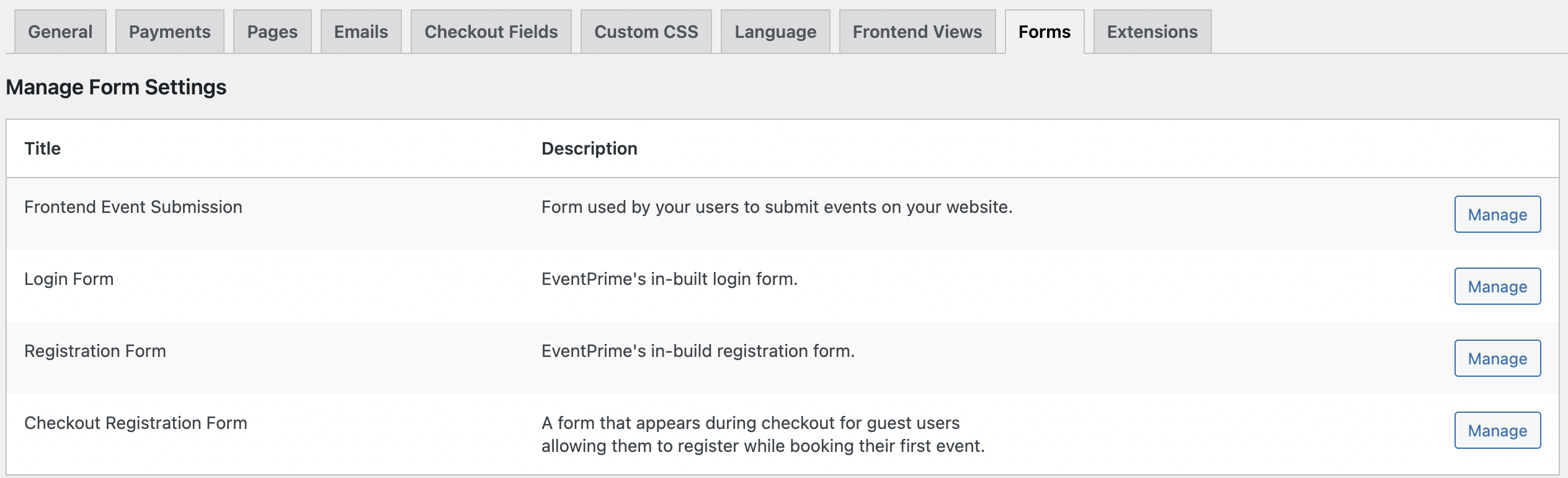
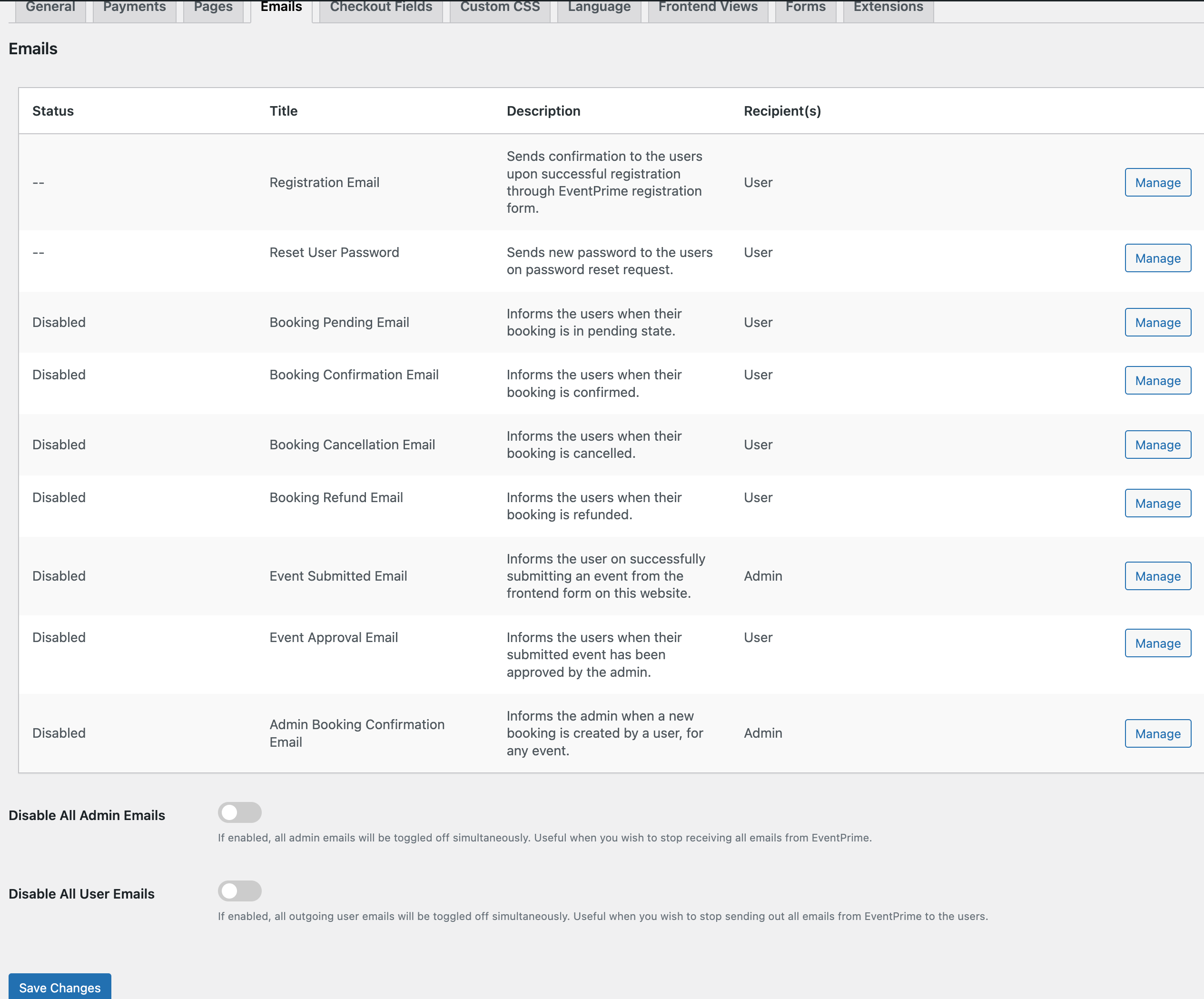
Changelog
4.0.8.4: March 04, 2025
- New Extension: Waiting List.
- UI improvements.
4.0.8.3: February 16, 2025
- Multiple bug fixes.
4.0.8.2: February 15, 2025
- Multiple bug fixes.
4.0.8.1: February 14, 2025
- Fixed: Resolved an issue where event type and venue were not displaying in the Events list view within the dashboard.
- UI improvements.
4.0.8.0: February 10, 2025
- New: Introduced the Layout Template option – Now, you can create event-specific templates, allowing more customization for individual events.
- New: Added the ability to create a new Event Type, Organizer, and Venue directly from the event creation page, streamlining event setup.
- New: Introduced an option to choose your own custom theme for all EventPrime pages, giving more control over the look and feel of your events.
- New: Added an option to show or hide Event Types on the Calendar View, allowing better control over event visibility.
- Added: Security enhancements and fixes for improved protection.
- Fixed: Multiple bug fixes to enhance stability and performance.
- Improved: UI refinements for a better user experience.
4.0.7.4: January 21, 2025
- Added: Security fixes.
- Multiple bug fixes.
- UI improvements.
4.0.7.3: January 08, 2025
- Added: Security fixes.
4.0.7.2: December 31, 2024
- Added: Security patch.
4.0.7.1: December 30, 2024
- New Feature: Introducing Additional fields in booking emails.
- Fixed: Report section.
- Fixed: Event-wise Attendee list and export feature.
4.0.7.0: December 24, 2024
- New Feature: Introducing Event Restrictions Settings!
- New Feature: Maximum Tickets Per User.
- New Feature: Maximum Tickets Per Order Across All Tickets.
4.0.6.0: December 06, 2024
- Added: Security patch.
- Revamped: Offers calculation process during ticket purchasing.
- Fixed: Issues in the event checkout process.
- Fixed: Discount Coupons extension bugs.
- Fixed: WooCommerce Integration extension compatibility issues.
- Fixed: Conflict with the Divi theme in WooCommerce Integration.
- Fixed: Bugs in the Offline Payments extension.
- Fixed: WooCommerce checkout process errors.
- Fixed: Minor UI Fixes in Invoice extensions.
- Fixed: Multiple bug fixes to improve plugin stability.
- Improved: General UI for better usability.
4.0.5.2: November 12, 2024
- Fixed: Issue with event search functionality returning incorrect results.
- Fixed: Blank date issue in frontend event submissions.
4.0.5.1: November 07, 2024
- Fixed: An issue with the date field’s UI while using ACF.
- UI improvements.
4.0.5.0: November 06, 2024
- Multiple bug fixes.
- UI improvements.
4.0.4.9: October 25, 2024
- Fixed: Email template saving issue.
4.0.4.8: October 17, 2024
- Added: Security Update.
- Multiple bug fixes.
4.0.4.7: October 14, 2024
- Added: Security Update.
4.0.4.6: October 5, 2024
- Added: Security Update.
4.0.4.5: September 11, 2024
- Fixed: Repeat Event issue – reported by @emeeder.
- Fixed: Event date issue on calendar view – reported by @lpint.
4.0.4.4: September 7, 2024
- Fixed: Compatibility issues with third-party plugins including Folder Plugin and Kubio Builder.
- Added: Security Update.
- UI improvements.
4.0.4.3: August 26, 2024
- UI improvements.
4.0.4.2: August 13, 2024
- Fixed: translation issue.
4.0.4.1: August 5, 2024
- Added: Option to set date default format on frontend Events.
- UI Improvements.
4.0.4.0: August 1, 2024
- Added: Security Update.
- New: Option to set date format on frontend Events – requested by @2020media
- Fixed: Dark theme fixes.
- Fixed: Shortcodes parameter issues.
- Multiple UI Improvements.
4.0.3.2: July 19, 2024
- bug fixes.
4.0.3.1: July 17, 2024
- Multiple bug fixes.
4.0.3.0: July 15, 2024
- Fixed: Redirection Issue after logout.
- Added: View Event option.
- Added: Duplicate Events option.
- Fixed: Update Event for this occurrence option.
- Fixed: Repeat events dates not showing on the master event – reported by @vibroscope.
- Added: Event Filter on all events page in dashboard – reported by @lpint.
- Multiple UI Improvements.
4.0.2.1: July 1, 2024
- Fixed: Elementor layout issue.
4.0.2: June 28, 2024
- Fixed: RSVP missing tab content issue in the user account area.
- Fixed: Widgets error – reported by @2020media.
- Fixed: Live Seating event price issue.
- Fixed: Layout issues with permalinks – reported by @wardencenter.
- Fixed: An issue where Stripe Payment option is not visible when other payment options are disabled.
- Fixed: Venue not being assigned to repeating events – reported by @lpint.
- Fixed: In some scenarios, a multi-day event is displayed as a single-day event – reported by @lucas1311
4.0.1: June 20, 2024
- Fixed: Checkout page issue when no default payment processor is selected.
- Fixed: Searching events in frontend Calendar view.
4.0.0: June 19, 2024
- Significantly optimized database queries.
- Much improved performance while working with large number of events.
- Refactored codebase for better resource management.
- Security improvements.
- Multiple bug fixes.
3.5.3: June 17, 2024
- Preparatory release for upcoming major version update.
3.5.2: June 14, 2024
- Preparatory release for upcoming major version update.
3.5.1: May 20, 2024
- Fixed: Stripe Security Update.
- Fixed: WooCommerce Checkout Extension issues.
- Fixed: Payment status issue.
- Fixed: Event Tickets Extension issues.
3.5.0: May 10, 2024
- Added: Security Update.
3.4.9: May 08, 2024
- Fixed: Minor UI fixes.
3.4.8: April 26, 2024
- Fixed: Multiple Usability Issues.
3.4.7: April 12, 2024
- Fixed: Event Ticket Ordering.
- Fixed: Report with event filter.
3.4.6: April 03, 2024
- Fixed: Calendar Title issue.
- Fixed: Seat Price issue.
- Fixed: Event Description with Video and Caption issue.
- Fixed: WooCommerce Booking issue.
3.4.5: March 19, 2024
- Fixed: Export Booking CSV fixes.
- Fixed: Stripe Payments Extension issues.
- Fixed: Live Seating Extension issues.
- Fixed: WooCommerce Checkout Extension issues.
3.4.4: March 02, 2024
- Added: Security Update.
- Fixed: Stripe Payments Extension issues.
- Fixed: Live Seating Extension issues.
- Fixed: Attendees List Extension issues.
- Fixed: WooCommerce Checkout Extension issues.
3.4.3: February 09, 2024
- Added: Security Update.
3.4.2: January 31, 2024
- Fixed: Checkout Issues.
3.4.1: January 22, 2024
- Fixed: Calendar Issues.
- Fixed: Stripe Payments Extension issues.
- Fixed: Multiple Usability Issues.
3.4.0: January 18, 2024
- Added: Security Update.
- Fixed: Event Template Issues.
- Fixed: Multiple Usability Issues.
- Fixed: Stripe Payments Extension issues.
- Fixed: Translation issues.
- Fixed: Minor UI fixes.
3.3.9: January 09, 2024
- Added: Sorting option for upcoming events.
- Fixed: Multiple Usability Issues.
- Fixed: Live Seating Extension issues.
- Fixed: Translation issues.
- Fixed: Minor UI fixes.
3.3.8: December 27, 2023
- Fixed: Multiple Usability Issues.
- Fixed: Import and Export Event Image Issues.
- Fixed: Elementor Integration extension Issues.
- Fixed: Advanced Report extension Issues.
3.3.6: December 15, 2023
- Added: Security Update.
- Added: License Updates.
- Fixed: Event Images Design Issue.
- Fixed: Multiple Usability Issues.
3.3.5
- Updated: Ratings and Reviews extension icon.
- Added: Security update.
- Fixed: Authorization issue for private or protected events.
- Fixed: Authorization issue for private or protected performers.
- Fixed: Authorization issue for private or protected sponsors.
- Fixed: Compatibility issues with the latest PHP version.
- Fixed: Stripe payment activation error.
- Fixed: Warnings on booking detail page.
- Fixed: Currency symbol issue on the ticket pdf.
- Fixed: Design issue with the EventPrime elementor integration.
- Fixed: Card view load more issue.
3.3.4
- New Extension: Ratings and Reviews.
- Fixed: Helptext alignment issue.
- Fixed: Issue with free events booking.
- Updated: License changes.
3.3.3
- Fixed: Vulnerability issues.
- Fixed: Issue while utilizing RegistrationMagic forms.
- Fixed: Translation issues.
- Fixed: Issue with ticket type options.
- Fixed: Minimum tickets per order accepting 0.
3.3.2
- Fixed: Display problem with Event-Types under the Event Calendar when utilizing shortcodes.
- Fixed: The placeholders display issue in the search results.
- Fixed: Problem with the default image in the user profile section.
- Fixed: Problem with the Load More button when utilizing multi-shortcodes.
- Fixed: Minor UI fixes.
3.3.1
- Fixed: Issue with payment mismatch.
3.3.0
- Fixed: Compatibility with PHP versions 8.1 and 8.2
- Fixed: Checkout page issue with EventPrime WooCommerce Checkout extension.
- Fixed: Wrong display on the frontend for Multi-day Events.
- Updated: Revamped Feedback Form.
3.2.9
- Fixed: Issue with Yoast SEO Plugin.
3.2.8
- New Feature: Event listing block.
- Fixed: Minor improvements to help-texts.
- Fixed: Updated default image.
- Updated: Attendees List Extension.
- Updated: Events Tickets Extension.
- Updated: Mailchimp Integration Extension.
- Updated: WooCommerce Integration Extension.
3.2.7
- New Feature: Login form block.
- New Feature: Registration form block.
- Fixed: Issue with ordering of the recurring events.
- Fixed: Duplicate events not displaying on the frontend.
- Fixed: Issue with the listing of past and upcoming events.
3.2.6
- Fixed: Upcoming events sorting issue on the frontend views.
- Fixed: Offers visibility issue in the event rows view.
- Fixed: Ticket booking date & time issue on the event views.
- Fixed: An issue where applied offer is not visible in the booking confirmation email and admin booking page.
- Fixed: An issue with the checkout step during Guest bookings.
3.2.5
- Fixed an issue with blocks where extra js and css files were enqueued on the frontend.
3.2.4
- UI improvements.
3.2.3
- Added: Option to use multiple event ids with the id argument in the [em_events] short code.
- Added: Option show/hide the ‘Add Event’ button in the User Profile’s My Event tab.
- Added: Option to allow users to delete their created events from frontend event submission.
- Added: More calendar options on the event detail page.
- Fixed: Offers related issues.
- Fixed: ‘Add to Cart’ option not displaying correctly with the WooCommerce Checkout extension.
- Fixed: Event visibility issue when creating from frontend event submission.
- Fixed: Event date timezone issue on the event details page.
- Fixed: Seat popover price break issue.
- Updated: Live Seating Extension.
- Updated: WooCommerce Checkout Extension.
- Updated: Guest Booking Extension.
- Updated: WooCommerce Integration Extension.
- Updated: Elementor Integration Extension.
- Updated: Mailchimp Integration Extension.
3.2.2
- New Extension: RSVP!
- New Extension: WooCommerce Checkout!
- Added: Option to set custom Admin recipient email address.
- Added: Option to change the sender’s email address.
- Added: Option to set the booking status with Offline payments.
- Added: Start Zoom meeting option for the event creator.
- Added: Option to delete Zoom meetings on event deletion.
- Fixed: Zoom meetings with the event repeat option.
- Fixed: Live seating blocked seat issue.
- Fixed: Attendees fields issue on the checkout page.
- Fixed: Performer unselect issue in the event.
- Updated: Zoom Integration Extension.
- Updated: Live Seating Extension.
- Updated: Offline Payments Extension.
- Minor UI improvements.
3.2.1
- Added: Option to change the label of Offline Payments.
- Updated: Offline Payments Extension.
- Minor UI improvements.
3.2.0
- New Extension: MailChimp Integration!
- New Extension: User Feedback!
- Added: More fields option in the Booking Fields.
- Added: Event Summary section.
- Added: Booking summary and filter section in admin event.
- Added: Attendee List section in admin event.
- Added: Print Attendee List section in admin event.
- Added: Edit booking option in event.
- Added: Add to Attendee List option in the Checkout Fields.
- Added: Booking section in the admin event.
- Added: Results section in the event.
- Added: View results section on the event detail page.
- Added: Image visibility option for the Square Grid view.
- Added: Option to add user as a Sponsor.
- Added: em_sponsor role for Sponsors.
- Added: Zoom meeting link on the booking details.
- Added: Option to Import Events from The Event Calendar plugin.
- Added: Checkout fields data in the Attendees List.
- Separated: Tickets option from the Bookings option.
- Fixed: Elementor integration widget issues.
- Updated: Advanced Checkout Fields Extension.
- Updated: Sponsors Extension.
- Updated: Attendees List Extension.
- Updated: Event Import Export Extension.
- Updated: Zoom Integration Extension.
- Updated: Elementor Integration Extension.
- Minor UI improvements.
3.1.8
- Added: Image customization options for event detail page.
- Added: Transaction log section in the booking view in admin.
- Minor UI improvements.
3.1.7
- New Extension: Advanced Checkout Fields!
- New Extension: Elementor Integration!
- Added: Social Information section for the Events.
- Added: Option to hide the wishlist icon.
- Added: New labels in the Language area.
- Updated: Ticket quantity auto-set to 1 if there is only one ticket.
- Fixed: Hide seat issue with live seating.
- Updated: Live Seating Extension.
- Minor UI improvements.
3.1.6
- Added: Sorting option for past events.
- Added: Woocommerce order data in the Invoices.
- Fixed: Event list sorting issues.
- Fixed: Upcoming events settings for organizers and performers.
- Fixed: Zoom event link issue in the booking confirmation email.
- Updated: Zoom Integration Extension.
- Updated: Invoices Extension.
- Minor UI improvements.
3.1.5
- Added: Order By argument with the title, date, and rand options.
- Added: Option to attach attendee’s details with admin booking confirmation email.
- Added: Admin notice if default page is deleted.
- Fixed: Checkout page responsiveness issues.
- Minor UI improvements.
3.1.4
- Fixed: Issue with frontend calendar view not loading for anonymous user.
- Minor UI improvements.
3.1.3
- Introducing admin calendar!
- New Extension Launch: EventPrime Advanced Reports!
- Added: New OAuth type authentication method in the Zoom integration extension.
- Added: Option to create event in just one click from the admin calendar.
- Added: Options to list, add, edit, and view event from the admin calendar.
- Added: Option to create Duplicate event from admin area.
- Added: Option to update all recurrences on change in the main event.
- Added: Option to redirect to the Third-party URL from the event views.
- Fixed: Ticket name rendering issue in the ticket modal.
- Fixed: Issue with the “Restrict by Roles” option in the Frontend Event Submission.
- Fixed: Admin menu item issue with the coupon code, sponsors, and event tickets extensions.
- Updated: Zoom Integration Extension.
- Updated: Coupon Code Extension.
- Updated: Sponsors Extension.
- Updated: Event Tickets Extension.
- Updated: WooCommerce Integration Extension.
- Updated: MailPoet Integration Extension.
- Updated: Twilio text notification Extension.
- Updated: Live seating Extension.
- Minor UI improvements.
3.1.2
- Added: Option to hide Performers and Organizers section on the event page.
- Added: Recurring events information modal on the child event’s detail page.
- Updated: Recurring event creation option with Repeat On and Ends option.
- Fixed: Warning message related to the blocks.
- Updated: Offline Payments Extension.
- Minor UI improvements.
3.1.1
- Updated: Admin pages code execution optimizations.
- Added: Option to Allow Media Library with the Frontend Event Submission form.
- Added: Youtube Channel link option with the organizer’s and performer’s social sharing options.
- Added: Arrow buttons for easier navigation to future dates, on a recurring event page.
- Updated: Social sharing icons.
- Fixed: Templating issue on block enabled themes with the Event, Performer, and Sponsor pages.
- Fixed: Venue’s Display Address option not working issue.
- Fixed: Performer’s and Venue’s gallery popup close option not working with the pretty URLs option.
- Fixed: Event not opening in new tab issue on the Calendar view.
- Fixed: Event text color issue with the Agenda view.
- Fixed: Agenda view card position issue.
- Fixed: Social icons are not visible with the pretty URLs option.
3.1.0
- Added: ID column with the Event-Types, Venues, and Organizers lists in the admin area.
- Fixed: Event calendar view not loading properly issue.
- Fixed: Progress bar issue with Square Grid and Slider views.
- Fixed: Event tickets menu item not showing.
- Updated: Event Tickets Extension.
- Minor UI improvements.
3.0.9
- Fixed: ‘Event has ended’ issue on the tickets tab.
- Fixed: Event text color issue on edit event.
- Fixed: Month and Day name translation issue on the calendar.
- Fixed: Event-Type background transparent issue on the calendar.
- Minor UI improvements.
3.0.8
- Added: Event details settings in the Settings -> Frontend Views.
- Added: Event Text Color option to set color for individual event on the calendar.
- Added: Attendee Note option to show instructions for attendees.
- Added: Option to change weather units to Fahrenheit.
- Added: Option to hide/show venue tabs on the event details page.
- Added: Option to render shortcode inside the Event, Performer, and Sponsor content.
- Changed: ‘Week starts on’ option is now inherited from the WordPress settings on the event calendar.
- Updated: Default subject in the email templates.
- Fixed: Email template status issue.
- Fixed: Import events issue with Import / Export extension.
- Updated: Event Import / Export Extension.
- Updated: Discount Coupons Extension.
- Updated: Sponsors Extension.
- Updated: Event Tickets Extension.
- Minor UI improvements.
3.0.7
- Updated: Event page load time optimizations.
- Fixed: An issue with the frontend event submission settings.
- Fixed: Date filter issue in the Calendar widget.
- Fixed: Event price not displaying on the event details page.
- Minor UI improvements.
3.0.6
- Added: User information section on the the booking details page.
- Added: User information section on the admin bookings page.
- Added: Localization support the the Stripe Payments extension.
- Fixed: Recurring events related issues.
- Fixed: Download invoice issue.
- Fixed: Email template date & time issue.
- Fixed: Countdown widget browser specific issue.
- Fixed: Default timezone setup issue.
- Fixed: Removed middle name option option from default checkout attendee section.
- Fixed: Multi-day event last date issue on the calendar view .
- Updated: Attendee List Extension.
- Updated: Stripe Payments Extension.
- Minor UI improvements.
3.0.5
- Added: Event-Type color swatches under the calendar view.
- Added: TBD option when hiding date and time on the frontend.
- Fixed: Hide price issue for free events.
- Fixed: Frontend time format issue.
- Fixed: An issue with the frontend event submission settings.
- Fixed: Event-Type text color issue on the calendar view.
- Fixed: Event-Type background color issue on the event page.
- Fixed: An issue with the ticket price for external bookings.
- Fixed: Google Calendar and iCal file date and time issue.
- Updated: Attendee List Extension.
- Minor UI improvements.
3.0.4
- Minor UI improvements.
3.0.3
- Added: Option to export all bookings.
- Fixed: Third-party booking issue.
- Fixed: Event gallery slider issue.
- Fixed: Checkout step message issue.
- Fixed: Booking pending email issue.
- Fixed: Booking cancellation email issue.
- Fixed: Booking refund email issue.
- Fixed: Admin booking confirmation email issue.
- Updated: Guest Booking Extension.
- Minor UI improvements.
3.0.2
- Added: Option to set default payment processor.
- Added: Option to export bookings.
- Added: Localization on the event calendar.
- Fixed: Event duplicate issue on month change.
- Fixed: Access denied issue after migration.
- Fixed: Booking detail access issue for guest users after booking.
- Fixed: Date translation issue.
- Fixed: Ticket print issue for guest users.
- Fixed: Settings -> Languages tab access issue after migration.
- Fixed: Venue URL issue on the event detail page.
- Fixed: ‘Load More’ pagination issue for Performers.
- Fixed: Checkout fields are not working at the time of booking.
- Updated: UI of the Reports section.
- Updated: Stripe Payments Extension.
- Updated: Offline Payments Extension.
- Updated: Event Tickets Extension.
- Updated: Coupon Code Extension.
3.0.1
- Fixed: Venue image issue in admin after migration to v3.
- Updated: Week start for the calendar view.
- Updated: Reports section for the bookings list.
- Minor UI improvements for event filters and tickets.
3.0.0
- Major new release with massive improvements. Frontend Demo
- Completely rebuilt admin area closer to core WordPress UI.
- Completely rebuilt frontend area.
- Introducing new ticket creation tool which opens new possibilities.
2.8.6
- Minor UI improvements.
2.8.5
- Minor UI improvements.
2.8.4
- Minor UI improvements.
2.8.3
- Minor UI improvements.
2.8.2
- Fixed: Venue URL issue on the event detail page.
2.8.1
- Added: Scrollbar on the add performer section on Event Dashboard.
- Fixed: Performer & Organizer Labels issue on the Frontend Event Submission.
- Fixed: Event type name not linked with detail issue under the event calendar.
- Fixed: Upcoming events URL issue in Event Calendar Widget.
- Fixed: Date format issue on filter in Event Calendar Widget.
- Minor UI improvements.
2.8.0
- Fixed: Load more button issue with the Card, and Masonry Views.
- Fixed: Performers and Organizers URL issue on the event detail page.
- Fixed: Event detail page layout issue with the SEO option enabled.
- Fixed: Calendar layout issue with mobile devices.
- Updated: Stripe Payments Extension.
2.7.9
- Added: User first name and last name fields in the admin booking confirmation email.
- Added: Name, Email, and Order ID metadata in the Stripe payment request.
- Fixed: Load more event issue with the Card, Masonry, and List Views.
- Fixed: Multiple Masonry view instances on the same page via shortcode issue.
- Fixed: Event date & time issue in the ticket PDF.
- Fixed: Google MAP API callback issue.
2.7.8
- Added: Add image options for performer & organizer on front end event submission form.
- Fixed: Currency based issue with modern PayPal API.
- Fixed: Event calendar Title Format issue.
2.7.7
- Fixed: Email notification sending issue.
- Fixed: Event Calendar redirects on the single event page issue.
- Fixed: Registration form Country Code Select Box issue.
- Updated: Event List Widgets extension.
2.7.6
- Updated: Event listing order on the performer details page.
- Updated: Event listing order on the event type details page.
- Updated: Event listing order on the venue details page.
- Updated: Event listing order on the organizer details page.
- Fixed: Google Map issue if the venue is not selected on the user profile.
- Fixed: Comment form not visible on the event details page issue.
- Minor UI improvements.
2.7.5
- Fixed: Admin Booking list issue.
- Fixed: Booking time and Event time related issue in booking confirmation email.
- Fixed: Print Invoice authorization issue.
- Fixed: WooCommerce product booking issue with the Guest booking.
- Updated: Offline Payments Extension.
- Updated: Stripe Payments Extension.
- Updated: Coupon Code Extension.
- Updated: Guest Booking Extension.
- Updated: WooCommerce Integration Extension.
- Updated: Comment Extension.
- Updated: Zoom Integration Extension.
- Updated: Invoices Extension.
- Minor UI improvements.
2.7.4
- Fixed: Booking page compatibility issues with recent default WordPress themes.
- Fixed: Registration Magic form integration issue.
2.7.3
- Updated: ‘My Events’ issue on the User Profile area.
- Fixed: Responsive issue on Performers, Organizers, Event Types, and Event Sites pages.
- Fixed: Upcoming events redirection issues.
- Minor UI improvements.
2.7.2
- Updated: Price options will not visible if event price is 0.
- Fixed: Seat price not updating on the booking page issue.
- Fixed: Seat availability issue after cancellation of booking.
- Fixed: Performers, Venues, Event Types, Organizers content loading issue.
- Minor UI improvements.
2.7.1
- New: PayPal checkout user experience.
- Added: Settings to enable the New PayPal payments in Global Settings -> Payment section.
- Added: Option to remove event image from event settings.
- Added: User auto login after registrations.
- Added: Option to redirect user after registration in Global Settings.
- Fixed: Redirection issue after booking timeout.
- Updated: Offline Payments Extension.
- Updated: Stripe Payments Extension.
- Minor UI improvements.
2.7.0
- New: Payment Received email option in Global Settings with Offline Payments Extension.
- New: Option to send ticket after payment received with Offline Payments Extension.
- Added: Option to add Payment Note with Offline Payments Extension.
- Added: Payment Gateway and Payment Status fields with Booking confirmation email.
- Added: Payment Gateway column in Bookings.
- Fixed: Email Attendees issue.
- Fixed: Attendees list not showing issue.
- Updated: Offline Payments Extension.
- Updated: Live Seating Extension.
- Updated: Attendees List Extension.
2.6.8
- New: Event Site/Location advanced views!
- Added: Option to customize admin booking confirmation email from Global Settings.
- Added: Event id argument with the [em_events] shortcode.
- Updated: Social Sharing option on the single event page.
- Minor UI improvements.
2.6.7
- Added: Option to show login and registration pages separately with the [em_profile] shortcode.
- Added: Guest booking checkout field data in the export booking CSV.
- Fixed: Event checkout page scroll issue after proceeding from the cart.
- Fixed: Event filter issue.
- Minor UI improvements.
2.6.6
- New: Event Type advanced views!
- New: Organizers advanced views!
- Added: Booking tickets automatically sent feature with the confirmation email.
- Fixed: Event price formatting issue.
- Fixed: Issue with Automatic discount where discount disable with coupon code.
- Updated: Live Seating extension.
- Minor UI improvements.
2.6.5
- Added: Option to customize booking page label.
- Fixed: Issue with new event creation when price is 0.
- Fixed: Issue with custom link on the single event page.
- Minor UI improvements.
2.6.4
- New: Advanced Performers section in Global Settings!
- New: Revamped frontend design and layout for performers list and single performer page.
- Added: Phone, email, website, and social link fields for performers.
- Added: Option to set performer as a Featured performer.
- Added: multiple display style options to list all performers.
- Added: option to limit, column limit, search, and load more performers.
- Added: multiple display style options to list performer’s related events.
- Fixed: QR code URL issue on the single event page.
2.6.3
- New Extension Launch: EventPrime Twilio Text Notifications!
- Added: User capabilities for Event site/locations, Performers, and Organizers.
- Added: Intl phone number feature for registration form phone field.
- Added: Price tier feature for child events with recurring event extension.
- Updated: Button Labels section.
- Updated: Automatic Discount extension.
- Updated: EventPrime MailPoet extension.
- Updated: WooCommerce Integration extension.
- Updated: Recurring Event extension.
2.6.2
- Fixed: Server not responding issue in event dashboard area.
- Minor UI improvements.
2.6.1
- Fixed: Event type and Event site filter design issue on the event page.
2.6.0
- New: Hide event Ends option on the frontend views and on the event detail page.
- Added: User capabilities for the Event Locations.
- Added: Booking summary for the standing events.
- Improved: Event filter section.
- Improved: Alert design on the event popup.
- Improved: Add New Event Type section design in event settings.
- Fixed: Event Types not showing the issue.
- Fixed: Booking page loading issue.
- Fixed: Booking count number issue on the progress bar on the booking page.
- Minor UI improvements.
2.5.4
- New: User Capability based access feature!
- Added: User capabilities for Event and Event Types.
- New: Option to customize labels for Performers and Organizers globally.
- Fixed: Past events not showing in event views.
- Minor UI improvements.
2.5.3
- Added: New Payment Status column in export booking CSV.
- Updated: Email Attendees feature and added option to send emails to attendees.
- Fixed: Ordering issue with Attendee Booking Field on the checkout, booking details, and export CSV.
- Fixed: Refund option not visible after cancel the booking.
- Fixed: Recurring event shortcode issue with frontend views.
- Fixed: Booking cancellation button not visible on the booking detail page.
2.5.2
- Fixed: Total amount issue on booking detail page after discount.
- Minor UI improvements.
2.5.1
- Added: Separate row option for attendees details in export booking if booking has multiple attendees.
- Added: Price tier name to booking view in admin.
- Fixed: An issue with booking confirmation email notification.
- Fixed: An issue with upcoming events section on event type, site, performers, and organizers.
2.5.0
- New Extension Launch: EventPrime Invoices.
- New: Customizable user-friendly URLs features!
- New: Option to select Organizers in Add/Edit event popup.
- New: Option to select Event Image in Add/Edit event popup.
- Fixed: An issue on Book Now with guest booking option on upcoming events section.
2.4.9
- Fixed: An issue with Hide Price option for free events.
- Fixed: An issue where booking details were not visible to the user.
2.4.8
- Added: Disable filter option to Hide/Show filter with [em_events] shortcode.
- Added: Option to remove any filter elements with [em_events] shortcode.
- Added: Option to display individual events with [em_events] shortcode like Today, Yesterday, Tomorrow, This Month.
- Fixed: Recurring events not showing with Card view issue.
- Fixed: An issue with location text if not selected with the event on single event page.
2.4.7
- New: Booking status is now hidden on the frontend …

