

Improve your WordPress SEO: Write better content and have a fully optimized WordPress site using the Yoast SEO…
About Event Tickets with Ticket Scanner
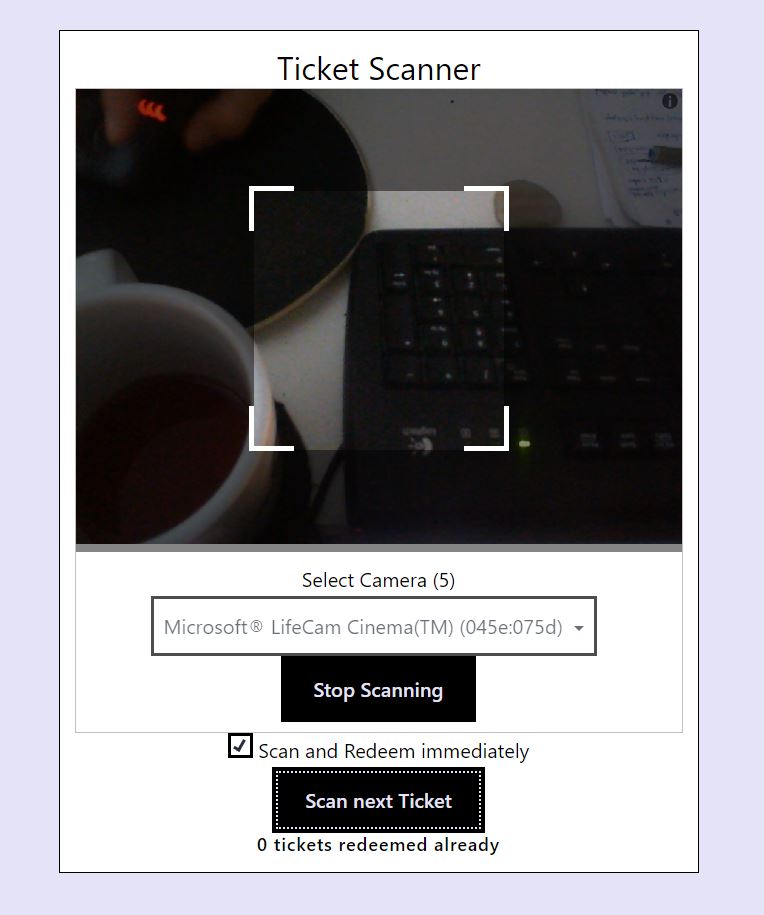
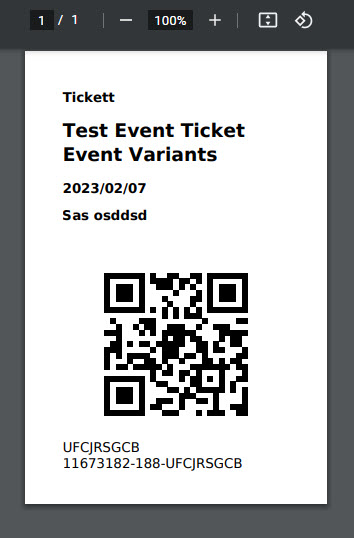
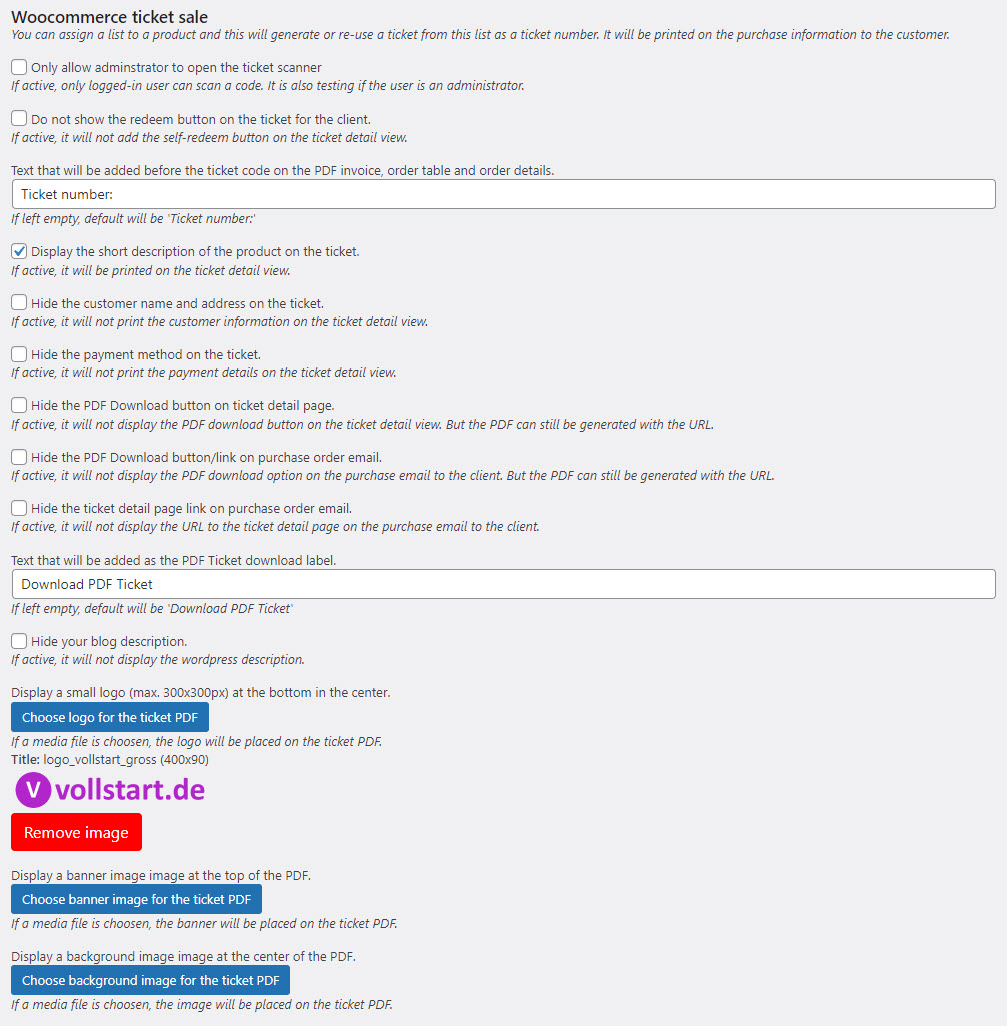
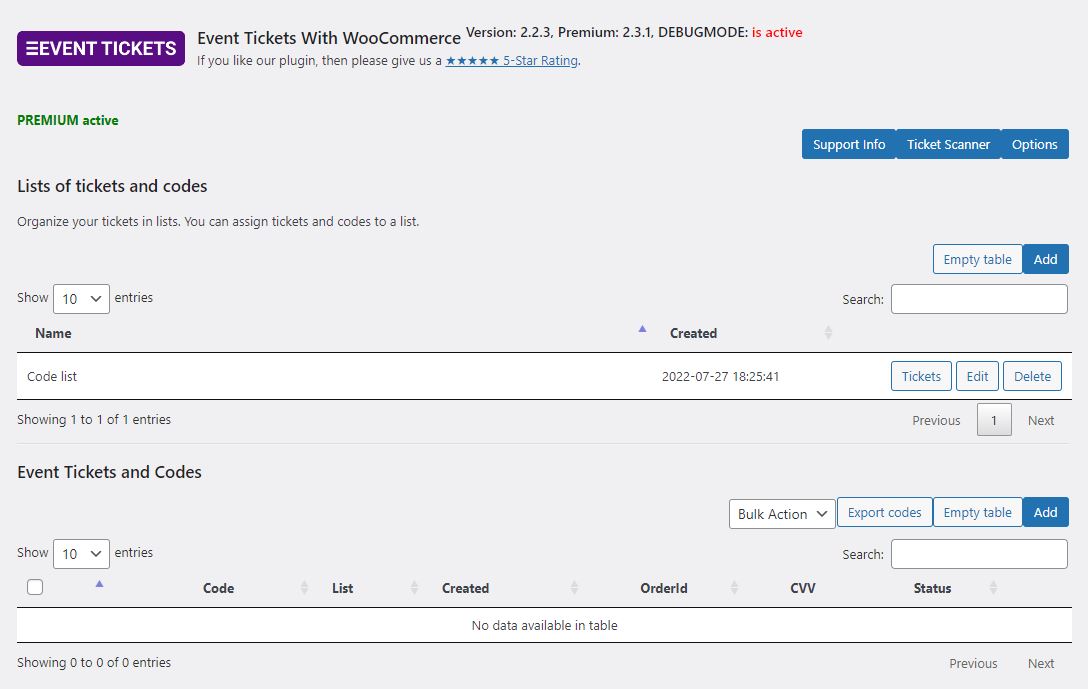
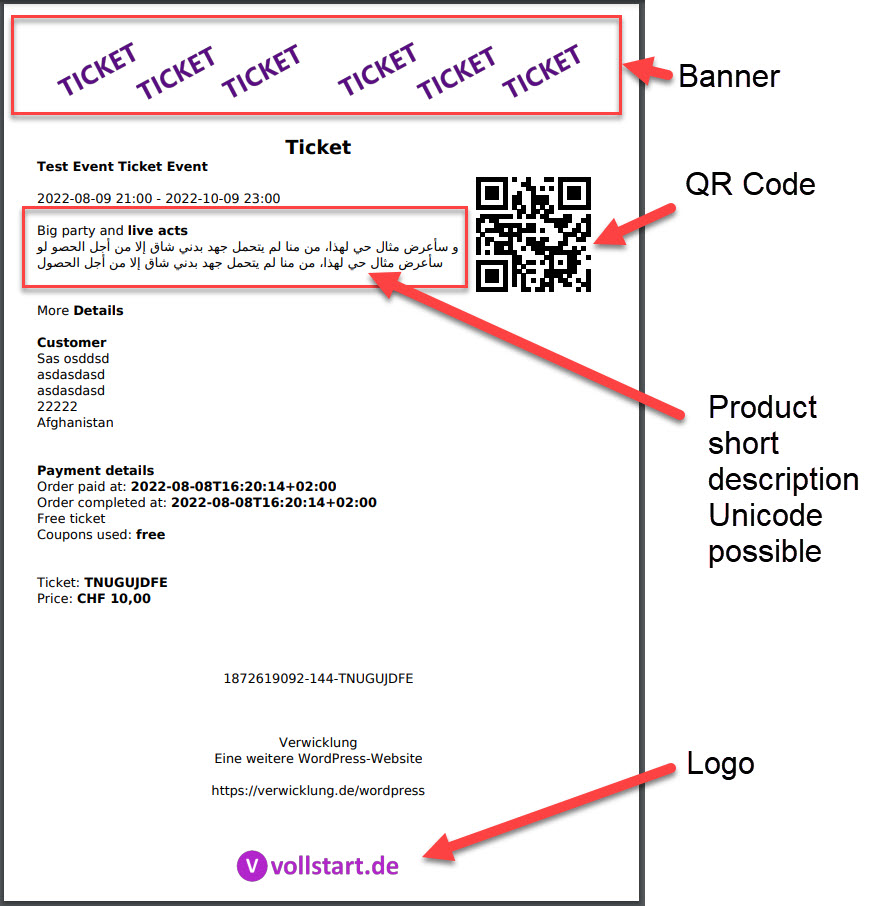
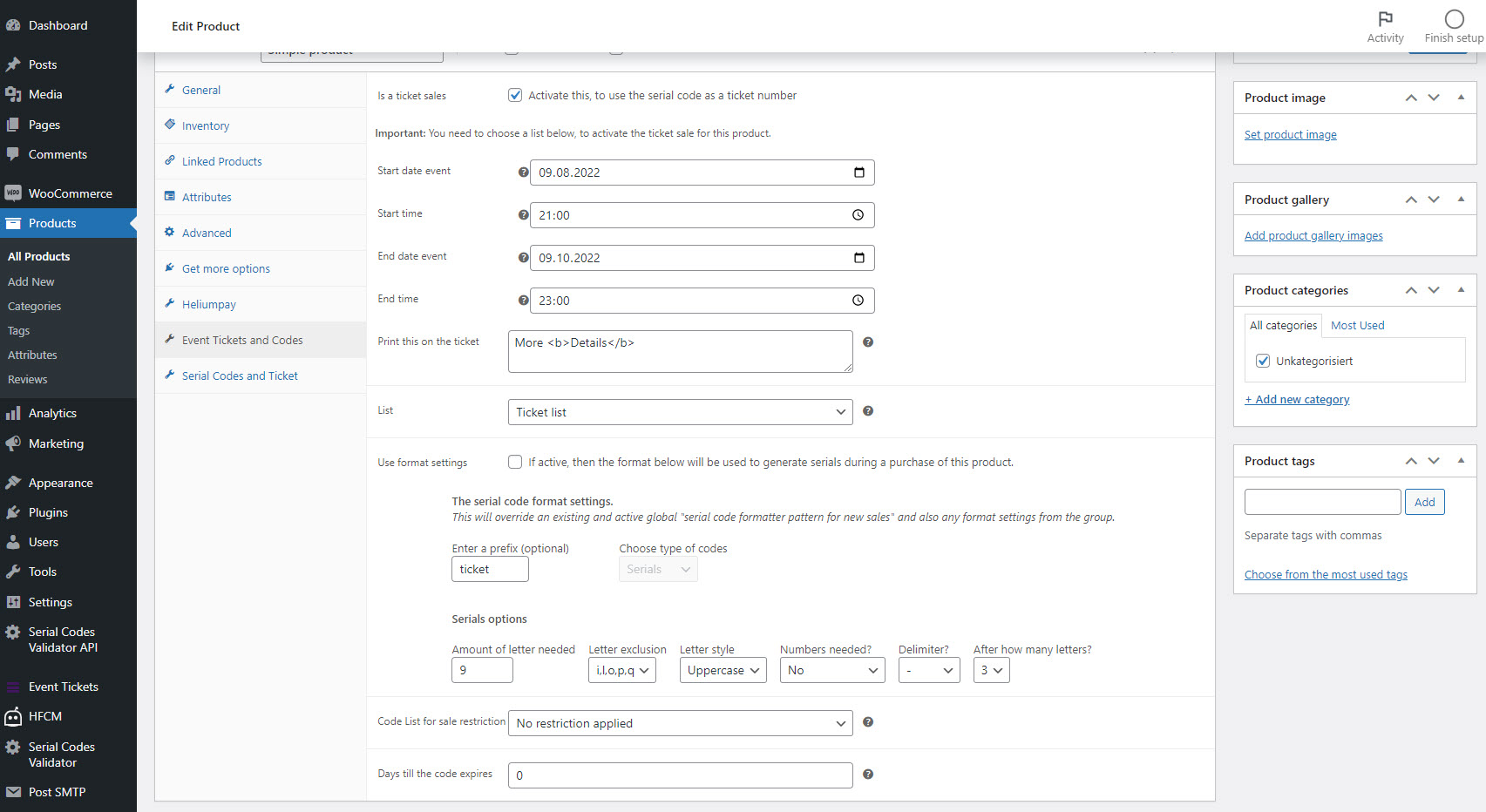
The Tickets with WooCommerce plugin allows you to easily sell event or party tickets and redeem them at the entrance using a built-in ticket scanner. You can customize the look and feel of the tickets and use features like QR codes, badge editor, and stolen ticket protection. The plugin integrates with WooCommerce and supports auto-generation of tickets and codes for your products.Screenshots



Changelog
2.4.0
- New option for the QR code. You can now add a padding, to seperate the QR code image from a background on your PDF – qrTicketPDFPadding
- New ticket scanner library – if you want to use the old scanner, then you can add the URL parameter &useoldticketscanner=1 to the ticket scanner URL
- Increase the speed of the old ticket scanner – just in case
- Moved the video help link to the option title and more helper videos added
2.3.12 – 2024-09-17
- Ajusted the Javascript variable for the cart to prevent naming collisions with other plugins
- Add a second confirmation question before you can empty the data of a table (tickets, ticket lists and error logs)
- Add a new function to TWIG – stripslahes – and used it on the default templates
- Inject jQuery to the order ticket view, in case it is not already with your theme loaded
- Adjust TWIG default template to check if the variant item is a string before printing it on the ticket
- The user redirect settings (including the URL on the list level) is now also executed with the self-redeem operation – I know, this is more than confusing. Sorry. I did not realize there was already a user redirect, when I was implementing the ticket redirect. Now you have two features for the same. The ticket list URL is only executed if the option userJSRedirectActiv is active.
2.3.11 – 2024-08-28
- Fix Javascript for the cart view to update the ticket text and value information from the customer
- Added new filter and action for the ticket output function
- Using the option date format to display the date values within the admin area data table column
- URL fix for PDF and badge download with in the emails, so that the ? is not added twice
2.3.10 – 2024-08-14
- Fix max redeem amount display after the redeem operation within the admin backend
- Add ACF support for the TWIG editor – you can use get_field to retrieve ACF field values
- Changed the default value for option wcTicketPDFStripHTML to remove unsupported HTML – it caused too many issues with new users
- Adopt the way the file location of the images for PDFs are adjusted. It will now use the URL as fallback if the file location cannot be accessed
- Fix ticket display view for the reload option
- Fix the expiration message on the ticket detail view
- Fix expiration check on the redeem operation and ticket scanner
2.3.9 – 2024-07-31
- Adjustment of the twig ticket templates – not using the date check but a new ticket property “is_event_over”
- Add new ticket property for twig editor to provide the premium value for expiration “is_expired”
- Bug fix for the redeem time check on the ticket scanner – I know again, and I am very sorry
- Added check for user redeem operation for event already ended option
- Bug fix for the redeem button on the ticket view for your customer. It will be not shown after the event ended
- Using now the woocommerce date format to display the event date and time on the product view
- Added the check for the redeem button on the ticket detail view, so that it cannot be self-redeemed before the start and its offset – if activated
- Added new properties to the ticket variable for the twig template editor
- Added hidden option for the ticket scanner to display the times from the server and product. Attache to the URL the parameter “displaytime” if needed
- Small fix for the auth name display – removing HTML tags from the name
- Extended the shortcode for my codes. You can now add the shortcode with parameter, to get the objects as json. Then you can use own Javascript code to display the values. More about it at the bottom of the admin page.
2.3.8 – 2024-07-17
- Bug fix for XSS on the auth token name and description
2.3.7 – 2024-07-09
- Adjusted the text for width and height description
- Bug fix for customer name search – if the name do not match then no tickets are returned
- Small optical improvements
2.3.6 – 2024-06-19
- Adjustment to make the access to the admin page working according to the choosen role and not rights. But the acces right “read” is needed.
- Enhanced the search for tickets. You add now a text search value if you filter for a ticket list or other information.
- Force the text color for headings on the ticket scanner to use the assigned color and not use the CSS information, so that the information can be read even if you theme design is dark
- Bug fix for option wcTicketSetOrderToCompleteIfAllOrderItemsAreTickets – it will not overwrite the item_id and item in the function anymore – resulted in the wrong ticket number in the email
2.3.5 – 2024-05-27
- Fix domain to the new domain vollstart.com
- Bug fix for the user role access to the admin area
- Bug fix auth token redeem operation with one ticket number and/or variant products
- Removed small typos in the option area
2.3.4 – 2024-05-20
- Fixed the deprecated warning for the float conversion to int on the PDF library
- Fixed the auth token QR code content for the one with ticket scanner URL
- Fix for the attachment error with PHP8
- Revert new behaviour for the input fields at the cart – not stored automatically again – till the issues are fixed
2.3.3 – 2024-05-14
- Fix bug for option wcTicketUserProfileDisplayBoughtNumbers
- Fix bug to display only the price of one item to the ticket instead the sum of order item – what is wrong if you purchase more than 1 of the same item
- FAQ entry added – for own ticket scanner with full URL in QR code
- Auth code QR code is using now the full qualified URL to the ticket scanner
- Fix the ticket badge creation null pointer exception
- Added auto save for text inputs on the cart
- Added useful video links for use cases and which option could be helpful
2.3.2 – 2024-05-07
- Order view is not showning empty name or dropdown value anymore to prevent confusion
- Order view is not showning the location prefix anymore if the location value is empty
- Order view is shown captured value or dropwdown value in seperated lines if both are filled out
- Default end time 23:59 will not be shown anymore if no start time was added
- Bug fix for wcTicketSetOrderToCompleteIfAllOrderItemsAreTickets. Now only orders in processing are set to completed, if all products are tickets
- Bug fix for the missing customer name on the tickets table view
- Bug fix for ticket scanner url within the QR code with option ticketQRUseURLToTicketScanner
- Warning: Bug fix for the QR code with url to the ticket scanner – the template was adjusted. The code {{ TICKET.qrCodeContent|escape(‘html_attr’)|raw }} is now {{ TICKET.qrCodeContent|raw }}
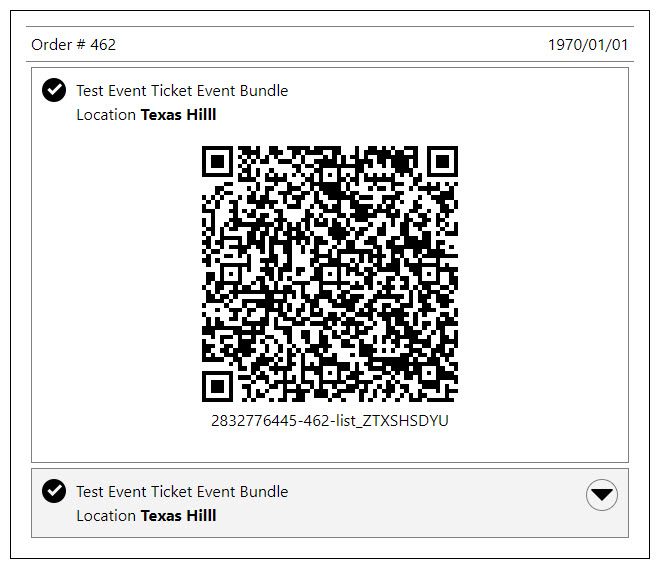
- The order view qr code is also evaluating now the option ticketQRUseURLToTicketScanner
- The QR code images for the email attachments are now also evaluating the option ticketQRUseURLToTicketScanner
2.3.1 – 2024-04-30
- Bug fix for removing tickets from refunded orders
- Bug fix for non existing date while creating ICS file to be attached to email – log entry removed if date is missing
2.3.0 – 2024-04-22
- Bug fix for mixed up options wcTicketDisplayProductAddons and wcTicketDisplayProductAddons
- Added option to display the addons of a product – wcTicketDisplayProductAddons
- Bug fix for the validator if the option value is missing
- New FAQ entry added – How to display meta information of the purchased item?
- Added a lot of filter and action hooks for implementation partners and plugin developers
- Moved premium feature wcTicketAddToOrderOnlyWithOrderStatus to premium plugin
- New option to set the error message for the missing user value and dropdown – wcTicketLabelCartForName, wcTicketLabelCartForValue

