

Enables the previous "classic" editor and the old-style Edit Post screen with TinyMCE, Meta Boxes, etc. Supports all…

About Easy Watermark
Easy Watermark is a WordPress plugin that automatically adds watermarks to images uploaded to your media library. You can choose to use an image, text, or both as your watermark, and have control over the position, size, and opacity. The plugin also supports custom development services if you need a specific plugin created.Screenshots

Frequently asked questions
What does Easy Watermark do?
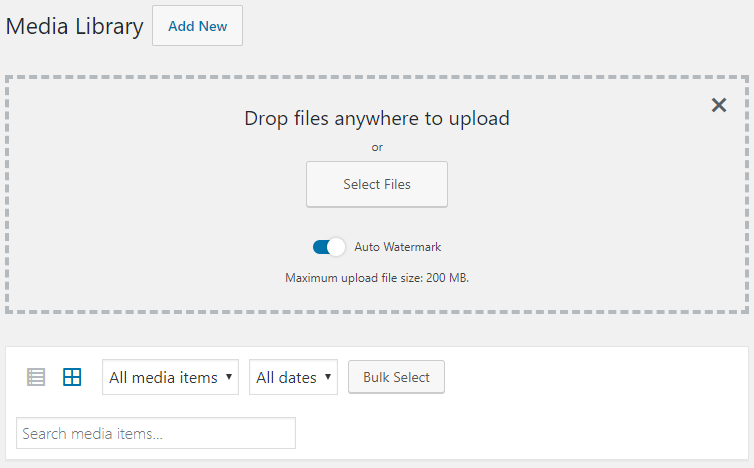
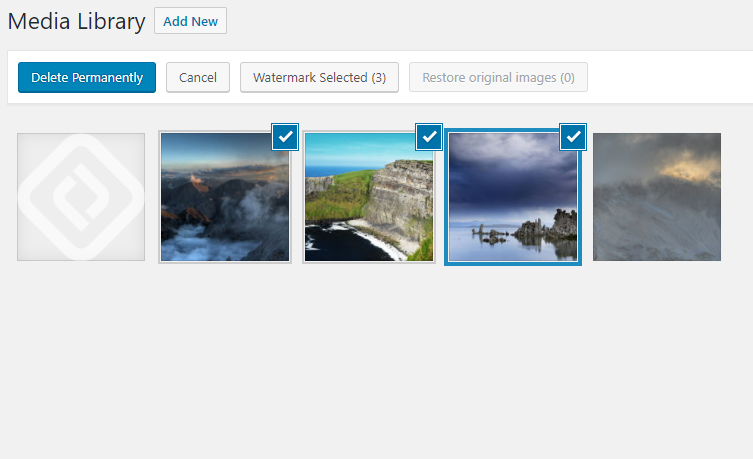
Easy Watermark can automatically add watermark to images as they are uploaded to wordpress media library. You can also watermark existing images manually (all at once or an every single image). Watermark can be an image, text or both.
What are the features of Easy Watermark plugin?
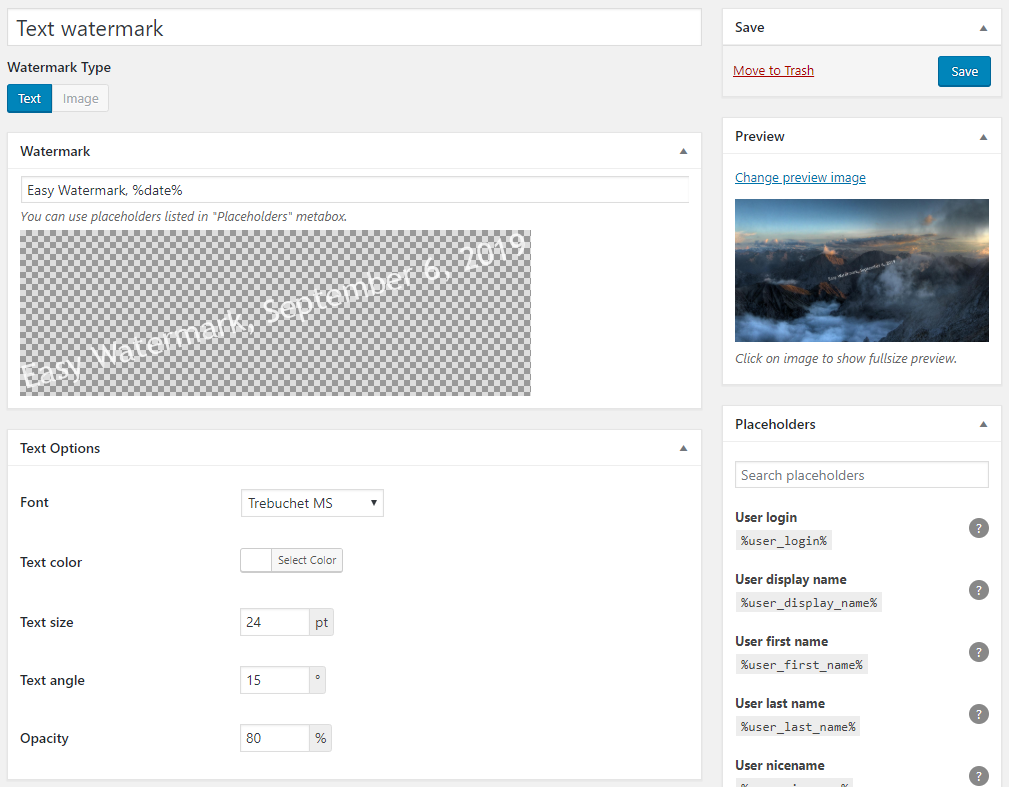
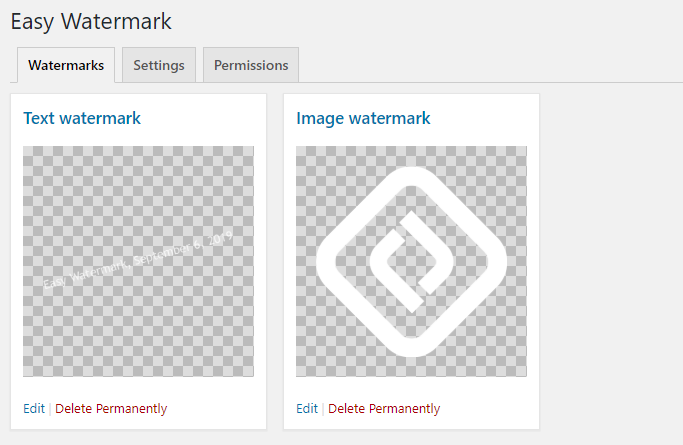
On one image you can have two watermarks! One of them can be text watermark and the other image watermark. You can control their position and size and apply them to your media independently. Image watermark can be a JPG, PNG or GIF. Full support for transparency and alpha chanel in PNG and GIF files. JPG and GIF files and text can have opacity set (from 0 to 100%). Text watermark is created using ttf fonts. Text color, size and rotation can be set. All built-in image sizes can be watermarked (thumbnail, medium, large and fullsize) as well as all additional sizes registered by themes or plugins. Plugin can create image backups and allows to easily restore images.
What image formats are supported for watermark?
Easy Watermark supports three most popular image formats for watermark: JPG, PNG and GIF. For JPG watermarks you can control the opacity as well.
What fonts are supported for text watermark?
The plugin supports a few fonts: Arial, Arial Black, Comic Sans MS, Courier New, Georgia, Impact, Tahoma, Times New Roman, Trebuchet MS, Verdana.
Does Easy Watermark offer custom development services?
BracketSpace - the company behind this plugin provides custom WordPress plugin development services. We can create any custom plugin for you.
Changelog
1.0.11
- [Fixed] Watermark preview url fixed to work with non-standard WordPress installations
- [Fixed] Error in Cache Busting feature.
1.0.10
- [Added] Role existence checks during plugin activation.
- [Added] Filter to prevent applying certain watermark.
1.0.9
- [Fixed] Translated view file names causing
missing viewerrors. - [Fixed] Errors occuring on the first plugin activation.
1.0.8
- [Added] New form styles compatible with new WordPress form styles.
- [Added] Option to disable cache buster responsible for adding version param to image urls.
- [Fixed] Watermark preview.
1.0.7
- [Removed] Freemius library.
- [Fixed] Potential PHP 8 issue.
1.0.6
- [Fixed] Compatibility with other media-related plugins
- [Fixed] Backup file paths on Windows
- [Fixed] Bulk actions in media library list view
1.0.5
- Images will now hold information about applied watermarks which has been removed
- [Fixed] Missing FileBird dependency
- [Fixed] Database query error in bulk actions
1.0.4
- [Fixed] Improved error handling
- [Fixed] “Enhanced Media Library” plugin compatibility (and possibly some other plugins which replace media library components)
- [Fixed] Watermark delete error fixed
- [Fixed] Source set filtering improved
1.0.3
- [Fixed] FileBird compatibility
- [Fixed] Frontend content builders compatibility
1.0.2
- [Fixed] Media library not working with ACF plugin enabled
1.0.1
- [Fixed] Freemius screen displayed incorrectly after activation
- [Fixed] Permission settings now actualy works
- [Fixed] Config is now saved in unicode so you can use other character sets, like cyrylic
- [Fixed] Incompatibilities with caching plugins
- [Fixed] Srcset fatal error edge case
- [Fixed] Watermark deleting
1.0.0
- The plugin has been rewrote from ground up.
0.7.0
- Freemius integration
0.6.1
- Minor adjustments for newest WordPress version
0.6.0
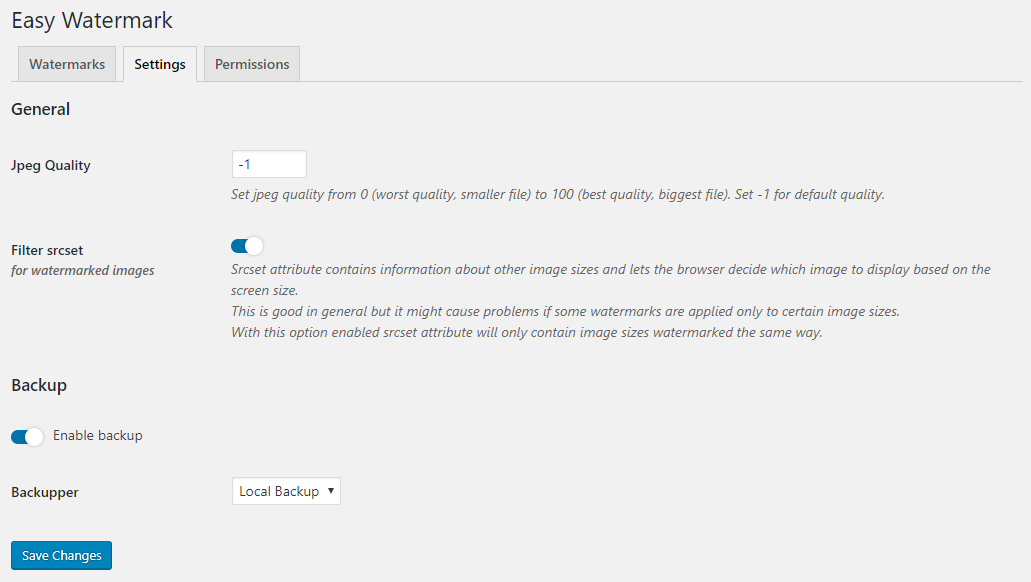
- Added: backup option for watermarked images – allows to restore original image
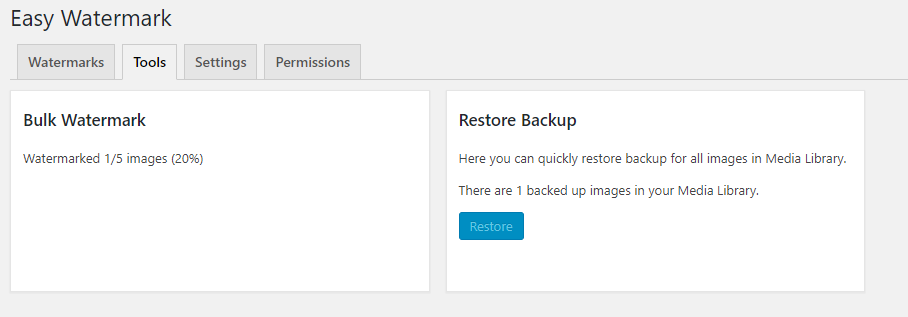
- Added: button to restore all original images on the plugins page
- Changed method of watermarking all images
- it now uses ajax and watermarks 10 images at once so it needs less time and memory per request
0.5.2
- Fix: watermarking class optimised to avoid out-of-memory errors
- Fix: settings are now kept after deactivation
- Fix: many small bugs in a code
- Added: bunch of new text placeholders
- small changes in UI
0.5.1
- fixed cooperation with front-end upload plugins (like BuddyPress Media)
- added possibility to define which post type attachments should be watermarked on upload
0.5
- fixed issue with watermarking not selected image types on upload
- png transparency in watermarked images is now preserved
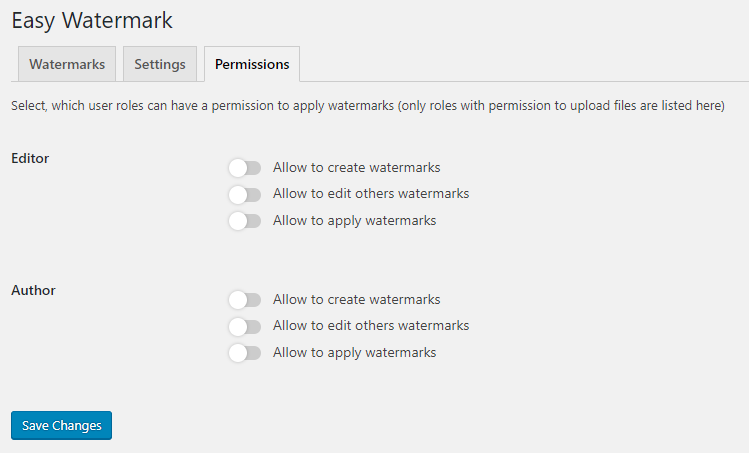
- added possibility to disable watermarking feature for particular roles
- user which can only add posts (like ‘author’) can only add watermark to the images uploaded by him
- introduced placeholders in text watermark
- color picker changed to Iris (integrated with wordpress)
- added information about image status (watermarked or not)
- added ‘Easy Watermark’ column in media table and metabox on an image editing page
- a lot of ‘invisible’ changes in the code
0.4.4
- repaired issue with auto-watermark option
0.4.3
- added support for additional image sizes registered by some templates or plugins (e.g. ‘post-thumbnail’)
0.4.2
- added possibility to define jpeg quality
0.4.1
- added an option to scale watermark only for smaller images
- added confirmation button for ‘Add watermark to all images’ action
- some changes in the code to make the plugin more compatible
0.4
- introduced watermark image scaling option
0.3
- added support for all image sizes (thumbnail, medium, large), not only the fullsize image
- plugin now checks if the GD library is available, if not, it’ll inform you about it instead of throw errors
0.2.3
- added bulk action on media library page
0.2.2
- added live text preview on the settings page
0.2.1
- some changes on settings page
0.2
- added text watermark handling
- corrected issue with auto adding watermark on upload
0.1.1
- offset can be now also a percentage, not only pixel value
- changed code structure
- separete class responsible only for watermarking (can be used alone)
0.1
- Initial release

