

Just another contact form plugin. Simple but flexible.
About Easy Notification Bar
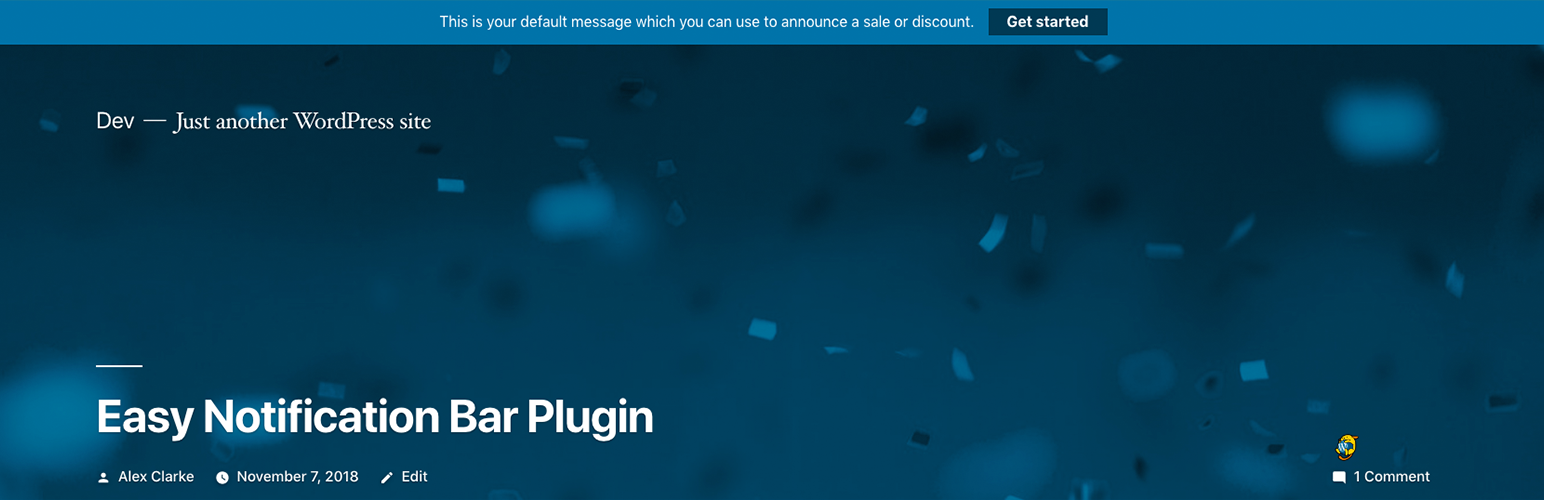
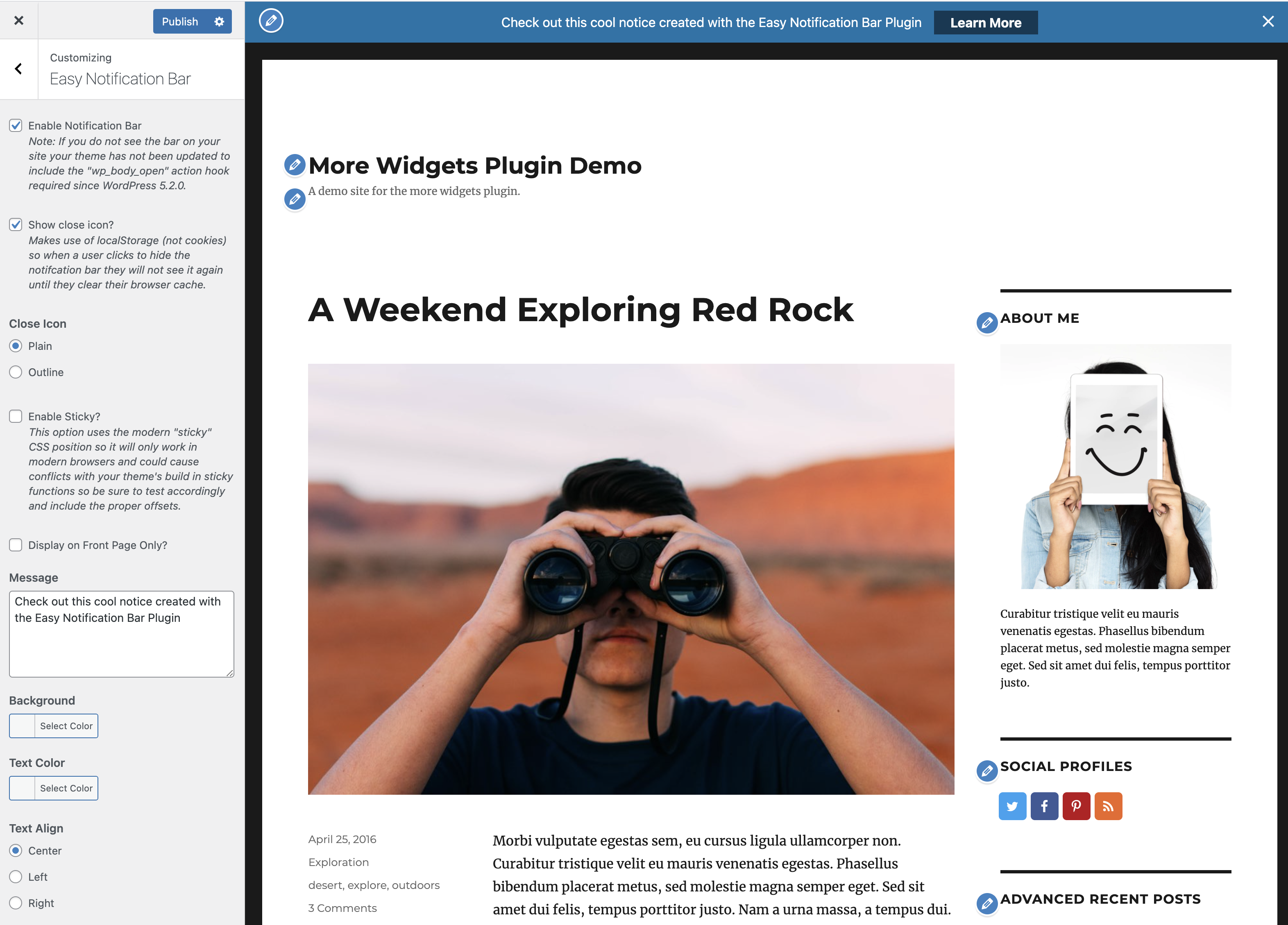
The Easy Notification Bar plugin allows you to add a customizable top bar notification message to your WordPress site. You can enter your own text and even add a button. It also has options for sticky display and a close icon.Screenshots
Changelog
1.6
- Optimized the way the notice is displayed on load to prevent CLS issues. The plugin now adds an inline script in the header before the notice which checks the localStorage to see if the notice is disabled and if so it will add a classname to the HTML tag to hide it via inline CSS. This allows you to also defer the front.js and front.css scripts without issues. If the notice is disabled the plugin will now also remove the scripts and HTML from the DOM as they are not needed.
- Updated The “has-easy-notification-bar” classname is now added to the HTML tag instead of the body tag.
1.5
- Added options: Close Action, Displace Button, Vertical Padding, Horizontal Padding, Button Placement, Button Font Weight and Button Border Radius.
- Added custom JavaScript event “easy-notification-bar:close” in case you want to perform any actions when the notification bar is closed.
- Updated the frontend CSS which has been optimized to use modern flex styles and CSS variables. Please check any custom CSS you were using to modify the design!
- Updated the button so it now displays as an inline-block to ensure padding works properly and prevents overflow issues.
- Updated the button so it can be set to hide the notification as well.
- Fixed the message now passes through wp_kses_post when displaying on the frontend to strip out unwanted characters.
1.4.8
- Fixed issue in the Customizer that could cause the rest of the page to not render when making edits to the notification bar.
- Updated the tested up to version number.
1.4.7
- Fixed issue where renamed CSS files were not committed correctly causing the layout to break. Sorry!!
1.4.6
- Added new option added to customize the button padding.
- Updated there was some CSS loaded on the frontend that was only needed in the customizer. This will now load in it’s own file when the customizer is open to prevent frontend bloat.
- Removed the default notification bar text so that nothing shows up when first activating the plugin.
1.4.5
- Fixed incompatibility issues with the AMP plugin (removed the collapsible functionality when using amp).
1.4.4
- Added options to change the button background and text color.
- Updated the hidden bar functionality (click to close) so repeat visitors will see new notices (if the message is changed) even if they had previously closed it.
- Fixed issue where if you remove a custom color from the customizer settings it wouldn’t fall back to the default.
1.4.3
- Fixes issue where the “has-easy-notification-bar” class is still being added to the body element after the bar has been dismissed.
1.4.2
- Updated filters to pass on the current object ($this) so you can access class methods.
- Added new “easy_notification_bar_wrap_class” filter so you can add/remove classes from the notifcation bar wrapper element.
- Added new “easy_notification_bar_hook_name” filter so you can modify the default hook name used to insert the notification bar on the page (default is wp_body_open).
1.4.1
- Fixed issue where the new js file wasn’t properly uploaded to the WordPress repository.
1.4
- Added “Show close icon?” setting.
- Added “Close Icon” setting (choose from plain or outline).
- Added “Enable Sticky?” setting.
1.3.1
- Updated notification bar CSS to use a border-box box-sizing layout for main container to prevent potential bugs.
1.3
- Added support for the official WP AMP plugin Legacy themes.
- Added “easy_notification_bar_hook_priority” filter for modifying the priority (default is 10) in the add_action functions hooked to wp_body_open and amp_post_template_body_open for displaying the notification bar.
1.2
- Added body tag ‘has-easy-notification-bar’ if the notice bar is enabled on the page.
- Added option to add rel=”sponsored” to the button.
- Added filter “easy_notification_bar_button_rel”.
- Updated the “Enable Notification Bar” and “Display on Front Page Only?” Customizer settings to use refresh instead of postMessage for the transport parameter.
- Updated to display full support for WP 5.6.
1.1.3
- Fixed potential customizer issues with the color settings.
1.1.2
- Fixed Issue where the Front page only setting wouldn’t reflect changes in the Customizer.
- Tested with WordPress 5.4
1.1.1
- Fixed Customizer issue where disabling/enabling the notification wouldn’t reflect the changes.
1.1
- Added Customizer setting to enable the notification bar for the front page only.
- Notification functions now run on the wp hook instead of init to better support conditional functions when using the easy_notification_bar_is_enabled filter.
1.0
- First official release

