

Improve your WordPress SEO: Write better content and have a fully optimized WordPress site using the Yoast SEO…
About Dynamic Visibility for Elementor
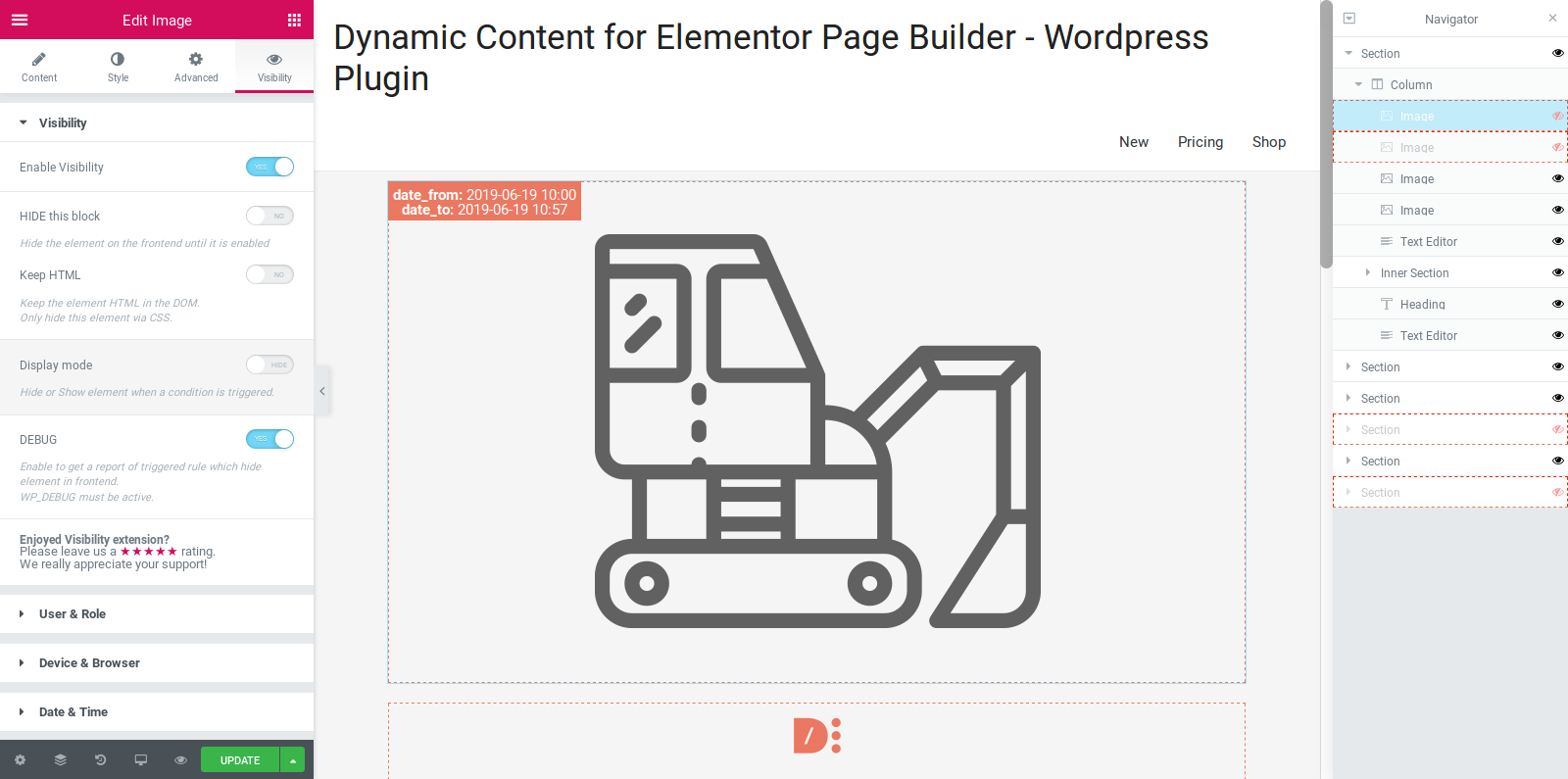
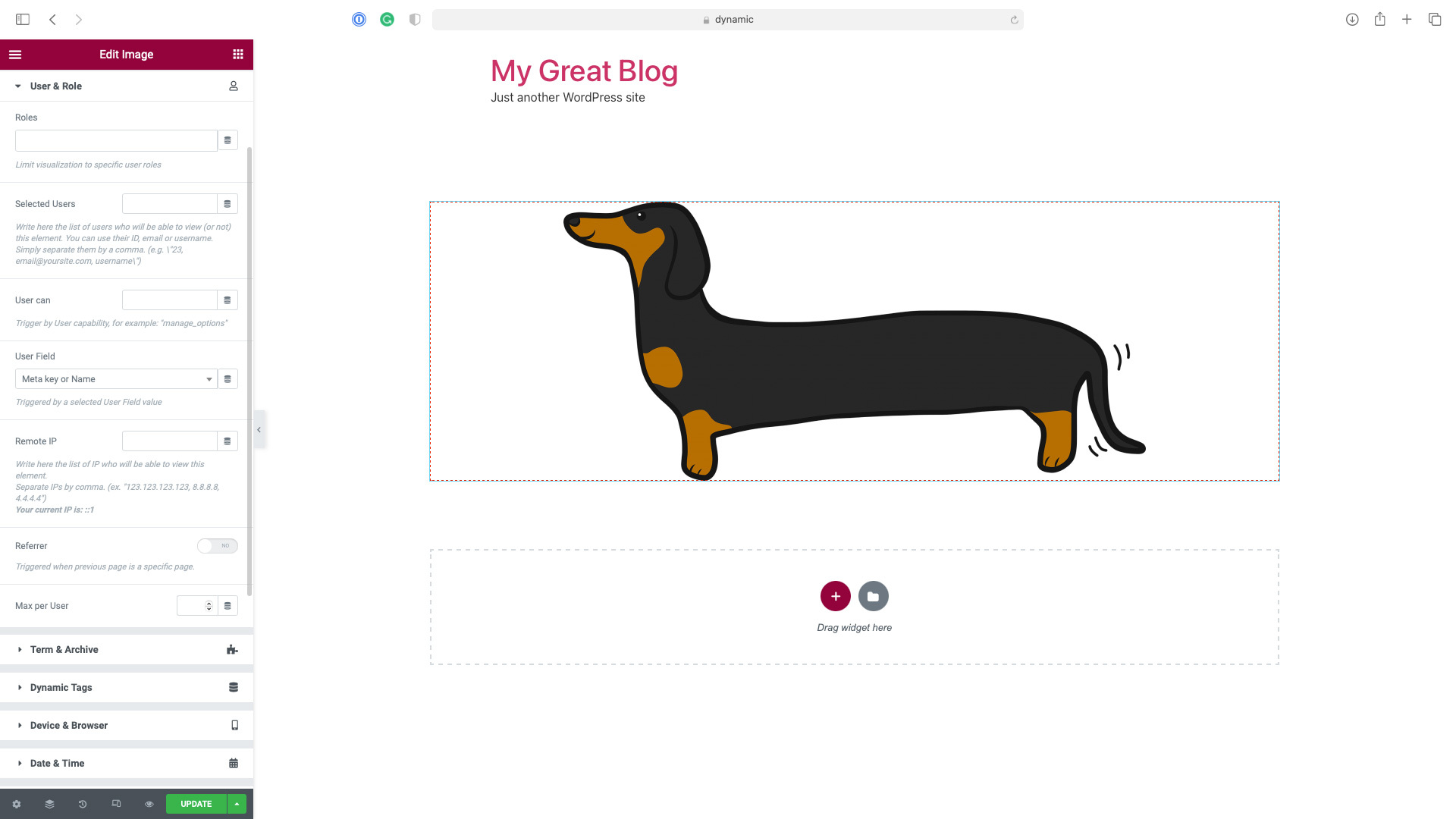
The Dynamic Visibility extension for Elementor allows you to hide specific elements on your website, such as widgets or sections. It offers various options for setting conditions and limitations for the visibility of these elements. The paid version of the plugin offers even more features and customization options.Screenshots
Frequently asked questions
What is Dynamic Visibility extension?
Dynamic Visibility extension allows you to hide widgets, columns, containers, sections, or pages. It is particularly useful when you are building something that you don’t want to show everyone.
Do I need to install Elementor Free version before activating the plugin?
Yes, Dynamic Visibility is an Elementor extension, so you must install Elementor Free version (also working with Elementor Pro) before activating the plugin.
What are some of the conditions I can choose for limiting visibility?
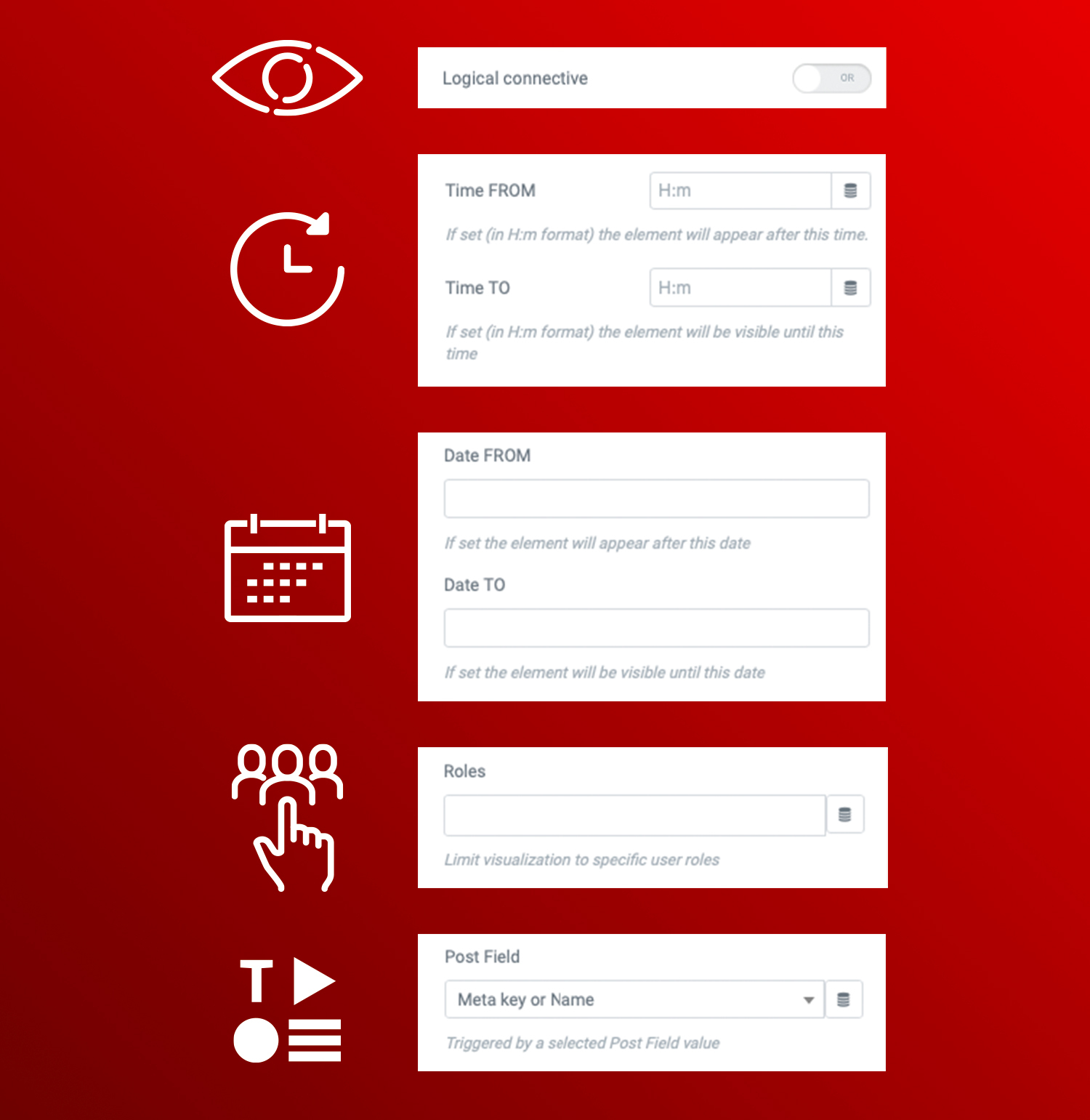
You can choose an OR/AND condition, limit visibility for specific custom fields or pages, set a date (from–to), day of the week, or an hour and decide when each element will be visible, limit visibility for specific user roles, user meta, IP, referral, or users, and limit visibility for WooCommerce products.
Can I set a fallback text for hidden elements?
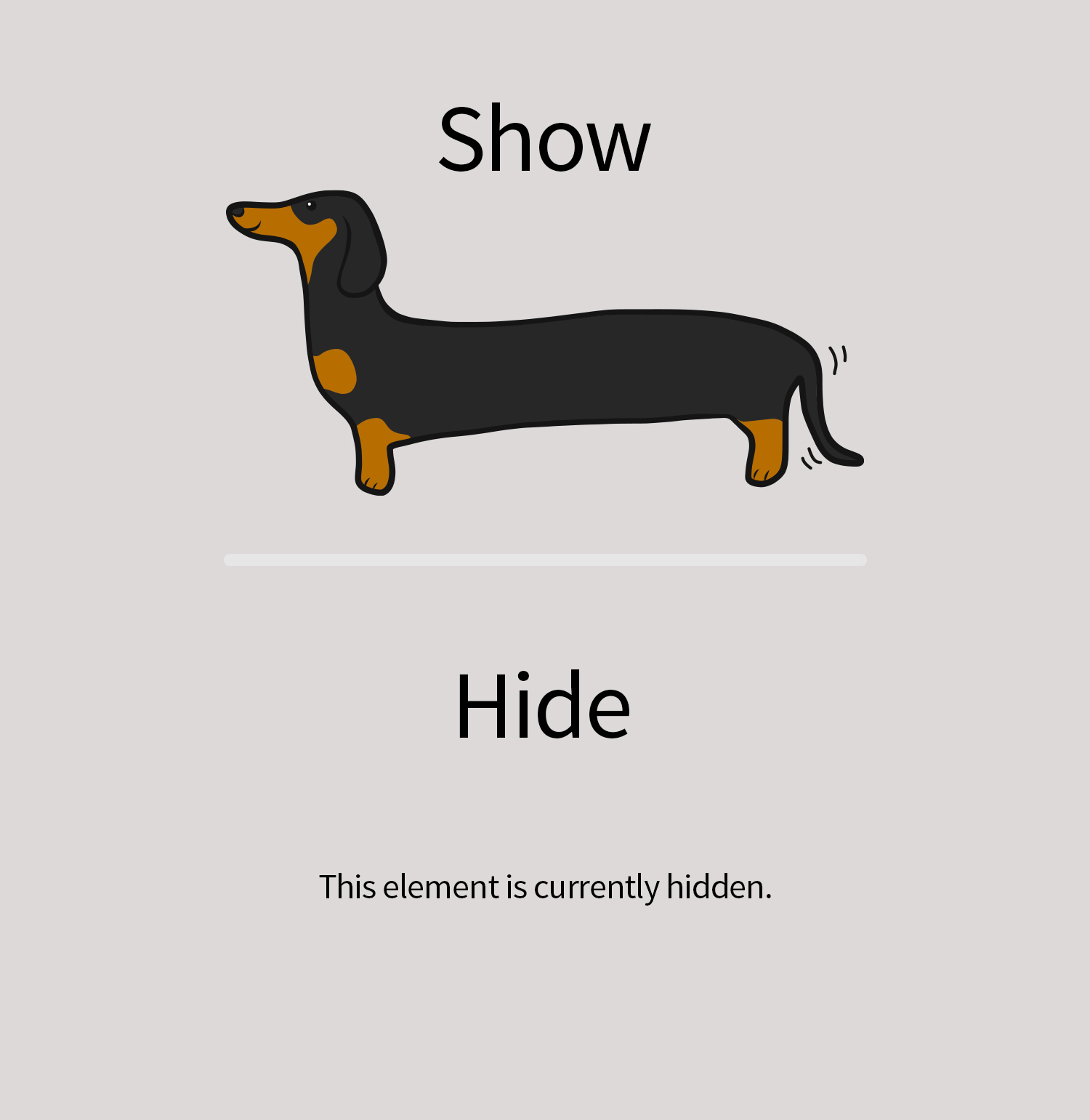
Yes, you can set a fallback text (e.g.: ‘Coming soon’) for hidden elements that will be displayed in place of the element.
How does Dynamic Visibility work in Elementor?
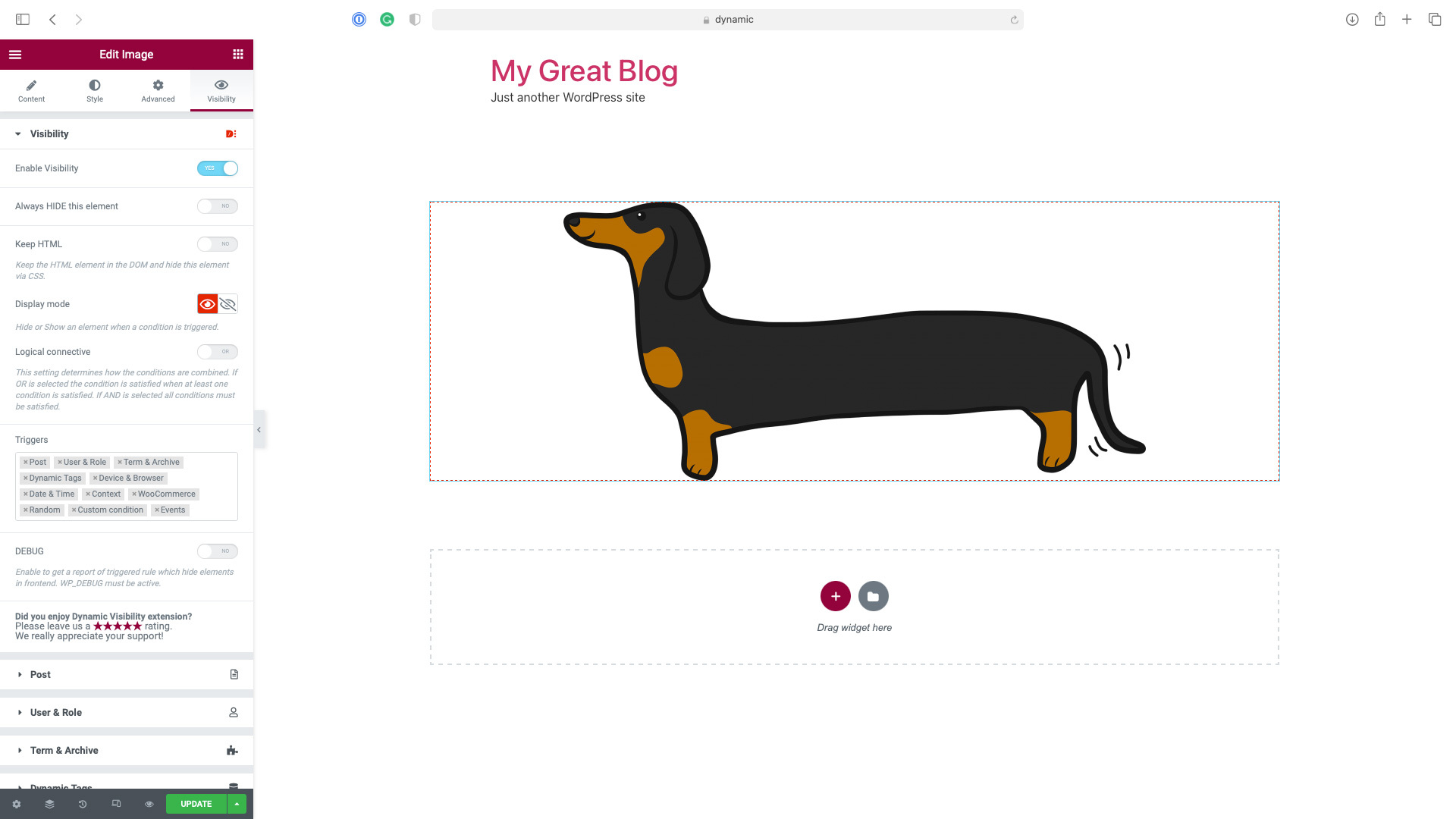
To use Dynamic Visibility, open a page in Elementor mode. Select your element, go to the Visibility tab, and you'll find a new “Visibility” configuration. Open it, enable Visibility, and set it as you prefer.
Changelog
5.0.16
- Tweak: Dynamic Visibility is now compatible with Elementor’s Element caching feature
5.0.15
- Fix: Warning about textdomain being loaded too early
5.0.14
- Fix: JS error in some cases
5.0.13
- Fix: PHP error (validation.php missing)
5.0.12
- Fix: Elementor’s Loop Grid widget styles might be missing with visibility enabled
- Fix: PHP Error (get_class on Null) in some cases
5.0.11
- Tweak: the Event Trigger now has a transition delay setting
- Fix: Event Trigger, display issue with a trigger managing more than one element and the Hide Other option set
- Fix: warning when used PHP 8.2
- Fix: ‘Greather than’ and ‘Less than’ conditions didn’t work with numeric fields
- Fix: Keep HTML on was not working in some situations
- Minor fixes
5.0.10
- Fix: PHP Error in version 5.0.8
5.0.8
- Fix: Visibility, Geo-targeting incorrectly requiring the User & Role conditions to be active
- Fix: Visibility: Event triggers where not working in some cases
5.0.6
- Tweak: Improve security by removing obsolete code
5.0.5
- Fix: Visibility Tab icon missing since Elementor version 3.13.0
- Minor fixes
5.0.4
- Fix: other PHP errors appearing in some cases with recent versions of Elementor
5.0.3
- Notice: from February 28, 2023 the plugin will require Elementor > v3.0.0
- Tweak: Ensure compatibility with Elementor 3.10.0
- Tweak: add switcher “Check Host only” for referrer
- Fix: PHP error appearing in some case with recent versions of Elementor
- Minor fixes
5.0.2
- Tweak: uou can now use data-visibility-ok html attribute to force hiding custom style elements
- Tweak: add an option to require matching all User Roles provided
- Fix: event when Visibility is set in Hide mode now hides the element instead of showing it
- Fix: style missing when style tag was more than one line long on pages with more than on widget of the same type
- Fix: make Taxonomy and Terms a unique trigger, to avoid any problem with connectives
- Minor fixes
5.0.1
- Fix: Event Trigger compatibility with Elementor’s containers
- Fix: Visibility style problems when elements of the same type are at the same time visibile and hidden
- Minor fixes
5.0.0
- New: Dynamic Visibility for Containers. Now you can hide containers
- New: Dynamic Visibility for Pages. Now you can hide the content of an entire page
- Tweak: added tab “Geotargeting”
- Tweak: now supports Time From > Time To, for example, to show elements between 18.00 – 7.00
- Tweak: now supports Period From > Period To, for example, to show elements between 20 Dec – 11 Jan
- Tweak: WPML support for Fallback Text
- Fix: Dynamic Visibility could break the style of a page with more than one widget of the same type if the first of them was hidden
- Fix: events trigger, show on page load was not working in some cases
- Minor fixes
4.1.2
- Tweak: now can check WooCommerce Product Type
- Minor fixes
4.1.1
- Trigger Events didn’t work correctly when applied to sections
- Minor fixes
4.1.0
- Tweak: speed optimization on editor mode
- Tweak: added the condition “Cart is empty”
- Tweak: now supports Product Category in the cart for WooCommerce
- Fix: the Dynamic Visibility icon in the Navigator was not positioned correctly for RTL sites
4.0.4
- Fix: solved a fatal error in some installations
4.0.3
- Tweak: enabled debug
- Tweak: Referer Triggers now allows referrers from specific pages instead of just from generic domains
- Tweak: compatibility check for Elementor 3.4.x
- Tweak: compatibility check for Elementor Pro 3.4.x
- Fix: infinite loading spinner on Page/Post Selection after first choice
- Fix: Weglot didn’t work correctly on Dynamic Visibility
- Fix: Dynamic Visibility now can check terms in the current language with WPML activated
- Minor fixes
4.0.2
- Fix: Triggers not hiding in editor mode
- Tweak: compatibility check for Elementor Pro 3.2.x
- Tweak: compatibility check for Elementor Pro 3.3.x
- Minor fixes
4.0.1
- Fix: Visibility tab not clickable on a new post
- Fix: Promo Notice always visible
- Minor fixes
4.0.0
- Enabled Post trigger on the free version
- Support for OR/AND conditions
- Support for Columns
- Supports for new events: mouseover and double click
- Events condition now works on a loop if you set a custom CSS ID or CSS Class
- Added Term Trigger
- Added Dynamic Tag Trigger
- Added WooCommerce Trigger
- Added support for Context COOKIE and SERVER parameters
- Added support for Language trigger (WPML, PolyLang, TranslatePress, and WeGlot)
- Added compatibility check for Elementor 3.1.x
- Added compatibility check for Elementor Pro 3.2.x
- Minor fixes
3.0
- Working as Elementor Tab, more conditions and bugfix
- Fully compatibility with previous version, but test it before use in production environment
2.0
- Working with Sections, more conditions and bugfix
1.1
- Instant view in editing mode and bugfix
1.0
- Initial release.

