

Just another contact form plugin. Simple but flexible.

About Disable Everything
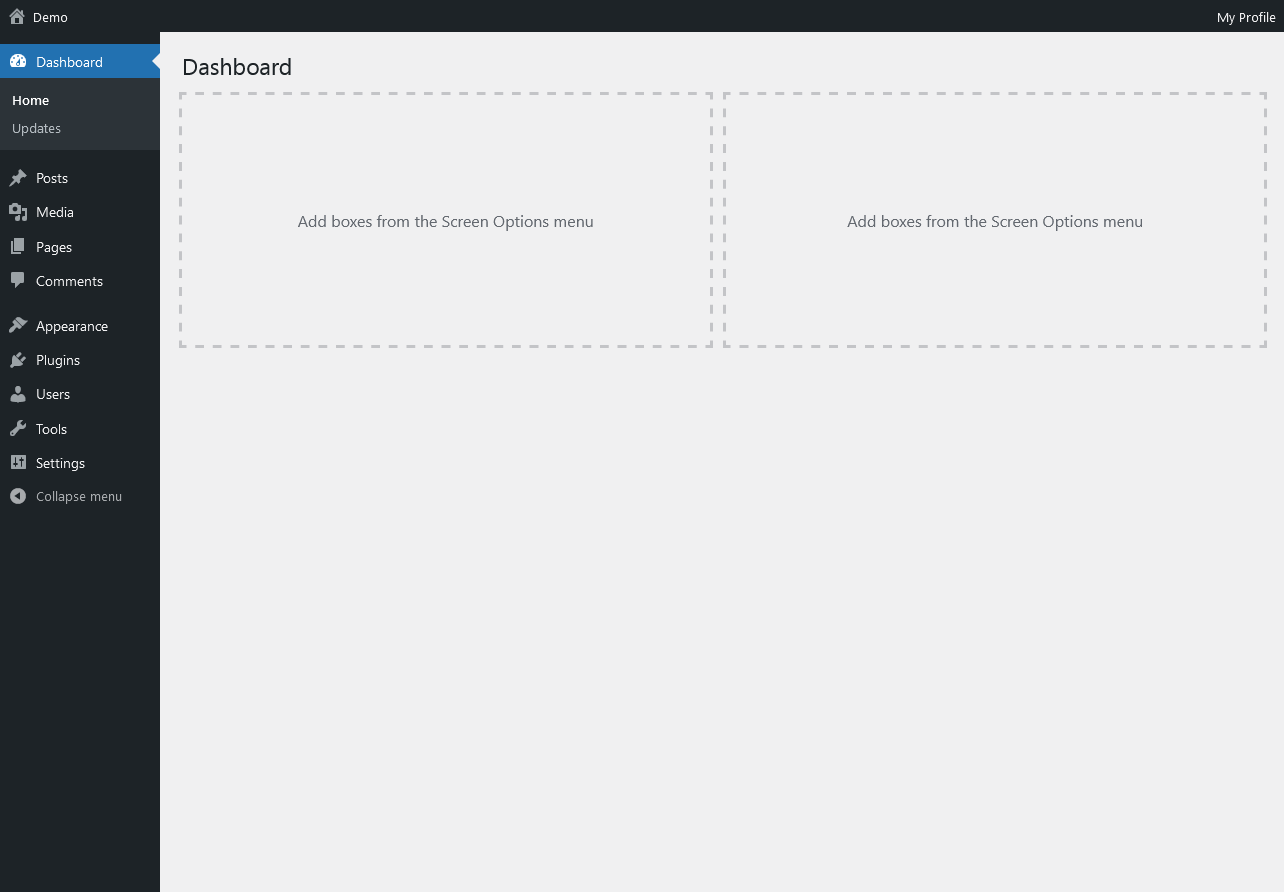
This All-in-One plugin allows you to disable unnecessary features on your website with just one click, improving performance and reducing the risk of plugin conflicts and security vulnerabilities. The free version includes features like user enumeration, emojis, and RSS feeds, while the pro version also allows you to disable comments, post revisions, and more. You can join the open community for support and feedback, or opt for premium support if you have further questions.Screenshots

Frequently asked questions
What is the purpose of the Disable Everything plugin?
The Disable Everything plugin aims to improve website performance by allowing users to disable unnecessary features. It is designed to be a lightweight, all-in-one solution for turning off various WordPress functionalities.
How does this plugin help with website performance?
Instead of relying solely on caching or expensive hosting, this plugin focuses on preventing bloat from loading in the first place. By disabling unused features, it reduces the resources required by your website.
Can I re-enable features after disabling them?
Yes, if you change your mind and wish to use a feature again, you can always re-enable it later through the plugin's settings.
What are some features that can be disabled in the free version?
The free version allows you to disable features such as User-Enumeration, Author Archives, capital_P_dangit, Screen options and help, and 'Howdy' in the admin bar.
Why is it beneficial to use an all-in-one plugin for disabling features?
Using an all-in-one plugin like Disable Everything helps avoid installing multiple individual plugins for each feature you want to disable. This reduces the risk of plugin conflicts, security vulnerabilities, and the overall resource hogging that can come from numerous plugins.
Changelog
0.4.1
- Moving disable Admin Footer option from Free to Pro version
- Minor textual changes
0.4.0
- New disable option: Privacy Tools
- New disable option: Site Health page
- New disable option: adjacent_posts links from header
- New disable option: Version var (?ver=) after styles and scripts
- New disable option: PDF Thumbnails
- New disable option: Empty Trash
- New disable option: Plugin and Theme Editor
- New disable option: oEmbed
- New disable option: Remote Block Patterns
0.3.0
- New disable Application Passwords functionality
0.2.1
- Minor content and textual changes
0.2.0
- Introducing Pro version
- Various content and textual changes
- Bug fixes and performance improvements
0.1.1
- Minor security improvements
0.1.0
- Initial release

