

The Elementor Website Builder has it all: drag and drop page builder, pixel perfect design, mobile responsive editing,…

About Custom Twitter Feeds (Tweets Widget)
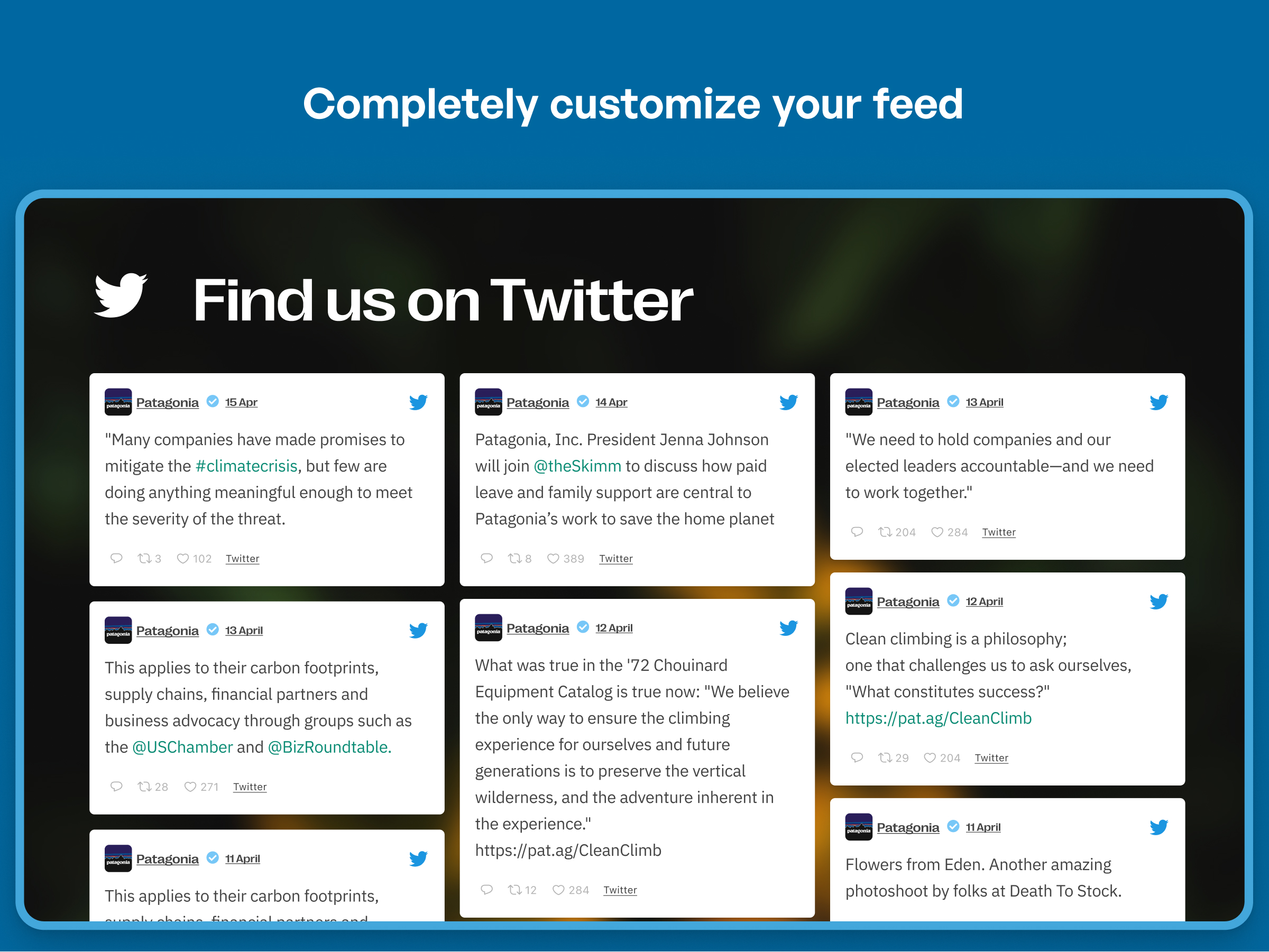
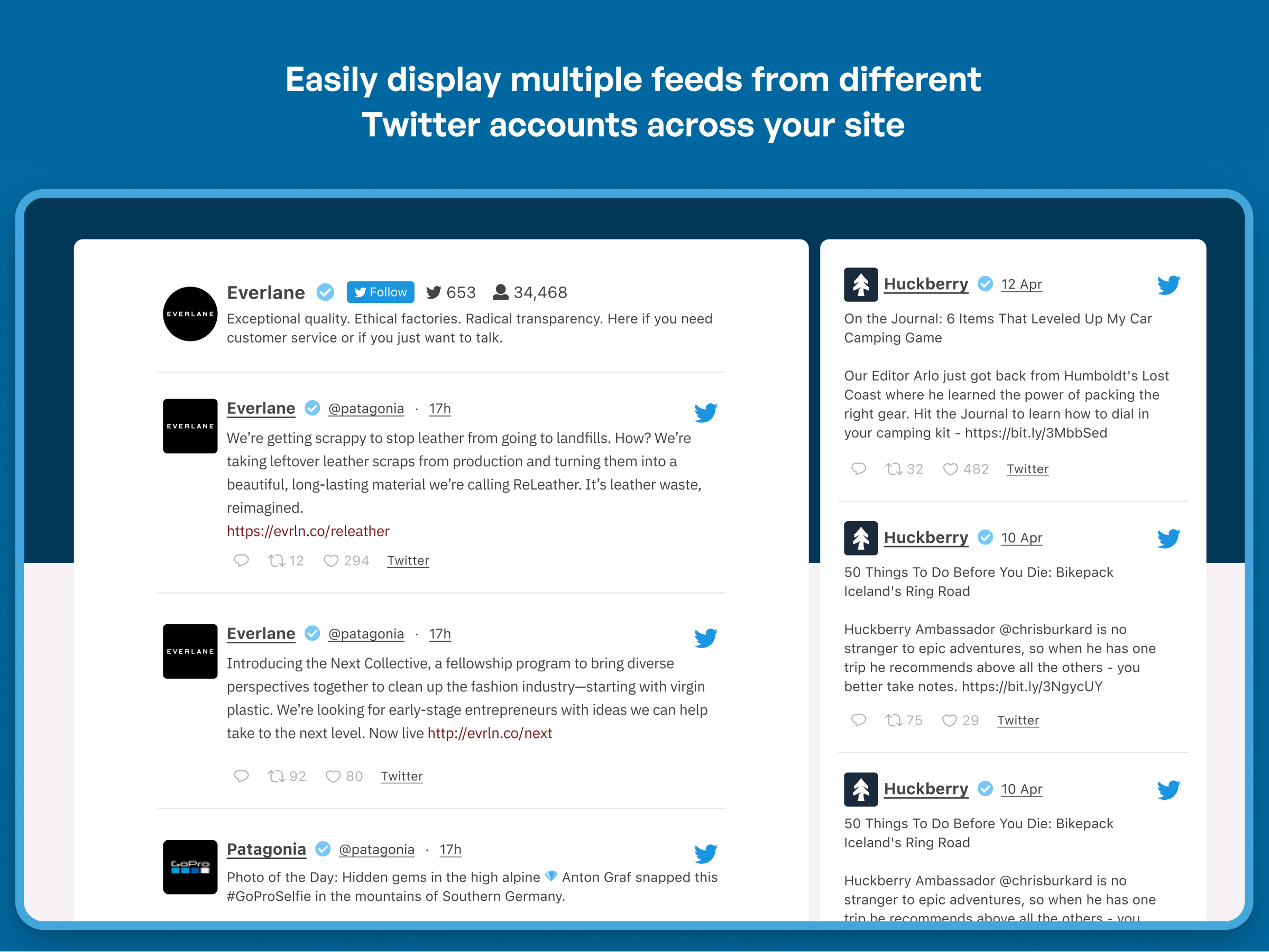
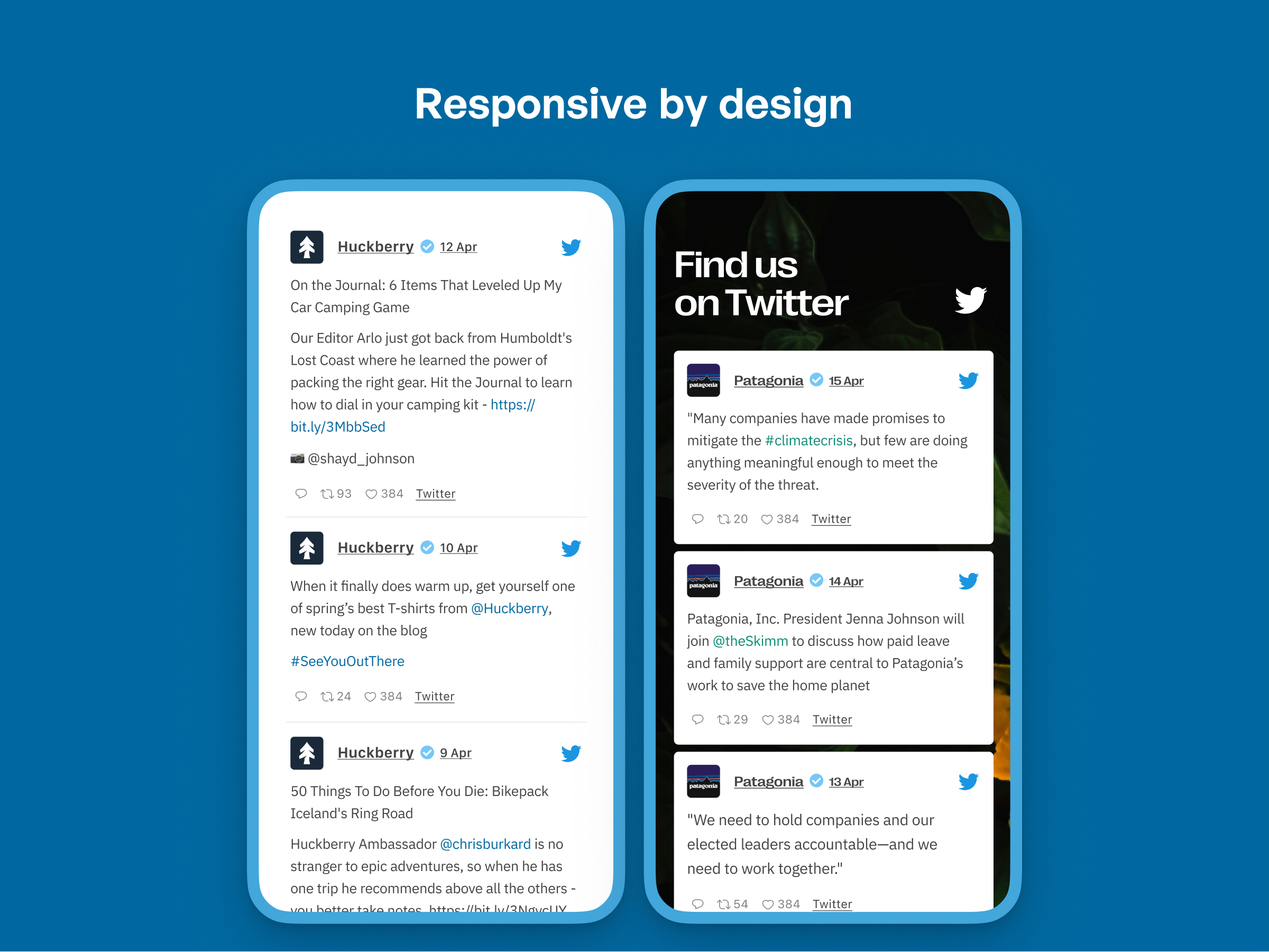
The Custom Twitter Feeds plugin allows you to display a customizable and responsive Twitter feed on your website. It is easy to set up and offers a range of customization options. There is also a Pro version available with additional features such as displaying tweets from multiple users and a masonry layout.Screenshots
Frequently asked questions
What is the Custom Twitter Feeds plugin?
The Custom Twitter Feeds plugin is a WordPress plugin designed to display customizable, responsive, and search engine crawlable X (Twitter) feeds from any public user account on your website. It allows you to showcase user timeline posts or tweets that match your site's look and feel.
What are the key features of this plugin?
Key features include quick 3-step feed creation, complete customizability, SEO crawlable content, responsiveness, and the ability to display feeds from any public Twitter user. It also offers automatic weekly refresh, post caching for fast loading, a "Load More" button, and an easy-to-use widget.
Does the plugin offer customization options?
Yes, the plugin is completely customizable. By default, your user timeline feed will inherit your theme's styles automatically. You can also display a beautiful header, and enter your own custom CSS or JavaScript for deeper customization of your tweets.
How does the plugin handle performance and updates?
The plugin uses post caching to ensure that your Twitter feed loads lightning fast. Additionally, using a Site Key and a verified email address, you can automatically refresh your Twitter feed once a week to display fresh content at no cost.
Can I display tweets from any Twitter account?
You can easily display an X Feed (Twitter feed) from any Twitter user. The plugin allows you to quickly connect 1 public Twitter account for absolutely free.
Changelog
2.3.1
- Fix – Additional plugin hardening.
2.3.0
- New – Added support for a new GDPR consent plugin WPConsent.
- New – Added support for GDPR Cookie Compliance by Moove Agency and Real Cookie Banner GDPR plugins.
- Fix – Additional plugin hardening.
2.2.5
- Tweak: Added support for our new Feed Analytics product. Get insights as to how your feeds are being used by site visitors.
2.2.4
- Tweak: “X” is now the default branding for the plugin. Use the settings page to change this to Twitter.
- Fix: Deprecated: Creation of dynamic property CtfOauthConnect::$consumer_key
- Fix: Plugin hardening.
2.2.3
- Fix: Plugin hardening.
2.2.2
- Tweak: Removed CtfDateTime class as PHP 5.2 and lower is no longer supported.
- Fix: Plugin hardening.
2.2.1
- New: Added translation files for German, Spanish, Italian and more.
- Tweak: Allowed the plugin to retry updating the feed in the event of an issue preventing it from updating.
- Fix: Removed unused code.
2.2
- New: Added support for using your own Twitter App. Go to the “Settings” page, “Twitter Integration” area.
- New: Added a setting to rebrand your Twitter feeds to “X”. Go to the “Settings” page, “Advanced” tab to enable the branding change.
- Fix: Added a workaround in the event cron is broken so feeds will continue to update.
2.1.2
Fix: Fixed text causing confusions about what features are available.
2.1.1
Fix: Fixed a PHP error occurring in sites using PHP 7.4 or lower.
2.1
- Important: We are launching our new Twitter solution for our free users! This will require you to connect to Smash Balloon by verifying an email address and receiving a special site token that can be used to update a single feed. See our website for information about how the new system works.
- Important: Due to the higher costs for updating feeds, our free users will be limited to one feed that is updated once a week. For more updates and more feeds, consider upgrading to Pro.
2.0.7
- Update: We are working on a solution for our free users to see an updated feed. See this page for more information. Thank you for your patience while we continue to fight for your success with our plugin!
2.0.6
- Fix: Fixed a conflict with Autoptimize that would cause a PHP error when clearing the Twitter cache.
- Fix: Fixed a PHP notice that would occur when bulk deleting feeds.
- Fix: When using the “boxed” layout, there would be no space between the header and the first tweet in the list.
2.0.5
- Tweak: API calls are prevented in the event that the Twitter API returns an error.
- Fix: The feature for using your own Twitter App credentials was not working.
2.0.4
- Fix: Enabling the setting “AJAX theme loading fix” would cause the feed customizer to not load.
- Fix: Removed HTML comments from the feed templates.
2.0.3
- Fix: For GDPR plugins that Custom Twitter Feeds integrates with, other plugins that also integrate with those GDPR plugins would not work properly when Custom Twitter Feeds was active.
2.0.2
- Fix: Added code to help with debugging issues.
- Fix: The descriptions of feed types were incorrect.
2.0.1
- Fix: When GDPR features were active, avatars would not display even after consent had been given.
- Fix: Fixed a PHP error that would occur with specific kinds of tweets being displayed.
- Fix: Not all data was cleared after uninstalling the plugin.
2.0
- Important: Minimum supported WordPress version has been raised from 3.5 to 4.1.
- New: Our biggest update ever! We’ve completely redesigned the plugin settings from head to toe to make it easier to create, manage, and customize your Twitter feeds.
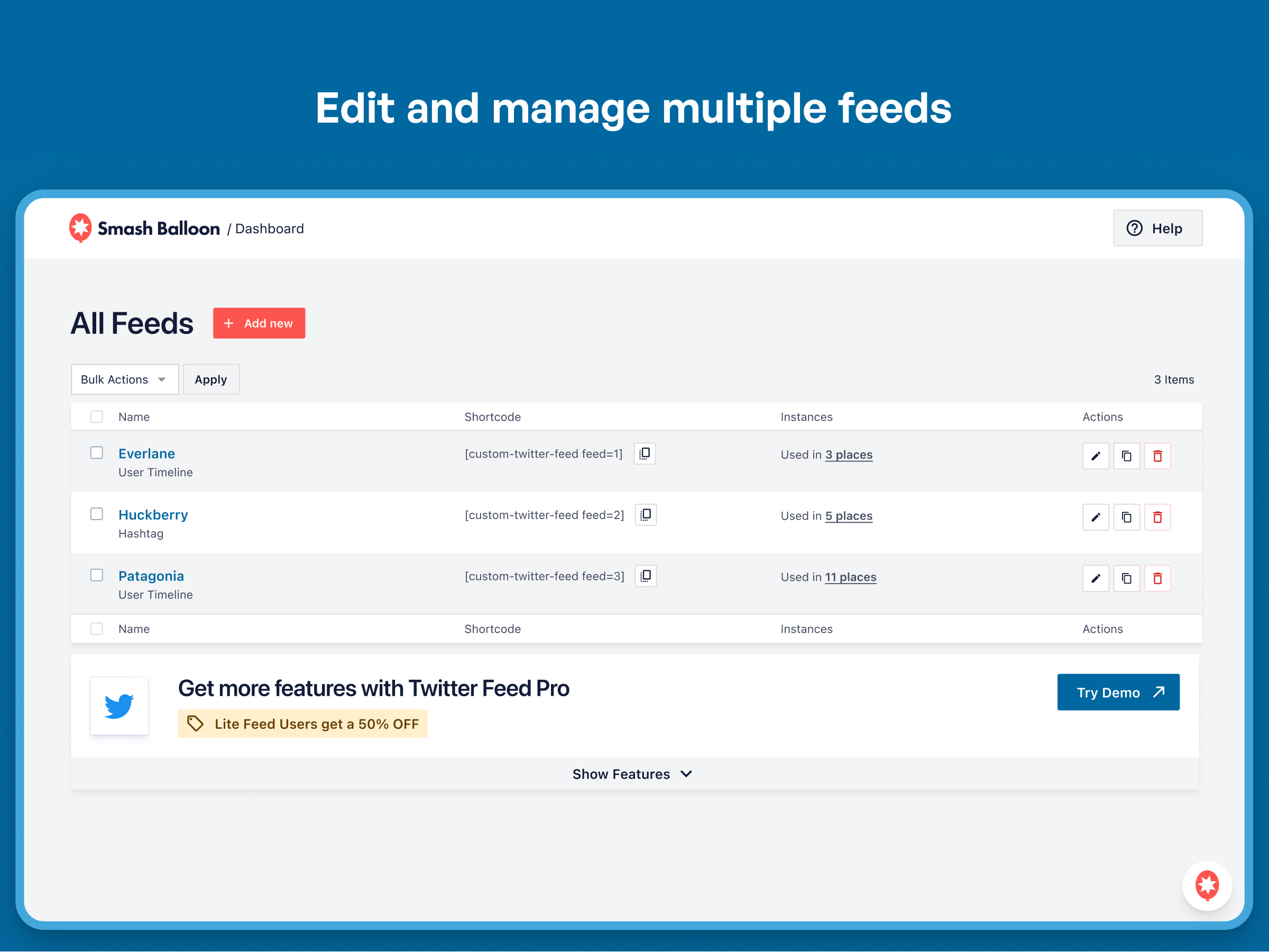
- New: All your feeds are now displayed in one place on the “All Feeds” page. This shows a list of any existing (legacy) feeds and any new ones that you create. Note: If you updated from a version prior to v1.8 then you may need to view your feeds on your webpage so that the plugin can locate them and list them here.
- New: Easily edit individual feed settings for new feeds instead of cumbersome shortcode options.
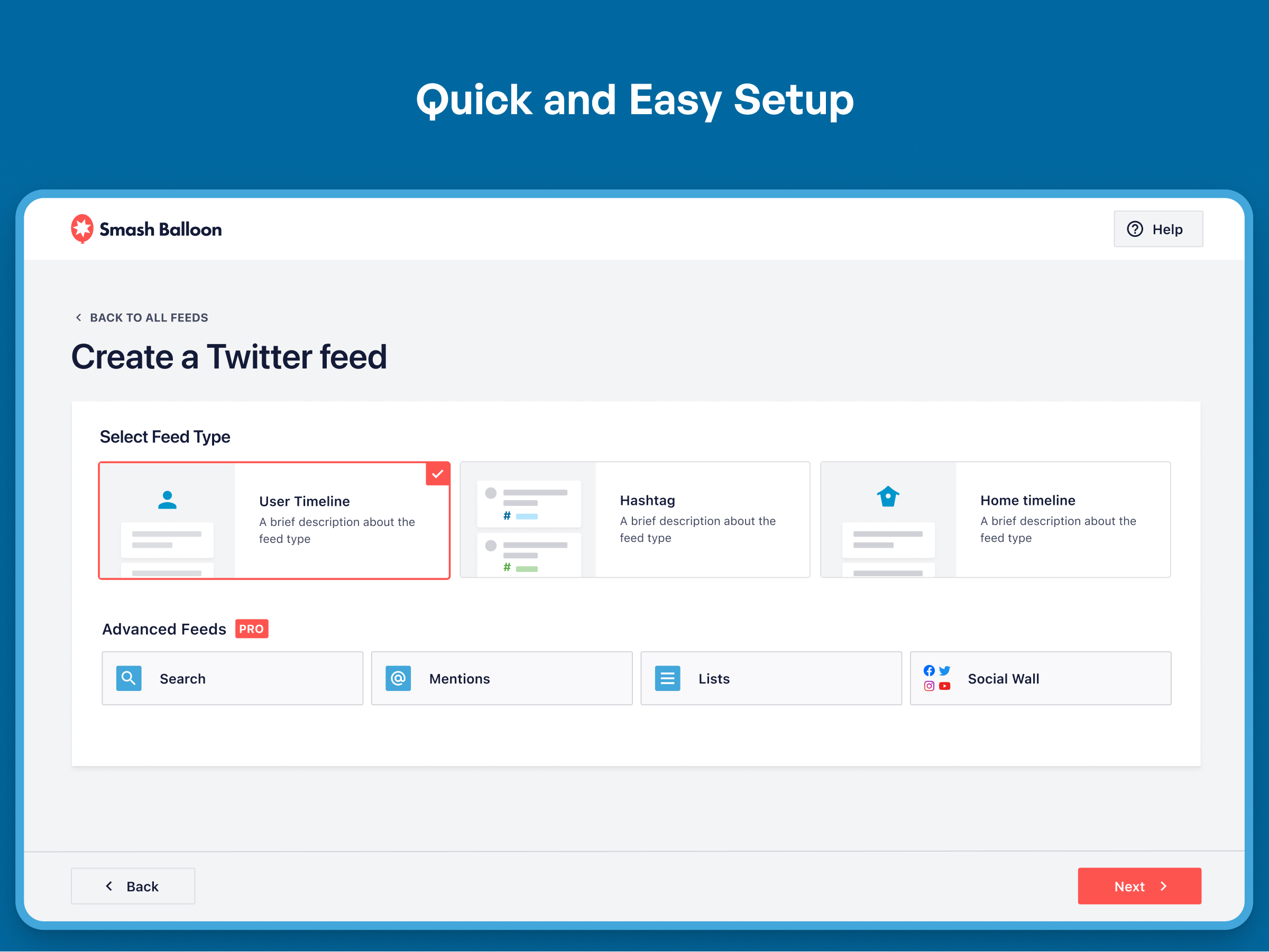
- New: It’s now much easier to create feeds. Just click “Add New”, select your feed type, connect your account, and you’re done!
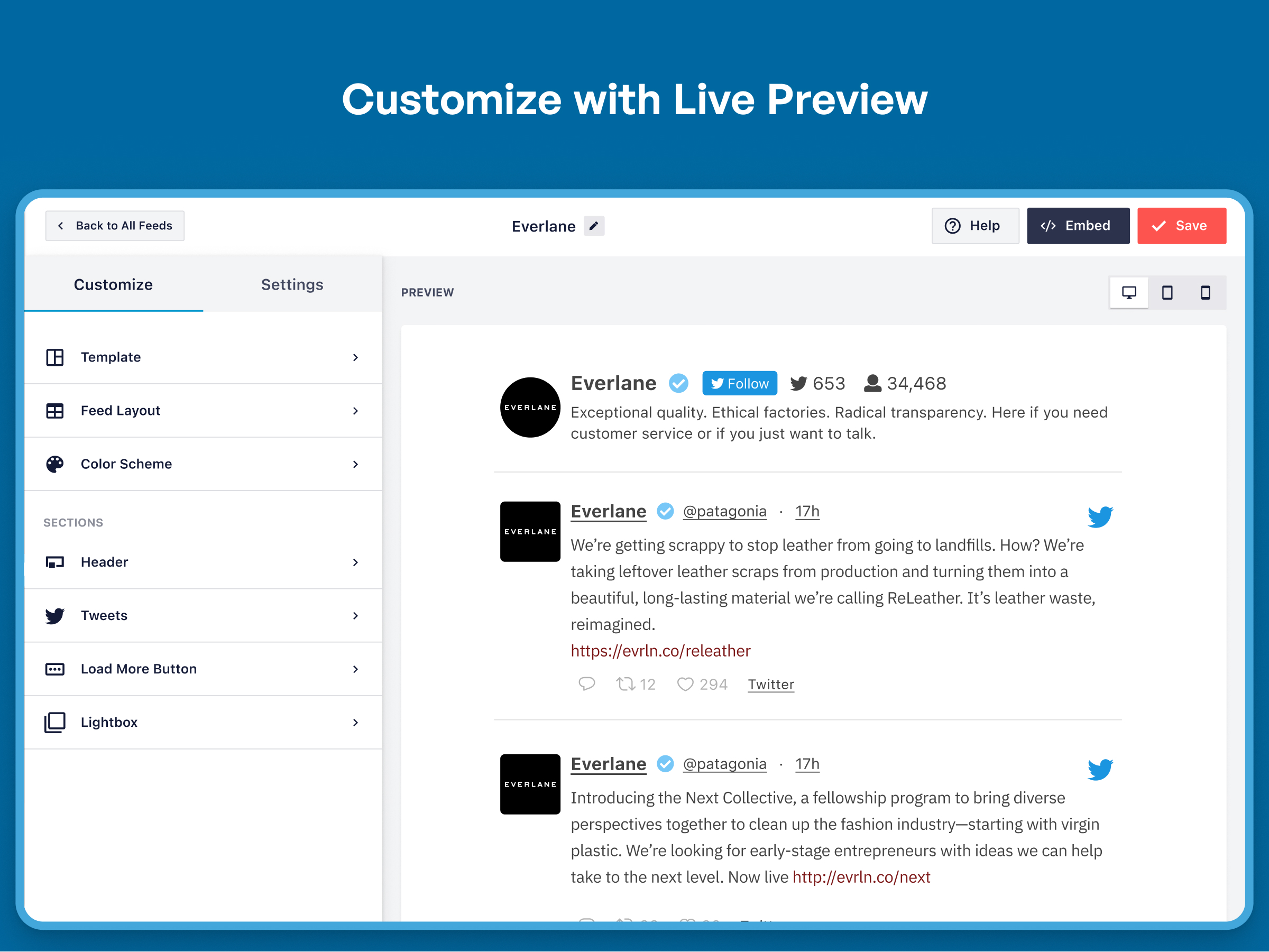
- New: Brand new feed customizer. We’ve completely redesigned feed customization from the ground up, reorganizing the settings to make them easier to find.
- New: Live Feed Preview. You can now see changes you make to your feeds in real time, right in the settings page. Easily preview them on desktop, tablet, and mobile sizes.
- New: Color Scheme option. It’s now easier than ever to change colors across your feed without needing to adjust individual color settings. Just set a color scheme to effortlessly change colors across your entire feed.
- New: You can now change the number of columns in your feed across desktop, tablet, and mobile.
- New: Easily import and export feed settings to make it simple to move feeds across sites.
1.8.4
- Tweak: When clearing the Twitter cache, caches from common page caching solutions are now also cleared.
- Tweak: Changed capability check from ‘edit_posts’ to ‘manage_custom_twitter_feeds’ when clearing the Twitter cache using AJAX.
- Tweak: An alert bubble is added to the Twitter Feeds menu item when there are new notifications available.
1.8.3
- Tweak: Added “noopener” attribute to hasthags and account tags linked in tweets.
- Fix: Fixed a compatibility issue with the Complianz Cookie Consent plugin integration.
- Fix: Fixed a compatibility issue with the Web Toffee GDPR Cookie Consent plugin integration.
- Fix: Bio text was missing from the header even when this feature was enabled.
1.8.2
- Tested with WordPress 5.8 update.
- Fix: “Display your feed” tab was showing the wrong shortcode for the “layout” setting available in the pro version.
- Fix: Fixed an issue with GDPR Cookie Consent by Web Toffee integration.
1.8.1
- Fix: Fixed several issues with GDPR Cookie Consent by Web Toffee integration.
- Tweak: Added an easy link to the Pro demo
1.8
- New: The locations of the Twitter feeds on your site will now be logged and listed on a single page for easier management. After this feature has been active for awhile, a “Feed Finder” link will appear next to the Feed Type setting on the plugin Settings page which allows you to see a list of all feeds on your site along with their locations.
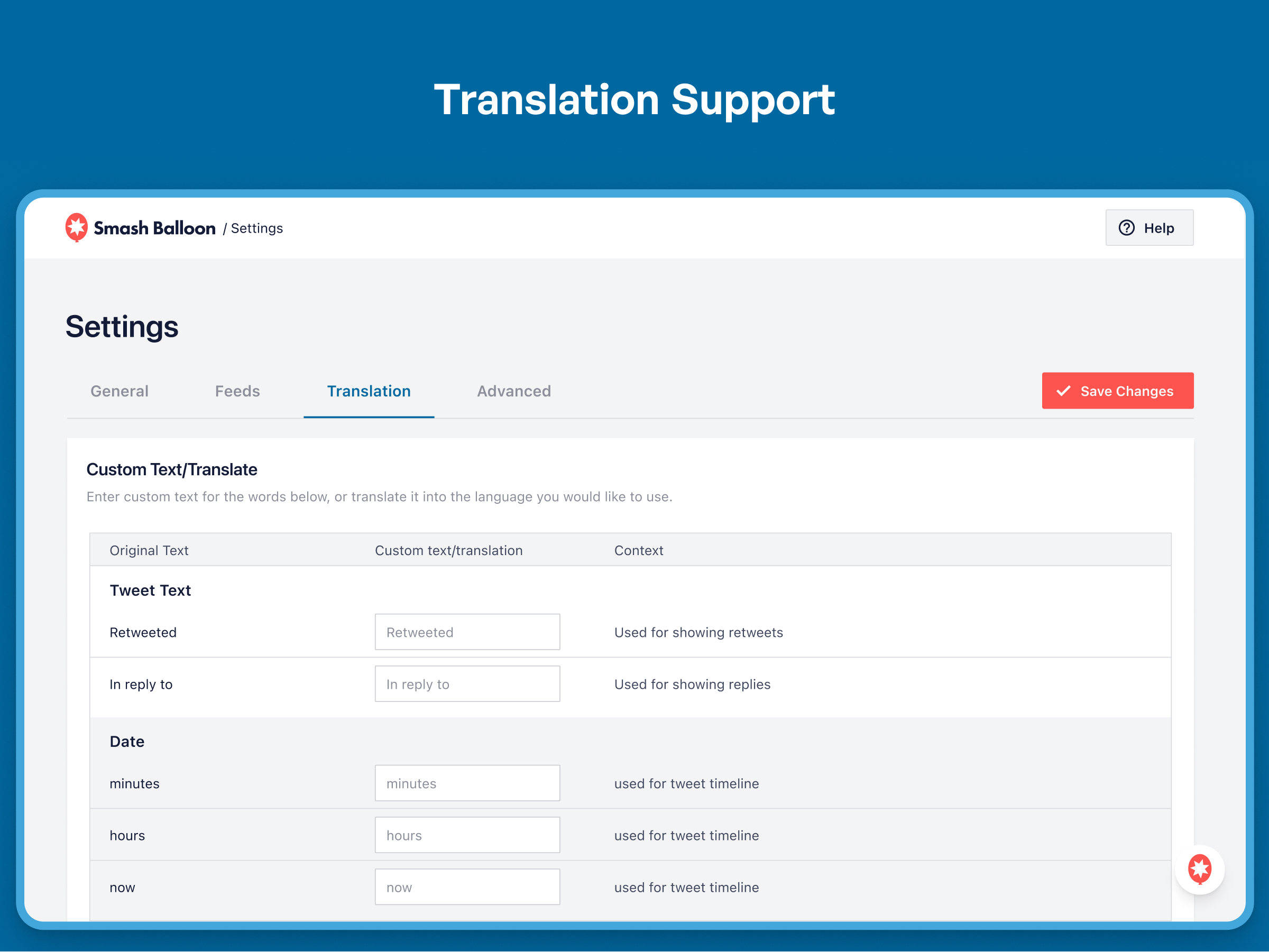
- New: Added support for WordPress based translations using language files.
- Tweak: Changed the default method of retrieving posts to use the WP_HTTP class.
- Fix: Updated jQuery methods for compatibility with WordPress 5.7.
1.7
- New: Integrations with popular GDPR cookie consent solutions added: Cookie Notice by dFactory, GDPR Cookie Consent by WebToffee, Cookiebot by Cybot A/S, Complianz by Really Simple Plugins, and Borlabs Cookie by Borlabs. Visit the Twitter Feed settings page, Customize tab, Advanced section for more information.
- Tweak: Icon font support was discontinued. Only SVGs will be used for icons in feeds.
- Tweak: Twitter Intents JS updated to the latest version.
1.6.1
- Tweak: Added support for improved dashboard notices on the plugin settings page.
- Tweak: HTML attribute rel=”noopener noreferrer” added to all outbound links for extra security.
- Fix: Fixed PHP warning “non-numeric value encountered” when setting the tweet multiplier option to something that wasn’t a number.
1.6
- New: Updated icons in the feed to match Twitter.
- Tweak: Several CSS changes to make the Twitter feed text responsive with more themes.
- Fix: Removed debugging code causing issue when saving settings on the “Customize” tab.
1.5.1
- New: To help us improve the plugin we have added usage tracking so that we can understand what features and settings are being used, and which features matter to you the most. The plugin will send a report in the background once per week with your plugin settings and basic information about your website environment. No personal or sensitive data is collected (such as email addresses, Twitter account information, license keys, etc). You can opt-out by simply disabling the setting at: Twitter Feed > Customize > Misc > Enable Usage Tracking. See here for more information.
- Tweak: When a feed is from a Twitter account that has a lot of reply tweets, the plugin will collect more tweets initially for better performance.
- Tweak: Hashtag feeds have retweets filtered out by default for improved feed performance.
- Fix: Several strings updated to be translatable.
1.5
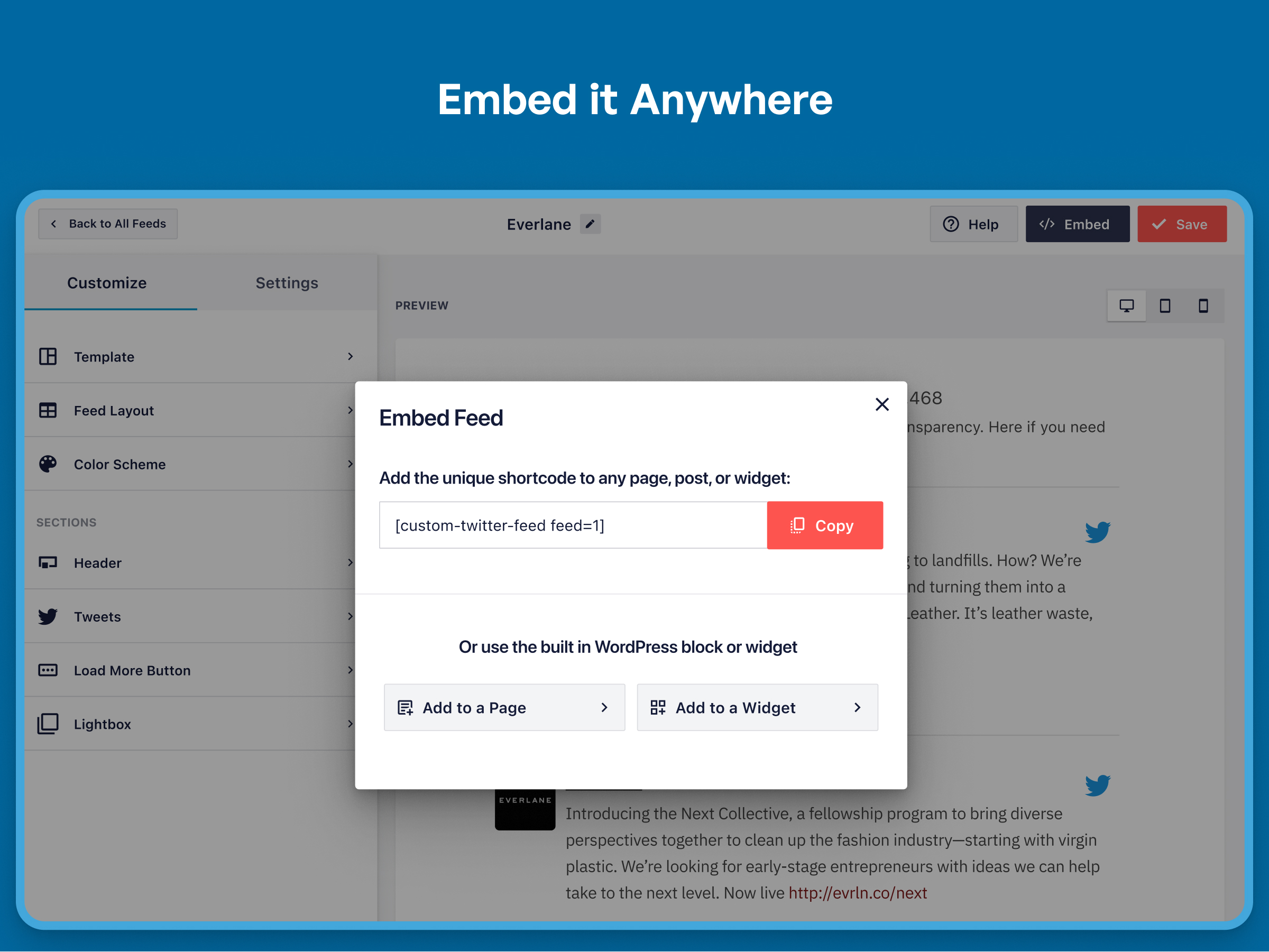
- New: Added a “Twitter Feeds” Gutenberg block to use in the block editor, allowing you to easily add a Twitter feed to posts and pages.
- Tweak: Added function ctf_init() to easily rerun JavaScript for the plugin.
- Tweak: Non Twitter Feeds admin notices are removed when viewing settings pages for Custom Twitter Feeds.
1.4.1
- Tweak: Added aria-label attributes to SVG icons for improved accessibility.
- Fix: Fixed PHP warning that occurred when a URL in the tweet text did not have a full length URL available from the Twitter API.
- Fix: Using the setting to link the tweet text to Twitter would cause nested links and invalid HTML.
- Fix: Fixed Twitter logo not displaying if avatar, author, and date were hidden.
1.4
- New: Twitter logo added to the top right of each tweet to fit with Twitter’s display guidelines. Customize the logo on the “Style” tab, “Author” area or hide it using the settings at Twitter Feeds > Customize > Show/Hide.
- New: Minified versions of JavaScript and CSS files now used.
- New: JavaScript file added to the source of the page only when the Custom Twitter Feeds shortcode is used on the page.
- New: SVGs used for icons instead of Font Awesome font file. You can switch back to using the Font Awesome font file using the setting at Twitter Feeds > Customize > Advanced.
- New: Tweets that are replies to the same Twitter account or mention the same account can be included in the Twitter feed widget by enabling the setting “Always include replies to self in the feed”.
- New: Added a setting to completely disable Twitter intents widget.js file.
- Tweak: The HTML element used for icons has been switched from “i” to “span” for better accessibility.
- Tweak: Changed styling of Twitter media placeholder icons.
- Tweak: Combined widgets.js file with native JavaScript file for the plugin.
- Tweak: Twitter widgets.js will only be enqueued when “actions” are included in the Twitter feed.
- Tweak: Tweet text line height style set to 1.4.
- Fix: Bio text not displaying in header even when enabled.
1.3
- New: You can now choose to only display a certain amount of text characters in the Tweets in your Twitter widget, with a clickable link to display the rest. This is set to be 280 characters by default, but can be changed by using the following setting: Twitter Feeds > Customize > Style > Tweet Text > Text Length, or by using the “textlength” shortcode setting.
- Tweak: Twitter intents JavaScript not loaded on the page if tweet actions are removed
- Fix: Removed target=”_blank” from div element

