

Just another contact form plugin. Simple but flexible.

About Maspik – Spam Blacklist
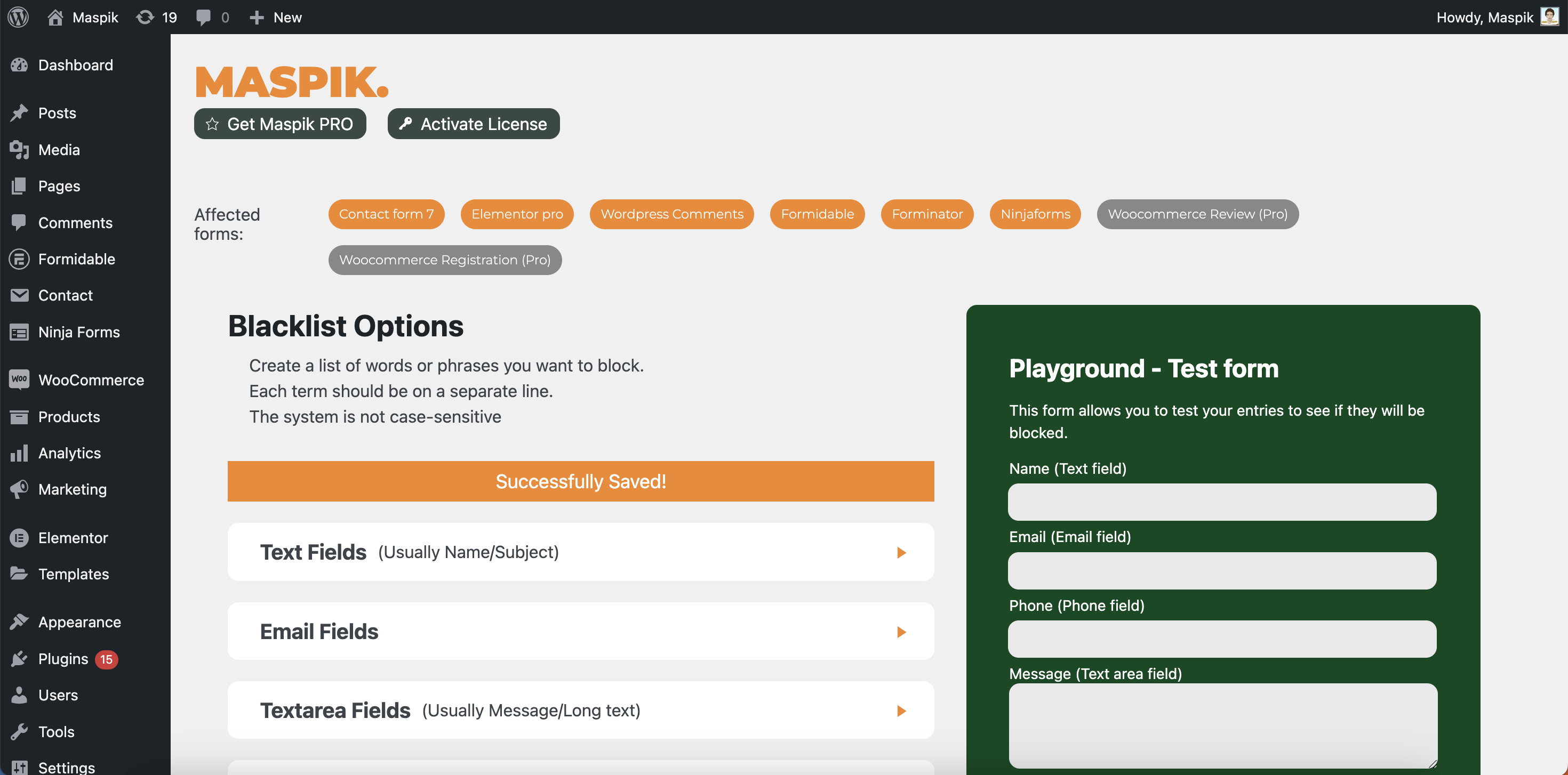
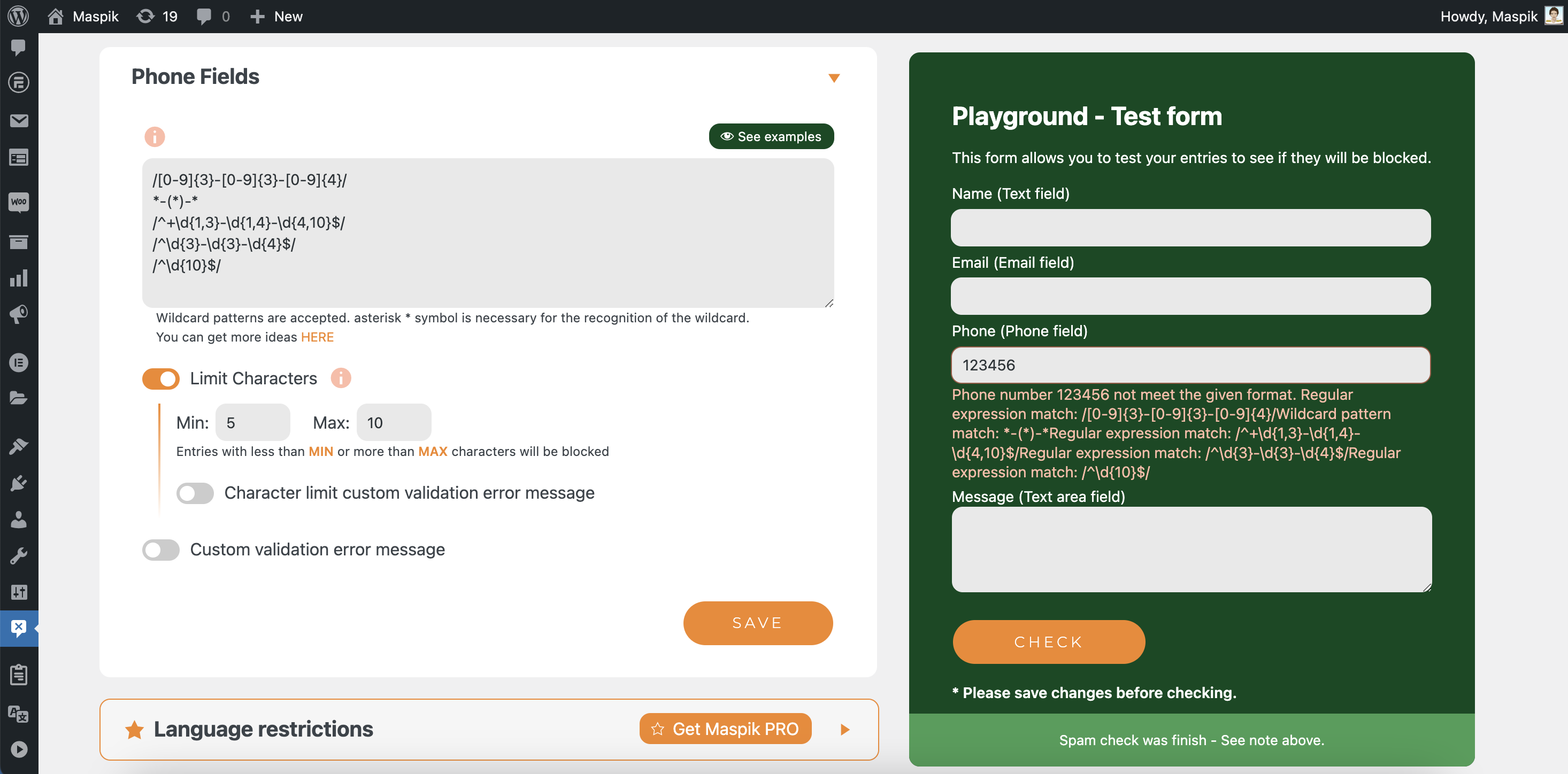
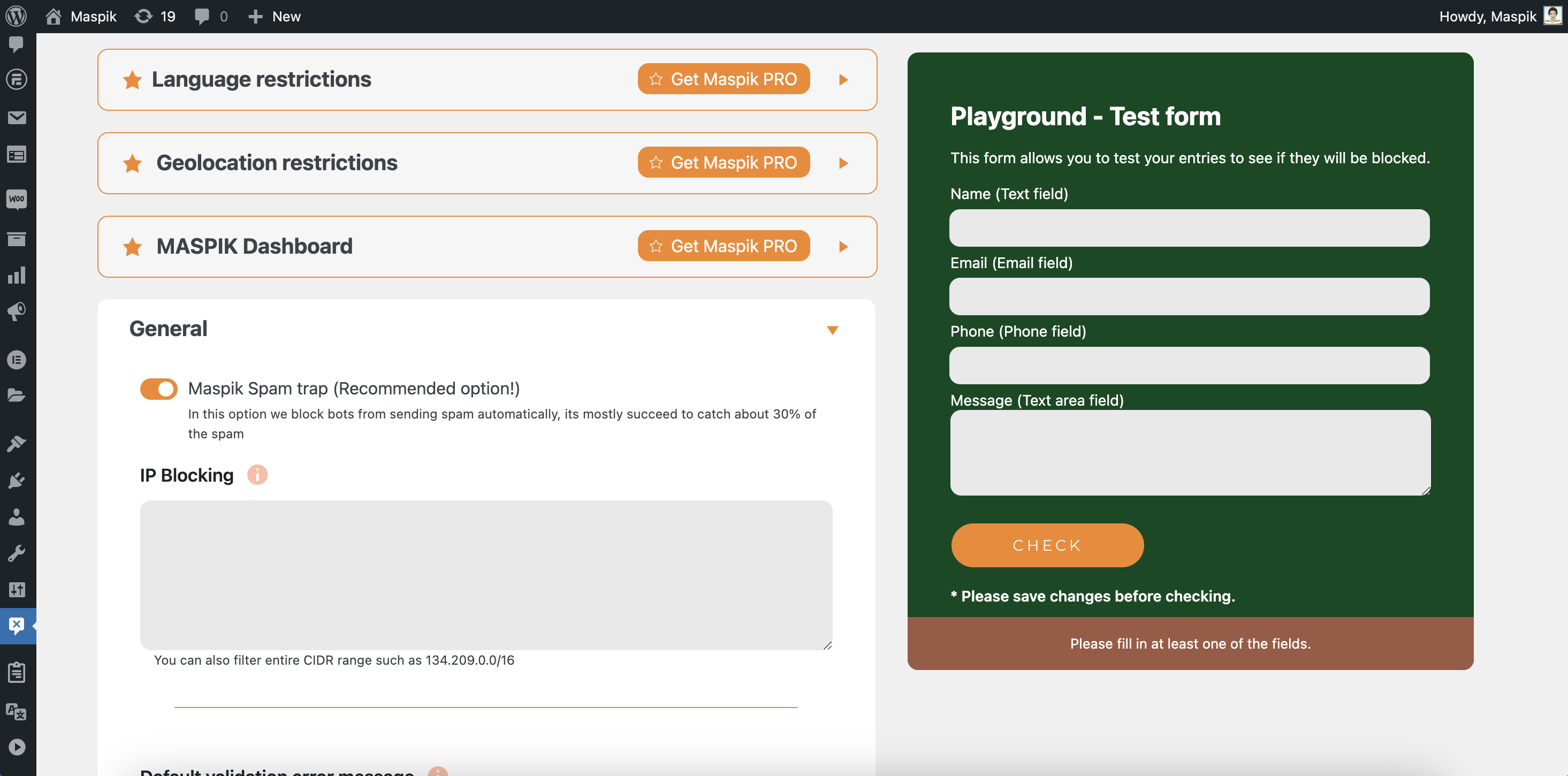
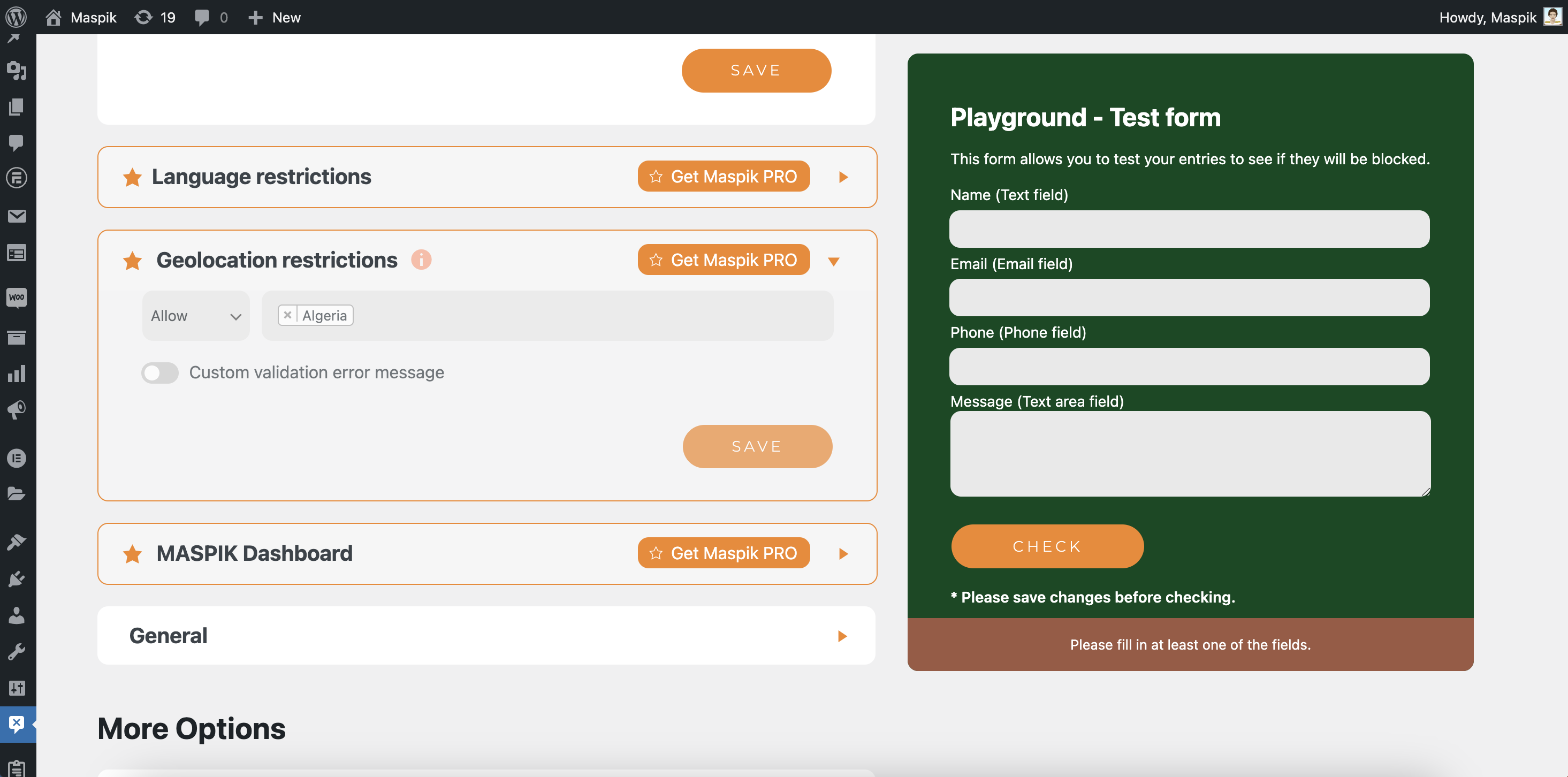
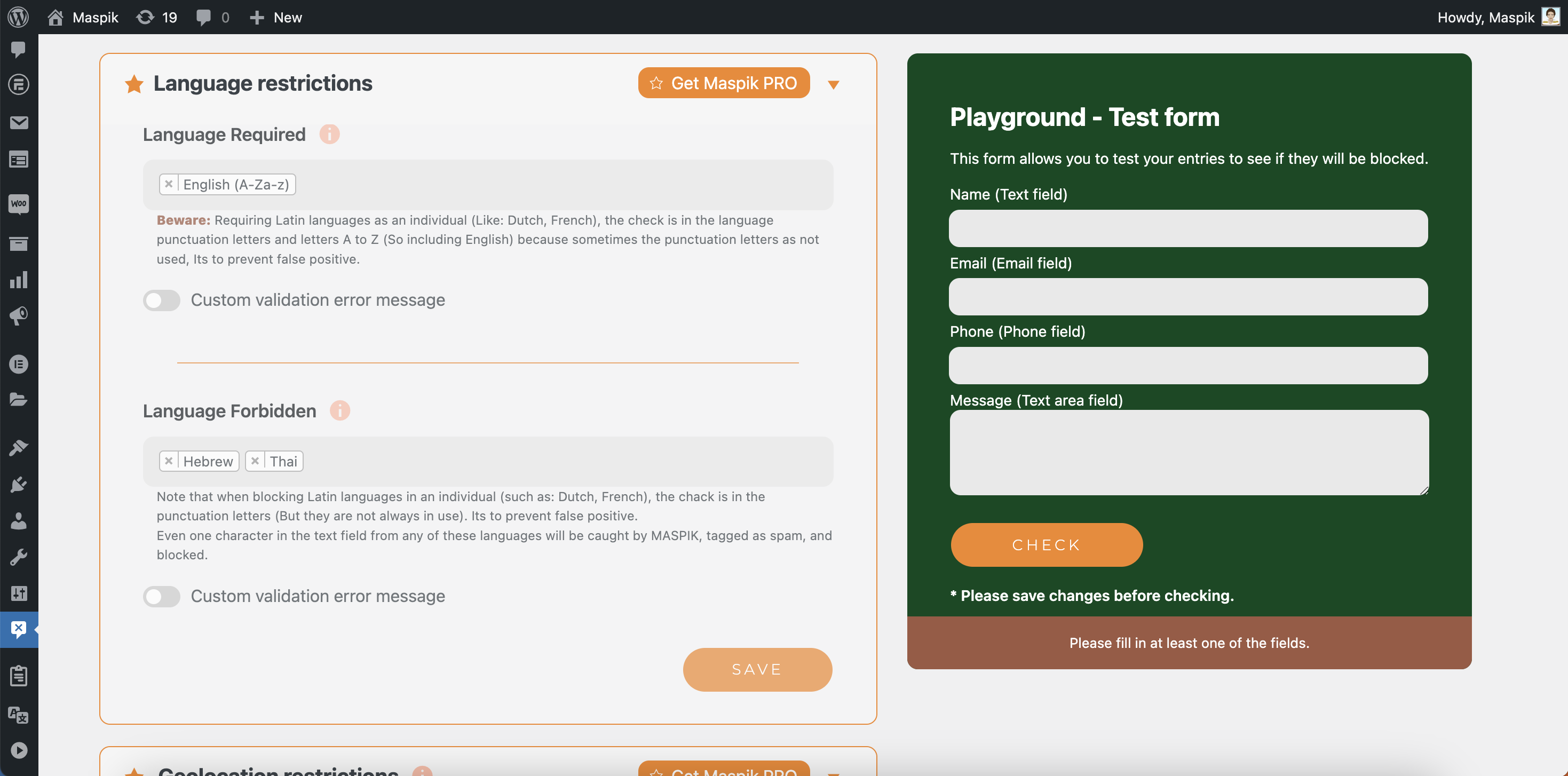
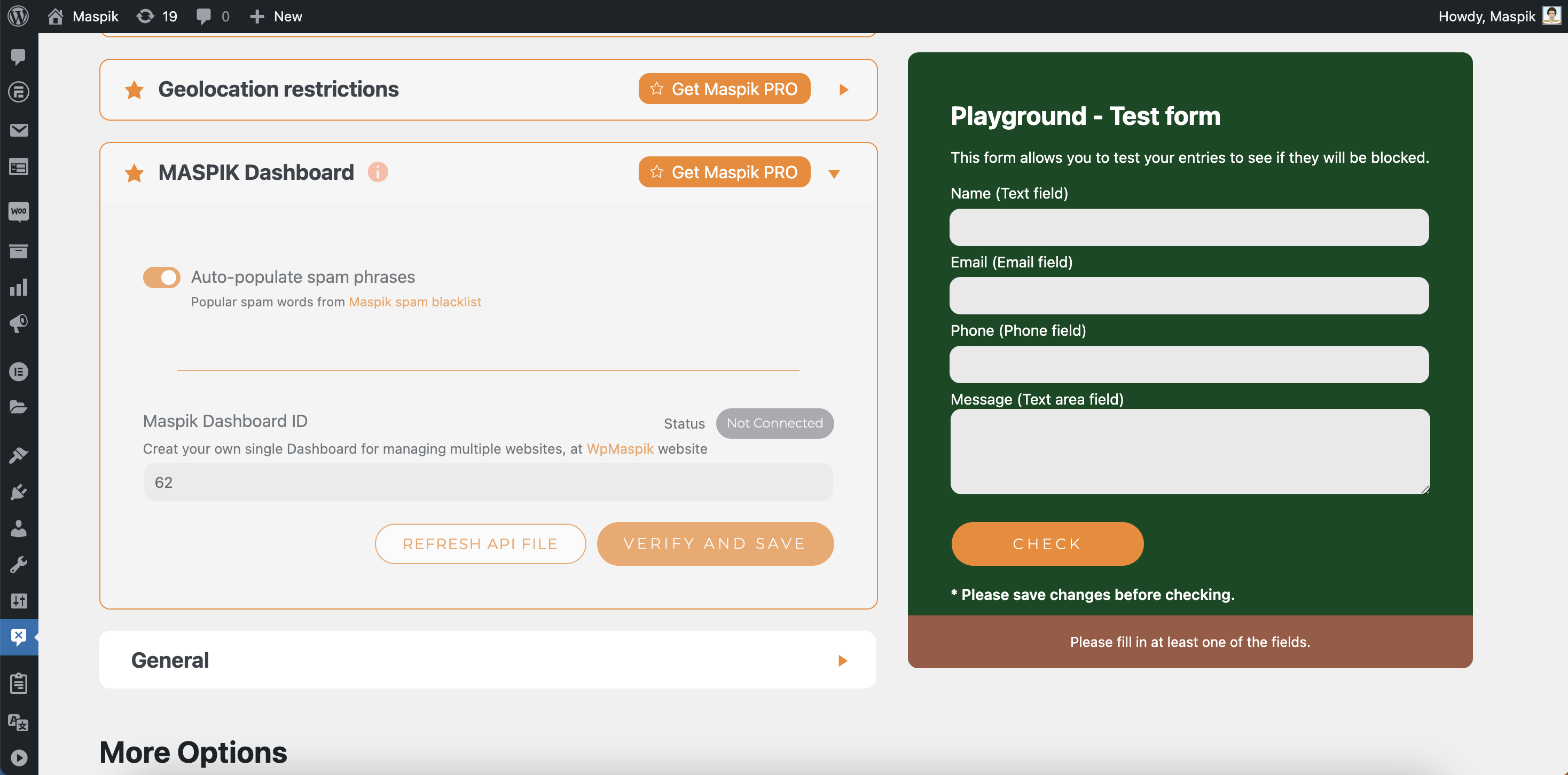
Maspik is a WordPress plugin that provides efficient spam protection for forms and comments, with a high success rate of blocking spam. It offers quick and easy setup, smart detection of spam patterns, and compatibility with all major form plugins. The plugin is fully customizable and offers advanced features such as IP blocking, phone number validation, and blacklisting by field type. There is also a Pro version available with additional features and premium support.Screenshots
Frequently asked questions
What is Maspik?
Maspik is an anti-spam plugin that blocks spam submissions through your Elementor, CF7, and WordPress contact forms, comments, and registration pages. With Maspik, you can blacklist specific words, IPs, countries, and languages to prevent spam emails from being delivered to your inbox.
How can Maspik help with spam emails?
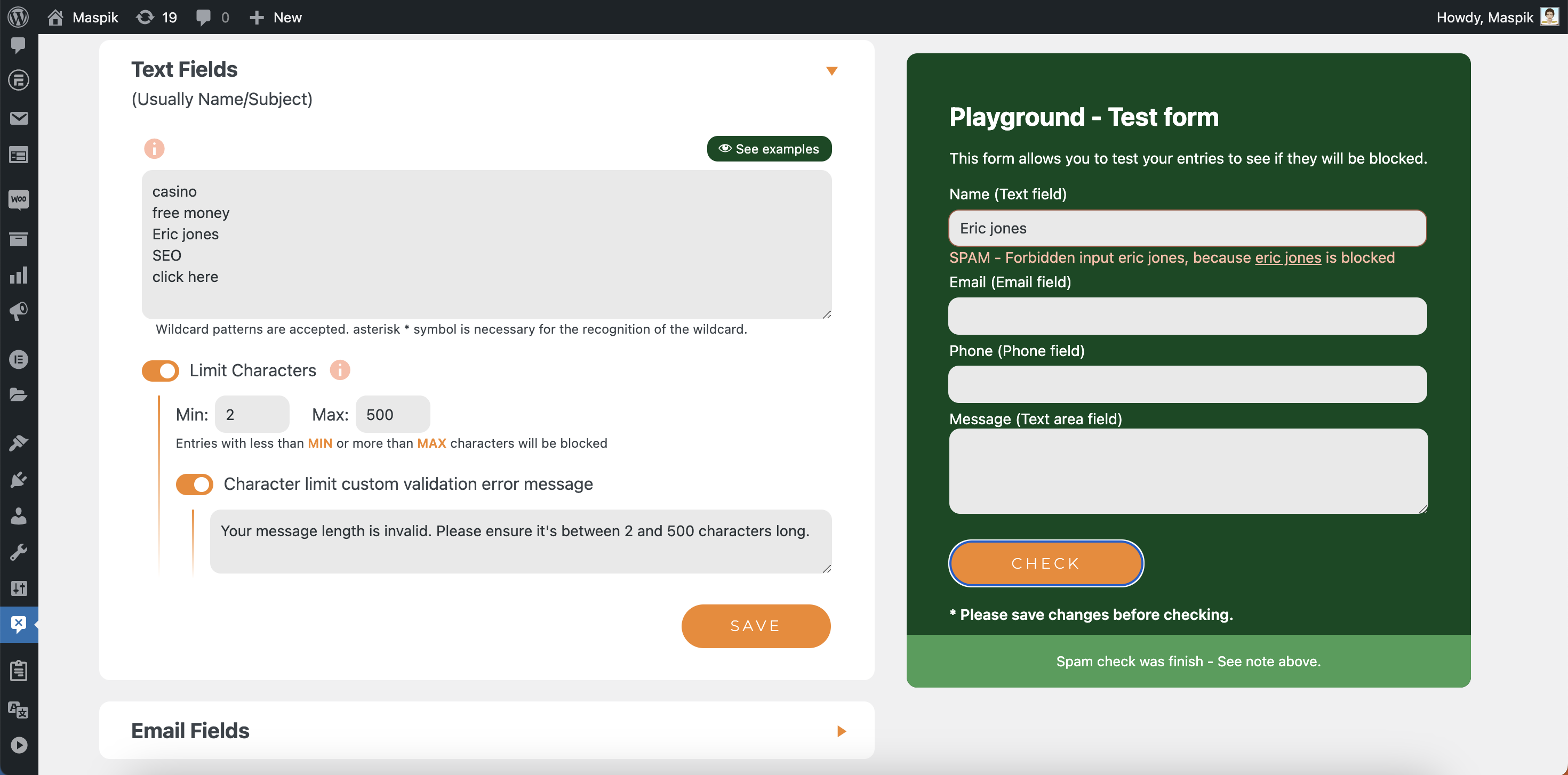
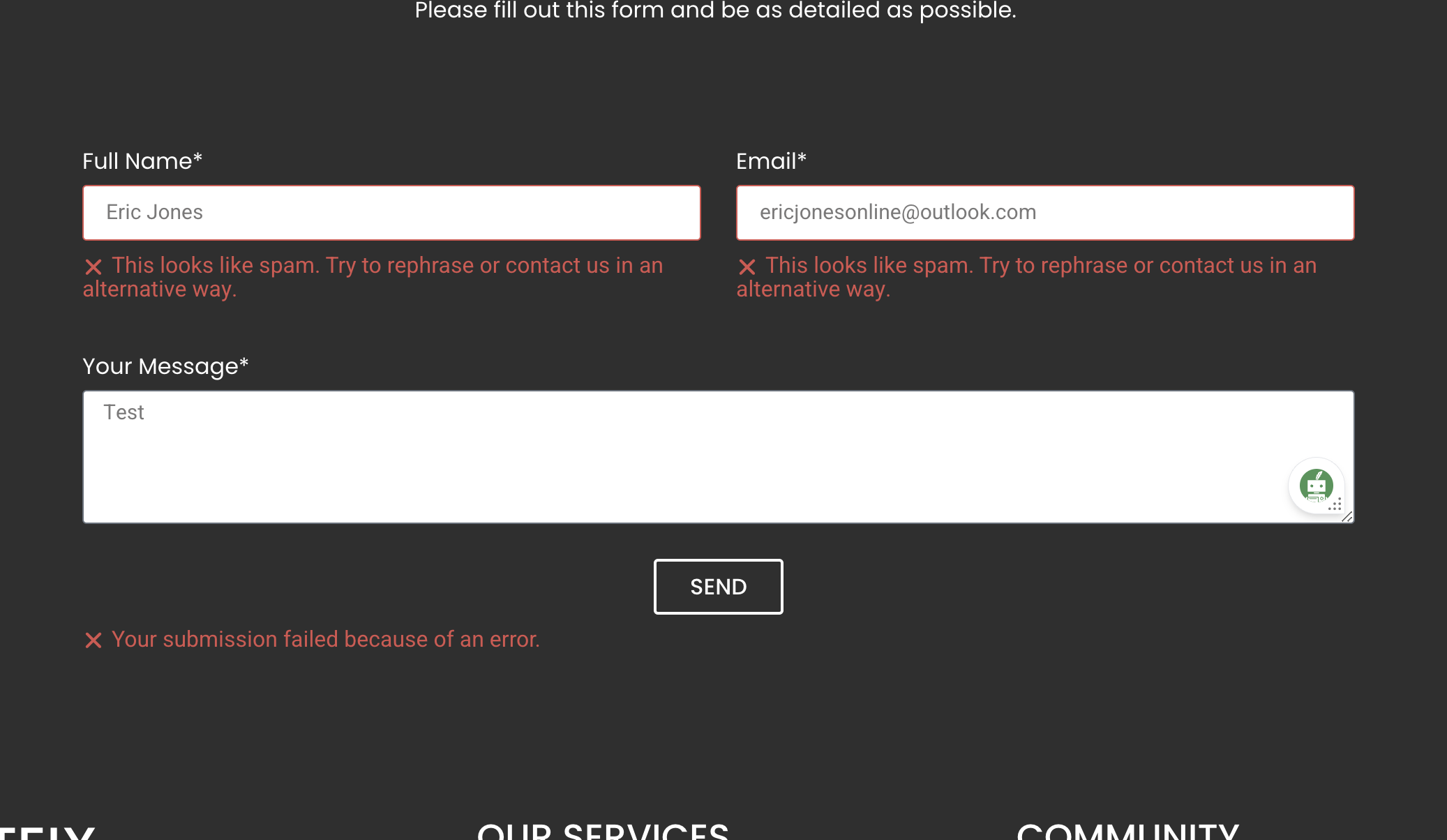
If you're receiving spam emails, take a look at the common words or phrases they contain, such as 'Eric Jones,' 'SEO Ranking,' 'Automatically submit your website,' or 'Get free.' Maspik can block these and other spam words that ReCaptcha may miss.
What are the features of Maspik?
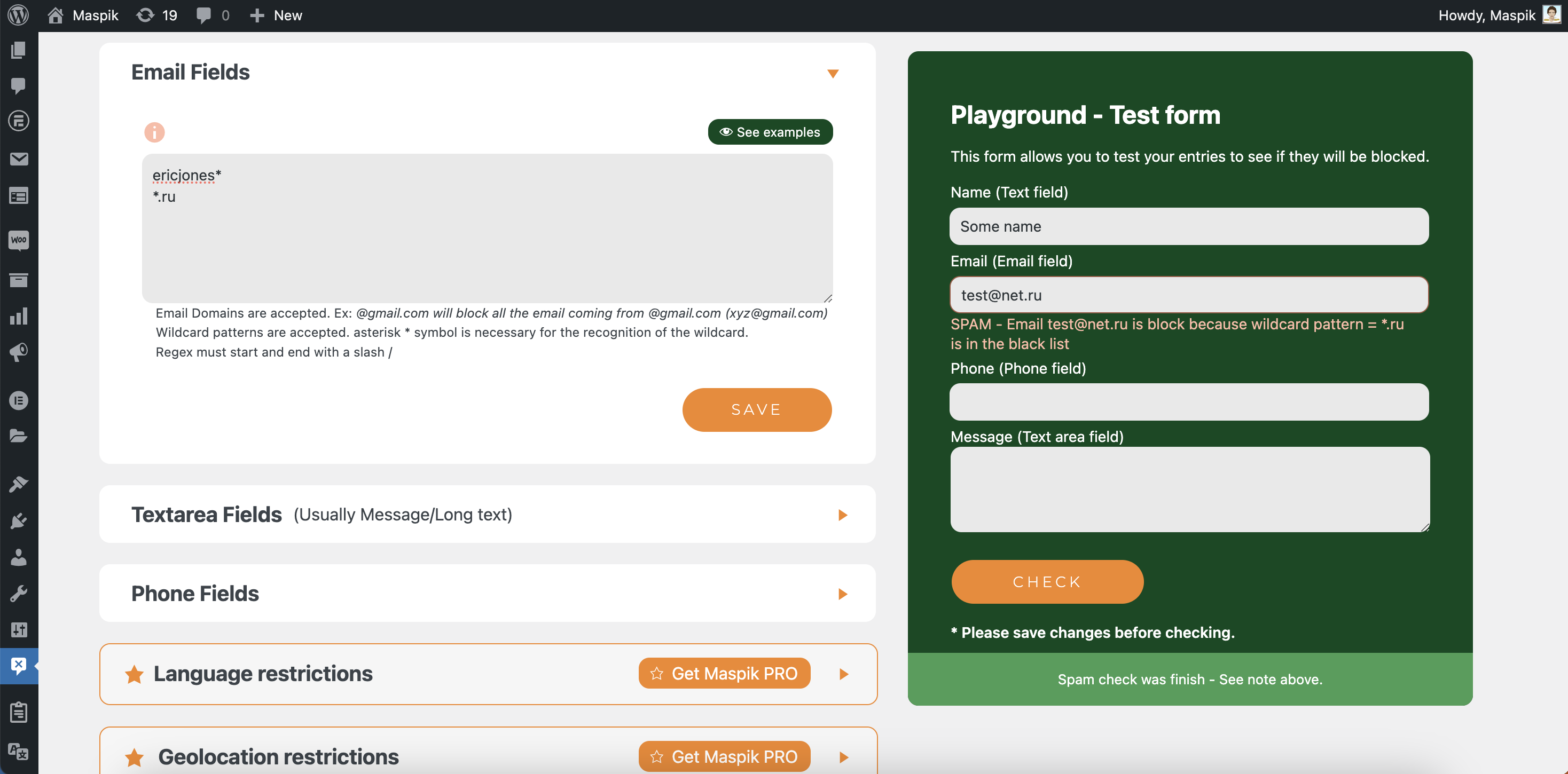
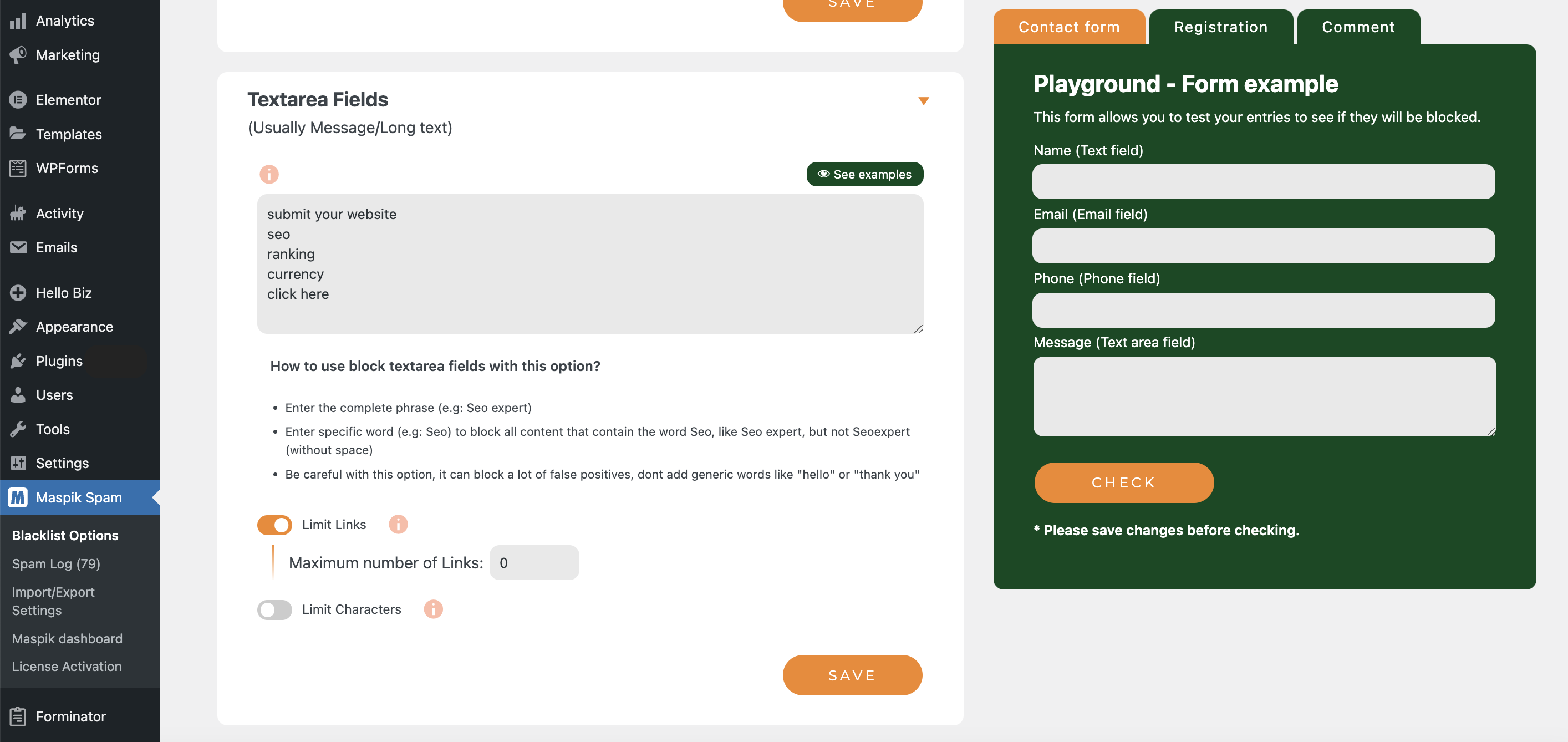
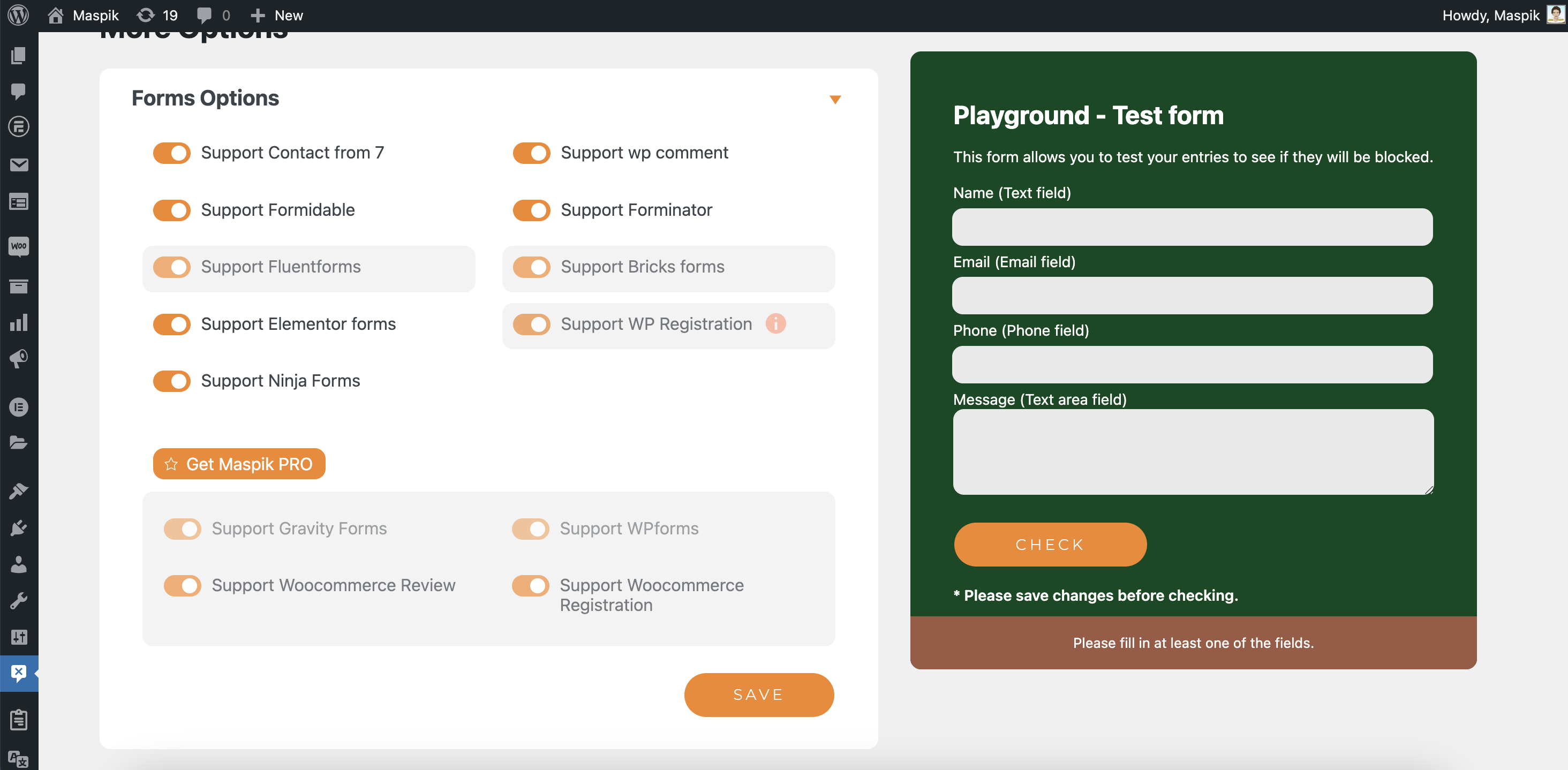
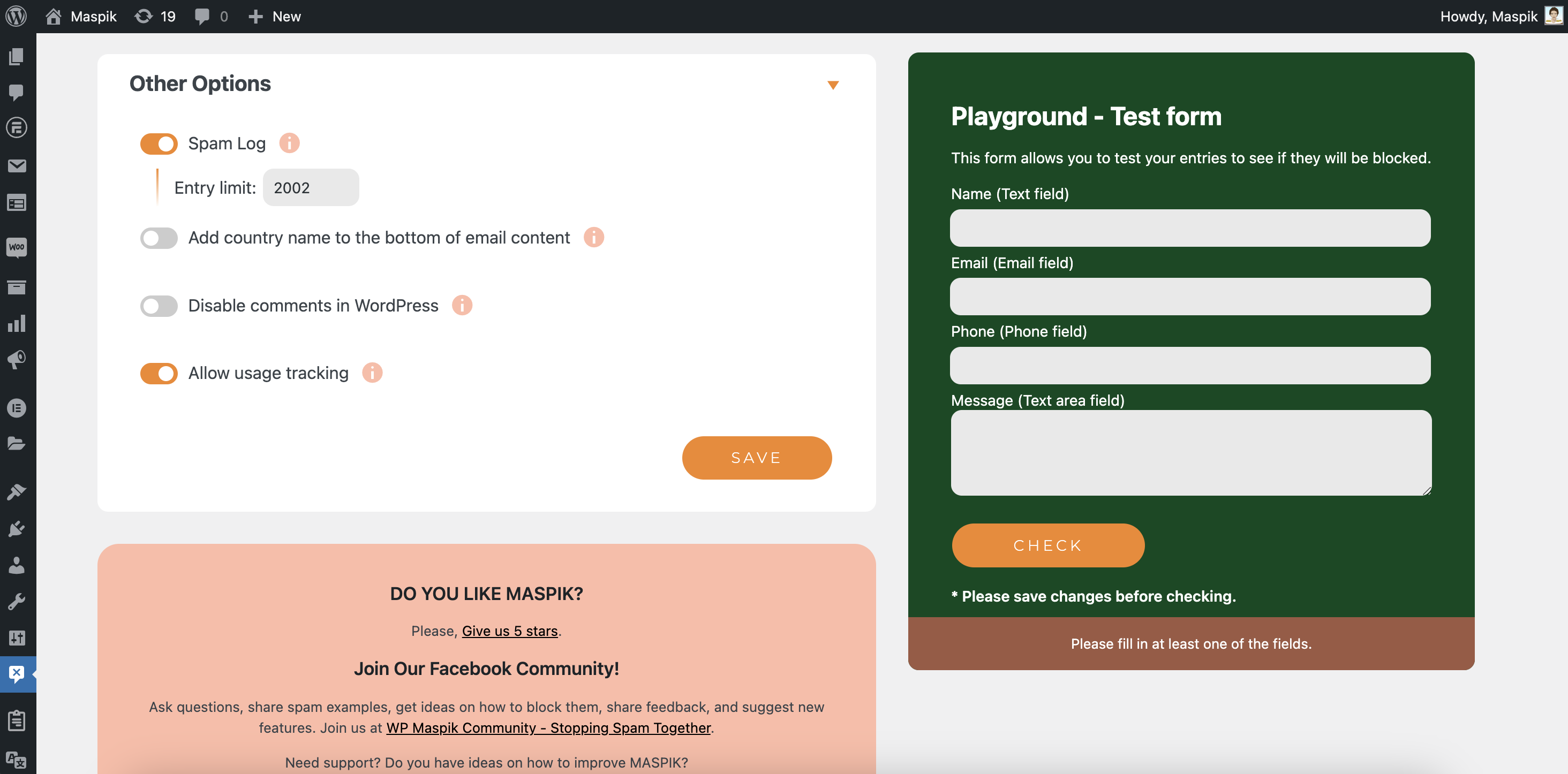
Maspik features include support for Elementor forms and CF7 (with more supported forms available in the Pro version), blocking spam submissions in WordPress comments and registration forms, blacklisting words in different fields, blacklisting specific IPs or countries, blocking fields with excessive characters or links, controlling the email field based on the main site language, adding custom phone validation, spam log management, and blocking Elementor forms without source URLs.
What are the Pro Version features of Maspik?
The Pro Version of Maspik includes additional features such as connecting your site to a private or public spam API, support for Gravityforms, Wpforms, Woocommerce registration, and Woocommerce reviews.
Where can I find the API site for Maspik?
The API site for Maspik is WpMaspik.com. You can visit the site at https://wpmaspik.com/.
Changelog
2.4.3 – 19/02/2025
- Fixed – Fix Elementor Bot detector option not working wall (When page source url is empty).
- Fixed – Fix detection string in Textarea field with regex/wildcard format.
- Improve – Improve detection string in Textarea field: Now ignore ,!?. at the end of the string for better detection.
2.4.2 – 18/02/2025
- New feature – Add option to block submissions with emojis in textarea fields.
- New feature – Added support for Hello Plus form builder plugin.
2.4.0 – 30/01/2025
- Announcement – In this version we made some improvements to reduce false positives. read more in the announcement page
- Improved – Text and textarea field blacklist’s now match exact words only, preventing false positives from partial word matches (e.g., “ad” won’t block “shade”, but “seo” will block “Seo expert”).
- Improved – Improve email field blacklist check – Now checks both if an email exactly matches or is contained within blacklisted patterns, (e.g. “Seo” will block “[email protected]”).
- Improved – Made settings page text clearer and easier to understand.
- Improved – Improve link detection in text area fields.
- Improved – Improve text area field character limit check.
- Fixed – Fix JS error on settings page.
- Fixed – Fix Serbian language detection.
2.3.0 – 18/01/2025
- Improved WP registration form support
- Improved Comments form support
- Improved WooCommerce registration form support
- Improved code performance
- Improved Elementor form support
- Improved default settings auto activation
- Removed update support from Maspik versions smaller than 2.0.0 to improve stability and performance
2.2.14 – 05/01/2025
- New feature! – Enhanced Advanced Key Check system
- Improved database performance
- Optimized code execution
2.2.13 – 19/12/2024
- Fixed HTML settings save issue
- Improved form field handling
2.2.12 – 16/12/2024
- New feature! – Add support in Numverify API for phone number validation.
- Fixed – fix error in Formidable forms.
- Fixed – Fixed an issue where the Dashboard ID was not displaying correctly.
- Fixed – Fixed an issue where spam log entry limit was not working as in some cases.
2.2.11 – 05/12/2024
- Improvement – Improve text in settings page and translation
- Bug fix – Fix UI glitch in settings page
2.2.10 – 03/12/2024
- Improvement – Compatibility with WP version 6.7
2.2.9 – 22/11/2024
- Fixed: Removed autofill attribute from honeypot fields to improve compatibility with AMP pages
- Improvement – Spam log default save entries max number is now 1000 (was 2000)
2.2.8 – 08/11/2024
- New Feature – Add support in BuddyPress forms.
- Improvement – Improve layout of Playground form.
- Improvement – add page link in spam log.
- Improvement – improve time block check to reduce false positive.
- Improvement – Add spanish translation.
2.2.7 – 16/10/2024
- Bug fix – Fix error in Contact Form 7 with checkbox field in some cases.
2.2.6 – 15/10/2024
- Improvement – update license manager library
- Bug fix – Fix spam message validation for phone field.
2.2.5 – 06/10/2024
- Improvement – Editor can publish comments without validation check.
- Bug fix – Fix phone number limit digit check on Elementor form.
2.2.4 – 04/10/2024
- Bug fix – Fix error in Country check for some cases.
- Bug fix – Fix error in AbuseAPI check for some cases.
- Remove – shortcode option in text-area field, because can be confuseding.
2.2.3 – 01/10/2024
- New Feature – IP verification, add IP verification usage activity to Maspik dashboard.
- Improvement – Improve code performance in CF7 & Elementor forms, validate spam up to 50% faster
- Improvement – Improve option to mark “Not a Spam” on Spam log.
- Improvement – Improve form data UI in Spam log.
- Improvement – Change date format in Spam log to WordPress format.
2.2.2 – 14/09/2024
- Improvement – Better caching mechanism for IP address verification
2.2.1 – 10/09/2024
- Bug Fix – Fixed an issue where settings were not being saved correctly in certain server environments
- Improvement – Scheduled deletion of outdated IP check data twice daily for improved performance
2.2.0 – 08/09/2024
- Improvement – Improve UI/UX
- Improvement – Make main block setting as ON by default. You can deactivate settings in the settings page.
- Improvement – Forms are now supported by default. You can deactivate support for specific forms in the settings page.

