

Just another contact form plugin. Simple but flexible.
About Classic Editor and Classic Widgets
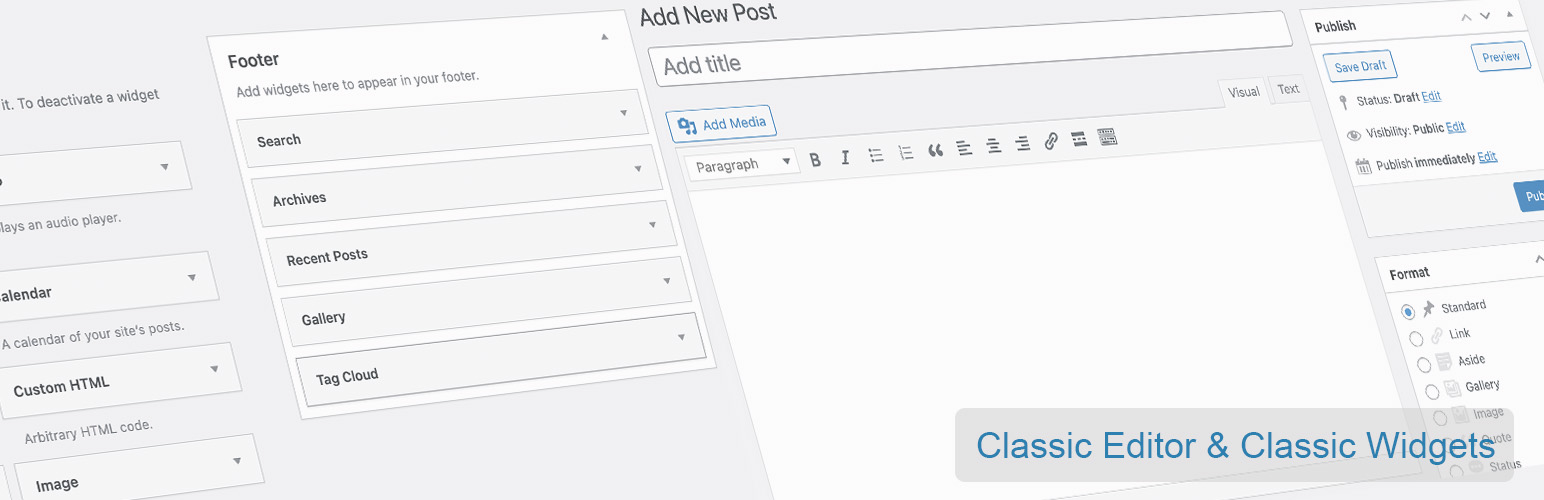
The free Classic Editor & Classic Widgets plugin allows you to disable the Gutenberg editor and use the old-style Classic Editor and Classic Widgets instead. It also provides additional features like disabling Gutenberg for specific post types and choosing the default editor. There is a Pro version available with even more features like choosing the editor for user roles and custom post types.Screenshots


Frequently asked questions
What is the primary function of the Classic Editor and Classic Widgets plugin?
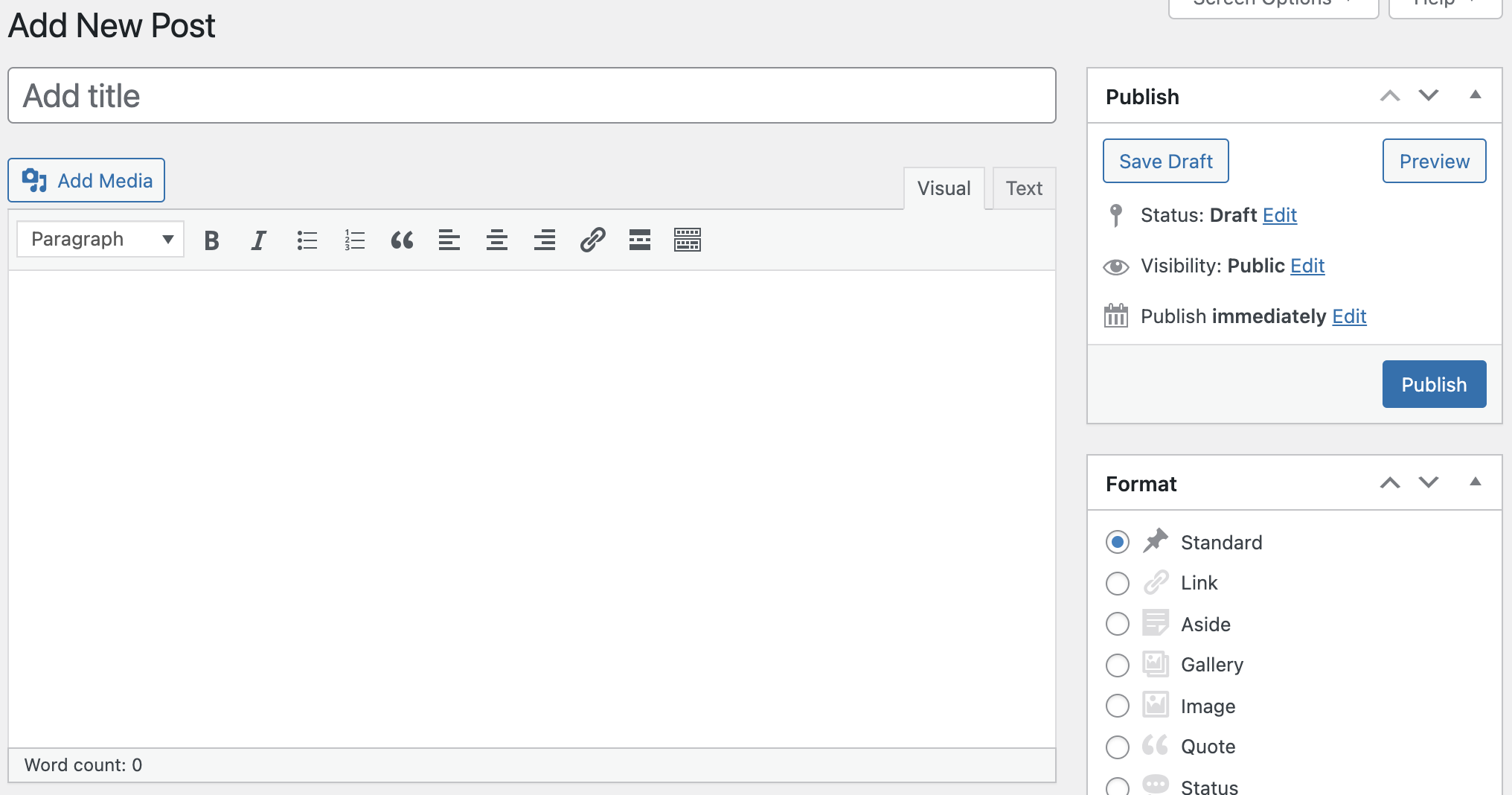
This plugin helps you to easily disable the Gutenberg editor totally everywhere and enables the Classic Editor and Classic Widgets. It restores the old-style WordPress Classic Editor for "Edit Post" with TinyMCE and Meta Boxes.
What specific features does the free version of this plugin offer?
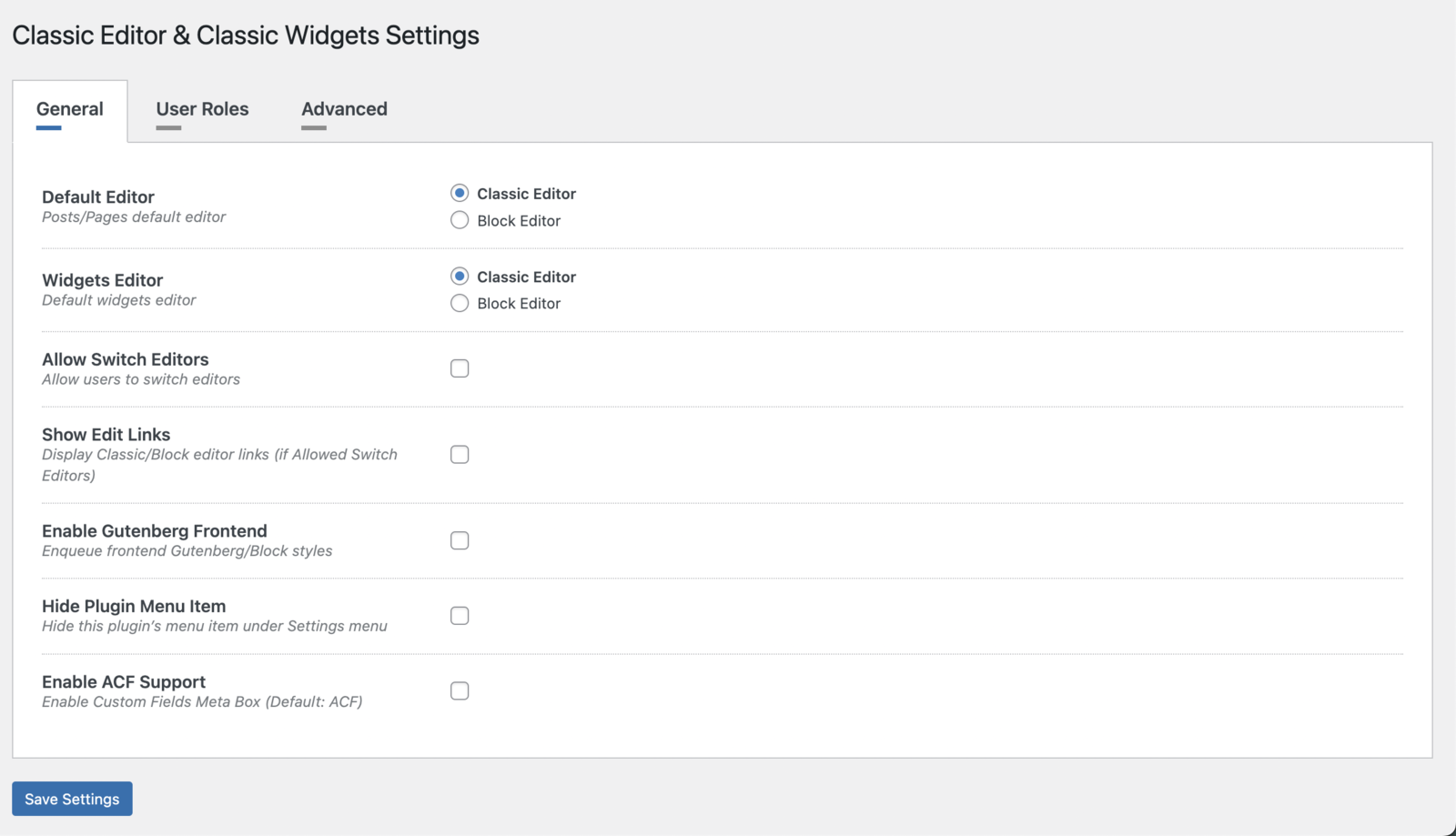
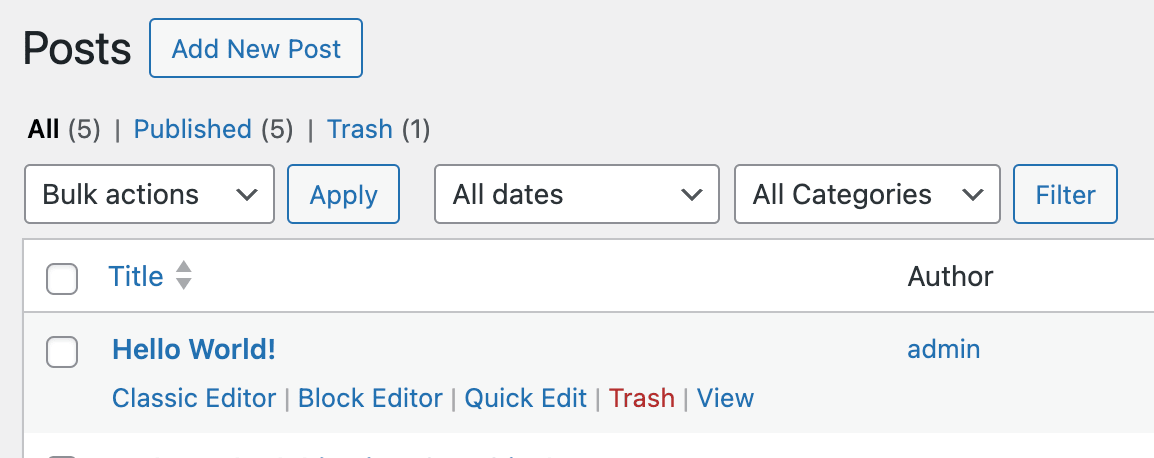
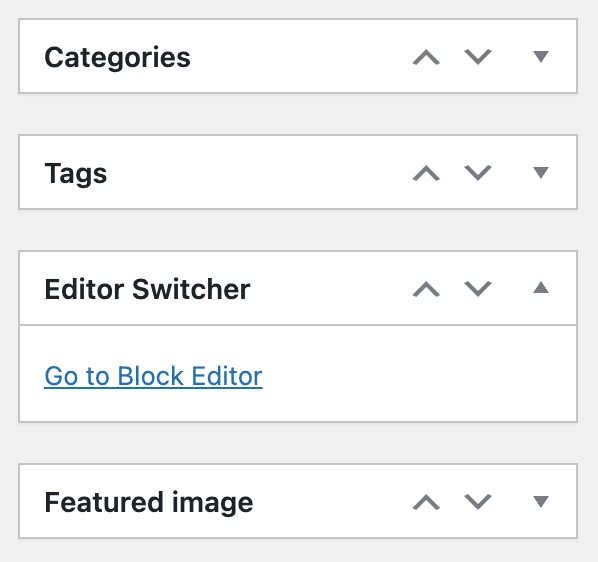
The free version allows you to disable Gutenberg totally and for any post type. It also provides an Editor Switcher, the ability to choose the editor for each post, and full support for Advanced Custom Fields (ACF).
Does this plugin require configuration to disable Gutenberg?
No, by default, this plugin hides all functionality available in the new Gutenberg block editor without setting up any extra options. There is no need to set up any configuration.
What additional features are available in the PRO version?
The PRO version offers features such as choosing the editor for user roles, choosing the editor for custom post types, and remembering the last used editor. It also includes displaying post states and excluding posts/pages by autocomplete.
Changelog
1.4.4 – 2025-02-07
- WordPress 6.7.1 compatible
- UI/UX improvements
1.4.3 – 2024-11-13
- WordPress 6.7 compatible
1.4.2 – 2024-09-06
- Vulnerability fix
1.4.1 – 2024-09-03
- WordPress 6.6.1 compatible
- Pro plugin dependency added
1.4.0 – 2024-07-16
- WordPress 6.6 compatible
1.3.9 – 2024-06-17
- WordPress 6.5.4 compatible
- Minor bug fixes
1.3.8 – 2024-05-08
- WordPress 6.5.3 compatible
- Go to Classic Editor link issue fixed
1.3.7 – 2024-03-25
- WordPress 6.5 compatible
- Language files added
1.3.6 – 2024-03-04
- PHP 8.2 compatibility improved.
1.3.5 – 2024-01-29
- UI/UX improvements.
1.3.4 – 2024-01-24
- WooCommerce compatibility improved.
- WPML compatibility improved.
1.3.3 – 2024-01-05
- Readme updated.
1.3.2 – 2024-01-03
- UI/UX improvements.
1.3.1 – 2023-11-06
- WordPress 6.4 compatible.
1.3.0 – 2023-08-31
- WordPress 6.3.1 compatible.
- Minor bug fixes.
1.2.9 – 2023-08-07
- WordPress 6.3 compatible.
1.2.8 – 2023-06-09
- Minor bug fixes.
1.2.7 – 2023-04-22
- stripslashes() Passing null parameter issue fixed.
1.2.6 – 2023-03-26
- Security update.
1.2.5 – 2023-03-22
- WordPress 6.2 compatible.
1.2.4 – 2023-02-06
- Minor bug fixes.
1.2.3 – 2022-12-29
- Minor bug fixes.
1.2.2 – 2022-11-27
- WordPress compatibility update.
1.2.1 – 2022-10-30
- WordPress 6.1 compatible.
1.2.0 – 2022-09-17
- New features added.
- Minor bug fixes.
1.1.1 – 2022-05-13
- WordPress 6.0 compatible.
1.1.0 – 2022-04-06
- Settings Page added.
- Choose Default Editor feature added.
- Choose Widgets Editor feature added.
- Allow Switch Editors feature added.
- Show Edit Links feature added.
- Enable Gutenberg Frontend feature added.
- Hide Plugin Menu Item feature added.
- Enable ACF Support feature added.
1.0.6 – 2022-03-31
- Try Gutenberg Panel removed.
1.0.5 – 2022-03-27
- Readme updated.
1.0.4 – 2022-02-07
- WordPress 5.9 compatible.
1.0.3 – 2021-11-21
- WordPress compatibility update.
1.0.2 – 2021-10-03
- New Improvements.
1.0.1 – 2021-07-27
- Readme updated.
1.0.0 – 2021-07-08
- Release.

