

Improve your WordPress SEO: Write better content and have a fully optimized WordPress site using the Yoast SEO…

About Calculated Fields Form
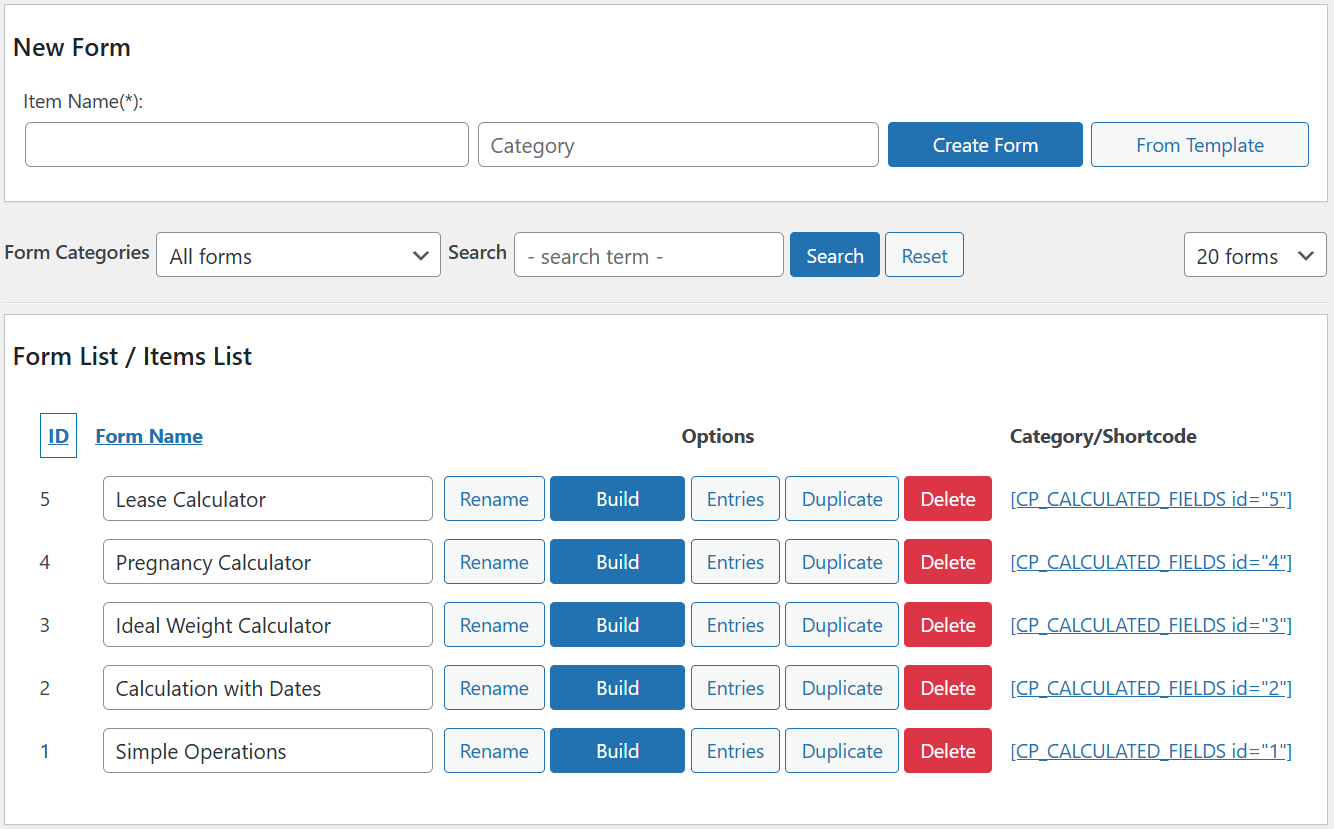
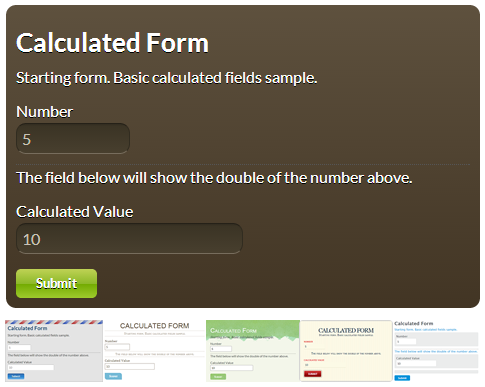
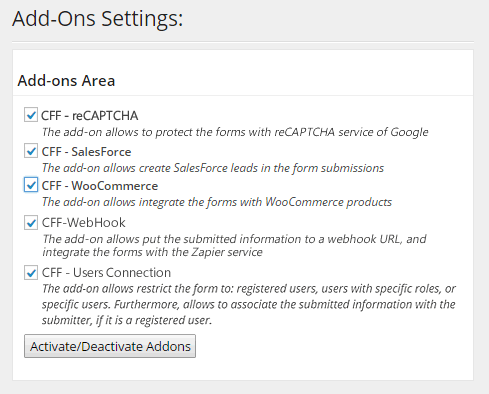
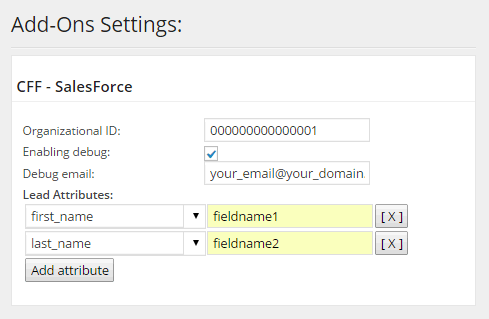
The Calculated Fields Form plugin allows you to create custom forms with a wide range of functionalities. You can perform financial calculations, handle bookings, dynamically calculate product prices, perform math and text operations, handle date operations, compute distances, generate charts, integrate with third-party services, and more. The plugin is easy to use and offers a visual form builder with a variety of controls, and it is compatible with popular page builders. There are also advanced features available in the commercial versions of the plugin, such as storing form data, sending confirmation emails, integrating with payment gateways, and more.Screenshots
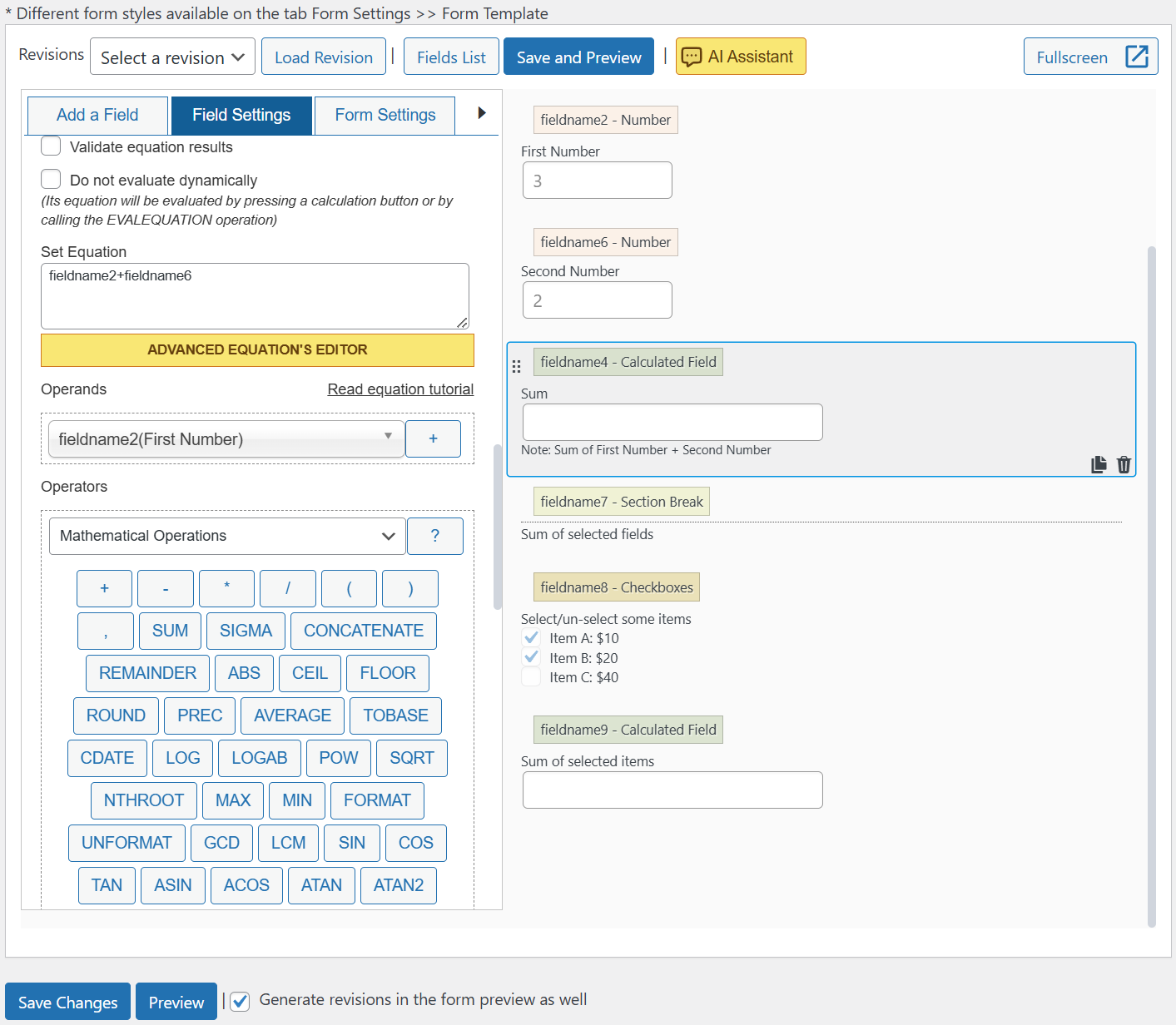
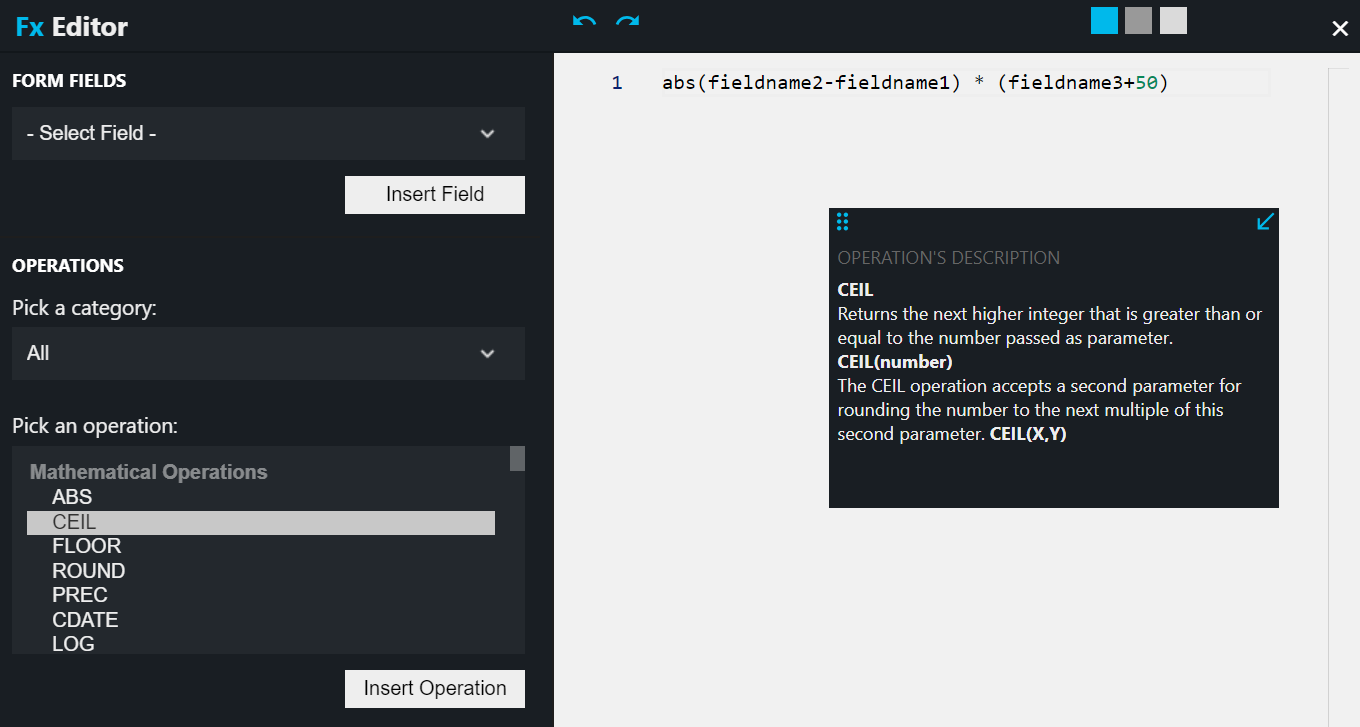
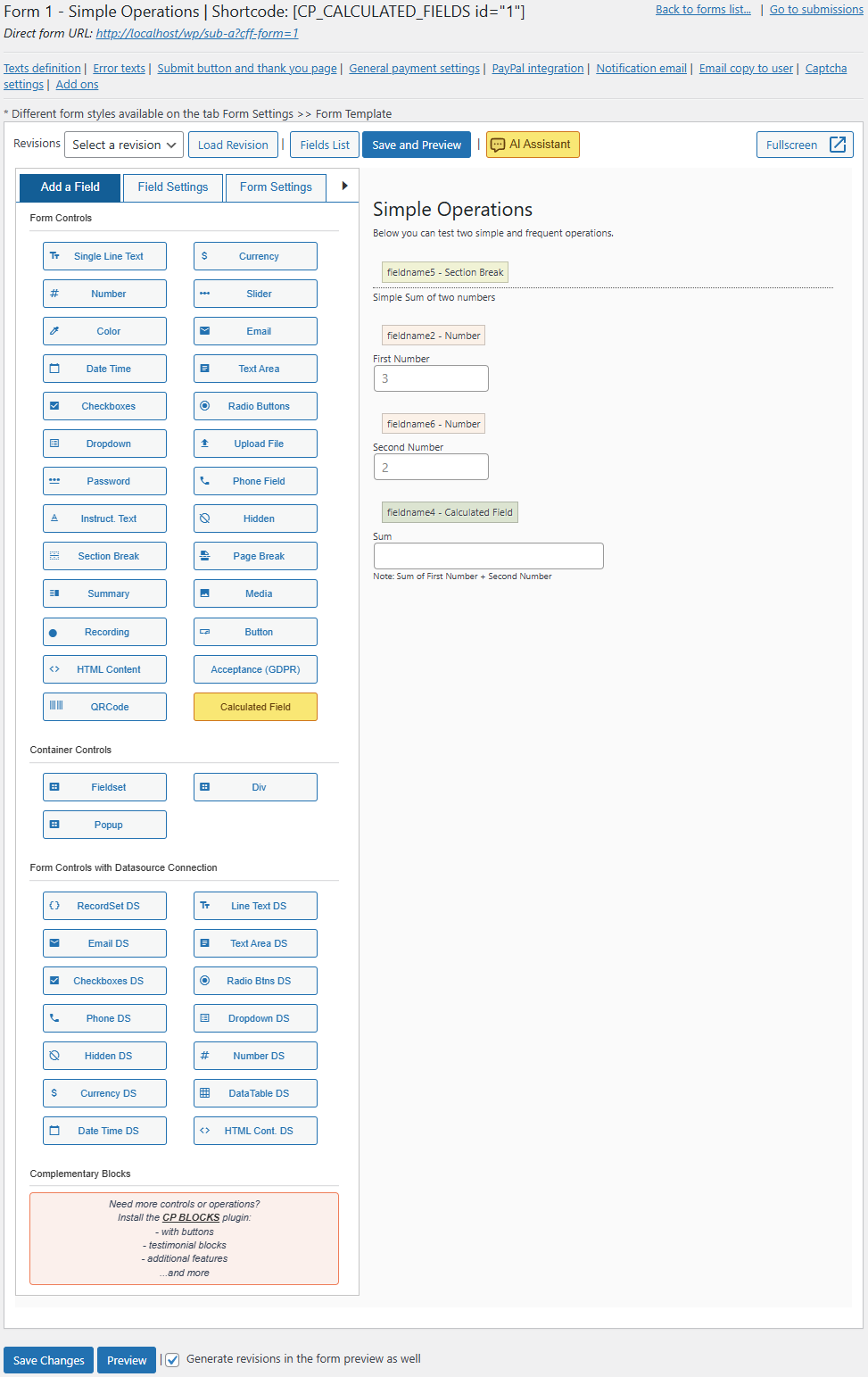
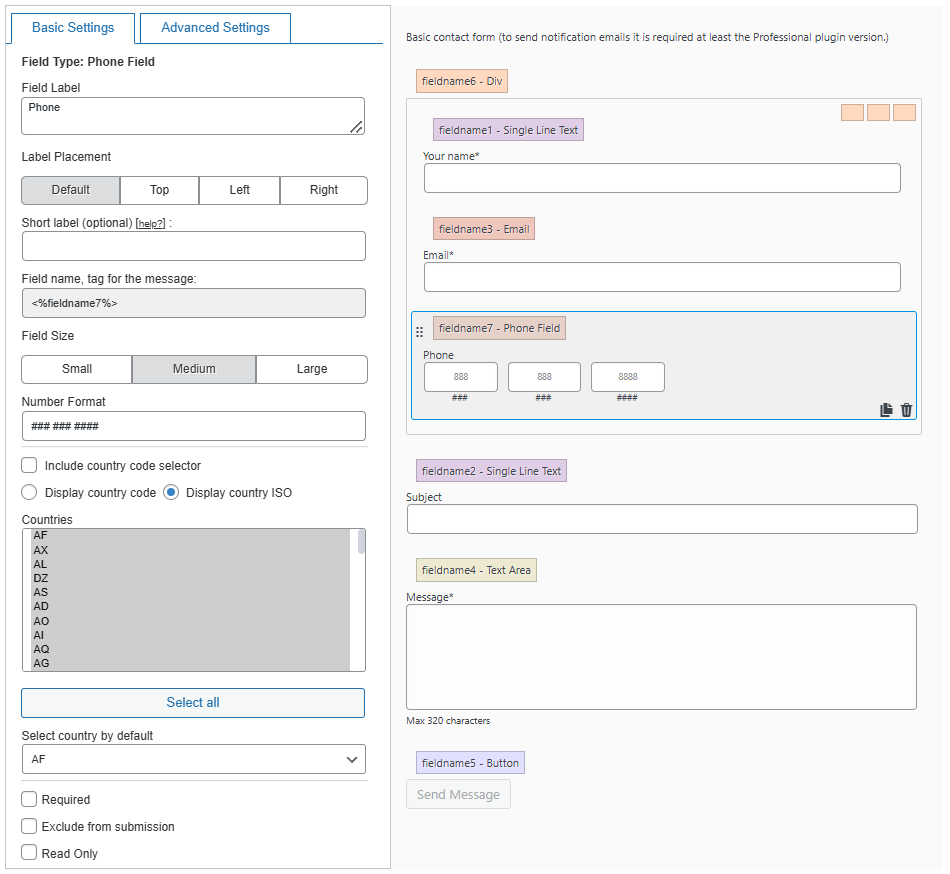


Frequently asked questions
What is the Calculated Fields Form plugin?
The Calculated Fields Form plugin allows you to create web forms with calculated fields, whose values are dynamically calculated based on other fields' values in the web form.
What are some examples of what you can do with the plugin?
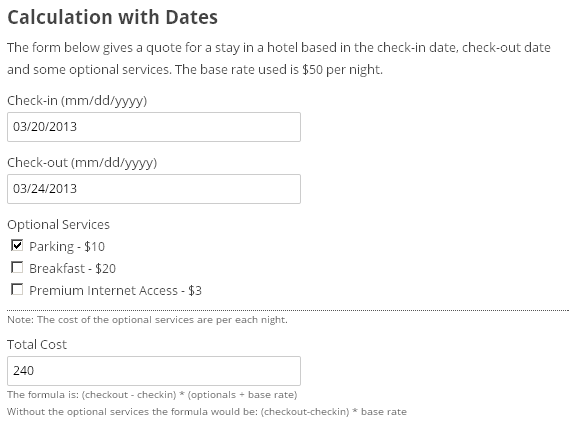
You can create forms with financial calculations, date operations for reservation forms, and calculate product prices. The plugin also includes text operations, distance calculations, and more.
Do you need programming knowledge to use the plugin?
No, with basic knowledge you can create professional forms in just five minutes without hiring a programmer.
What controls are included in the form editor?
The form editor includes controls such as text fields, numeric fields, currency fields, slider controls, email fields, radio buttons, checkboxes, container fields, and page breaks for multipage forms.
Which page builders does the plugin integrate with?
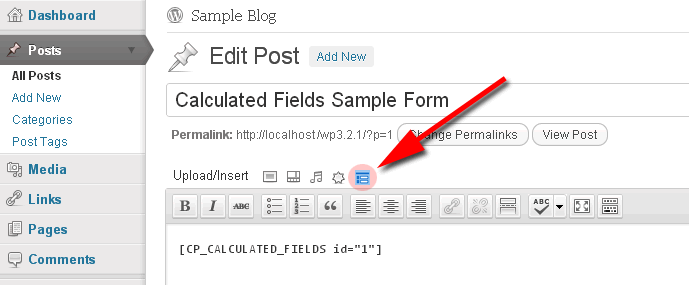
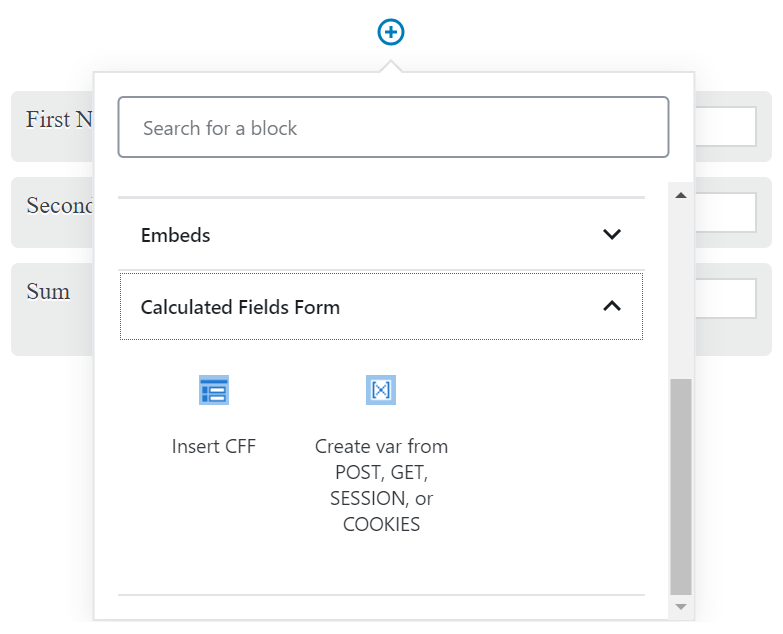
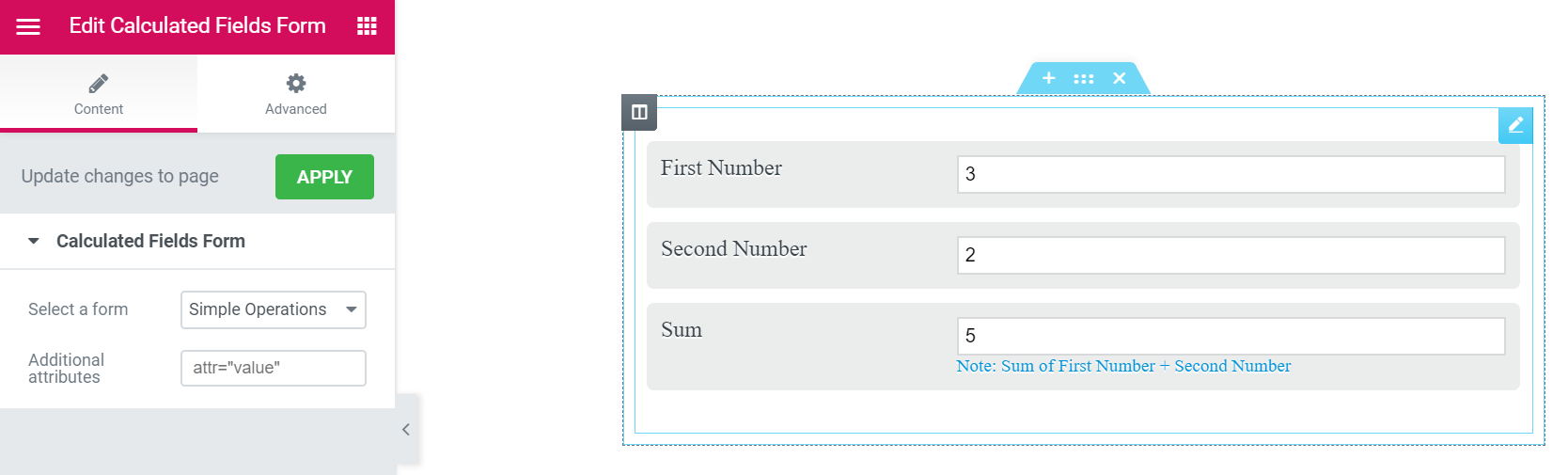
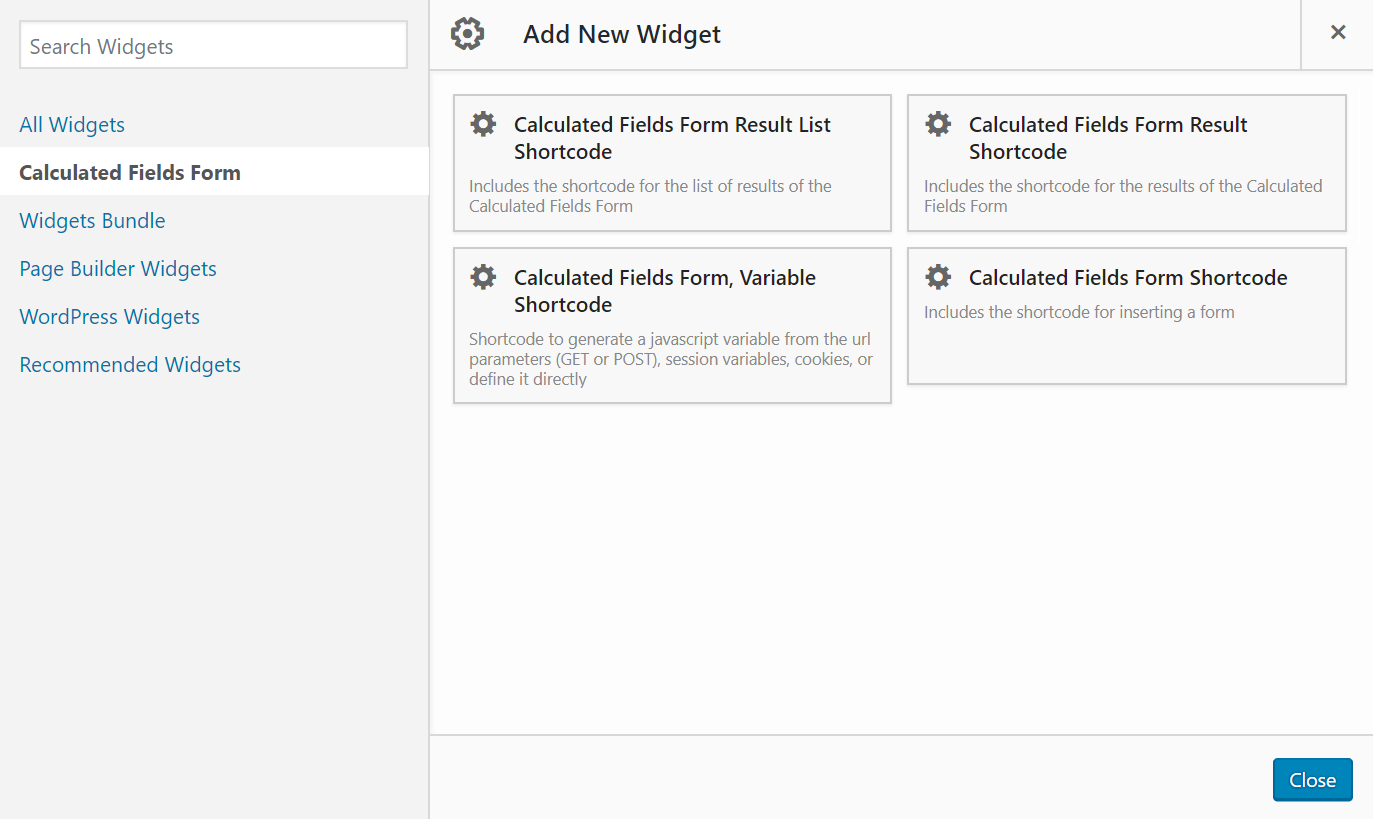
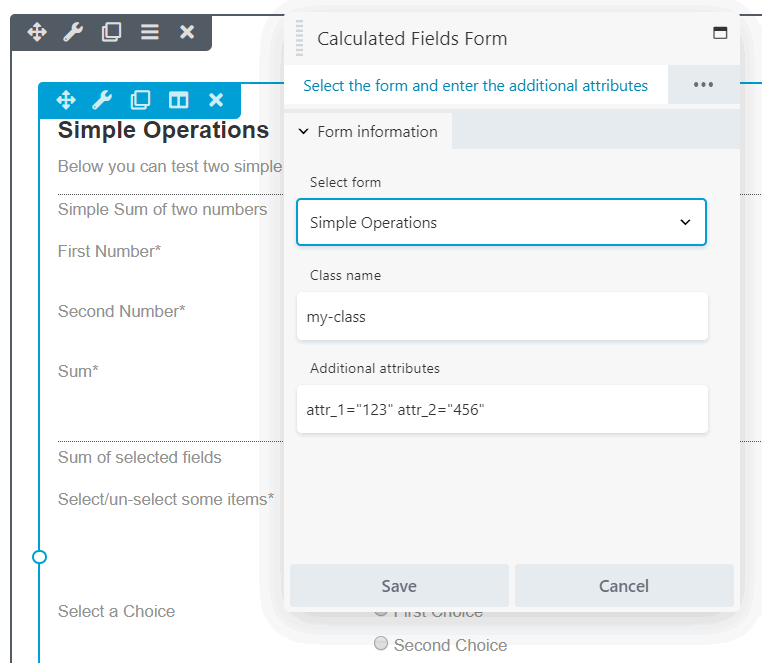
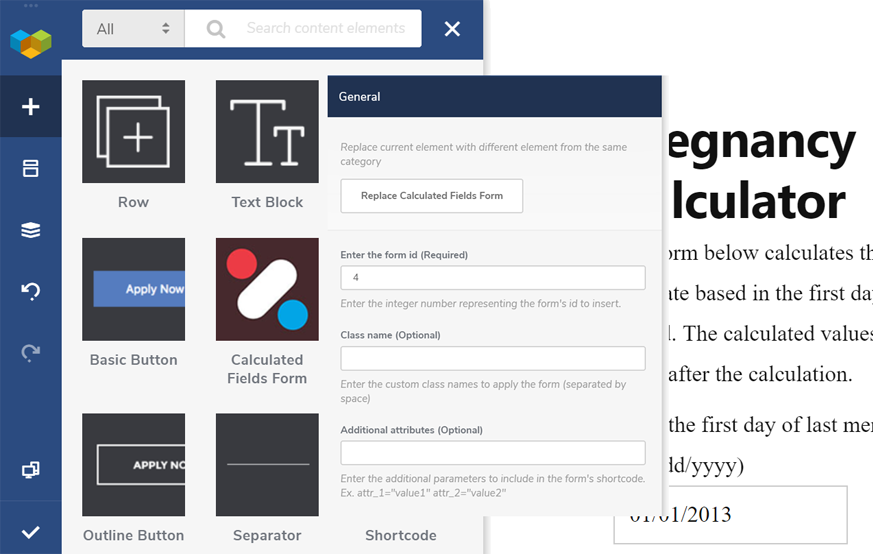
The plugin integrates with Classic WordPress Editor, Gutenberg Editor, Elementor, Page Builder by SiteOrigin, Beaver Builder, WPBakery Page Builder, and DIVI Builder. For other editors, you can insert the form using its shortcode.
Changelog
5.3.27
- Fixes an issue related to the ignorefield CSS class.
- Adds support for reCAPTCHA Enterprise in both the Developer and Platinum plugin versions.
5.3.26
- Enhances Date/Time controls to enable showing/hiding the date-time format in field labels and to customize their design via the fields’ Advanced Settings section.
- Enhances the Summary control to simplify customization of the fields’ row design in generated summaries using the Advanced Settings section.
- Enhances the Fieldset control to allow modification of the styles applied to the fieldset tag through the fields’ Advanced Settings sections.
5.3.25
- Updates the “Troubleshoots Area and General Settings” section, providing website developers with additional control over the form.
5.3.24
- Introduces a new attribute in the media controls to defer image loading until images are visible within the viewport.
- Updates the Text Operations module, implementing the CHARAT, CHARTOCODE, and CODETOCHAR operations.
- Enhances the Mathematics Operations module with improved ISFRACTION and SIMPLIFYFRACTION operations.
5.3.23
- Includes new predefined forms.
- Enhances the WooCommerce add-on by addressing a minor multipage form issue (Developer and Platinum versions).
- Overhauls the CSV Generator add-on for the Platinum version, reducing memory usage by 50%.
5.3.22
- Resolves an issue with date format validation on the server side.
- Adjusts the appearance of date/time fields by applying a minimum width to the date component.
- Enhances user experience in the form builder and streamlines access to various sections.
- Associates an icon with the plugin menu option in the WordPress sidebar for easier identification.
- Improves the layout of columns for better organization and readability.
5.3.21
- Fixes a minor conflict of column1 class styles into container with display:flex.

