

Just another contact form plugin. Simple but flexible.

About Burst Statistics – Privacy-Friendly Analytics for WordPress
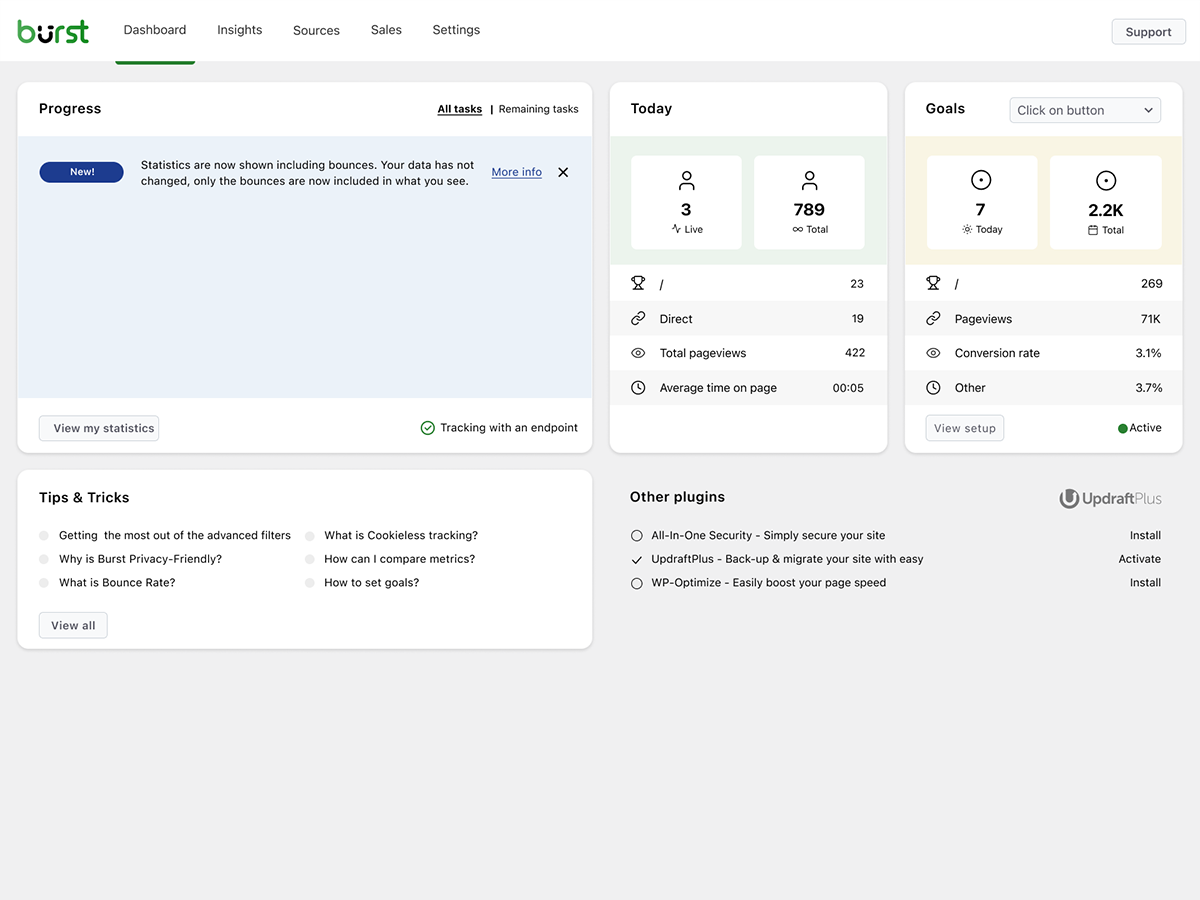
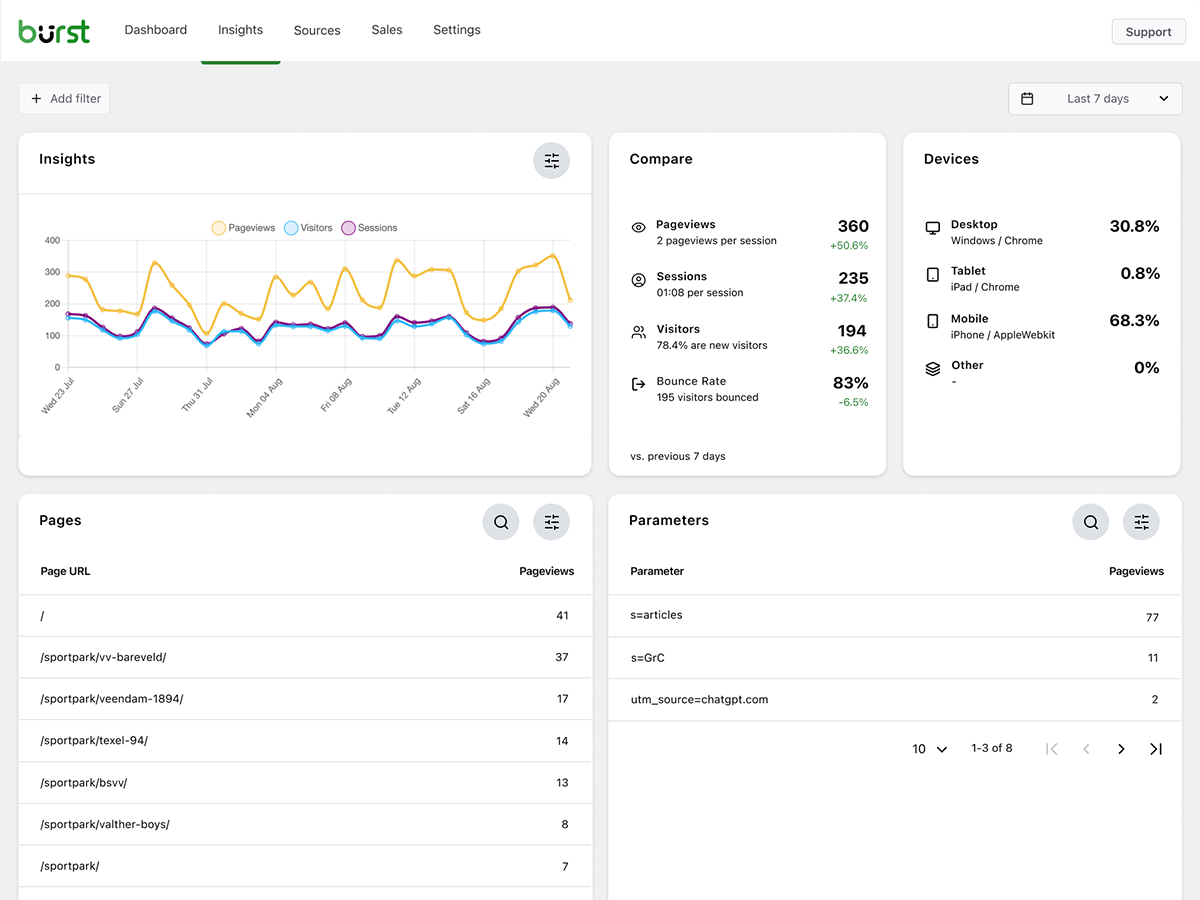
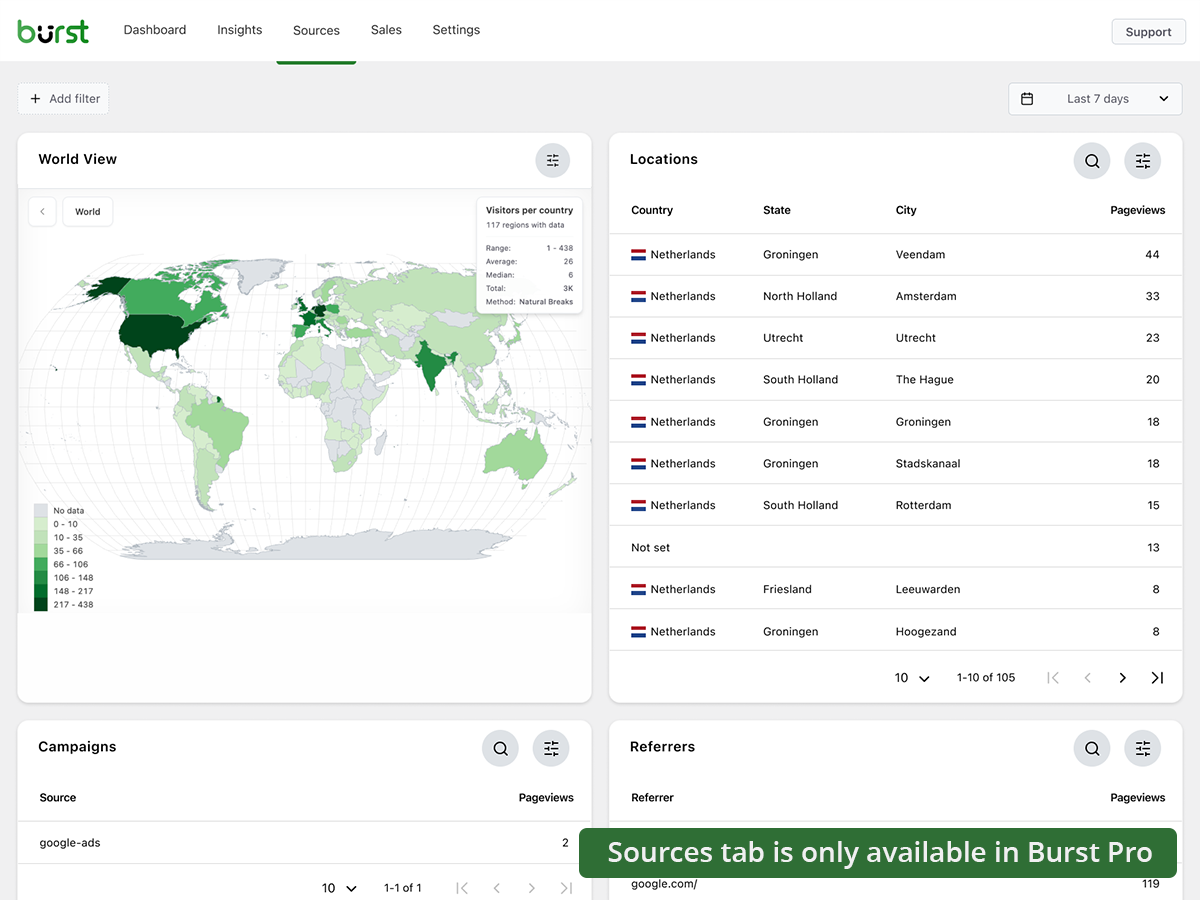
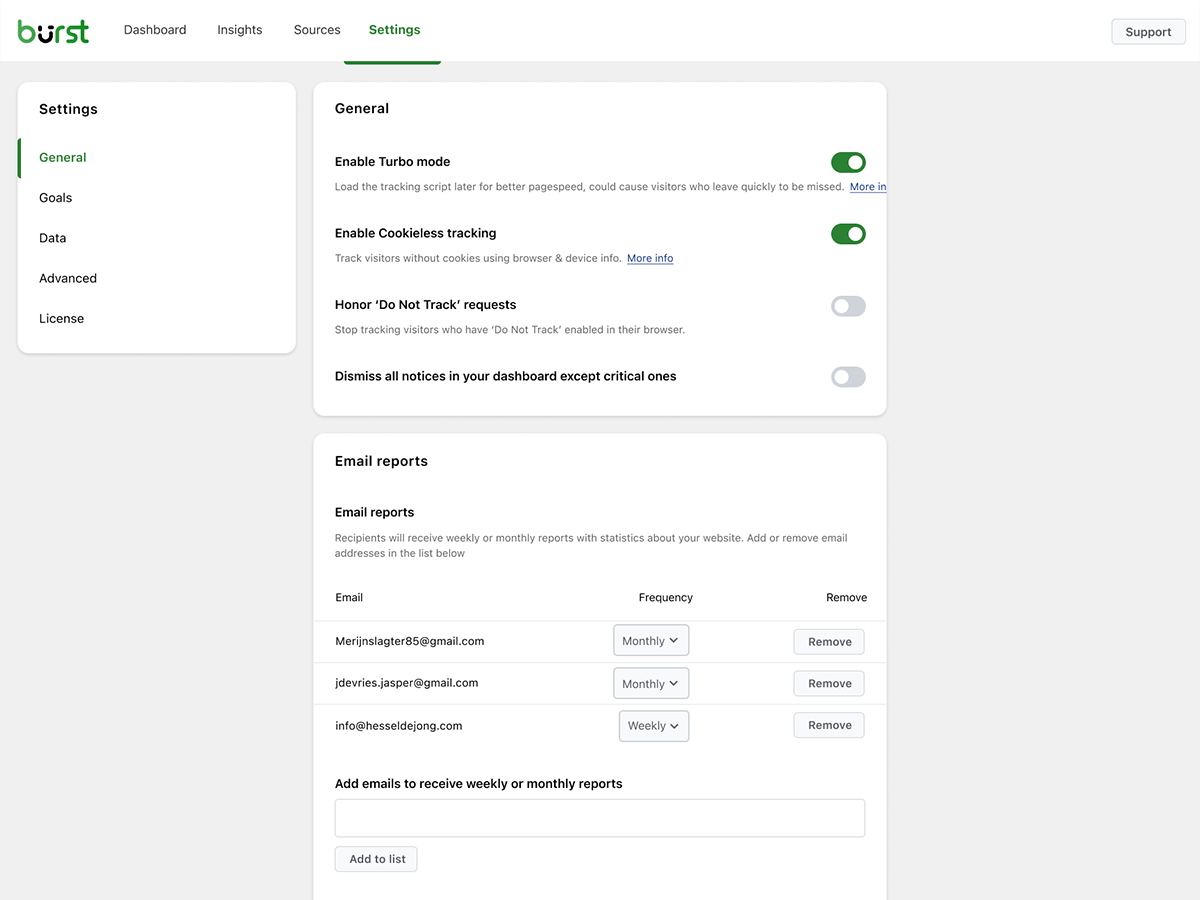
Burst Statistics is a privacy-friendly WordPress plugin that provides clear and concise analytics for your website. It offers essential metrics, real-time data, and the ability to track custom goals. The plugin is free, easy to install, and does not require an account.Screenshots
Frequently asked questions
What is Burst Statistics?
Burst Statistics is a privacy-friendly analytics plugin that keeps all data on your server. It offers clear and concise insights for informed decision-making.
Is Burst Statistics free?
Yes, Burst Statistics is a free plugin and does not require an account.
What are the benefits of using Burst Statistics?
Some benefits of using Burst Statistics include privacy-friendly analytics, essential metrics, real-time data, goal tracking, free support, and simplicity.
Who created Burst Statistics?
Burst Statistics was created by experienced developers who also created Really Simple SSL and Complianz. They have a proven track record of providing top-notch, user-friendly solutions.
How can I contribute to improving Burst Statistics?
You can contribute to improving Burst Statistics by sharing your ideas or reporting any issues you encounter. You can contact the team via a support request on the WordPress forums.
Changelog
2.2.9.3
- Fix: some css styling fixed.
2.2.9.2
- Improvement: css change to ensure Burst icon aligned correctly in menu
- Improvement: remove obsolete log line
- Improvement: remove upgrader_process_complete hook to handle upgrades
- Improvement: removed some obsolete files
2.2.9.1
- Improvement: Date range selection option in pages and posts overview screen options.
- Fix: issue in onboarding wizard data storing.
2.2.9
- Fix: move the code directory from /src to /includes, because otherwise javascript files are not scanned for translations by WordPress
2.2.8
- New: improved library for cookieless tracking.
- New: entry/exit pages filter
- Improvement: added fallback database upgrade mechanism in case the normal upgrade didn’t fire.
- Improvement: dismissal of PHP notice.
2.2.7
- New: Detailed live visitors tab
- Improvement: responsiveness on mobile, restored 1280px breakpoint
- Improvement: suspicious data (over 1000 visits from 1 user) is now only detected and the admin notified, not automatically removed.
- Fix: on multisite with Burst network activated, the endpoint incorrectly did not detect Burst as active, which prevents tracking from occuring.
2.2.6.1
- Fix: remove false positive notice about missing tables.
2.2.6
- Improvement: pass post_id to javascript using a data attribute in the body element, to improve accuracy of the page specific pageviews.
- Improvement: dropped usage of the imprecise post_meta pageviews metric entirely.
- Improvement: made it possible to track hook goals with cookieless tracking.
- Improvement: migrated all remaining css to tailwind css.
- Fix: Group by on parameters overview should group by combination of parameter and value.
2.2.5
- Fix: incorrect calculation of bounces and bounce rate.
- Fix: upgrade link on archiving not working.
2.2.4
- New: debug information in Site Health Info.
- New: wildcard filtering on page URL in advanced filters, by adding an asterisk behind your string.
- Improvement: check in endpoint if Burst is still active, for situations where javascript is still active, due to caching, but plugin not active.
- Improvement: catch incorrect data structure on hit, for situations where previous javascript is still active due to caching.
- Improvement: larger selection of Tips & Tricks retrieved from website, showing a variety of different and more up to date articles.
- Improvement: performance optimizations.
- Fix: when statistics table is empty, the summary table upgrade could fail on an empty value for “first visit”, props @programmin.
- Fix: catch edge case where a theme passes a null value to the “the_content” filter (which is incorrect behaviour). props @sllew.
- Fix: incorrect bounce calculation, resulting in too high bounces and bounce rates.
2.2.3
- Improvement: allow ipv6 addresses
- Improvement: prevent false positives on ajax fallback notice
- Improvement: rest optimizer improvements
2.2.2
- New: Extensive range of filter options to easily track what campaigns are delivering your conversions!
- Improvement: Added CORS support to tracking endpoint to allow cross-origin requests via fetch/sendBeacon. props Alex
- Improvement: automatic cleanup of anomalous numbers of visits, when one visitor results in over 1000 page views in 24 hours (customizable with filters).
- Improvement: remove duplicate non necessary json_encode from endpoint
- Improvement: Add logging option to check error responses on the endpoint or rest api, when BURST_DEBUG and WP_DEBUG are set to true.
- Fix: when the weekly statistics report was sent on another day than the default day, date range calculation could retrieve the wrong range. props Pieter
- Fix: Referrer filter not working. props @lekkerbezig
- Fix: allow for alternative WordPress location, e.g. in subfolder ‘wp’.
2.2.1
- Fix: usage of wrong key prevented upgrade from completing
2.2.0
- New: extended range of shortcodes.
- New: goal element preview to check if the selected element exists on the page.
- Improvement: moved all hooks from constructor to init method.
- Improvement: remove bounce=0 conditions on goal filtering
- Fix: Integrations not loading due to path change in 2.0.
- Fix: First time visits counting duplicates for visitors on cookieless tracking when they came back after a month.
- Fix: multisite redirect to network, but should redirect to main site, props @muttleydosomething
2.1.0
- Fix: type mismatch when browser key is not in the user agent data.
- New: Onboarding wizard for new users.
2.0.9
- Fix: incorrect “best device” conversion rate on the goals block.
- Fix: when running tasks validation, summary warning call caused an error, due to wrong call.
- Improvement: allow null value in admin_enqueue_scripts to prevent Visual Composer causing fatal error.
- Improvement: changed plugin_url value to use site_url instead of get_plugin_url() to prevent mixed content.
2.0.8
- Fix: filtering by referrer not working.
- Fix: Dashboard submenu link only working when the Burst settings page was already loaded.
2.0.7
- Fix: in some cases a php warning could be shown on the endpoint.
- Improvement: drop option for administrators to send an email report by adding a query variable.
- Improvement: improved efficiency of burst_find_wordpress_base_path() function.
2.0.6
- Improvement: optimized database upgrade.
- New: rewritten plugin for even better performance
- New: extended range of automated tests to increase reliability

