

Just another contact form plugin. Simple but flexible.

About Branda – White Label WordPress, Custom Login Page Customizer
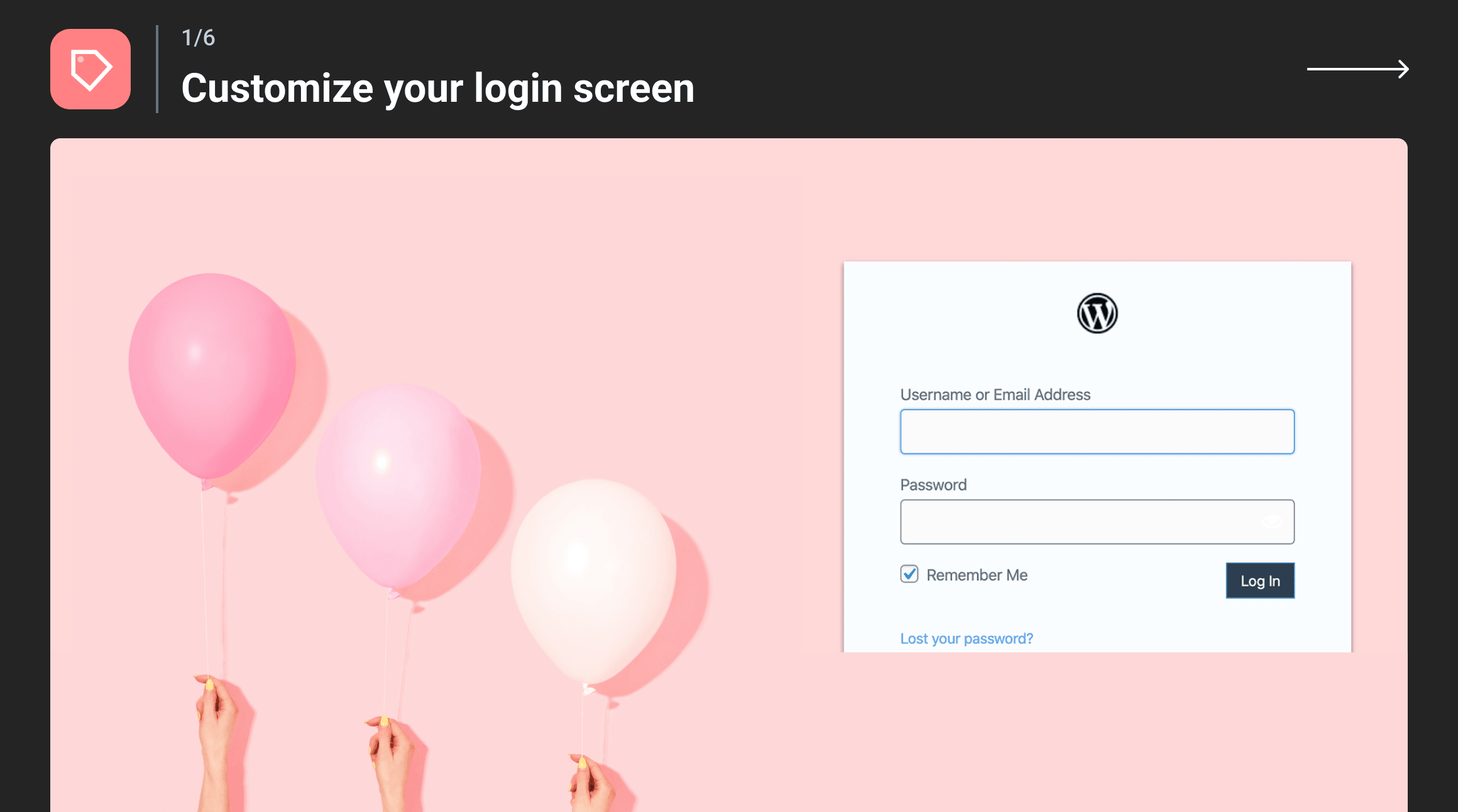
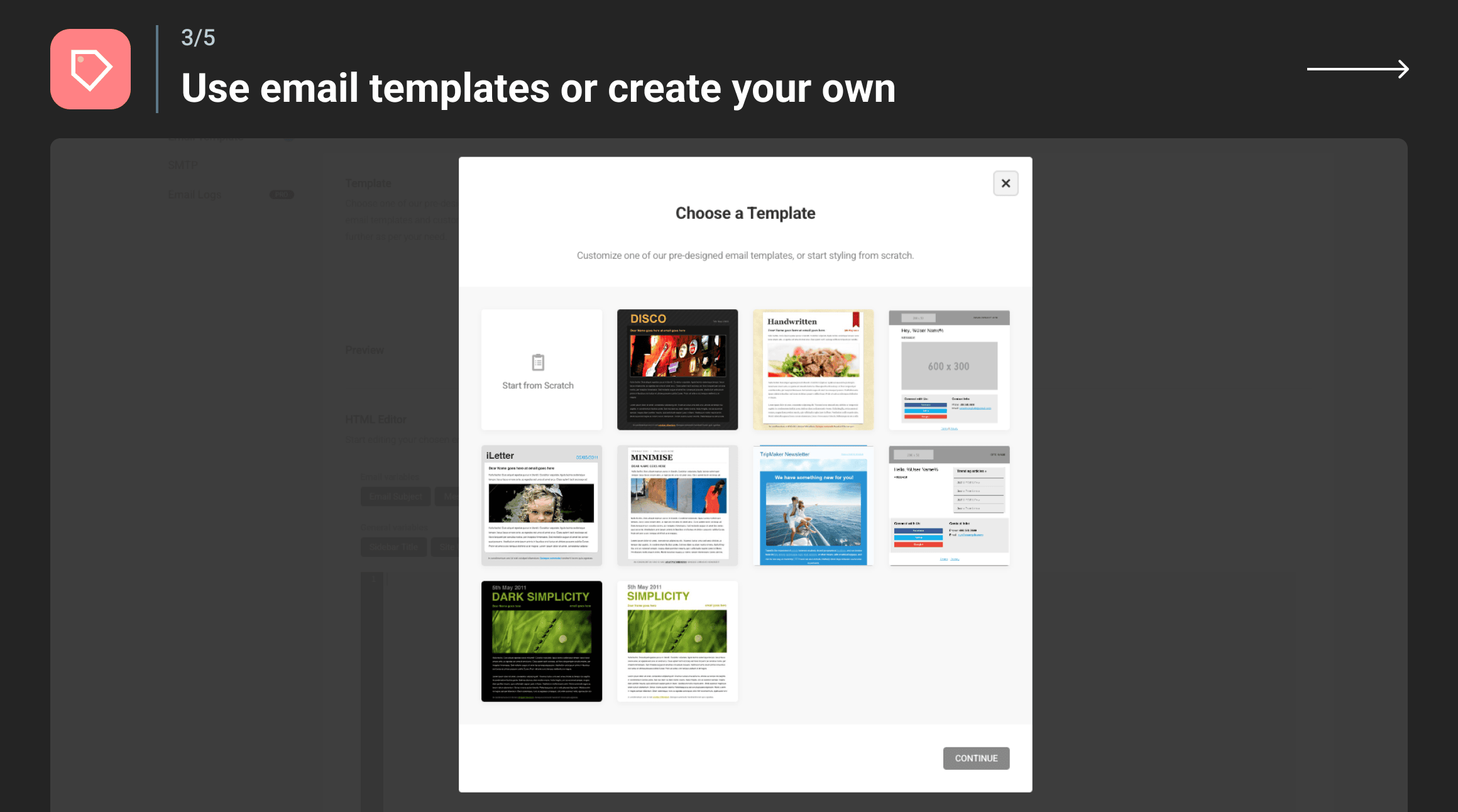
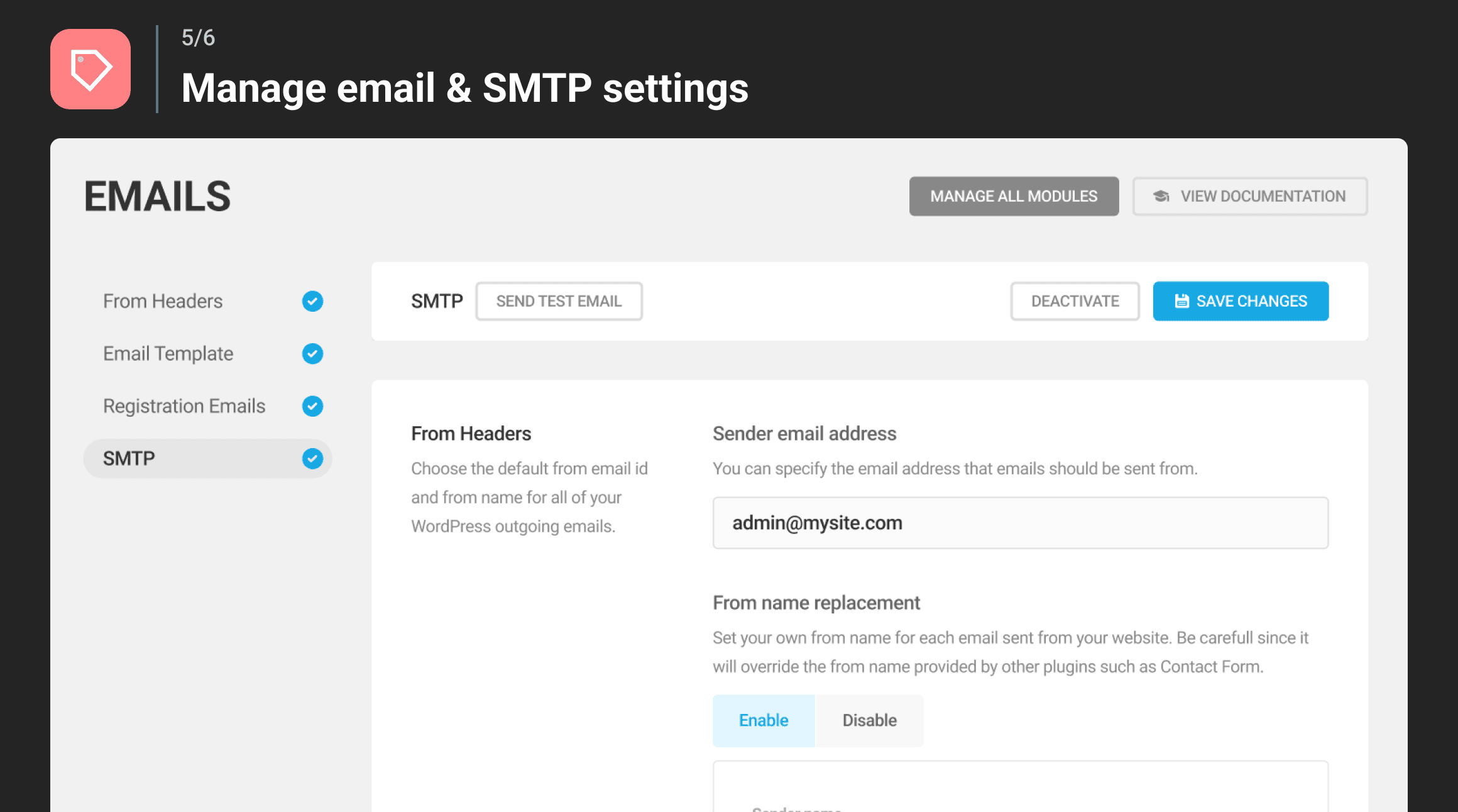
Branda is a premium and 100% free white label plugin for WordPress that allows you to customize every aspect of your website to fit your brand. With Branda, you can transform your dashboard, customize system emails, toggle maintenance mode, change your login screen, and much more. It's the perfect solution for small businesses, design agencies, and professional websites looking to rebrand WordPress without any coding.Screenshots
Frequently asked questions
What is Branda?
Branda is a premium and 100% free white label plugin for WordPress that allows you to customize every aspect of WordPress to fit your brand. It helps you rebrand WordPress without touching any code.
What features does Branda offer?
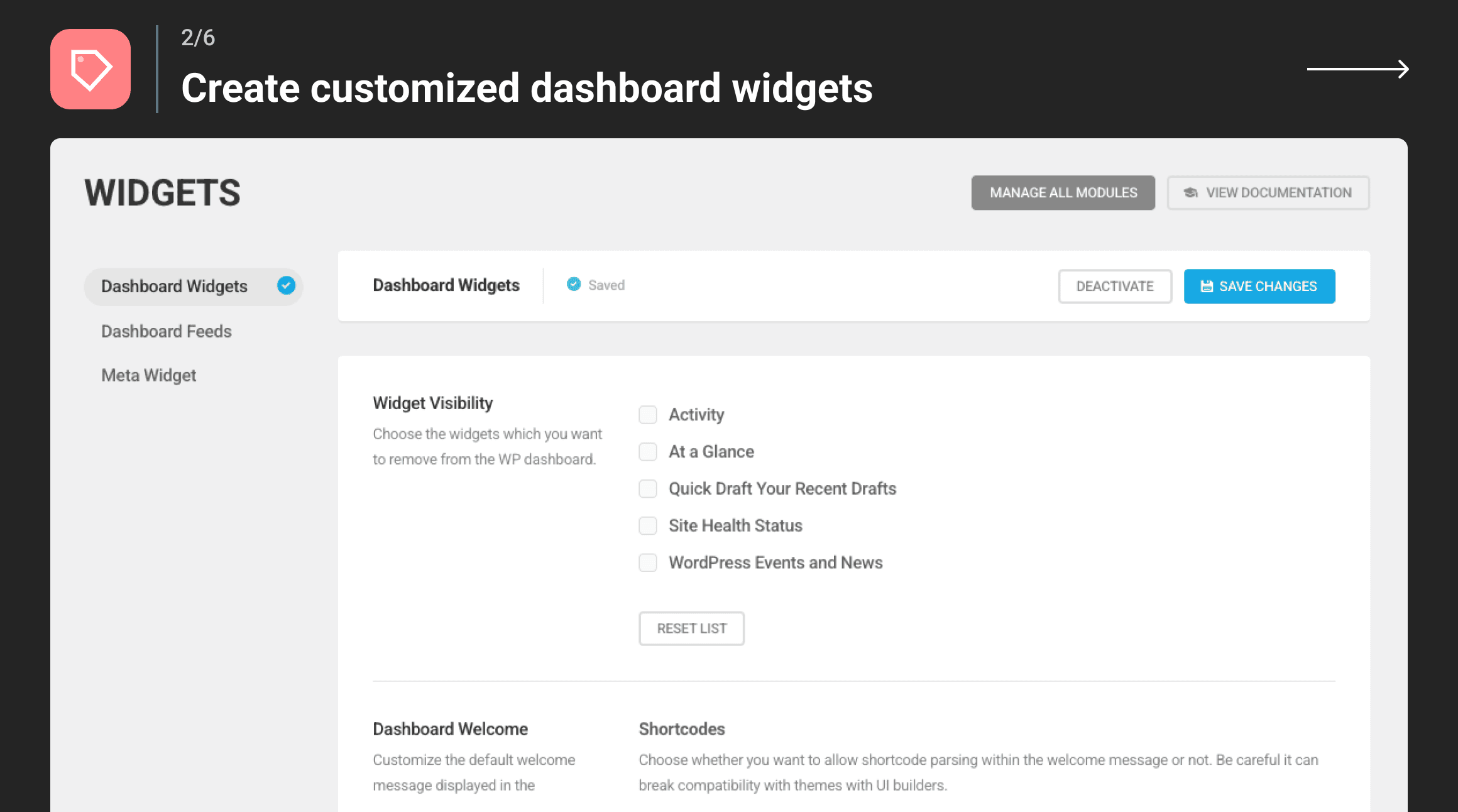
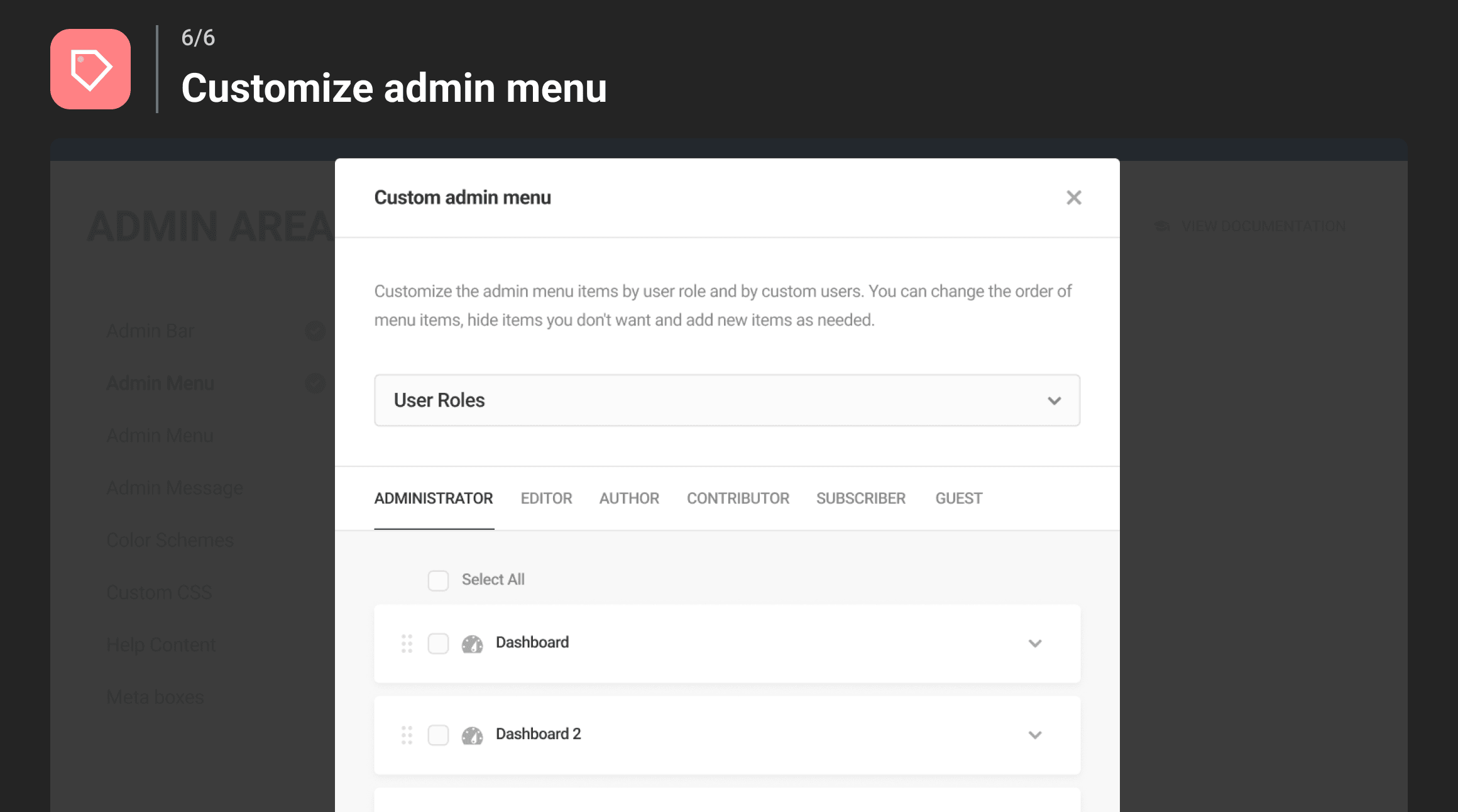
Branda offers a wide range of features including customizing the admin area, dashboard, system emails, login screen, logos, color schemes, and more. It also includes modules for widgets, front-end customization, utilities, and analytics tracking codes.
Can Branda be used on multisite networks?
Yes, Branda can be used to white label all the sites across an entire network. It offers Multisite-specific customizations that make it easy to make a network yours from front to back.
Does Branda offer maintenance mode and coming soon pages?
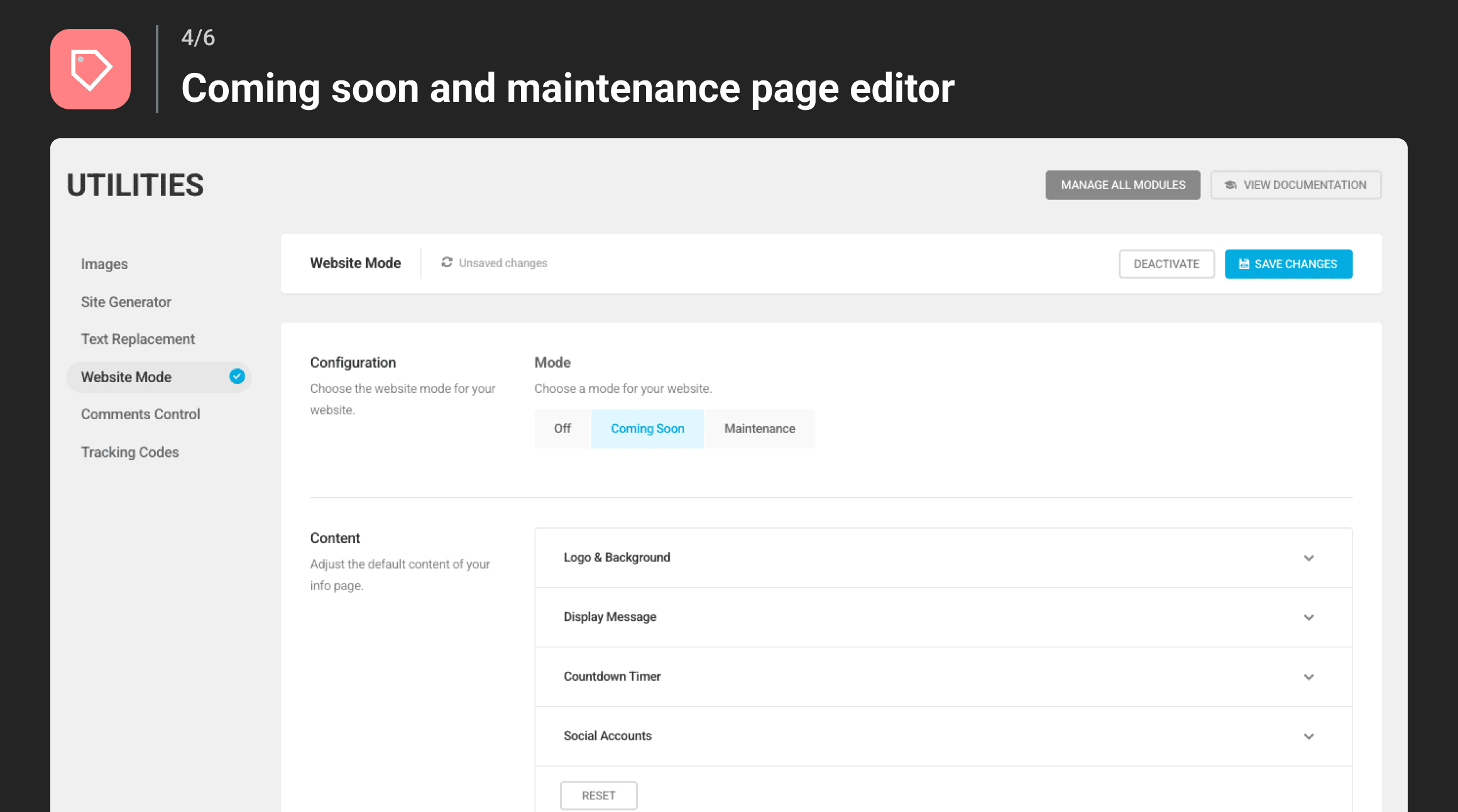
Yes, Branda includes Maintenance Mode & Coming Soon pages that allow you to build your brand and reputation with public-facing landing pages while you work on your website in the background.
Is there a premium version of Branda available?
Yes, there is a premium version called Branda Pro which includes +30 modules, 24/7 live chat support, hosting credits, and the complete pro marketing, performance, and security suite.
Changelog
3.4.23 ( 2024-12-23 )
Fix: Notice for _load_textdomain_just_in_time called incorrectly
Enhance: Improved compatibility between cookie notice behavior and Hummingbird Asset Optimization.
3.4.22 ( 2024-11-19 )
Enhance: Security improvements.
3.4.21 ( 2024-11-11 )
Fix: SVG warnings in Admin bar logos.
Enhance: Security improvements.
3.4.19 ( 2024-07-10 )
Enhance: Security improvements
3.4.18 ( 2024-06-20 )
Enhance: Security improvements
3.4.17 ( 2024-03-12 )
Fix: Branda Color Scheme can no longer be customized
3.4.16 ( 2024-02-27 )
Fix: PHP 8.0 Depreciation Errors
Fix: Summary Box Logo sizing
Fix: Missing placeholder in Link field for site generator
Fix: Security Hardening in Search module
Enhance: Twitter Logo replacement
Enhance: Mascot replacement
3.4.15 ( 2023-12-15 )
Improvement: Security hardening use trusted IP tracking.
3.4.14 ( 2023-12-07 )
Improvement: Security hardening in comments blacklist.
3.4.13 ( 2023-10-09 )
Enhance: Tracking Code scripts for users with unfiltered_html caps
Enhance: Input options with a small list of Tracking Providers for users without unfiltered_html caps
Fix: Login pages create image duplicates in media library
Fix: Text Replacement not working on plugin’s labels
Fix: SMTP error thrown when the Sender Email is Empty
Fix: From Name replacement doesn’t support single or double quotes
Fix: View Documentation button not redirected to email section
Fix: Minor issue on Bulk activation of modules
Fix: Deprecation warnings in Admin Bar and Comments modules
Fix: Various typos
3.4.11 ( 2023-08-03 )
Fix: Special characters causing issues in Text Replacement
3.4.10 ( 2023-07-12 )
Fix: Style tag removed from Admin Footer
Fix: PHP 8 Deprecation warnings
Fix: PHP 8 error message when special char used in Text Replacement
Fix: Utilities Comments reset not working
Fix: Subsites reset will also reset main site
Fix: Subsite favicon can not be added
3.4.9.3 ( 2023-03-15 )
Fix: Login page missing logo and broken button
3.4.9.2 ( 2023-03-15 )
Fix: Wrong file path
3.4.9.1 ( 2023-03-15 )
Fix: Admin CSS not escaped properly
Fix: Text replacement security patch affecting site performance
Enhance: Replace Tracking code with Measurement id
3.4.9 ( 2023-03-02 )
Enhance: Security improvements
3.4.8.1 ( 2022-11-18 )
Enhance: Minor performance improvements
3.4.8 ( 2022-08-08 )
Fix: PHP 8 warnings and errors
3.4.7 ( 2022-03-22 )
- Fix: Login page alignment issue
3.4.6 ( 2022-02-02 )
- Fix: Whitelabel logo repeated on Branda pages
- Fix: Problem during upgrade to pro version
- Improvement: New Branda icon
3.4.5.1 ( 2021-11-04 )
- Improvement: Performance improvements
3.4.5 ( 2021-04-28 )
- Fix: Remove option to send emails on DB errors as it has potential to send excessive emails
3.4.4 ( 2021-03-29 )
- Fix: Compatibility with WP 5.7 and PHP 8
3.4.3 ( 2021-01-14 )
- Fix: New items can’t be added in menu customizer
3.4.2 ( 2021-01-14 )
- New: Ability to customize Branda menu item
- Fix: Google Tag Manager iframe not supported
- Fix: Adsense ins tag not supported
- Fix: DB Error Page message does not save
- Fix: Email log appearing greyed out on Dashboard
- Fix: Trying to use the scroll bar causing the admin menu dialog to close
- Fix: Branda logo appearing in Email Logs in whitelabel mode
- Fix: Text replacement only works with the last dot removed from the search string
- Fix: Tracking code does not run in certain situations
3.4.1 ( 2020-10-12 )
- Fix: Small fixes and stability improvements
3.4.0 ( 2020-09-29 )
- New: New SMTP Logs module (Pro feature)
- New: Super admin option in the custom admin menu
- New: Compatibility with builders for Admin Bar
- New: Option to remove/change “Proudly powered by WordPress”
- New: Welcome modal with New features details
- New: Change admin menu UI
- New: Link to create or select Privacy page if default doesn’t exist
- New: Improve cookie notice styling
- New: Current Site option as a new item on Custom Menu links for subsites
- Fix: Admin menu customizer not listing all items
- Fix: Not all of the Logo and Background settings can be copied to another module
- Fix: WP 5.4 compatibility issues
- Fix: Widgets -> Feeds don’t save for localized installs
- Fix: Reset settings section affects another section
- Fix: Php notice when resetting settings
- Fix: Maintenance mode slider not scrolling properly
- Fix: Website Mode – multiple background images are causing a bug on UI
- Fix: UI issues on Signup screen
- Fix: Conflict when Login screen/password field is on
- Fix: Login Screen – show/hide password’s icon is not visible
- Fix: Admin Menu – PHP warnings on Multisites
- Fix: Conflict with WP Project Manager
- Fix: DB Error Page -> Behavior -> Send alert email doesn’t enable
- Fix: Footer Content – Forminator user login and registration shortcodes don’t parse
- Fix: Media in the Admin Message doesn’t accept some alignment options
- Fix: Unable to copy settings
- Fix: Console error on the Handwritten template preview
- Fix: The Disco template image breaks the email
- Fix: Default admin footer is missing after enabling Admin Footer module
- Fix: Text Widgets order reverts back after saving
- Fix: Cookie Notice alignment issue
- Fix: Branda -> Website Mode causing API issues for subsites
- Fix: Password Reset email styling
- Fix: Admin menu icons don’t change on subsites
- Fix: Adsense code doesn’t fully save into Tracking code
- Fix: Email Headers functionality not working properly
- Fix: Bug with Admin Tips network options
- Fix: Maintenance – Wrong place for wp_head
- Fix: Copy changes and typo fixes
3.3.2 ( 2020-08-14 )
- Fix: WP 5.5 compatibility issues
3.3.1 ( 2020-03-17 )
- New: To improve performance, autocomplete in permissions tab disabled on large networks
- New: Added useful links to the Branda row in the WordPress plugins table
- New: New dashboard widget and Branda Pro page in free version
- Fix: Email Headers functionality not working properly
- Fix: Raw Html tags displayed in admin area visual tab under certain conditions
- Fix: PHP warnings in text replacement module
- Fix: Custom users can’t be added via email in plugin permissions
- Fix: Branda conflicting with white label settings of other plugins
- Fix: Admin Menu module messes up Hustle icon in WP menu
- Fix: Fixed misspellings of the phrase “white label”
- Fix: Conflict with Easy Digital Downloads
- Fix: Branda Tracking code sometimes not added immediately after the body tag
- Fix: Network settings link shown on main site when Branda is not active for network
- Fix: Custom admin footer text not showing up in WPMU DEV plugins
- Fix: Custom CSS not working for menu
- Fix: Unable to delete Help Item in the Admin Area Module
- Fix: Custom Admin Menu conflicts with WPMU DEV menu item when menu is collapsed
- Fix: Copy changes and typo fixes
- Fix: Login Screen customisations lost when updating Branda
- Fix: Branda Signup Code not working with BuddyPress Registration
3.3 ( 2019-10-29 )
- New: Fully customize the admin menu based on user role
- New: Ability to redirect to external sites after log out
- New: Email subject variable now available in HTML email templates
- New: Slightly changed plugin name and added helpful contextual links on the WP plugins page
- New: Access to Branda settings granted to all admin users
- Fix: Reset button in login screen module doesn’t work as expected
- Fix: Comments Control module not disabling comments in some situations
- Fix: Social accounts tab not showing new items
- Fix: Widgets added on the main site of a Multisite also shown in network-level settings
- Fix: Text Widget adds an extra backslash to links
- Fix: Admin Area option in the admin bar menu takes users to the network admin
- Fix: Conflict with Domain Mapping plugin
- Fix: SMTP configuration notice hides header buttons
- Fix: Some elements not visible in high contrast mode
- Fix: Dashboard feeds not included in import
- Fix: New documentation links on admin pages
- Fix: Icons in dashicon selector overflowing their container
- Fix: In Multisite, login screen module showing incorrect password after signup
- Fix: Front End footer module causing Javascript error in some themes
- Fix: Admin bar not visible on main network site
- Fix: Text replacement module leads to issues in some instances
- Fix: Branda interfering with new user creation
- Fix: Minor PHP warnings and notices
- Fix: Minor visual issues and copy changes
3.2.1 ( 2019-09-16 )
- Fix: Non-admin user added to permissions tab in some scenarios
3.2.0 ( 2019-09-02 )
- New: Allow your subsite admins to override network-level settings for selected modules
- New: Control which users and roles can configure Branda
- Fix: Visual problems when settings viewed on small screens
- Fix: Admin bar logo not appearing on network subsites
- Fix: Security check error when reverting settings to default
- Fix: Hid documentation links through the white label settings
- Fix: Problems in saving color scheme settings
- Fix: Empty admin messages appearing in the admin area
- Fix: Admin Bar CSS styles not working
- Fix: Styling of User Role select breaking when multiple sign-up codes added
- Fix: Text Replacement settings not being applied after import
- Fix: Comments control module showing post types that don’t support comments
- Fix: Spaces accepted as valid values in dashboard feed settings
- Fix: Minor PHP notice in the login screen module
- Fix: Image Size Limit not working in certain situations
- Fix: Added missing validation to the count field in dashboard feeds module
- Fix: Minor PHP notice in dashboard feeds module
- Fix: Special characters unnecessarily encoded in the text replacement module
- Fix: Only show documentation links for available modules on network subsites
- Fix: Preview does not always work on the site status page
- Fix: Text replacement does not work for some admin menu items
- Fix: Admin bar hidden on frontend even when configured to be visible
- Fix: Sign-up page breaks on multisite installations
- Fix: Embed media player not working for Admin footer and Admin message
- Fix: Clicking save settings button triggers ‘unsaved changes’ warning
- Fix: Site Generator not adding link and version to the page source of the website
- Fix: Blog registration via sign-up code not working as expected
- Fix: Set Author Box border thickness to 0
- Fix: Spaces considered as a valid value in the text replacement module
- Fix: Background vertical positioning not correct in site status pages
- Fix: Dashboard widgets not working in certain situations
- Fix: In login screen settings, uploaded image files not getting validated
- Fix: Horizontal background positions not working for specific modules
- Fix: On multisites improved favicon sub-site settings
- Fix: Incorrect URL in the description of custom menu item URL setting
- Fix: Sign-up form submission successful even when passwords don’t match
- Fix: Long text overflows the email template preview dialog
- Fix: Minor formatting problems in invalid sign-up code error
- Fix: Dashboard widget visibility not always consistent with settings
- Fix: Sidebar not shown correctly when email template previewed
- Fix: Description for the countdown timer settings not clear
- Fix: Unable to change Branda admin menu settings
- Fix: In login screen settings, invalid opacity error does not go away
- Fix: Import not working correctly for logo and background settings in the login module
- Fix: Issues with author box on media attachment pages
- Fix: Improved description of logo width setting in coming soon mode

