

The Elementor Website Builder has it all: drag and drop page builder, pixel perfect design, mobile responsive editing,…
About API KEY for Google Maps
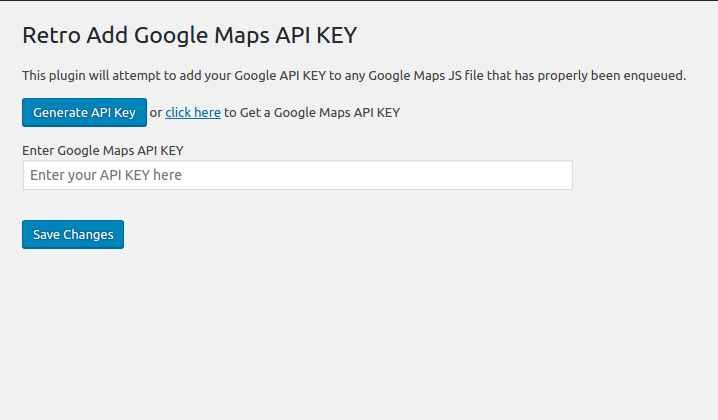
This plugin allows you to easily add a Google Maps API KEY to any WordPress theme or plugin. With a simple activation and entry of your key in the plugin settings, it will add the key to all necessary places on your website. Additionally, the plugin fixes the JavaScript error that occurs when loading the Google Maps API without a callback parameter.Screenshots
Frequently asked questions
How do I add a Google Maps API KEY to a theme or plugin?
Simply activate the plugin, go to Settings>Google API KEY, and enter your key. The plugin will then attempt to add this key to all the places it is needed on the front of your website. Note that this will only work if the Google API has been added as per WordPress standards.
What does the plugin do?
The plugin retroactively adds a Google Maps API KEY to any theme or plugin. Additionally, it fixes the JavaScript Error when loading the Google Maps JavaScript API without a callback.
When was the Google Maps JavaScript API callback parameter requirement implemented?
The Google Maps JavaScript API callback parameter requirement was implemented in January 2023.
Who created the plugin?
The plugin was created by the GeoDirectory team.
Where can I find more information about the GeoDirectory team?
You can find more information about the GeoDirectory team at https://wpgeodirectory.com.
Changelog
1.2.13 – 2024-11-28
- WordPress v6.7 compatibility check – CHANGED
1.2.12 – 2024-08-21
- WordPress v6.6 compatibility check – CHANGED
1.2.11 – 2024-04-11
- WordPress v6.5 compatibility check – CHANGED
1.2.10 – 2023-12-06
- WordPress v6.4 compatibility check – CHANGED
1.2.9 – 2023-08-10
- WordPress v6.3 compatibility – CHANGED
1.2.8 – 2023-03-30
- WordPress v6.2 compatibility – CHANGED
1.2.7 – 2023-02-02
- Add .gitattributes file – ADDED
- Generate Google API Key is no longer working – FIXED
- Loading the Google Maps JavaScript API without a callback is not supported – CHANGED
1.2.3
- Plugin version update – CHANGED
1.2.2
- Compatibility checked with WordPress 6.0 – CHECKED
- Now tries to add api key even if no key param is found – CHANGED
- Now only users with “manage_options” ability can update the API key – SECURITY
1.2.1
- Compatibility checked with WordPress 5.9
1.2.0
- frame api generation broken (by Google iframe restrictions) changed to new window popup – FIXED
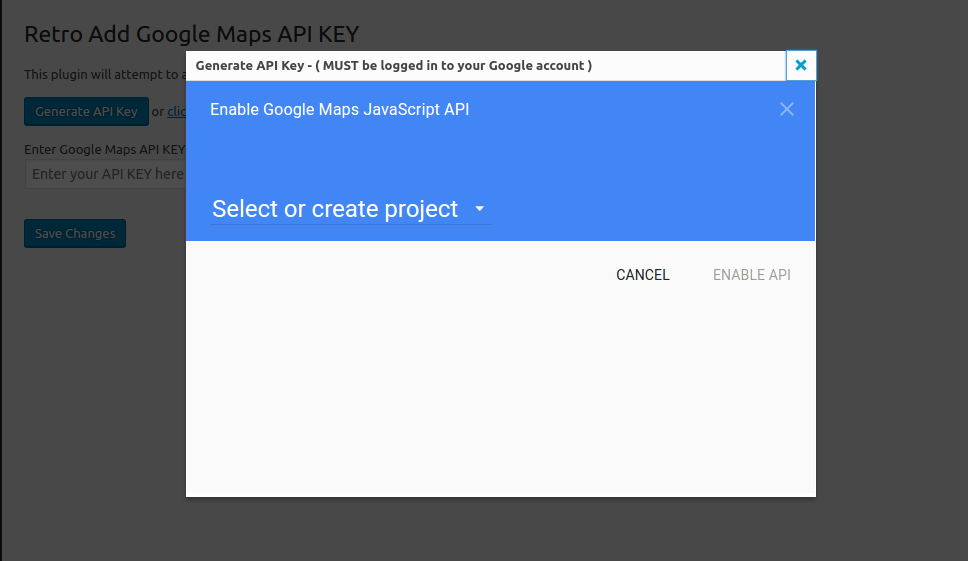
- Updated Generate API KEY button to add access for all APIs – CHANGED
1.1.0
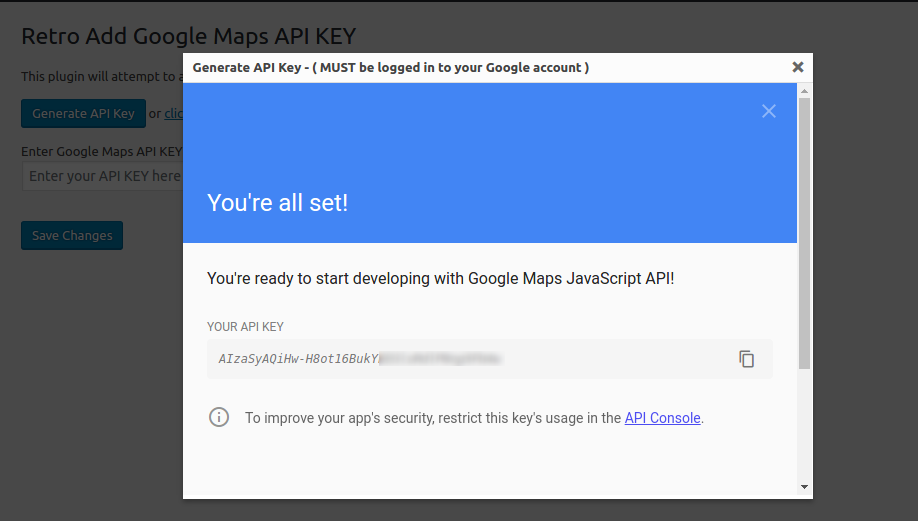
- Added a Generate API KEY button for easier generation of API KEY – ADDED
1.0.0
- Initial release

