

Improve your WordPress SEO: Write better content and have a fully optimized WordPress site using the Yoast SEO…
About Announcer – Sticky Message Banner, Notification Bar – Add to Top, Bottom of your Website
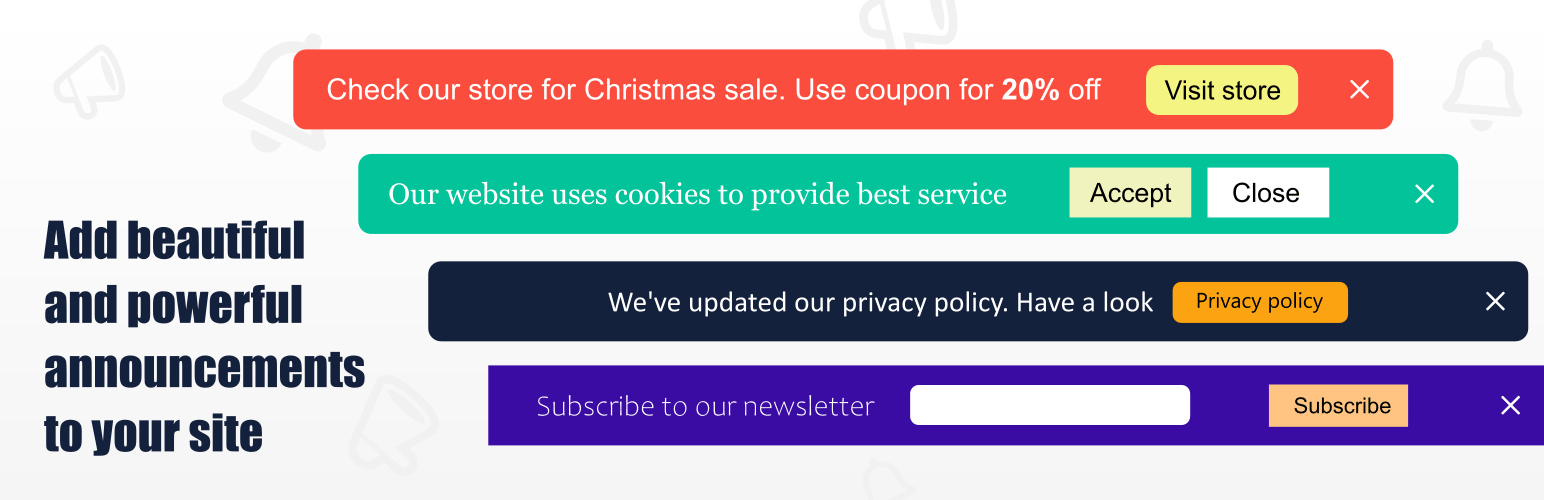
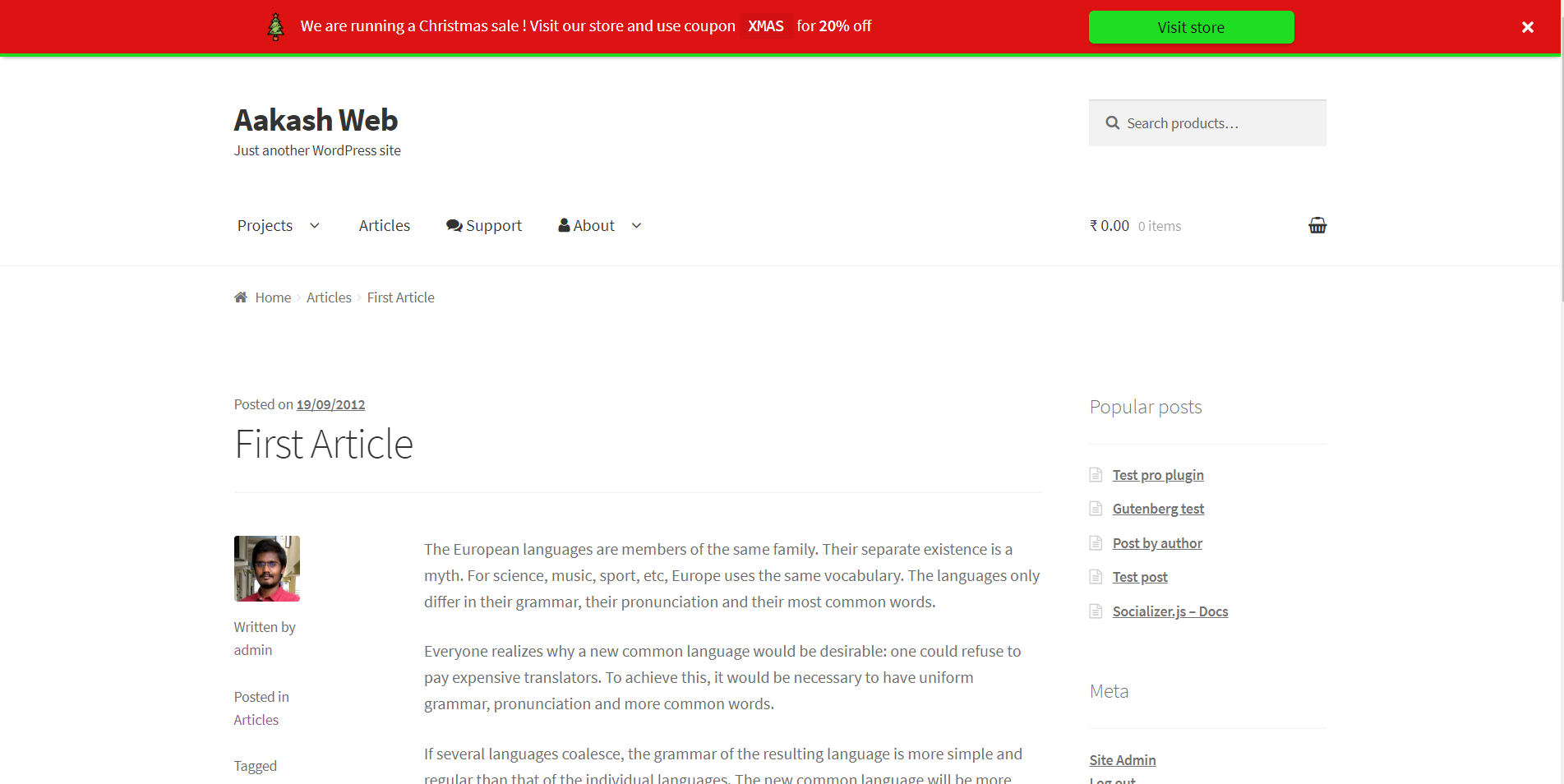
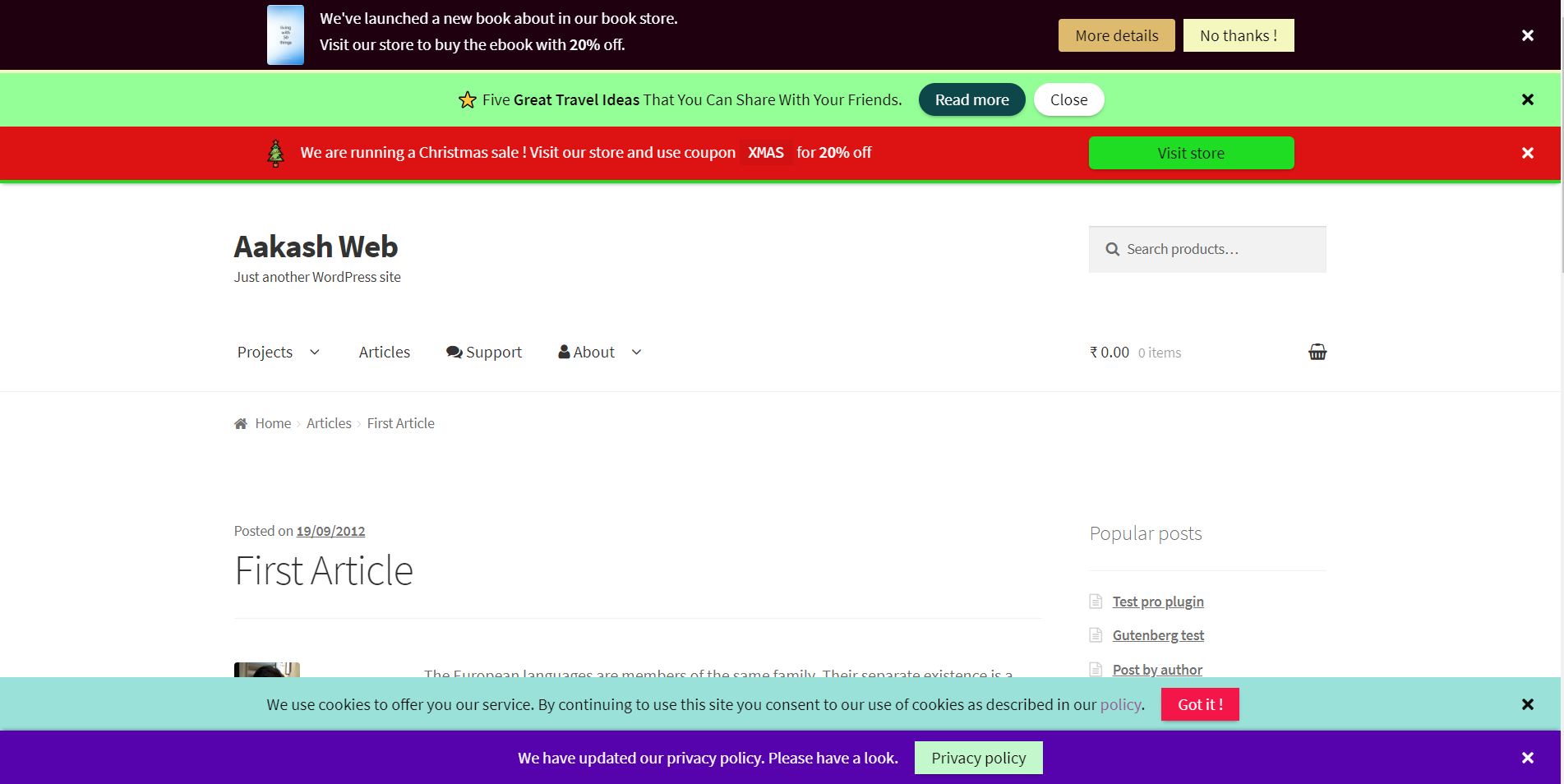
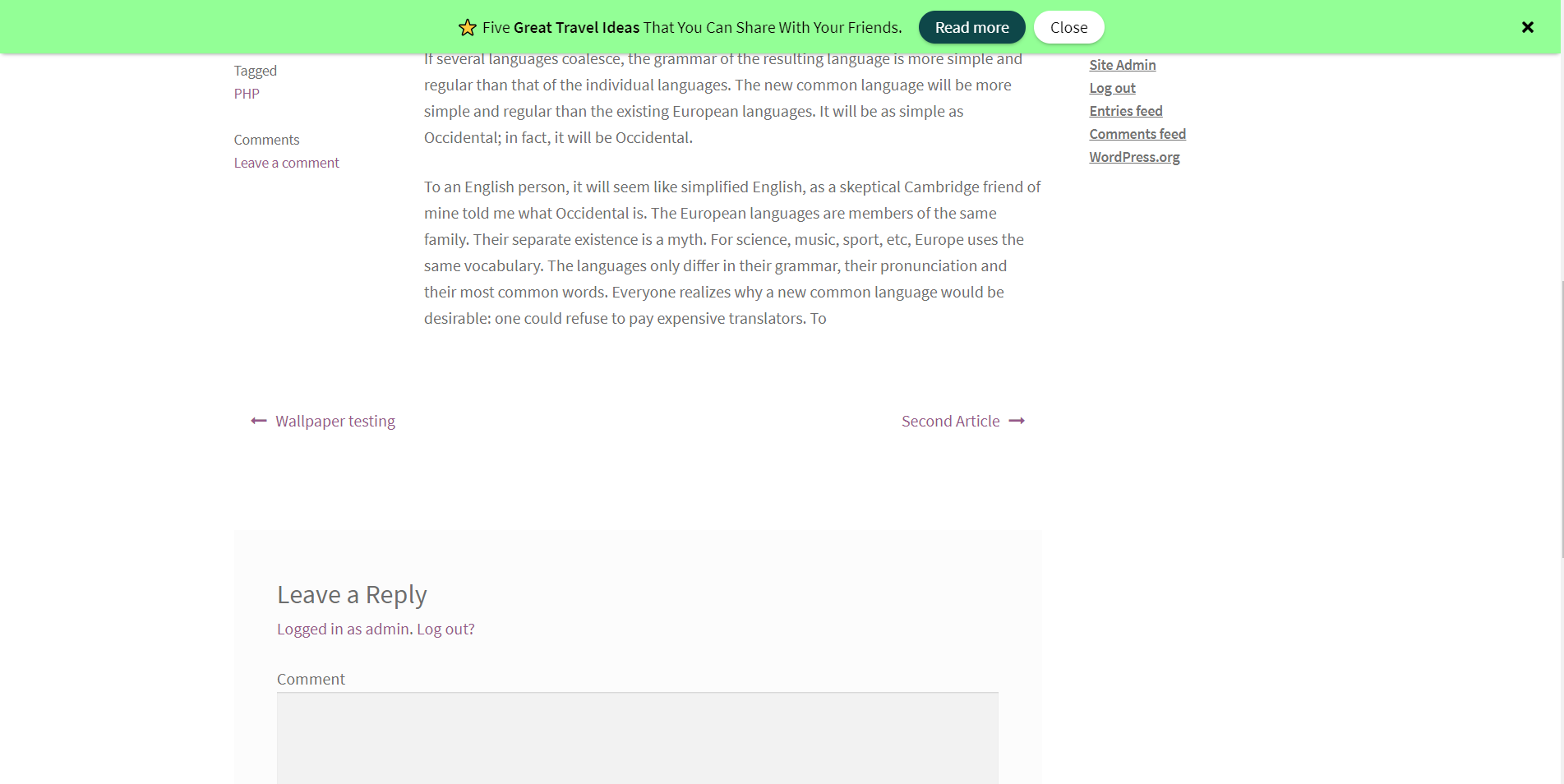
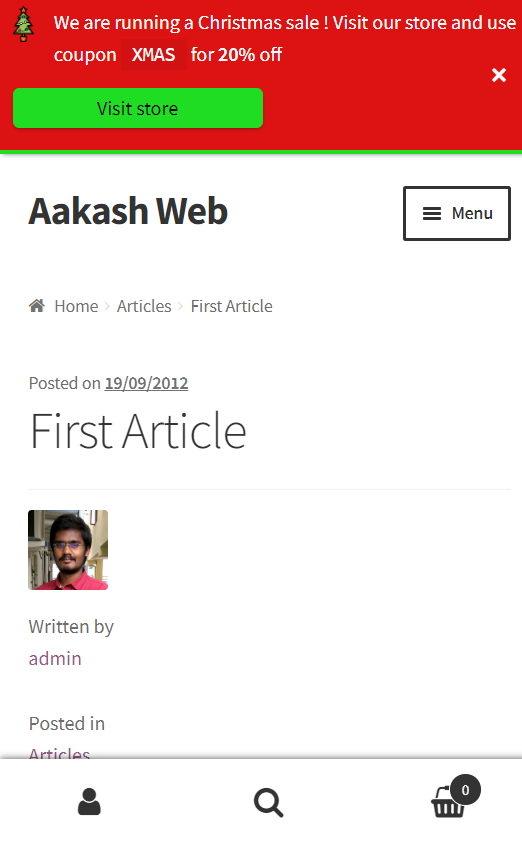
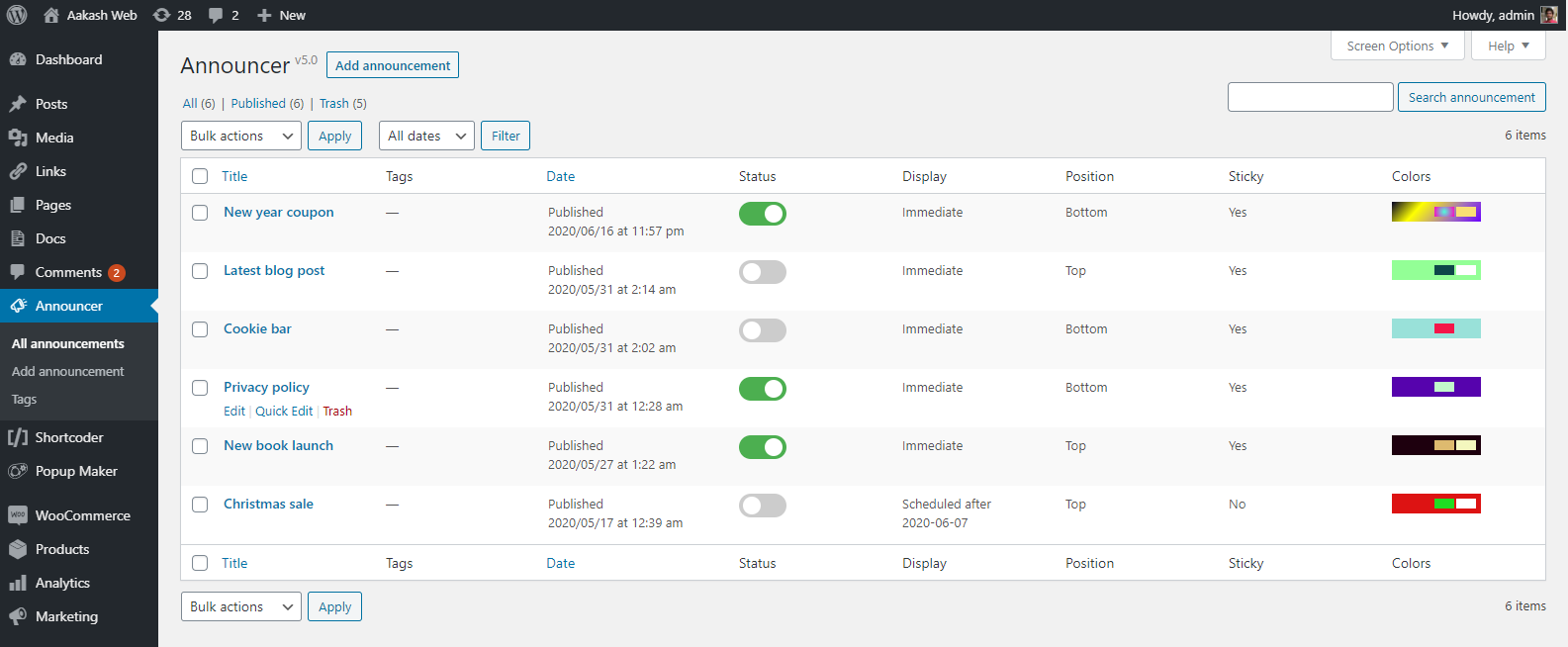
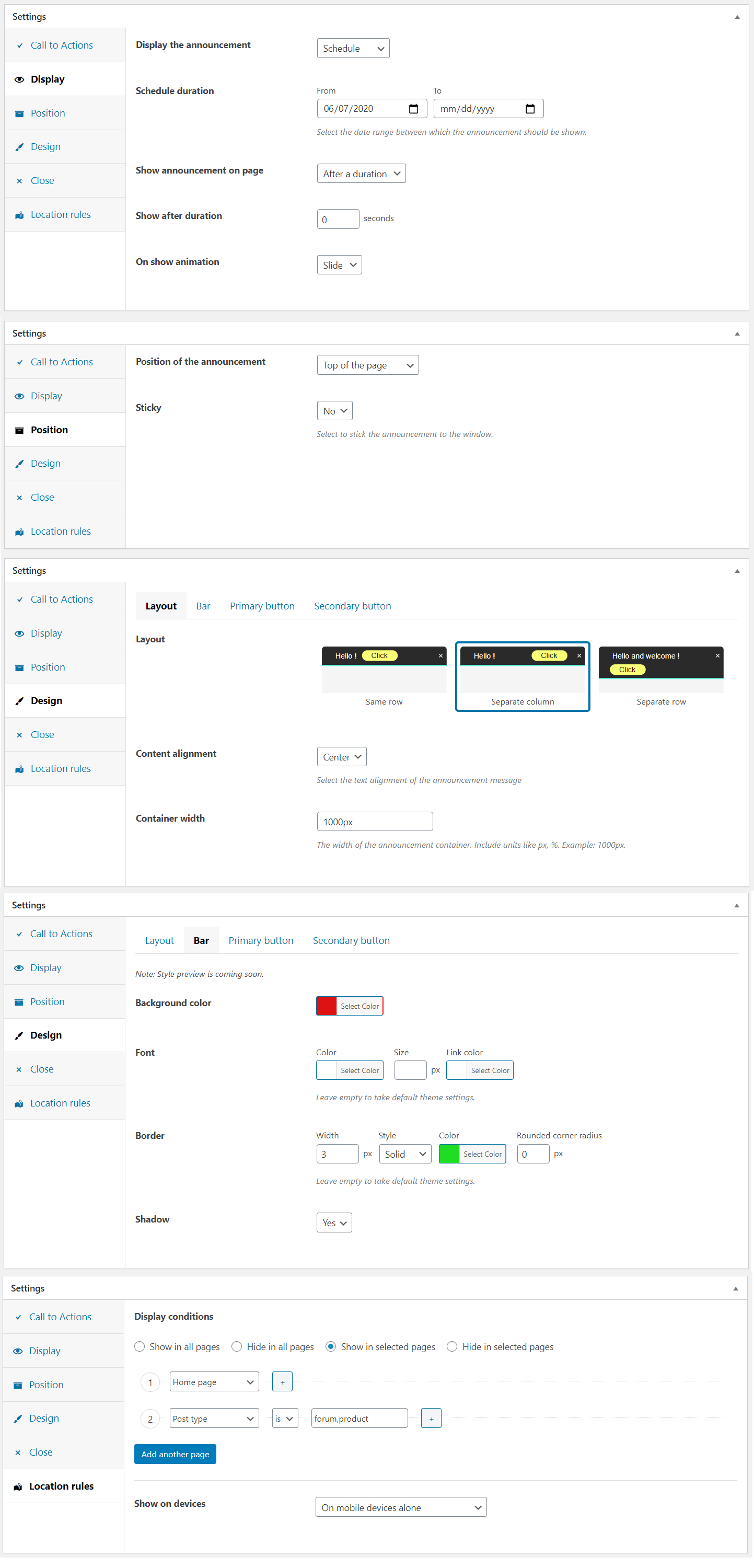
The Announcer plugin allows you to add notification bars to your website for promotions, cookie usage notes, welcome messages, and more. You can customize the bars with call-to-action buttons and schedule them to display at specific times. The PRO version offers additional features like multiple messages with ticker/slider, countdown timers, animations, and visitor targeting.Screenshots
Frequently asked questions
What is the Announcer plugin?
The Announcer plugin allows you to add professional-looking notification bars or message banners to your WordPress website. These can be displayed at the top or bottom of your pages to convey various messages.
What kind of messages can I display with Announcer?
You can display custom messages such as promotions, cookie usage notes, welcome notes, or privacy policy notes. It can also be used to increase user engagement or boost sales and services.
Can I add Call-To-Action buttons to the announcement bar?
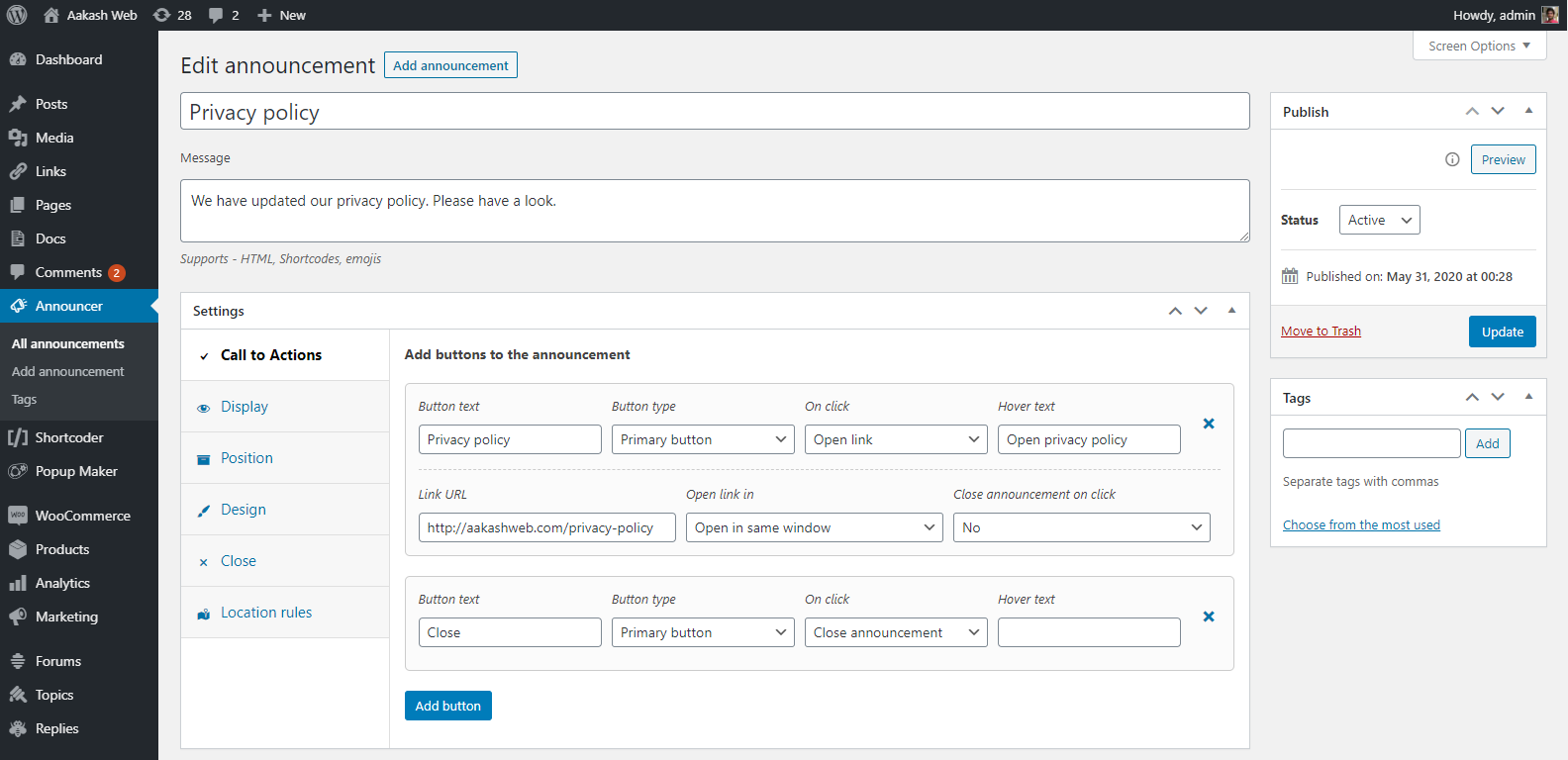
Yes, you can easily add Call-To-Action buttons to the announcement bar. These buttons can be assigned roles like opening a link or closing the announcement itself.
Does Announcer support multiple announcements?
Yes, you can create multiple announcements. The plugin also supports stacking if there are more than one announcement on a single page.
Is the Announcer plugin responsive?
Yes, the Announcer plugin features a responsive-first design, ensuring it works well on smaller and mobile screens.
Changelog
6.1
- New: Slide down effect on the page when announcement is shown.
- Fix: Close button is repositioned to not overlap content.
- Fix: Border radius is incorrectly set on the announcement bar.
- Fix: Adjust button margin on smaller screens.
- Fix: Ticker scroll overflows sometimes.
6.0.1
- Fix: Added permission/role check for ajax operations.
6.0
- New: Location rule to target by WPML language.
- New: Location rule to target search page.
- New: Location rule to select all post statuses.
- Fix: Ticker scroll was abrupt when using images.
- Fix: Background image URL not set correctly.
- Fix: Added nonce to admin ajax call.
5.9
- Fix: Call to Action button supports relative URLs.
- Fix: Misc CSS enhancements to CTA button and message style precedence.
- Fix: Misc admin UI enhancements.
- Fix: New close icon.
- Fix: PHP warnings at some places.
5.8
- New: Horizontal ticker feature.
- Fix: Font size and color of the bar is now strictly applied.
- Fix: Bar padding is adjusted when close button is enabled.
- Fix:
paddingkey not found warning message.
5.7
- New: Visual editor enabled for the announcement message.
- Fix: Padding value not honored.
5.6
- New:
nofollowattribute can be added to buttons.
5.5
- Fix: Enhancements to input and output data sanitization.
5.4
- New: Option to close announcement when a link inside message is clicked.
- Fix: Minor admin UI enhancements.
5.3
- New: Option to set background image for the bar
- Fix: Moved “layout” options to a separate tab in the admin settings.
- Fix: Minor admin UI color enhancements.
5.2
- New: “Custom” display option to open the announcement as needed using JS API.
- New: New option to add extra padding to the announcement bar.
- Fix: Apostrophe not saved when button text is CTA.
- Fix: jQuery exception when trying to add padding when admin bar is shown.
- Fix: Disable autocomplete for the schedule date picker.
- Fix: “Terms of post” criteria was not checking the post type.
- Fix: Minor enhancements to admin settings field.
5.1
- New: Announcement can be scheduled with time.
- New: Timezone can be selected for scheduling the announcement.
- New: A mini editor is included to add HTML to announcement message.
- New: Option to order announcement when they are stacked.
- Fix: Preview not working.
- Fix: Announcement message with slashes was not working in preview.
- Fix: Close icon now has a text on hover.
- Fix: Announcement reopens when display on page scroll is selected.
5.0
- New: Announcement message is switched to a plain text box rather than rich editor to avoid unwanted formatting.
- New: Preview announcements before publishing.
- New: Can enter title/hover text for CTA buttons.
- New: Quick toggle switch to activate/deactivate the announcements.
- New: Custom taxonomies and terms can now be selected in location rules.
- New: Close announcement option upon clicking CTA button.
- Fix: Undefined index
cta_buttonsupon saving the announcement with no buttons. - Fix: Replace PHP constant
__class__to__CLASS__. - Fix: Issue with display on page scroll.
- Fix: Optimized responsiveness for smaller screens.
4.1
- New: Added support to set gradients as background color.
4.0
- New: Plugin is rewritten from scratch with modern design, new interface and features.
- Note: Announcements from v3 will not be automatically migrated. Announcement positions like above loop is not available in this version. Please make a note of the announcements when in v3 and create them in v4.

