

The Elementor Website Builder has it all: drag and drop page builder, pixel perfect design, mobile responsive editing,…

About All-in-One WP Migration
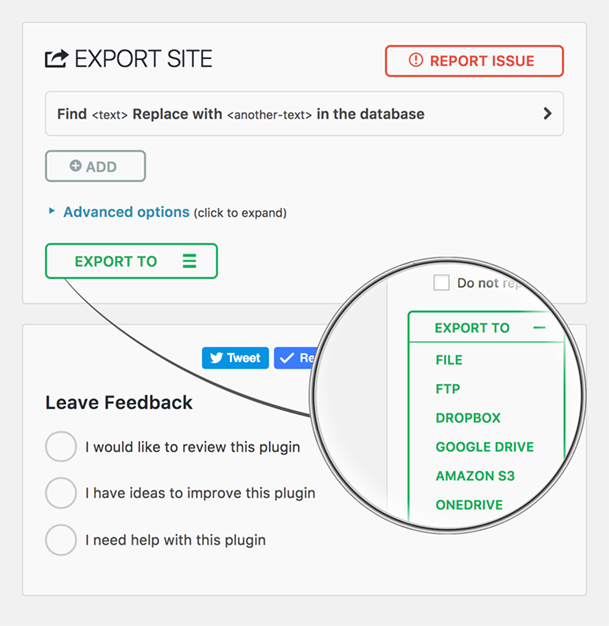
All-in-One WP Migration is a trusted solution for migrating and backing up WordPress sites since 2013, with features like effortless migration, zero downtime, and universal compatibility. The plugin is used by millions of websites, including big corporations like Boeing and NASA, offering technical excellence and security. It is regularly updated, compatible with most plugins and themes, and supports cloud storage services, making it a reliable choice for seamless website migration. The All-in-One WP Migration plugin is a reliable and secure solution for migrating and backing up WordPress sites, trusted by big corporations and government agencies. It offers features like effortless migration, zero downtime, and universal compatibility, making it ideal for users of all skill levels. The plugin is regularly updated, compatible with most plugins and themes, and supports cloud storage services, ensuring a smooth and reliable migration process.Screenshots
Frequently asked questions
What is All-in-One WP Migration?
All-in-One WP Migration is a WordPress plugin designed for moving, transferring, copying, migrating, and backing up a site with one click. It is known for its quick, easy, and reliable functionality.
How many active installations does All-in-One WP Migration have?
The plugin has over 5,000,000 active installations. It has been used by over 60 million websites worldwide since 2013.
What are the key features of All-in-One WP Migration?
Key features include effortless migration of the entire site with a single click, zero downtime during migration, and universal compatibility across all hosting providers. It also offers technical excellence with memory-efficient processing and does not require technical skills.
How does the plugin work?
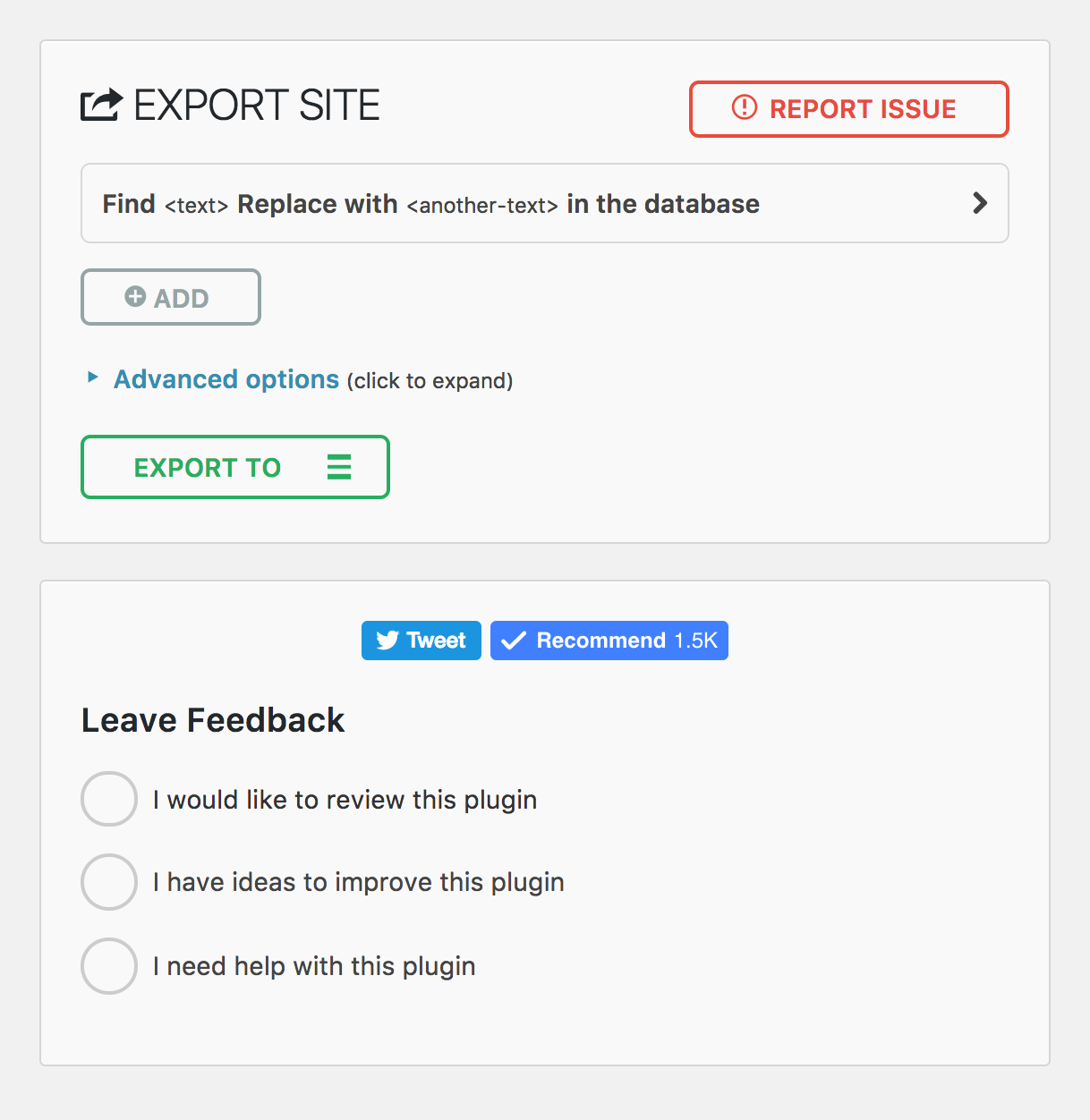
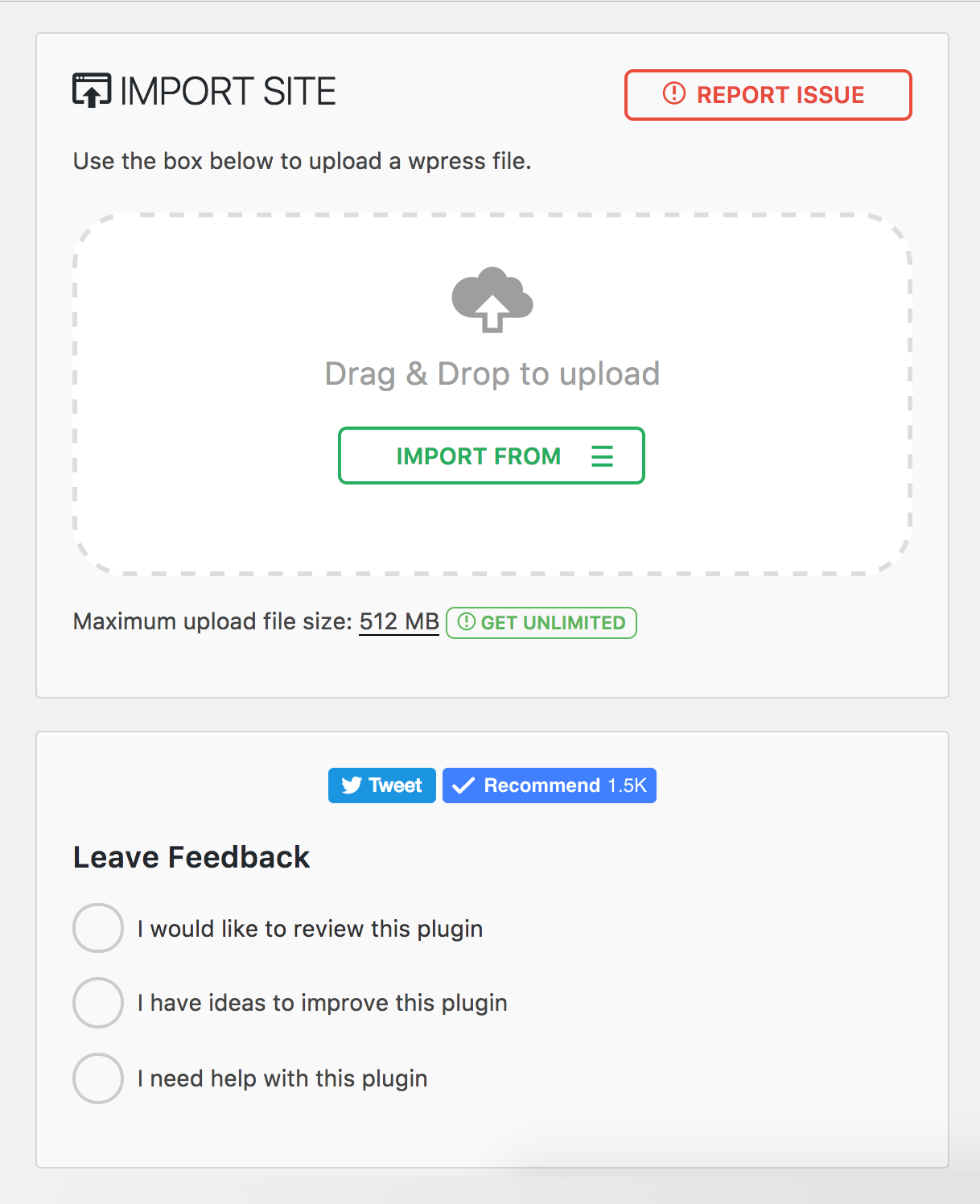
Users install the plugin on both source and destination sites, export their site to a .wpress file with one click, and then import it using a drag-and-drop importer on the destination site.
What advanced features are available for developers?
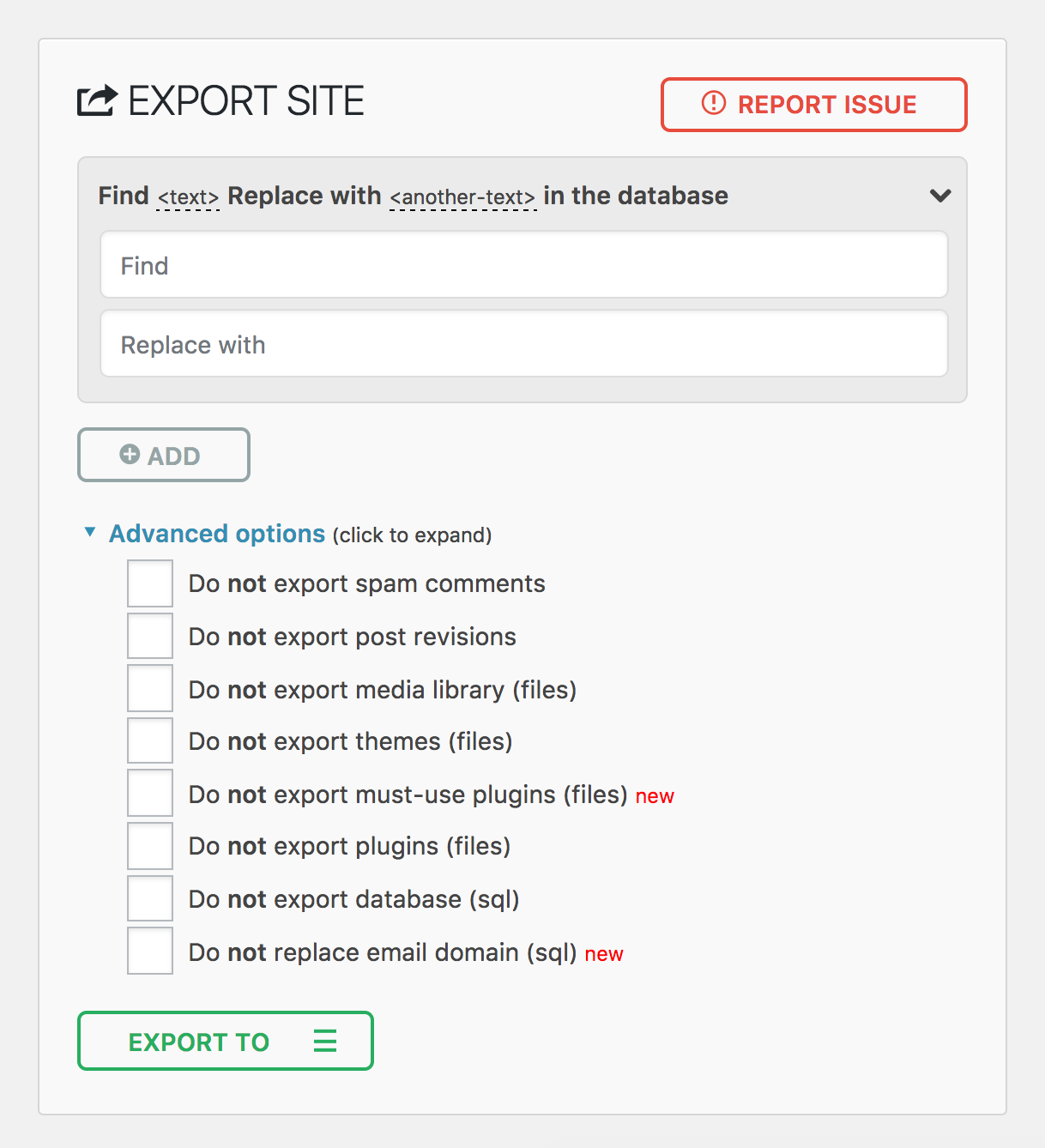
For developers, the plugin offers advanced find & replace, selective content migration, PHP 5.3-8.4 compatibility, and a custom WPress format. It also includes a hook system and command-line support via WP-CLI.
Changelog
7.95
Added
- New action hook ai1wm_status_export_init for developers on export initialization
Fixed
- Theme export progress display showing incorrect percentage
- Uninstall.php script functionality
- Export and import button ordering
- Dropdown height styling issues
7.94
Added
- Refresh Elementor plugin cache on import
7.93
Fixed
- Compatibility issue with PHP 7 and PHP 5 due to trailing comma in style registration
7.92
Improved
- Passed Plugin Check Plugin (PCP) validation
- Archive name generation
7.91
Added
- CiviCRM for WordPress support
7.90
Added
- Introduced a constant to disable MySQL late row lookups for enhanced database performance
Improved
- Enhanced SQLite database integration for improved stability and efficiency
- Strengthened serialization replacement mechanism to address an unauthenticated PHP Object Injection vulnerability (CVE-2024-10942). Special thanks to Webbernaut for responsibly disclosing this issue
- Preserved the wp_rocket_settings option during exports for improved user experience
Fixed
- Resolved PHP 8.4 deprecation warnings
7.89
Improved
- Upgraded to Node.js 22 for better performance and security
- Updated all plugin dependencies to keep things running smoothly and securely
7.88
Fixed
- Fixed an issue where the upload progress was stuck at 100%
- Fixed an issue where the upload could not be cancelled before it was completed
Improved
- Improved user-facing messages to be friendlier, direct, consistent, and more informative.
7.87
Fixed
- Resolved a vulnerability where error logs were publicly accessible with a known name by appending random affixes to error log filenames, making them unguessable. Error logs are now automatically deleted daily and during plugin updates. Special thanks to villu164 for responsibly disclosing this issue.
- Resolved a vulnerability where an administrator user could inject arbitrary PHP code through specific inputs. This vulnerability requires administrator-level access to exploit, ensuring that unauthorized users cannot perform this action. Special thanks to Ryan Kozak for responsibly disclosing this issue.
7.86
Fixed
- Resolved an issue with PHP 8.4 compatibility and restoring backup files via WP-CLI
7.85
Added
- PHP 8.4 compatibility
7.84
Added
- New hooks during the export and import processes to allow for custom actions and integrations
7.83
Fixed
- Resolved an issue where downloading backup files was failing on WordPress Playground environments
7.82
Added
- SQLite support
- WordPress Playground support
7.81
Added
- Reset Hub Page: Introducing a new reset hub page, providing users with powerful reset tools for efficient site management. This feature allows for easier resets of WordPress environments, facilitating smoother development and testing workflows.
Improved
- Better W3TC Support
- PHP Compatibility Checks: Display a warning notification, when you move/restore your site to a different PHP version.
7.80
Added
- Support for update-services plugin
- Domain name conversion to dashes from dots in the backup name for improved hosting providers compatibility
Improved
- Better support for Multisite to Standalone and Standalone to Multisite exports and imports, streamlining the migration process
7.79
Added
- Support for WordPress v6.4
7.78
Added
- Implemented a new Schedules page within the plugin, displaying various advanced features exclusive to premium extensions
7.77
Added
- Tested the new version of WordPress 6.3
7.76
Fixed
- Removed the [beta] label from advanced settings

