

Improve your WordPress SEO: Write better content and have a fully optimized WordPress site using the Yoast SEO…
About Advanced iFrame
Advanced iFrame is a tool that lets you include any webpage on your site using a shortcode. It offers features like hiding and modifying elements, auto height adjustment, forwarding parameters, and more. The free version has limitations on views per month, but upgrading to the Pro version allows for additional features like graphical content selection, browser detection, and no view limits.Screenshots
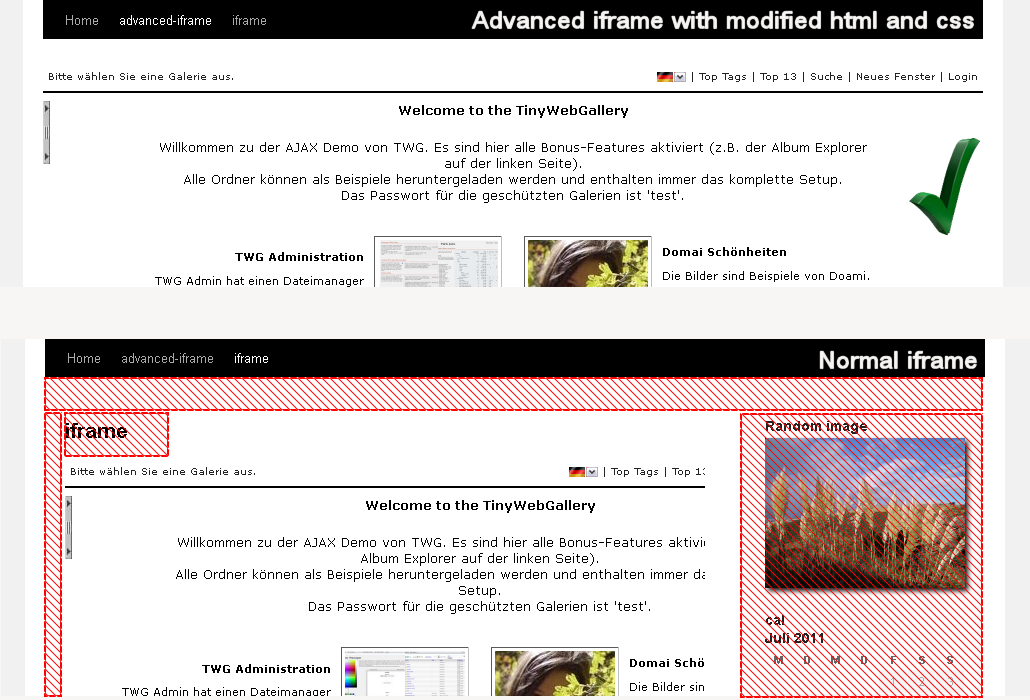
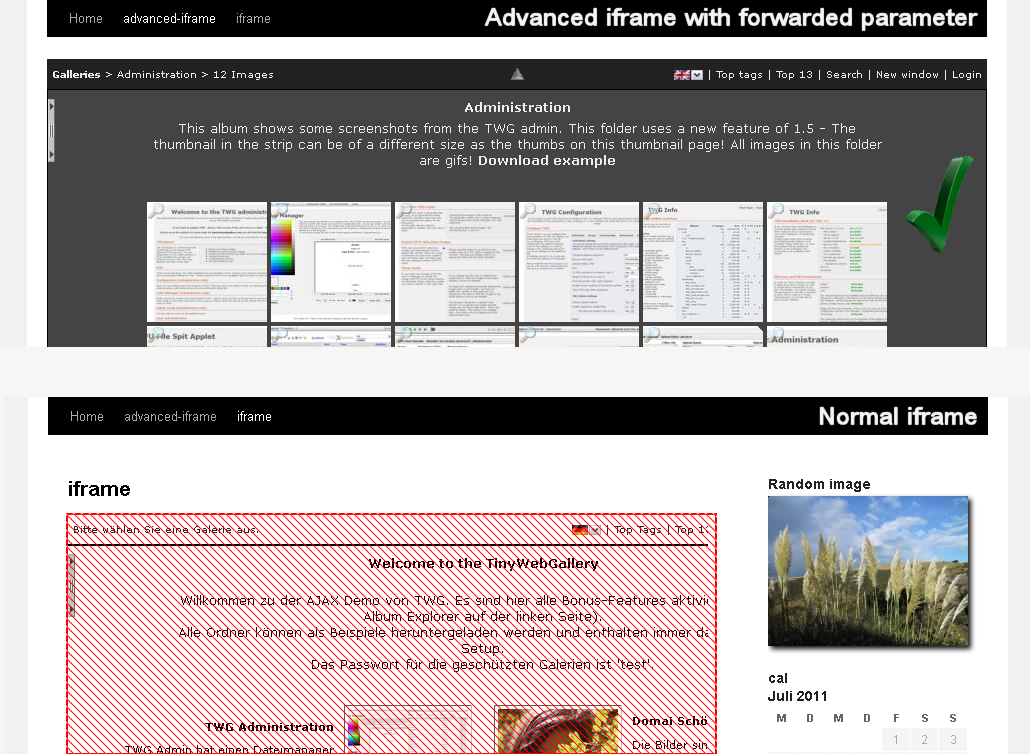
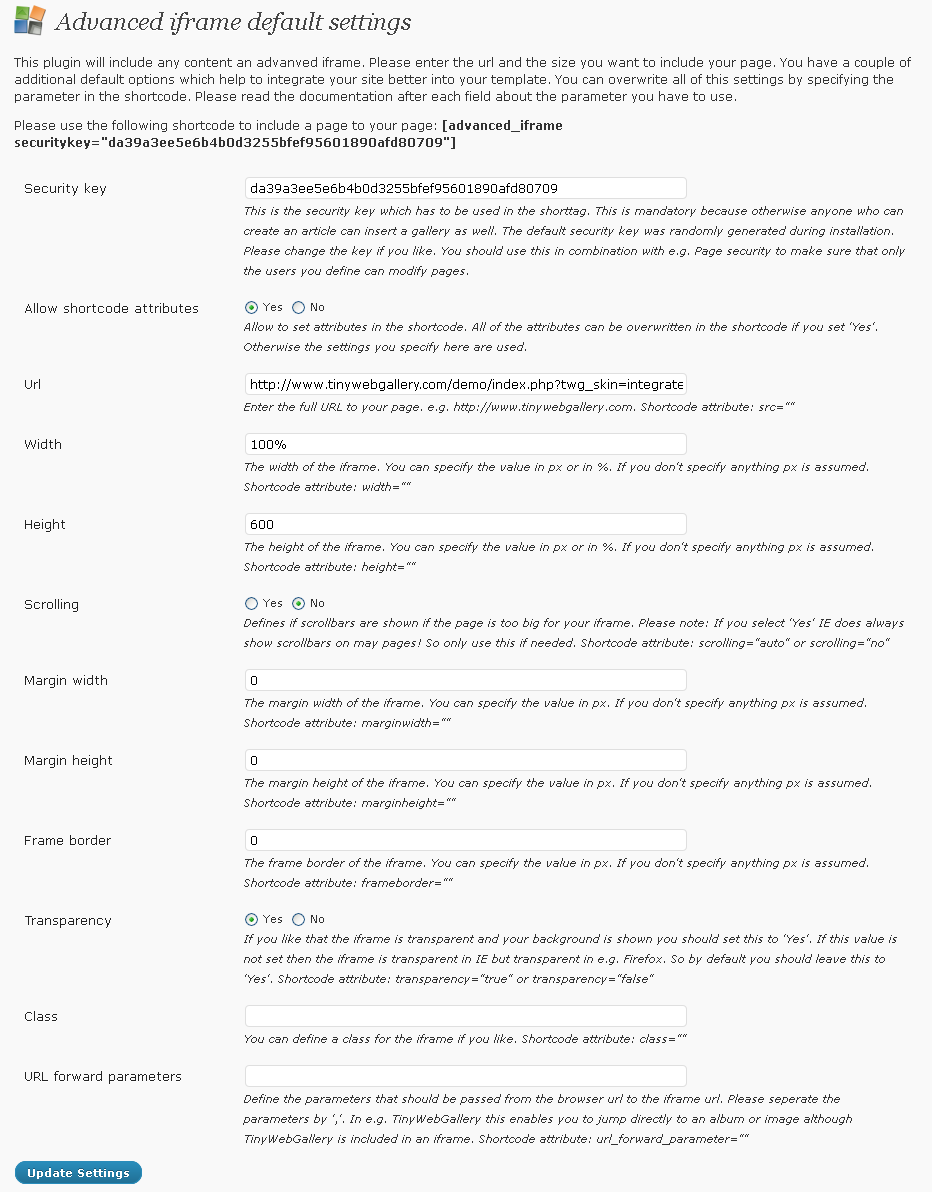
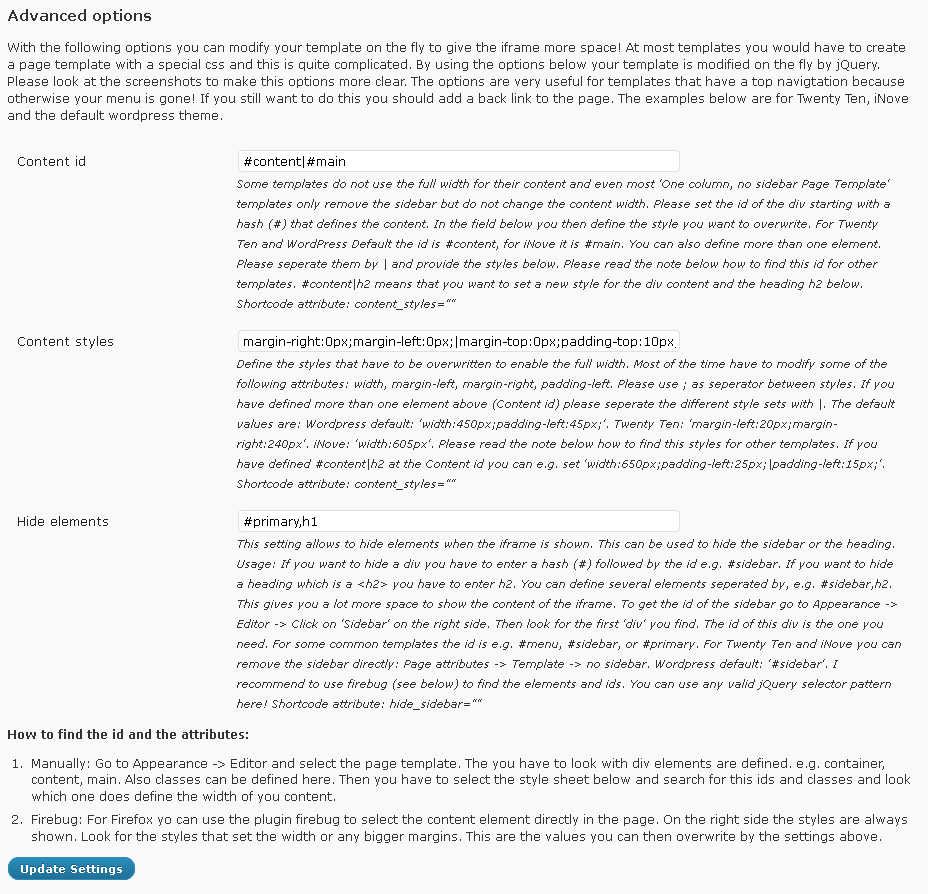
Frequently asked questions
What is Advanced iFrame?
Advanced iFrame is a WordPress plugin that allows you to embed content into your pages or articles using an iframe. It offers features beyond a standard iframe, such as hiding and modifying elements, auto height, and parameter forwarding.
What are some key features of Advanced iFrame?
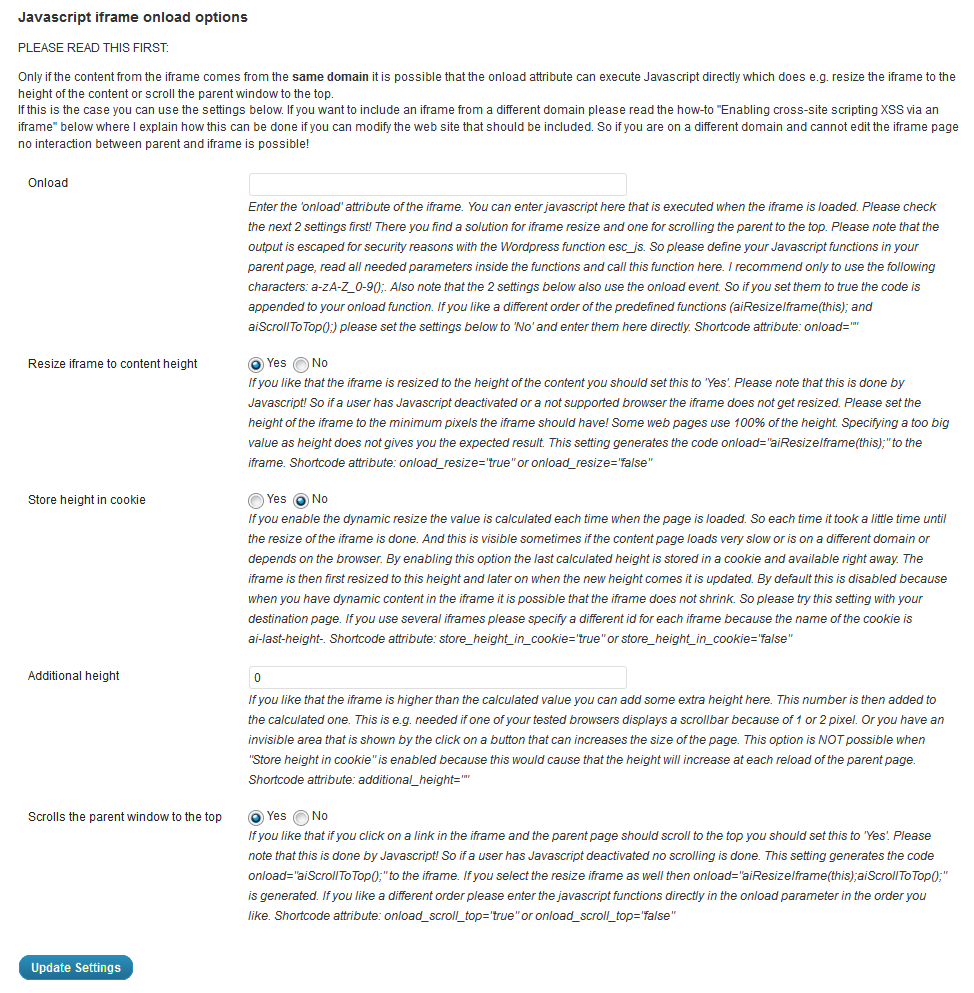
Key features include the ability to hide areas of the layout, show specific areas of the iframe (on the same domain), modify CSS styles, forward parameters, and resize the iframe to content height or width. It also supports responsive videos and can scroll the parent to the top when the iframe loads.
Does Advanced iFrame support 3D models?
Yes, Advanced iFrame has out-of-the-box support for embedded 3D models using the p3d 3D viewer. A pre-configured plugin is available where the model scales nicely on all devices.
Is there a security feature for inserting shortcodes?
Yes, you can only insert the shortcode with a valid security code obtained from the administration area. This adds a layer of security to the plugin's usage.
Changelog
= 2025.8
– Fix: 2025.7 was overwriting the style attribute instead appending the border. This broke a couple of features which now work fine again.
2025.7
- Security fix: https://www.cve.org/CVERecord?id=CVE-2025-8089 was fixed. Unfortunately the Gutenberg block has to be restricted as only the time of the rendering the attributes can be filtered in a secure way. So if you use the Gutenberg block you cannot use onload, custom, include_html, additional_js and additional_js_file_iframe anymore. You can use the shortcode block or anything were you can enter shortcodes directly.
- New: iframe border is now applied also in css
- Deprecated: The external workaround of the free version with a hidden iframe will not be maintained anymore and removed in one of the next versions. Please upgrade to the Pro version which uses postMessage if you need this feature.
- Fix: use_shortcode_only in the free version was showing a notice about a missing show_support_message attribute. The attribute is now properly extracted and no notice is shown anymore.
- Fix: replace_iframe_tags was not saved properly to the db
2025.6
- Security fix: Vulnerability Title: Advanced iFrame <= 2025.5 – Authenticated (Contributor+) Stored Cross-Site Scripting CVE ID: CVE-2025-6987 was fixed.
- New: Tested with WordPress 6.8.2
- New: advanced iframe has a new domain: https://www.advanced-iframe.com. All links in the plugin where updated and checked.
- New: https://www.advanced-iframe.com is live now. Everything from www.tinywegballery.com/blog was moved. Also a new menu structure was introduced.
- New: Edge was added as setting in the browser detection.
- New: Standalone version is now also available in the freemius version.
- New: Standalone examples where reworked and old links removed.
- New: Standalone version is now even easier to setup because the site_url handling was rewritten and the default should work now even better.
- New: Standalone version now also uses jQuery 3.7.1 like WordPress does.
- New: The freemius section documentation was improved based on user feedback.
- New: No 10.000 hit limit anymore. The powered by text is now removed automatically when you OPT-IN or if you disable it.
- New: Updated Freemius to 2.12.1
- Fix: Add iframe url as param: Same domain with hash” was broken because one of the last security fixes was too tight. Now it works fine again: https://www.advanced-iframe.com/advanced-iframe/advanced-iframe-pro-demo/add-iframe-url-as-param-same-domain-hash
- Fix: add_iframe_url_as_param_direct was not working anymore because of a wrong security check. Now https://www.advanced-iframe.com/advanced-iframe/advanced-iframe-pro-demo/add-iframe-params-to-parent works fine for the remove and same domain again.
- Fix: documentation of the external workaround was improved.
- Fix: When switching between free and pro a notice about unwanted characters was shown. This was a notice because both plugin where active for a small amount of time. This is solved now.
- Fix: Users often use false in hide_part_of_iframe and a message was shown. Users contacted the advanced iframe team to solve this. Now this setting is simply ignored.
- Removed: iframe_zoom_ie8 was removed and all the code that comes with it as ie8 browser is not used anymore.
- Removed: “Special case sub domain” section was removed as it was only containing the removal info text for one year.
2025.5
- Fix: == at the end of src caused the whole parameter to be removed. Now this is supported
- Fix: filteredContent variable was not defined properly. Now it is.
2025.4
- New: Tested with WordPress 6.8.1
- New: Updated Freemius SDK to 2.12.0 which improves compatibility with php 8.3 and 8.4
- Fix: advanced-iframe-admin-advanced.php was saved with a wrong line ending. Now Unix (LF) is used like for all other files. On some systems the administration was not loaded properly.
2025.3
- New: OPT-IN users now get additional benefits: Additional sections on the help tab, exclusive coupons, monthly chance to win a free license.
- New: Additional help is now also available for OPT-IN users.
- New: All OPT-IN users have the chance to win a free license once a month. As long as you allow to receive marketing emails, you can win. You can only win once.
- New: OPT-IN users will get exclusive coupons. No worries: Advanced iFrame will not spam you.
- Security Fix: CVE-2025-1437 – Authenticated (Contributor+) Stored Cross-Site Scripting) – using ononloadload was still executed. Now the filter method is checking recursively.
- Fix: Removed old text about the Flash Uploader.
- Fix: Updated the link to the forum
2025.2
- Fix: The close icon of show iframe as layer was not shown because of an old path. Now the correct path in the pro version is used. https://www.advanced-iframe.com/advanced-iframe/advanced-iframe-pro-demo/show-the-iframe-as-layer
- Fix: Some links in the new pro version where still pointing to the old path. They are now working properly.
2025.1
- Fix: Documentation at the external workaround tab for the ai_external.js fixed and a link how to migrate from free to pro was added.
- Fix: hide_fullscreen.html was linking to the old plugins folder in the pro version. Now a placeholder is filled automatically. Please delete the hide_fullscreen.html in the advanced-iframe-custom folder once and enter the administration to get a new version generated. See https://www.advanced-iframe.com/advanced-iframe/advanced-iframe-pro-demo/full-screen-demo
2025.0
- New: Tested with WordPress 6.7.2
- New: Tested with php 8.2, 8.3, 8.4
- New: Support of freemius. This enables a 30 days trial of the pro version. Multi-site licenses, monthly, yearly and live time licenses are available now as well.
- New: All files in the js folder where re-factored, minor bugs fixed and optimized.
- New: The view counter is only counting front-end requests now. All view inside the administration are not counted anymore.
- New: The view counter message is now shown above the iframe in one line only. So your layout does not change if you hit the limit.
- New: The documentation folder in the zip was removed as it was outdated and all documentation is available in the administration in an even better format.
- New: map_parameter_to_url does support now :sameDomain. This disables external links as parameters. So only internal links which have the same 2nd level domain can be opened inside the iframe
- New: The replace function for empty parameters was rewritten. ?show will not be removed anymore. show= without any parameter will be still removed.
- New: The whole code was reformatted with Intellij and most of the code recommendations where done.
- Security Fix: map param to URL: When using hashes, the URLs are now checked if they are valid. Additionally there is now a limit of 1000 entries to avoid that the db is getting too big.
- Security Fix: “Stored Cross-Site Scripting via Host Header”. When debug_js=”bottom” is used the user agent and all headers are now escaped.
- Security Fix: the unfiltered_html check was made more strict. All parameters that allowed js are now simply removed.
- Fix: The parameters of parameter_url_mapping are now trimmed to handle slightly invalid input as well.
- Fix: hide_page_until_loaded fas only working in the pro version. Now it works in the free version again like it should.
- Fix: style of height and width of a custom
- Fix: printMediaQuery iframe width in the generator in the administration was not set properly. In the shortcode itself it was working fine.
- Removed: document.domain support is removed in the administration. Chrome removed this in Mai 2023, and it does not make sense to support this for other browsers anymore here as well. We announced this change 2022 already, and now it is also removed in the plugin.
2024.5
- New: Tested with WordPress 6.5.4
- New: Description of ai_external.min.js was optimized.
- Fix: filterBasicXSS could cause a fatal php error with some configurations.
2024.4
- New: Tested with WordPress 6.5.3
- Fix: When using arrays in the parameters was causing an error. If this is now the case no optimization of placeholders are done anymore.
- Security fix: Added additional filters to some Javascript parameters to increase security.
2024.3
- Security fix: The filter attribute method now filters shortcode attributes which are parsed wrong by WordPress if the user does not have the unfiltered_html permission.
- Security fix: #x28 and #x29 are filtered if the user does not have the unfiltered_html permission.
2024.2
- Security fix: The additional_js and additional_js_file_iframe attribute are now only allowed to be used if you have the permission “unfiltered_html”, that you need in WordPress to use iframes. If you do not have this permission, during save the attributes are removed and an error message is shown.
- Fix: Show iframe as layer was not working properly in Firefox. The link was opening in a new tab. Using a different way to hide the iframe solves the problem.
- Fix: Filtering all short code attributes failed because “The Plus Blocks for Block Editor” was adding their settings to the ai attributes. I will contact them, why they do such stupid things!
- Fix: Switching a theme could cause an error message when no content pages where existing. Now this is only executed if content pages do exist.
2024.1
- Fix: add_iframe_url_as_param thrown an error because of the additional security filter. Now it works fine again.
2024.0
- Security fix: The include_html attribute is now only allowed to be used if you have the permission “unfiltered_html”, that you need in WordPress to use iframes. If you do not have this permission, during save the attribute is removed and an error message is shown.
- Security fix: All shortcode attributes have now input sanitation to avoid Stored Cross-Site Scripting at save if you do not have the permission “unfiltered_html”! This happens in the normal editor and also in the Gutenberg block! Please get the unfiltered_html permission if you get an error message while you want to use ‘();= or a space in attributes. This sanitation is very general and does not allow all possible things you can do with advanced iframe. As 99.9% of the users who add an iframe are editors or above this should affect almost no one directly and it makes the plugin more secure.
- Security fix: ” inside advanced iframe shortcode attributes is not allowed anymore to avoid XSS attacks.
- Security fix: Additional output filtering of short code attributes directly used in HTML or Javascript to avoid XSS attacks. This is done for ALL roles!
- New: The scroll to top in the external workaround is now also supporting the “touched” event next to the “click” event.
- New: The documentation was improved for scroll to top as the external workaround is also supporting “iframe” if “Scrolls the parent window/iframe to the top” is set to iframe.
For older changes please see: https://www.advanced-iframe.com/advanced-iframe/advanced-iframe-history

