

The Elementor Website Builder has it all: drag and drop page builder, pixel perfect design, mobile responsive editing,…

About App for Cloudflare®
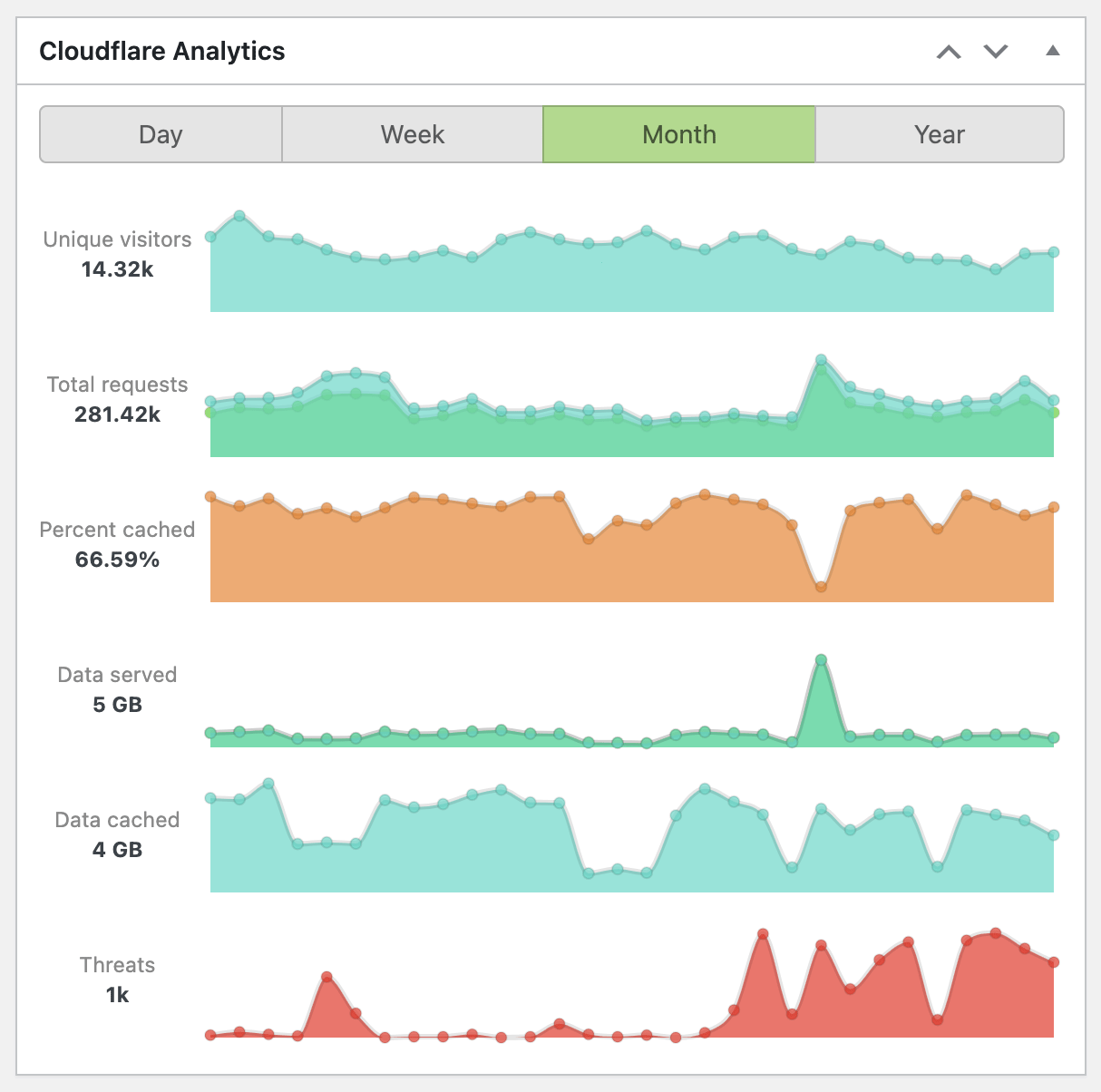
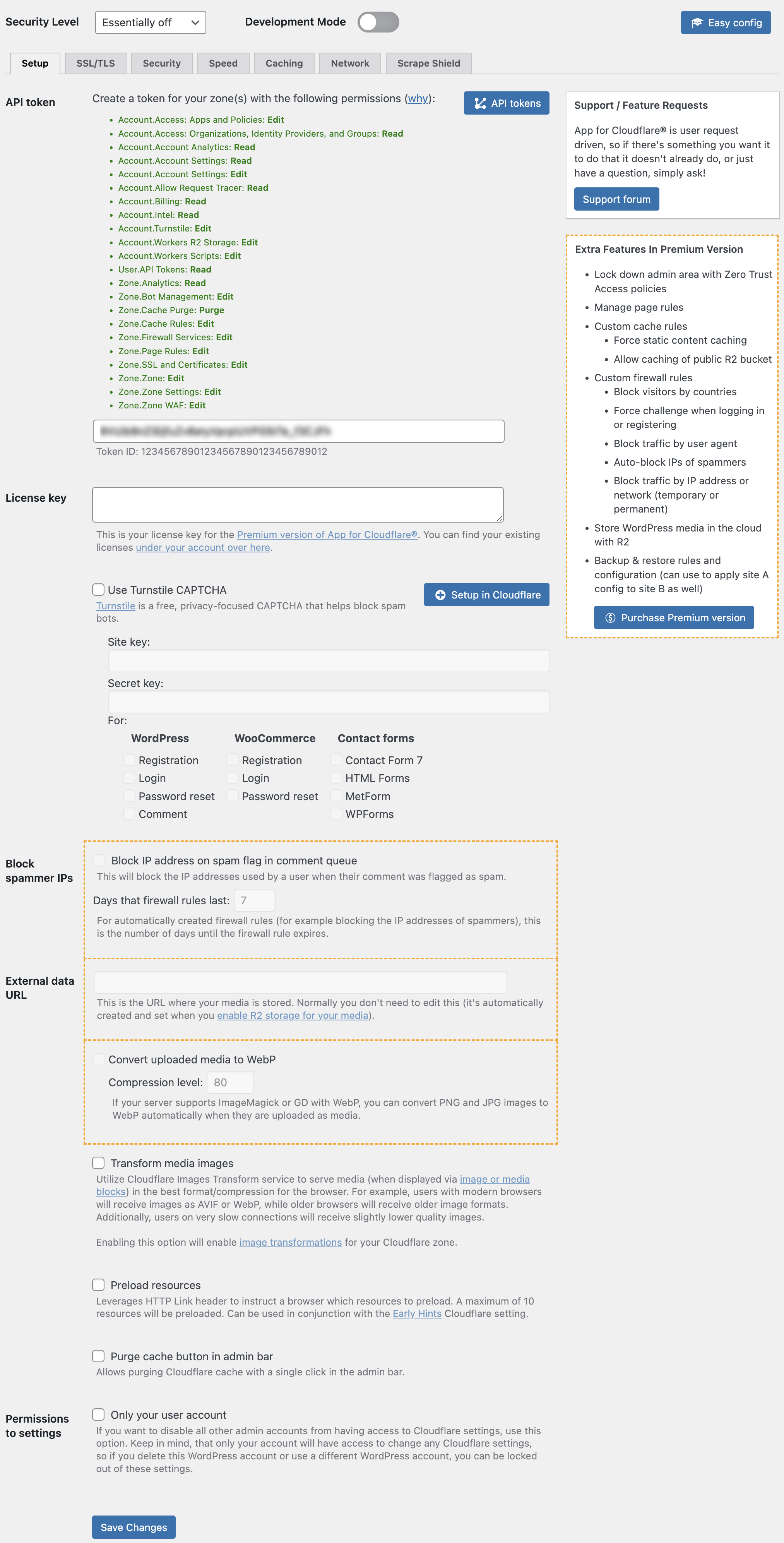
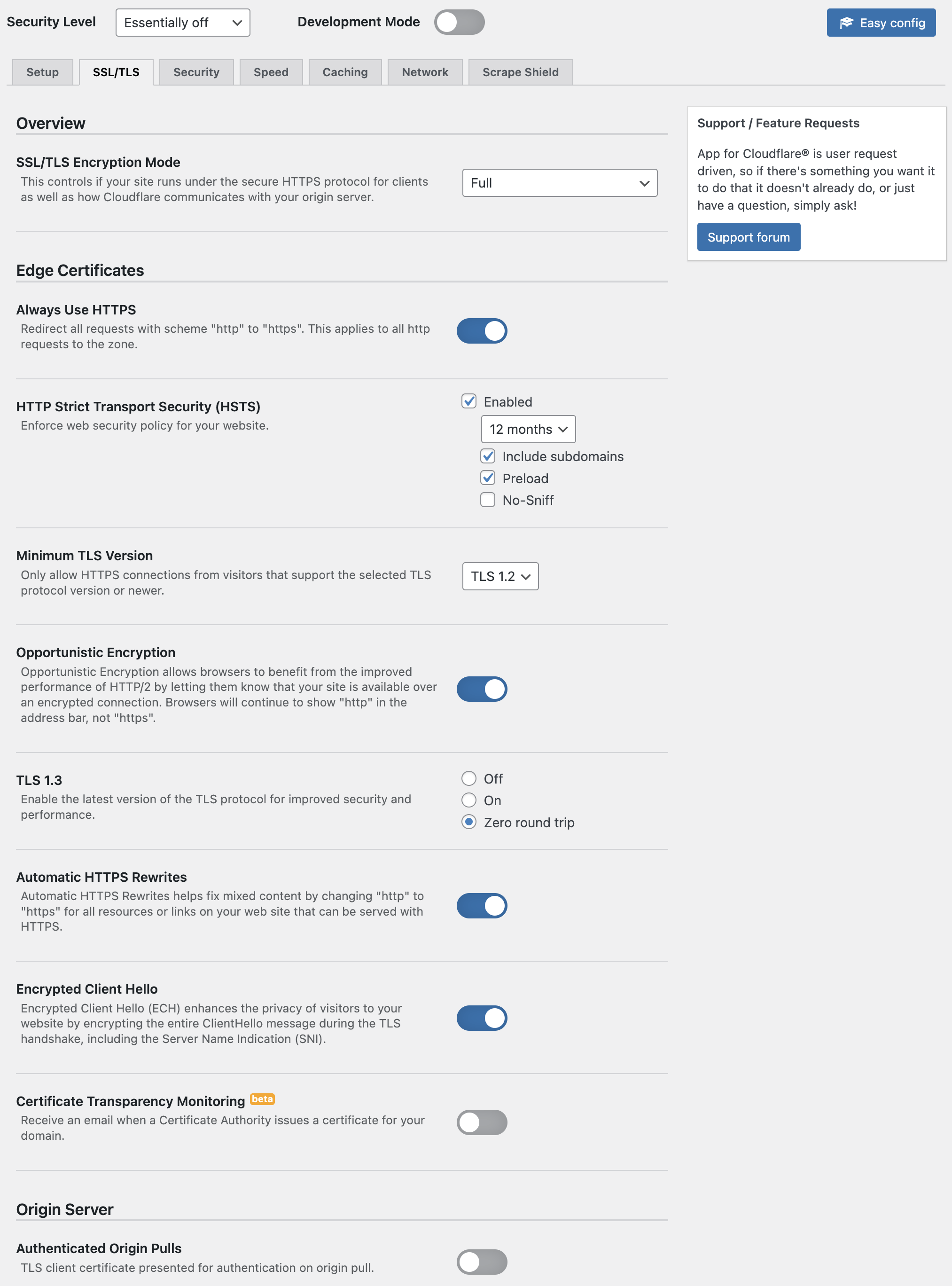
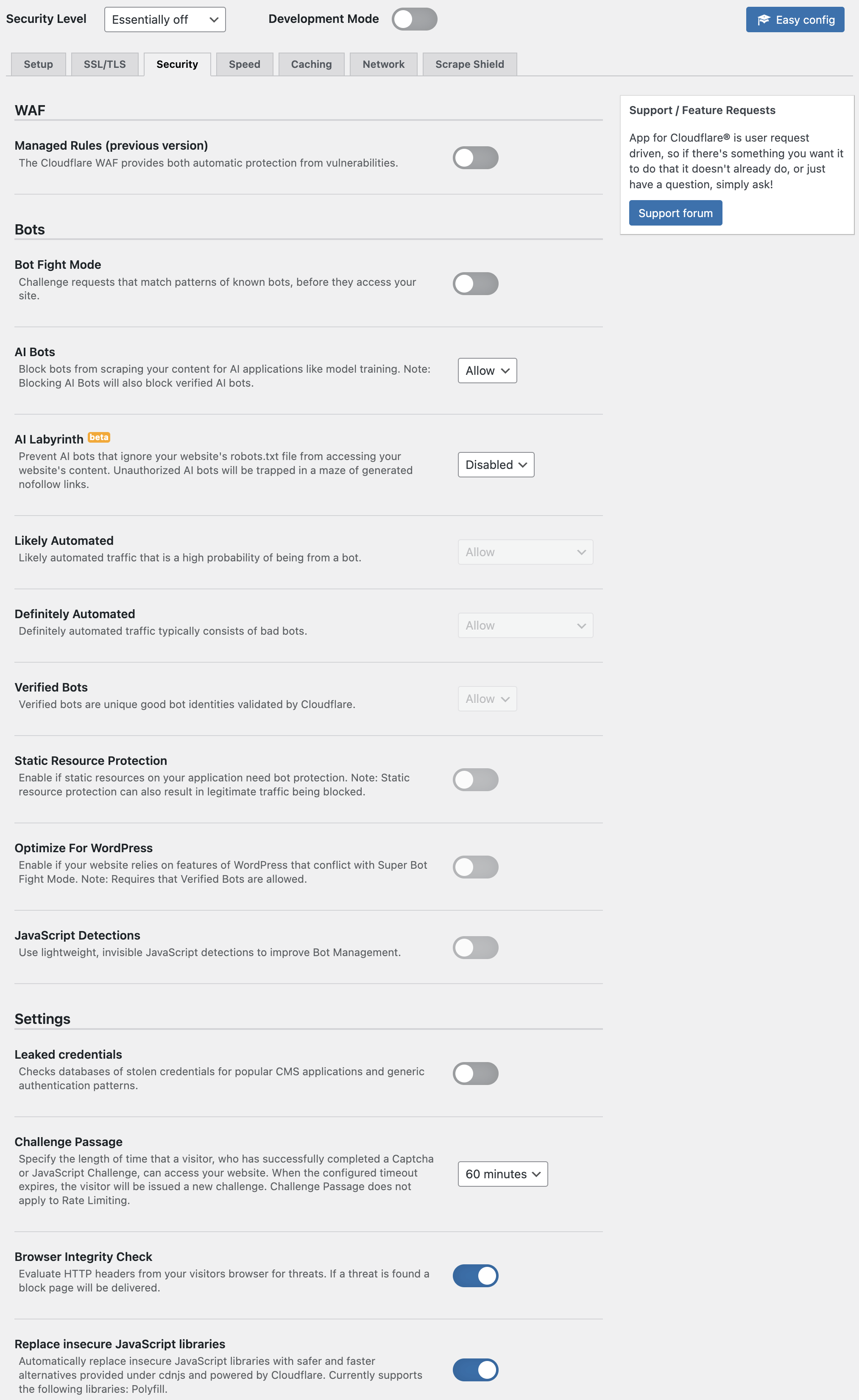
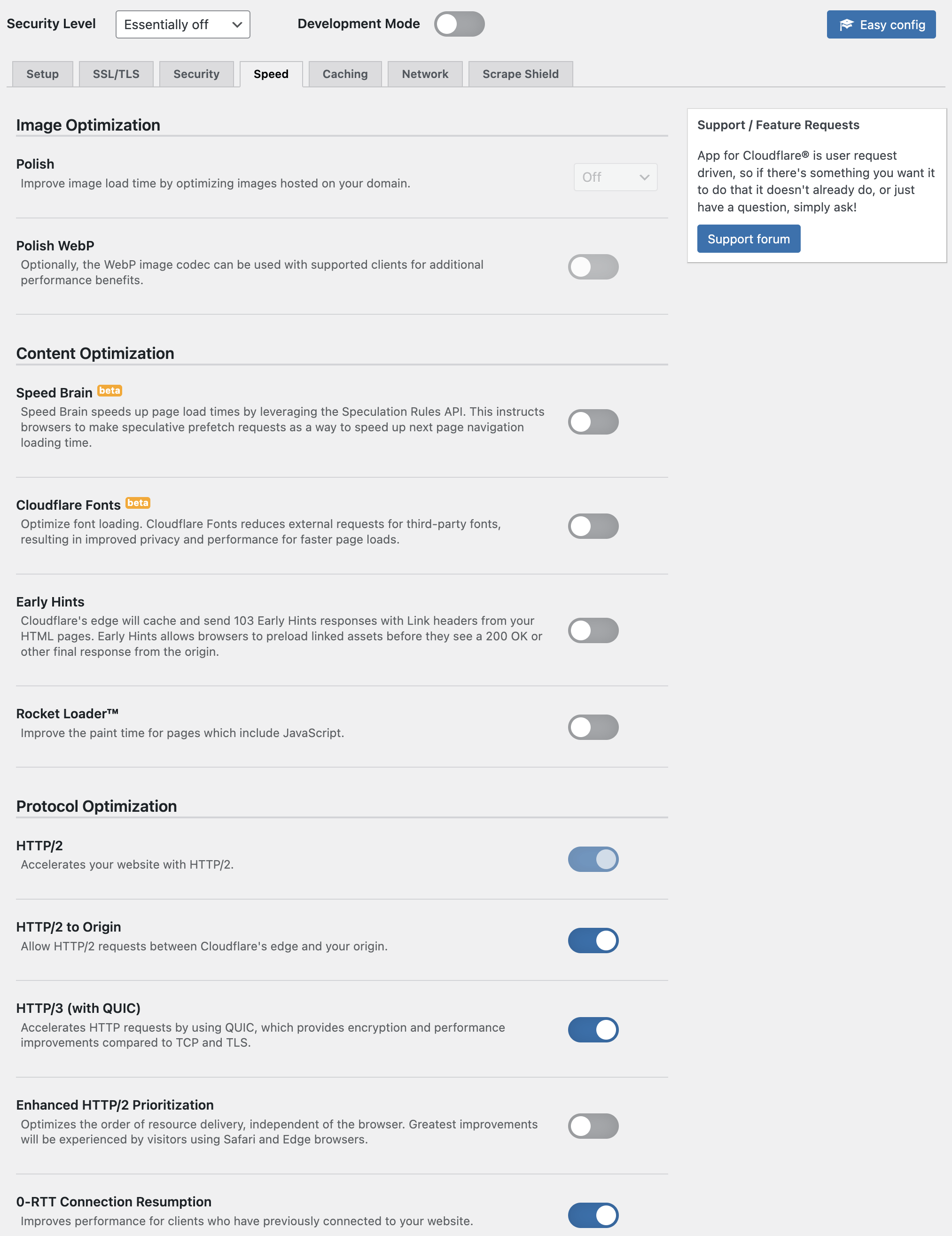
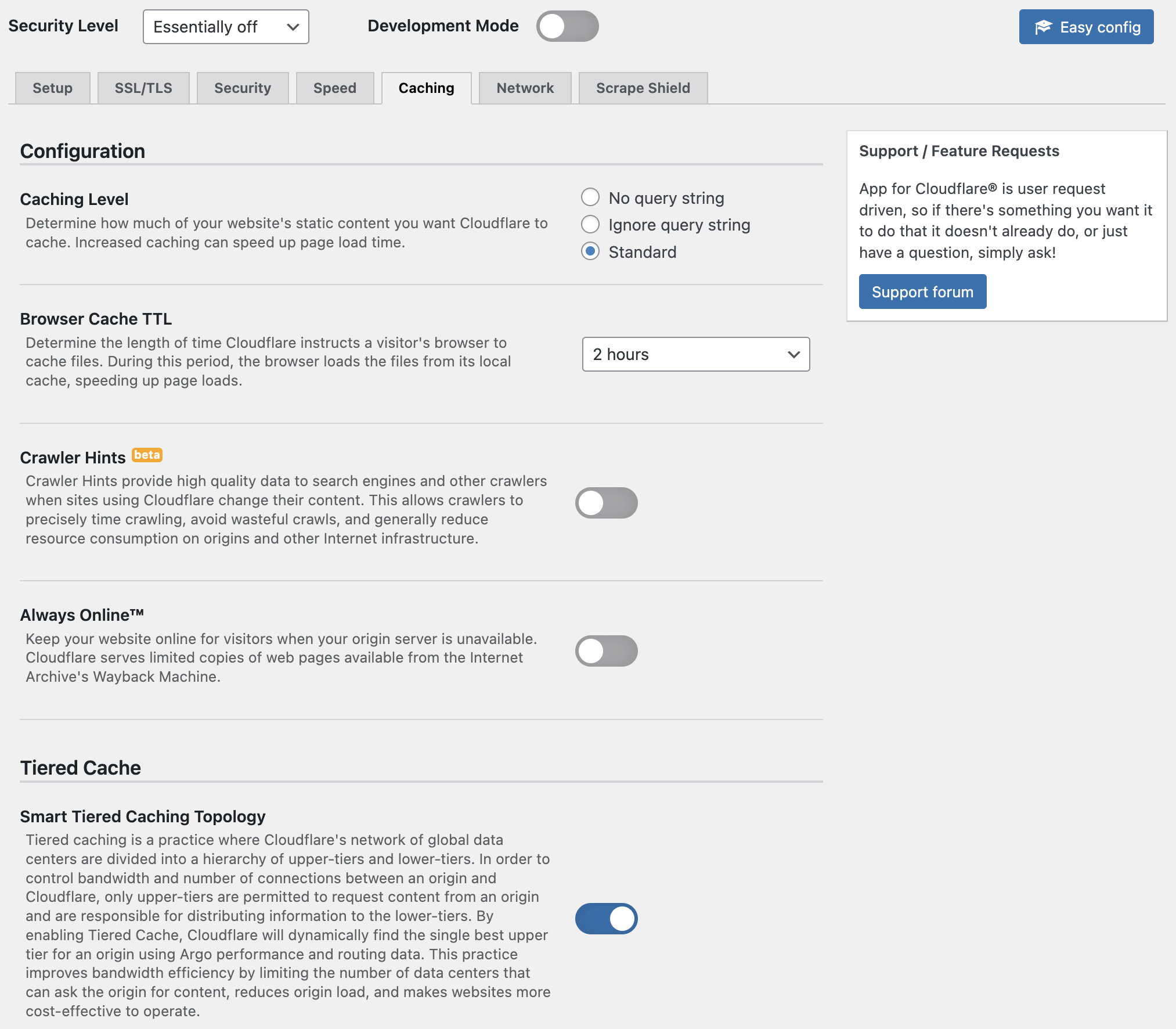
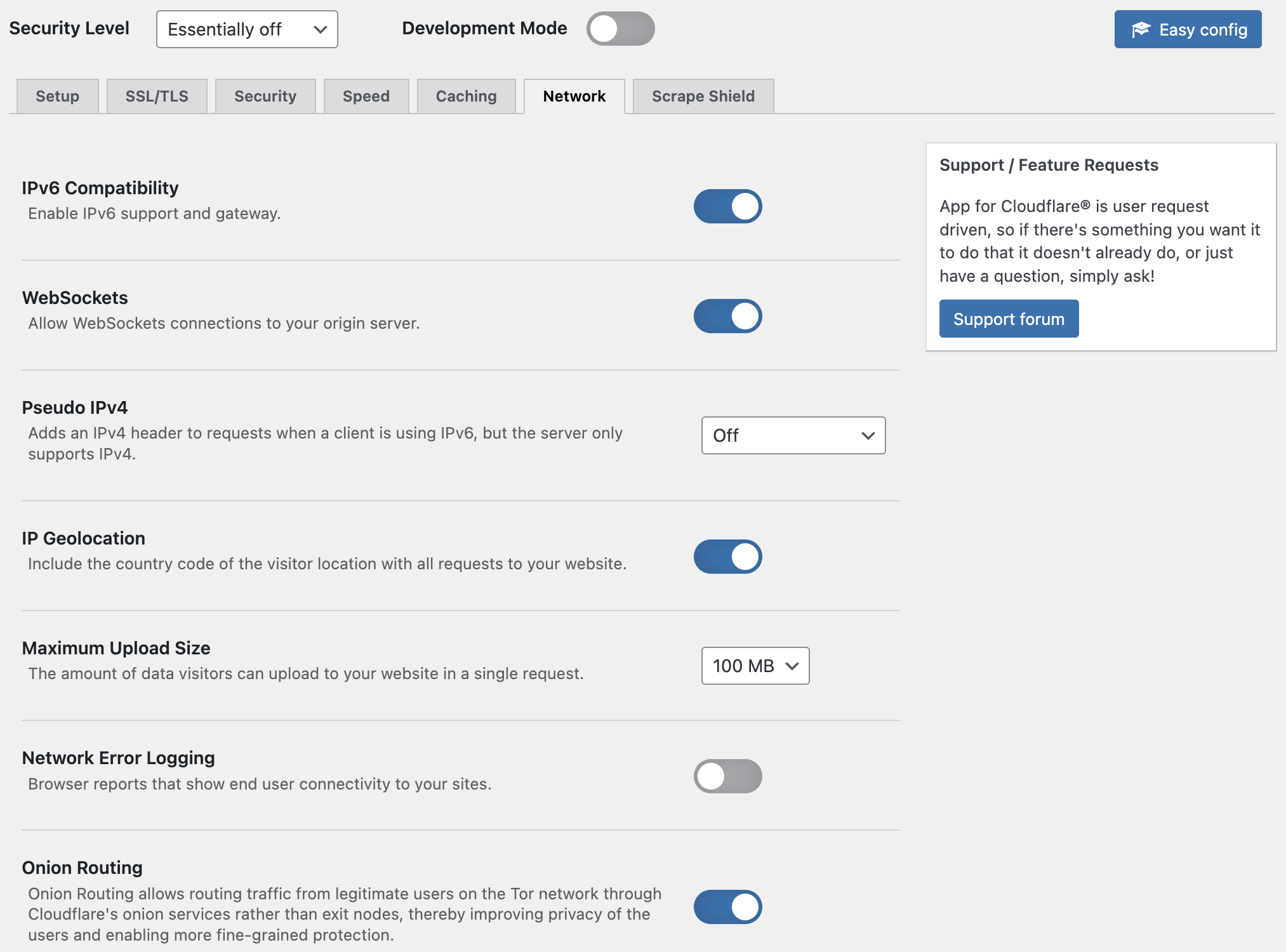
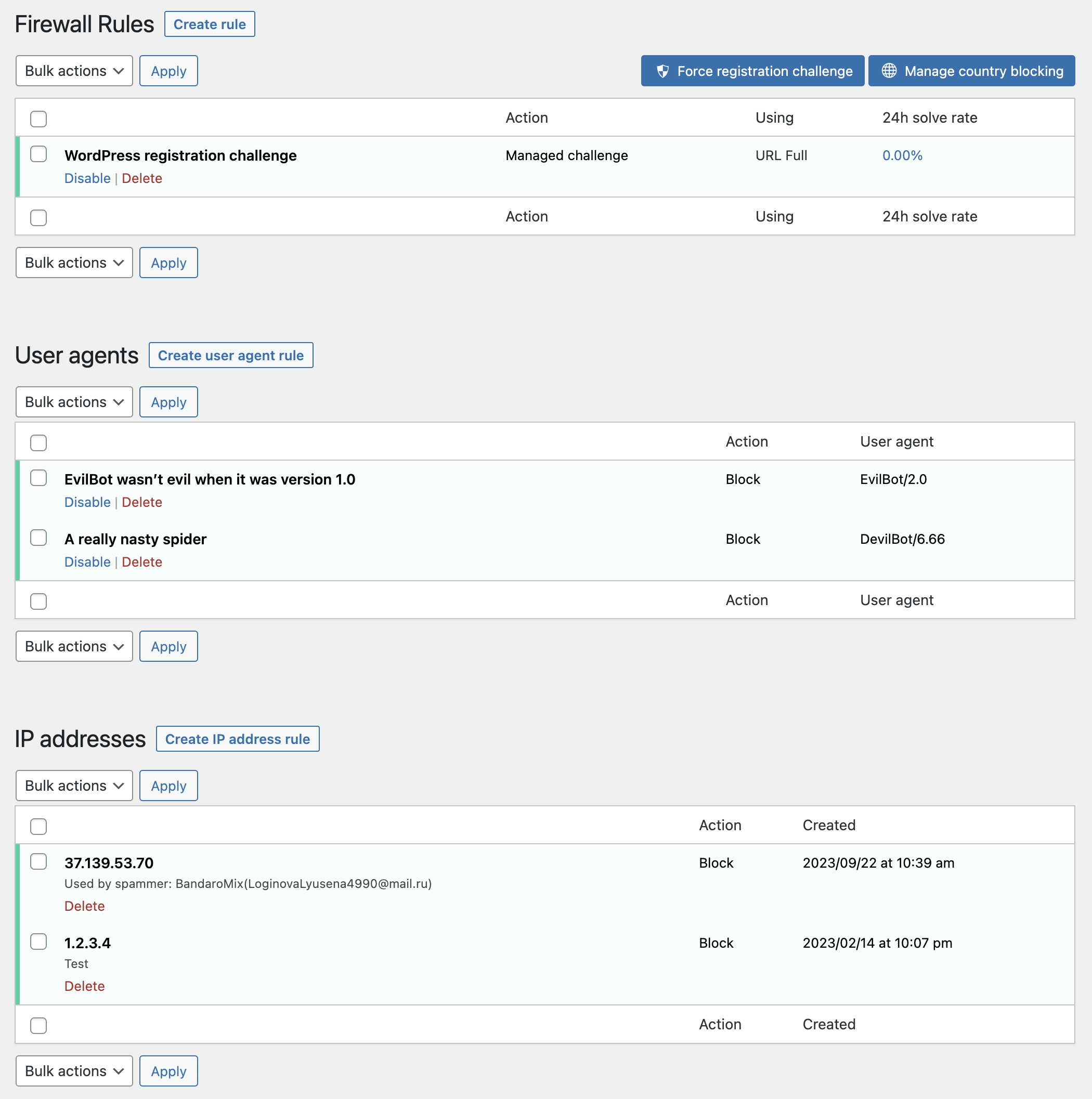
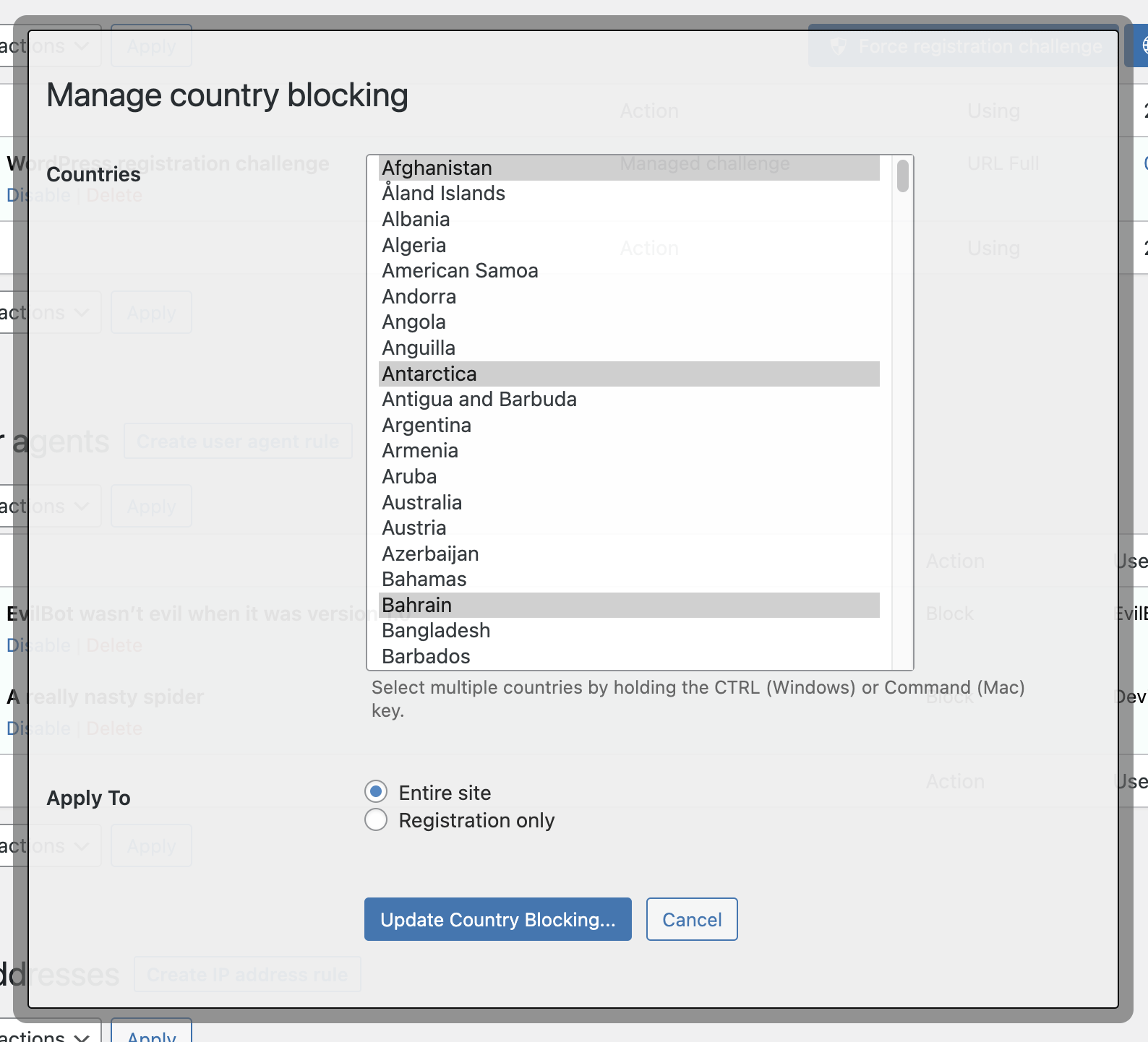
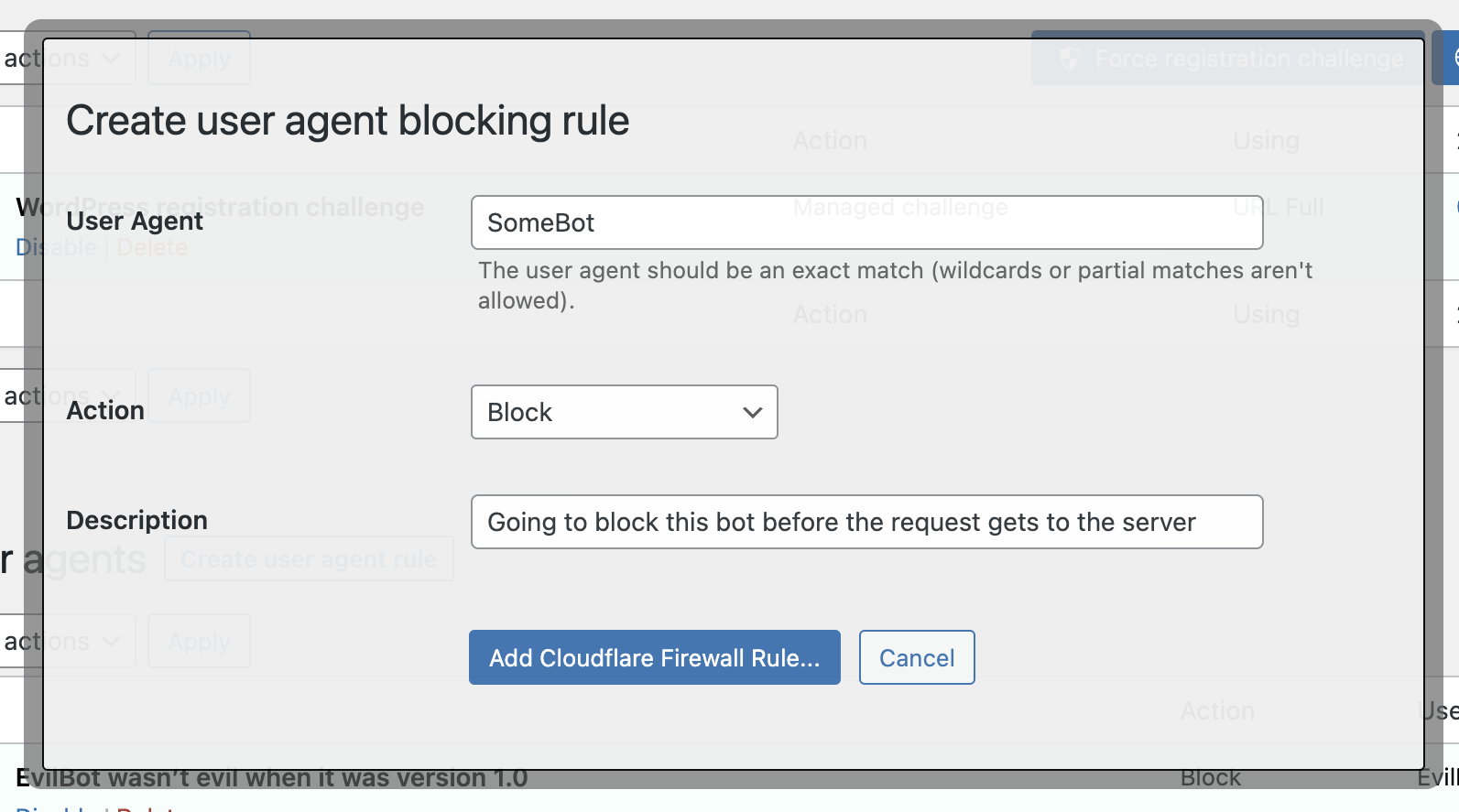
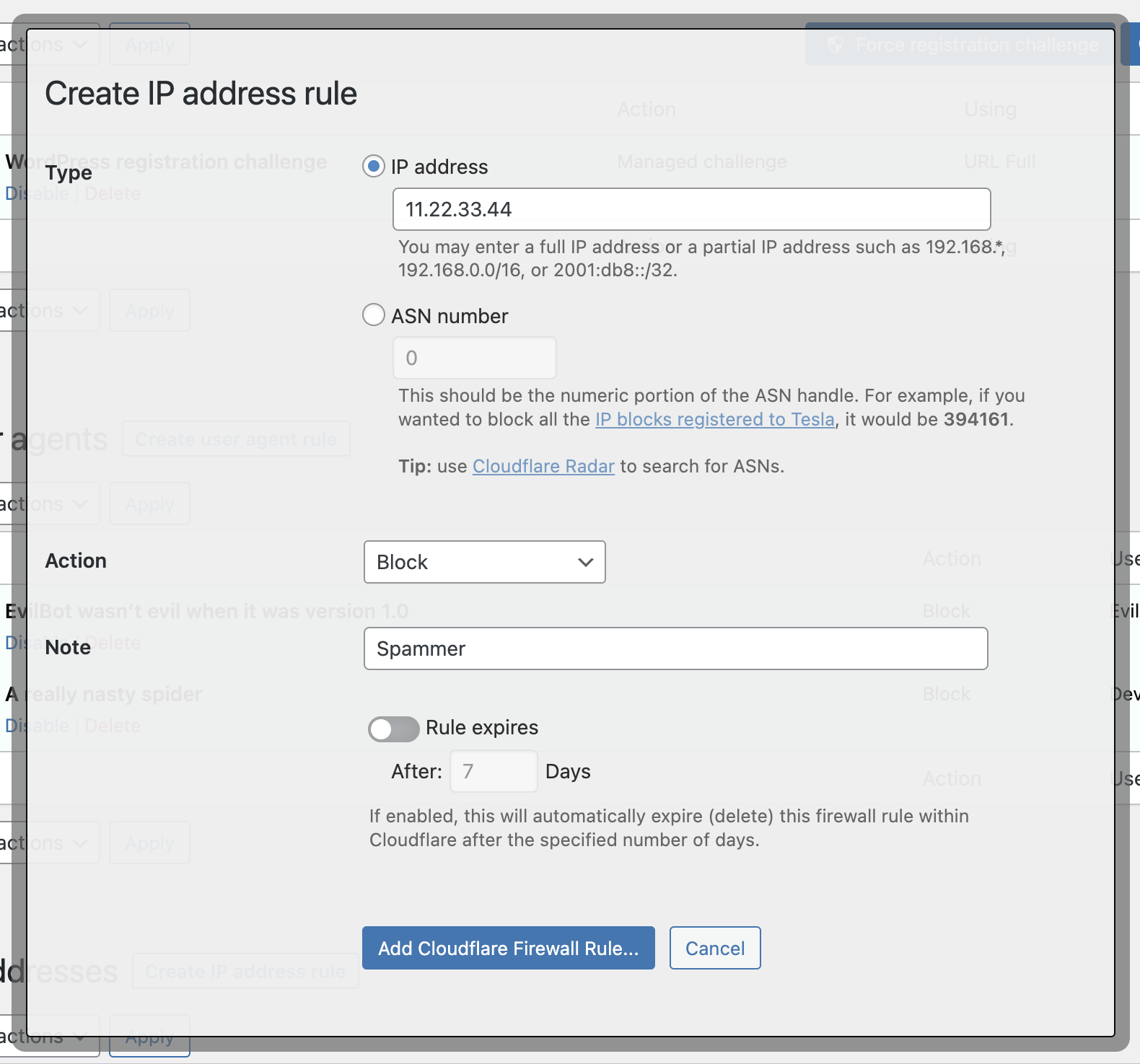
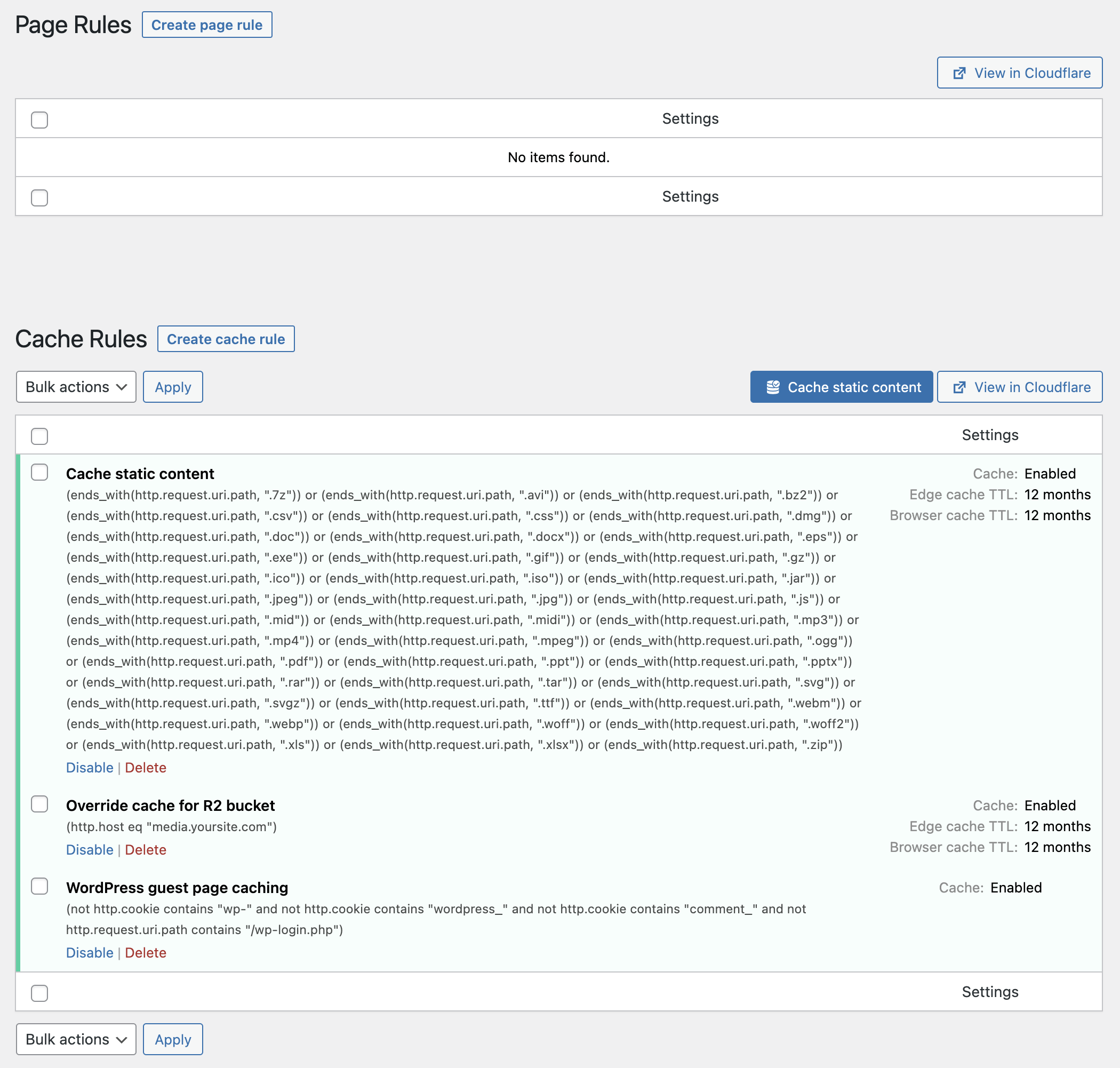
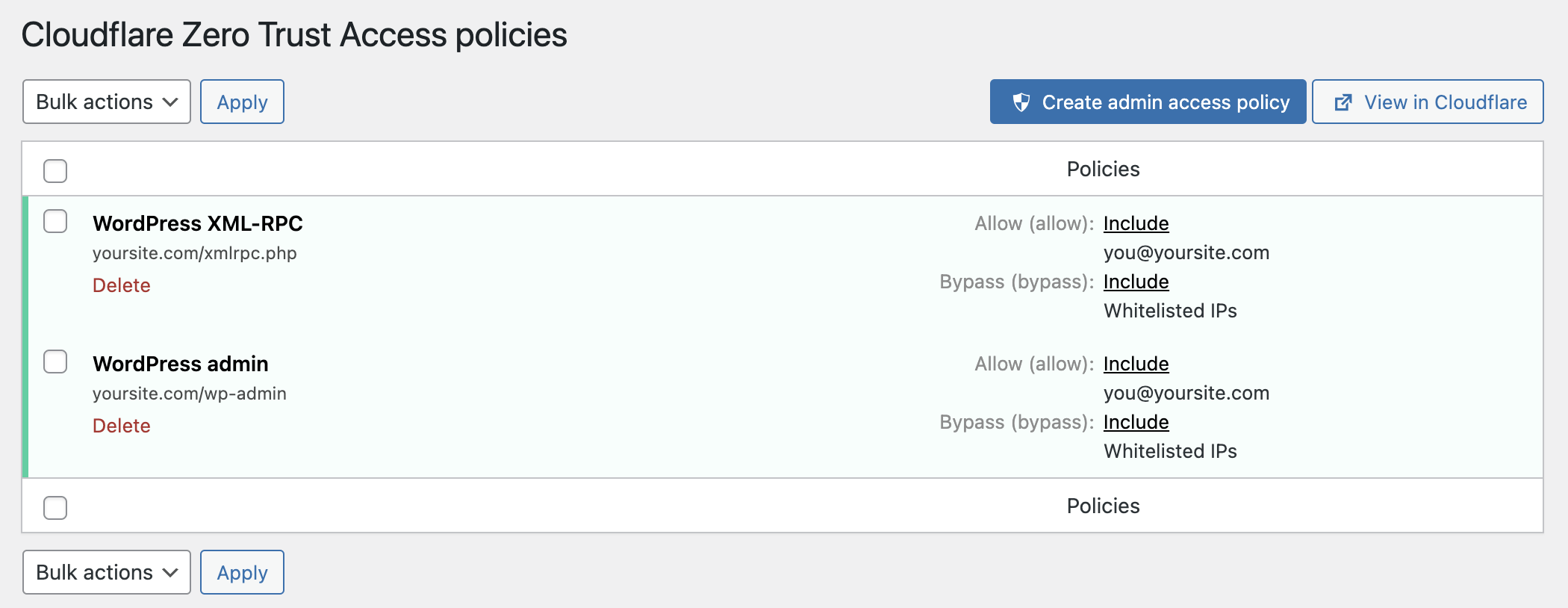
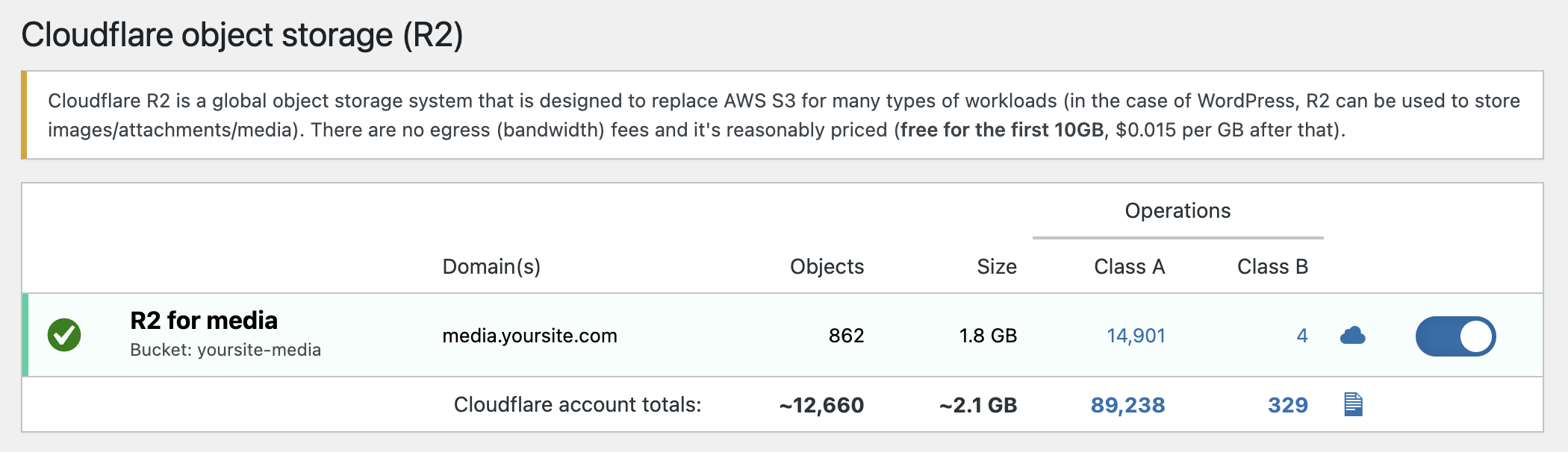
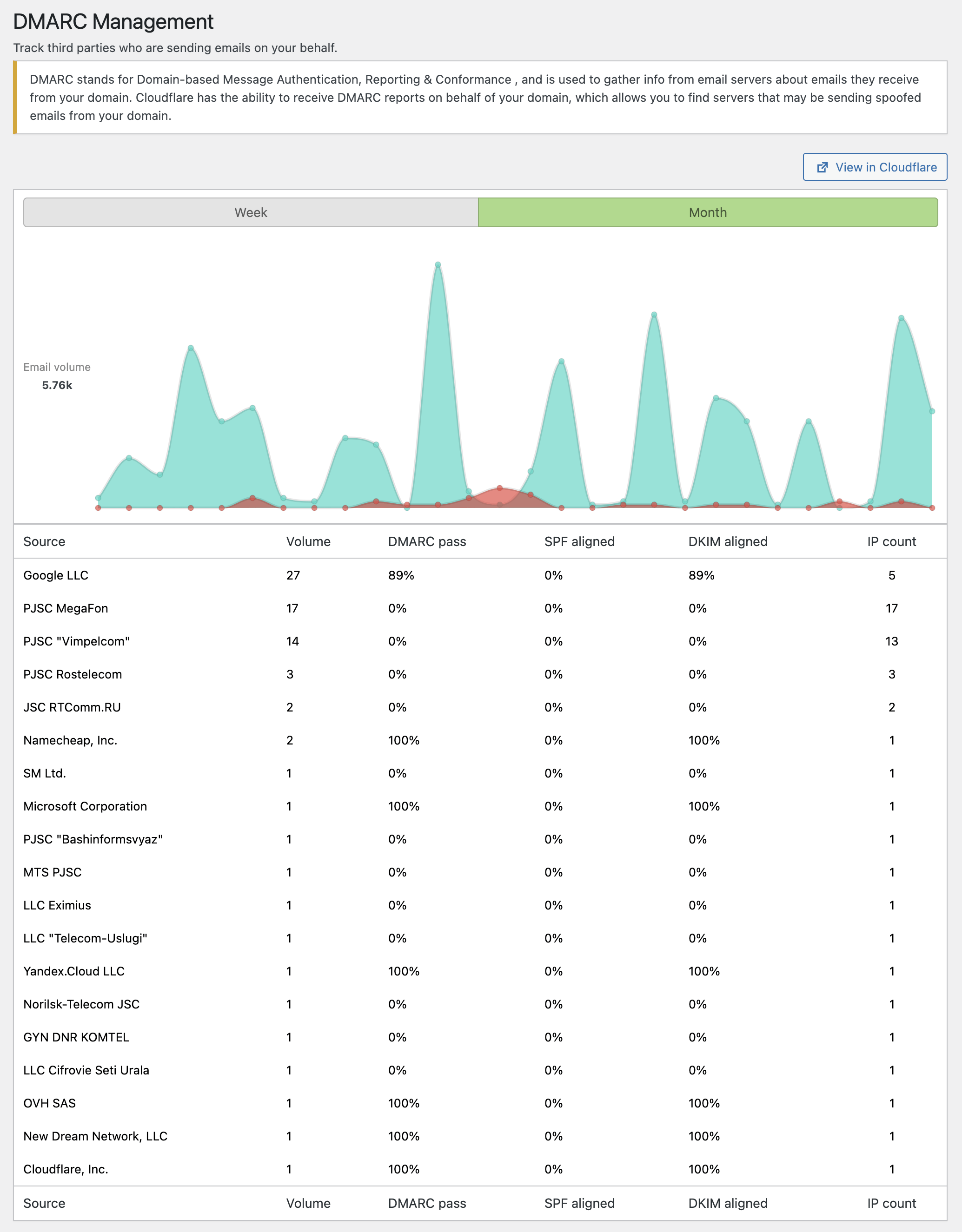
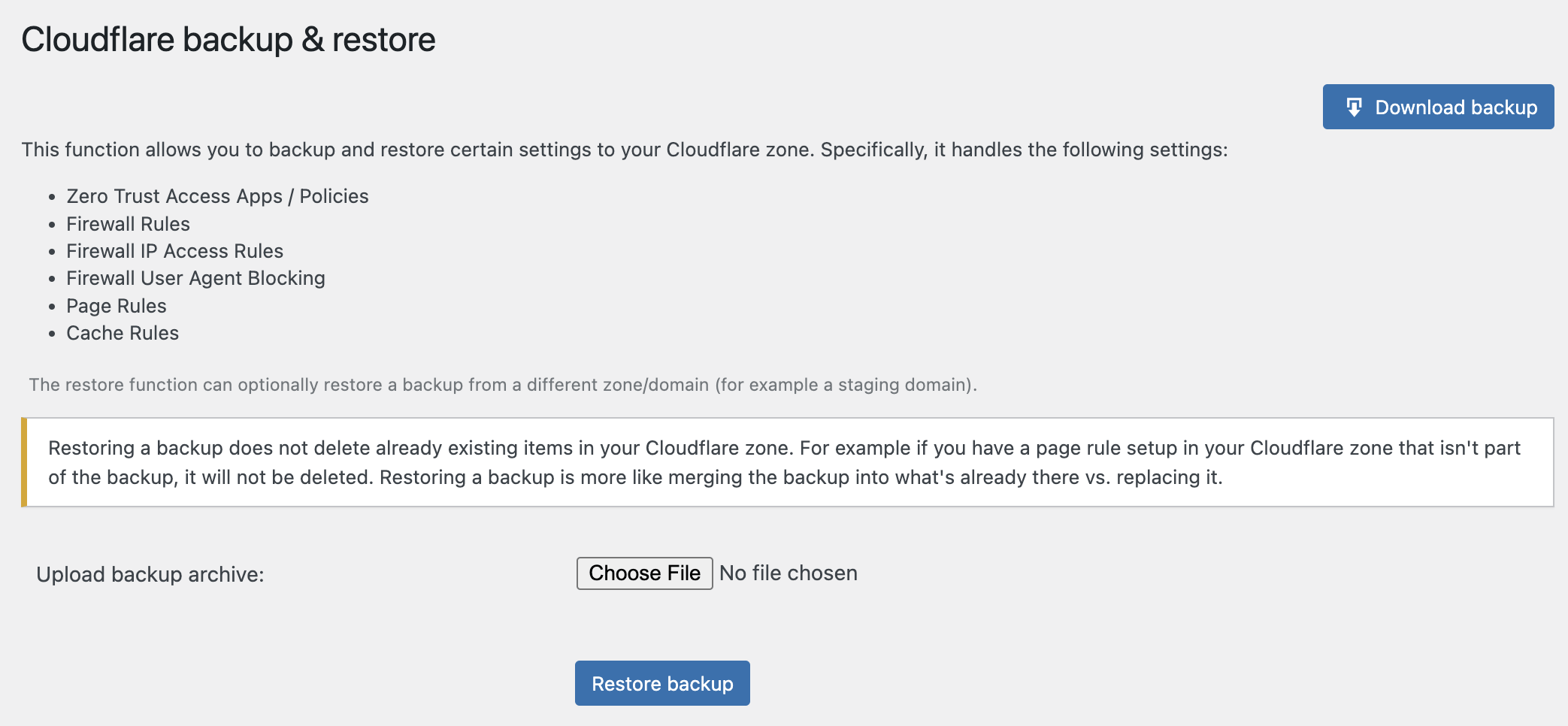
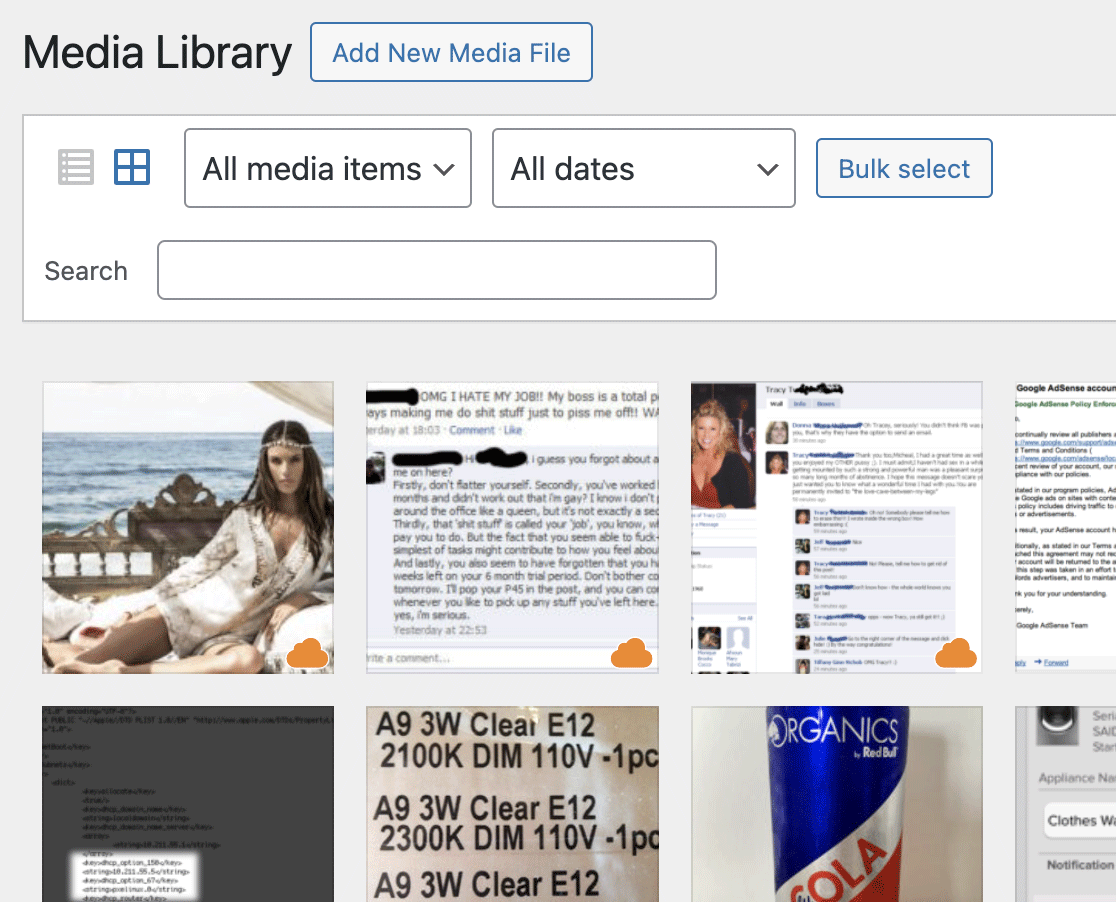
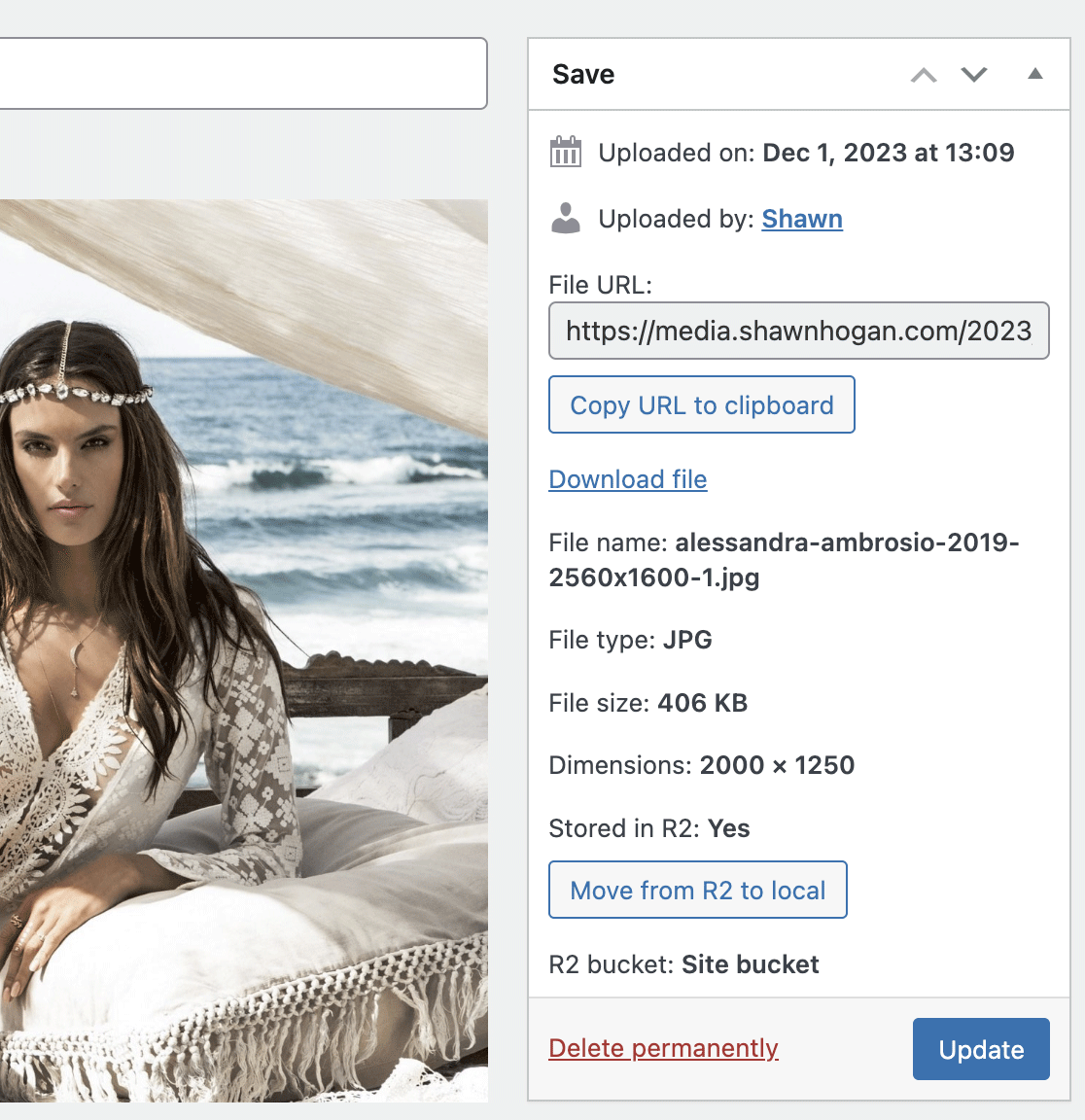
App for Cloudflare allows users to access advanced Cloudflare features without needing technical expertise, regardless of their Cloudflare plan. It offers various functionalities like caching HTML at network edge, preloading JavaScript and CSS, managing Cloudflare settings, fixing SSL redirect loops, handling user IP addresses, and more. Additionally, premium features include storing media in the cloud, automatically converting images to WebP, protecting the admin area with Zero Trust Network Access, managing rules and firewall settings, and backing up important configurations.Screenshots



Changelog
1.9.5 (2025-09-08)
- Added the ability to purge cache via WP-CLI: wp app-for-cf purge-cache
- Added Turnstile support for WooCommerce
- Added Turnstile support for Contact Form 7
- Added Turnstile support for HTML Forms
- Added Turnstile support for MetForm
- Added Turnstile support for WPForms
- Enabling the Image Transformations option will automatically enable Image Transformations in Cloudflare for your zone
- Site URL can be overridden with the CLOUDFLARE_SITE_URL PHP named constant: define(‘CLOUDFLARE_SITE_URL’, ‘https://example.com’);
- Fixed an issue with Image Transforms for sites that use subdirectories for WordPress installation (rather than root of the domain)
- Guest page caching works better with WooCommerce (checking for woocommerce_* cookies now)
- Removed option: Speed -> Image Optimization -> Mirage (deprecated as of Sept 15, 2025)
1.9.4.3 (2025-08-25)
- Purging non-pretty post URLs even if pretty URLs are setup (handles permalinks being different based on the post status)
- Prioritize resources to be preloaded appropriately if third-party plugins use the wp_preload_resources hook to call specific resources out for preloading
- Fixed an issue that would prevent scheduled events from working in certain versions of PHP
- The backend mechanism for purging URLs from cache is more efficient
1.9.4.2 (2025-08-06)
- Made verbiage on button to create new API token a little more clear
- Automatically purge old URL for a post if the slug or date was edited on an existing post
- When purging the cache for attachments, don’t assume the attachment URL is known (don’t try to purge an invalid URL)
- Don’t try to schedule a cron task to purge URLs if the URLs are unknown
- Delete any pending cron tasks for purging page caches if plugin is being deativated
- Set cache control policy for JSON endpoints so guest page caching doesn’t cache those requests
1.9.4.1 (2025-07-03)
- Handle a situation where a third-party plugin is using a filter and turning a script or CSS URL into something unusable (not a string)
- Limit preloaded resources to a maximum of 10
1.9.4 (2025-07-01)
- Updated charting library (Chart.js) to 4.5.0
- Simplified internal function for converting IPs to/from binary representations
- Fixed issue where Purge Cache button in admin bar wouldn’t work
- New option (Preload resources): automatically adds Link header that includes JavaScript and CSS URLs for the page (tells browsers to preload resources used by the page)
1.9.3.1 (2025-06-05)
- Fixed issue where guest page caching could by disabled, but not enabled
- Added support for Cache Rules that contain browser bypass TTL
1.9.3 (2025-06-02)
- All JavaScript rewritten to be native (no dependency on jQuery)
- Added support for Turnstile CAPTCHA for use on Registration, Login, Password Reset and/or Comment forms
- Purge cache option in admin bar displays icon, but not text when displayed on thin screens (for example, cell phones)
- Fixed cosmetic wrap issue on Settings page when site is within a multisite network
1.9.2 (2025-05-12)
- Cloudflare Image Transformation support for WordPress Media
- Updated charting library (Chart.js) to 4.4.9
1.9.1 (2025-03-26)
- Added new Cloudflare setting (under Security): AI Labyrinth
1.9.0 (2025-01-28)
- Updated charting library (Chart.js) to 4.4.7
- Added new Cloudflare setting (under Security): AI Bots
- Fixed issue where you couldn’t uncheck the
Only your user accountoption
1.8.8.1 (2024-11-07)
- When using guest page caching, decouple the purge cache mechanism from the HTTP request (the purge cache action is sent to WordPress’ cron system)
- Updated charting library (Chart.js) to 4.4.6
1.8.8 (2024-09-30)
- Added new Cloudflare setting (under Speed): Speed Brain
- Easy Config enables Speed Brain
- Added support for setting
SSL/TLS Encryption ModetoStrict (SSL-only origin pull)(for Enterprise zones) - Added new Cloudflare setting (under SSL/TLS): Encrypted Client Hello
- Added new Cloudflare setting (under Security): Leaked credentials
1.8.7 (2024-08-28)
- Fixed issue with deleting a Page Cache rule (change to Cloudflare API)
- Updated charting library (Chart.js) to 4.4.4
1.8.6 (2024-08-02)
- Added new Cloudflare setting (under Security): Replace insecure JavaScript libraries
- New option: Purge cache button in admin bar
- Fixed issue where “Block IP address on spam flag in comment queue” option couldn’t be unchecked
- New option: Convert uploaded media to WebP [Premium]
1.8.5 (2024-06-25)
- Removed Brotli compression setting (it’s now always on in Cloudflare)
- Removed Minify settings (they have been deprecated and will be removed from Cloudflare soon)
- Removed Server-side Exclude setting (it has been deprecated and will be removed from Cloudflare soon)
- Added framework for new option to create Firewall Rule to block AI scrapers & crawlers
- Updated charting library (Chart.js) to 4.4.3
1.8.4 (2024-05-29)
- Added deprecation notice for Auto-Minify setting
1.8.3 (2024-03-12)
- When installing Pro plugin, replace the default activate plugin link with a link to enter license key (the plugin isn’t “activated” in the traditional sense)
- Updated charting library (Chart.js) to 4.4.2
1.8.2 (2024-01-21)
- Fixed typo when installation is the primary site in a multisite network
- If API token can’t be verified, present an error about it being an invalid API token immediately
- Changed wording of the “API tokens & keys” button
- Updated charting library (Chart.js) to 4.4.1
- A few custom actions are intended to execute last, so PHP_INT_MAX was used as the priority, however it was causing issues on certain servers so the priority was lowered (but still very high)
1.8.1 (2023-12-01)
- Cloudflare statistics charts on dashboard dynamically resize properly when resizing window
- Added ability for individual API calls to ignore multiple error codes instead of just one
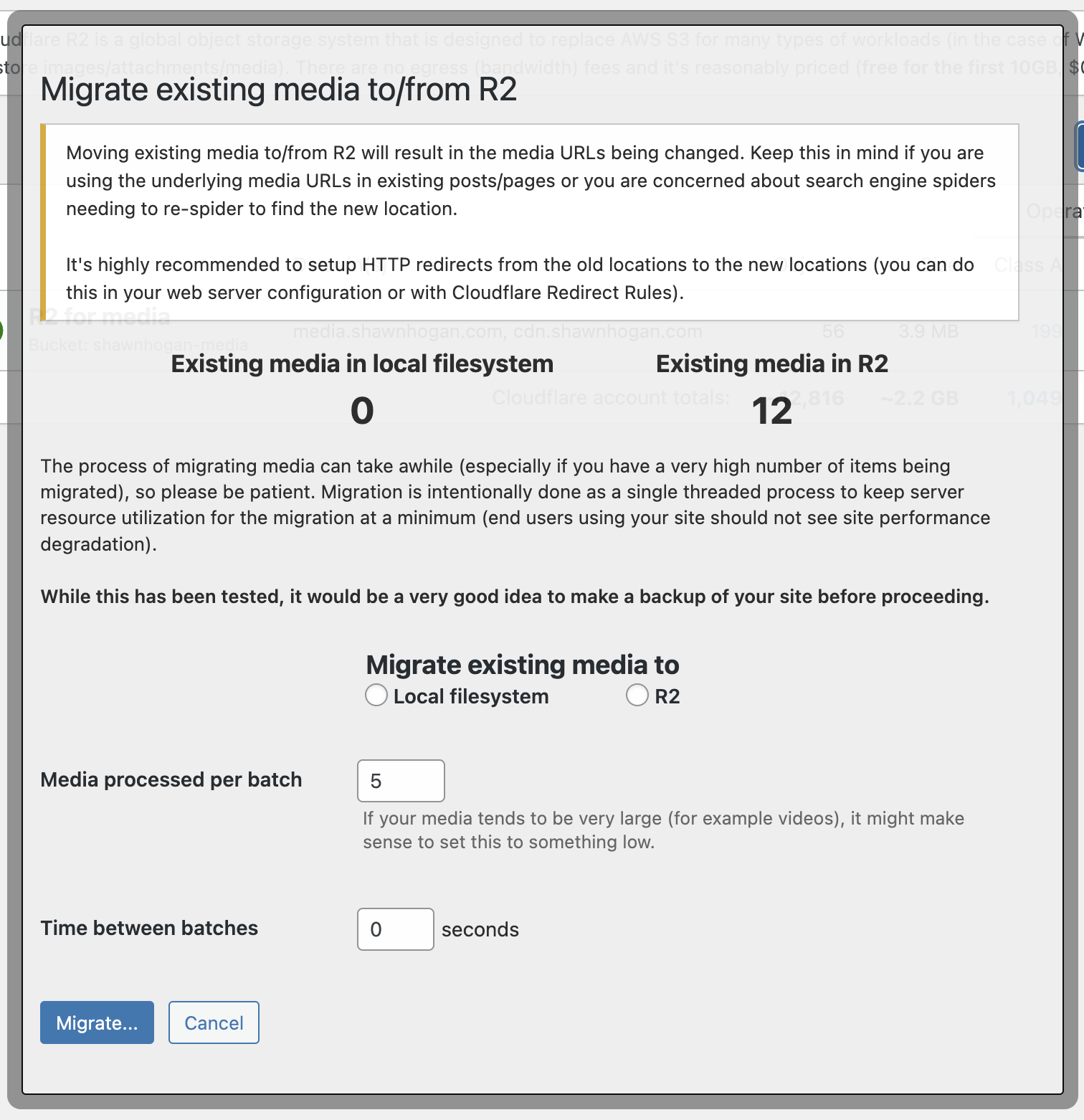
- Existing media can be moved to/from R2 individually or in bulk [Premium]
1.8.0 (2023-11-13)
- The API calls necessary to build the Cloudflare settings page are now run in parallel (it’s currently 10 API calls that were previously made sequentially). Viewing (and editing) settings is significantly faster now (it’s as fast as the single slowest API call, rather than as slow as all 10 API calls added together).
- Raised timeout for Cloudflare API calls from 5 seconds to 15 seconds
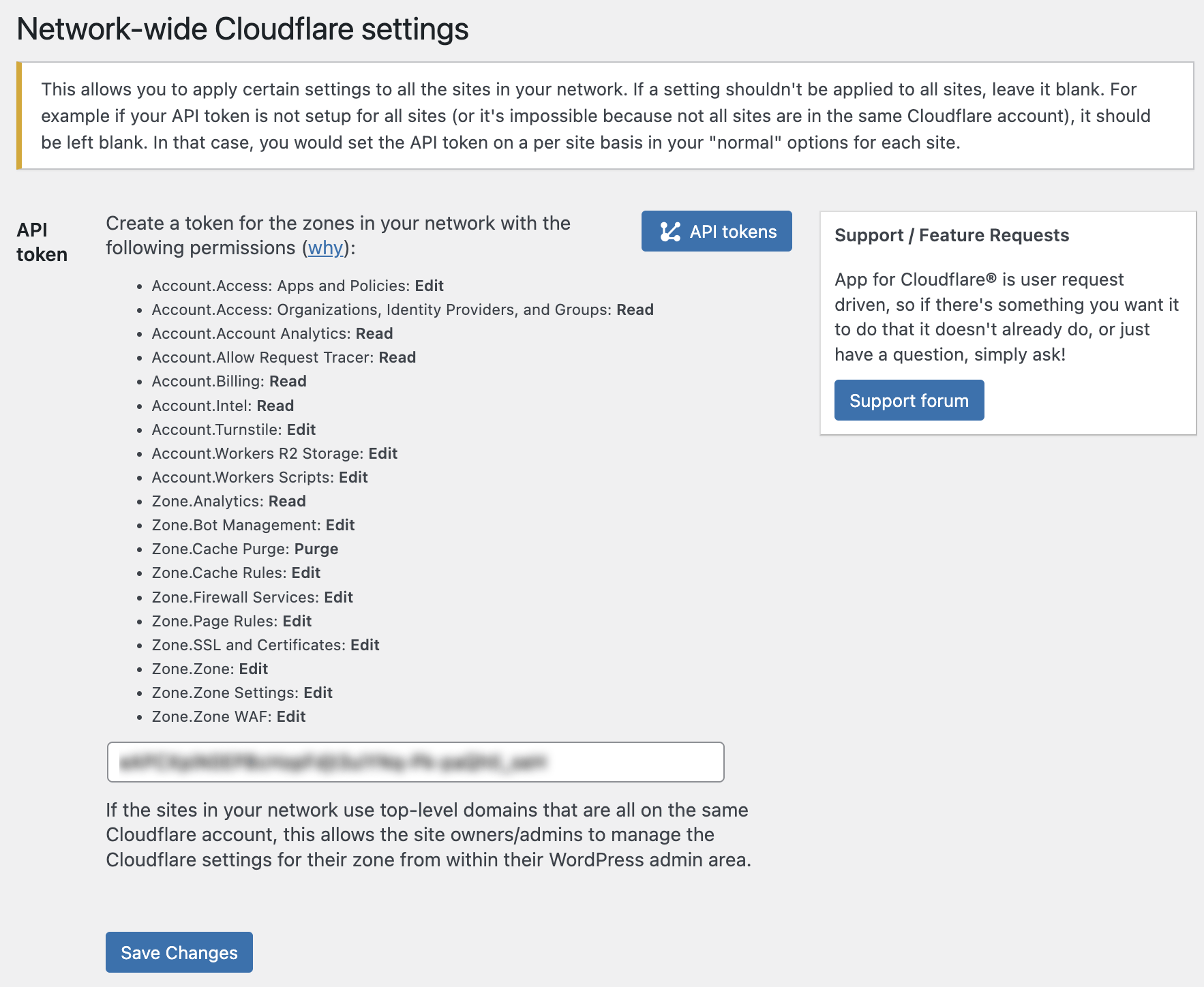
- For multisite/network installations, there is a new settings page that allows you to set some network-side settings (for example the API token to use) across all sites without specifically setting it for each site. See Network Admin -> Settings -> Cloudflare
- If there’s a multisite network API token set, an individual site can still override that API token (allows a situation where most sites are on a single Cloudflare account can use the network-side API token, but the ones that aren’t can still specify a different one)
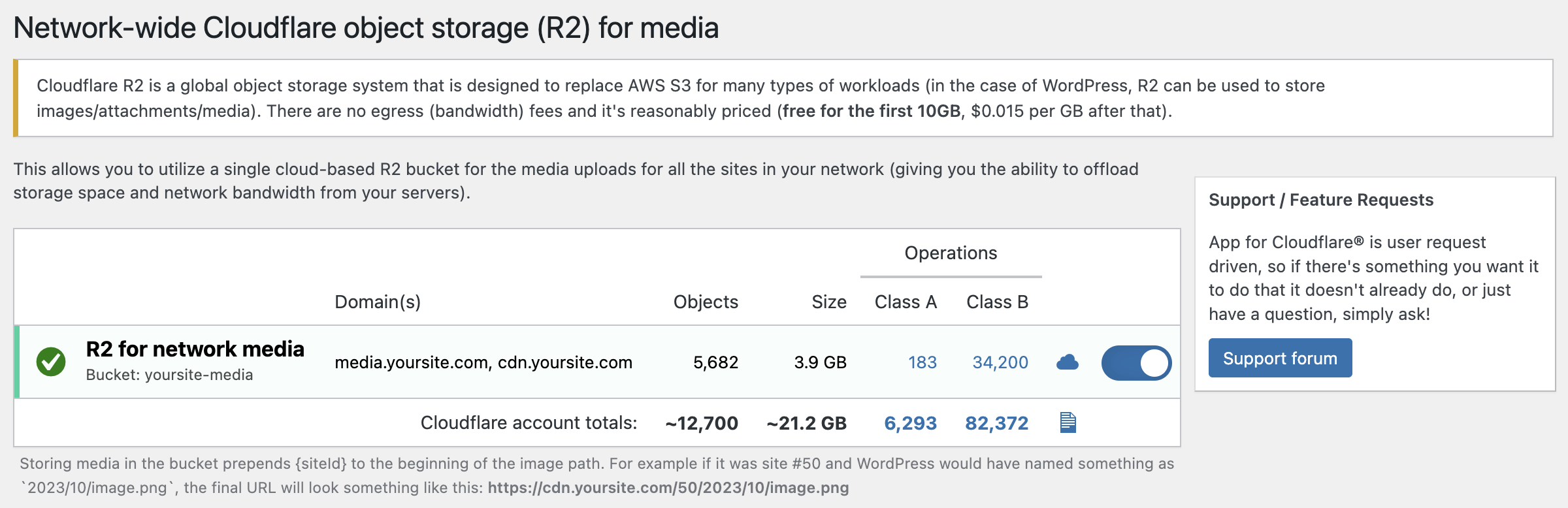
- Added info page about using R2 in a multisite setup (using a single bucket for all sites)
- Added sanity check (make sure it exists) when attempting to display an actioned template
- Added more sanity checks for unexpected Cloudflare API results
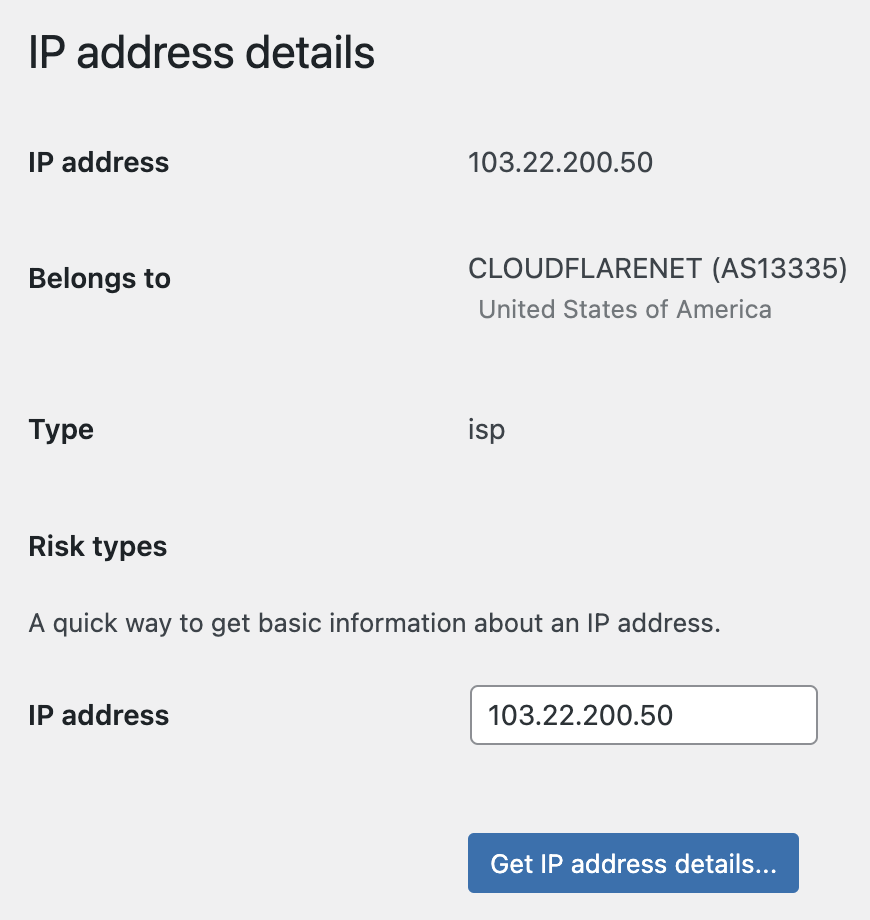
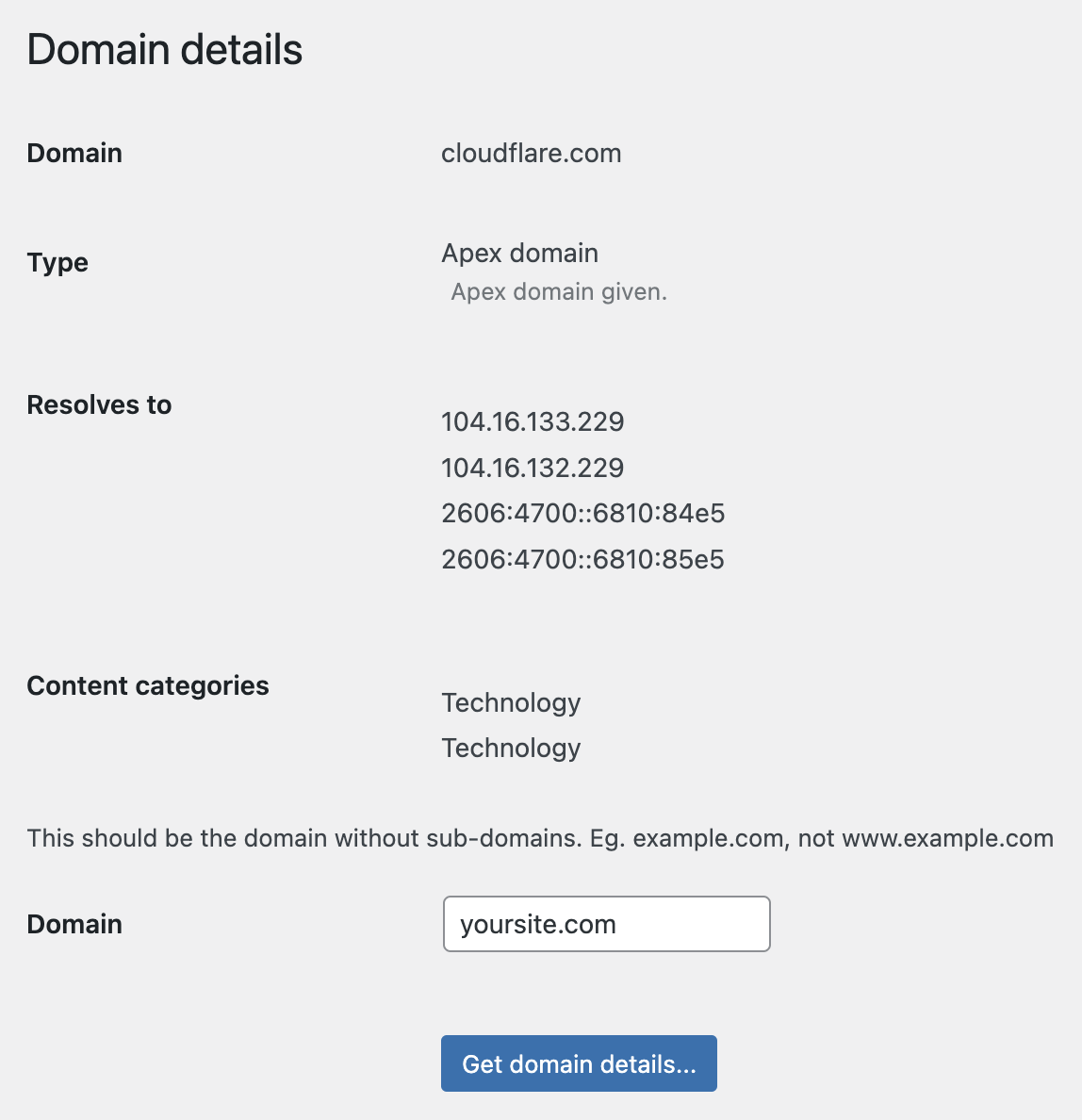
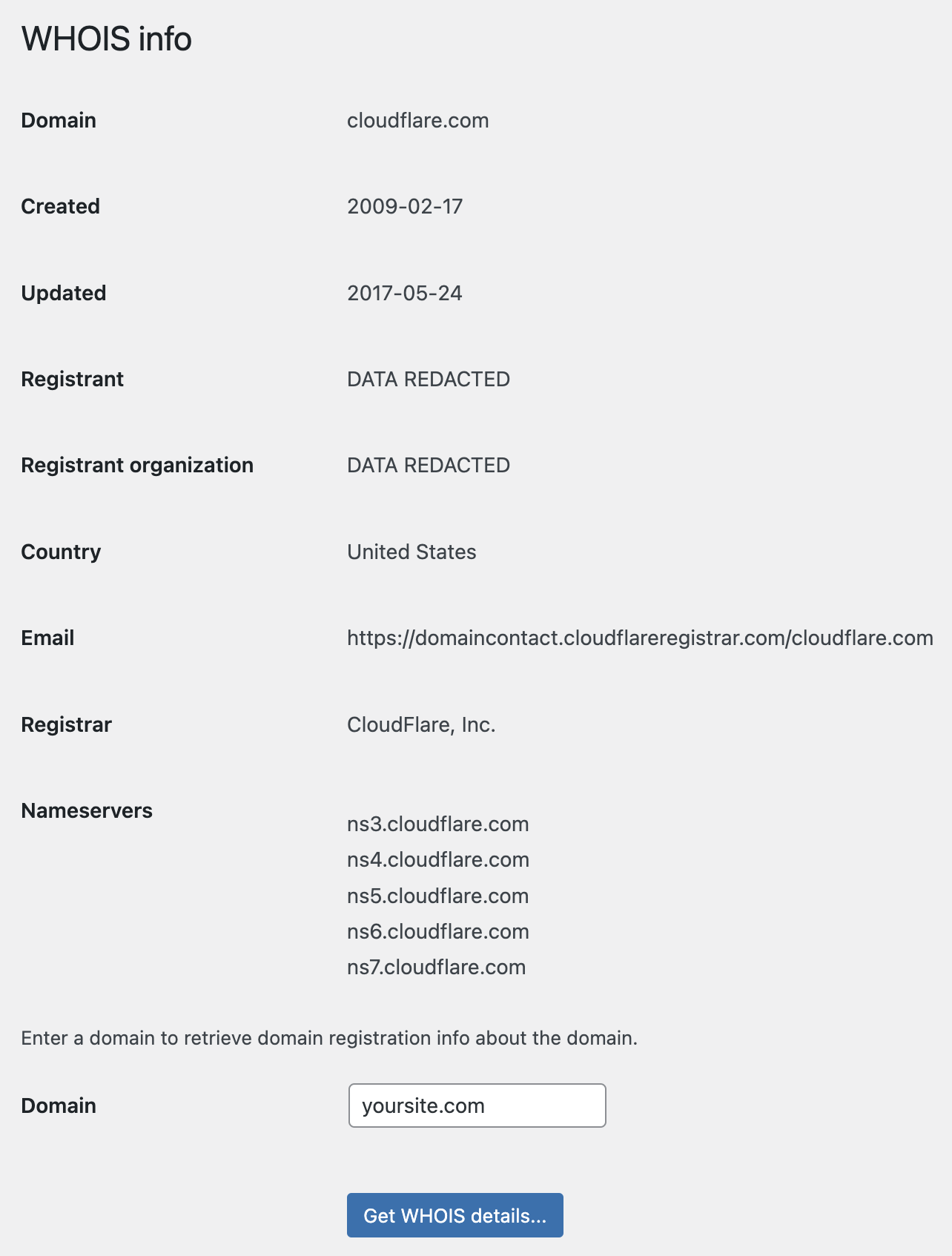
- The intel tools (IP address details, Domain details, WHOIS) can’t be used (and are removed from the navigation) if a site doesn’t have their own API token (in a scenario where they are using a default multisite network API token). This is because there is a very small monthly quota for API calls for the entire Cloudflare account/API token (around 100 per month).
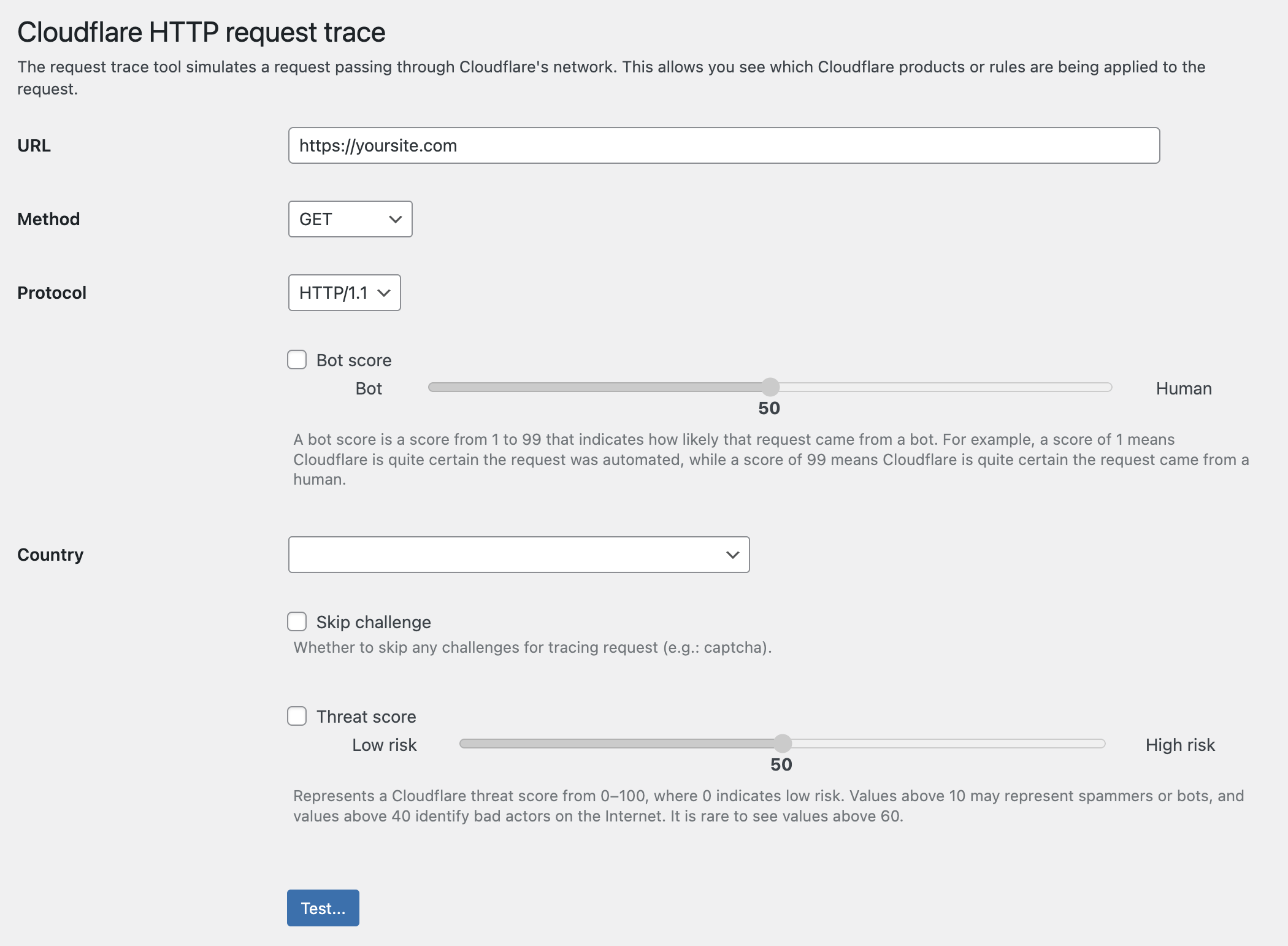
- Fixed issue with HTTP Request Trace tool
1.7.7 (2023-11-03)
- Added link for info about why each Cloudflare token permission is needed
- Increased the number of URLs being purged per API call from 8 to 30
- Suppress API rate limit error message when using guest page caching and the backend is purging individual URLs from Cloudflare’s cache (if there are a ton of posts being added at once, or edited quickly over and over, a site might hit rate limits after about 40 new posts/edits/comments in a single minute). Since it’s not catastrophic if a cache purge didn’t successfully run, we are just going to ignore the failure and let the cache expire on its own.
- Better handling of situation where Cloudflare API is down/unavailable
- Changed how menus are built (old method was deprecated in PHP 8.x)
- Removed “Security -> Privacy Pass Support” setting (it’s been deprecated by Cloudflare and is no longer used)
1.7.6.1 (2023-10-25)
- Clean up some layout anomalies when using a right-to-left language
- The Cloudflare Fonts option ID has changed. This addresses that (it’s what I get for giving the ability to toggle options that Cloudflare has deemed “beta”… they are subject to change).
- Added a sanity check so if future option IDs change, it won’t throw an error (along with not being able to change them). Instead, that option won’t change until the ID is updated.
1.7.6 (2023-10-22)
- Fixed issue where boolean settings wouldn’t always be parsed to boolean values
- Fixed issue where HTTP Strict Transport Security (HSTS) settings wouldn’t always be changeable
- Added support for Super Bot Fight Mode settings: Likely Automated, Definitely Automated, Verified Bots, Static Resource Protection, Optimize For WordPress, JavaScript Detections
1.7.5.1 (2023-10-21)
- Better handling of unexpected Cloudflare API changes
1.7.5 (2023-10-19)
- Fixed issue with modal confirmation dialog not scrolling when it goes off the screen (mainly an issue when enabling R2 for media from a mobile devices)
- Cloudflare made a change to the bot management API (but only for paid plans), this version addresses that.
1.7.4 (2023-10-12)
- Fixed issue where a settings page redirect would fail because WordPress had already output HTML in some cases
- Cosmetic clean-up here and there
- Notice in Media section about using/setting up R2 is dismissible
- Added support for new Cloudflare setting: Speed -> Optimization -> Content Optimization -> Cloudflare Fonts
- “Easy config” enables Cloudflare Fonts
- Settings that are deemed beta by Cloudflare, are shown with a beta label
- Better handling of cases where there’s an error when making an API request
1.7.3 (2023-10-05)
- Initial release of App for Cloudflare® for WordPress.
The WordPress version is kept in feature parity with the XenForo version. You can find the update changelog for older versions (if you are curious), over here.

