

The Elementor Website Builder has it all: drag and drop page builder, pixel perfect design, mobile responsive editing,…

About Mobile App Canvas – Convert your Website Into an App for iOS and Android
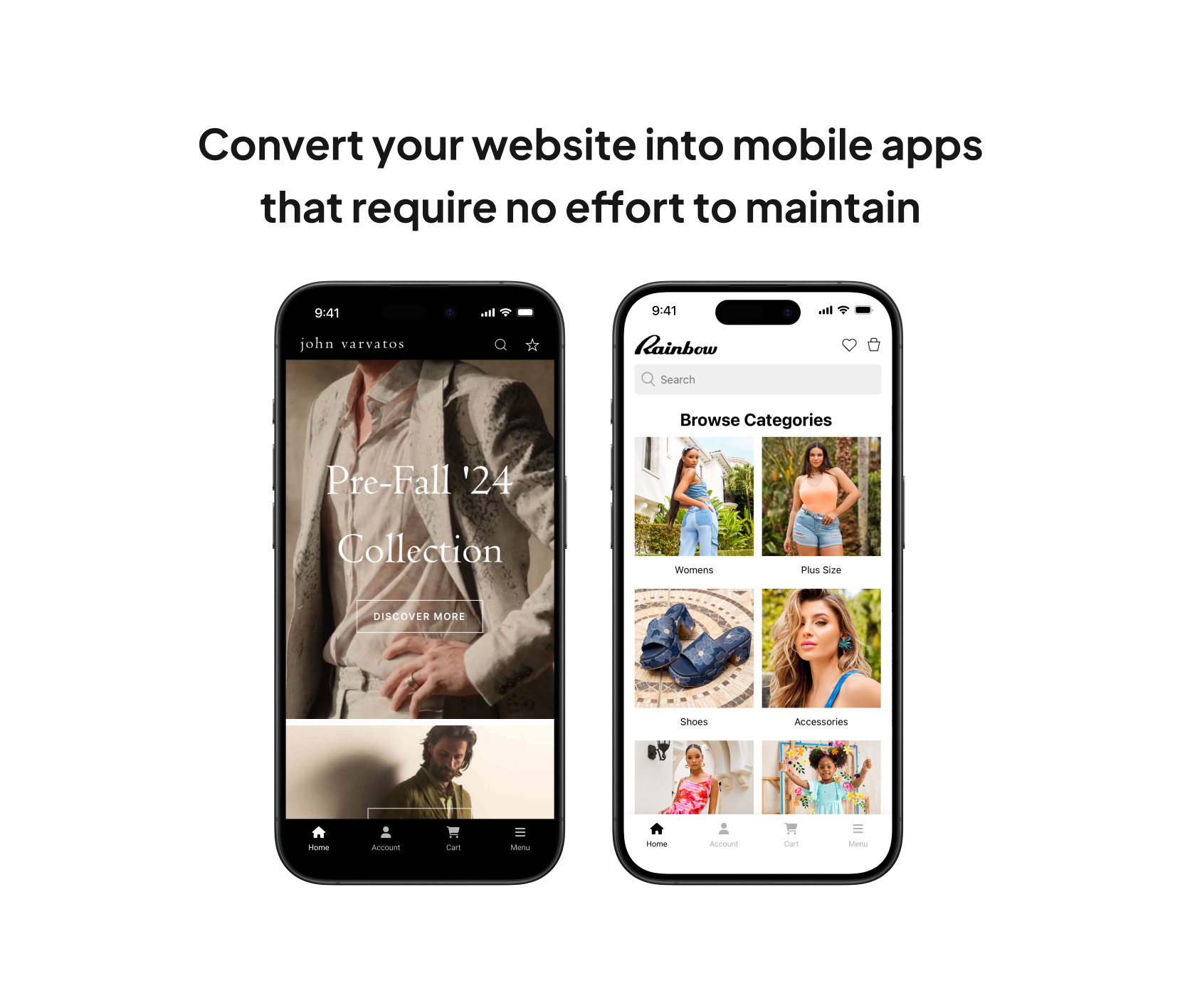
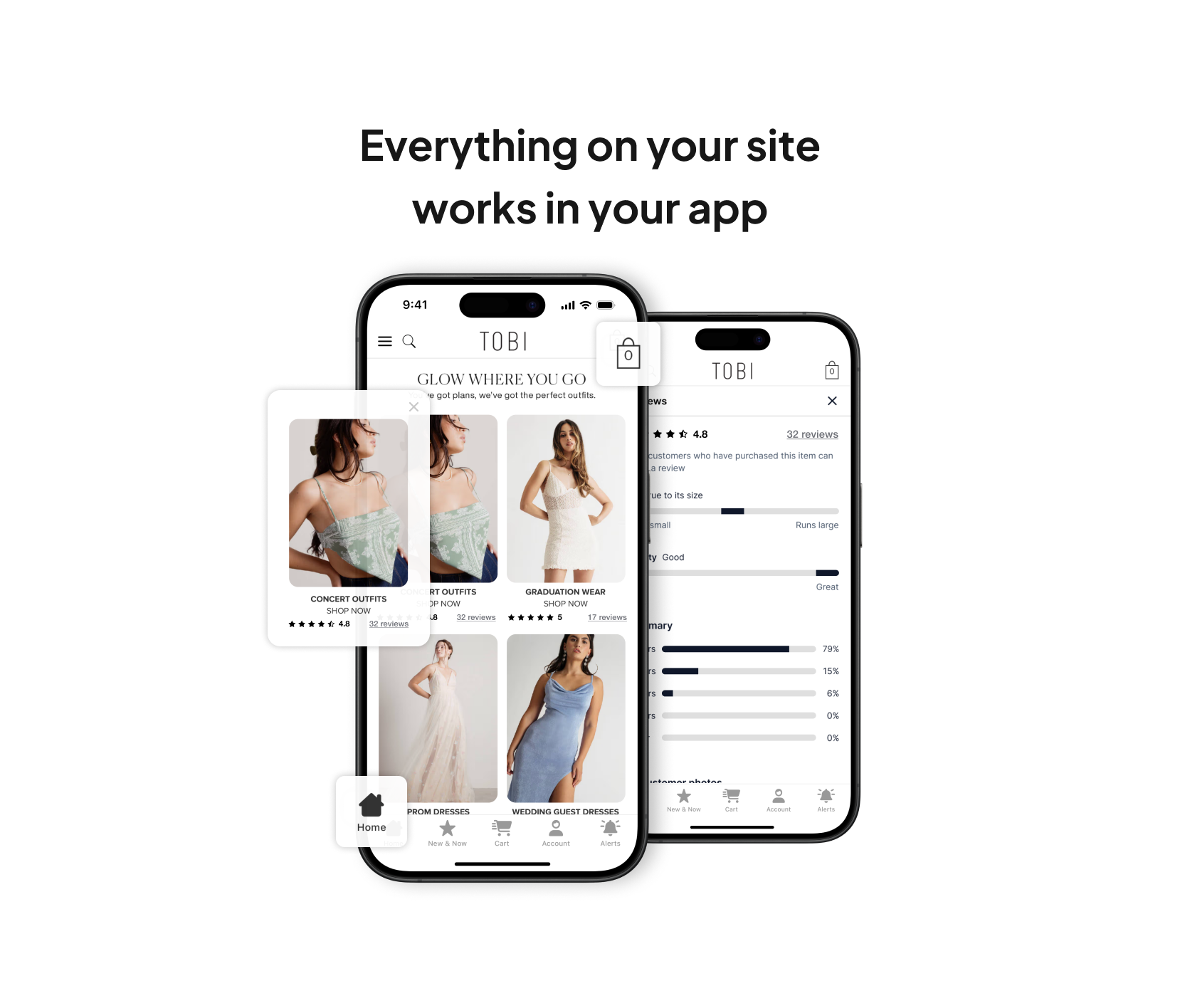
MobiLoud helps convert your WordPress site into native mobile apps for iOS and Android, keeping them automatically updated with your website content. They offer a fully managed service, including app building, testing, and submission, making it easy for brands of all sizes to have a presence in app stores. With MobiLoud, you can provide a seamless user experience, send push notifications, and have your app live in as little as 2 weeks, all without adding complexity to your workflow.Screenshots



Changelog
= 3.8.4
* Minor updates
= 3.8.3
* Security updates to the Theme Options form AJAX submission
* Plugin DB tables now use collation of the WordPress core tables
= 3.8.2
* Added new icons
= 3.8.1
* Added improvements to onboarding screen
= 3.8
* Added improvements to the onboarding screen
= 3.7
* Fixes error with WooCommerce
* Added improvements to notifications
= 3.6
* Added improvements to the bbPress notifications
* Added improvements to the push notification logs
= 3.5.11
* Fixes issue with registration
= 3.5.10
* Fixes issue with saving of the registration template
3.5.9
- Fixes compatibility issue with WooCommerce
3.5.8
- Fixes notification title HTML entity encoding issue
- Fixes missing title in for URL notifcation type
- Fixes missing featured image for URL notifcation type
- Fixes custom title for post notification type
3.5.7
- Fix non-static method call error
3.5.6
- Removal of deprecated settings
- Improvements to login duration
- Improved UI for the Push Notifications admin screen
- Added template editors for Login, Registration and Common CSS
- Added setting to keep users logged-in
- Added support for OneSignal API v11
- Added New Comment notification support for Peepso
- Added Comment liked notification support for Peepso
- Fixed filter hook compatibility issue with BuddyPress and BuddyBoss
- Fixed HTML entities issue shown in Push notifications
3.5.5
- Fixes warning and errors on the admin settings screen
- Adjustments to login/registration default colors
- Adds dismissible “request a demo” banner at the top of the screen
- Fixes notifications for third party plugins not integrating with email/id setting
- Fixes issue with automatic notifications for a scheduled post
3.5.3
- Improvements to login screen
- Adds setting for saving user details to OneSignal
- Adds setting to identify app using GET parameter
3.5
- Improvements to login feature
- Adds setting for controlling OneSignal tags
3.3.1
- Fixes a problem with push notifications
3.3
- Adds endpoints for login and registration
3.2
- Improvements to code editor
- Adds endpoint for notifications
3.0
- Minor improvements to plugin code
2.9
- Minor improvements to plugin code
2.8
- Minor changes in admin interface.
2.7
- Minor changes in admin interface.
2.7
- Adds adjustments to the admin interface
2.6
- Adds welcome screen feature
- Adds better support for BuddyPress
2.5
- Adds adjustments to the admin interface
2.4
- Fixes a problem with push notifications for posts not working correctly
2.3
- Adds support for BuddyPress notifications
2.2
- Adds an option to disable images in push notifications and reduce server load
2.1
- Fixes a problem with push logs not being accessible
2.0
- Adds improvements to iOS notifications for OneSignal
1.9
- Adds improvements to confirmation messages
- Fixes third party alerts being displayed on top of the screen
1.8
- Adds Intercom chat for quick support
1.7
- Fixes a problem on the initial screen caused by old PHP versions
1.6
- Adds improvements to the plugin CSS
1.5
- Fixes a problem with the welcome screen
1.4
- Adds tabbed navigation and improved design for settings
- Adds push notifications panel
- Adds custom CSS editor for login screen
- Adds options to hide links in the login screen
1.3
- Adds support for WordPress 4.8
- Adds welcome screen
1.2
- Adds the ability to inject CSS in the theme when displayed in the app
1.1
- First public release, adds support for user logins in the app
1.0
- First release

