

Just another contact form plugin. Simple but flexible.

About WPMasterToolKit (WPMTK) – All in one plugin
WP Master ToolKit is a WordPress plugin that offers a wide range of features to optimize your WordPress website. It includes tools to enhance your dashboard, simplify content and settings management, and customize your installation. With both free and pro features available, this plugin is a comprehensive solution for optimizing your WordPress site.Screenshots
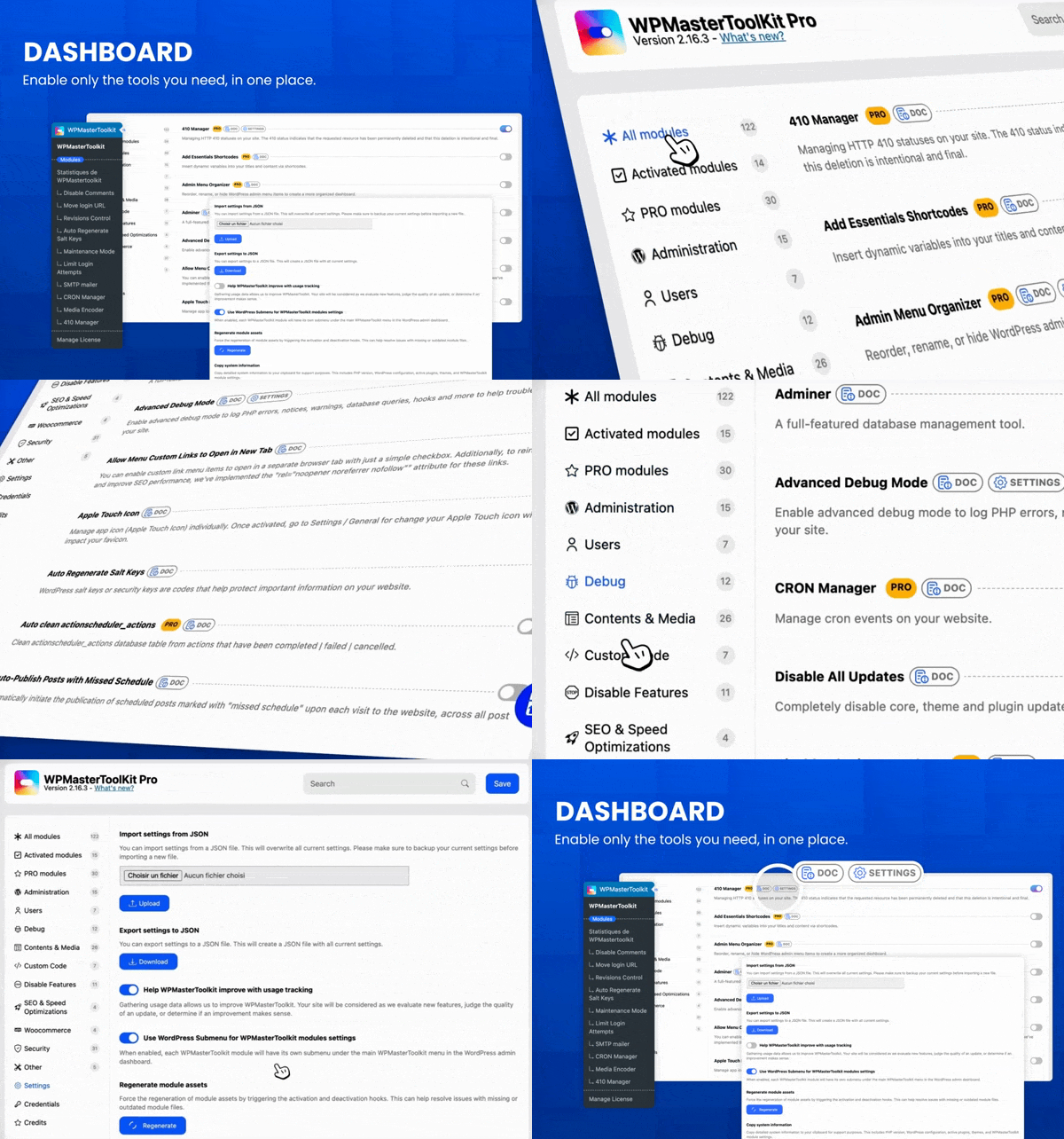
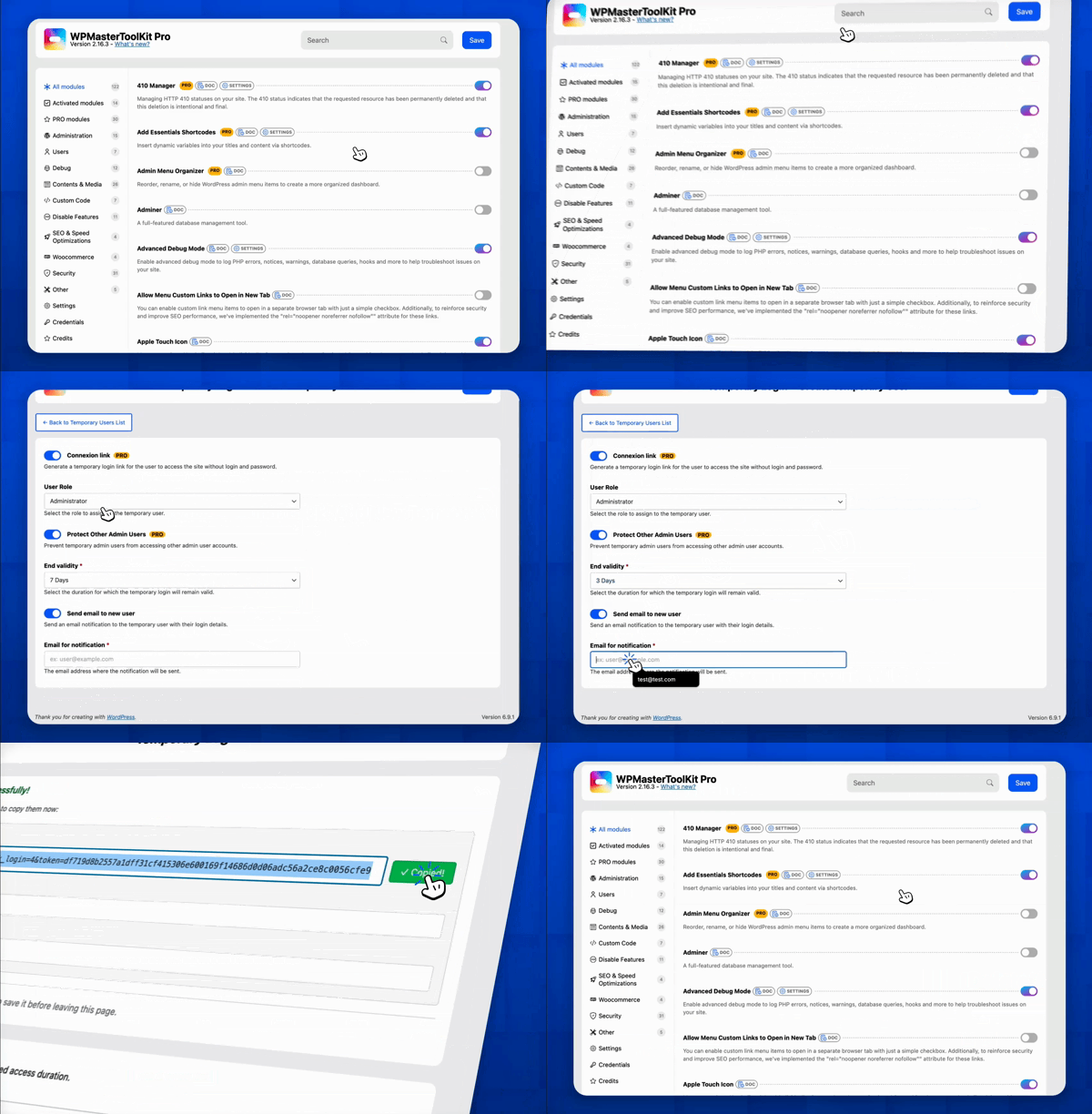
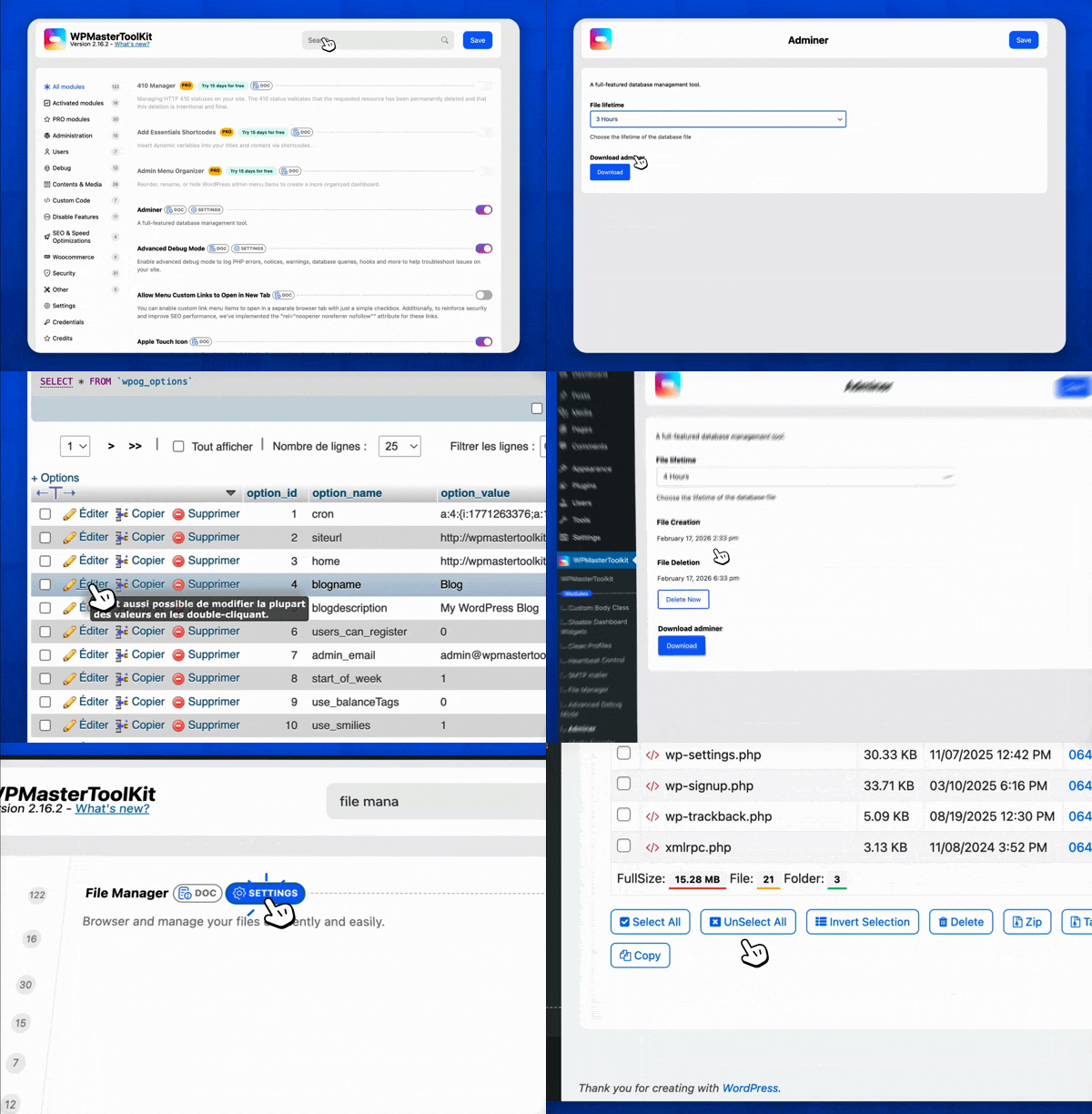

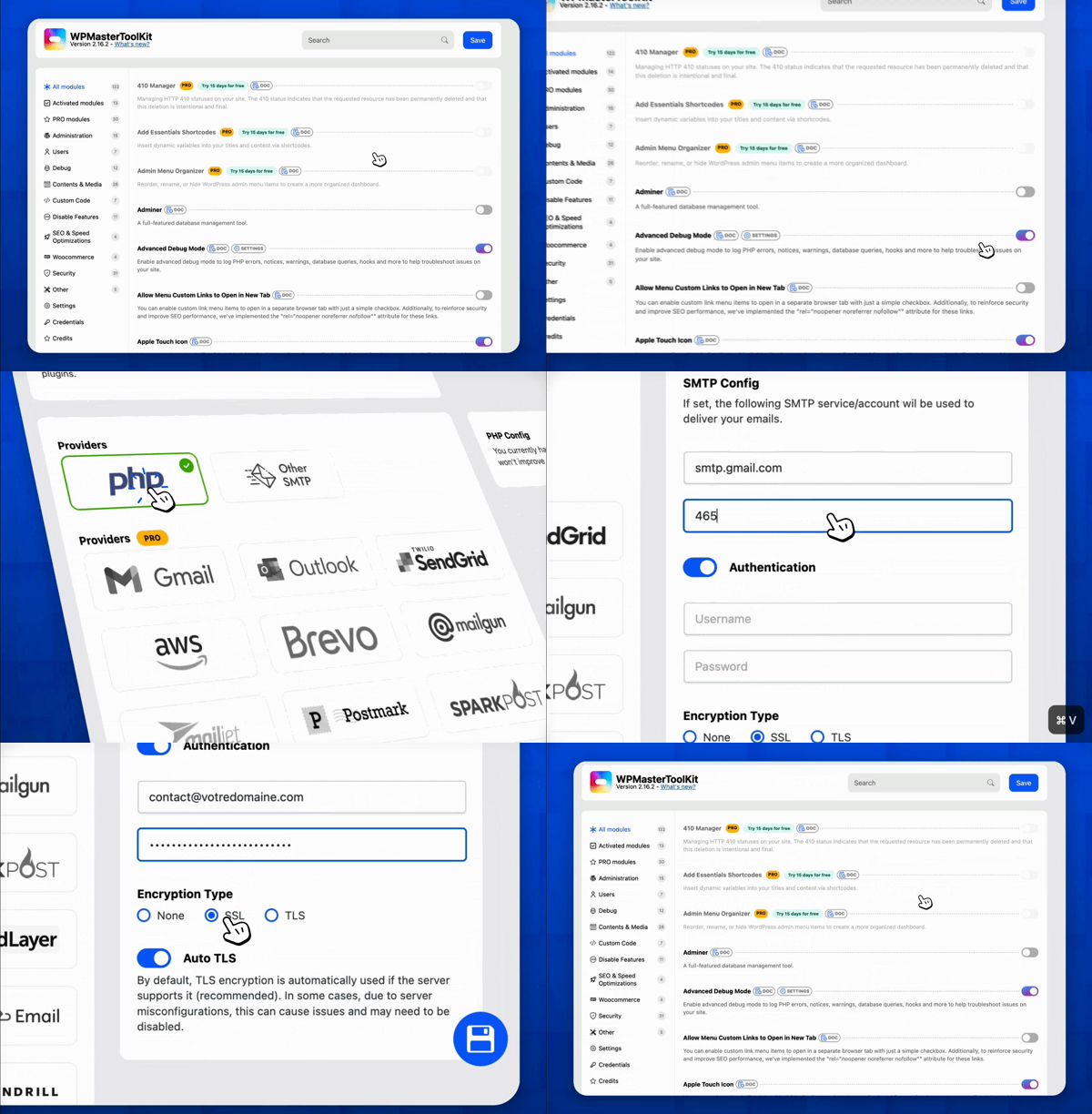


Changelog
2.1.0
- Add Pro Modules informations
2.0.0
- Added license system to switch to PRO version.
- Added links to the documentation of each module under their description.
- Add documentation in code on hooks and filters.
- Fix: Module “Move Login URL”: Problem with TranslatePress if the option “Use a subdirectory for the default language” is enabled on the TranslatePress settings.
- Fix: Module Local avatars: New CSS compatible with WP 6.7+.
- Fix: Module Apple Touch Icon: New CSS + JS compatible with WP 6.7+.
- Fix: Module Clean Up Admin Bar: Remove Howdy doesn’t work.
- Update: Module: Hide Admin Notices: Complete redesign of the interface, removal of the dedicated submenu and addition of a modal to store notifications in the admin bar.
- Update: Module maintenance mode: Add a countdown (PRO Only).
1.15.0
- Add Module: Prevent User Enumeration: Prevent user enumeration via ?author=X and REST API /users/ endpoints.
1.14.0
- Add Module: Media Cleaner: Automatically sanitize uploaded file names by removing special characters, and streamline media management by auto-generating key metadata fields (title, caption, alt text, and description) directly from the cleaned file name.
- Security update (reported by Patchstack, thanks @darius_fx): Arbitrary File Upload vulnerability and Arbitrary File Download vulnerability in Child Theme Generator module.
1.13.1
- FIX: WP 6.7 compatibility with translations, move translatable strings in hook after init.
1.13.0
- FIX: WP 6.7 compatibility with translations
- Add Module: Media Encoder: Automatically converts images to WebP when they are uploaded to the media library.
1.12.5
- FIX: Auto Regenerate Salt Keys: Problem on some installations
1.12.4
- FIX: Problem with ‘Header set Content-Security-Policy “upgrade-insecure-requests;”‘
1.12.3
- FIX: Problem with stats modal consent if you click on the bottom button for save.
1.12.2
- FIX: Problem with constant replacement in wp-config.php, better method.
1.12.1
- FIX: Problem with constant replacement in wp-config.php.
1.12.0
- Update Module: Limit Login Attempts: Add option to delete blocked IP.
- Update Module: Maintenance Mode: Add admin bar switcher and switch in the settings page.
- Update Module: Protect Website Headers: Add more information about the headers.
- UX improvement: Add a new filter in settings page for show only active modules
- Add config sharing feature
- Add modal for consent to collect data
- Fix: Local avatars: php warning
1.11.0
- Add Module: Adminer
- Add Module: Apple Touch Icon
- Add Module: Local avatars
1.10.2
- Fixed: Problem with modules using textarea fields. Now, the textarea fields are correctly escaped with wp_unslash.
1.10.1
- Fixed: module child theme generator: Better method for zip creation
1.10.0
- Add Module: Disable jQuery Migrate
- Add Module: Multiple User Roles
- Add Module: Plugin & Theme Rollback
- Fixed: Bug on child theme generator on some servers.
- Update Module: File Manager: Edit files from default view and better UX.
1.9.0
- Add Module: Child theme generator
- Add Module: File Manager
- Add Module: Protect Website Headers
- Fixed: Prevent the form submit when the user press Enter in the search input (on settings).
- Update: Better results on search input (on settings) if you don’t use special characters.
1.8.1
- Fixed: Problem if Parsedown library doesn’t exist on the server.
1.8.0
- Update Module: SMTP mailer: Replace password input type.
- Change logo on admin page.
- Add version on header of admin page.
- What’s new modal in settings page.
1.7.0
- Add Module: Ban emails
- Add Module: SMTP mailer
- Update Module: Auto Regenerate Salt Keys: Better approach to regenerate salt keys.
1.6.0
- Add Module: Block User Registration from Disposable Email
1.5.1
- Fix: Meta Debugger module: Add support on edit_user_profile
1.5.0
- Add Module: Custom Frontend CSS
- Add Module: Disable All Updates
- Add Module: Disable REST API
- Add Module: Heartbeat Control
- Add Module: Image Upload Control
- Add Module: Insert , and
<
footer> Code
* Add Module: Limit Login Attempts
* Add Module: Manage ads.txt and app-ads.txt
* Add Module: Manage robots.txt
* Add Module: Obfuscate Author Slugs
* Add Module: Obfuscate Email Addresses
* Fix: Increase the prioarity for the filter in hide admin bar module
* Fix: Problem with “Disallow bad requests” module
1.4.0
- Add Module: Clean Up Admin Bar
- Add Module: Content Duplication
- Add Module: Content Order
- Add Module: Custom Admin CSS
- Add Module: Enhance List Tables
- Add Module: External Permalinks
- Add Module: Log In/Out Menu
- Add Module: Meta Debugger
- Add Module: Post Per Page
- Fix: Problem with import / export settings feature
1.3.0
- Add Module: Auto Regenerate Salt Keys: WordPress salt keys or security keys are codes that help protect important information on your website.
- Add Module: Auto-Publish Posts with Missed Schedule: Automatically initiate the publication of scheduled posts marked with “missed schedule” upon each visit to the website, across all post types.
- Add Module: Clean Profiles: Tidy up user profiles by removing sections you do not utilise.
- Add Module: Custom Body Class: Add custom class(es) on the singular view of some or all public post types.
- Add Module: Disable Block-Based Widgets Settings Screen: Disable block-based widgets settings screen. Restores the classic widgets settings screen when using a classic (non-block) theme. This has no effect on block themes.
- Add Module: Disable Dashboard Widgets: Clean up and speed up the dashboard by completely disabling some or all widgets. Disabled widgets won’t load any assets nor show up under Screen Options.
- Add Module: Disable Really Simple Discovery (RSD) tag: Disable loading of Dashicons CSS and JS files on the front-end for public site visitors. This might break the layout or design of custom forms, including custom login forms, if they depend on Dashicons. Make sure to check those forms after disabling.
- Add Module: Disable Windows Live Writer (WLW) manifest tag: Disable the Windows Live Writer (WLW) manifest tag in . The WLW app was discontinued in 2017.
- Add Module: Disable WordPress shortlink tag: Disable the default WordPress shortlink tag in . Ignored by search engines and has minimal practical use case. Usually, a dedicated shortlink plugin or service is preferred that allows for nice names in the short links and tracking of clicks when sharing the link on social media.
- Add Module: Disable cart fragments scripts: Disable cart fragments scripts on the front-end for public site visitors. This might break the functionality of the cart and checkout pages if they depend on cart fragments.
- Add Module: Disable dashicons CSS and JS files: Disable loading of Dashicons CSS and JS files on the front-end for public site visitors. This might break the layout or design of custom forms, including custom login forms, if they depend on Dashicons. Make sure to check those forms after disabling.
- Add Module: Disable emoji support: Disable emoji support for pages, posts and custom post types on the admin and frontend. The support is primarily useful for older browsers that do not have native support for it. Most modern browsers across different OSes and devices now have native support for it.
- Add Module: Disallow Bad Requests: Protect your site against a wide range of threats. check all incoming traffic and quietly blocks bad requests containing nasty stuff like eval(, base64_, and excessively long request-strings.
- Add Module: Disallow Dir Listing: Disable the listing of the directories.
- Add Module: Disallow Malicious File Access in upload: Protect your website from malicious file access in the upload directory.
- Add Module: Duplicate Menu: Easily duplicate your WordPress Menus
- Add Module: Export Posts & Pages: Download your posts and pages to a .csv format.
- Add Module: Export Users: Download your user data to a .csv format.
- Add Module: Hide PHP Versions: Some servers send a header called X-Powered-By that contains the PHP version used on your site. It may be a useful information for attackers, and should be removed.
- Add Module: Maintenance Mode: Show a customizable maintenance page on the frontend while performing a brief maintenance to your site. Logged-in administrators can still view the site as usual.
- Add Module: Nav Menu Visibility: Control your nav menu by allowing you to apply visibility controls to menu.
- Add Module: Password Protection: Password-protect the entire site to hide the content from public view and search engine bots / crawlers. Logged-in administrators can still access the site as usual.
- Add Module: Quick Add Post: A new button to quickly add new posts to speed up your workflow.
- Add Module: Redirect 404 to Homepage: Sends visitors to your homepage if they try to access a page that doesn’t exist, ensuring they stay on your site.
- Add Module: Redirect After Login: Set custom redirect URL for all or some user roles after login.
- Add Module: Redirect After Logout: Set custom redirect URL for all or some user roles after logout.
- Add Module: Revisions Control: Avoid overloading the database by setting a cap on the number of revisions to save for certain or all types of posts that support revisions.
- Add Module: Wider Admin Menu: Give the admin menu more room to better accommodate wider items.
- Upgrade Module : Blacklisted Usernames : Add tool for fix blacklisted usernames.
1.2.1
- Fix : SVG Upload doesn’t work properly
- Security update : Sanitize uploaded SVG files
1.2.0
- Add module : Code Snippets
1.1.0
- Add module : Hide WordPress Version
- Fix : Activate / deactivate module action
1.0.0
- Initial release

