

Just another contact form plugin. Simple but flexible.
About Table Block by RioVizual – Comparison Table, Pricing Table, and Pros & Cons Box for Gutenberg
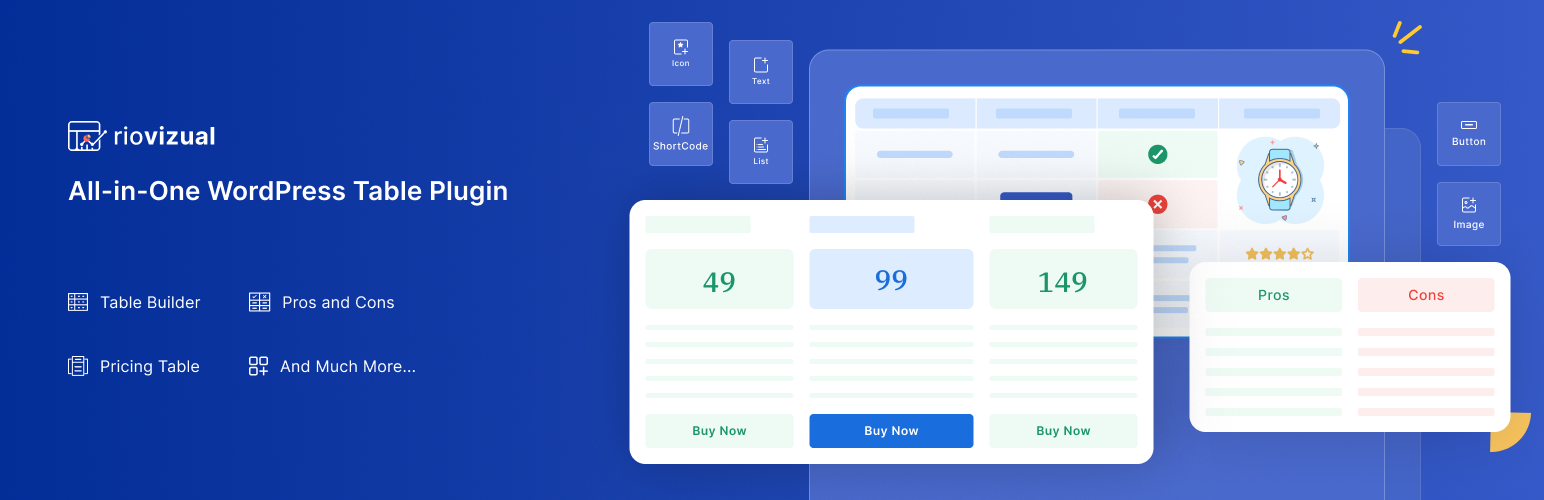
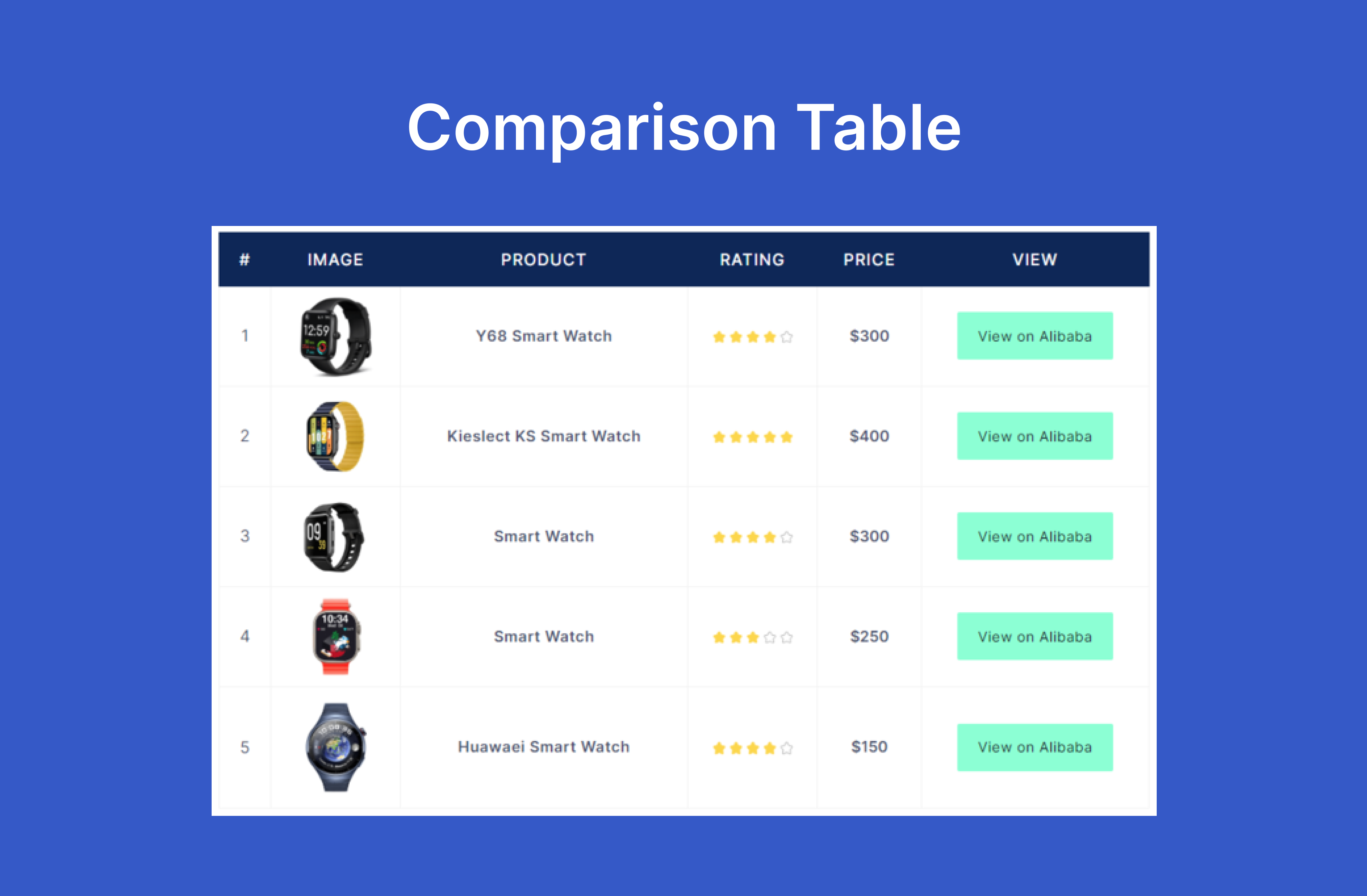
RioVizual is a versatile WordPress table plugin that allows you to create customizable and responsive comparison tables, pricing tables, and pros & cons boxes directly in the Gutenberg block editor. It offers an easy drag-and-drop interface, extensive template library, and advanced customization options. Best of all, it's free forever!Screenshots


Changelog
2.1.3 – 14 November 2024
- Added: Full Compatibility with the Latest Version of WordPress 6.7
2.1.2 – 11 November 2024
- Added: URL Settings with Image Element.
- Added: Minus (-) value for
letter-spacingProperty in Typography Settings. - Fixed: Image Alignment Issue in some Certain Situation.
2.1.1 – 07 October 2024
- Added: Pattern Support.
- Fixed: URL issues in Frontend.
- Fixed: Font Size issue in Table Typography Style.
- Fixed: Box Shadow issue in Table Caption.
- Fixed: Body Items Move (up/down) issue in Pros and Cons.
- Fixed: Hide Units from ‘Columns in a Row’ of Column Settings in Pricing Table.
2.1.0 – 15 September 2024
- Introduced: Pricing Table Block.
- Improved: Box Shadow Component Settings.
- Improved: Changed Inspector Control Settings Devider Border Solid to Dashes.
2.0.11 – 25 July 2024
- Added: Full Compatibility with the Latest Version of WordPress 6.6
- Fixed: Call Google Font APIs in IFrame.
- Fixed: Stripe Table issue when Transform a Table.
- Drop: Support of Create new List when
EnterKey Press from List Element.
2.0.10 – 06 June 2024
- Fixed: JS Error while saving the post.
2.0.9 – 20 May 2024
- Improved: Show Style Reset Icon when Value Change, Previously Show on Hover.
2.0.8 – 25 April 2024
- Fixed: Deprecated issue of Preview Device Type with WordPress 6.5
- Fixed: Popover z-index issue.
2.0.7 – 08 April 2024
- Added: Sticky Row and Column Custom Color in Table Builber.
- Drop: Duplicate Fonts from Font List.
2.0.6 – 02 April 2024
- Changed:
DeleteIcon of Selected Row/Column Selector. - Improved: Reduce Text Input Field Height in Inspector > General.
- Fixed: Fatel Error and Warning, when updatting Font.
- Fixed: Active Button Z-index issue in Font Settings.
- Fixed: Selected Cells/Elements State, when devices changes: desktop to Mobile and vice-versa.
2.0.5 – 14 March 2024
- Added: Full Compatibility with the Latest Version of WordPress 6.5
- Fixed: Cell click Issue, after merge cells.
- Fixed: Double Element Insert Issue, after Insert Cells and Paste element into Cells.
2.0.4 – 03 March 2024
- Added: Added Cell Selector to select Cell or Open Right click Cell Menu.
- Improved: Row/Column Selector Right Click Menu Open.
- Improved: Default Cells width when scroll on PC and Equal Cells Width is active.
- Improved:
CellTab Panel Label inStyleTab depand on Selected Cells. - Fixed: Sticky Style Default Color Bug in Responsive Mode.
- Fixed: Text color Issue from Table Builder when
Text ElementContent Taghas changed.
2.0.3 – 08 February 2024
- Improved: Placeholder in Shortcode Element of Table Builder.
- Improved: Column Selector Right Click Menu Text of Table Builder.
- Improved: Some Style Component Title Text of Pros and Cons.
- Fixed: Fixed a Console Error Related to a Missing Scripts.
2.0.2 – 21 January 2024
- Improved: Default Cells Width when
scroll on Mobileis Enable of Table Builder. - Improved: Default Table Width when
Vertical Box on Mobileis Disable of Pros & Cons. - Fixed: Sticky Top Row Console Issue of Table Builder.
- Fixed: Image Overlap Issue for Mobile Devices of Table Builder.
- Drop: Default Table Background Color from Table Builder.
- Drop: Default Table Background Color from Pros and Cons.
- Drop: Default Width of Box from Pros and Cons.
2.0.1 – 08 January 2024
- Introduced: Feedback Survey Form.
- Added:
Enterkey Support for New Line in List Element of Table Builder. - Added: Placeholder in List Element of Table Builder.
- Added: Resolution Support with Image Element of Table Builder.
- Added:
Element AlignmentOption underSizingin Text Element of Table Builder. - Added:
List AlignmentOption underSizingand Previous Alignment move toItems Stylein List Element of Table Builder. - Added: Delete Row and Column Option from Right Click Menu of Table Builder.
- Added: Added Default Width in Cells of Table Builder.
- Added: Added Default Width in Box Settings of Pros & Cons.
- Added: Added Default Padding with Body List Items in Box Settings of Pros & Cons.
- Improved: Settings Label in
Table Settingsof Table Builder. - Improved:
Convert First Row to Headerfunctionality in Table Settings of Table Builder. - Improved:
Convert Last Row to Footerfunctionality in Table Settings of Table Builder. - Improved:
Enable Stack TableView on Small Devices of Table Builder. - Improved: Button Element
SizingandText Alignmentof Table Builder. - Improved: Button Element in General -> Content Settings UI of Table Builder.
- Improved: Icon Element in General -> Content Settings UI of Table Builder.
- Improved: Select Icon Popup in General -> Content settings UI of Table Builder.
- Improved: Cell
Horizontal Alignmentof Table Builder. - Improved: Row and Column Selector Right Click Menu Setting Flexibility of Table Builder.
- Improved: Box Shadow Component Preset Settings.
- Fixed: Icon Alignment, when Link is Active in Icon Element of Table Builder.
- Fixed: Elements Link Color Conflict issue with Table Link Color in Table Builder.
- Fixed: Caption Position issue when Responsive Table Enable.
- Drop: Depandency of Responsive Break Point in
Use Scrollbar on Large DevicesandUse Scrollbar on small Devices. - Drop:
Enable Scroll Settings, Scrollbar added automatically when boxes overflow container.
2.0.0 – 06 November 2023
- Introduced: Redesigned UI and Better UX.
- Introduced: Pros and Cons Builder.
- Introduced: Shortcode Element in Table Builder.
- Added: Full Compatibility with the Latest Version of WordPress 6.4.
- Added: Placeholder with Text Element.
- Added: Table Caption Text in General -> Content, when Caption select.
- Improved: On click action in cell.
- Improved: Insert and Delete Element Position and Select.
- Improved: Google Font Api Call when CSS Generate.
- Fixed: Table Caption Text Decoration Issue.
- Fixed: JS Console Error in Table Caption.
- Drop: Style Support of Row Selector in Table Builder.
- Drop: Style Support of Column Selector in Table Builder.
- Drop:
Clear StylesandDotOption from Style Tab for Table Elements.
1.1.2 – 13 August 2023
- Added: 1 more Pre-made Table Builder Template.
- Fixed: Gradient Picker issue with WordPress 6.3.
1.1.1 – 07 August 2023
- Added: Full Compatibility with the Latest Version of WordPress 6.3.
- Added: 2 more Pre-made Table Builder Templates.
- Improved: Some Style Issue.
- Fixed: List Style Color for Single List Element.
1.1.0 – 31 July 2023
- Introduced: Pros and Cons Block
- Added: Font in Global Table Settings
- Added: Cell Borders Type in Global Cell Settings
- Added: Padding in Image Element
- Added: List Style Color in List Element
- Improved: Revamped UI and Better UX
- Improved: Tweaks to Increase Performance
- Improved: Background Component UI
- Improved: Border Component UI
- Improved: Button Element Style UI
- Improved: Image Upload Settings with External Url in Image Element
- Removed: Cell Borders Type from Global Table Settings
- Removed: Font from Global Cell Settings
- Removed: List Style Position from List Element
- Moved: Cell Tag from Cell Settings -> Design -> Content to Advanced
1.0.6 – 12 July 2023
- Added: Premade table templates
- Added: External link option for image element
- Improved: Revamped UI and better UX
- Improved: Tweaks to increase performance
- Fixed: Link Rel issue of Button element
1.0.5 – 26 June 2023
- Added: Elements alignment
- Added: Duplicate and move options for row, column from right click popup
- Added: Duplicate option for element from right click popup
- Added: Global setting button in editor
- Improved: Added selector color on active element in editor
- Improved: Cell Tag button toggle with tooltip text
- Improved: Added dot with element list and heading when element settings value are different from default value
- Improved: Border component style type
1.0.4 – 21 June 2023
- Introduced: List element
- Introduced: Icon element
- Added: Label of rel attributes select options in Button element
- Improved: On click action to select element in cell
- Improved: Added
divas Text element default tag - Fixed: Style issue after drag-and-drop element
- Fixed: Hover color style issue of Button element
1.0.3 – 14 June 2023
- Added: HTML tag support for text element content
- Added: Text Decoration in font style settings
- Added: Button preset setting
- Improved: Font weight support for different devices
- Improved: Font size preview value for different devices
1.0.2 – 07 June 2023
- Introduced: Button element
- Improved: Style reset option for different devices
1.0.1 – 31 May 2023
- Introduced: Drag-and-drop feature with elements
- Added: Block preview image
- Improved: Border preview value for different devices
- Improved: Box shadow preview value for different devices
1.0.0 – 23 May 2023
- Initial release

