

The Elementor Website Builder has it all: drag and drop page builder, pixel perfect design, mobile responsive editing,…
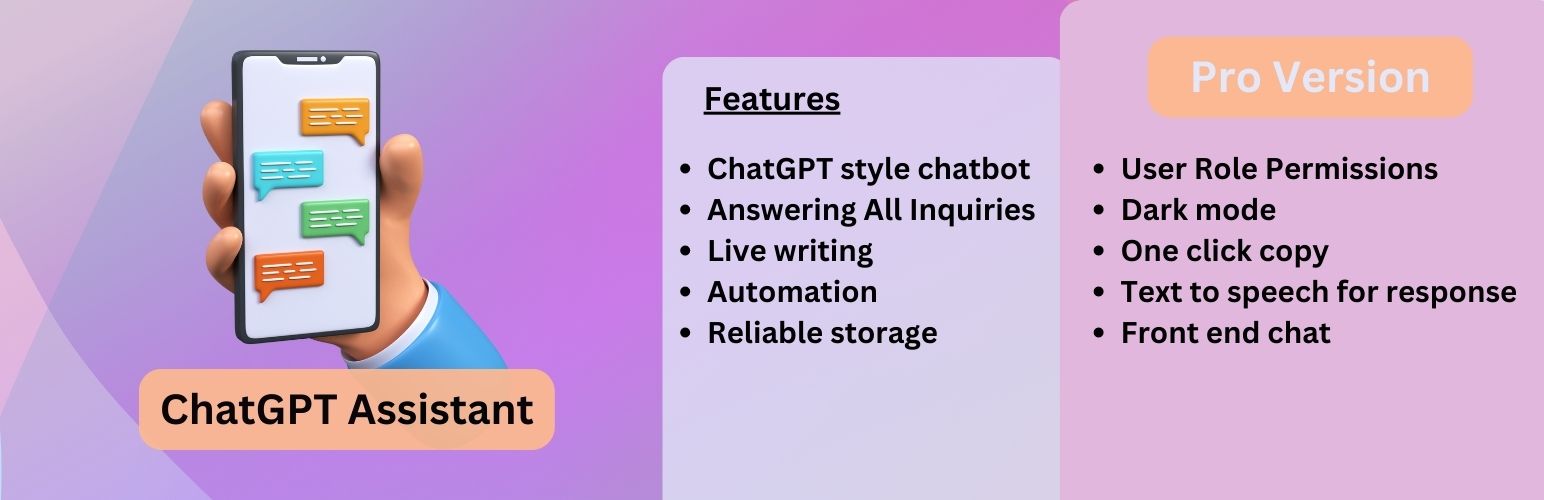
About AI ChatBot with ChatGPT and Content Generator by AYS
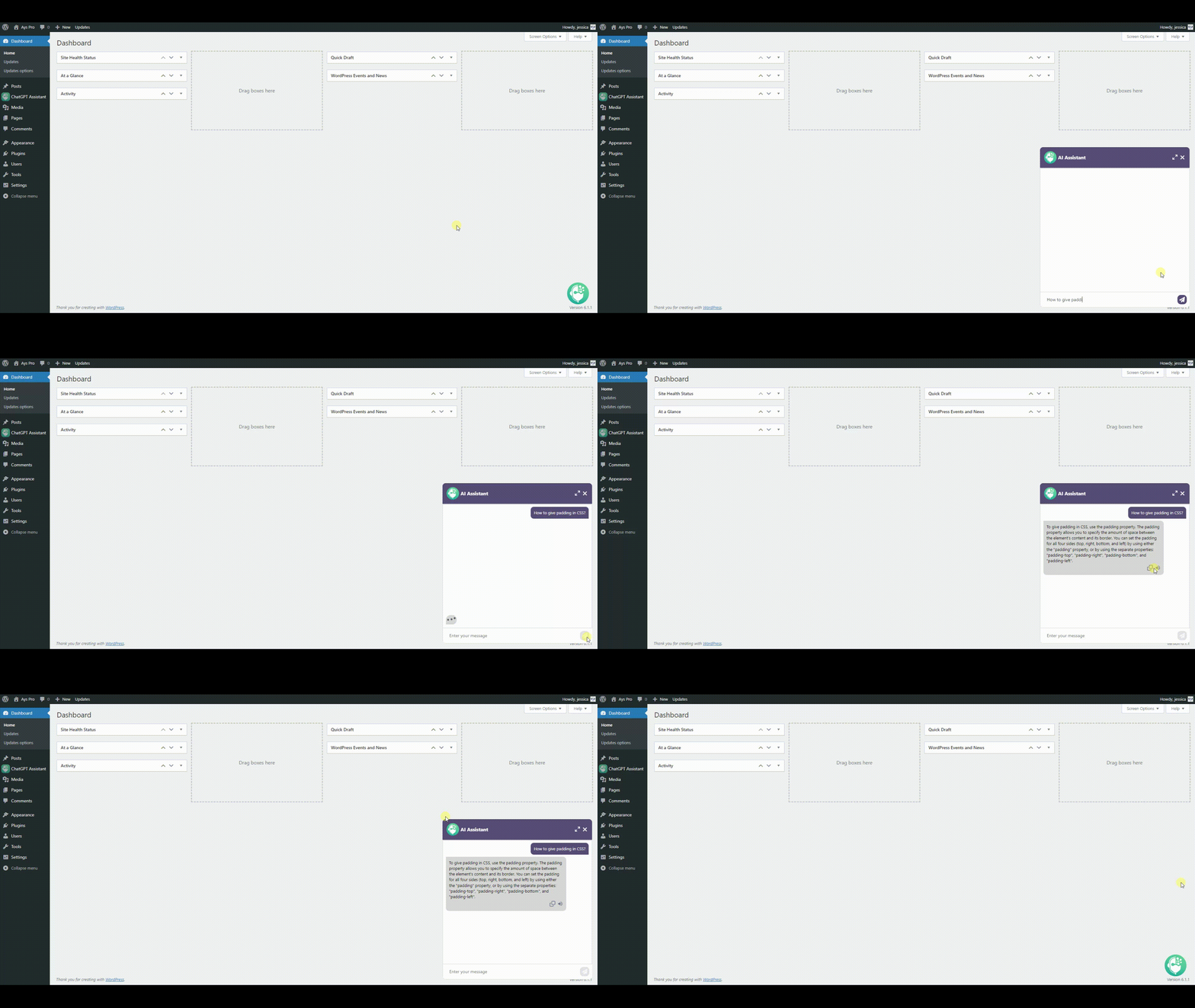
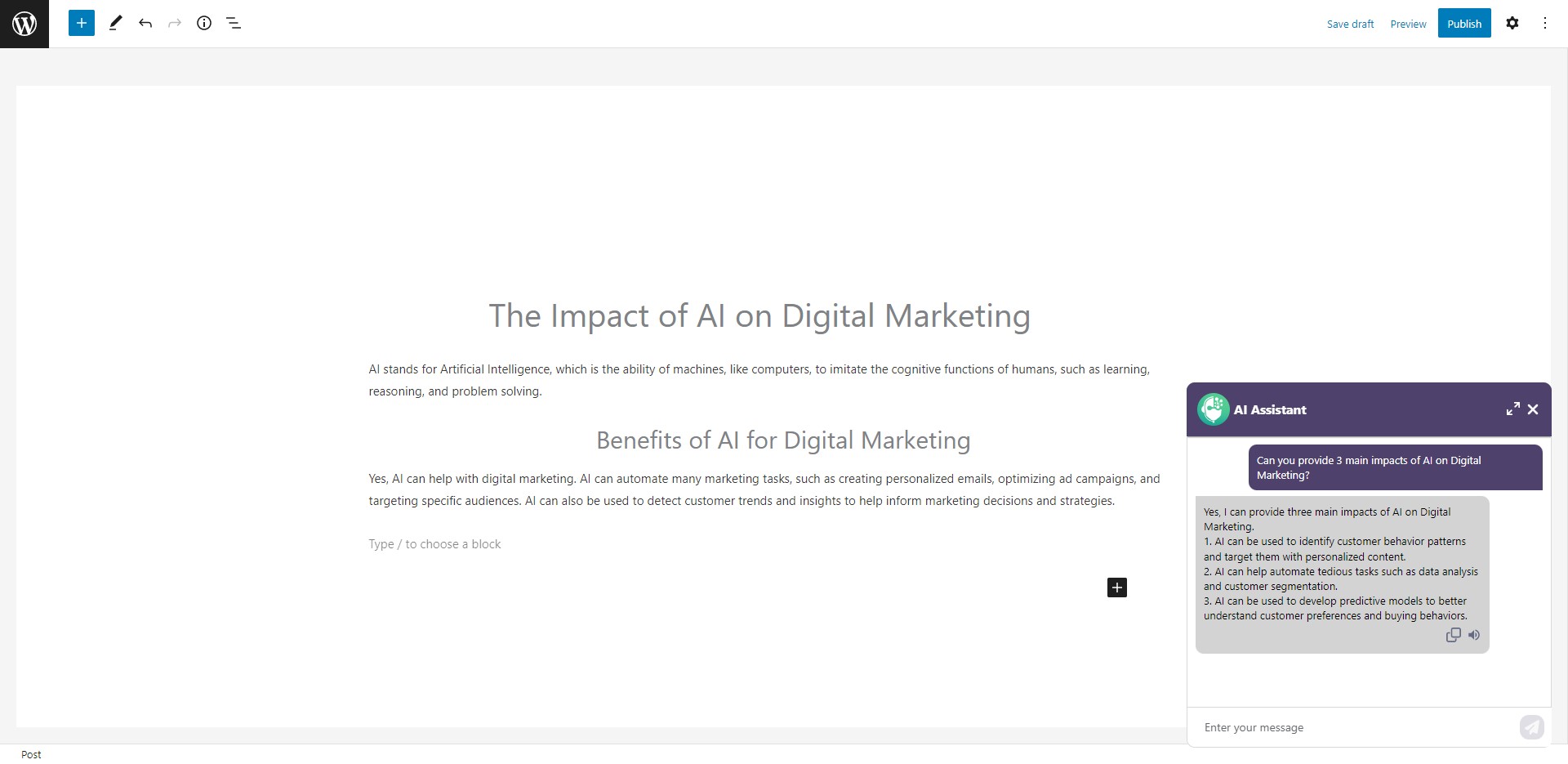
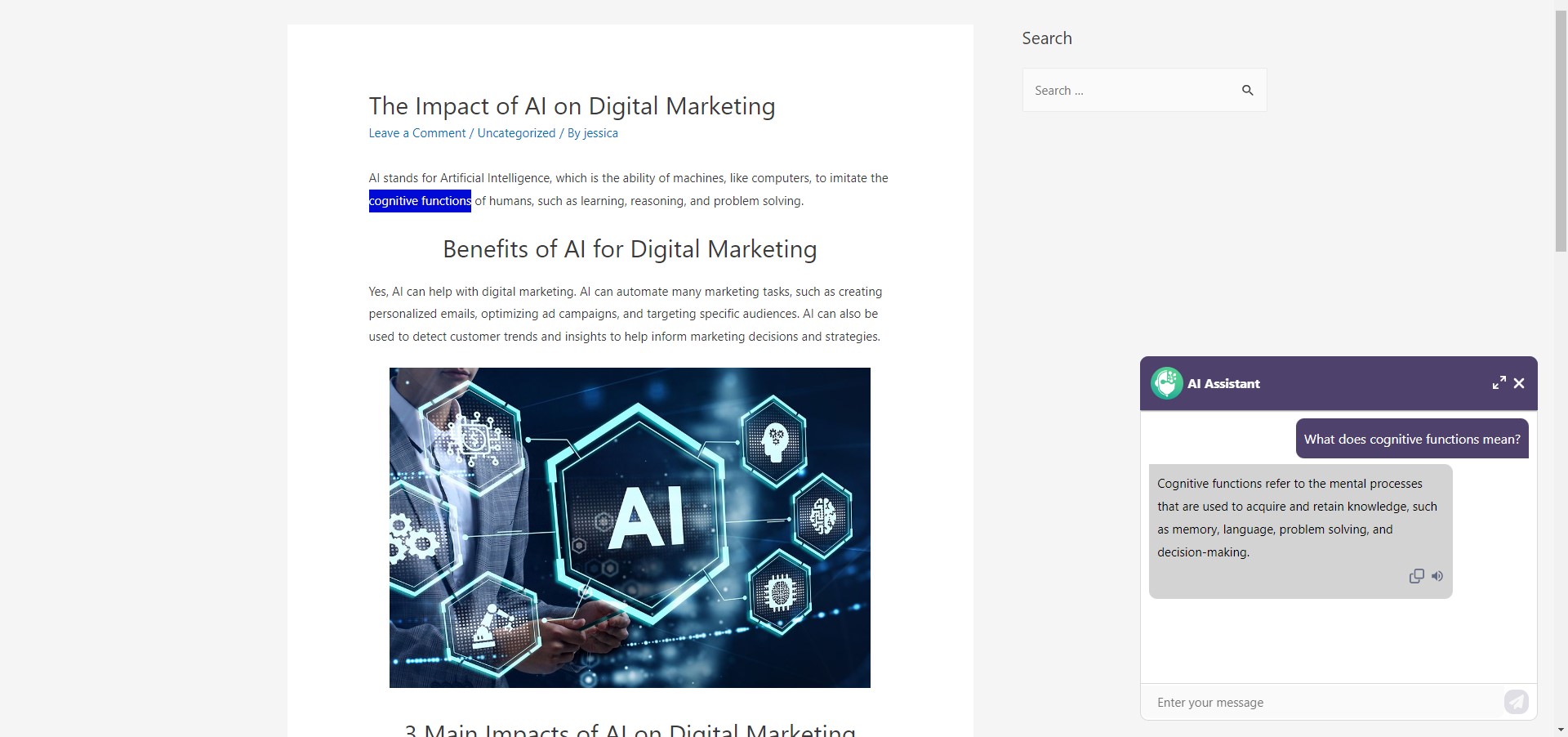
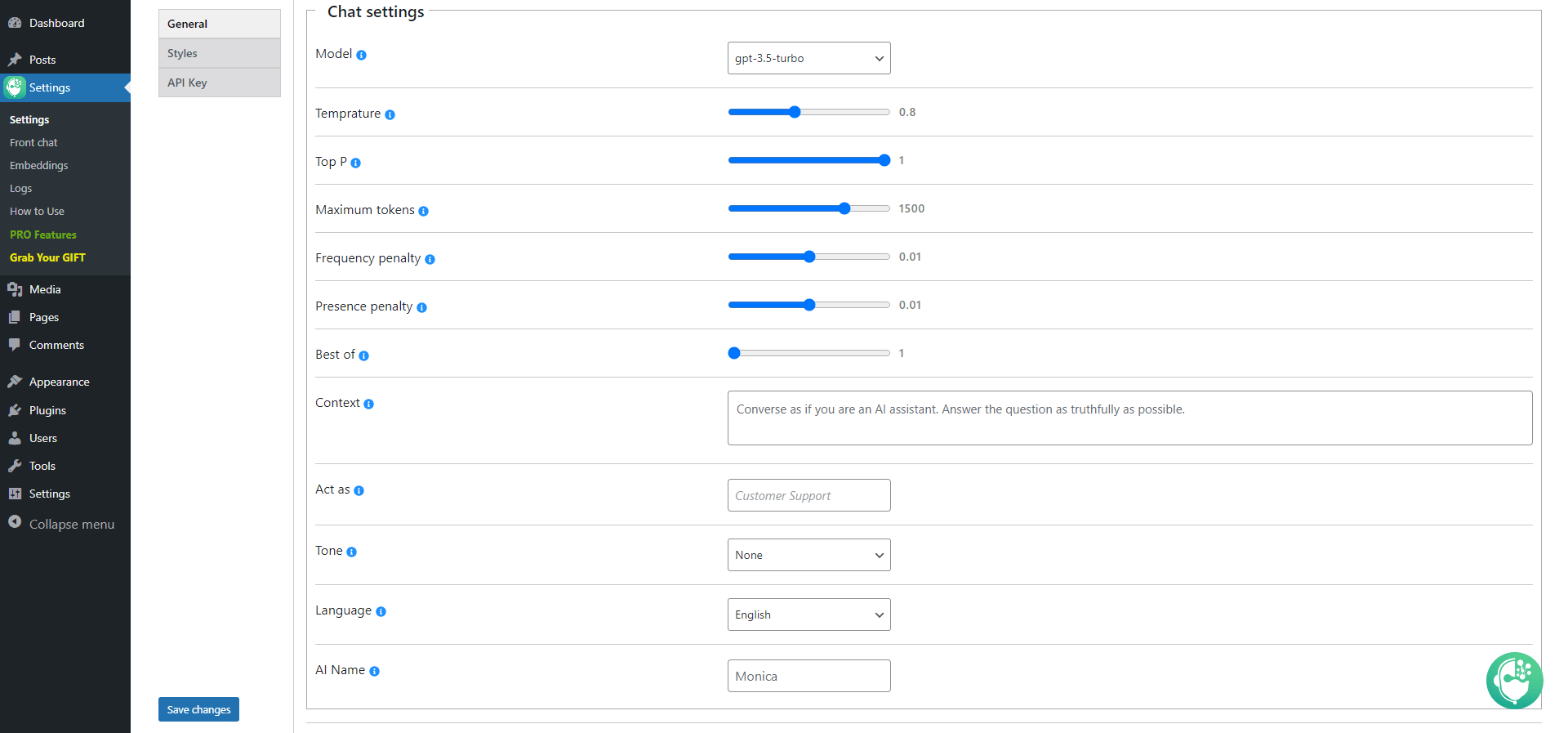
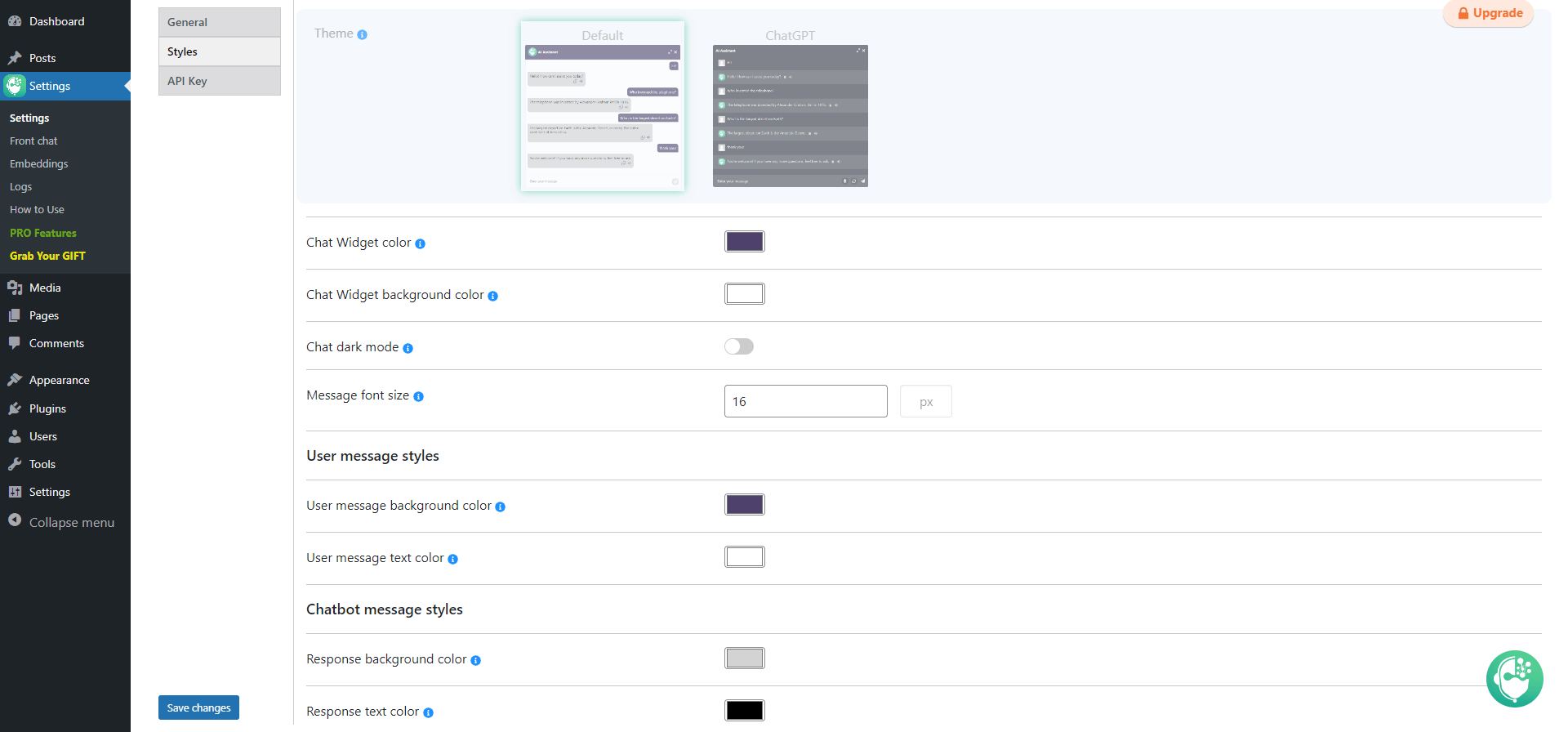
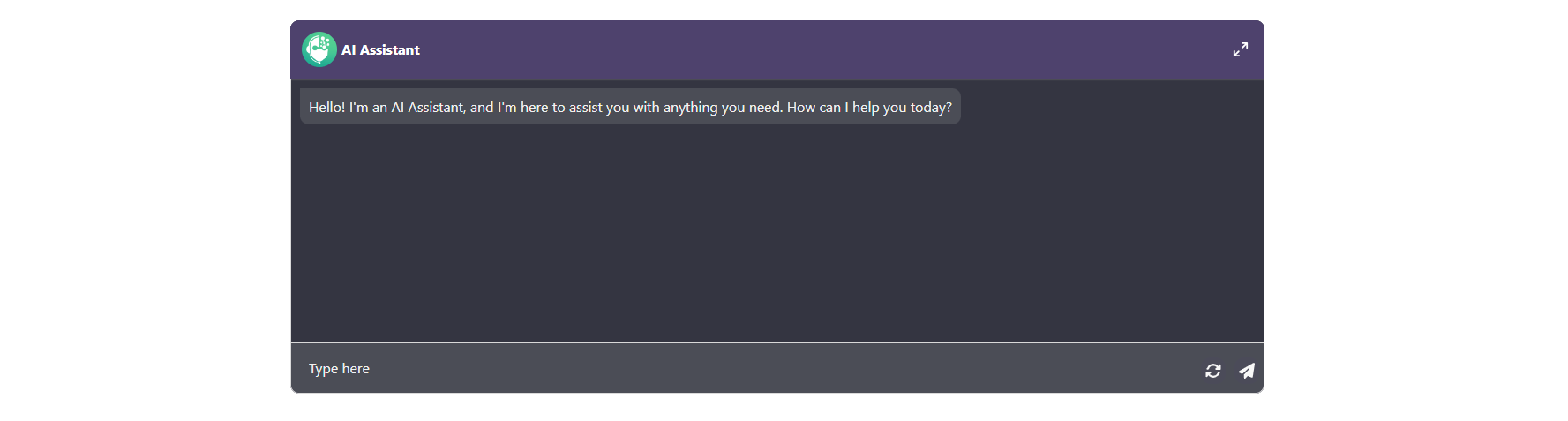
The ChatGPT plugin is an AI chatbot that can assist you in generating high-quality content for your blog and provide quick answers to any questions. It can also act as a personal assistant for writing code and offers features such as 24/7 live chat support, instant responses, and cost-efficiency. With the ChatGPT plugin, you can revolutionize your customer support and enhance your WordPress experience.Screenshots
Changelog
2.1.5
- Added: Language option for gutenberg content generator
- Added: Word count option for gutenberg content generator
2.1.4
- Added: Heading tag option for gutenberg content generator
- Added: Heading count option for gutenberg content generator
- Tested: Compatible up to 6.6.2
2.1.3
- Added: Style option for gutenberg content generator
- Added: Tone option for gutenberg content generator
2.1.2
- Added: Gutenberg content generator sidebar
2.1.1
- Fixed: Chatbot responding issue
2.1.0
- Improved: Styles on the admin dashboard
2.0.9
- Improved: Styles on the admin dashboard
2.0.8
- Improved: Code correction on the admin dashboard
2.0.7
- Added: Send message button padding option
2.0.6
- Added: Send message button text font size option
2.0.5
- Fixed: Interrupted HTML problem in the chatbot response
- Tested: Compatible up to 6.6.1
2.0.4
- Improved: Styles on the admin dashboard
2.0.3
- Added: Send message button text option
- Tested: Compatible up to 6.6
2.0.2
- Fixed: Translation issues
2.0.1
- Fixed: Chatbot style issues on the front page
- Tested: Compatible up to 6.5.5
2.0.0
- Added: Open on Scroll option for the icon text container
1.9.9
- Fixed: End chat button issue in the shortcode chat
1.9.8
- Added: Open chat on click option for the icon text container
- Tested: Compatible up to 6.5.4
1.9.7
- Added: End chat button text font size option
1.9.6
- Added: DALL·E 2 model for image generator
1.9.5
- Added: Send message icon option
1.9.4
- Added: Token limitation for logged in users option
1.9.3
- Improved: Styles on the admin dashboard
- Tested: Compatible up to 6.5.3
1.9.2
- Added: Token limitation for guests option in the Front Chat submenu
1.9.1
- Improved: Styles on the admin dashboard
1.9.0
- Added: Close button option for the icon text container
1.8.9
- Improved: Styles on the admin dashboard
- Tested: Compatible up to 6.5.2
1.8.8
- Fixed: Issue of the chat window not being on the center of the screen
1.8.7
- Fixed: Chat loading issue in the front end
1.8.6
- Added: End chat button text color option
- Tested: Compatible up to 6.5
1.8.5
- Fixed: Style issues on the admin dashboard
1.8.4
- Added: End chat button background color option
1.8.3
- Improved: Styles on the admin dashboard
1.8.2
- Added: Show once option for the icon text container
1.8.1
- Improved: Styles on the admin dashboard
1.8.0
- Added: Rate chat text option
1.7.9
- Fixed: Chatbot style issues on the front page
1.7.8
- Added: Gutenberg title suggestion panel
1.7.7
- Added: Open delay option for the icon text container
1.7.6
- Added: Compliance text option
1.7.5
- Added: Functionality to submit rating with enter key
1.7.4
- Fixed: Style issues on the front page
1.7.3
- Added: Border width option for the icon text container
- Added: Border color option for the icon text container
1.7.2
- Added: Text font size option for the icon text option
1.7.1
- Added: Text color option for the icon text option
1.7.0
- Added: Password protection option for the front chat bot
- Improved: Styles on the admin dashboard
1.6.9
- Added: Rate chat functionality
1.6.8
- Added: Background color option for the icon text option
1.6.7
- Improved: Styles on the admin dashboard
1.6.6
- Added: Icon text option for the front chat bot
- Tested: Compatible up to 6.4.1
1.6.5
- Improved: Styles on the admin dashboard
1.6.4
- Added: Chat icon position option
1.6.3
- Added: Textarea height option in the General Settings submenu
1.6.2
- Improved: Styles on the admin dashboard
- Tested: Compatible up to 6.4
1.6.1
- Added: Access for guests option for the front chat
1.6.0
- Fixed: Some issues on the admin dashboard
1.5.9
- Added: Access for logged in users option for the front chat
- Tested: Compatible up to 6.3.2
1.5.8
- Improved: ChatGPT Theme styles
1.5.7
- Fixed: ChatGPT Theme style issues
- Fixed: Issue regarding chatbot border radius option
1.5.6
- Added: ChatGPT Theme for ChatBot
1.5.5
- Added: Chatbot width option
- Added: Chatbot height option
1.5.4
- Improved: Chatbot scrollbar styles
1.5.3
- Added: Reset functionality for advanced settings
- Added: Response icons color option
1.5.2
- Added: ChatBot messages spacing option
1.5.1
- Added: ChatBot border radius option
1.5.0
- Added: Chat message border radius option
1.4.9
- Added: Chat icon size option for the front chat
- Fixed: Banner security issue on the admin dashboard
- Improved: Dashboard styles
1.4.8
- Added: Delay functionality for Auto opening Chatbox option
- Improved: End chat functionality
1.4.7
- Added: Header text color option
- Fixed: PHP issue on the admin dashboard
- Tested: Compatible up to 6.3.1
1.4.6
- Added: ChatBot Name option
1.4.5
- Added: Show dashboard chat option
- Added: Minimize chat window functionality
- Added: End chat functionality
1.4.4
- Added: Limitations for the front end
1.4.3
- Improved: Dashboard styles
- Updated: POT file
1.4.2
- Fixed: JS issue on the front page
- Improved: Styles on the admin dashboard
1.4.1
- Fixed: Style issues on the admin dashboard
- Tested: Compatible up to 6.3
1.4.0
- Fixed: Style issues on the admin dashboard
- Fixed: Style issues on the front page
1.3.9
- Added: Chat icon size option
1.3.8
- Improved: Dashboard styles
1.3.7
- Added: ChatBot name functionality
1.3.6
- Added: Change Chatbot window message placeholder functionality
1.3.5
- Added: ChatBot context functionality
1.3.4
- Added: Regenerate response functionality
1.3.3
- Added: Show chat window on front-end functionality
1.3.2
- Added: ChatBot language functionality
1.3.1
- Added: Specify ChatBot tone functionality
1.3.0
- Added: Specify ChatBot profession functionality
1.2.9
- Added: gpt-3.5-turbo-16k model
1.2.8
- Fixed: Some style issues on the admin dashboard
1.2.7
- Added: Custom message option for greeting message
1.2.6
- Added: Full-screen mode for Chatbot Shortcode
1.2.5
- Added: Resize Chatbot Box functionality
1.2.4
- Fixed: Some conflicts with PHP 8.2
- Tested: Compatible up to 6.2.2
1.2.3
- Added: Auto opening Chatbox option
- Tested: Compatible up to 6.2.1
1.2.2
- Added: Show Chatbot immediately after connection functionality
1.2.1
- Added: Chatbot shortcode functionality for front-end
1.2.0
- Improved: Chatbot user message input style
1.1.9
- Added: Greeting message option
1.1.8
- Added: Chatbot Top P option
1.1.7
- Added: User message text color option
- Added: Chatbot message text color option
- Fixed: Save changes button issue on the settings page
1.1.6
- Added: Message font size option
- Fixed: Responsiveness issue on the settings page
1.1.5
- Added: Disconnection functionality
- Improved: Connection functionality
1.1.4
- Added: Change Chatbot model functionality
- Tested: Compatible up to 6.2
1.1.3
- Improved: Chatbot memory functionality
1.1.2
- Improved: Chatbot response box styles
1.1.1
- Improved: Chatbot window styles
1.1.0
- Added: Chatbot background color option
1.0.9
- Added: Chatbot Temperature option
- Added: Chatbot Maximum tokens option
- Added: Chatbot Frequency penalty option
- Added: Chatbot Presence penalty option
- Added: Chatbot Best of option
- Added: Chatbot position option
- Added: Update/deactivation popup on the plugins page
- Improved: Chatbot conversation
1.0.8
- Fixed: Some style issues on the settings page
1.0.7
- Fixed: Chatbot conversation issue
1.0.6
- Fixed: Banner responsiveness issue
1.0.5
- Added: User message colour option
1.0.4
- Added: Response colour option
- Changed: CSS styles on admin dashboard
1.0.3
- Added: Chat dark mode option
- Changed: CSS styles on chat widget
1.0.2
- Added: Settings submenu
- Added: Chat Widget colour option
1.0.1
- Added: Copy response functionality
1.0.0
- First release

