

Just another contact form plugin. Simple but flexible.
About Merchant
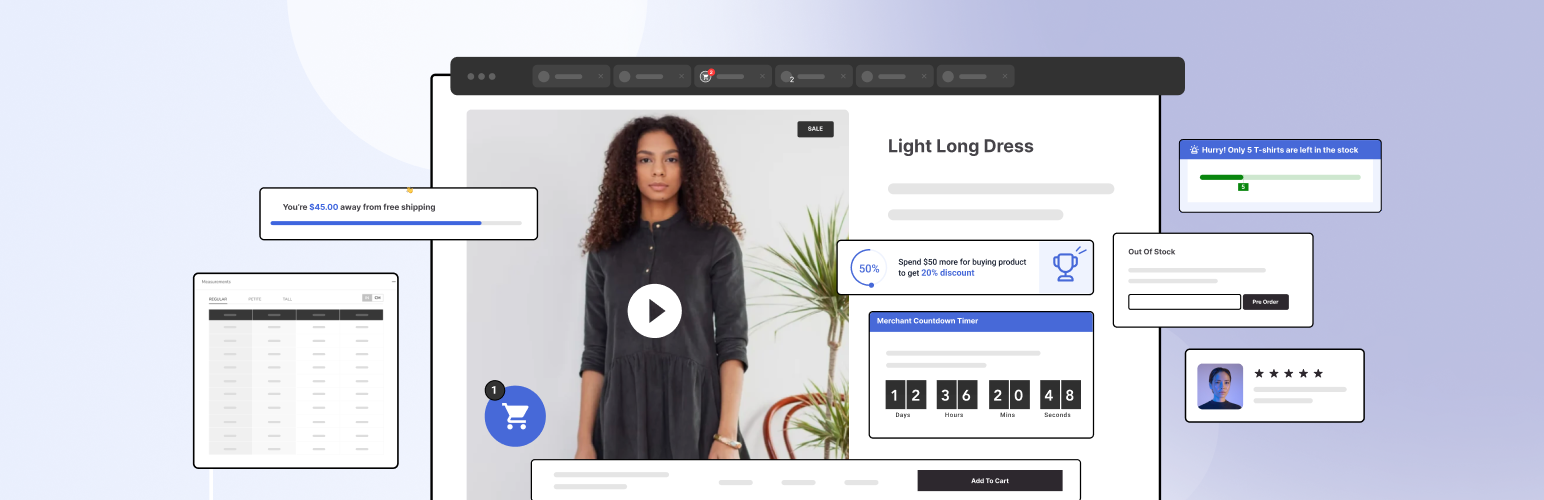
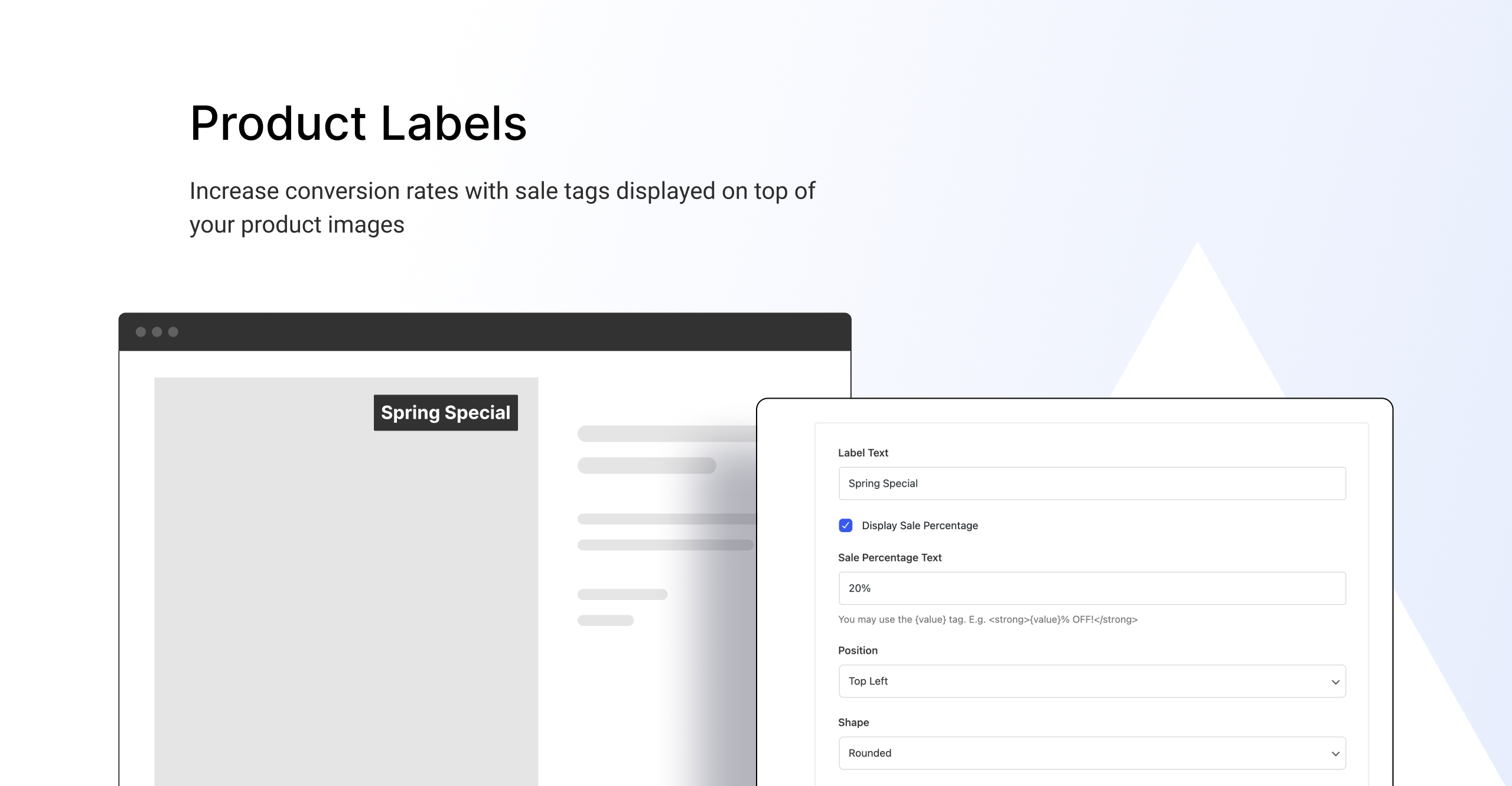
Merchant is an all-in-one WooCommerce plugin that offers over 40 powerful modules to enhance your store and increase revenue. With features like pre-orders, product labels, quick view, and trust badges, Merchant can help you boost sales, reduce cart abandonment, and improve the shopping experience.Screenshots







Frequently asked questions
What is Merchant?
Merchant is a WordPress plugin designed as a modular WooCommerce toolkit. It aims to enhance online stores and boost revenue through various features.
Who developed Merchant?
Merchant was developed by athemes. It is currently used on over 10,000 active WordPress installations.
What are some key features of Merchant?
Key features include Buy Now buttons, Product Labels, and Trust Badges. It also offers modules like Pre-Orders, Quick View, and Animated Add to Cart.
How does Merchant help reduce cart abandonment?
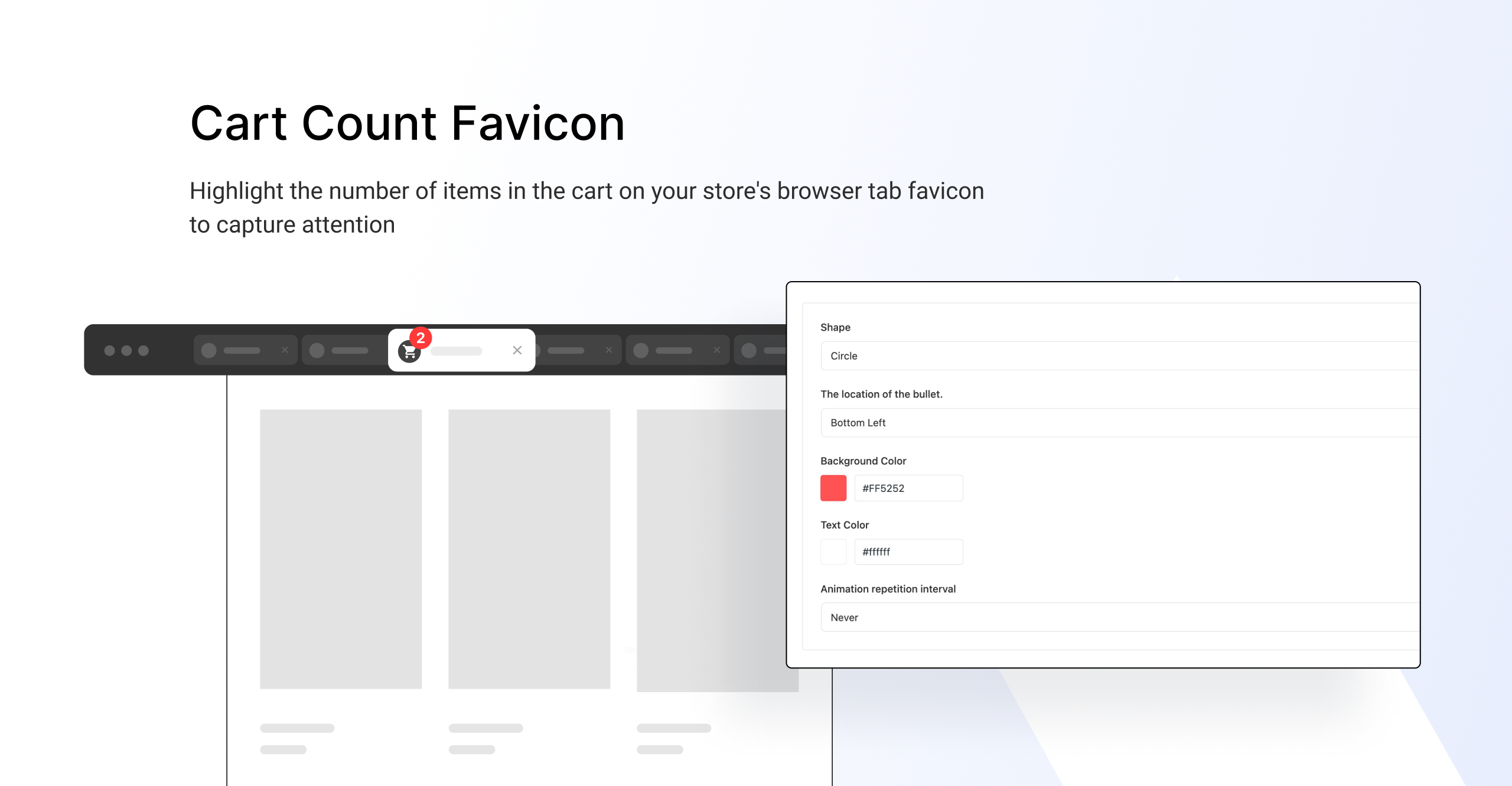
Merchant helps reduce cart abandonment with features like Cart Count Favicon and Inactive Tab Message. These tools re-capture shopper attention and encourage return to the store.
Can I see a demo of Merchant?
Yes, a live demo of Merchant is available. The plugin offers over 40 powerful modules for WooCommerce stores.
Changelog
2.0.2
- Added – Added a toggle to control analytics logging. This prevents the “record impression” AJAX event from firing if analytics is disabled
- Changed – Analytics: Removed records from analytics when an order is refunded
- Fixed – Buy Now: Resolved an issue where clicking the “Buy Now” button did not add grouped products to the cart
- Fixed – Reasons to Buy: Fixed a bug where the “Save” button was not saving data and got stuck on loading
- Fixed – Merchant Compatibility: Addressed compatibility issues with the Ohio theme
- Fixed – Pre-orders: Fixed the use of the deprecated woocommerce_add_order_item_meta hook
2.0.1
- Fixed – Cookie Banner: “Cookie duration (days)” now requires a minimum value of 1 (previously accepted 0).
- Added – Backup & Restore: Added the ability to back up and restore module settings.
2.0.0
- Added – Introduced Merchant 2.0 with a brand-new refreshed interface.
- Added – Analytics is now available in Merchant 2.0 for better insights.
- Fixed – Advanced Reviews: The “Submit” button now works correctly when review options are set to Text Only.
- Fixed – Login Popup: Form styling on the My Account page is now properly displayed.
- Fixed – Cookie Banner: The “Privacy Policy URL” field now only accepts valid URLs.
1.11.2
- Fixed – Pre-Orders and Variable Products: Corrected an issue where the wrong price range was displayed when discounts were disabled
- Fixed – Real-Time Search: Prevented hidden products from the catalog from appearing in search results
- Fixed – Trust Badges: Ensured alt text displays correctly when using the shortcode
1.11.1
- Added – Christmas banner
1.11.0
- Added – Pre-orders: Added validation for shipping date selection. System now prevents setting pre-order start/end dates when shipping date is unselected and shows an alert message
- Fixed – Pre-Orders: Resolved fatal error occurring on newer PHP versions when variable products lack pricing information
- Fixed – Pre-Orders: Restored missing strikethrough pricing display for variable products
- Fixed – Product Labels: Resolved compatibility issues with XStore WordPress theme
- Fixed – Product Labels: Corrected functionality of {sale} and {sale_amount} codes when used with Storewide Sale
1.10.5
- Removed – Code Snippets: Module has been removed
- Fixed – Pre-Orders: Discounts were not applied to variable products
- Fixed – Product Labels: Fix incorrect price values for codes {sale} and {sale_amount} under certain WooCommerce tax settings
1.10.4
- Fixed – Product Labels: Label wasn’t appearing with “Woo – Products” widget in Ultimate Addons for Elementor
1.10.3
- Fixed – Default values from flexible content field not being applied when a new entry is added.
1.10.2
- Fixed – Quick View: Button position not allowing a value of 0 to be saved
1.10.1
- Added – Pre-Orders: Tag selection option
- Added – Pre-Orders: Pre-order Rule duplication option
- Added – Product Labels: Tag selection option
- Added – Product Labels: “Pre-order Products” option (visible only when Pre-orders module is active)
- Added – Real-Time Search: Shortcode support
- Added – Quick View: Shortcode support
- Added – Quick View: Separate position options for mobile
- Fixed – Quick View: Styling compatibility issues across different themes
- Fixed – Real-Time Search: Search issue on Elementor
- Fixed – Product Labels: Excluded product not working
- Fixed – Product Labels: Excluded product not working for some triggers
- Changed – Reasons To Buy List: Refactored module settings. Users can now add multiple lists with Product triggering option
1.10.0
- Fixed – Fatal error when WooCommerce is not active
1.9.17
- Added – Backward compatibility for {amount} markup
1.9.16
- Changed – Conditional changes implemented in several modules
1.9.15
- Added – Clear Cart: New module added under Improve Experience category
- Fixed – Quick View: Bulk Discounts are now clickable in Quick View
- Fixed – Quick View: Improved Buy X, Get Y display on smaller screens
- Fixed – Quick View: Product thumbnails now appear correctly in Bricks theme
- Added – Product Labels: Shortcode added
- Added – Product Labels: Duplicate option added
- Fixed – Pre-order: Discount value now limited to 100% when Discount type is set to Percentage
- Changed – Pre-Orders: Added decimal input support for Price and Discount fields
- Fixed – Pre-order: Module no longer applies sale when the sale toggle is off (now respects the product’s sale settings)
- Fixed – Cookie Banner: Now working properly on all pages
1.9.14
- Fixed – Pre-orders: Duplicate order received emails in pre-orders
- Fixed – Product Labels: Show Pages settings not working
- Fixed – Product Labels: Incorrect sale amount/percentage for Grouped products. Now shows the sale amount/percent of the total price of items in the grouped product
- Fixed – Quick View: Sale price color and regular price color not working
- Added – Quick View: New field ‘Show suggested products’ to control which module’s content to show on the modal
- Added – Quick View: New field ‘Show buy now button’ to show the Buy Now button on the modal
- Fixed – Buy Now: Buy button was showing up on archive pages for out-of-stock products
- Changed – Scroll to Top Button: Value 0 was not allowed for fields like offset, padding, border-radius
- Fixed – Scroll to Top Button: Conditional fields not working in settings
- Fixed – Trust Badges: Overlapping issues in some themes
- Fixed – Merchant dashboard: Icon appearance inconsistency in Enabled Modules dashboard
- Fixed – Product Labels: Background color cutoff in full-width sections with product grids
1.9.13
- Fixed – Product Labels: label wasn’t compatible with Storewide sale
- Fixed – Product Labels: label wasn’t appearing correctly on the Flatsome theme
- Fixed – Product Labels: diagonal label shapes weren’t appearing correctly on some themes [Fixed] Free gifts: Now includes tax in calculations for spending goals when spending type is set to cart total
- Fixed – Quick View: not all button styling options were working for some themes
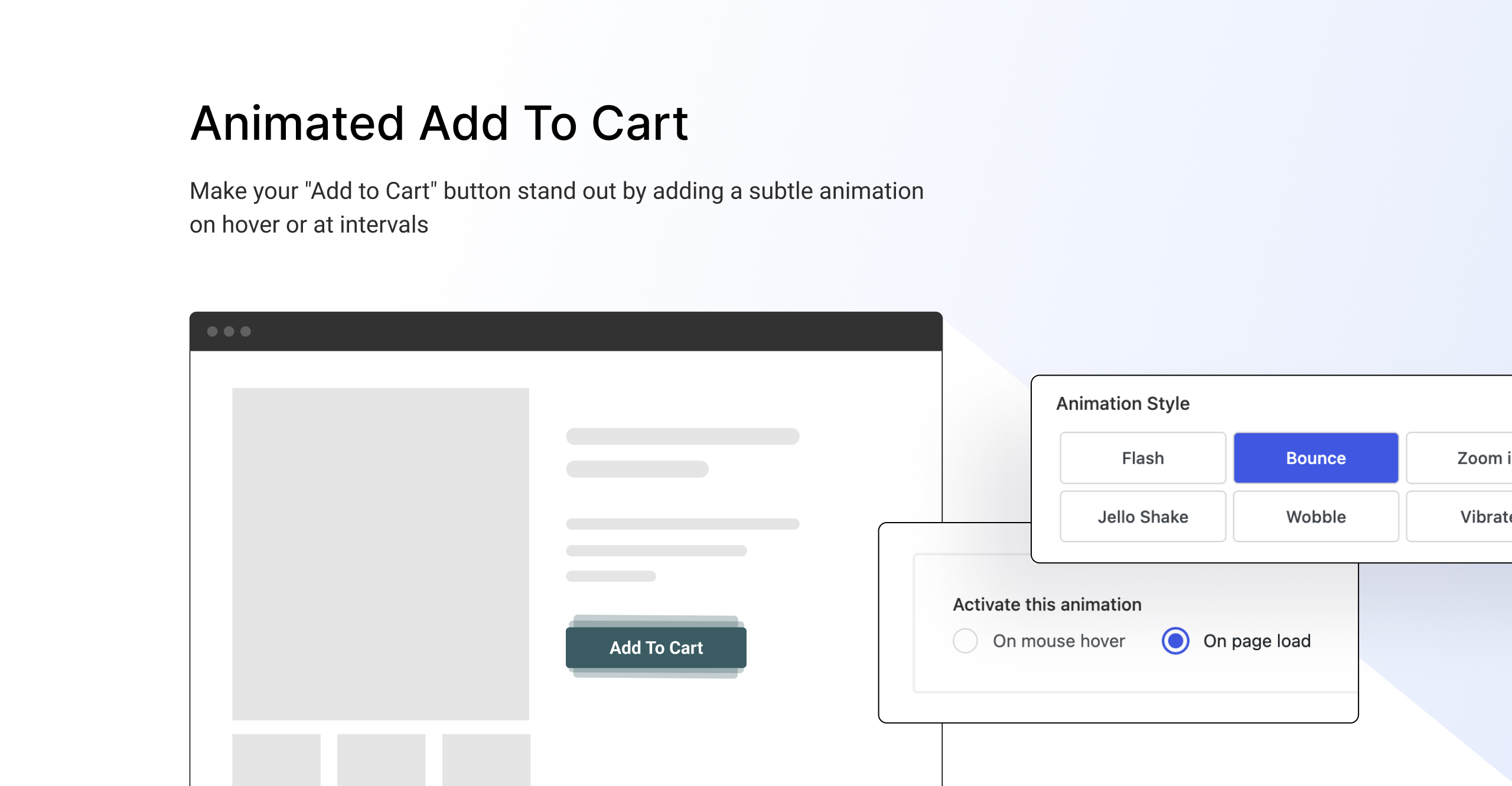
- Fixed – Animated Add to Cart: animation not working on Page load when Activate this animation setting is set to “On page load”
- Fixed – Agree to Terms Checkbox module: Overriding text with Germanized Plugin
- Fixed – Settings: Fixed a couple of responsive design issues and included functions to resolve conflicts between merchant and other plugins using the same function
1.9.12
- Fixed – Pre-order: Automatic conversion of order status from Pre-Ordered to Processing after the pre-order date passes.
- Fixed – Pre-order: Issues with pre-order emails firing again for both customers and admins.
- Changed – Pre-order: Removed Modes 3 and 4, switching all relevant setups to Mode 1.
- Fixed – Pre-order: Incorrect date display on the product archive page.
- Fixed – Product Labels: Labels now appear in WooCommerce blocks such as Products by Category and Newest Products.
1.9.11
- Fixed – Product Labels – Images under the Image Label field weren’t fitting properly in their boxes.
- Fixed – Product Labels – Uncaught error: call to undefined function when Merchant Pro is not active.
1.9.10
- Added – Product Labels — Image option for labels now available, including predefined shapes and the ability to upload custom shapes.
- Added – Product Labels — Enhanced control over label styling.
- Added – Product Labels — Option to visible Labels across various pages (Homepage, Single, Archive).
- Added – Product Labels — Labels now supported on different device types (Desktop, Mobile).
- Added – Product Labels — Support for multiple categories.
- Added – Product Labels — Option to exclude products from all products and specific categories.
- Fixed – Real-Time Search — Resolved issue where the search was not working with the Kadence theme.
- Fixed – Real-Time Search — Fixed compatibility issues with the search component from the Impreza theme.
- Changed – Pre-Orders — Updated pre-order module logic to support multiple rules with discounts.
- Added – Pre-Orders — Added modes for mixing pre-order and non-pre-order products in the cart.
- Added – Pre-Orders — Start and end dates for scheduling pre-order campaigns.
- Added – Pre-Orders — Campaign availability conditions based on selected users/roles.
1.9.9
- Changed – Conditional changes in some modules.
1.9.8
- Fixed – Product Label: Resolved an issue where storewide sales and product labels displayed incorrect discount percentages.
- Fixed – Buy Now: Fixed a bug where the Buy Now button wouldn’t redirect to the checkout page when “Real Time Add To Cart” was enabled in Astra & Astra PRO.
1.9.7
- Fixed – Some modules settings information empty in the admin.
- Fixed – Product Labels: Style messed when there’s a high number of lables to the same product.
1.9.6
- Fixed – Conditional logic was broken in some modules settings page.
1.9.5
- Added – Product Labels: A specific product option within the “Pages to Display” allows adding labels to specific products.
1.9.4
- Added – Code improvements for enhanced support of third-party integration.
- Fixed – Improved product labels compatibility with the Botiga theme.
1.9.3
- Fixed – The “Buy Now” button for variable products now correctly adds the selected quantity to the basket instead of two items.
- Fixed – The “Buy Now” button no longer shows incorrect label themes on Block themes.
1.9.2
- Fixed – Inactive tab message module no longer shows a URL if the field is left blank, streamlining the user interface.
1.9.1
- Fixed – Metabox showing even if no modules are enabled.
- Fixed – Typo on size chart module metabox.
1.9.0
- Added – Product bundle module.
- Fixed – Layout issues in RTL mode.
1.8.3
- Changed – Google Autocomplete: Tutorial link.
- Changed – Delay first display from pro upsell notice for 3 days.
- Fixed – Waitlist: Mismatch between preview text and form title.
1.8.2
- Added – Waitlist: Automatic emails.
- Added – Waitlist: Emails preview.
- Changed – Waitlist: Default messages.
- Changed – Pre-Orders: Display the shipping date on product grids, cart, checkout, review order and my account pages.
1.8.1
- Added – Buy Now: New options to control which pages the button should be displayed.
1.8
- Added – Compatibility with PolyLang plugin.
- Added – Compatibility with WPML plugin.
- Added – Shortcode for modules.
- Added – Buy Now: New option to control rendering position from button.
- Added – Buy Now: New ‘customize’ option to control the style of the button.
- Changed – Terms and conditions module override WooCommerce core output.
- Changed – Trust Badges: Render images from WordPress functions instead of hard code.
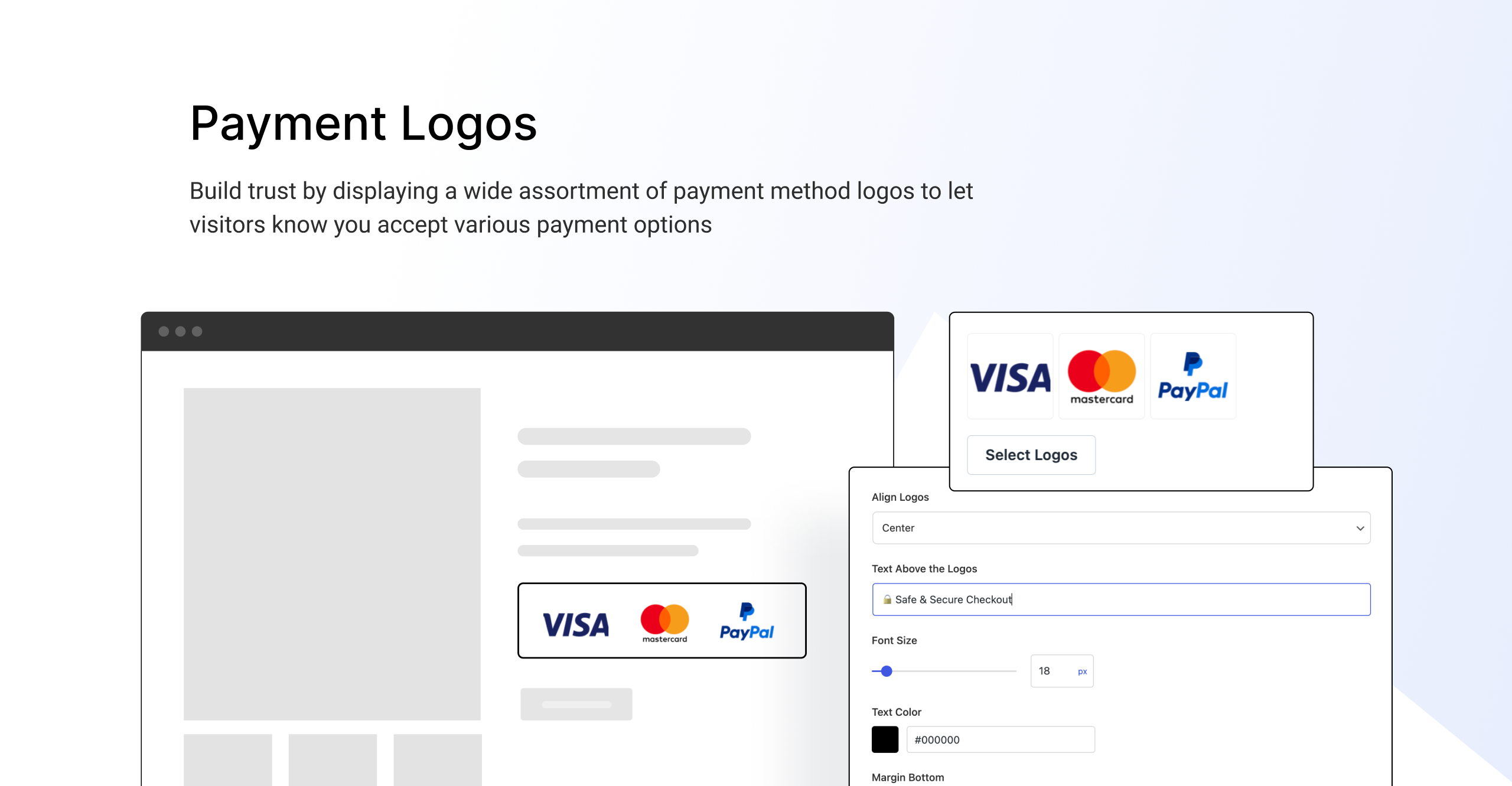
- Changed – Payment Logos: Render images from WordPress functions instead of hard code.
- Fixed – Admin option switcher field: When default value is ‘1’, it keeps always enabled (even if you disable).
- Fixed – Quick View: Generating horizontal scroll when the content is higher.
1.7
- Added – Products labels: New option to add multiple product labels.
- Added – Products labels: New option to display set each label display rule.
- Fixed – Quick View: Overlay option doesn’t work on Kadence theme.
- Fixed – Product search field in the admin metabox not working.
1.6
- Added – Cart and checkout related modules admin instructions regarding WooCommerce 8.3 new cart and checkout blocks.
- Added – Pre-Orders: Admin product edit tooltip with instructions regarding out of stock products.
- Added – Waitlist: New option to display the subscribe form in products on backorder.
1.5
- Added – 4 Modules: Quick Social Links, Add To Cart Text, Side cart and Product Navigation Links.
- Changed – Renamed Product Swatches to Variation Swatches.
- Fixed – Cookie Banner: In certain cases it was not possible to close the cookie banner.
1.4
- Changed – Added new previews & description changes.
1.3
- Fixed – Real-Time Search: Ajax isn’t working.
- Changed – Plugin dashboard modules order rearranged.
1.2
- Added – Preview box to all modules in the admin.
- Added – Compatibility with Merchant Pro.
1.1
- Fixed – Quick View: Icon absolute position values not working properly.
- Fixed – Quick View: Icon hover color not working with some themes.
- Fixed – Payment Logos: In some themes the logos are wrongly being displayed in variable products on shop categories pages.
- Fixed – Payment Logos: Logos being display twice when ‘in cart quantity’ from Botiga theme is enabled.
- Added – Declare compatibility with WooCommerce HPOS.
1.0
- A brand new plugin with a new dashboard.
- 4 modules: Buy Now, Animated Add to Cart, Product Labels, and Quick View under the Convert More category.
- 2 modules: Payment Logos and Trust Badge under the Build Trust category.
- 1 module: Pre-Orders under Boost Revenue category.
- 2 modules: Cart Count Favicon and Inactive Tab Message under Reduce Abandonment category.
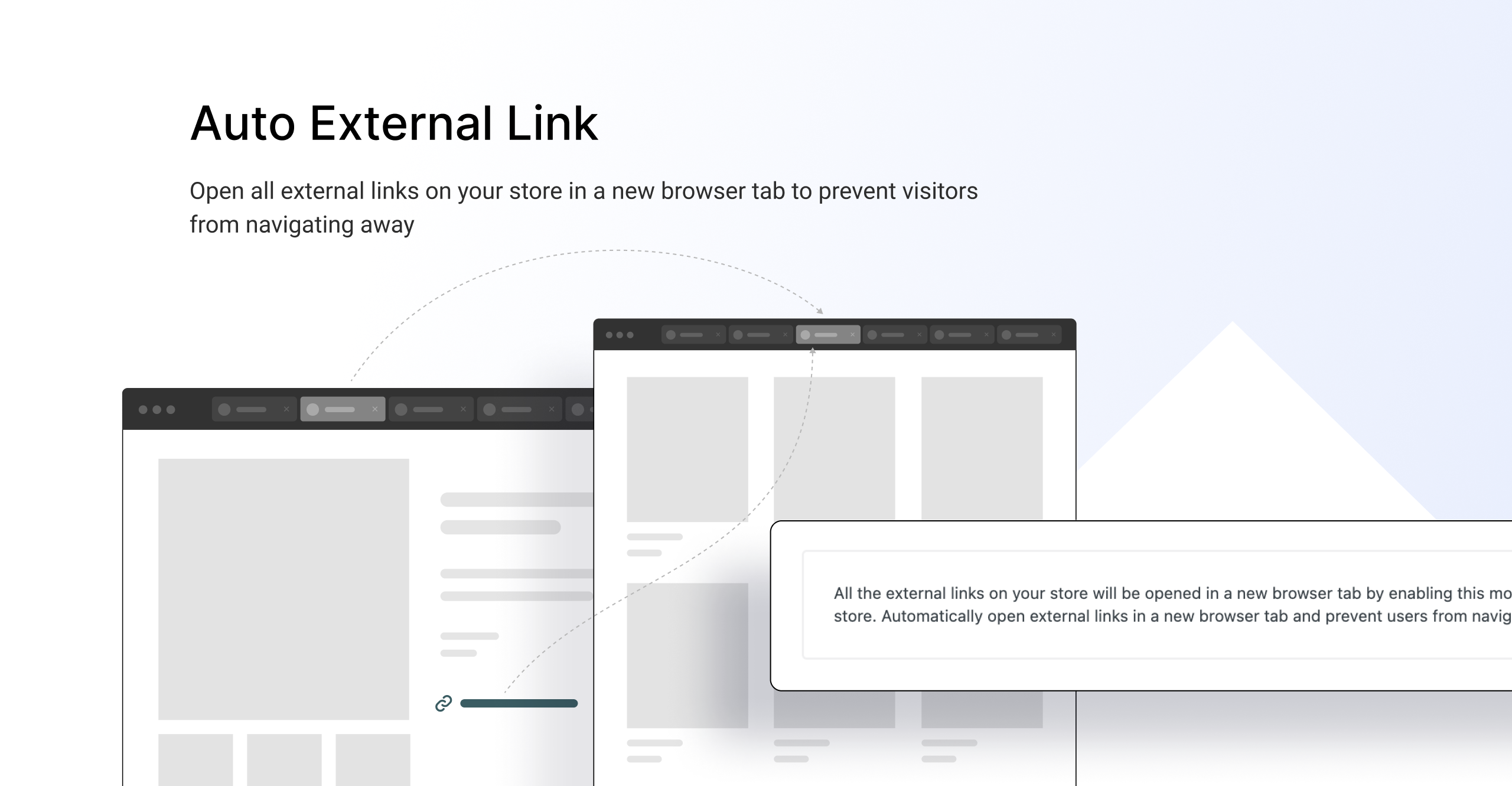
- 4 modules: Real-time Search, Auto External Links, Code Snippets, and Scroll to Top under Improve Experience category.
- 2 modules: Agree to Terms Checkbox and Cookie Banner under Protect Store category.

