

Just another contact form plugin. Simple but flexible.
About Drag and Drop Multiple File Upload for WooCommerce
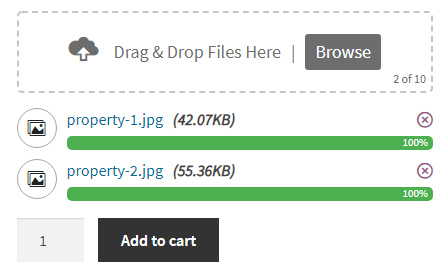
The Drag and Drop Multiple File Uploader is a WordPress plugin for WooCommerce that allows users to easily upload multiple files to your product page. It has features such as file type and size validation, drag-and-drop functionality, and the ability to display the uploader in various sections of your site. There is also a premium version available with additional features like file remote storage and image preview.Screenshots
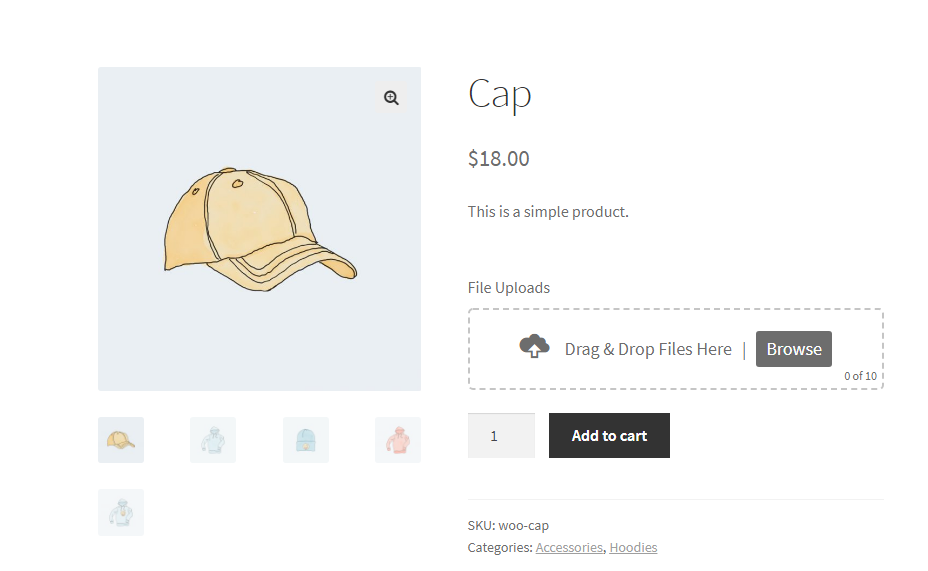
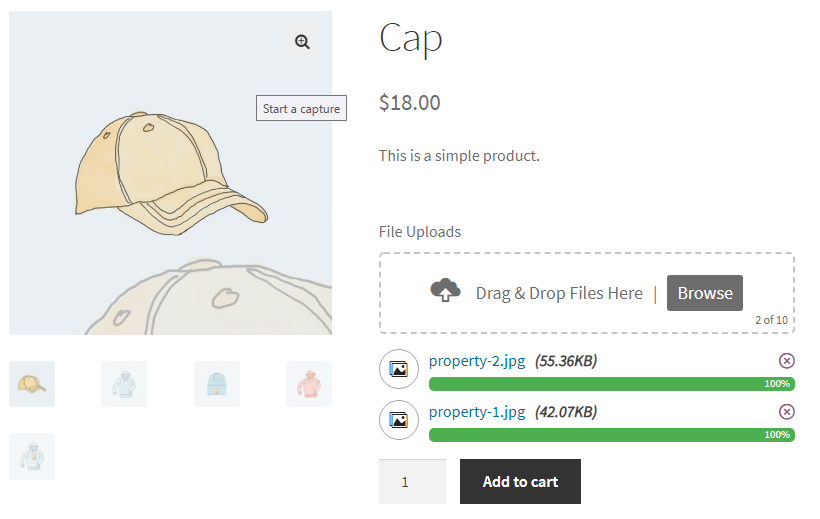
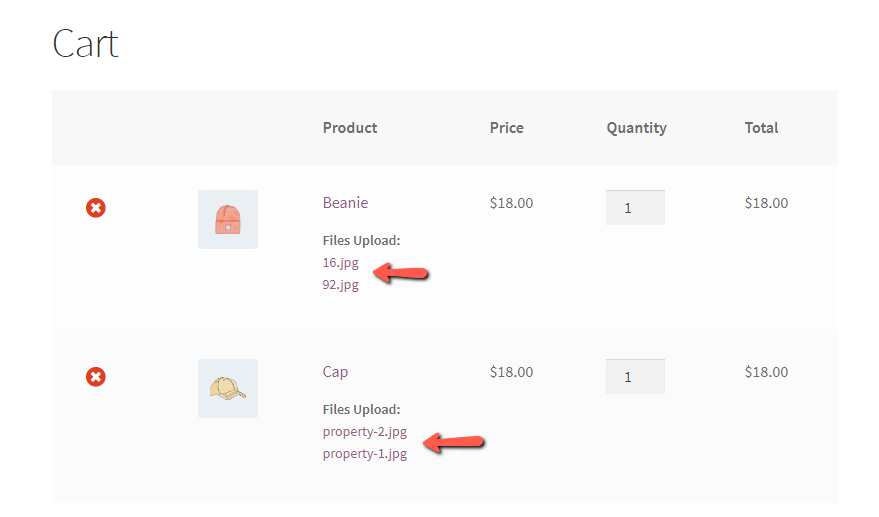
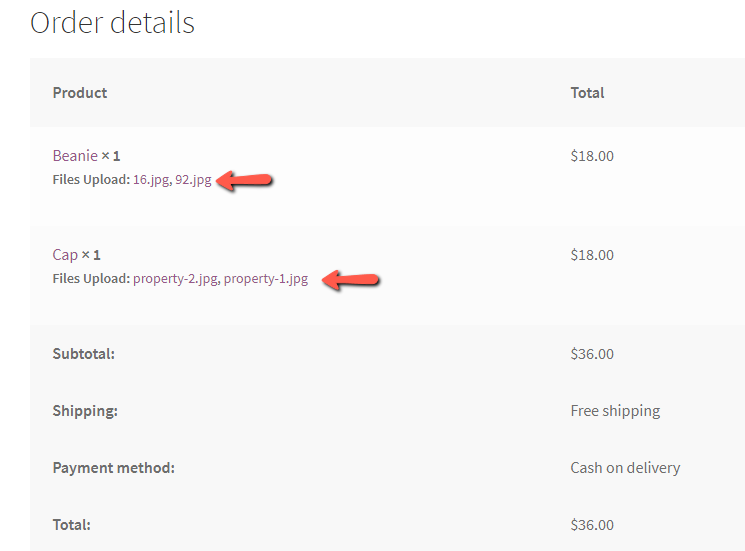
Changelog
1.1.4
- Fixed load_plugin_textdomain warning
- WooCommerce 9.6.0 compatibility check
1.1.3
- Check WooCommerce 9.1.4 compatibility
- WordPress compatibility check 6.6.1
1.1.2
- Check WooCommerce 8.2.1 compatibility
- Declared compatibility for HPOS
1.1.1
- Security – Addressed and resolved security vulnerabilities that were reported (Thanks to “Marc Montpas”)
1.1.0
- Bug Fix – Overwrite the existing file if a file with the same name already exists
1.0.10
- Fixes – Bug fixes
- Fixes – Added alternative solution for cache nonce
- Checking WordPress 6.2 compatibility & WooCommerce 7.5.1
1.0.9
- Fixes – Security Fixes
- Added – Security nonce for upload and delete (Ajax Request)
1.0.8
- Bug – Css fixes font Conflict
- Check – Test with latest version of WordPress 6.1.1 and WooCommerce 7.3.0
1.0.7
- New – French Translation Updated (Thanks to @dleroux61 / Dominique Le Roux)
- Check – Tested with latest version of WordPress 5.9.3 & WooCommerce 6.4.1
1.0.6
- Fixes – Disable File Upload not working.
- Tested – In WordPress 5.8.2 & Latest WooCommerce version
1.0.5
- Fixes – Custom text/message issue.
1.0.4
- Add accept attributes to display specific file types when browsing files – https://wordpress.org/support/topic/restrict-upload-in-browse-files/
- use ‘dndmfu_wc_all_types’ filter (bolean) to show all types.
- Translate “deleting”, “of” & “remove” text.
- Added compatibility plugin for polylang & wpml multilingual.
1.0.3
- Bug – Fixes
- Fixed – Conflict with “Drag & Drop Multiple Upload For CF7”
- Fixed – Option error message not showing
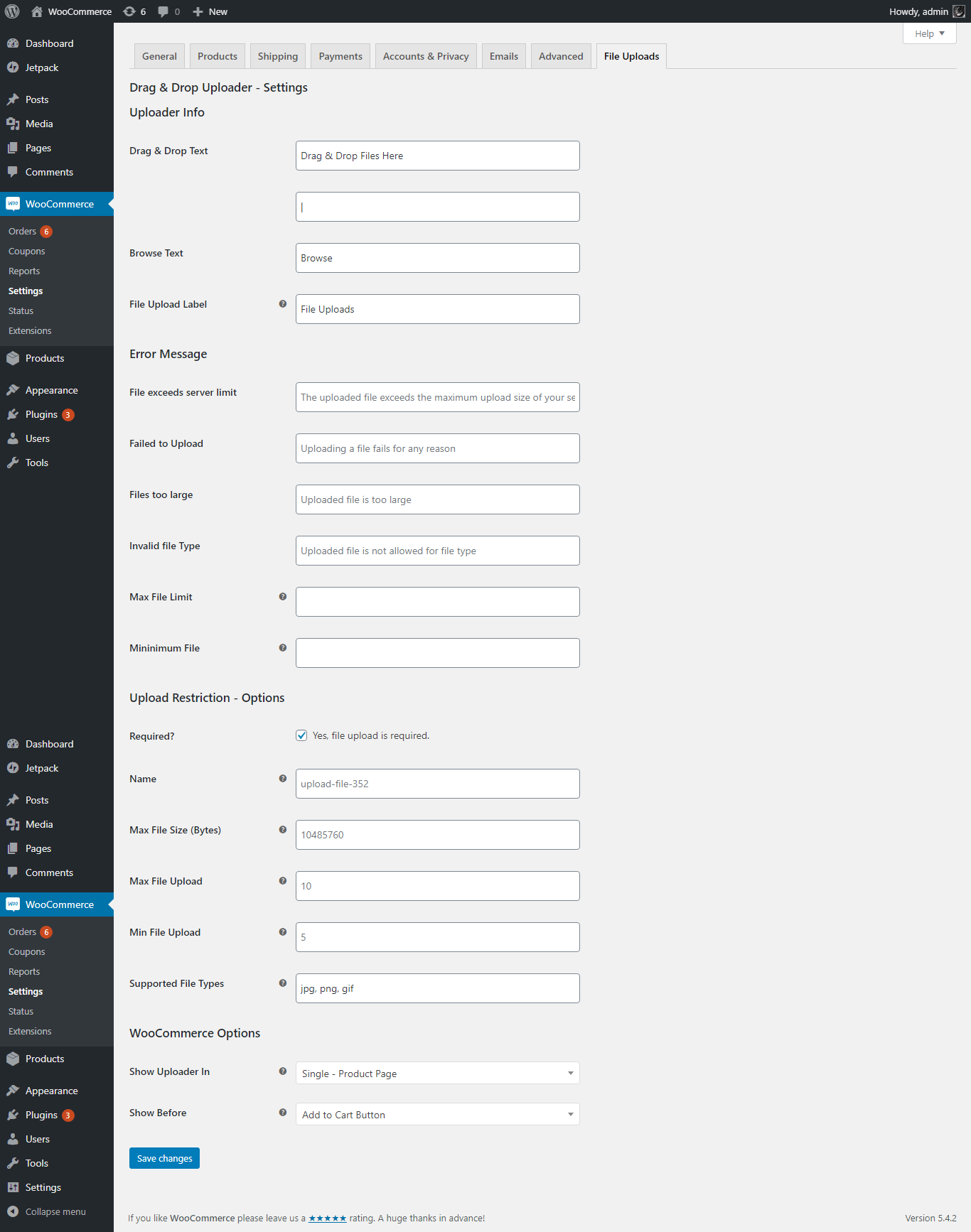
- Note – You need to go to “WooCommerce -> Settings -> File Uploads” and re-save options.
1.0.2
- Bug – Fixes
- Fixed – Minimum file validation error message not showing.
1.0.1
- Bug – Fixes
- New – Added new option to disable file upload (globally).
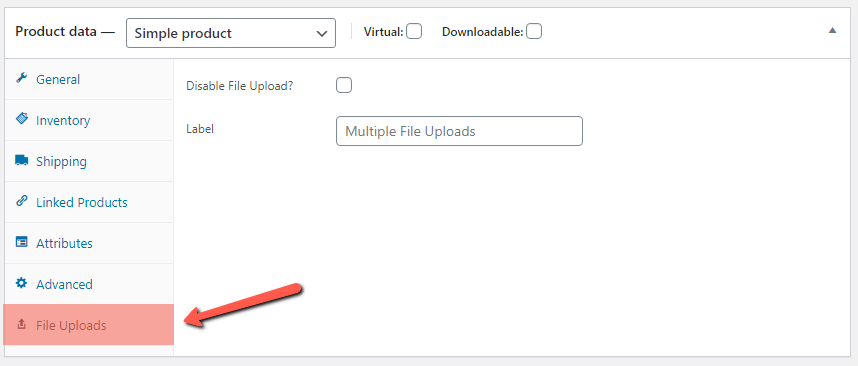
- New – Added option in “Product Data” to enable/disable file upload of individual product.
1.0
- Initial Release

