

Improve your WordPress SEO: Write better content and have a fully optimized WordPress site using the Yoast SEO…
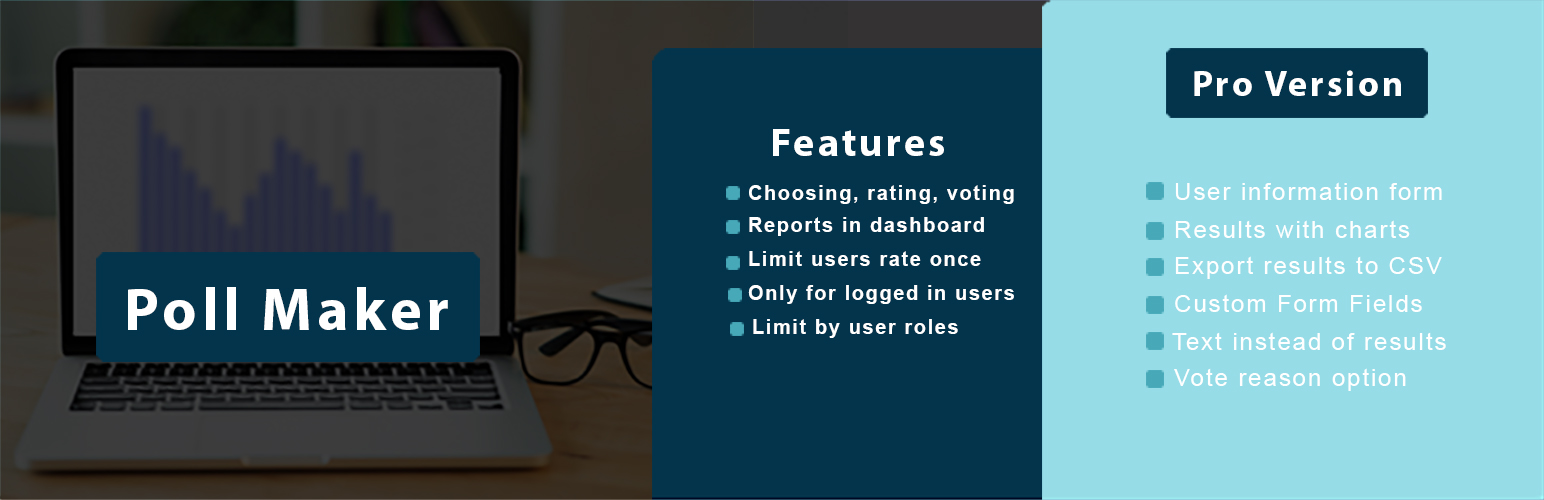
About Poll Maker – Best WordPress Poll Plugin
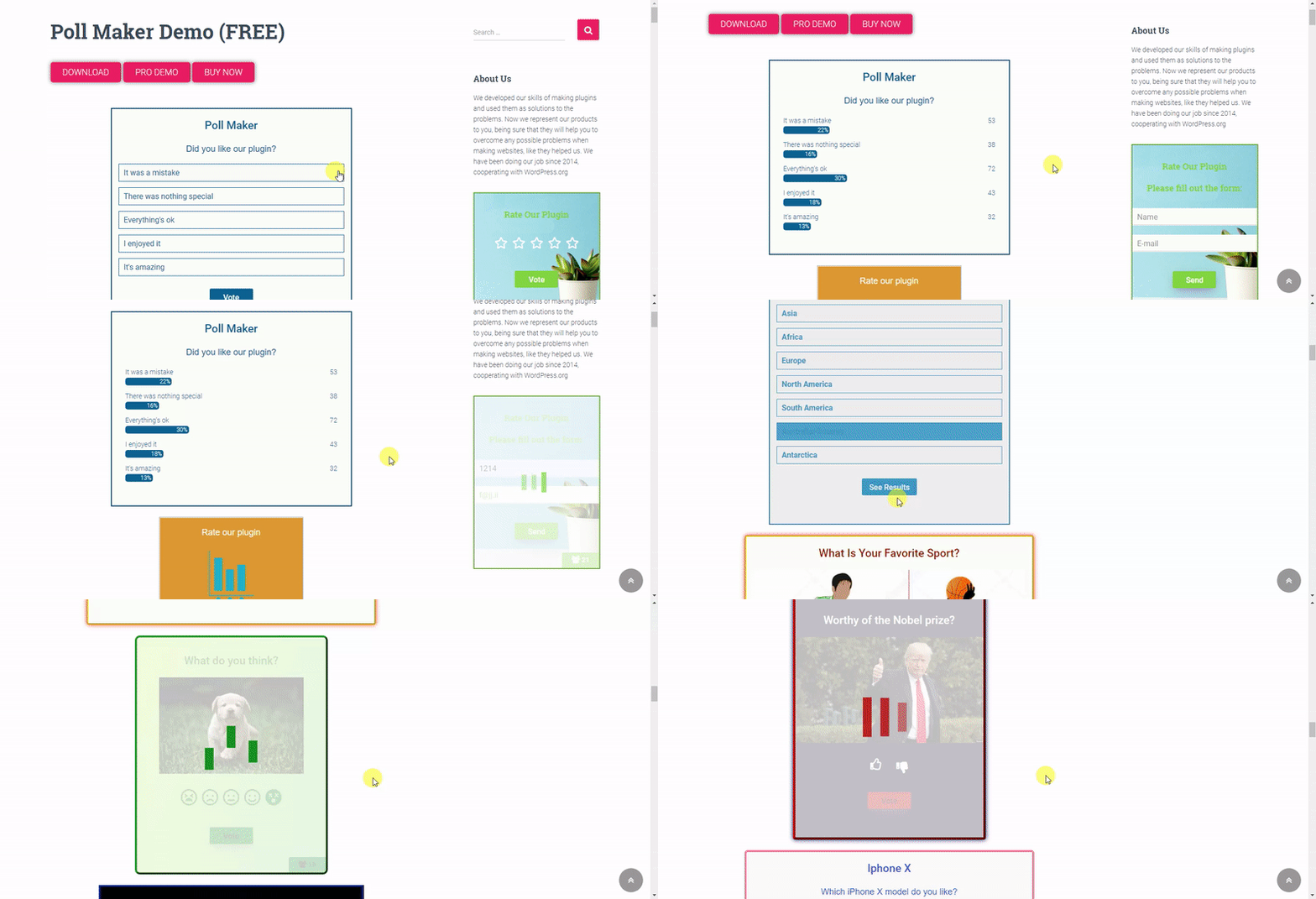
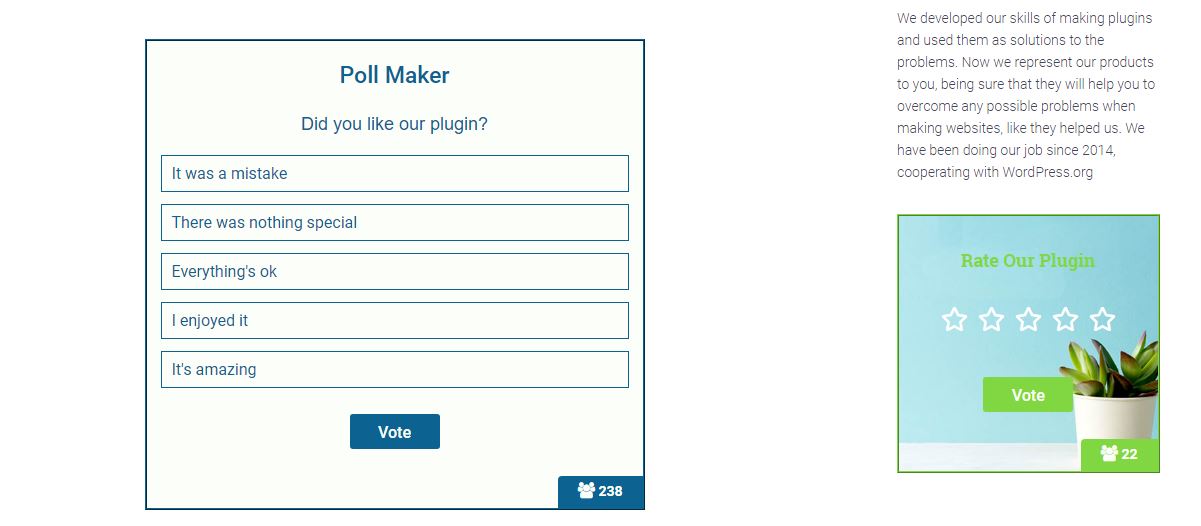
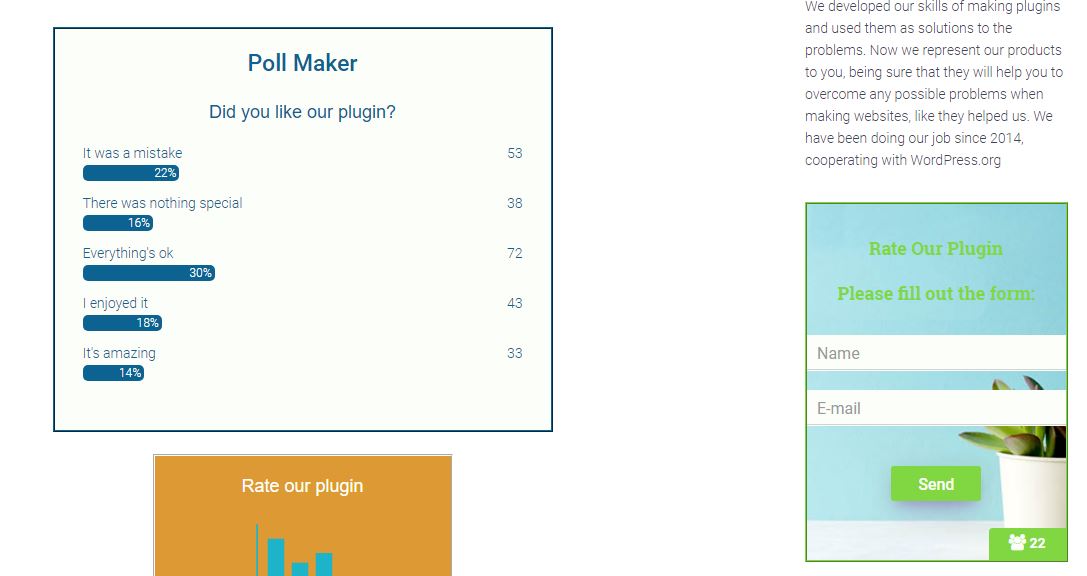
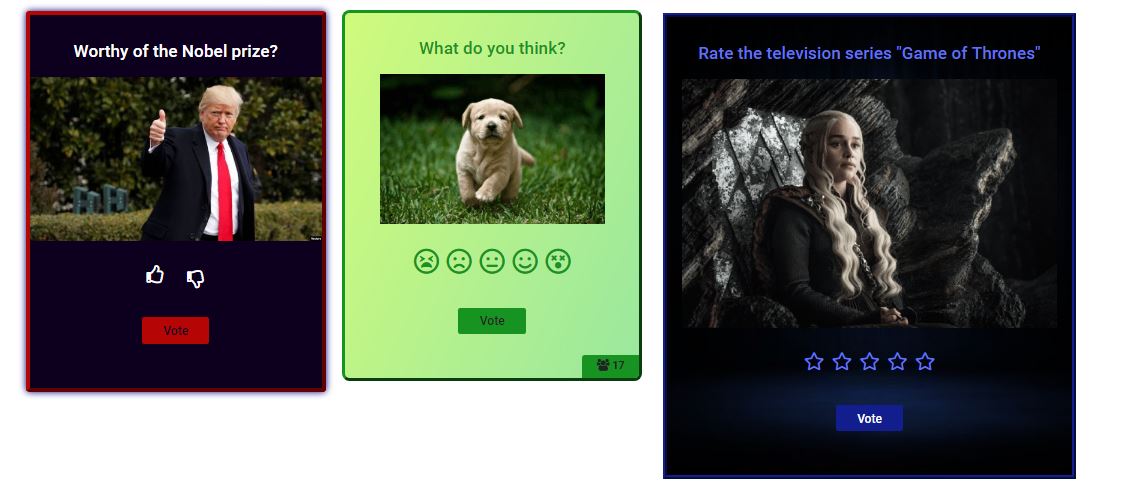
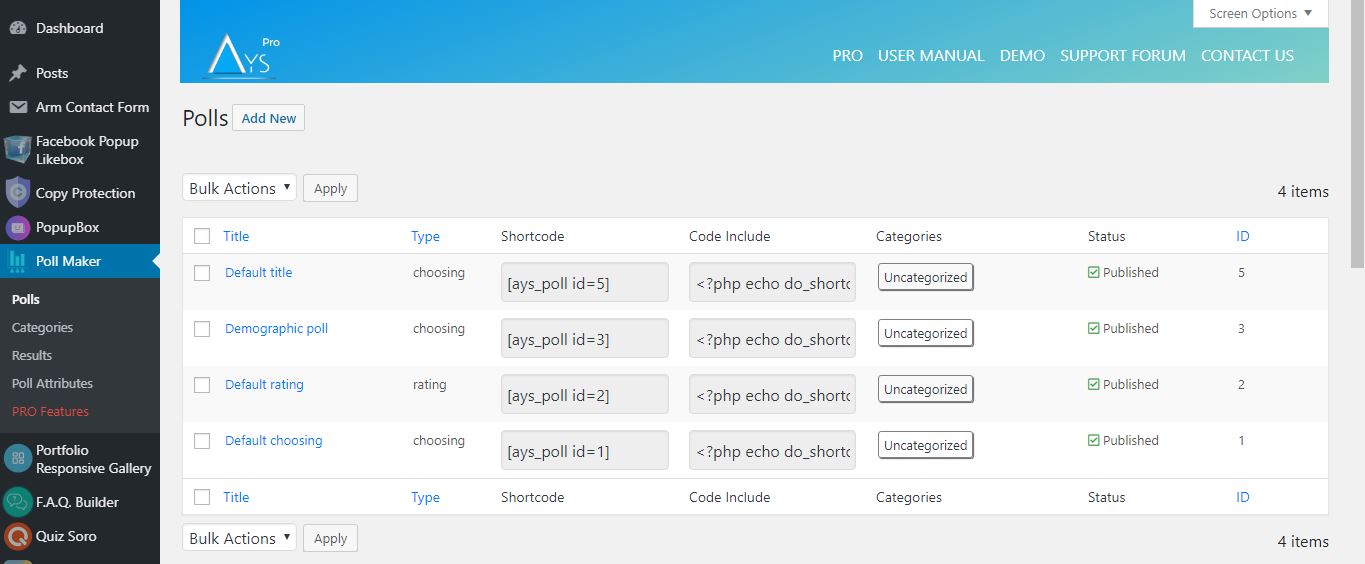
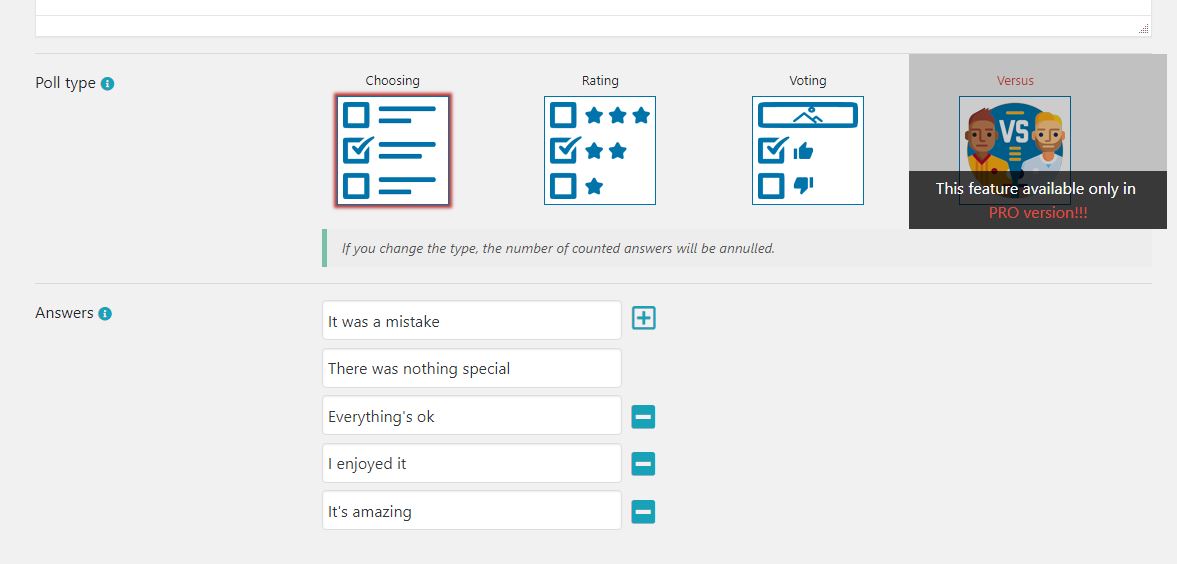
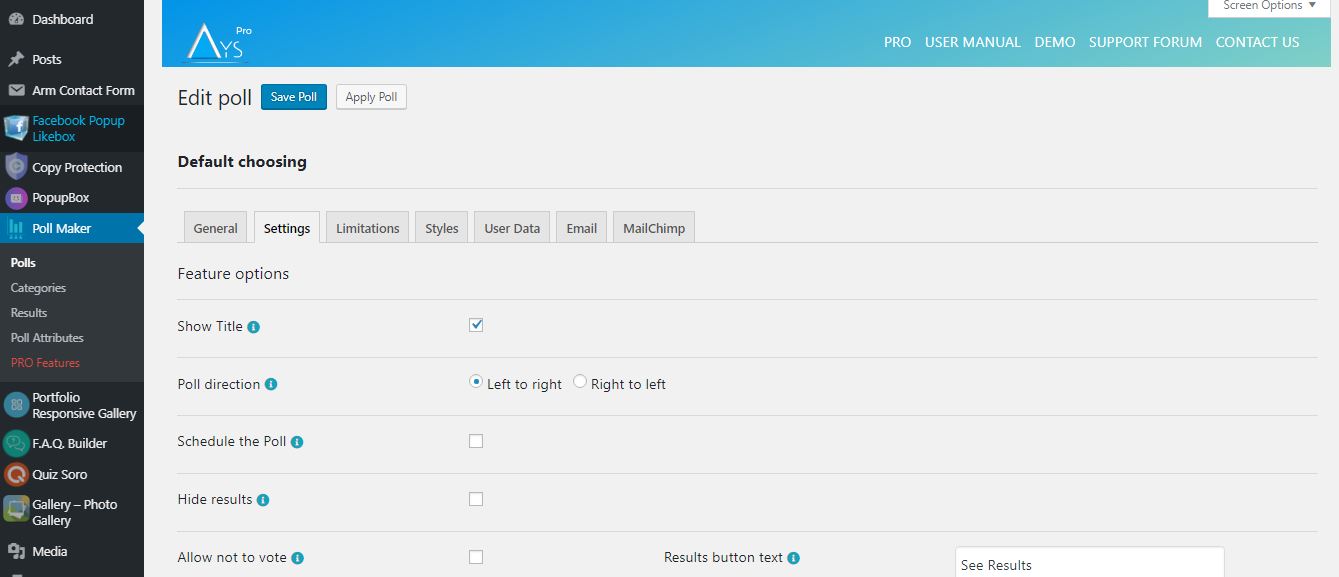
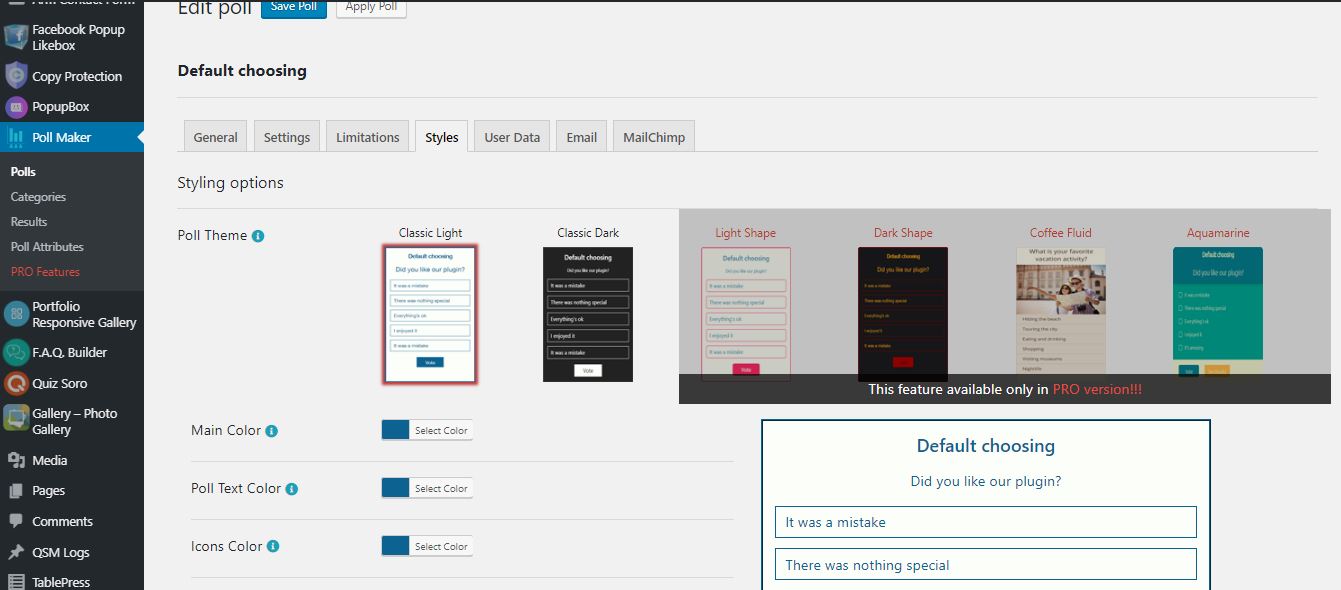
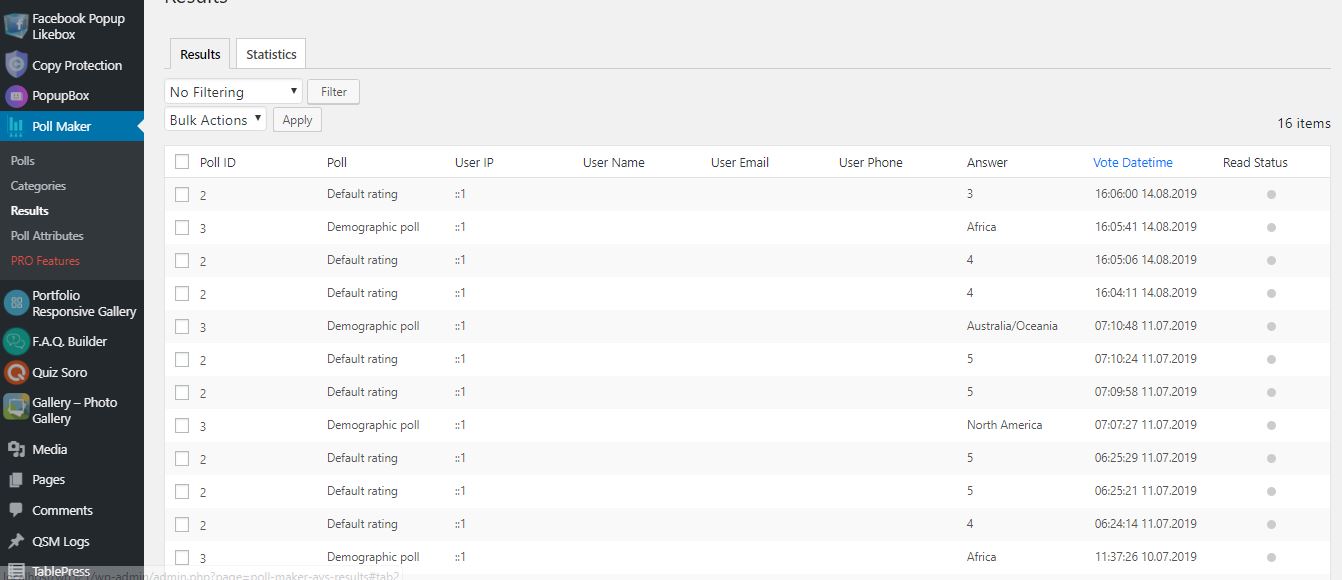
The WordPress Poll plugin allows you to create and publish polls on your website easily. With multiple poll types, advanced settings, and customizable styles, this plugin is perfect for collecting user feedback, conducting market research, and increasing website traffic. Plus, it offers additional features like email notifications, redirection, schedule options, and integration with tools like Mailchimp.Screenshots

Changelog
5.7.1
- Added: Some sanitizing checks on the front end
- Fixed: Issue with the Elementor Plugin
5.7.0
- Updated: POT file
- Fixed: Some issues
5.6.9
- Added: Roman numbering for answers
5.6.8
- Improved: Some styles on the admin dashboard
- Tested: Compatible up to 6.7.2
5.6.7
- Added: Buttons width mobile option in admin dashboard
5.6.6
- Fixed: Vulnerability issue connected to the poll results list table
5.6.5
- Added: Display of answer images in public page
5.6.4
- Fixed: Vote reason displaying issue on results page
- Fixed: Code correction for Live Preview mode
5.6.3
- Fixed: Some responsive styles on the admin dashboard
5.6.2
- Improved: Some styles on the admin dashboard
5.6.1
- Added: Answer hover color option
- Improved: Some styles on the admin dashboard
5.6.0
- Updated: POT file
- Fixed: Some styles on the admin dashboard
5.5.9
- Fixed: Responsive issue on the admin dashboard
- Added: Mobile Single Column View option in admin dashboard
5.5.8
- Fixed: Styling problem on the Gutenberg page
5.5.7
- Fixed: Issue connected to the poll deactivation
- Improved: Some styles on the admin dashboard
5.5.6
- Changed: The banner style on the admin dashboard
- Improved: Code optimization and Readability
5.5.5
- Fixed: Security issues on the admin dashboard and frontend
5.5.4
- Fixed: Security issues on the admin dashboard
- Improved: Some changes on the admin dashboard
5.5.3
- Added: Current date message variable
- Fixed: Some styles on the admin dashboard
- Updated: POT file
5.5.2
- Fixed: Poll duplication issue
- Improved: Some changes on the admin dashboard
- Tested: Compatible up to 6.7.1
5.5.1
- Fixed: Security issue on the admin dashboard
- Tested: Compatible up to 6.7
5.5.0
- Added: Poll title alignment on mobile option
5.4.9
- Added: Results bar in RGBA option for the Quick Poll Popup
- Fixed: Security issue connected to the poll custom answer
5.4.8
- Added: Enable restart button option for the Quick Poll Popup
- Fixed: Translation issue
5.4.7
- Added: Show title option for the Quick Poll Popup
- Added: Show creation date option for the Quick Poll Popup
- Fixed: Security issue on the admin dashboard
5.4.6
- Added: Randomize answers option for the Quick Poll Popup
- Updated: POT file
5.4.5
- Added: Answer image border radius option
5.4.4
- Fixed: Issue connected to the only for logged in users limitation message
- Improved: Styles on the poll integrations page
5.4.3
- Improved: Some styles on the admin dashboard
5.4.3
- Improved: Some styles on the admin dashboard
- Tested: Compatible up to 6.6.2
5.4.2
- Added: Info Text for the Elementor and Gutenberg blocks preview
- Improved: Some styles on the admin dashboard
5.4.1
- Fixed: Issue connected to the poll title
- Updated: POT file
5.4.0
- Added: Expand/Collapse functionality for polls options on the Polls page
5.3.9
- Improved: Styles on the admin dashboard
5.3.8
- Fixed: Issue connected to the allow multivote option
- Fixed: Some style issues on the front page
5.3.7
- Fixed: Polls search box issue on polls list table
- Fixed: Some styles on the admin dashboard
5.3.6
- Added: Autofill logged-in user data option
- Tested: Compatible up to 6.6.1
5.3.5
- Added: Poll main URL option
- Tested: Compatible up to 6.6
5.3.4
- Fixed: Translation issues
- Fixed: Poll alignment issue on the front page
5.3.3
- Fixed: Style issues on the front page
- Fixed: PHP issue on the each results list table
5.3.2
- Improved: Plugin performance on the admin dashboard
- Tested: Compatible up to 6.5.5
5.3.1
- Fixed: Style issues on the front page
- Fixed: Style issues on the admin dashboard
- Updated: POT file
5.3.0
- Improved: Some Styles on the admin dashboard
- Fixed: User IP security issue
5.2.9
- Fixed: Issue connected to the text type poll statistics chart
- Fixed: Style issues on the admin dashboard
- Tested: Compatible up to 6.5.4
5.2.8
- Fixed: Issue connected to the poll text type
5.2.7
- Fixed: Style issue on the admin dashboard
- Fixed: Issue connected to the poll categories shortcode
5.2.6
- Fixed: Issue connected to the poll text type
5.2.5
- Fixed: Translation issues on the admin dashboard
- Fixed: Some issues on the front page
5.2.4
- Fixed: Translation issues on the admin dashboard
- Updated: POT file
5.2.3
- Fixed: Some styles on the admin dashboard
- Tested: Compatible up to 6.5.3
5.2.2
- Improved: Footer Style on the admin dashboard
5.2.1
- Fixed: Issues connected to the poll fonts on the front page
5.2.0
- Fixed: Issue connected to the result message on the front page
- Fixed: JS issues on the admin dashboard
5.1.9
- Fixed: Quick Poll security issue on the admin dashboard
- Fixed: Security issue connected to the change the author of the current poll option
5.1.8
- Fixed: JavaScript conflict with Elementor plugin
- Updated: POT file
5.1.7
- Changed: The polls Edit page design
5.1.6
- Added: Hide results option for the Quick Poll Popup
- Tested: Compatible up to 6.5
5.1.5
- Added: Show Author option for the Quick Poll Popup
5.1.4
- Fixed: Issue with the filter by type in polls list table (PHP 7.2)
- Updated: POT file
5.1.3
- Changed: The polls list table design
5.1.2
- Added: User phone message variable on the general settings page
- Improved: Some styles on the admin dashboard
5.1.1
- Added: Show timer at the bottom suboption to display the timer at the bottom
5.1.0
- Added: The Message variables section for the Hide Results option
- Improved: Some styles on the admin dashboard
5.0.9
- Added: User Email message variable on the general settings page
- Fixed: Issue connected to the result message
5.0.8
- Fixed: Issue connected to the User Name message variable
- Updated: PO files
5.0.7
- Added: User Name message variable on the general settings page
- Updated: PO files
5.0.6
- Added: Allow not to vote option for the Quick Poll Popup
- Improved: Some styles on the admin dashboard
- Updated: POT
5.0.5
- Improved: Some styles on the admin dashboard
5.0.4
- Added: Information popup about the poll after creating a poll
5.0.3
- Added: Allow Multivote option for the Quick Poll Popup
- Fixed: Issue connected to the Allow Multivote option
5.0.2
- Added: Create Quick Poll functionality on the admin dashboard
5.0.1
- Added: User website message variable on the general settings page
- Added: Italian language support
- Updated: POT and PO files
5.0.0
- Fixed: Some styles on the admin dashboard
- Fixed: Elementor widget issue
4.9.9
- Added: Cancel button on the polls edit page
- Fixed: Some styles on the admin dashboard
4.9.8
- Improved: Message when no active polls found option on the poll categories page
- Fixed: Images sanitizing problem
4.9.7
- Added: Confirmation box for unsaved changes on the admin dashboard
4.9.6
- Fixed: Images sanitizing problem on the admin/front page
- Tested: Compatible up to 6.4.2
4.9.5
- Improved: Some changes on the admin dashboard
- Updated: POT and PO files
4.9.4
- Fixed: Some styles on the admin dashboard
- Fixed: Some styles on the front page
4.9.3
- Fixed: Some styles on the admin dashboard
- Fixed: PHP issue on the each results list table
4.9.2
- Fixed: Some styles on the admin dashboard
4.9.1
- Improved: Some changes on the admin dashboard
4.9.0
- Fixed: Some styles on the admin dashboard
- Fixed: PHP issue on the each results list table
4.8.9
- Fixed: Some styles on the admin dashboard
- Fixed: Some issues on the each results list table
4.8.8
- Fixed: Some styles on the admin dashboard
4.8.7
- Fixed: Some styles on the front page
- Updated: POT and PO files
- Tested: Compatible up to 6.4.1
4.8.6
- Fixed: Some styles on the admin dashboard
- Fixed: Some responsive style issues on the results list table
4.8.5
- Fixed: Some styles on the admin dashboard
- Fixed: Filter and search options conflict on the polls list table
- Tested: Compatible up to 6.4
4.8.4
- Changed: The banner style on the admin dashboard
4.8.3
- Added: Type filter on the polls list table
- Fixed: Some styles on the admin dashboard
4.8.2
- Improved: Some changes on the admin dashboard
- Tested: Compatible up to 6.3.2
4.8.1
- Added: Height suboption for the Show results by option
- Fixed: Issue connected to the allow multivote option
4.8.0
- Fixed: Some styles on the admin dashboard
- Improved: Ask a question button style on the admin dashboard
4.7.9
- Fixed: Some styles on the admin dashboard
- Fixed: Some styles on the front page
4.7.8
- Fixed: Banner timer issue on the admin dashboard
- Fixed: Some issues conected to the loading effect size option
- Fixed: Some issues conected to the allow custom answer option
4.7.7
- Added: Confirmation Box before removing the polls/results and categories
- Fixed: Some styles on the admin dashboard
4.7.6
- Fixed: Banner security issue on the admin dashboard
- Fixed: Some issues connected to the allow custom answer option
4.7.5
- Added: Author filter on the polls list table
- Fixed: Responsive problem on the admin dashboard
- Tested: Compatible up to 6.3.1
4.7.4
- Fixed: Some styles on the admin dashboard
- Fixed: Issue connected to the create post for poll option
4.7.3
- Added: 7 and 10-star rating options for the Rating Poll Type
- Improved: Styles on the admin dashboard
- Tested: Compatible up to 6.3
4.7.2
- Fixed: Some styles on the admin dashboard
- Fixed: Security issue on the front page
4.7.1
- Improved: Dashboard styles
- Fixed: Security issue on the admin dashboard
4.7.0
- Added: Detailed Popup for the poll each result
- Changed: The banner style on the admin dashboard
- Fixed: Some styles on the admin dashboard
4.6.9
- Fixed: Some styles on the admin dashboard
- Improved: Min/Max values for the Allow multivote option
4.6.8
- Added: Status filter on the polls list table
- Improved: Deactivate popup style on the plugins page
4.6.7
- Added: User phone column on the poll results list table
- Fixed: User name user email and vote reason displaying issue on the poll results list table
- Fixed: Some issues on the front page
4.6.6
- Fixed: Database error on the polls results page
- Fixed: Some styles on the admin dashboard
4.6.5
- Fixed: Some styles on the admin dashboard
- Fixed: JS issue on the admin dashboard
- Fixed: The default value for the alignment option in the text type
4.6.4
- Added: Introduction page for Poll Maker
- Added: Setup Guide
4.6.3
- Added: Create post for poll Option
- Added: Results column on the polls list table
- Added: Ability to copy the shortcode from the polls list table
- Added: Add new submenu
- Added: Each poll results list table
- Changed: Some styles on the admin dashboard
- Fixed: Security issue on the poll integrations page
- Improved: Polls results list table
4.6.2
- Added: Button background color changing option
- Tested: Compatible up to 6.2.2
4.6.1
- Added: Option to be able to show results after schedule without button
- Tested: Compatible up to 6.2.1
4.6.0
- Fixed: Select poll issue on the Gutenberg block
- Updated: POT and PO files
4.5.9
- Fixed: Gutenberg block error
4.5.8
- Added: Button text color changing option
4.5.7
- Added: Functionality to insert message variables into the wp editor on the result message
4.5.6
- Fixed: CSS style issues on the admin dashboard
- Tested: Compatible up to 6.2
4.5.5
- Added: Title option for Poll logo
- Fixed: Some CSS style issues on the front-end
4.5.4
- Added: Default message for text type
- Fixed: Some changes on the admin dashboard
4.5.3
- Fixed: Code correction on the front-end
- Fixed: Some changes on the admin dashboard
- Locked: New Pro features
4.5.2
- Changed: The banner style on the admin dashboard
- Fixed: Some changes on the admin dashboard
4.5.1
- Added: Shortcode attribute for ayspoll_results to show latest result
- Fixed: Some changes on the admin dashboard
4.5.0
- Changed: Some CSS style issues on the admin dashboard
- Fixed: Categories list table pagination issue
- Fixed: The Search box and pagination conflict on all list tables
4.4.9
- Added: SVG poll icon in Gutenberg editor
- Fixed: Column width issue for logged-in users
- Updated: POT file
4.4.8
- Added: Reset styles button on the admin dashboard
4.4.7
- Fixed: CSS style issues on the admin dashboard
4.4.6
- Added: Tooltip for Save buttons on the admin dashboard
- Updated: POT file
4.4.5
- Changed: Some CSS style issues on the admin dashboard
4.4.4
- Changed: Some CSS style issues on the admin dashboard
- Fixed: Vertical scrolling issue on the admin dashboard
4.4.3
- Fixed: Default poll creation date in admin dashboard
- Updated: POT and PO files
4.4.2
- Fixed: CSS style issues on the admin dashboard
4.4.1
- Changed: Some CSS style issues on the admin dashboard
- Fixed: Poll duplication issue
4.4.0
- Changed: Change the poll author option design
- Fixed: Some issues on the front page
4.3.9
- Fixed: Multivote and answer redirection problem on the front page
- Fixed: Multivote and show correct answers problem on the front page
4.3.8
- Fixed: CSS style issue on the admin page
4.3.7
- Added: Confirmation box for deleting poll answers
- Fixed: CSS style issues on the admin dashboard
- Tested: Compatible up to 6.1.1
4.3.6
- Fixed: Answer table ordering style problem
- Fixed: Style problem on the admin dashboard
4.3.5
- Added: Redirect to another polls functionality on the polls page
- Fixed: Polls category problem on the results page
4.3.4
- Fixed: CSS style issues on the front page
- Tested: Compatible up to 6.1
4.3.3
- Fixed: CSS style issue on the admin dashboard
4.3.2
- Fixed: CSS style issues on the admin dashboard
4.3.1
- Added: Missing files
4.3.0
- Added: Documentation, Free Support and Rate Us links on the plugins page
- Fixed: Answers redirect issue on the front page
- Fixed: CSS style issue on the admin dashboard
4.2.9
- Added: New loading effect on the admin dashboard
- Added: Read/unread functionality on the results list table
- Fixed: CSS style issues on the admin dashboard
- Tested: Compatible up to 6.0.3
4.2.8
- Added: Categories column on the results list table
- Fixed: CSS style issues on the front page
4.2.7
- Fixed: CSS style issues on the front page
4.2.6
- Fixed: Alignment issue on the front page
- Fixed: Default poll choosing issue on the admin dashboard
4.2.5
- Fixed: CSS style issues on the admin dashboard
- Updated: POT and PO files
4.2.4
- Fixed: Select poll issue on the Gutenberg editor
- Fixed: Translation issue on How to use submenu
- Tested: Compatible up to 6.0.2
4.2.3
- Fixed: CSS style issues on the admin dashboard
4.2.2
- Fixed: CSS style issues on the admin dashboard
4.2.1
- Added: New bar chart type on the front page
4.2.0
- Added: How to create a poll in one minute video on the polls page
- Fixed: CSS style issue on admin dashboard
4.1.9
- Fixed: CSS style issues on admin dashboard
4.1.8
- Changed: Poll type choosing page design
4.1.7.1
- Fixed: Poll type choosing functionality issue
4.1.7
- Improved: Poll type choosing functionality while adding a new poll
4.1.6
- Added: User IP address message variable on the general settings
- Fixed: PHP problem on the result shortcode
4.1.5
- Added: Current poll page link message variable on the general settings
4.1.4
- Added: Show poll answers count shortcode
4.1.3
- Added: All passed polls count per user message variable
4.1.2
- Added: Demo links for poll types
- Fixed: Default poll issue on the results page
4.1.1
- Changed: Community section style on the How to use page
4.1.0
- Added: Youtube link to social media links option
4.0.9
- Changed: Our Products submenu Interface design
4.0.8
- Fixed: Share buttons heading’s shortcode problem
- Added: View Documentation link in admin page submenus
- Tested: Compatible up to 6.0
4.0.7
- Changed: The banner style on the admin dashboard
4.0.6
- Added: Heading for social media links option
4.0.5
- Added: Social media links option
4.0.4
- Added: Show current poll author shortcode on the general settings
4.0.3
- Added: Next Poll category button on the Poll categories edit page
4.0.2
- Added: Next Poll category button on the Poll categories edit page
- Fixed: PHP problem on the admin dashboard
4.0.1
- Added: Poll pass count message variable
4.0.0
- Added: Show poll categories titles shortcode
1.0.1
- Added: Default poll with type Rating
- Added: Apply button when user trying to add new poll
- Fixed: Activation problem

