
Just another contact form plugin. Simple but flexible.
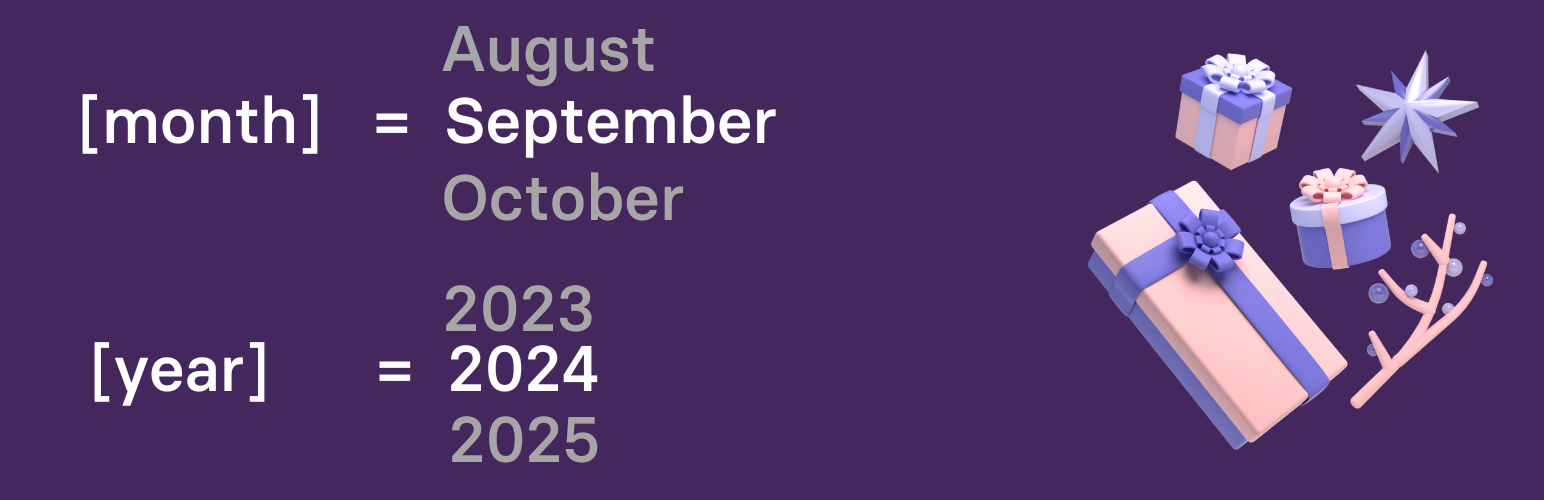
About Dynamic Month & Year into Posts
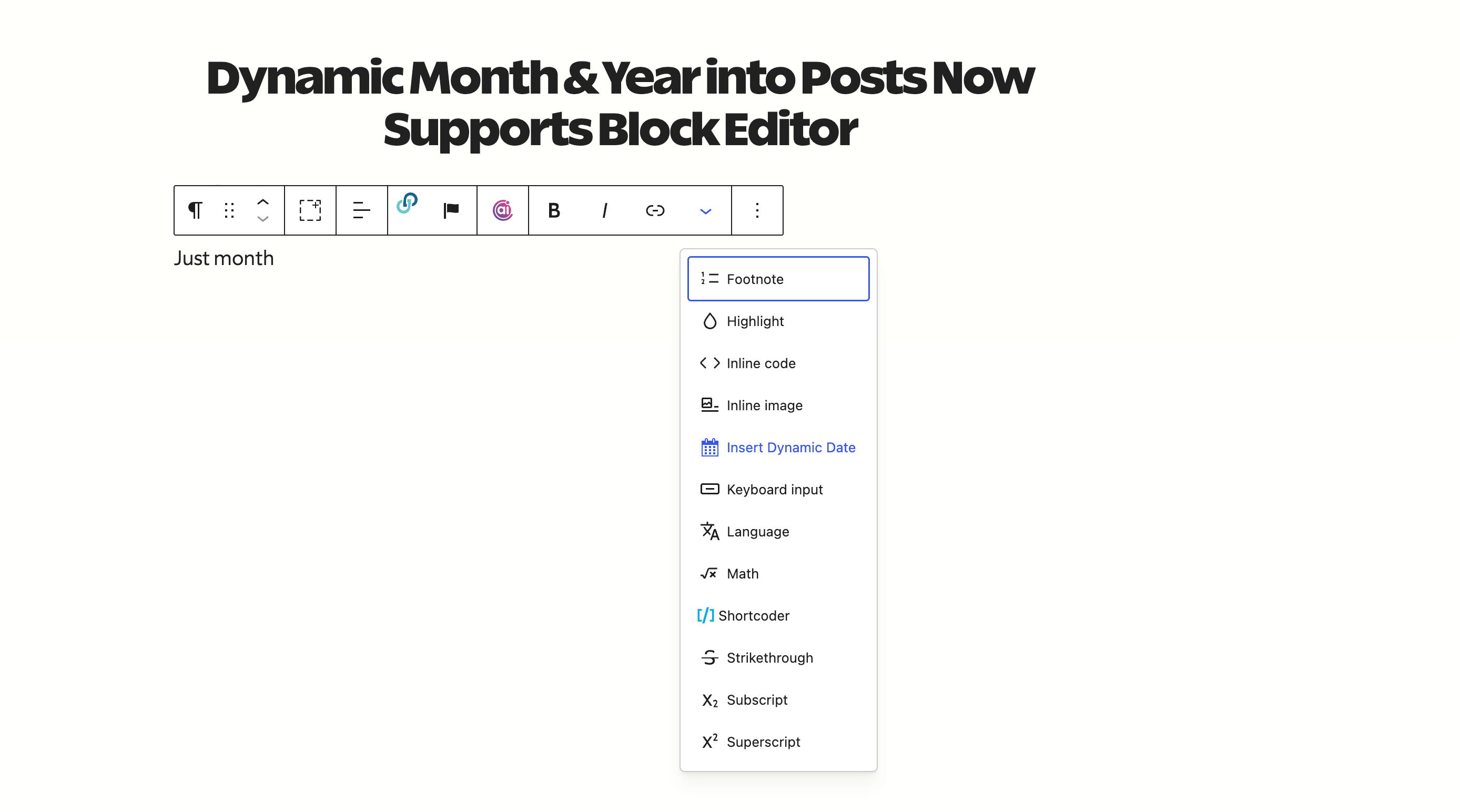
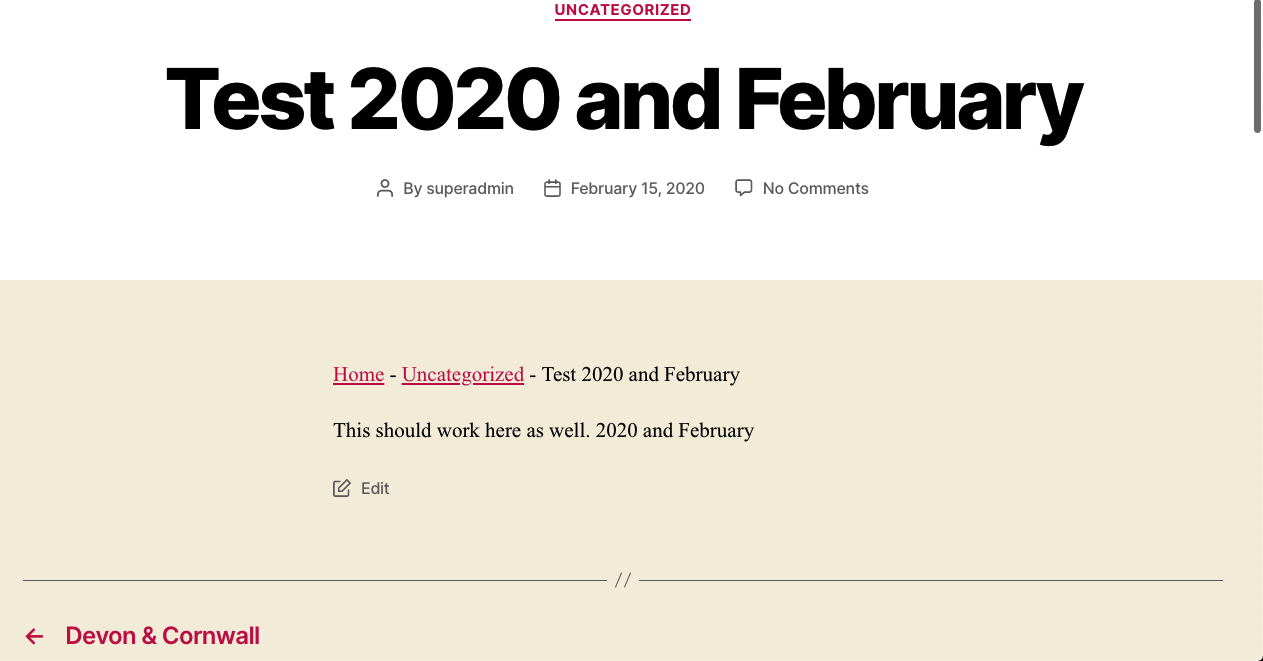
The Dynamic Month & Year into Posts plugin allows you to automate your SEO by adding dynamic dates and years to your content and titles. It works with popular SEO plugins like RankMath, Yoast, and SEOPress, and is extremely useful for Affiliate Marketers, Amazon Affiliates, and Copywriters. The plugin is easy to use, lightweight, and does not require any configuration. It also provides fast support and regular updates.Screenshots

Changelog
1.4.0
- More improvements. props @meteorlxy
1.3.9
- Refactor code.
- Attempted a fix for Rank Math SEO JSON and Excerpts.
1.3.8
- New: [nd] and [pd] display next and previous dates (number only).
1.3.7
- New: [nmonthyear] and [pmonthyear] display next and previous month and years together. Useful in many cases.
1.3.6
- Shortcode support in Archive Titles.
1.3.5
- Made Black Friday and Cyber Monday dates totally dynamic and auto-updating.
- Use [year n=number] to display any year next or previous to this year. For example [year n=5] renders 5th year from now and [year n=-5] renders 5th year back from today.
1.3.4
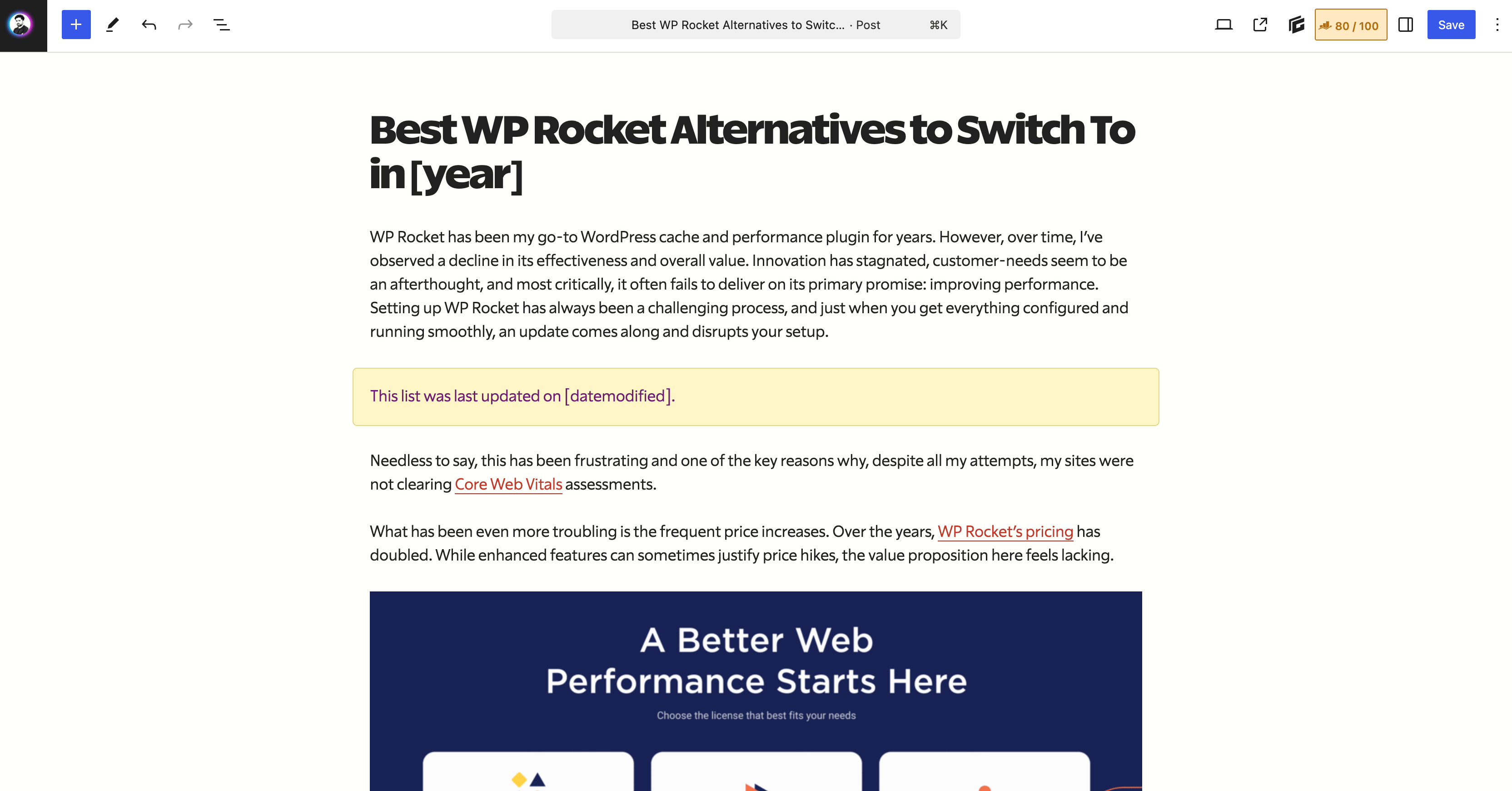
- Two new useful shortcodes. Post modified/updated date:
[datemodified]and post publication date:[datepublished]. Use these anywhere you want to make your site more dynamic and SEO friendly.
1.3.3
- Revert some changes
1.3.2
- Full Yoast SEO Support. Finally.
- Optimized Code
- SEOPress Support complete
1.3.1
- Date change for Black Friday and Cyber Monday dates
1.3.0
- New:
[blackfriday]and[cybermonday]shortcodes render this years Black Fridy and Cyber Monday dates like November 25 and November 28. Couple these with[year]to make the dates complete. See this example - Intelly Related Posts a.k.a. IRP support.
1.2.9
- Readme update.
1.2.8
- Fixed some issues related to rendering of next month.
[monthyear]no longer prints next month after 28th. Reason: User experience, as the user may be tricked to thinking the wrong current month and year names.
1.2.7
- Fix rendering of [monthyear] shortcode in languages other than English.
1.2.6
- New: Full Elementor Support. Now the shortcodes should render in all core and Elementor Pro widgets
1.2.5
- Added:
[weekday]shortcode renders day of the week like Sunday, Monday, … - Added:
[wd]shortcode renders shortnames for days of the week like Sun, Mon,… - Compatibility with 6.0.1 tested.
1.2.4
- Added: JSON-LD support for Yoast SEO Schema. Props to @sathoro
1.2.3
- Improved:
[monthyear]shortcode renders next month if the current month is about to end, after 28th every month.
1.2.2
- New: Capitalize Month Names. Add
cbefore any month based shortcode to render it capitalized. Useful in various languages where Month names are generally in small letters, like French, Swedish etc. - Example shortcodes:
[cmonth],[cmon],[cnmonth],[cpmonth],[cnmon],[cpmon]etc. - New Shortcodes:
[nnyear]and[ppyear]show 2 years next and previous years, like 2023 and 2019 respectively. - New Shortcode:
[monthyear]shows current month and year together for specific purposes. - Better compatibility with Rank Math Pro and Elementor.
1.2.1
- New Shortcodes:
[mm]renders month number including trailing zero (01-12) - New Shortcodes:
[mn]renders month number without trailing zero (1-12) - Full Jetpack Related Posts Support (Thanks Jetpack team!)
1.2.0
- WordPress 5.8 Support
- New Shortcode: [nmonth] renders next month (full name)
- New Shortcode: [pmonth] renders previous month (full name)
- New Shortcode: [nmon] renders next month (short name, like Jan, Feb)
- New Shortcode: [pmon] renders previous month (short name, like Dec, Nov)
1.1.9
- IMPROVED! Performance by removing
rank_math/paper/auto_generated_description/apply_shortcodefilter that causes more load on sites, specially wherewp_queryis used. - This is first of many attempts to remove unnecessary elements.
1.1.8
- Revert back some of the changes in 1.1.6
1.1.7
- Bug fix
1.1.6
- NEW!
[dt]shortcode to render only the day of the month (like 1, 2, 3, 17, 28). Combine this with other shortcodes to create date formats you desire. - Added support for shortcodes in Rank Math’s Product schema description
- IMPROVED!
[date]shortcode renders date as set by Dashboard -> Settings -> General -> Date.
1.1.5
- NEW!
[mon]shortcode to render only the first three-letters of Month, like Jan, Feb, Mar, Apr etc. - Tested with WordPress 5.8 Beta
1.1.2
- Updated Readme.txt and Instructions
1.1.1
- Bug fixes.
1.1.0
- Bug fixes.
- New: Rank Math OpenGraph Support
1.0.9
- Improved: Schema and OpenGraph support in YoastSEO.
- Work in Progress: Full Schema and OpenGraph support in Rank Math
- Removed: Rank Math recommendation.
1.0.8
- New: Contextual Related Posts Support
1.0.7
- New: SEOPress Support
1.0.6
- New: Yoast SEO Support
1.0.5
- Multiple Langauge Support: Shortcode renders your site’s defined language.
- New: [date] shortcode for today’s date.
- WordPress 5.6 Compatibility
1.0.4
- Optimization
1.0.3
- Updated Readme.txt file
1.0.2
- [pyear] yields previous year (e.g., 2021)
- [nyear] yields next year (e.g., 2023)
1.0.1
- Fixed Name Conflicts
1.0.0
- First version


