

Enables the previous "classic" editor and the old-style Edit Post screen with TinyMCE, Meta Boxes, etc. Supports all…

About Download After Email – Subscribe & Download Form Plugin
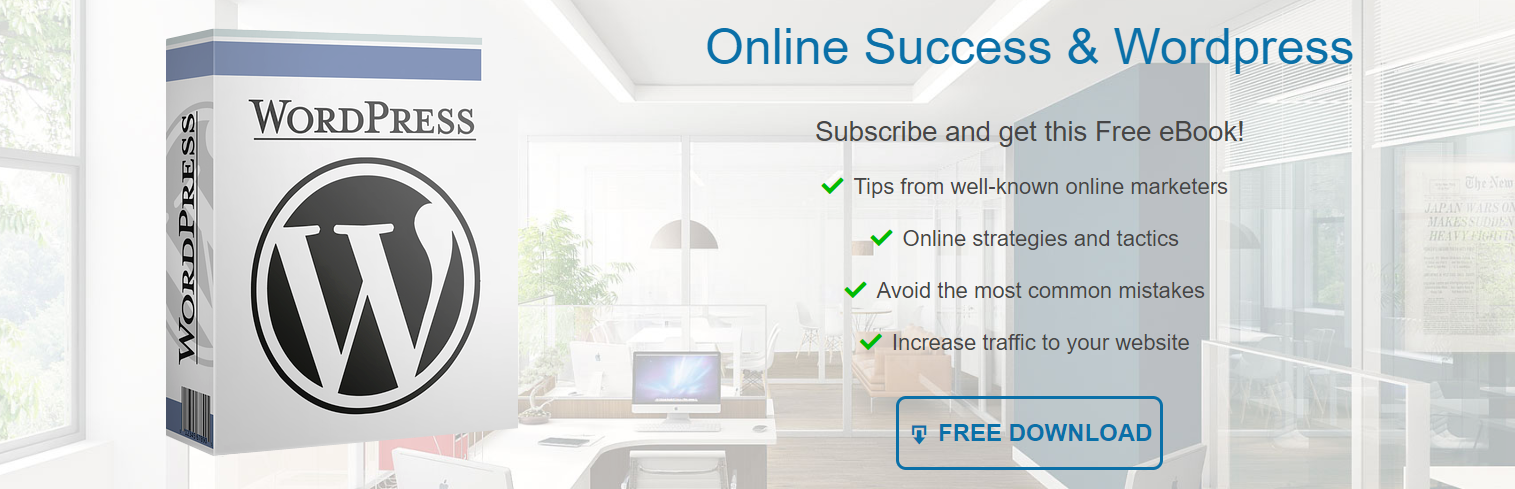
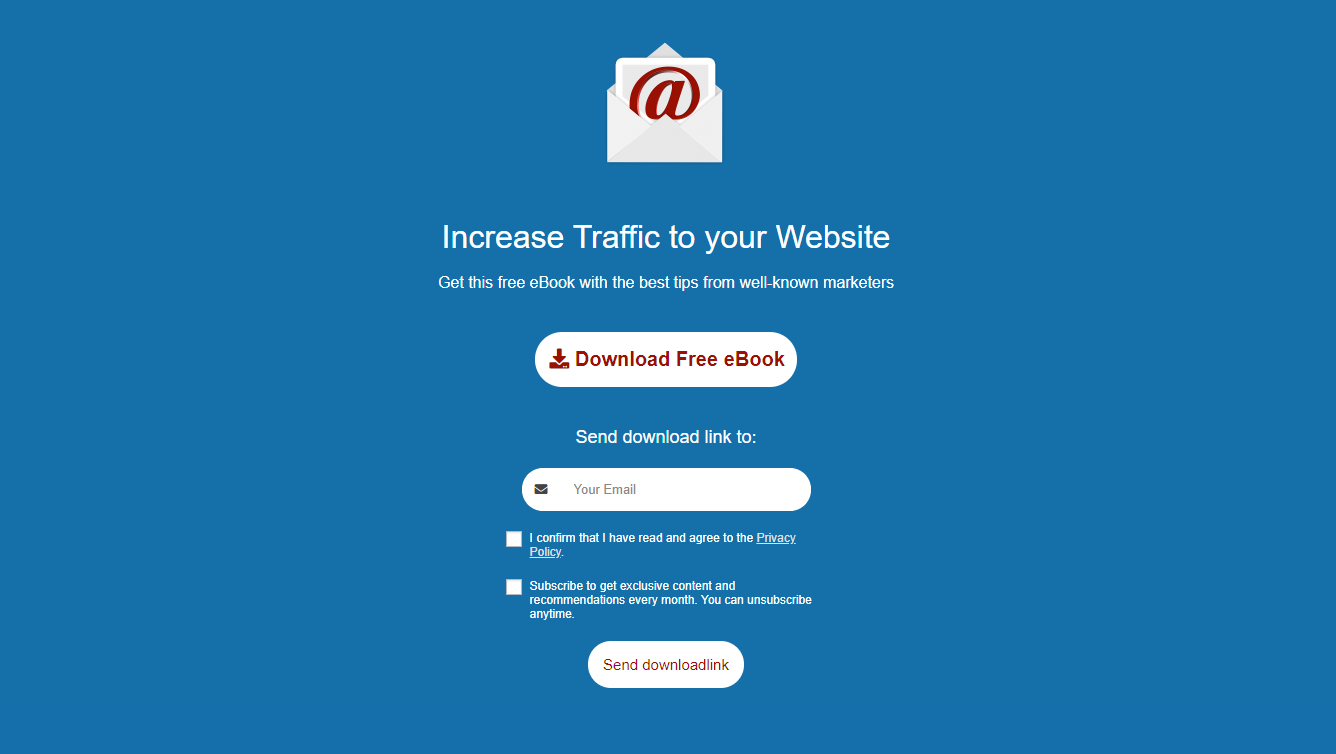
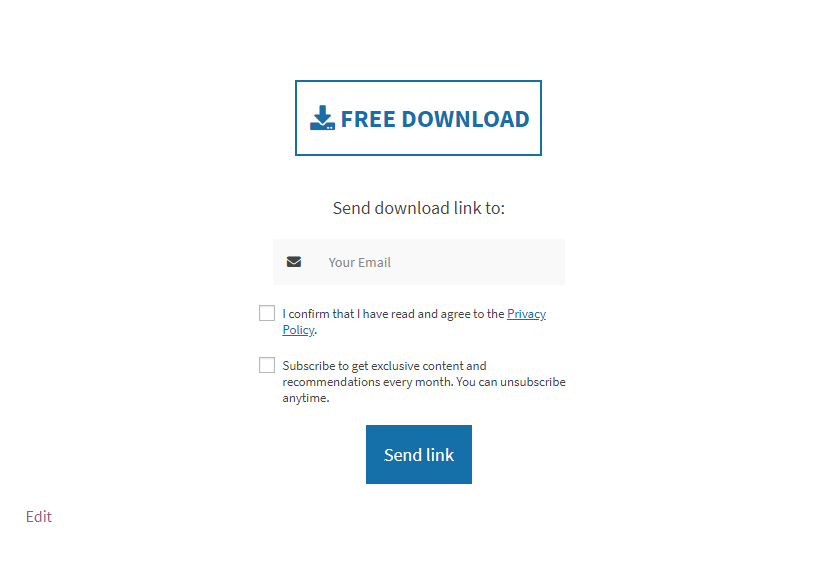
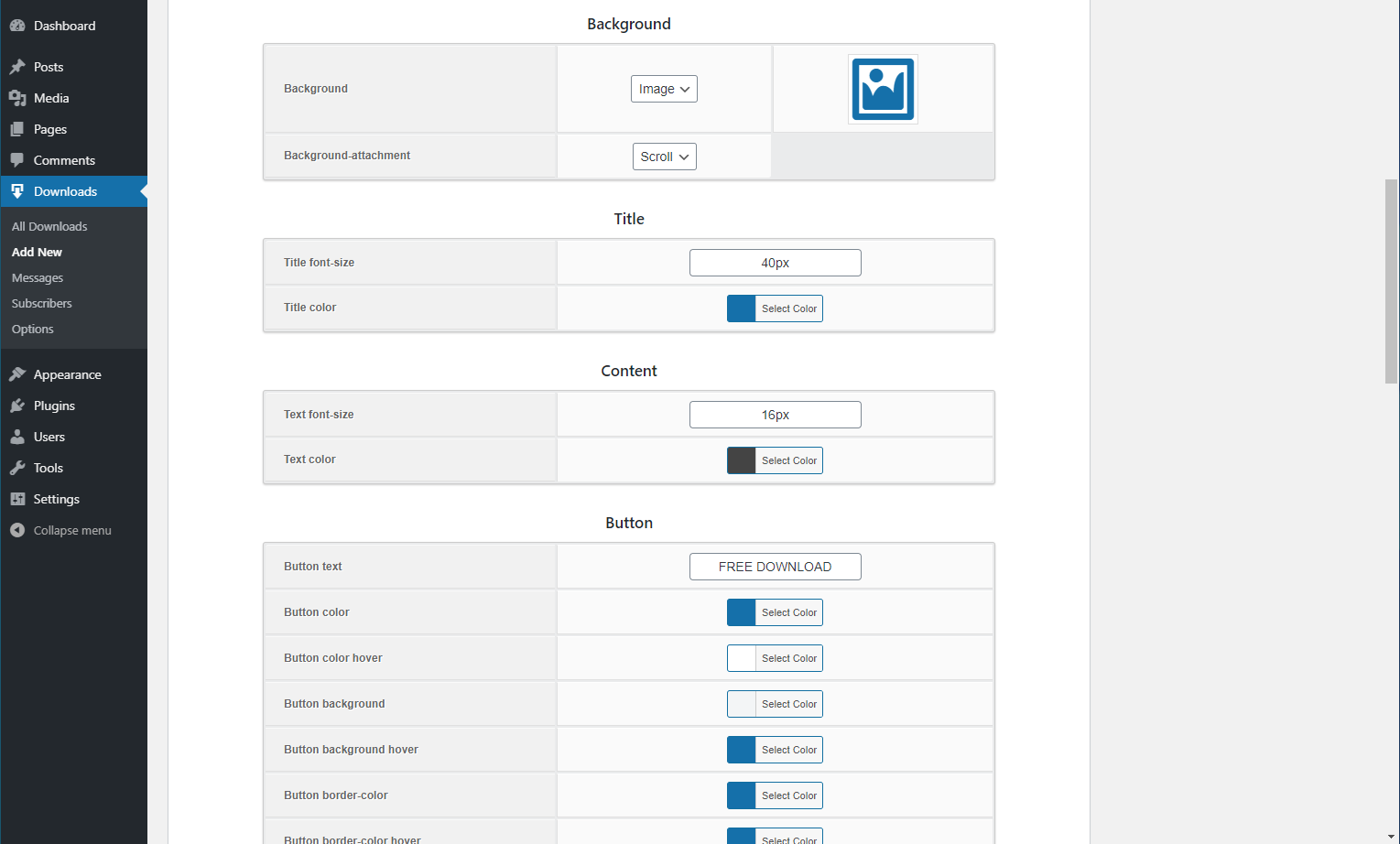
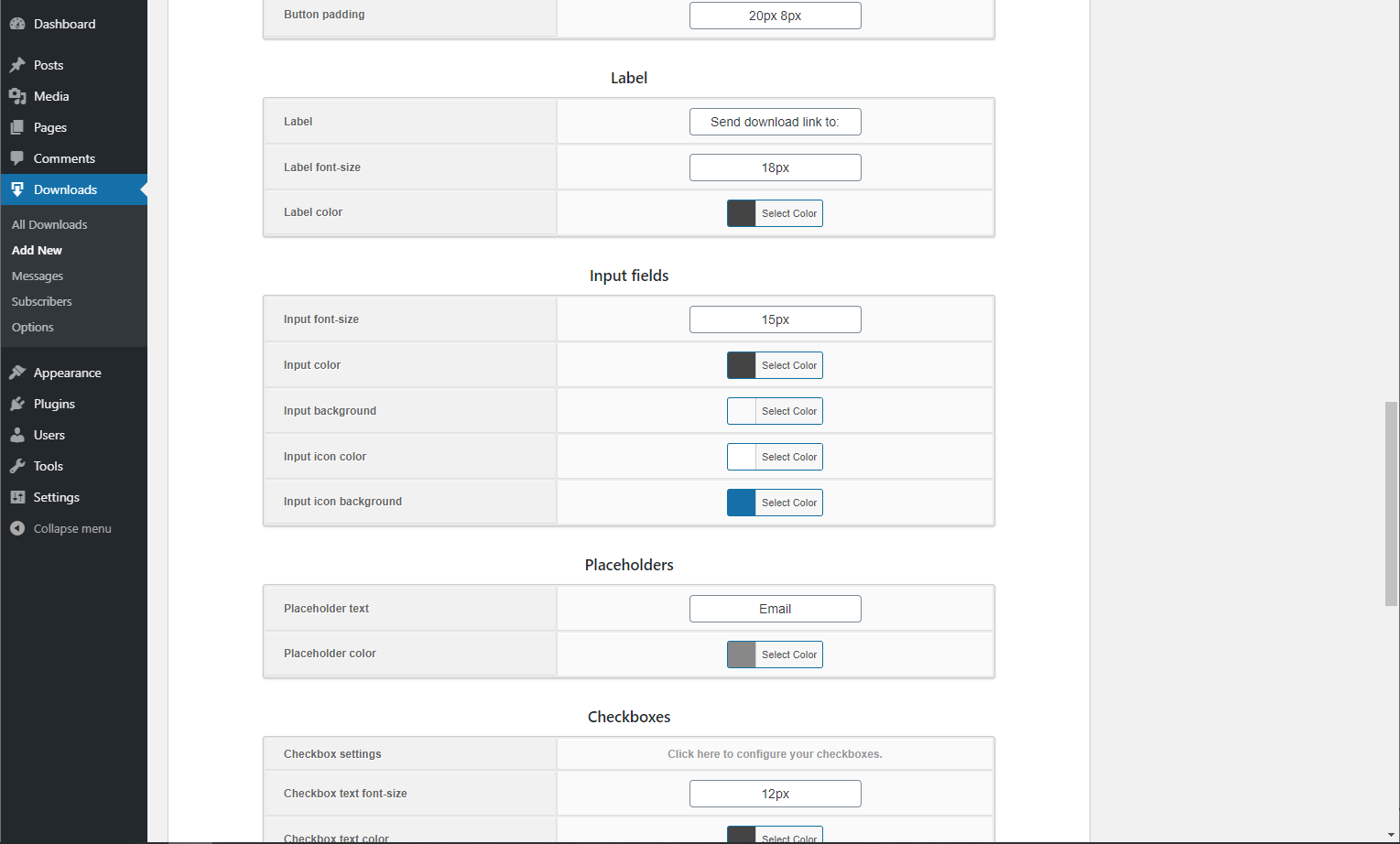
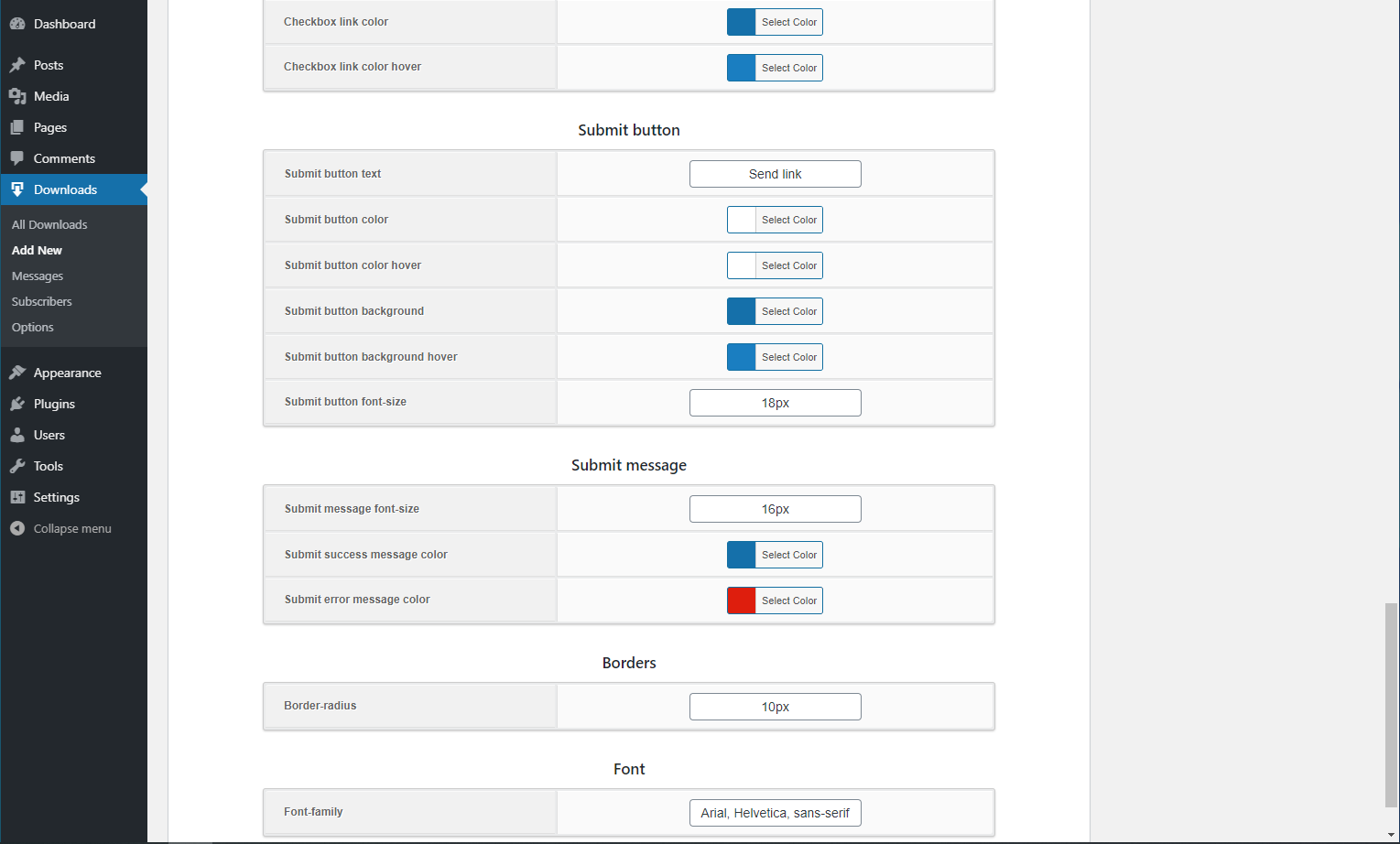
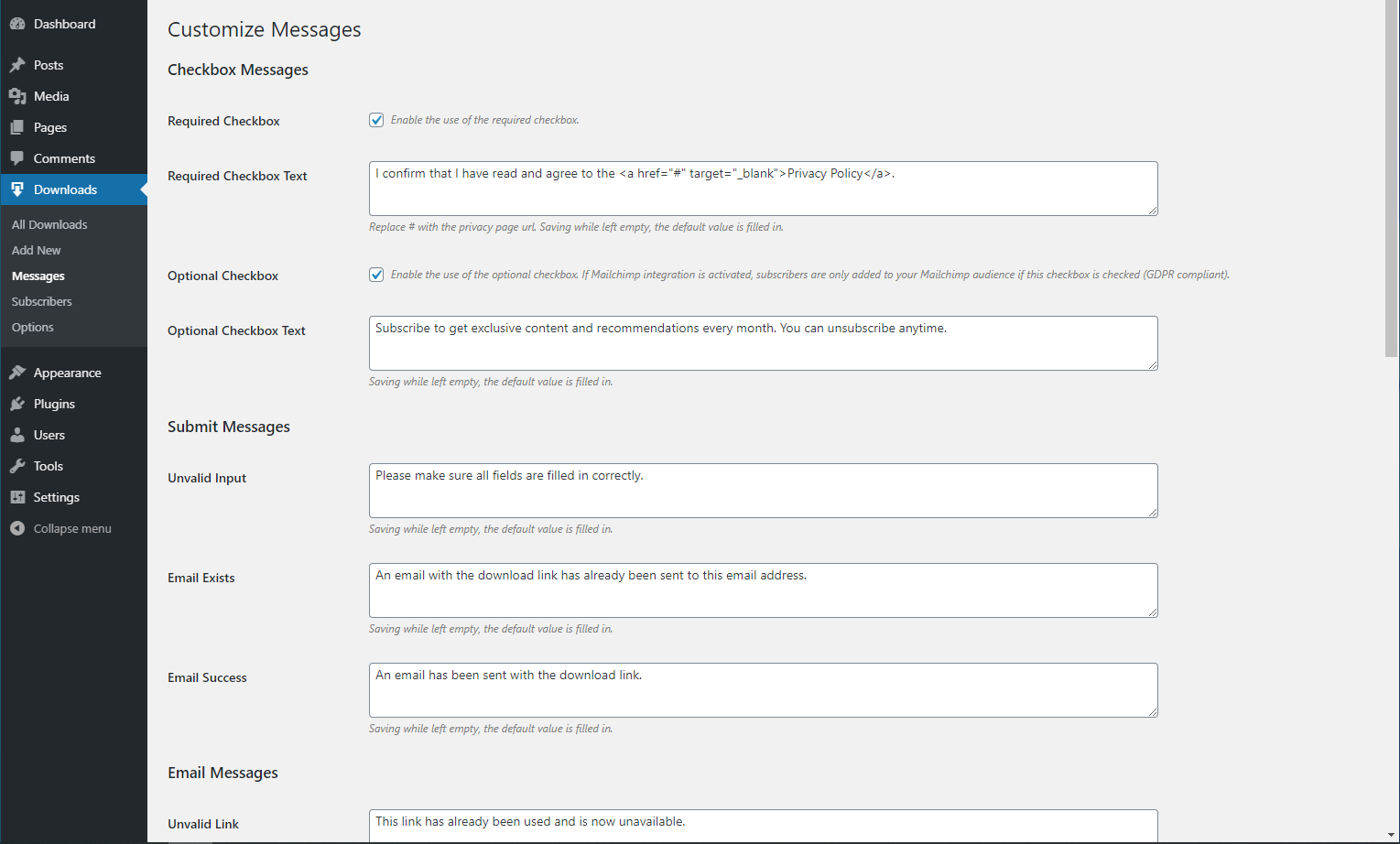
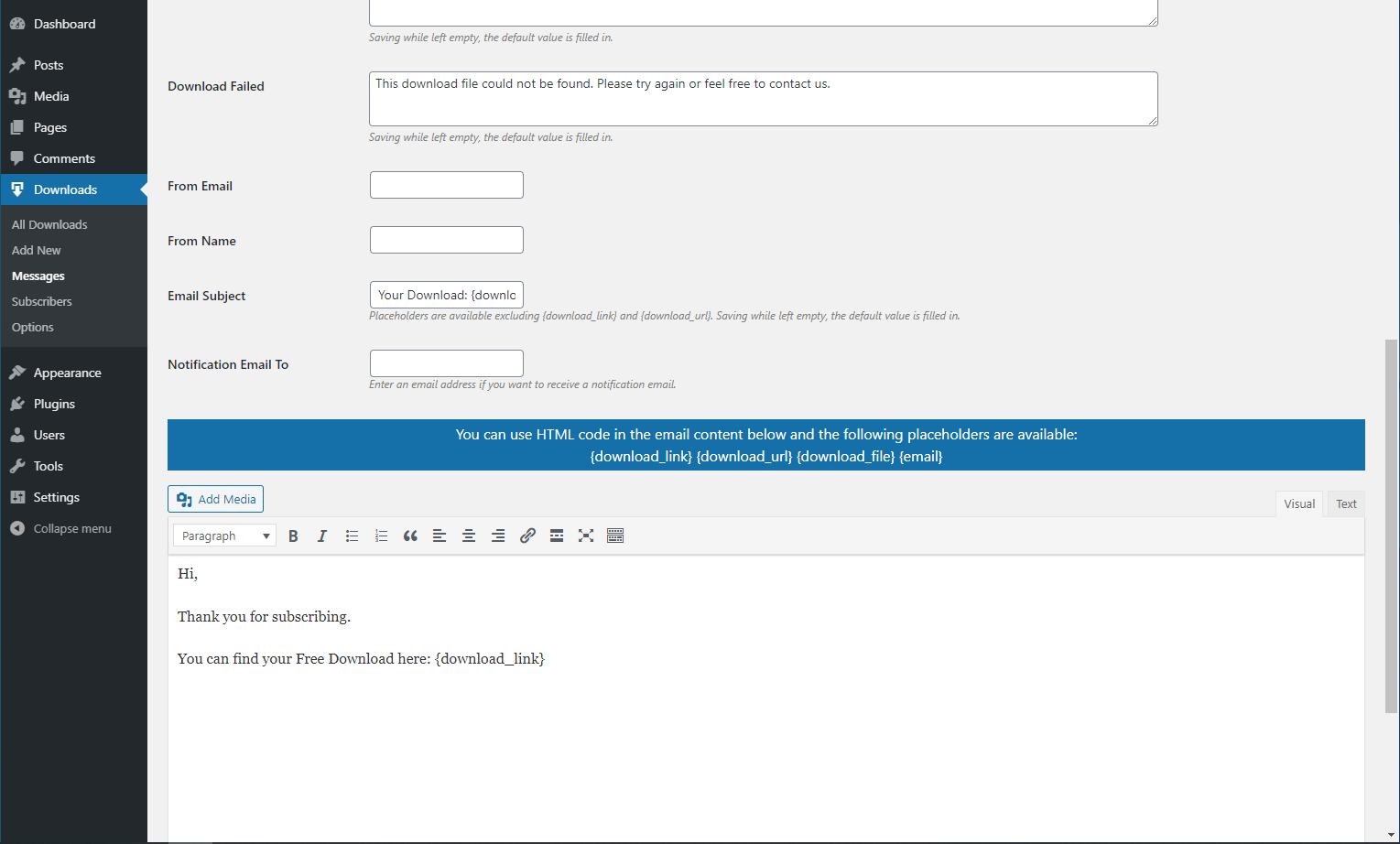
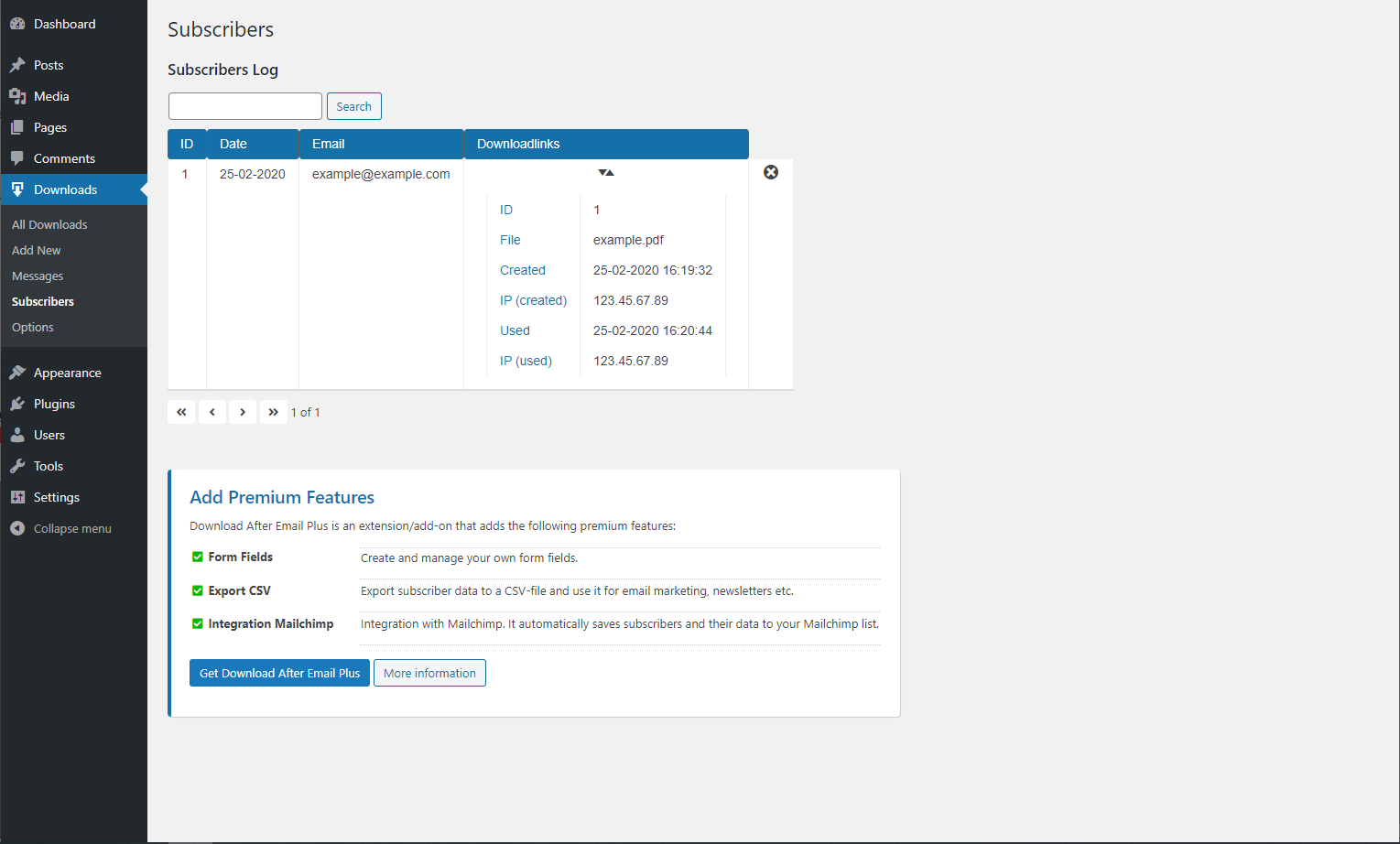
Download After Email is a free plugin that allows you to gain subscribers by offering free downloads. It includes features such as customizable forms, email notifications, GDPR compliance, and hooks/filters for developers. There is also a premium version available with additional features like a form builder and integration with Mailchimp.Screenshots

Changelog
2.1.6
- Added alt attribute to download images for SEO improvement.
- Fixed a nonce-related issue that prevented forms from being submitted at specific times.
- Fixed alignment setting issue (right) for displaying download forms.
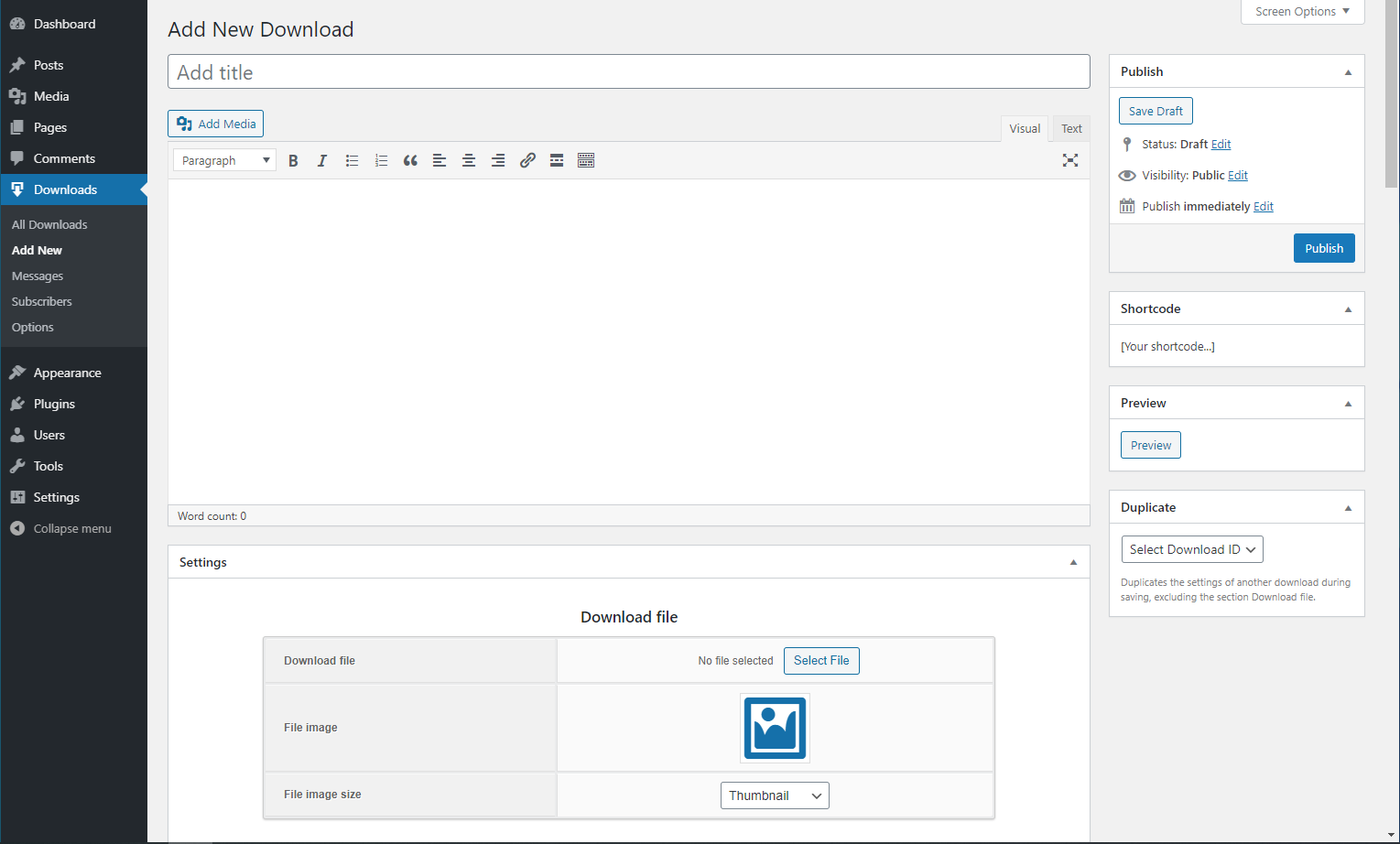
- Small layout changes new/edit download page.
2.1.5
- Fixed issue download file image aspect ratio.
- Fixed ajax nonce issue front-end due to caching plugins.
2.1.4
- Fixed invisibility submit button on iPhone/iPad devices.
2.1.3
- New filter ‘dae_ip_address’.
- Multisite support.
- Improved escaping and encoding download URLs.
- Fixed 403 forbidden error thumbnail PDF download files in media library.
- New option area Access Restrictions (Subscribers Log).
2.1.2
- Shortcode $atts are passed to filter dae_shortcode_html_fields.
- Fixed error (in some cases) ob_flush(): failed to flush buffer, after clicking the download link.
- Support for multiple notification email addresses.
2.1.1
- New option “Content Type” for emails (HTML, Plain, Multipart).
2.1
- New nonce system for download links. After the plugin update you will be asked to perform a database update. Compatibility is preserved in case the database update is delayed.
- New option Limit Type is available (after database update) instead of option Unlimited Links.
- Prevent corrupted download file in case set_time_limit() has been disabled on server.
- Avoid errors due to non-existent embedded images in email content.
- Multipart emails support.
- New var $file_name is passed to callback filter ‘dae_shortcode_html_fields’.
- Use of placeholders on the messages settings page.
- Added uninstall function.
2.0.7
- Fixed missing leading zero(s) subscriber meta.
- Fixed deviation in the total number of links on the page: Admin Menu > Downloads.
- Fixed email content not translatable.
- CSS improvement for mobile devices.
- Improved nonce functionality for download links (backwards compatible).
- New hooks added in meta box “Duplicate” + improvement.
- Prevent rename() warning during saving of downloads.
- Added new error message for form submission without a download file present.
- Fixed not able to select dwg files as download file.
- Fixed issues related to multisite (subsite) usage.
- Cleanup update actions in update.php.
2.0.6
- Fixed bug column Optin Time in subscribers table, sometimes the value of a previous subscriber was displayed.
- Changed the priority (higher value) of the filters wp_mail_from and wp_mail_from_name.
2.0.5
- ! Changed text domain for translations.
- Layout download form improvements.
- New option file image width.
- Improved function mckp_sanitize_form_content().
- Fixed not displaying hex color input field by prefix colorpicker CSS class.
- Admin layout improvements.
- Fixed not displaying file image icon on edit download page in some cases.
- Remove query string vars from download url (like ?time=12345) if added by another plugin.
- Fixed not displaying optin time and optional checkbox value in admin email in some cases since last update.
- New filters added in download.php to add conditions before running integrations.
- New alignment options for download forms.
- New filter to add attachments to subscriber email.
- New column Optin Time in subscribers table.
2.0.4
- New function DAE_Subscriber::update_subscriber_meta().
- New subscriber var Subscriber->has_used_links.
- New subscriber meta value optin_time.
- Also run integrations if optional checkbox is empty but optin time isset and no links have been used.
2.0.3
- Fixed CSS not loaded with multiple shortcodes on blog page.
- New shortcode attribute to disable CSS styling options. For developers, do_shortcode() now uses CSS styling options by default.
- New preview option to display download form without CSS styling options.
- Fixed download issue with large files.

