

Just another contact form plugin. Simple but flexible.

About Jetpack VaultPress Backup
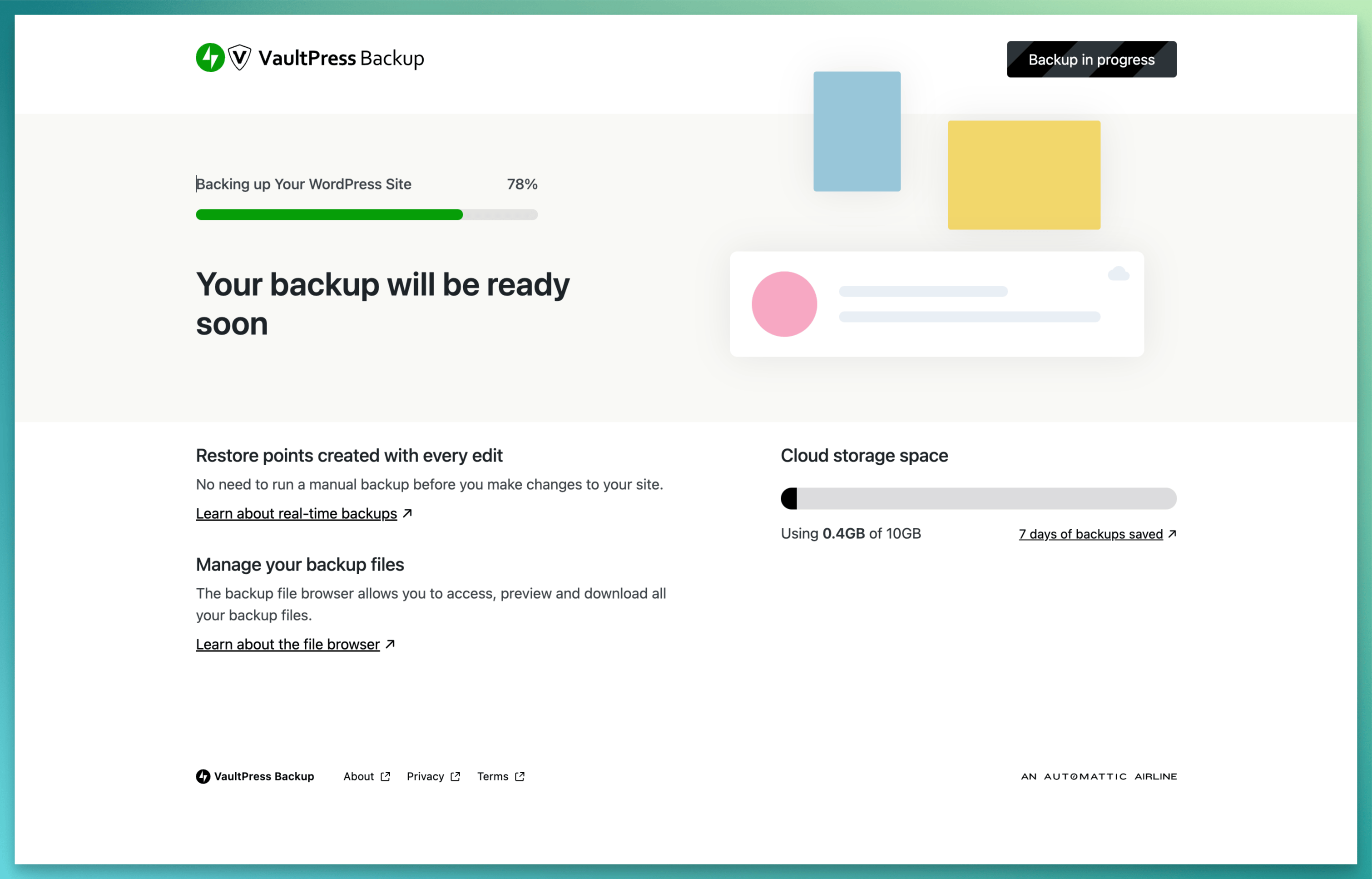
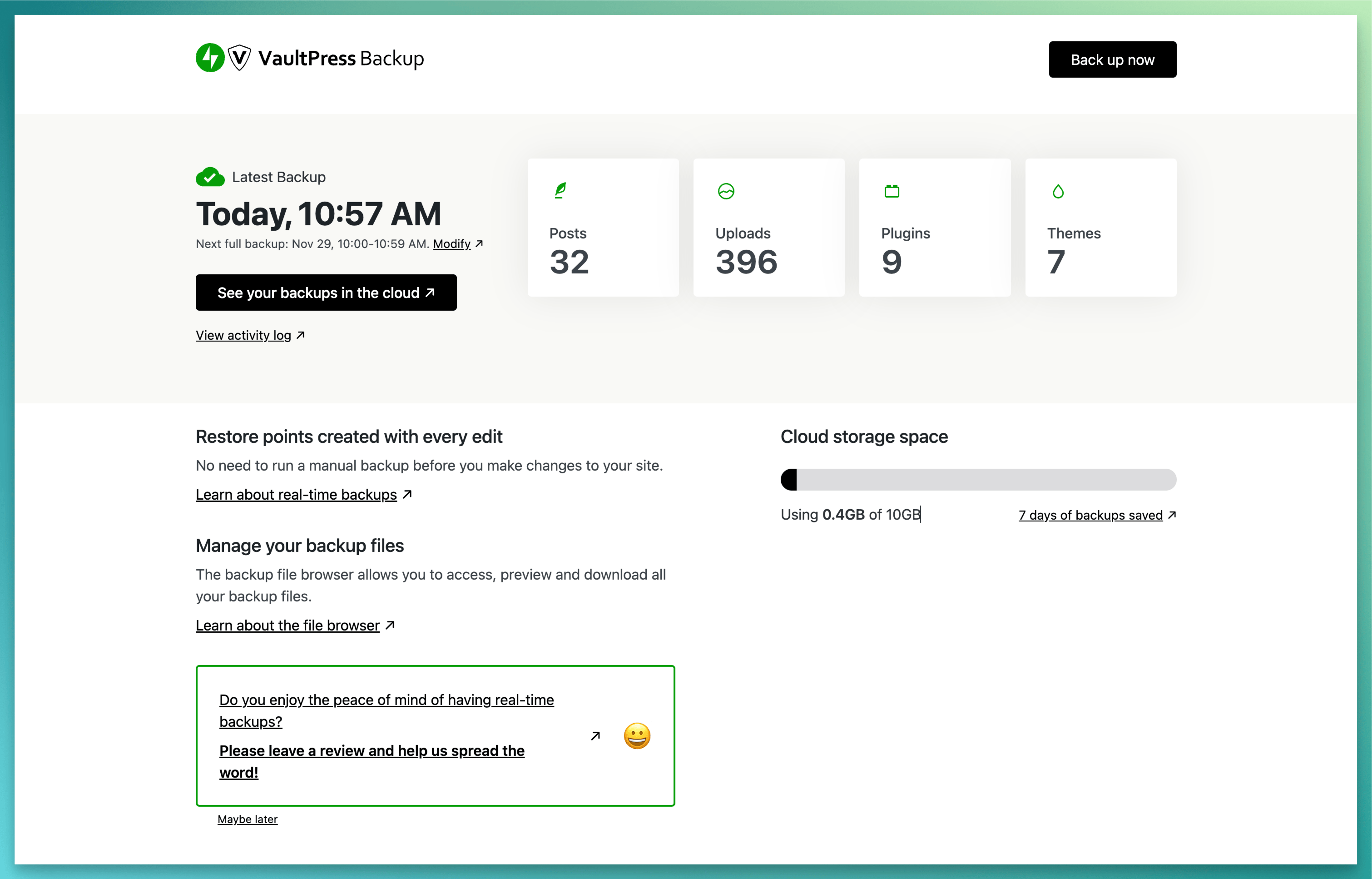
Jetpack VaultPress Backup is a powerful WordPress backup plugin that provides cloud-based backups and one-click restores. It offers unmatched security, instant recovery even when your host is down, and backups specifically designed for WooCommerce sites. To use this plugin, you will need a paid Jetpack plan that includes Backup.Screenshots
Frequently asked questions
What is Jetpack VaultPress Backup?
Jetpack VaultPress Backup is a WordPress plugin that provides cloud-based backups and one-click restores. It allows you to save each change and get your site back online quickly.
What are the key features of Jetpack VaultPress Backup?
Key features include easy-to-use one-click restores, restoration from the Jetpack mobile app, and the ability to restore even if your site is offline. It also offers best-in-class support.
How does Jetpack VaultPress Backup handle host server issues?
Jetpack VaultPress Backup provides unmatched security by safeguarding every change in real-time in the ultra-secure Jetpack Cloud. It allows instant recovery even when your host is down, offering protection beyond typical host backups.
What types of files does Jetpack VaultPress Backup back up?
The plugin backs up all files, including WordPress database backups, theme file backups, and plugin backups. It is built specifically for WordPress and WooCommerce sites.
Changelog
3.1 – 2025-01-10
Changed
- Resolve an issue where revoked licenses were incorrectly treated as unattached. This caused users to be redirected to the license activation page after site connection, even when unattached licenses were not valid for activation.
- Social: Change My Jetpack CTA for Social from “Learn more” to “Activate”.
- Update backup plugin screenshots
- Updated dependencies.
- Updated package dependencies.

