

Just another contact form plugin. Simple but flexible.

About Disabled Source, Disabled Right Click and Content Protection
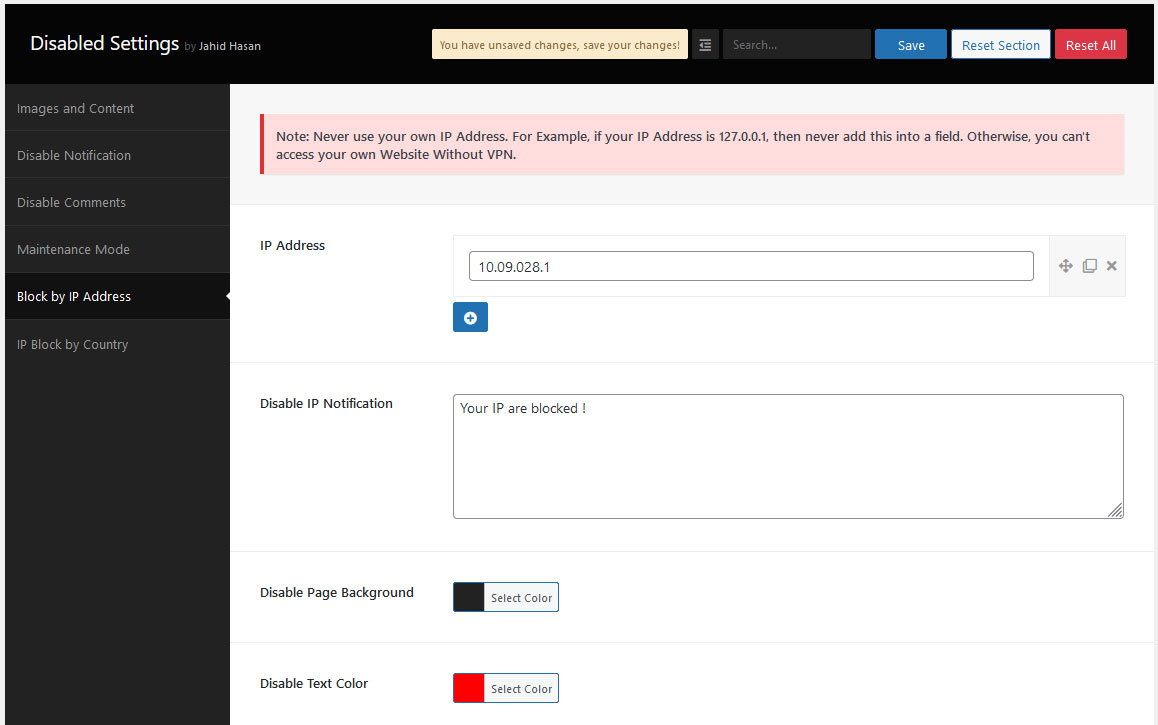
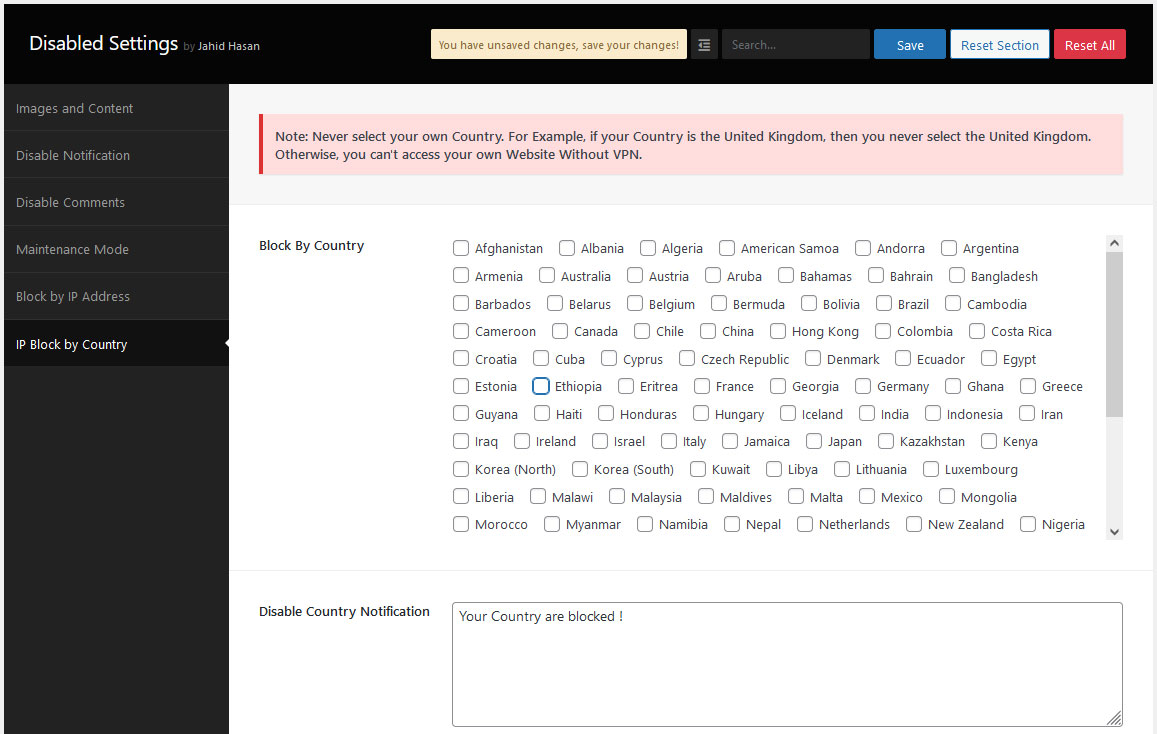
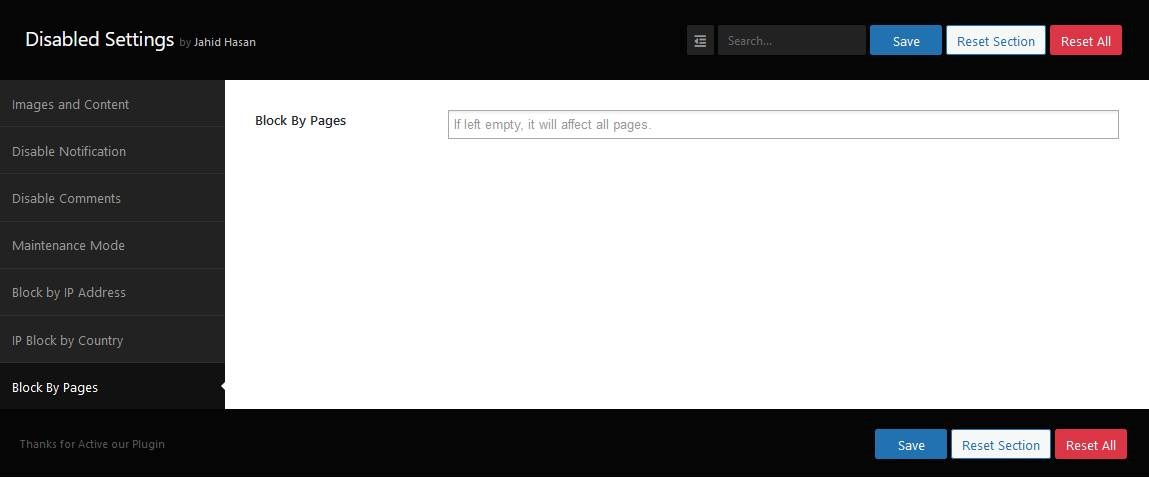
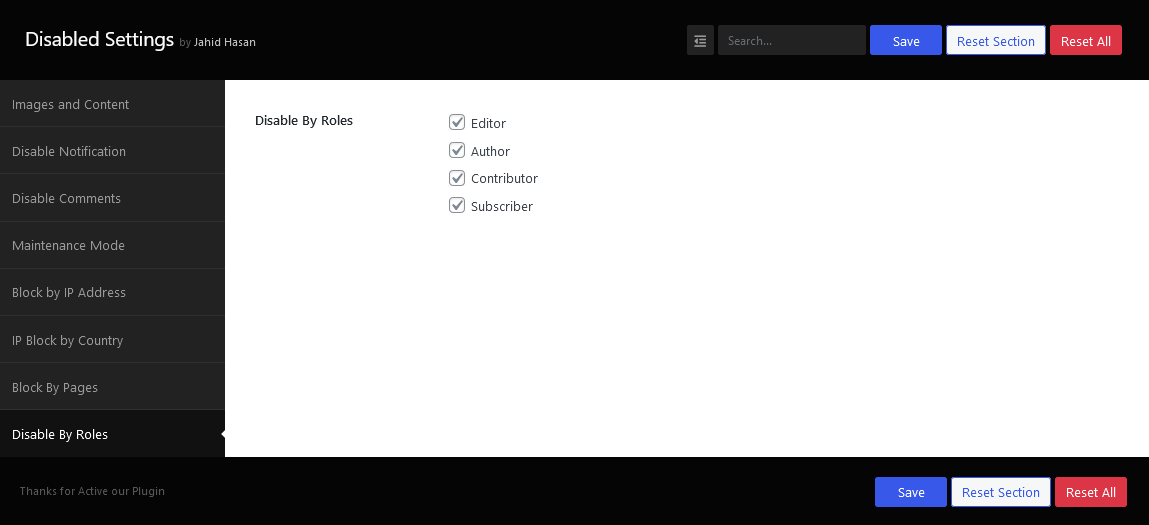
The Disabled Source, Disabled Right Click, and Content Protection plugin is a simple and easy-to-use tool that protects your website content by disabling features such as view page source, right-clicking, and saving the page. It also offers additional features like blocking IP addresses, disabling comments, and restricting access based on user roles or post types. Activate the plugin to experience these features and enhance the security of your website.Screenshots
Frequently asked questions
What is the purpose of the Disabled Source, Disabled Right Click and Content Protection plugin?
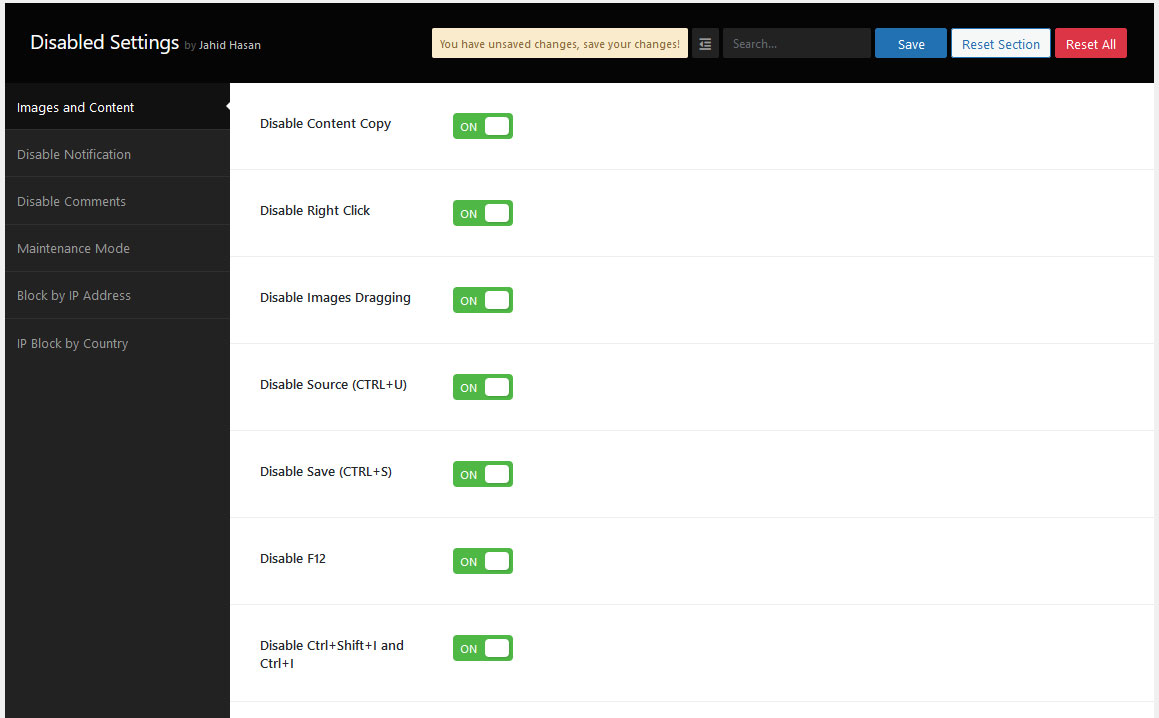
The plugin protects website content by disabling various functions such as viewing page source (Ctrl+U), right-click, F12 functional key, and saving the page (Ctrl+S). It aims to prevent unauthorized copying and reproduction of content and images.
What are some key features of this plugin?
Key features include content copy protection, disabling developer tools, turning off right-click, disabling image drag/drop, and blocking various keyboard shortcuts like Ctrl+U, Ctrl+C, and F12. It also allows for disabling comments and blocking access by IP address or country.
How does the plugin help protect intellectual property?
The plugin prevents unauthorized users from copying or reproducing website content and images. It is designed for bloggers, photographers, and businesses to safeguard their intellectual property.
Can this plugin control comments on a website?
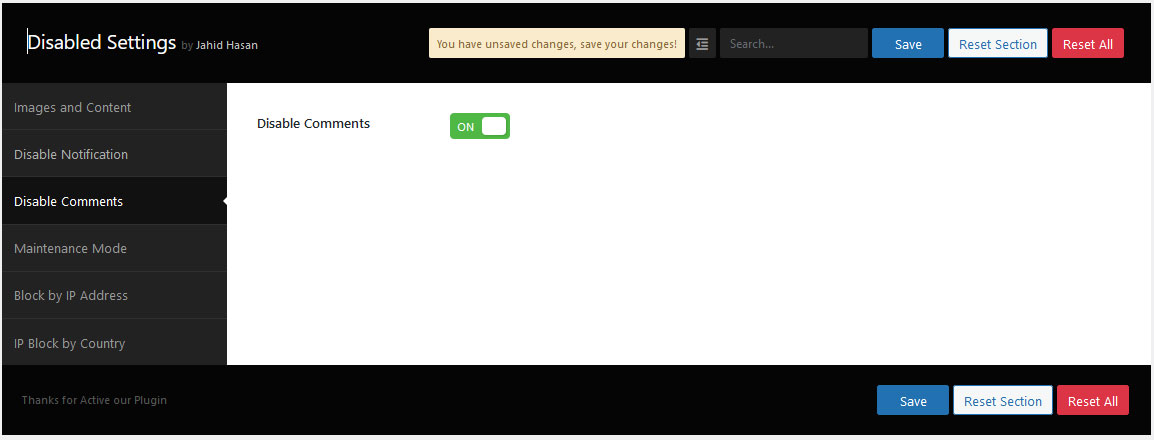
Yes, the plugin allows users to either allow or disallow comments/review sections on their website.
Does the plugin offer protection for both PC and mobile devices?
Yes, the plugin protects content on both PC and mobile devices.
Changelog
1.5.3
- Added: Compatibility with WooCommerce 9.6.0
1.5.2
- Added: Compatibility with Elementor 3.26.5
1.5.1
- Added: Compatibility with WooCommerce 9.5.2
1.5.0
- Added: Compatibility with Elementor 3.26.3
1.4.9
- Added: Compatibility with WooCommerce 9.4.3
1.4.8
- Added: Compatibility with WordPress 6.7
1.4.7
- Added: Block by post type
1.4.6
- Fixed: Block by Roles
1.4.5
- Fixed: Homepage block issue
1.4.4
- Added: Homepage added to the Disable by Pages Section
1.4.3
- Added: 2 Missing Country
1.4.2
- Added: Compatibility with WordPress 6.6
1.4.1
- Updated: Admin Notice
1.4.0
- Added: Block By role wise (Ex: Author, Subscriber, Editor, etc)
1.3.9
- Added: Block By Page id
1.3.8
- Removed: Auto Redirect to the Setting Page
1.3.7
- Added: Compatibility with WordPress 6.5
1.3.6
- Updated: Security and Minor Bugs
- Fixed: Nonce Validation and escaping issues
1.3.5
- Fixed: PHP deprecated issue
1.3.4
- Added: Compatibility with WooCommerce 8.5.2
1.3.3
- Added: Disable Print Preview Page
1.3.2
- Added: Notification Position Settings
1.3.1
- Added: Compatibility with WooCommerce
1.3.0
- Added: Compatibility with WordPress 6.4
1.2.9
- Added: Notification added for Right Click
1.2.8
- Improvements: IP Address Blocker
- Added: IP Address Blocker Page Design
1.2.7
- Update: Notice Design & Text
- Update: Appsero version
1.2.6
- Added: Blocked Customer Roles
1.2.5
- Added: Compatibility with WordPress 6.3
1.2.4
- Added: 2 Missing Country Added (Eritrea,Ethiopia)
1.2.3
- Added: Compatibility with WordPress 6.2.2
- Added: Missing Country Added
1.2.2
- Added: Dependancy Added on Notification Design Option
- Update: Compatibility check for WooCommerce
1.2.1
- Added: Disable Notification Design Option
1.2.0
- Added: Admin Notice Added
- Update: Country Blocked Page Design Panel
1.1.9
- Added: Compatibility with WordPress 6.2
- Update: Appsero Update
1.1.8
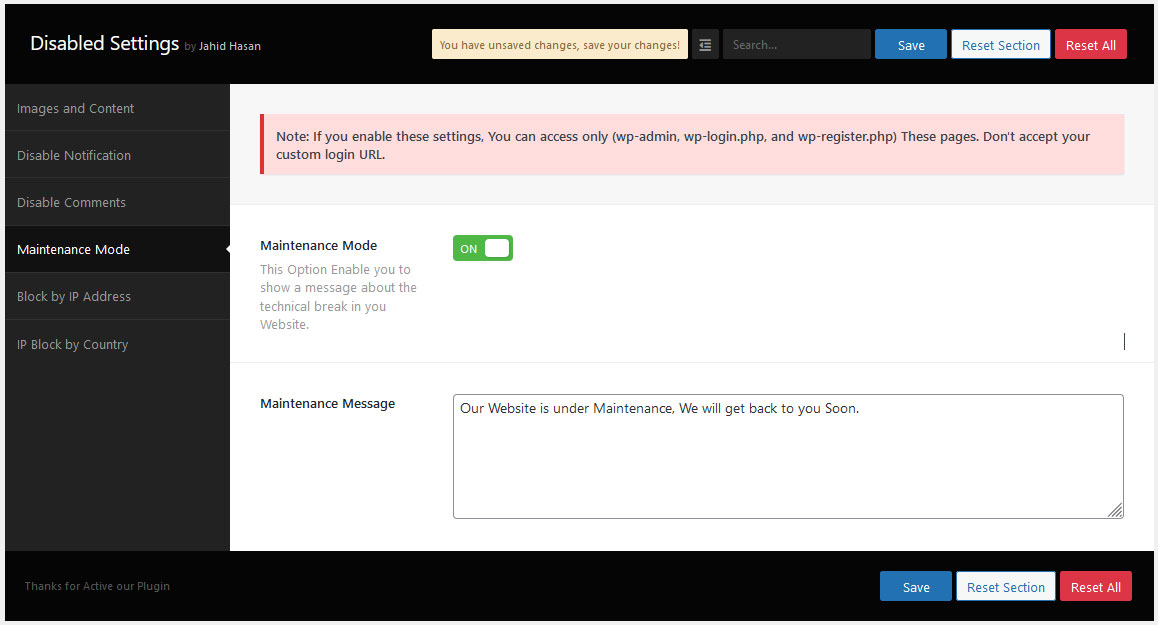
- Added: Website Maintenance Settings
- Added: Missing Country on Disable IP by Country Settings
1.1.7
- Added: Disable Country Blocked Message Page Design
- Update: Compatibility check for WooCommerce version 7.4.0
1.1.6
- Added: Disable Country Blocked Message
1.1.5
- Added: Disable by Country
1.1.4
- Update: Compatibility check for WordPress version 6.1
1.1.3
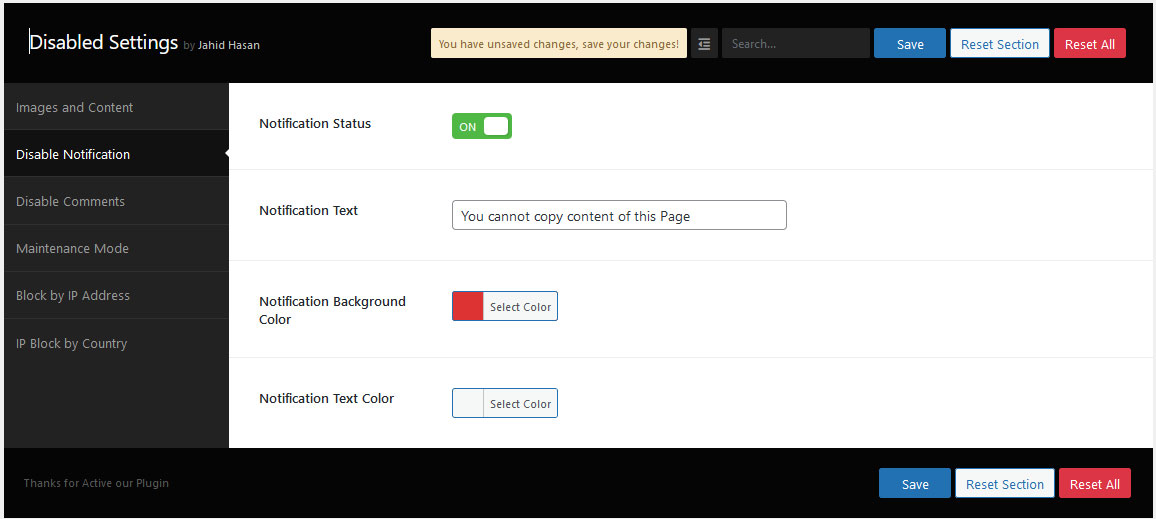
- Added: Notification text
- Update: Compatibility check for WordPress version 6.0.3
1.1.2
- Added: Disable Image Drag/Drop
- Added: Disable Save page (CTRL+S)
1.1.1
- Added: Disable by IP Address
1.1.0
- Added: Setting Page Integrate
- Added: Disable Comments Integrate
1.0.0
- Initial version

