

The Elementor Website Builder has it all: drag and drop page builder, pixel perfect design, mobile responsive editing,…
About Auto iFrame
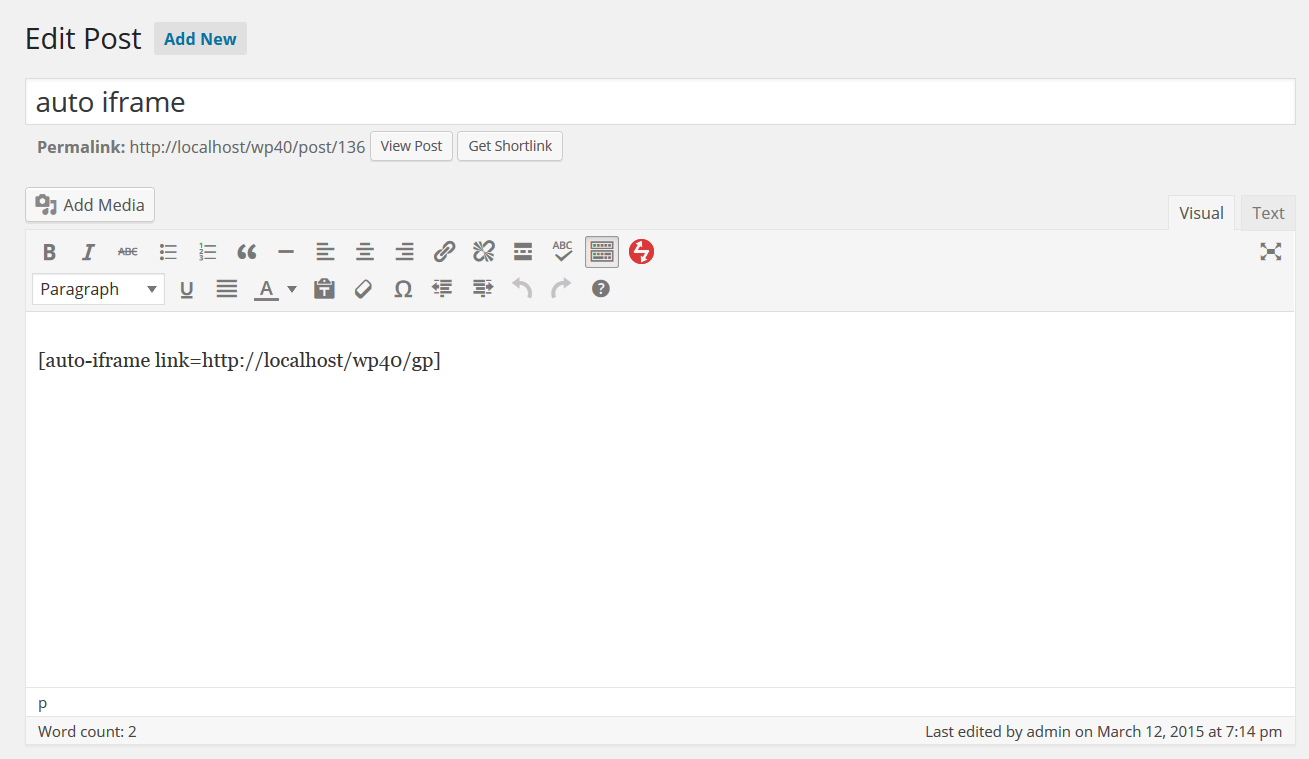
The Auto iFrame shortcode allows you to easily embed iframe's that automatically resize to fit the content of the remote site. You can customize the width, height, and other settings of the iframe. Please note that auto resizing does not work for cross domain sites due to browser security protections. The shortcode now supports Shortcode UI for a more user-friendly experience.Screenshots
Changelog
2.0
- Release date: December 2, 2024
- Fixed: Escape all link parameters.
1.9
- Release date: October 23, 2024
- Fixed: Don’t allow links that are javascript code.
1.8
- Release date: October 7, 2024
- Fixed: Escape tag attribute to avoid javascript injection.
1.7
- Release date: July 10, 2022
- Fixed: unset array key warning for php 8 when scroll is set but autosize hasn’t been.
1.6
- Release date: February 21, 2018
- Added: name attribute to the iframe.
1.5
- Release date: March 31, 2017
- Fixed: WP_DEBUG and JavaScript errors when the auto resize option was not used.
1.4
- Release date: November 11, 2016
- Added: Query support
1.3
- Release date: September 27, 2016
- Fixed: Fudge factor being ignored when autosizing the iframe.
1.2
- Release date: November 6, 2015
- Fixed: Height parameter was being ignored, thanks vantron.
1.1
- Release date: August 11, 2015
- Fixed: Make sure to check the frame element and sub-objects exist before using them later.
1.0
- Release date: May 15, 2015
- Added Shortcode UI support (see https://github.com/fusioneng/Shortcake for details)
0.5
- Release date: March 25, 2015
- Initial release.

