

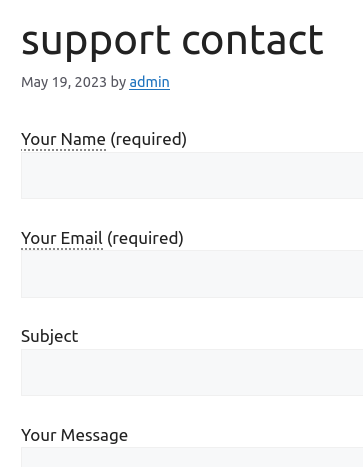
Just another contact form plugin. Simple but flexible.
About WordPress Tooltips
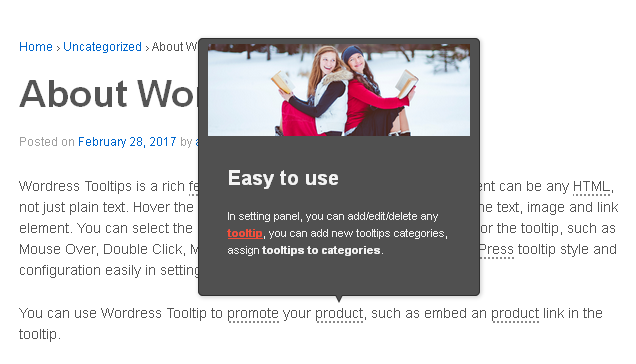
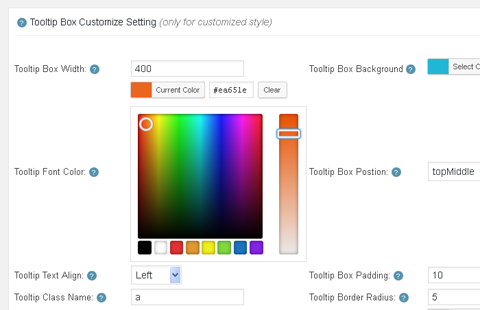
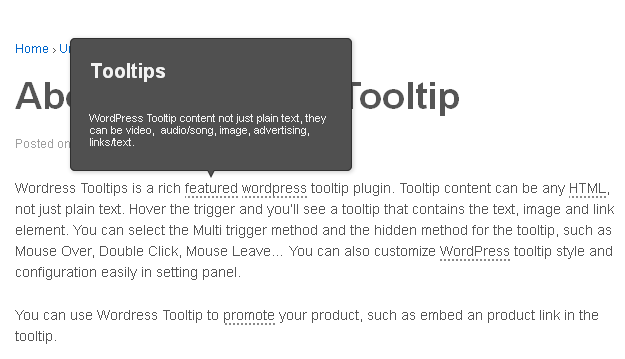
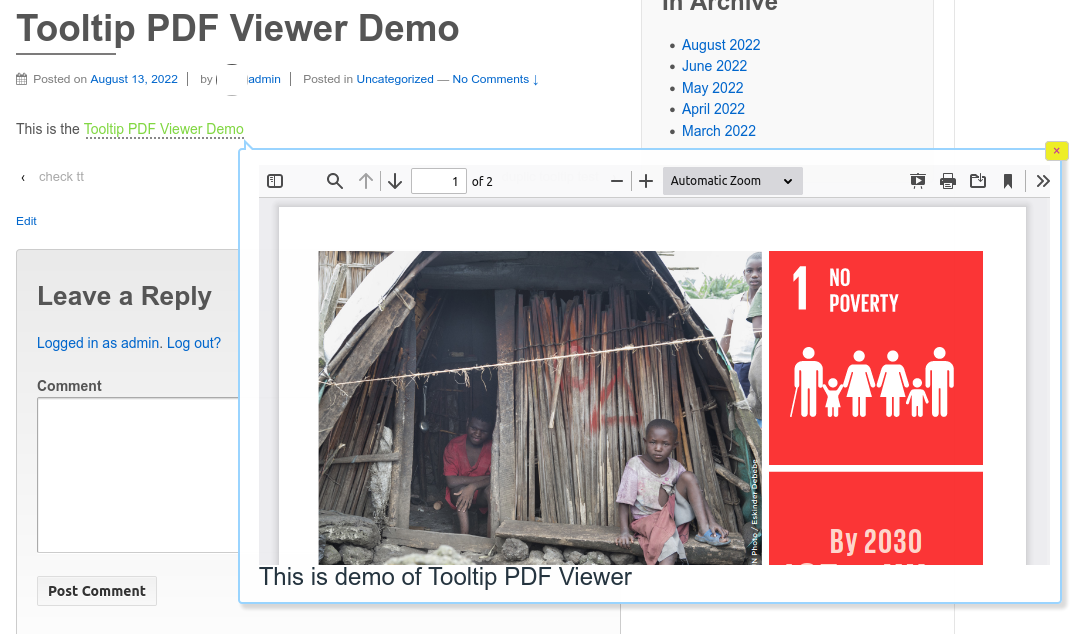
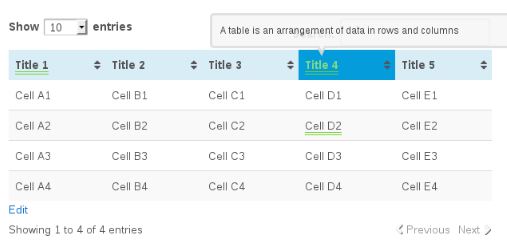
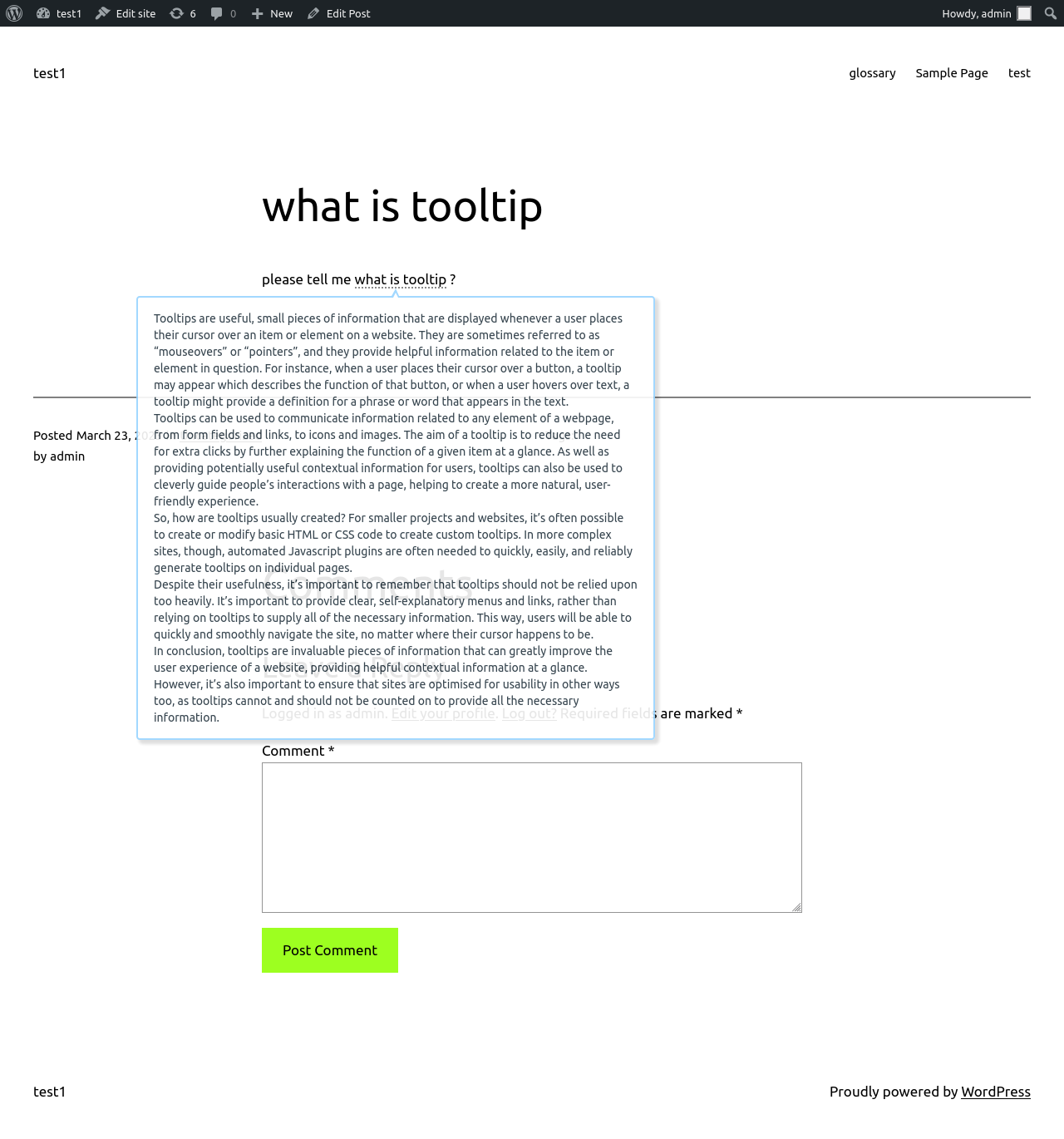
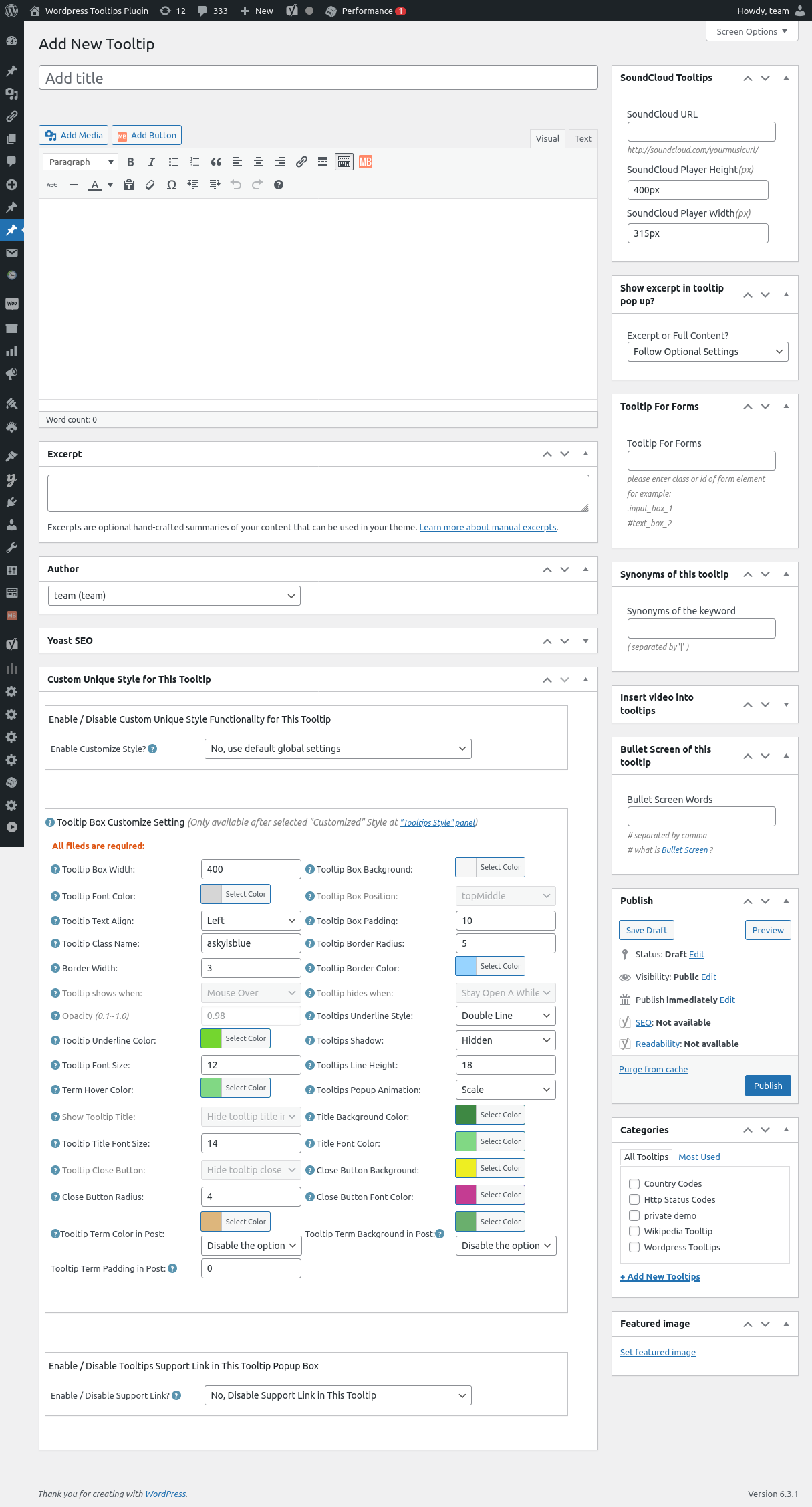
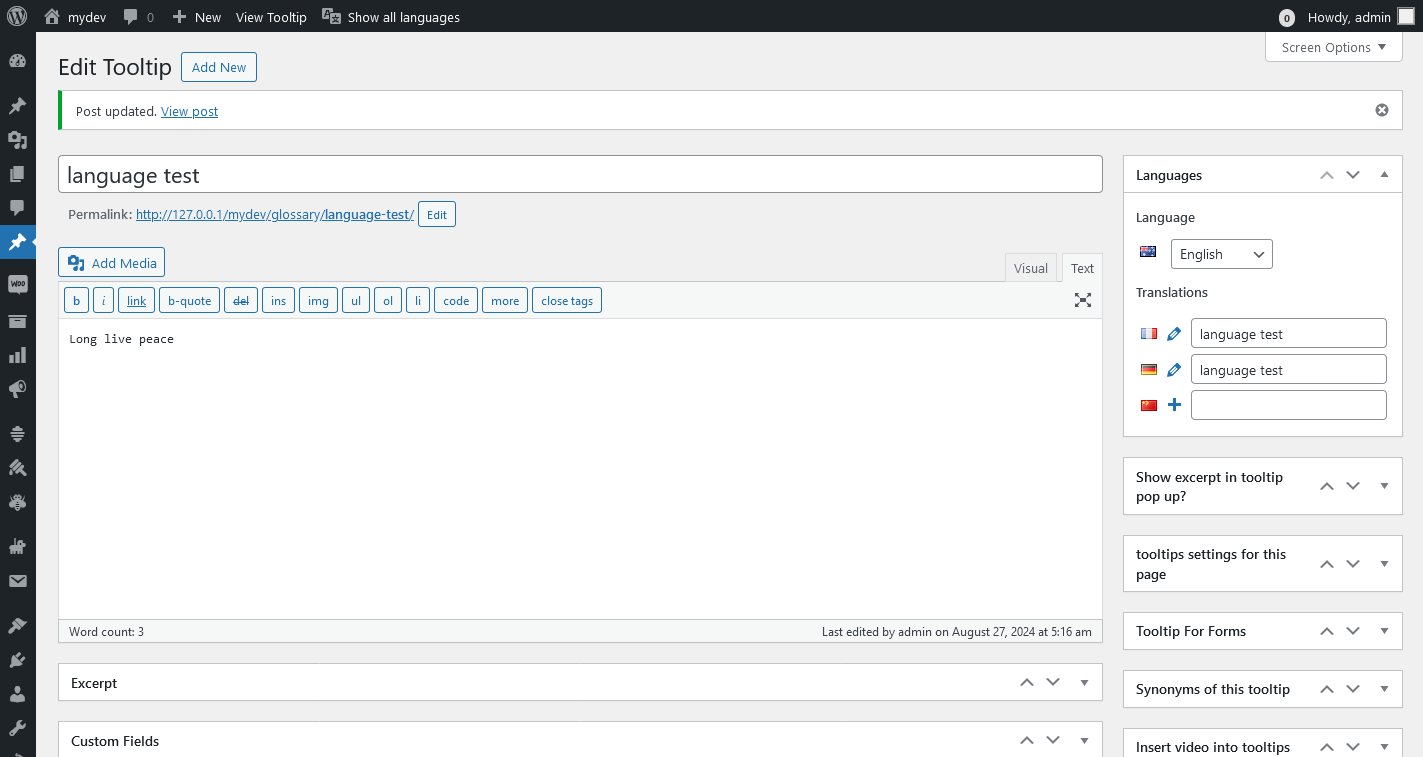
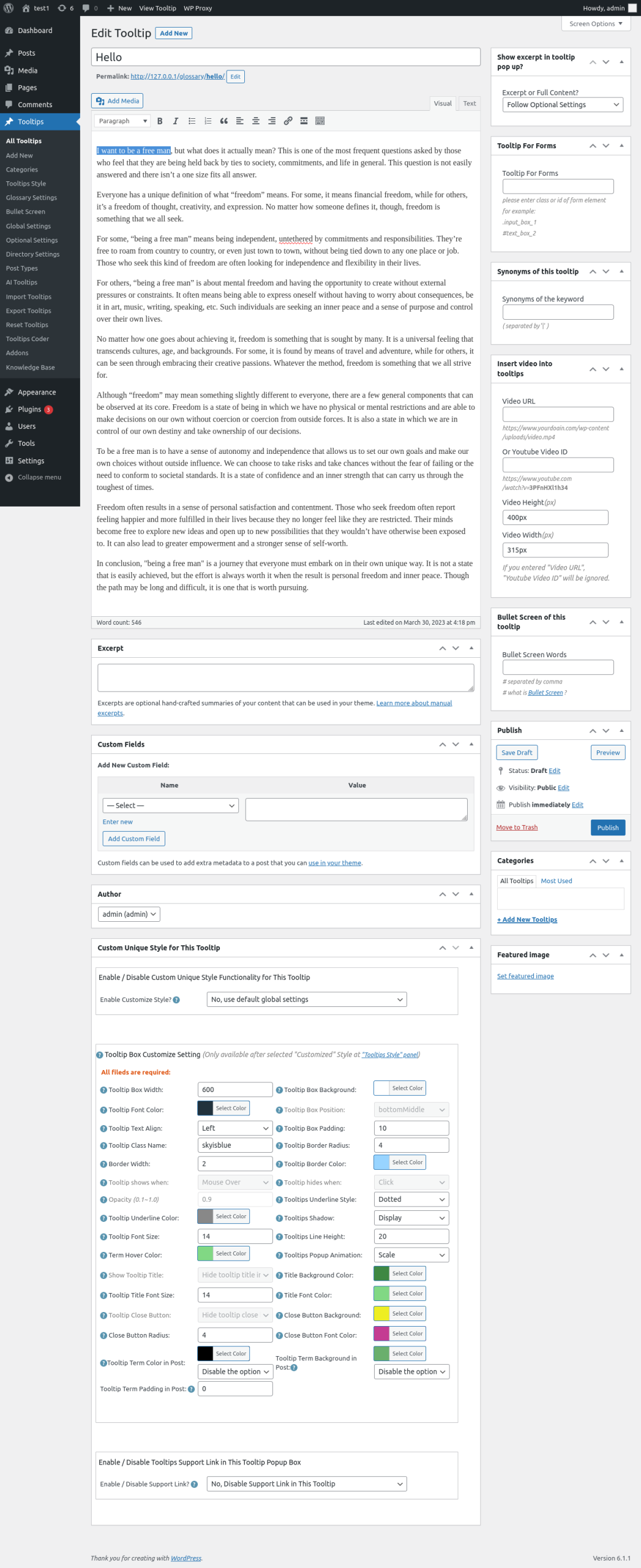
WordPress Tooltips is a plugin that allows you to add small popup boxes with additional information, such as text, images, videos, and more, to different elements on your website. It is easy to use and highly customizable, allowing you to create tooltips for various purposes, such as post titles, menu items, forms, and WooCommerce products.Screenshots
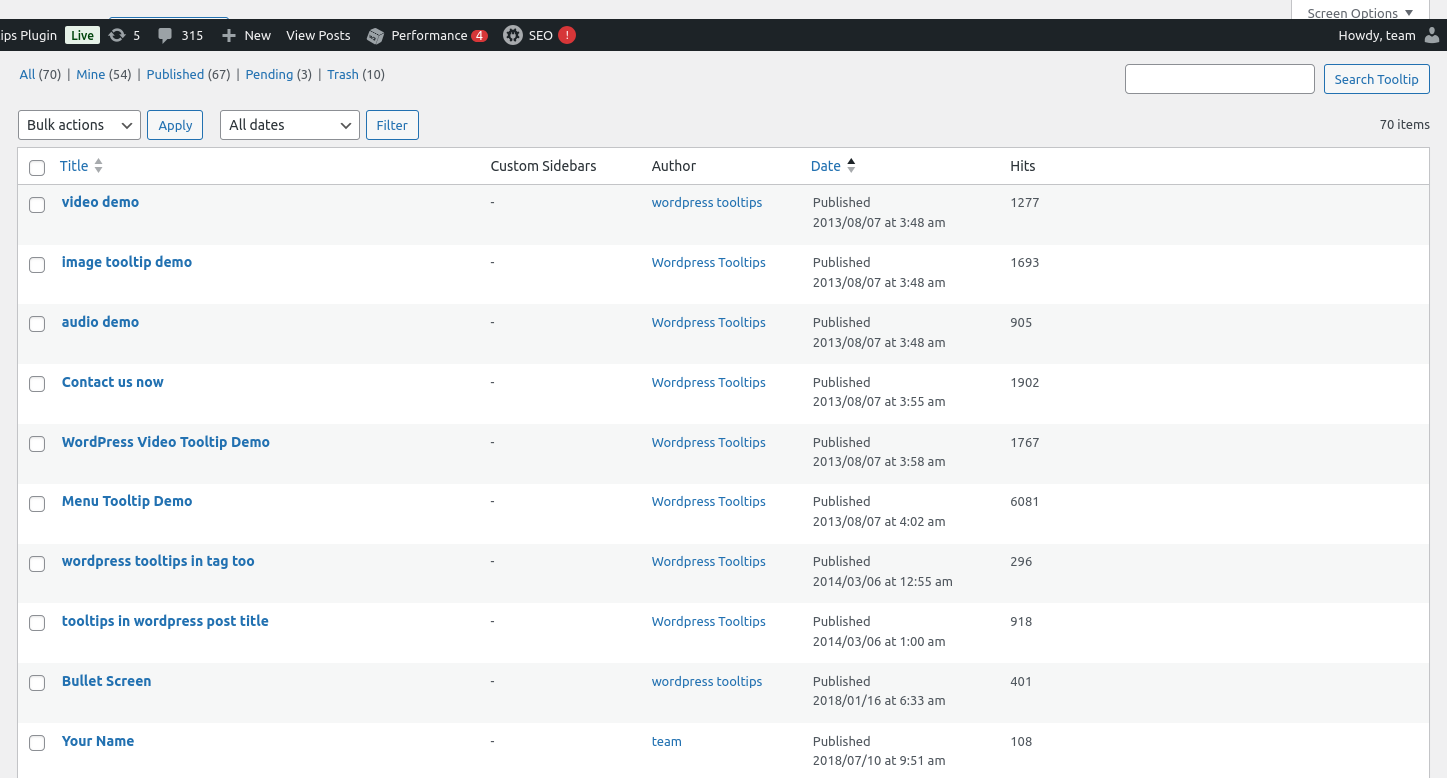

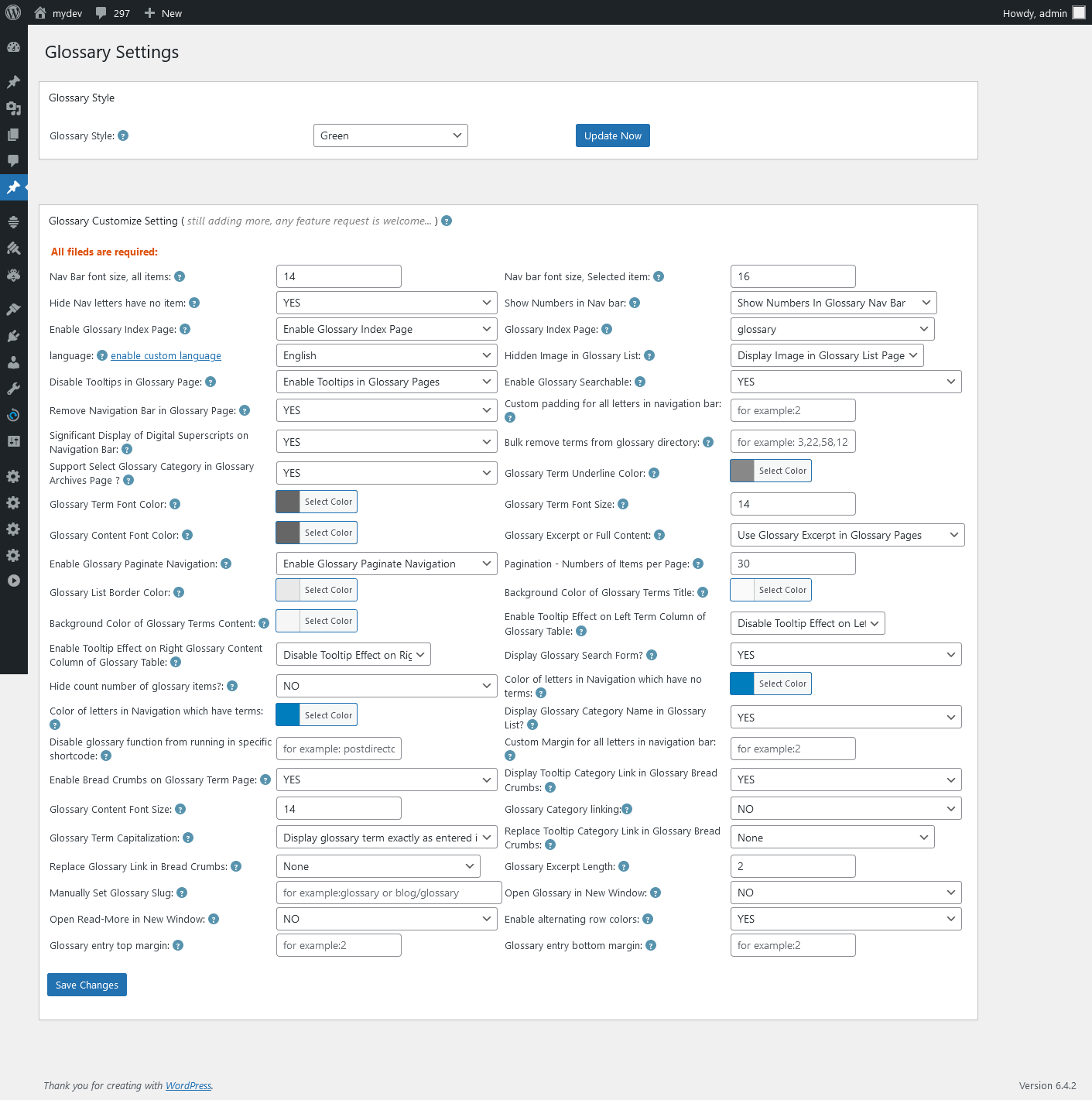
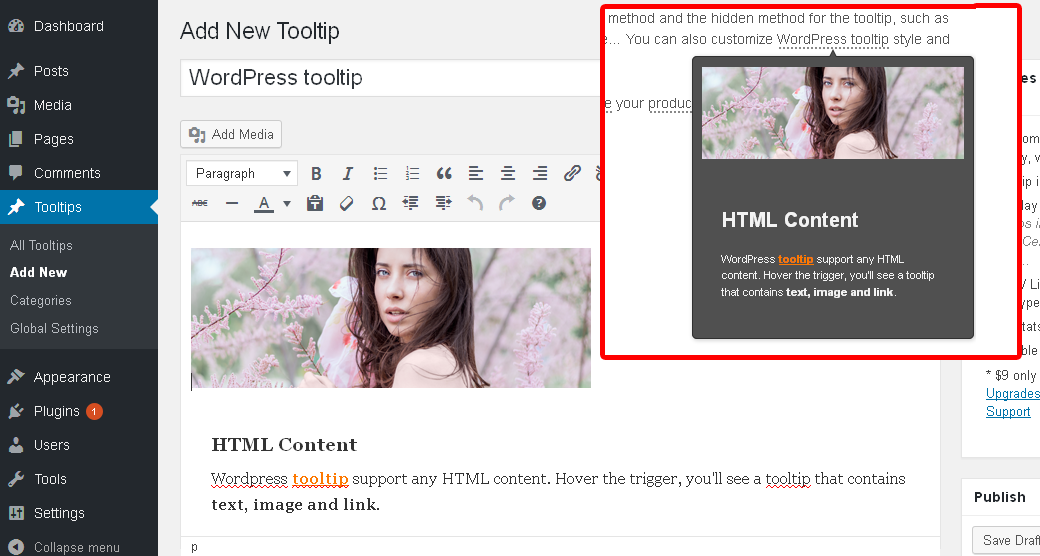


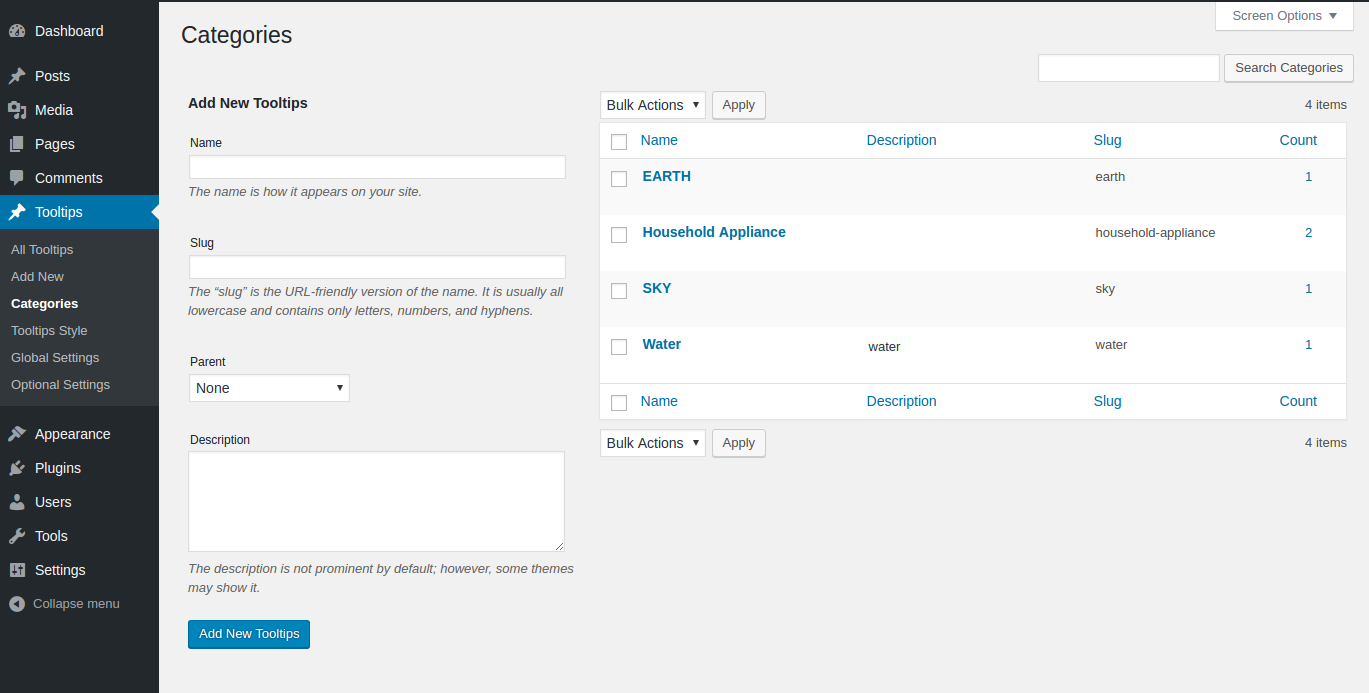


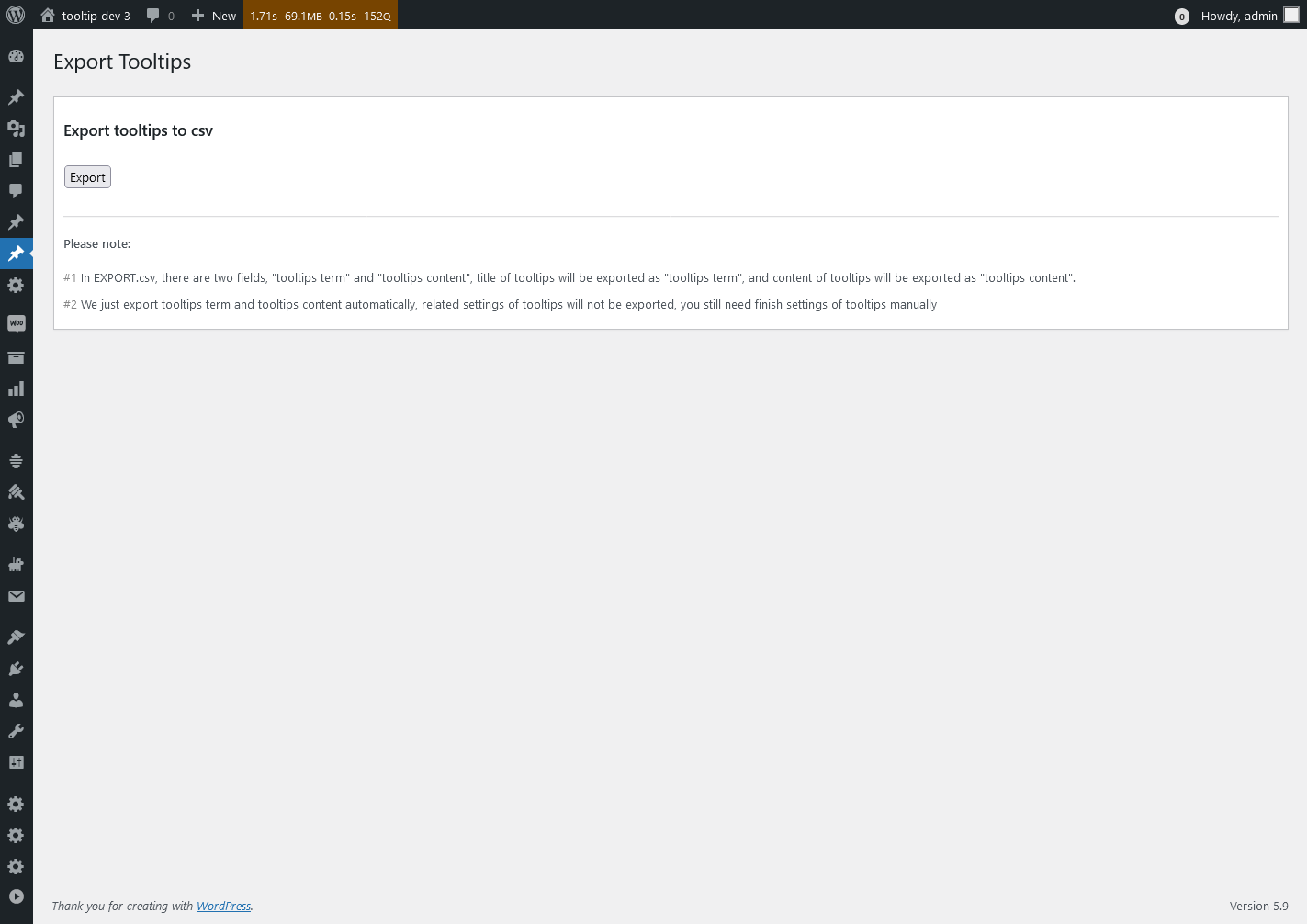
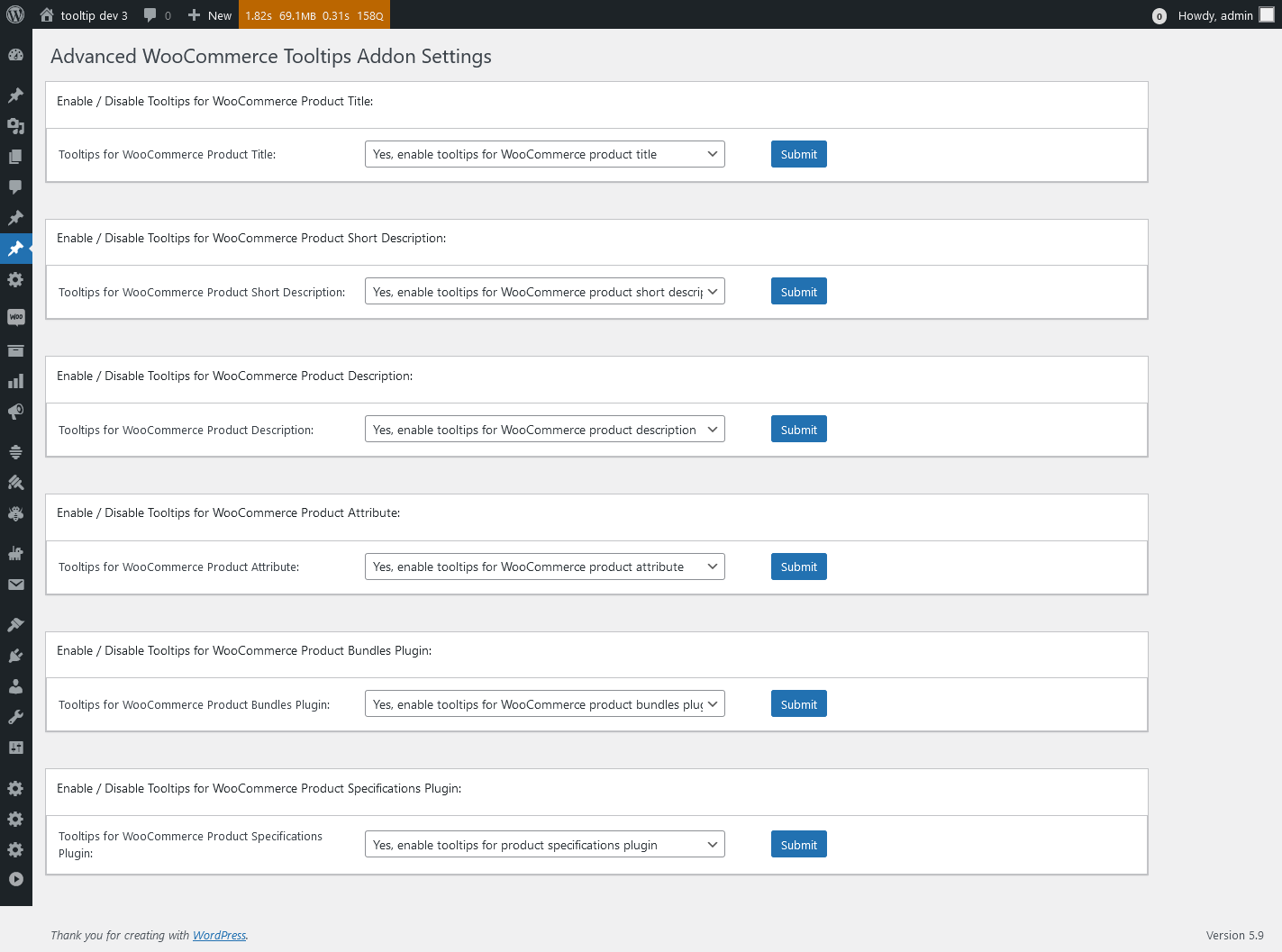
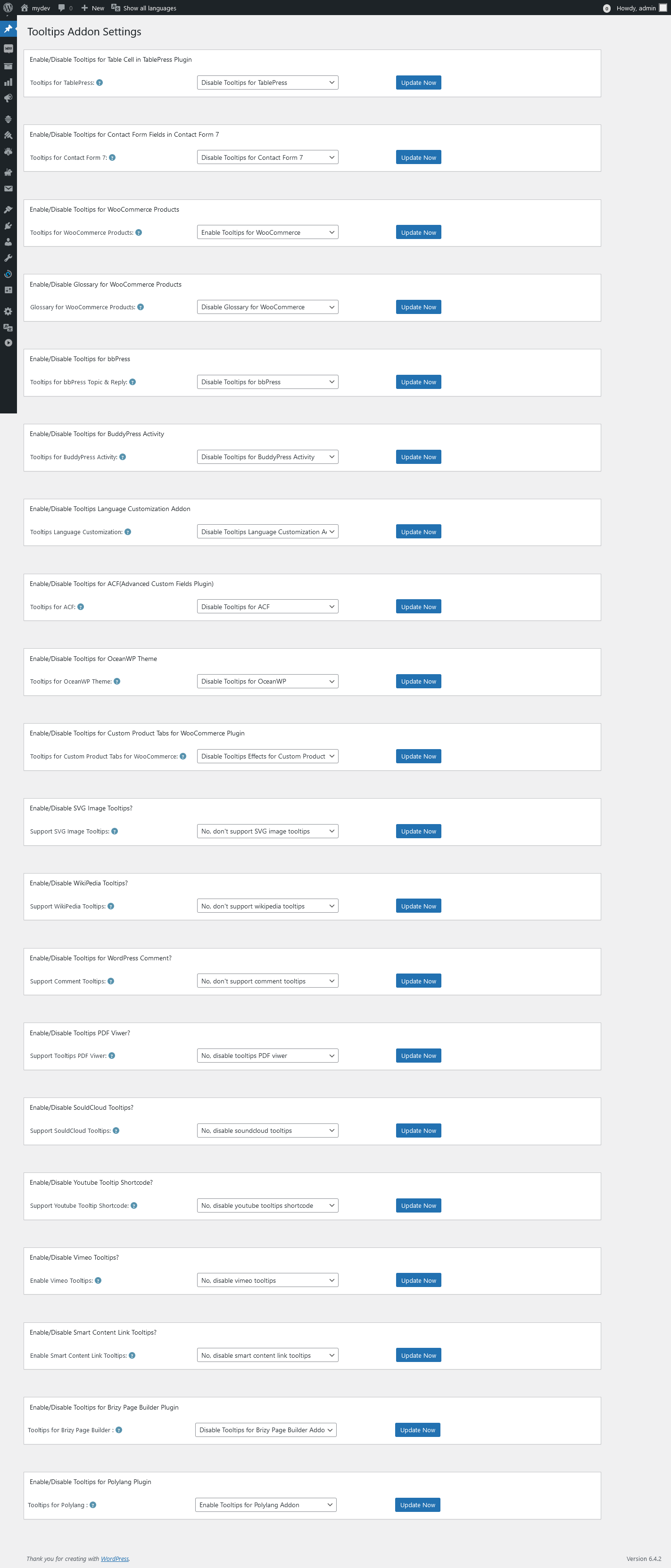
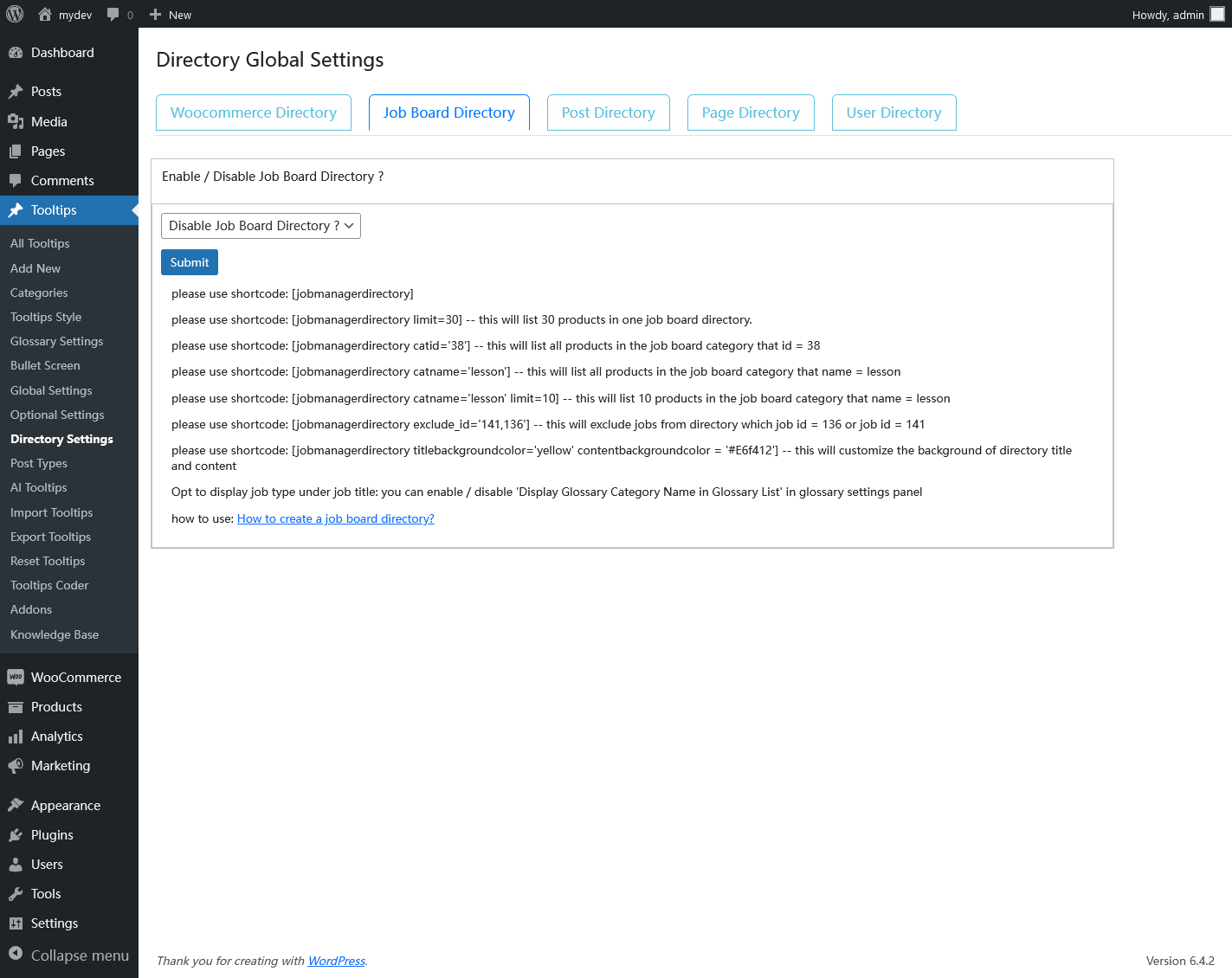
Changelog
Version 10.5.9
Customizing Your Glossary: Adding WordPress Tooltip Categories Under Item Titles
Version 10.5.3
Never Lose Your Place: How to Use New Window Links in Your Glossary
Version 10.4.9
Enhance Your WordPress Tooltips: Open Glossary Links in New Pages
Version 10.4.3
Enhancing Glossary: New Option to Remove Alphabetical Navigation for a Minimalist Experience
Version 10.3.3
Version 10.2.3
Version 10.1.9
Improved codes of tooltip tags and directory functions
Version 10.1.3
Enhancing the WordPress Tooltips Plugin with Tag Support, WordPress Tooltips Pro Plus 33.0.8, WordPress Tooltips Pro 20.4.4, WordPress Tooltips Free 10.1.3
fixed a php warning issue
Version 10.0.9
Version 10.0.3
Only load bootstrap.css and bootstrap.js in the wordpress tooltips directory settings panel
Version 9.9.9
Added bootstrap tab in directory settings panel
Version 9.9.3
1 to support usde gutenberg to make tooltips term in free version
2 fixed issue of a few tooltip in admin area not works well
3 change a few title in global settings
Version 9.8.9
Version 9.8.3
Supports batch import of video tooltips and audio tooltips, detailed document can be found at here
Version 9.7.9
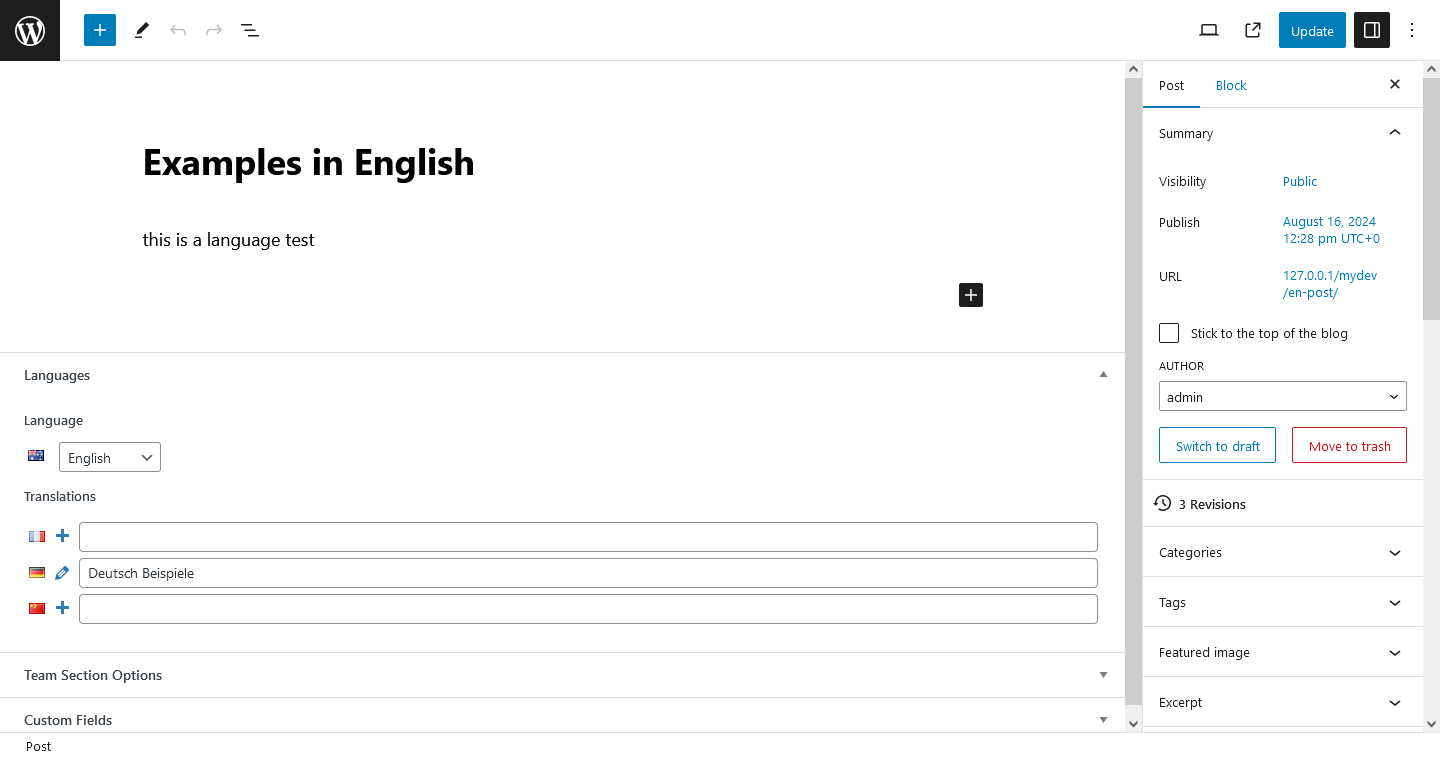
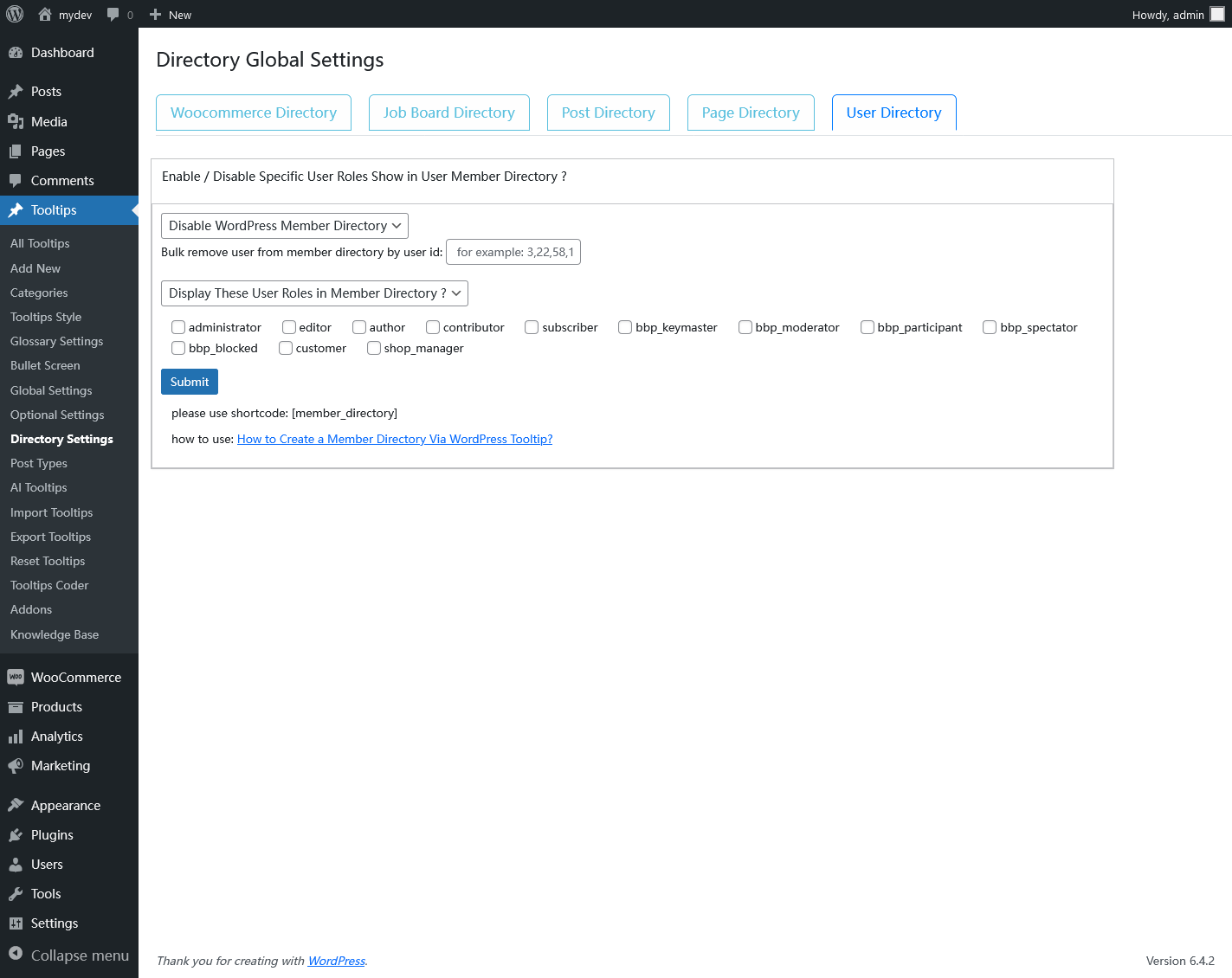
Enhanced Functionality to Enable/Disable Specific User Roles Display in User Member Directory
Version 9.7.1
Enhanced Functionality to Enable/Disable Specific User Roles Display in User Member Directory
Version 9.6.9
Fixed the issue of double tooltip display in the tooltip_by_id shortcode
Version 9.6.5
Resesige the custom language option in glossary settings panel
Version 9.6.1
Support the exclusion of specific user IDs from the member directory
Version 9.5.9
Support for filtering users by including only those whose IDS are invluced in the “include” patameter list
Followed wordpress security standard to use esc_ functions / sanitize / wp_kses / wpdb… etc to enhance code security
Version 9.5.3
Followed wordpress security standard to use check_admin_referer and wp_nonce_field to enhance code security
Version 9.4.9
Version 9.4.5
Follow wordpress code security standards to enhance code security
Version 9.4.3
Version 9.3.9
How to solve the problem of spacial characters on import when importing wordpress tooltip term
Version 9.3.5
Use our own developed excerpt_more function in the Woocommerce product directory to avoid potential plugin conflicts, and use our own function to generate excerpt for woocommerce products.
Version 9.3.1
Enhanced the robustness of the program to prevent unexpected output from occurring
Version 9.2.9
fixed a bug: when tooltip keyword have a php regular expression metacharacters ‘/’, it will break the regular expression and cannot return content, in new version 9.2.9, we fixed this and we tested all 21 php regular expression metacharacters to ensure this kind of problem will not happen again
Version 9.2.3
Fix a bug related to special characters, detailed document can be found at here
Version 9.1.7
Support Woocommerce Product Directory, detailed document can be found at here
Version 9.1.5
Fixed the error that occurred when displaying tooltips on a special character
Version 9.0.9
Version 9.0.7
Version 9.0.5
Version 9.0.3
Version 8.9.5
Version 8.9.1
Version 8.8.5
Version 8.7.9
Version 8.7.5
WordPress tooltips 8.7.5 — How to Enable / Disable Tooltips for Max Buttons in WordPress?
Version 8.7.1
Version 8.6.9
Enhanced the robustness of the program, description can be found at here
Version 8.6.3
Version 8.5.9
Version 8.5.5
two features to help wordpress tooltip glossary users and 25% discount code for this anniversary celebration
Version 8.4.5
Please check our detailed document at: Better wordpress member directory
Version 8.3.9
Please check our detailed document at: WordPress Tooltips Free 8.3.9 Released
Version 8.3.5
Based on users’ feedback, we added new shortcode parameter to allow users to set only the posts in the specified category in post directory, and how to use excerpt as content in post directory, please check our detailed document at: How to only list posts of specified category in post directory?
Version 8.3.3
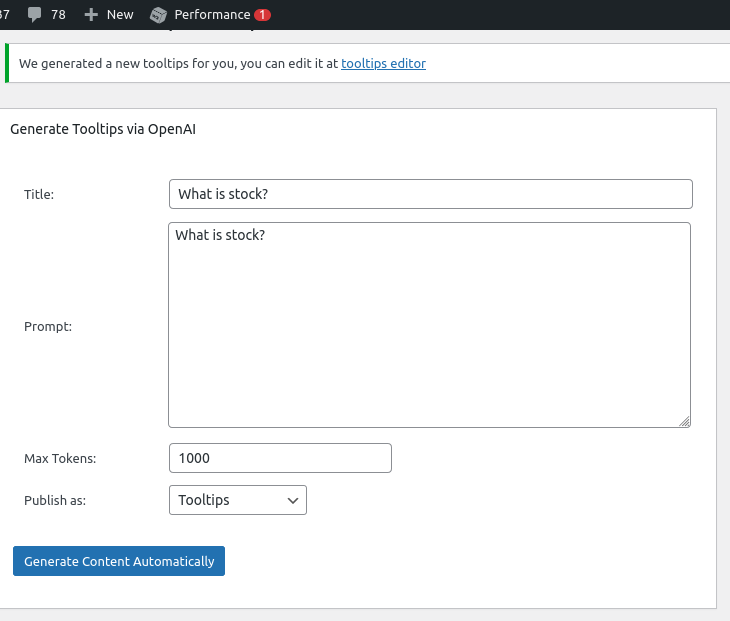
support wordpress post directory, improved the UI of directory settings panel , and we are developing an AI module to generate wordpress tooltip content automatically for all users, if you have any suggestion about the AIGC feature, please don’t hesitate to contact us, please check detailed document at: WordPress tooltips plugin 19.2.8 Released , this might have a few details of pro version too ?
Version 8.2.7
Please check detailed document at: WordPress Tooltips Free Plugin 8.2.7 Released
Version 8.2.5
Please check our document at: wordpress tooltips free 8.2.5 released
Version 8.2.3
Please check our document at: WordPress Tooltips Free 8.2.3 Released
Version 8.1.9
Start support crate directory via functionality of wordpress tooltip glossary. How to Create a Member Directory Via WordPress Tooltip?
Version 8.1.5
Improved wordpress tooltip shortcode, please check more details via: WordPress Tooltips Free Plugin 8.1.5, Improved WordPress Tooltips Shortcode
Version 8.1.3
Try to Support Display Tooltip in ShortCode
Version 8.1.1
Opt to help wordpress glossary user to build a pure glossary site
Version 8.0.9
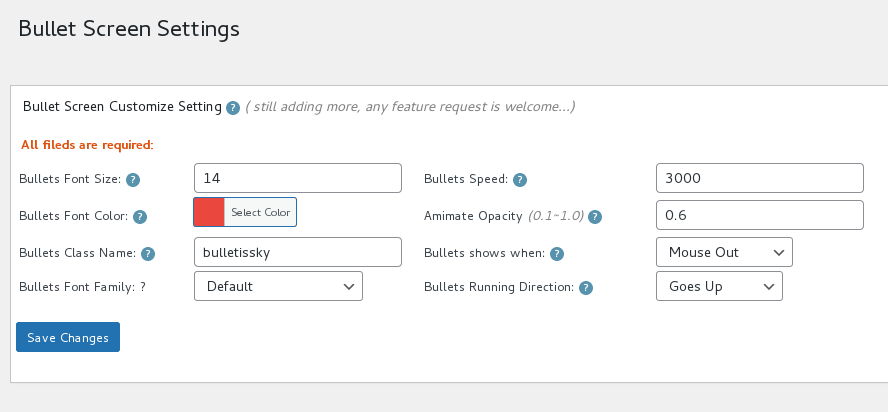
Start Support Bullets Screen on WordPress Tooltip Term
Version 8.0.1
WordPress Tooltip Free Plugin 8.0.1 Released
Version 7.9.9
Start to Support WordPress Block Theme
Version 7.9.5
Avoid Show 2 Overlapping Tooltips in One Tooltip Term, WordPress Tooltips Free 7.9.5 Released
Version 7.9.3
This is an important version, include 61 changes, please check our detailed document at our site: WordPress Tooltips Free Plugin 7.9.3 Releases
Version 7.8.7
Please check our detailed document at: WordPress Tooltips Free Plugin 7.8.7 Releases
Version 7.8.3
Solved javascript conflicts between wordpress tooltips free and ninja form — wordpress tooltips free plugin
Version 7.7.9
How to hide count number of glossary items? WordPress Tooltips plugin free 7.8.1 released
Version 7.7.9
Limited time discount 10percentdiscount during the labor day holiday until 05-07
Version 7.7.7
New option to custom glossary term in glossary page, fixed a bug
Version 7.7.5
An amazing user wrote to us, in “Glossary Settings” panel, the option “Hidden Image in Glossary List” should be “Hide Image in Glossary List”, we fixed this in the version 7.7.5
Version 7.7.3
New option to support jquery-migrate
Version 7.7.1
Increase the Page Loading Speed of the WordPress Pages
Version 7.6.9
Support Move WordPress Tooltips Jacascript Code to the WordPress Footer
Version 7.6.7
Please check details at WordPress Tooltips Free Plugin 7.6.7 Released
Version 7.6.5
Support Custom Glossary Navigation Bar Font Size
Version 7.6.3
Please check WordPress Tooltips Free Plugin 7.6.3 Released
Version 7.6.1
new feature: How to Bulk Remove Glossary Terms From Glossary Directory?
Version 7.5.7
1: New option to help wordpress tooltip users customize font size of wordpress tooltip content, please check detailed document at: How to custom wordpress tooltip content font size?
2: Improved codes of disable tooltip in mobile functions
Version 7.5.3
How to Disable Tooltips for Selected CSS Classes and IDS? You can Disable Tooltips for Any Element in Your WordPress Post
Version 7.5.1
1 WordPress tooltip custom post type suppport excerpt now , if you open tooltip editor, you will find a new excerpt metabox at the bottom of the tooltip editor
2 In Glossary Settings panel, in then “Glossary Excerpt or Full Content” option, if opt to use Glossary Excerpt in glossary pages, we will display excerpt which you custom in excerpt metabox in the tooltip editor
Please check our detailed document with screenshot at WordPress Tooltip Glossary Plugin 14.5.4, How to use Tooltip Custom Excerpt in WordPress Glossary Table, it is wrote for wordpress tooltip pro version, but changes is the same of wordpress tooltip free version
=Version 7.4.7 =
WordPress Glossary Support Click the Glossary Term Name to Go to That Glossary Term’s Individual Page
Version 7.4.3
Improved Compatibility of WordPress Glosary with WordPress Themes, the document is for the pro version 14.4.6, but the feature of new change is the same with wordpress tooltip free plugin 7.4.3
Version 7.4.1
Improved Tooltips for Slovakian / French
Version 7.3.9
WordPress Tooltips Free 7.3.9, Opt to Display Glossary Excerpt or Glossary Full Content
Version 7.3.7
New shortcode [tooltip_by_id] to use multimedia tooltip easier, please check our detailed document at WordPress Tooltip Free 7.3.7 Released, Tooltip Shortcode tooltip_by_id
Version 7.3.5
Please check our detailed document at: WordPress Tooltip Free Plugin 7.3.5 Released
Version 7.3.3
Please check our detailed document at: WordPress Tooltip Free Plugin 7.3.3 Released
Version 7.3.1
Please check our detailed document at: WordPress Tooltips Free Plugin 7.3.1 Released
Version 7.2.9
Please check our detailed document at: WordPress Tooltips Free 7.2.9 Released
Version 7.2.7
Re-upload admin tip css file for tooltips plugin 7.2.5
Version 7.2.5
Support tooltips for category archive title
Version 7.2.3
Move the Background Inline Css to admin.css
Version 7.2.1
Admin can Decide WordPress Glossary searchable or Not, thanks ?
Version 7.1.9
Please check detailed document at WordPress Tooltip Free Version 7.1.9 Released, thanks ?
Version 7.1.3
1 In WordPress plugins settings panel, fixed demos link under “Tooltips” plugin
2 Support wordpress 5.5
3: Added pro features link too
Detailed Document can be found at here
Version 7.0.9
Followed wordpress check_admin_referer to enahnce security of the wordpress tooltips language addon
Version 7.0.7
Added “How to Import WordPress Tooltips From CSV” in knowledge base, for help users build import tooltips from csv in one time, because we received a few tickets about how to import tooltip, and we found some users did not follow format in our sample.csv which caused errors, in our detailed video tutorial, we prepared detailed video / image / text for users. ?
Version 7.0.5
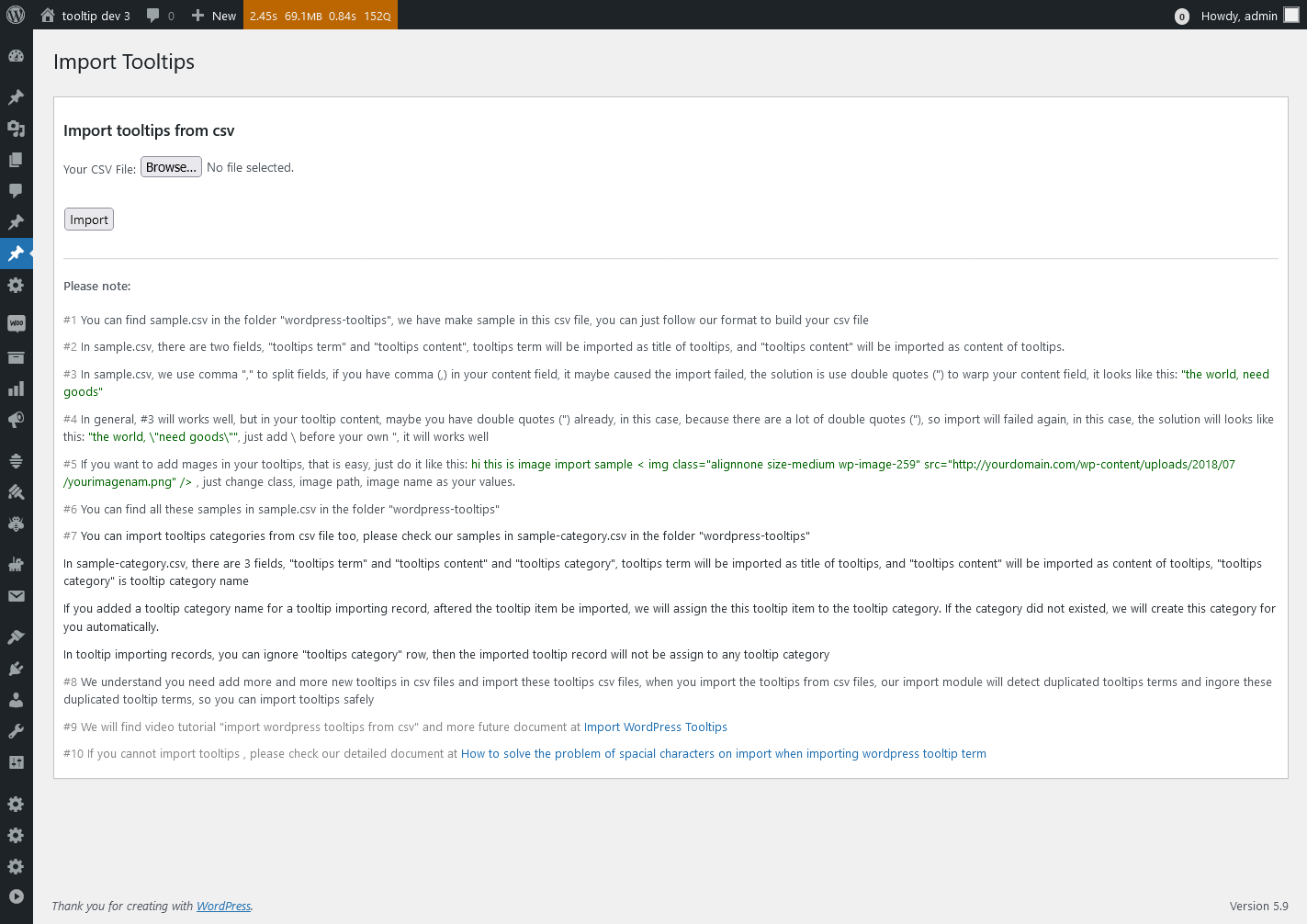
Allow tooltip admin to import tooltips from excel csv file, so admin do not need to use a lot of time to enter tooltip terms manually one by one, please check detailed step by step document with video and image at how to import wordpress tooltip from excel csv file so admin do not need to enter tooltip terms manually one by one, please note, our document might have a little features of pro version ?
Version 6.9.3
1: Support disable tooltips on mobile devices, you will find new option disable tooltips on mobile devices in wordpress tooltip global settings panel, also you can check detailed document of disable tooltips on mobile devices at here
2: Fixed a messed up item style in global settings panel
3: In tooltips code, move a few duplocated hard code inlide css code into a css class to speed up page load speed
Version 6.8.3
Minify wordpress glossary css file ( directory.min.css) and js file ( directory.min.js) to speed up glossary pages
Fixed typo word
Support wordpress 5.4.2
Version 6.7.9
Fixed a php warning in “Glossary Settings” setting panel -> “Hidden Image in Glossary List” option box
Version 6.7.7
In wordpress tooltip “How To Use WordPress Tooltips” knowledge base panel, added “How to Enable / Disable WordPress Tooltips in WordPress Glossary Page?”, you can find detailed step by step document at How to Enable / Disable WordPress Tooltips in WordPress Glossary Page?
Version 6.7.5
use wordpress sanitize function to enhance security of “Tooltips Addon Settings” panel
Version 6.7.3
1: Fixed a php notice of cannot find the postid
2: Changed the function to avoid name conflicts with wordpress tooltips pro versions
Version 6.6.9
New option in glossary settings panel, to enable or disable wordpress tooltips show in glossary index page or glossary terms pages, please read our step by step document at How to Enable or Disable WordPress Tooltips in WordPress Glossary Index Page or Glossary Term Pages?
Re-structure glossary global settings module for add more glossary features
Added more features description in read me document
Version 6.5.9
Improved glossary navigation bar, when users click any letter in glossary navigation bar, the page will not scroll down or scroll up, the page will stay in place. Improved glossary templates.
Check glossary demo
You might need to clean site cache and your browser cache
Version 6.5.7
In glossary navigation bar, added anchor for each alphabet, so when users click any letter in glossary navigation bar, we just show glossary items for that alphabet, and stay in place, do not need to scroll down to the alphabet again. ?
You might need to clean site cache and your browser cache ?
Please check detailed description in this document , although it is tooltip pro plugin, but it solved the same problem ?
Version 6.5.5
New option to Enable / Disable Tooltips in entire site, please check guide, the guide is write for wordpress tooltip pro version, but it is the same function and description for the wordpress tooltip free version ?
Version 6.5.1
Fixed the wordpress tooltip conflicts with the Ocean WP theme navigation bar
Version 6.4.9
Based on user’s suggestion, we should manage all glossary options in one settings panel, we have moved “Hidden Image in Glossary List” from “Tooltips Global Settings” panel to “Glossary Settings” panel
Version 6.4.7
Based on wordpress translate team member’s suggestion:
1: removed most of tags from readme.txt, now just have 5 keword existed in readme.txt
2: because our readme.txt is 65k, we be requested to remove change log from readme.txt
3: changed stable tag section in readme.txt for help translator find the correct version
4: changed the tested up section in readme.txt
Version 6.4.5
New option box “Significant Display of Digital Superscripts on Navigation Bar” in “Glossary Settings” panel
You can opt to “Significant Display of Digital Superscripts on Navigation Bar” or just show Digital Superscripts with normal mode
By default, we will “Significant Display of Digital Superscripts on Navigation Bar”
Re-write readme
Version 6.4.1
Added guide of how to use glossary shortcode in knowledge base menu
Version 6.3.9
Fixed typo in admin option box tips
Updated readme
Version 6.3.7
Updated Proper Shortcode Usage of [tooltips]], for help new users understand how to use tooltips shortcode more easier.
When the user uses the wrong method to call the shortcode [[tooltips]], we will have an tip to tell users:
it can be used like this:
[[tooltips keyword=’wordpress’ content = ‘hello, wp’]]
or like this:
[[tooltips content = ‘hello, wp’]]wordpress[[/tooltips]
Version 6.3.5
Update Tooltips version option field
Shorten the length of the readme
Will move these description to Tooltip Knowledge Base menu
Version 6.3.3
Redeveloped shortcode function to let [tooltips]] support enclosing shortcodes
That means you can use [[tooltips]] like this way too:
[[tooltips content=’we all love wordpress’]]wordpress[[/tooltips]
Also our shortcode still support self-closing shortcode like this:
[tooltips keyword=’wordpress’ content=’we all love wordpress’]]
You can find our demo about tooltip enclosing shortcode at:
demo
and you can find how to use tooltip shortcode at:
demo
Version 6.3.1
Added FAQ page in wordpress tooltip knowledge base menu item
Updated readme
Version 6.2.9
Enhanced regular expression syntax in wordpress tooltip plugin
Version 6.2.5
New addons to support tooltip for OceanWP theme
Just login wordpress admin area, then click tooltips menu item, then click addons sub menu item
You will open Tooltips Addon Settings panel, in here you will find “Tooltips for OceanWP Theme” option box
Just enable “Tooltips for OceanWP Theme” option
Tooltip will support OceanWP Theme
Fixed an css problem on tooltip admin area
Version 6.2.1
Improve wordpress tooltip program robustness, avoid confusion in extreme situations
Removed unused tag
Opt to give us a gray “tooltip support” credit link (https://tooltips.org/contact-us) at the bottom of tooltip popup window, help user to find and contact us if there are any problem.
By default, the option is disabled, in tooltip popup box have no credit link, Only when you enabled credit link option in optional settings panel, the gray “tooltip support” credit link will be shown at the bottom of tooltip popup window
Version 6.1.7
Fixed bug of wordpress tooltip widget
Enhance plugin security
Version 6.1.3
Added French language for glossary navigation bar, please go wordpress admin area -> “tooltips” menu item -> “glossary settings” sub menu item -> “Language” option, you will find you can select French as glossary language
In front end, if you use [[glossary]] to build your glossary page, you will find on glossary navigation bar, the laugnage from English changed to French
Version 6.0.9
Added GERMAN language for glossary navigation bar, please go wordpress admin area -> “tooltips” menu item -> “glossary settings” sub menu item -> “Language” option, you will find you can select German as glossary language
In front end, if you use [[glossary]] to build your glossary page, you will find on glossary navigation bar, the laugnage from English changed to GERMAN
Version 6.0.7
Added SWEDISH language for glossary navigation bar, please go wordpress admin area -> “tooltips” menu item -> “glossary settings” sub menu item -> “Language” option, you will find you can select Swedish as glossary language
In front end, if you use [[glossary]] to build your glossary page, you will find on glossary navigation bar, the laugnage from English changed to Finnish
Version 6.0.5
Added FINNISH language for glossary navigation bar, please go wordpress admin area -> “tooltips” menu item -> “glossary settings” sub menu item -> “Language” option, you will find you can select Finnish as glossary language
In front end, if you use [[glossary]] to build your glossary page, you will find on glossary navigation bar, the laugnage from English changed to Finnish
Removed unnecessary comments
Version 6.0.1
Based on users requested, added Spanish language for glossary navigation bar, please go wordpress admin area -> “tooltips” menu item -> “glossary settings” sub menu item -> “Language” option, you will find you can select Spanish as glossary language
In front end, if you use [[glossary]] to build your glossary page, you will find on glossary navigation bar, the laugnage from English changed to Spanish
Version 5.9.9
Based on users requests, updated knowledge base:
Added new knowledge item: How to Use Language Addon to Custom Language of Your Glossary
added video tutorial: how to add your first tooltip
Fixed the error link on language addon notice bar
In language addons panel, added the tip and link of ‘How to Use Language Addon to Custom Language of Your Glossary’ in ‘Knowledge Base’, for help users to use language more easier
Version 5.9.5
Added tooltip addons framework, support add 3rd addons for wordpress tooltip plugin to extend functionality of wordpress tooltip
You will find a new “Addons” menu, in which you will find a tooltips language customization addon
Once you enabled Tooltips language customization addon, you will find new “Language” sub menu item in tooltips menu
If you click language sub menu item, you will open Language settings panel, you can custom the word “ALL” on Navigation Bar, we will add more language customize feature in next versions
In Glossary Settings panel, you will find a new “Language” option, in which you can select to enable custom language feature or just keep your language
Upgraded jQuery Directory to support custom language for glossary
Version 5.8.5
Allow users to delete glossary page which generated by wordpress tooltips automatically
In Knowledge Base, added ‘How to Enable / Disable Tooltip Glossary Index Page’
In Knowledge Base, added ‘How to Select My Own Glossary Index Page, How to Delete Default Glossary Index Page’
In Knowledge Base, added ‘How to Upgrade to the WordPress Tooltips Pro’
Version 5.7.7
Fix the bug of debug code
Version 5.7.5
If your site have no glossary page yet, wordpress tooltip plugin will create a glossary index page automatcially, so you do no need create it manually.
You can still change your glossary page via “Glossary Index Page” option in “Glossary Settings” settings panel
Version 5.7.1
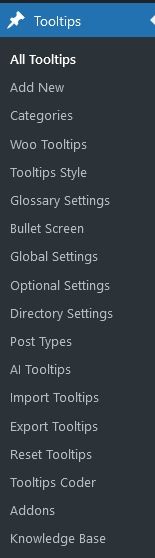
Added new “Glossary Settings” sub menu in admin area
If you click “Glossary Settings” sub menu, you will find:
1 Option: Enable Glossary Index Page
You can enable or disable wordpress Glossary index page.
By default, we will show glossary index page and each glossary term have their own links for improve SEO rank, you will find glossary index page at http://yourdomain.com/glossary, but you can disable this glossary index page and hidden links for each glossary terms by select “Disable glossary index page”
2 Option: Glossary Index Page
By default, the glossay index page will be “glossary”, but you can select one wordpress page as your “Glossary index page”, from a selectbox which listed all pages.
Version 5.6.1
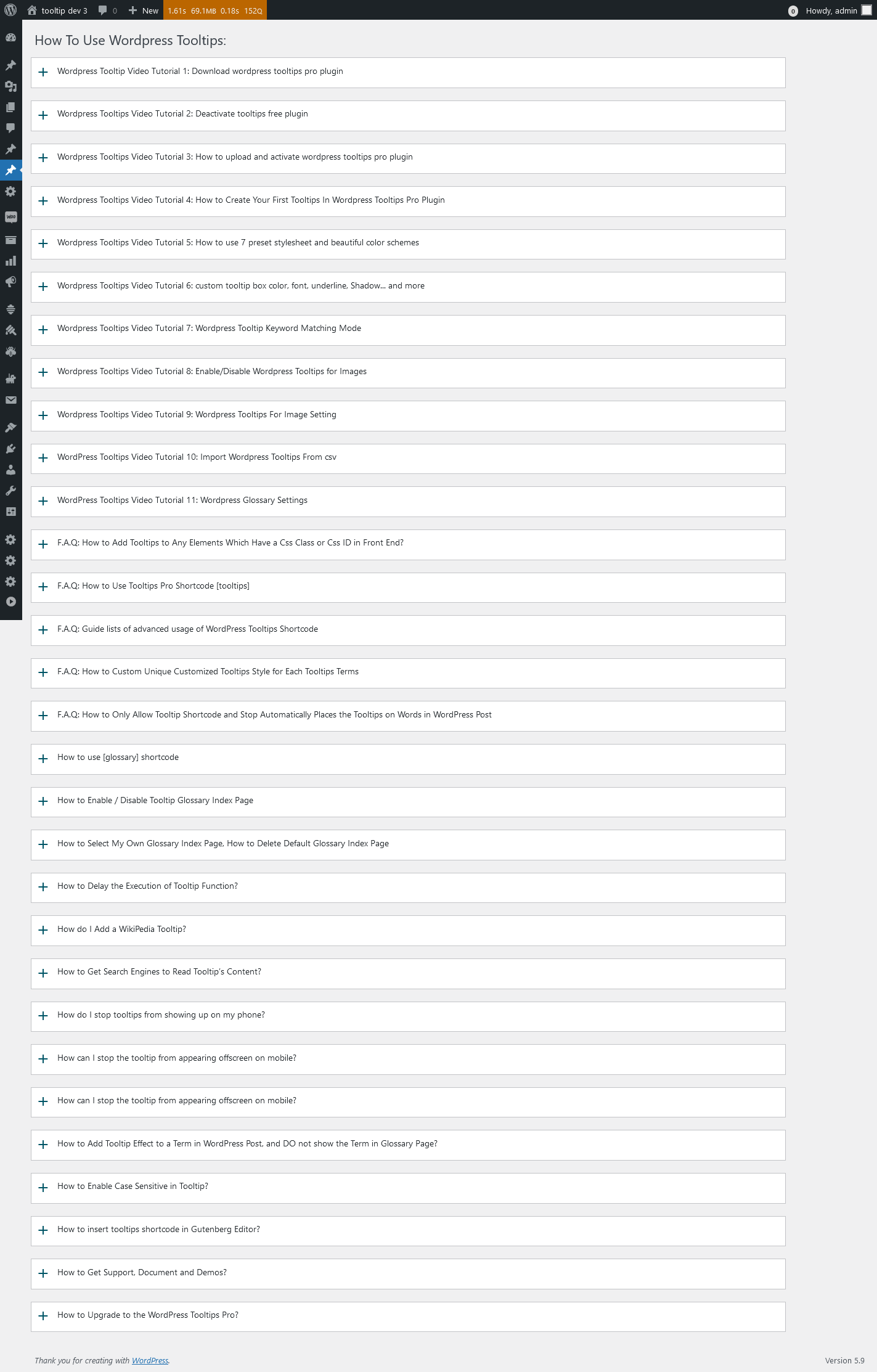
We added Knowledge Base sub menu item in admin area, based on users requested, Knowledge Base include:
How to Install WordPress Tooltip
How to Add / Edit / Delete WordPress Tooltip
How WordPress Tooltips Works
Wordpress Tooltips Plugin Settings
How to use [[tooltips]] shortcode
How to use [[tooltipslist]] shortcode
Wordpress Tooltip Keyword Matching Mode
How to enable or disable wordpress tooltips on images
Wordpress Tooltips For Image Setting
How to Use “REL” As Image Tooltip Content via WordPress GutenBerg Editor
How to Get Support and Demos
Version 5.5.9.1
Changes in 5.5.9.1
Fixed php warning in some php version
Features in 5.5.9
Based on users requests, 3 new features in wordpress tooltips 5.5.9
-
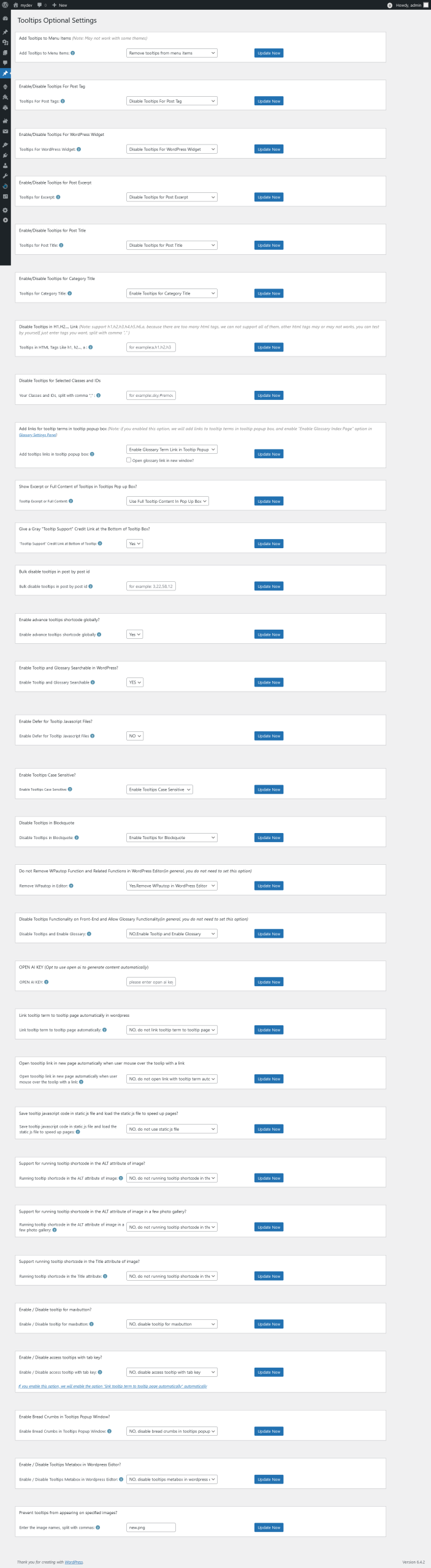
New option to disable specific tooltips effect in html tags, for example, h1, h2, h3, a, p…. and more, so you can disable tooltips in widget, or disable tooltips in links… and so on
-
Improved “update now” button, changed to a more pretty style for “update now” buttons
-
Improved wordpress tooltips synonyms, you can enter all synonyms in tooltips editor in one time, and our tooltips plugin will detect all these synonyms and add same tooltips content for these synonyms automatically
In wordpress tooltips standard editor, you can find synonyms setting meta box at top right of the editor.
In general you should enter tooltips synonyms in “Synonyms of the keyword” metabox, like this format:
format #1
sample|example|check
and it will works well
but some users saying they like make it more prerry, they want enter synonyms like this:
format #2
sample | example | check
Our plugin did not support format #2, so sometimes maybe some synonyms was not works well, because added these SpacE, I re-developed to support this format, now if you use format #2, it will works well always too.
Version 5.5.9
Based on users requests, 3 new features in wordpress tooltips 5.5.9
-
New option to disable specific tooltips effect in html tags, for example, h1, h2, h3, a, p…. and more, so you can disable tooltips in widget, or disable tooltips in links… and so on
-
Improved “update now” button, changed to a more pretty style for “update now” buttons
-
Improved wordpress tooltips synonyms, you can enter all synonyms in tooltips editor in one time, and our tooltips plugin will detect all these synonyms and add same tooltips content for these synonyms automatically
In wordpress tooltips standard editor, you can find synonyms setting meta box at top right of the editor.
In general you should enter tooltips synonyms in “Synonyms of the keyword” metabox, like this format:
format #1
sample|example|check
and it will works well
but some users saying they like make it more prerry, they want enter synonyms like this:
format #2
sample | example | check
Our plugin did not support format #2, so sometimes maybe some synonyms was not works well, because added these SpacE, I re-developed to support this format, now if you use format #2, it will works well always too.
Version 5.5.3
Fixed bug of big number tooltips
Tag tooltips support custom tooltip Hook Priority Value too
Version 5.4.9
shortcode [[tooltipslist]] support wordpress 5.0.3
shortcode [[glossary]] support wordpress 5.0.3
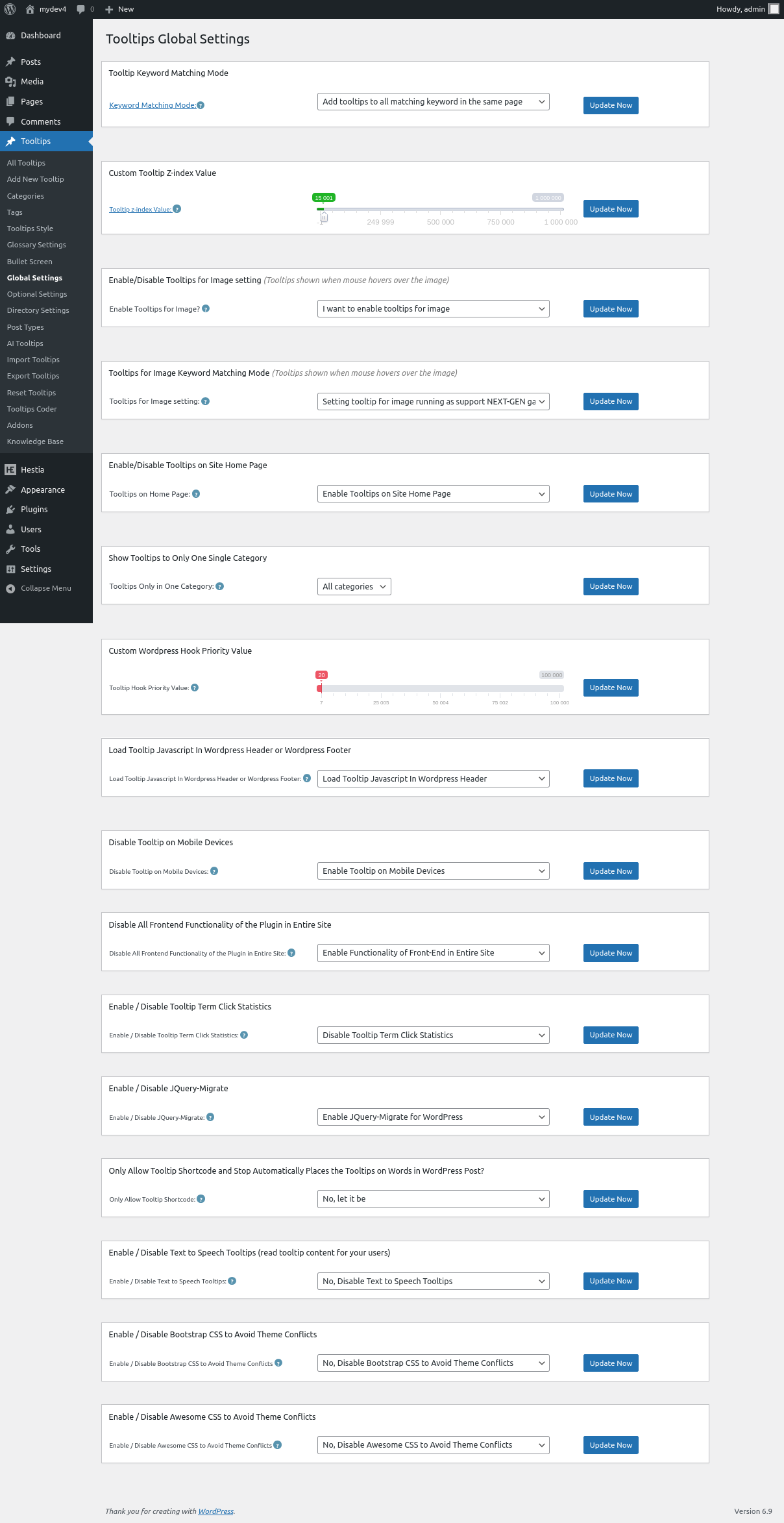
New option to setting Tooltip z-index Value, in tooltips global settings panel, you will find a new range slider to setting z-index Value:
Some plugins or themes have a very high z-index value, it caused the tooltip hidden behind their flyout, you can increase tooltips z-index to solve this kind of problem.
New optionto setting tooltip Hook Priority Value,in tooltips global settings panel, you will find a new range slider to setting tooltip Hook Priority Value:
If you want tooltips can support functionality of other wordpress plugins better, and show content which generated by other plugins in tooltips popup window, you need let other plugins(which followed WP the_content API) run first. You can try to change tooltip hook priority in here, heigher value means lower tooltip hook priority and that means let more WP plugins run first, if there are any plugin conflicts, you can just try to change tooltip hook priority lower or higher, then check result in the front end.
Version 5.4.3
New option to setting Tooltip z-index Value, in tooltips global settings panel, you will find a new range slider to setting z-index Value:
Some plugins or themes have a very high z-index value, it caused the tooltip hidden behind their flyout, you can increase tooltips z-index to solve this kind of problem.
New optionto setting tooltip Hook Priority Value,in tooltips global settings panel, you will find a new range slider to setting tooltip Hook Priority Value:
If you want tooltips can support functionality of other wordpress plugins better, and show content which generated by other plugins in tooltips popup window, you need let other plugins(which followed WP the_content API) run first. You can try to change tooltip hook priority in here, heigher value means lower tooltip hook priority and that means let more WP plugins run first, if there are any plugin conflicts, you can just try to change tooltip hook priority lower or higher, then check result in the front end.
Version 5.3.7
Do not add tooltips effect in glossary page
FIxed bug of shortcode tooltipslist and do not add tooltips effect in content of tooltip popup box
Version 5.3.5
Support load other plugins’ shortcodes in wordpress tooltips. In wordpress tooltips editor, you can insert shortcodes that come from other plugins, we will run these shortcodes first, then add content which generated by these 3rd plugins’ shortcodes in our wordpress tooltips popup content.
Support image caption style better
Support show content of 3rd plugins’ shortcode in [[glossary]] shortcode
Support show content of 3rd plugins’ shortcode in [[tooltipslist]] shortcode
fix bug in tooltipslist shortcode and glossary shortcode
Version 5.2.5
Avoid conflict with image caption
Version 5.2.3
Improved compatibility, support “Pro” theme, Elementor page builder and so on
Version 5.2.1
Added new option “Tooltip Close Button” in “Tooltips Global Settings” Panel”, If you enabled the option, we will Show wordpress tooltip close button in tooltip popup window, it is helpful for user to close tooltip window in some mobile device
Version 5.1.9
Based on user’s request, improved glossary style for the glossary shortcode [[glossary]]
Version 5.1.7
Fix the conflicts — if a customized theme or plugin which add the_content function in 404.php
Version 5.1.5
Added 3 preset tooltips color schemes: Light, Dark, Green.
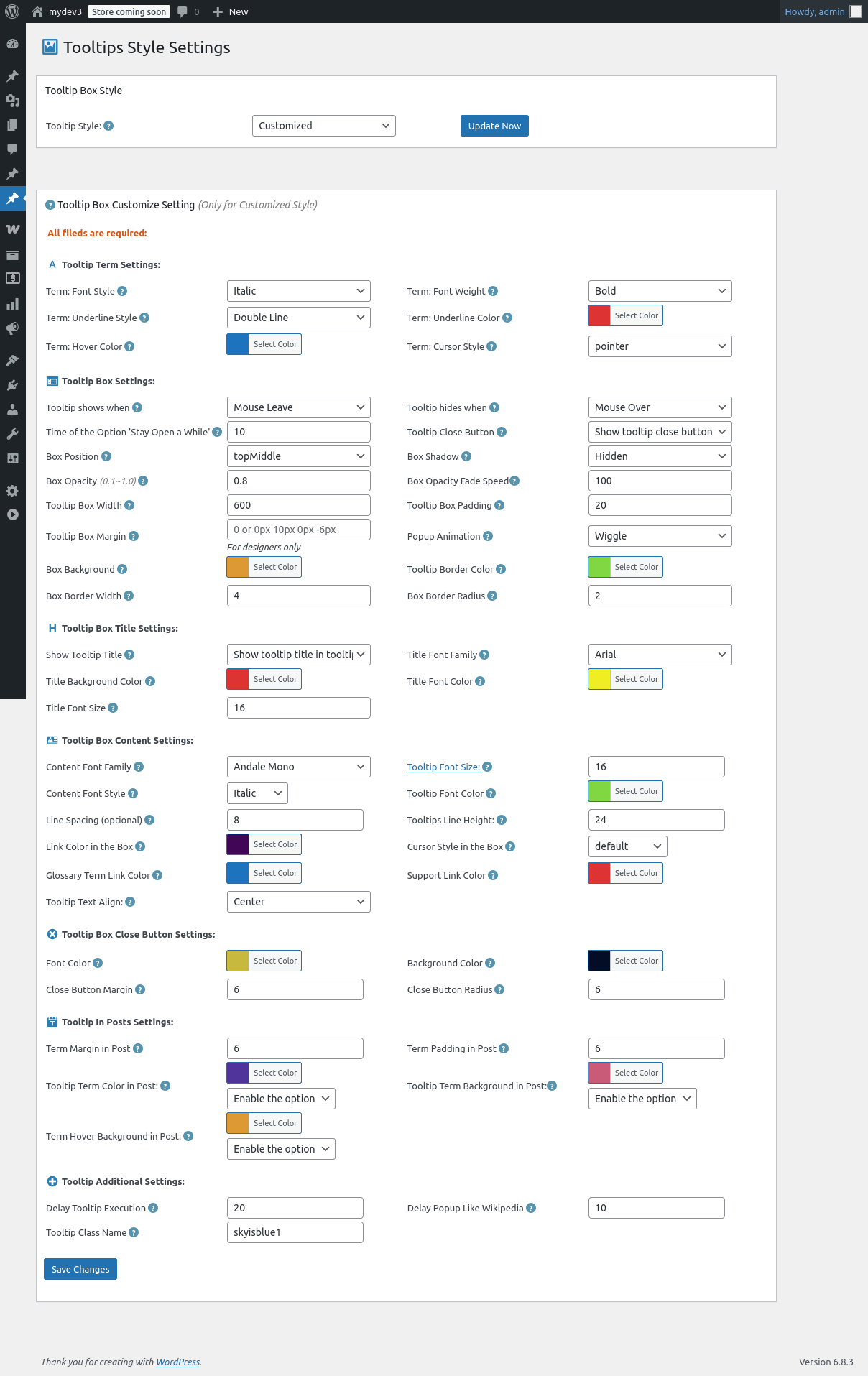
In tooltips settings panel in admin, support one click to select tooltips color schemes
Some other small tweaks
= …

