

The Elementor Website Builder has it all: drag and drop page builder, pixel perfect design, mobile responsive editing,…
About LWS Tools
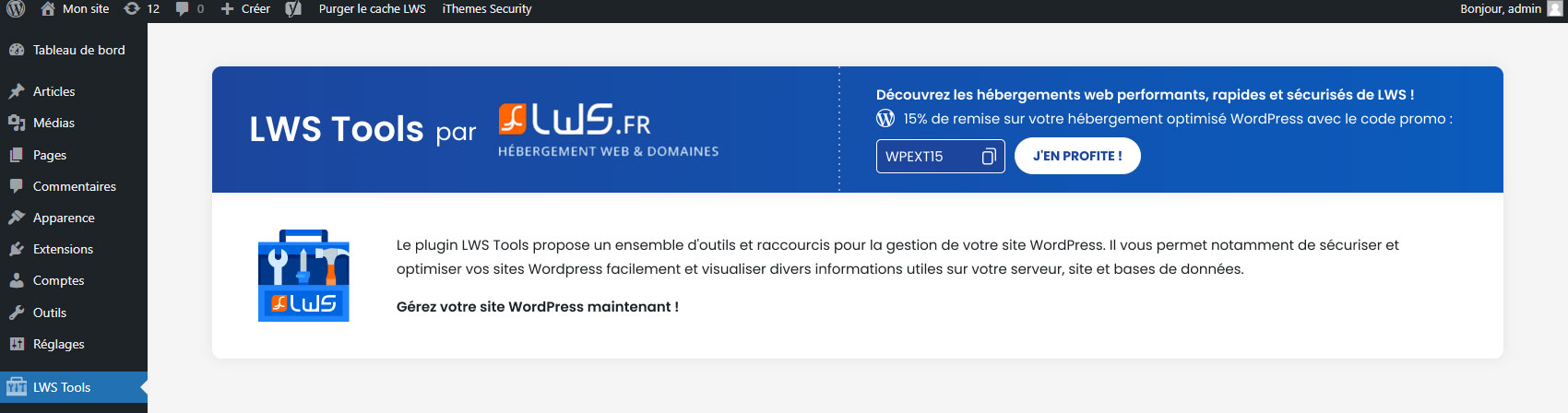
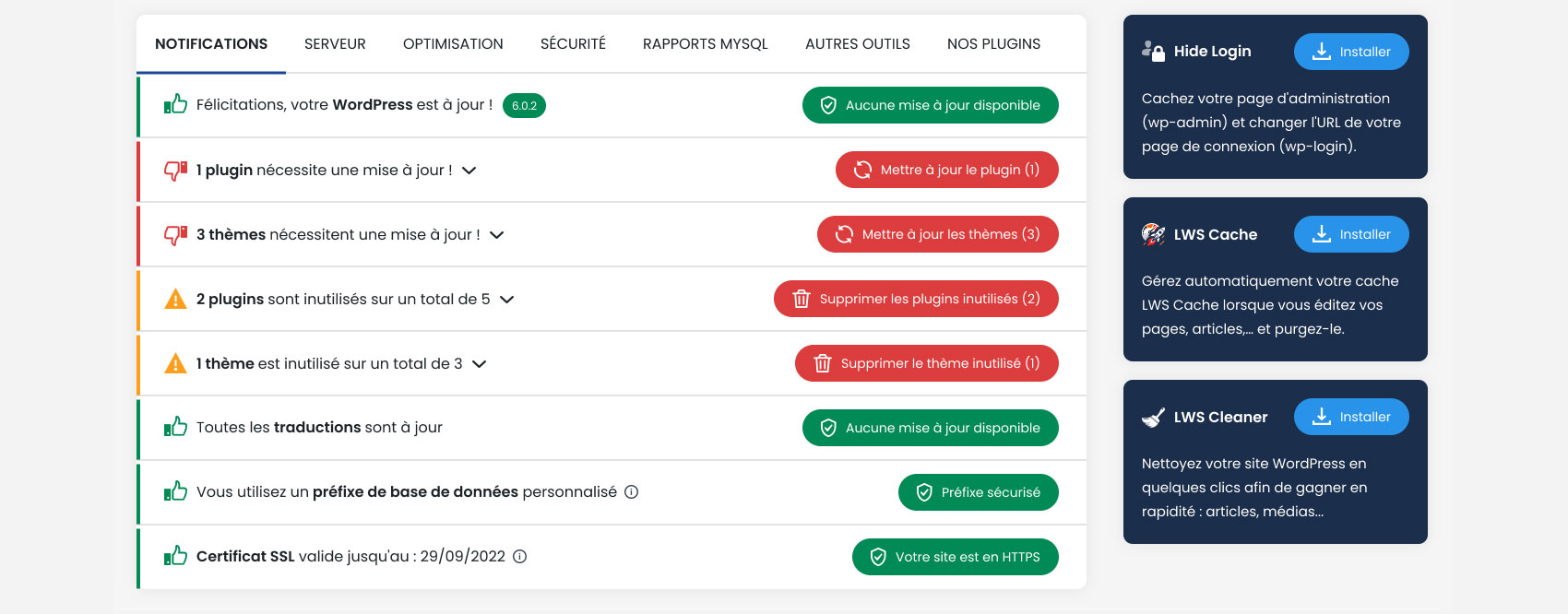
LWS Tools is a plugin that provides various tools and options to optimize your website. You can easily access and change parameters, get information on your database and server, and also improve the security of your site. This plugin is pre-installed when ordering certain LWS web hosting plans.Screenshots



Frequently asked questions
What are the features of LWS Tools?
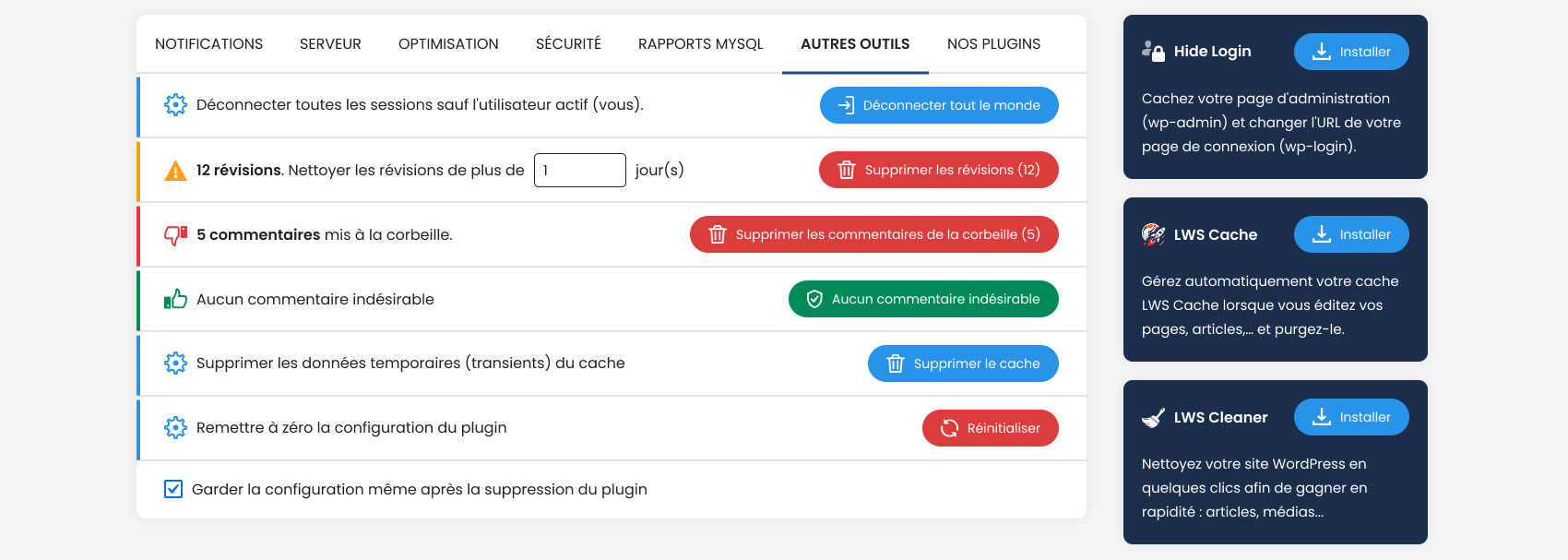
LWS Tools provides various tools and options to optimize your website, such as deactivating emotes, hiding sensitive information, deactivating REST API, and more.
What information can I view about my server?
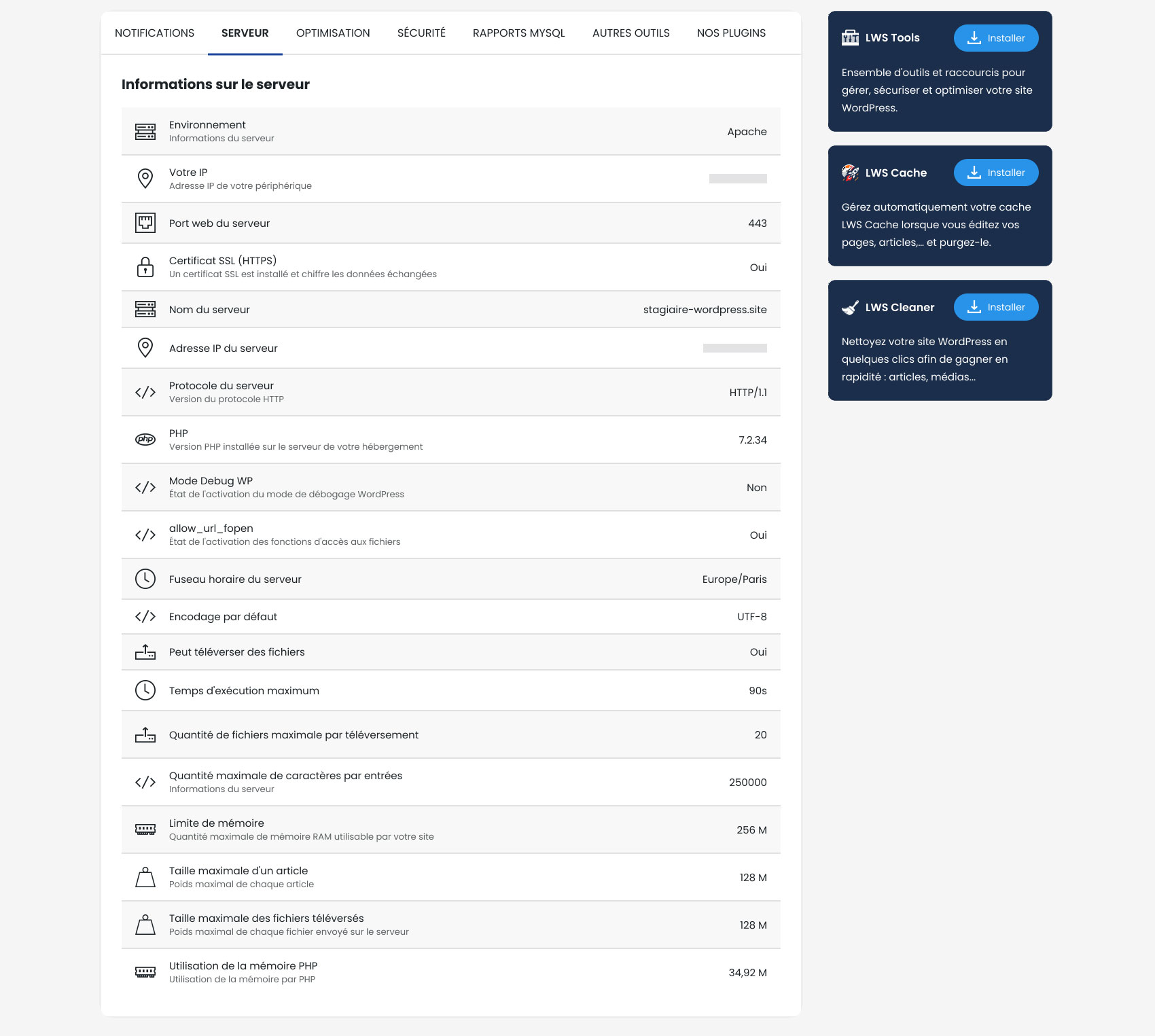
You can view the environment, server information, IP address, server web port, SSL certificate status, server name, server IP address, protocol version, PHP version, debug WP mode status, allow_url_fopen status, server time zone, default encoding, uploading files settings, maximum execution time, maximum number of files per upload, maximum number of characters per entry, RAM memory limit, maximum size of an item, maximum size of uploaded files, and PHP memory usage.
What optimization features does LWS Tools offer?
LWS Tools allows you to delete the Windows Live Writer manifest, reduce the number of revisions, delete author pages and associated links, prevent WordPress from disabling pingbacks of your own posts, use visitor browser emotes instead of WordPress emotes, remove Title 1 in Tiny MCE, remove shortlinks, add hidden 'Medium Large' image size, perform alternative cleaning of uploaded media, remove RSS feeds, and remove links from RSS feeds.
What security features does LWS Tools provide?
LWS Tools offers security features such as hiding connection errors on WP-Login, hiding the 'WordPress Version' meta from pages, disabling the REST API, hiding user pages from sitemap, and hiding user endpoints from REST API.
What can I do with MySQL Reports in LWS Tools?
In MySQL Reports, you can find a summary table of the WordPress data in your MySQL database. You can also repair and optimize your database directly from LWS Tools.
Changelog
2.4.8
- Added a warning modal before modifying table prefix, displaying informations about what is going to happen
- Changed text for old transients deletion that was referring to cache
2.4.6
- Fixed warnings appearing when WP_DEBUG is on
- Page refresh after changing wp_prefix to prevent page from using old one
2.4.5
- Fixed small UI issues
- Fixed translations
- Updated version to WP6.3
2.4.2
- Fixed CSRF issue
2.4.1
- Minor CSS update
2.4
- Possible security breach should now be fixed
2.3
- Translations fixes
- QoL improvements
2.2.1
- Minor syntax changes
- Removed unused tab
- Bug fixed where some plugins could not be activated from “Our plugins”
2.2
- Preventive measures for potential security issues
- Added new plugins to “Our plugins”
2.1
- Added new options uneder the “Security” tab
- Can now change some WPManager options from the plugin (LWSPanel only)
- DataBase auto-repair now working correctly (page might not show it due to caching)
2.0
- Complete redesign
- Bugs fixes
1.0
- Plugin created and published

