
Enables the previous "classic" editor and the old-style Edit Post screen with TinyMCE, Meta Boxes, etc. Supports all…
About Ultimate Maps by Supsystic
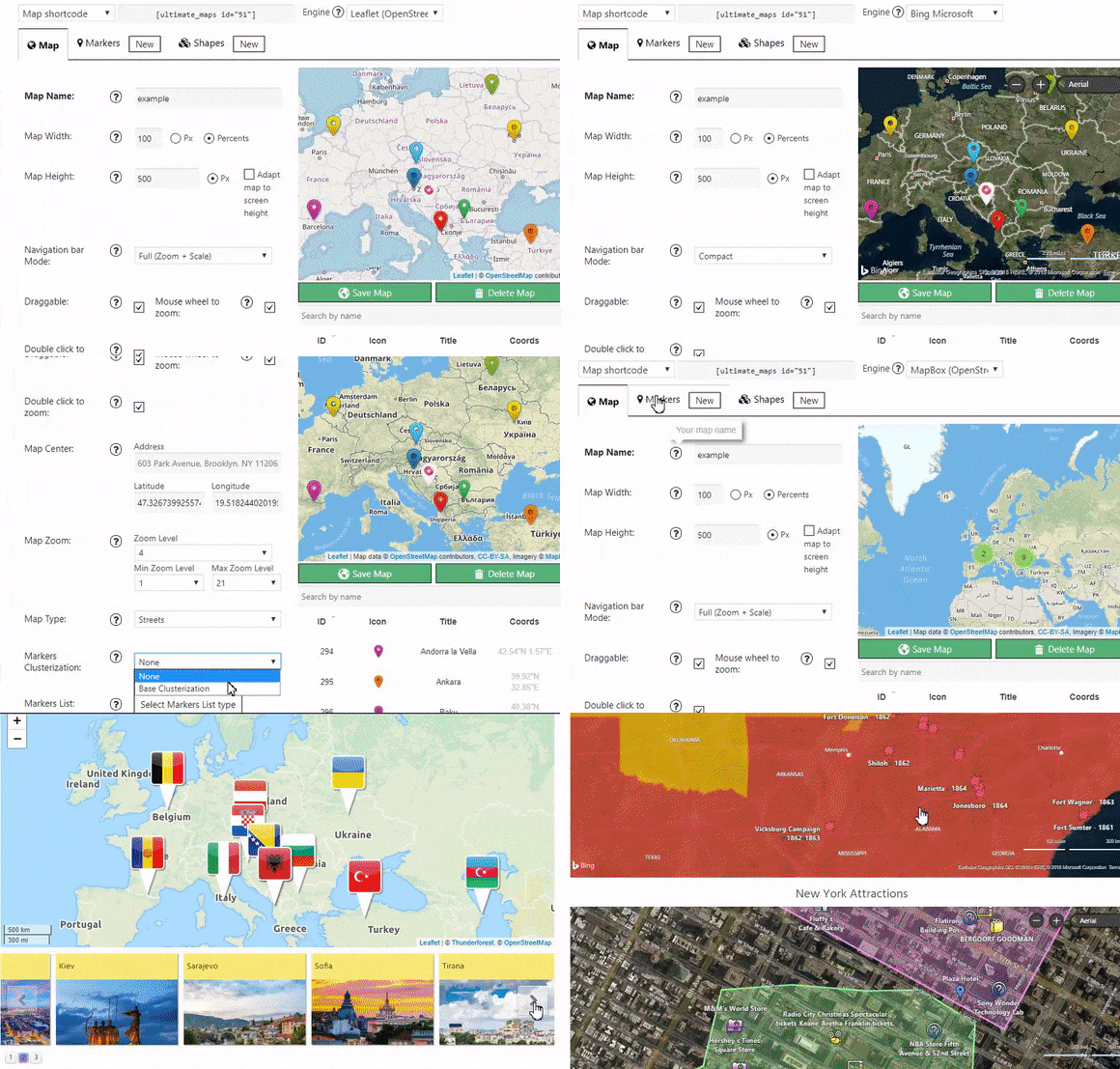
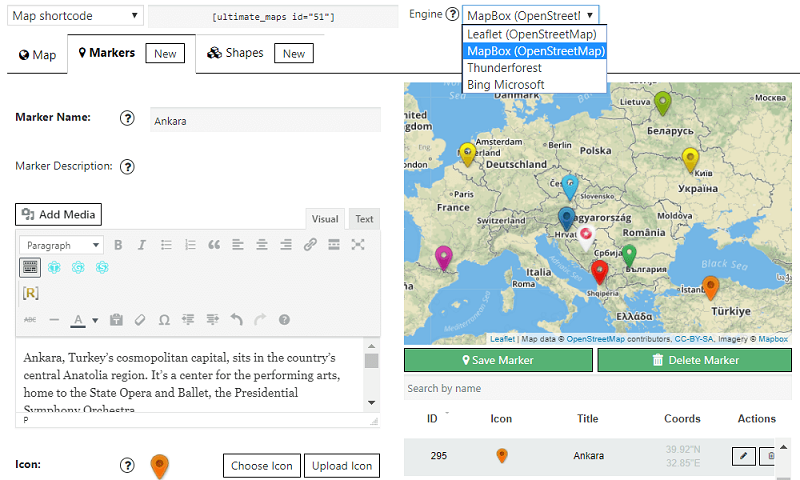
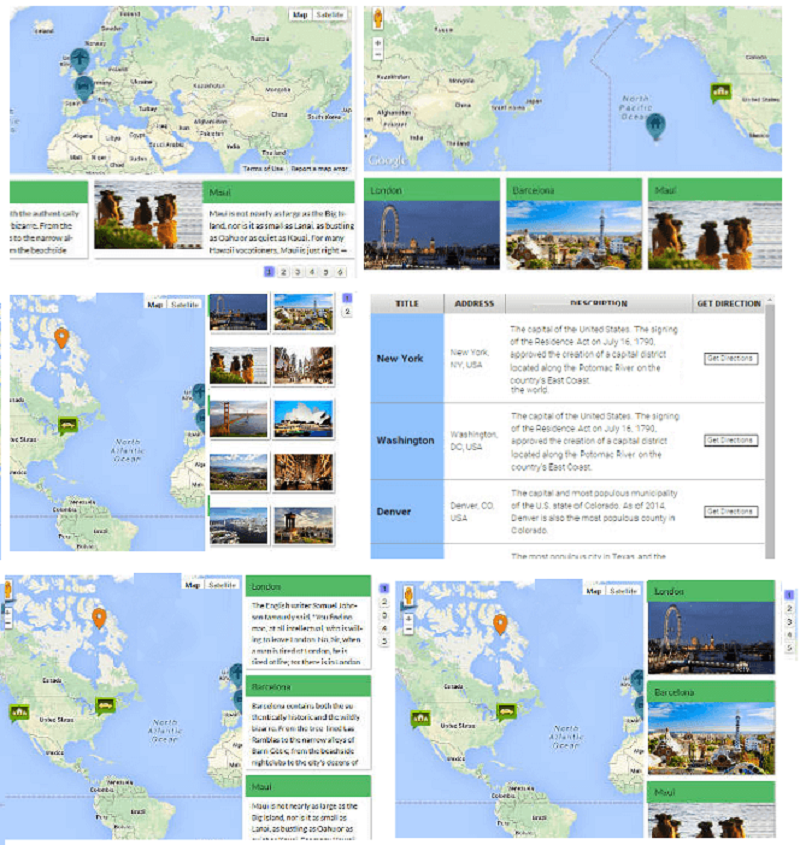
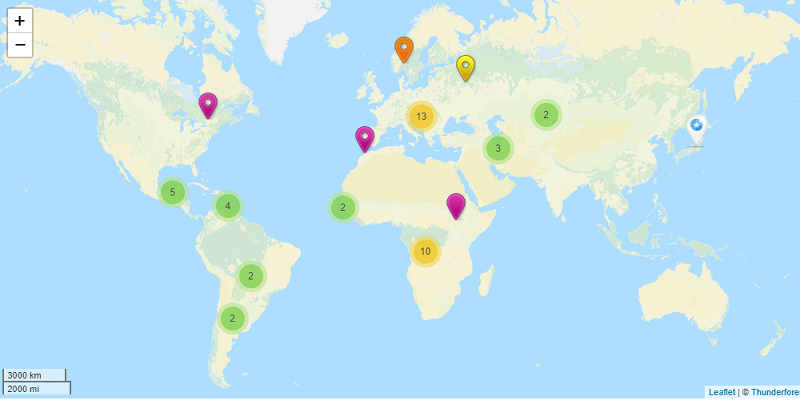
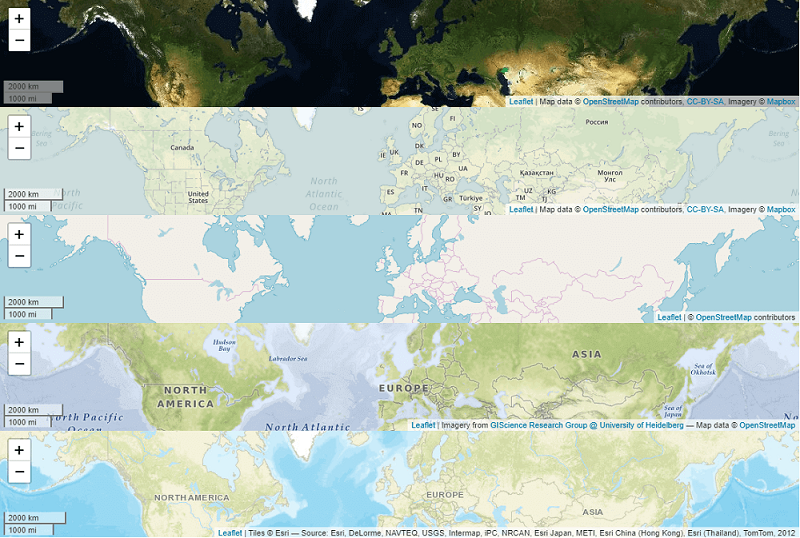
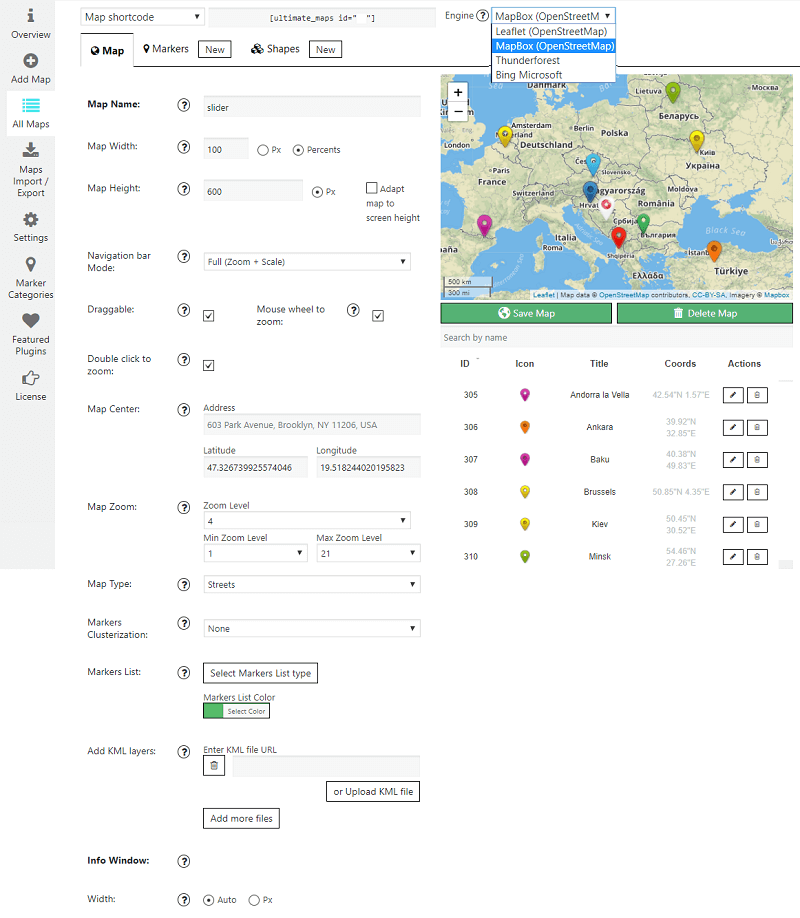
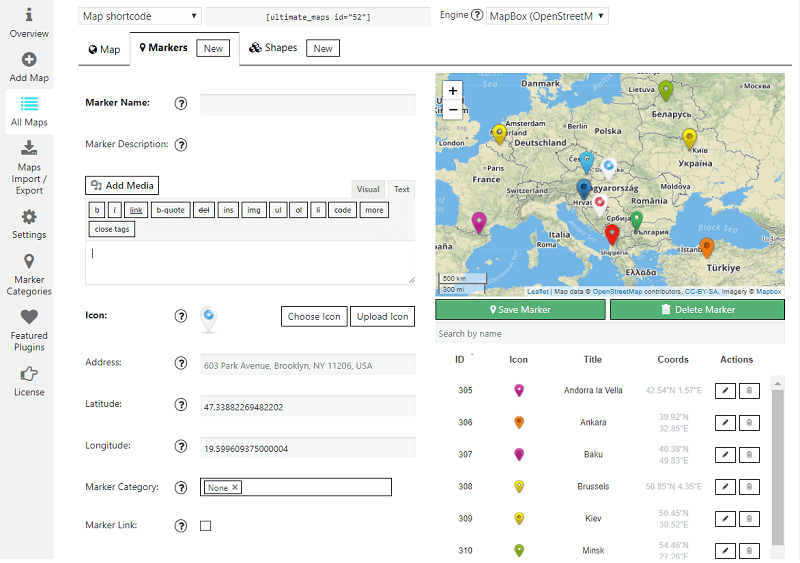
The Supsystic Ultimate Maps plugin offers Google Maps alternatives such as Bing Maps, OpenStreetMap, Leaflet maps, Mapbox, and Thunderforest. It allows users to create customizable maps with unlimited markers, descriptions, links, images, videos, and more. The plugin is fully responsive and can be added to a website using shortcodes or PHP code.Screenshots

Frequently asked questions
What is the Supsystic Ultimate Maps plugin?
Supsystic Ultimate Maps plugin was developed after the changes in Google maps pricing policy. According to the new rules, using Google maps is becoming too expensive for websites with large traffic. Therefore, Supsystic team provides users with the Google Maps alternatives: Bing maps, OpenStreetMap or OSM, Leaflet maps, Mapbox, Thunderforest.
What are the features of the Ultimate Maps plugin?
The Ultimate Maps plugin features include: Google Maps alternatives (Bing Maps, Leaflet, Mapbox, Thunderforest), online Ultimate Maps builder, unlimited markers with description, links, images, videos and more, markers categories, fully responsive design, 100% customizable maps, ability to add maps via shortcode or PHP code, import and export of maps and markers, map with Exposition slider, KML layers import and export, map markers clustering, maps themes and styles, Ultimate Maps markers with slider mode, shapes on the map, linked markers, and more.
How can I create Ultimate Maps on my WordPress website?
To create Ultimate Maps with unlimited markers on your WordPress website or blog, you can use the Supsystic Ultimate Maps plugin. It is integrated with Bing maps, OpenStreetMap or OSM, Mapbox, Thunderforest, and Leaflet. The plugin is fully customizable, user-friendly, and responsive. You can add map markers with any media, such as video and text descriptions. The maps can be easily added to a page via shortcodes or using the Ultimate Maps widget.
Is there a video tutorial for setting up Ultimate Maps?
Yes, there is a video tutorial available on how to set up Ultimate Maps by Supsystic. You can find the tutorial on their website.
Is there support available for the Ultimate Maps plugin?
Yes, if you have any problems or custom feature requests for the Ultimate Maps plugin by Supsystic, you can contact their support team.
Changelog
1.2.18 20.03.2024
- Add expertise level for AC form
1.2.17 23.01.2024
- Add nonce fixes
- Add security fixes
1.2.16 11.01.2024
- Add terms for AC form
- Add wp_kses and esc functions for security
1.2.15 13.12.2023
- Fixes for lovelink
1.2.14 14.09.2023
- Add features for love link
1.2.13 21.07.2023
- Add missing js.map file
1.2.12 06.07.2023
- Add support WP 6.2
- Fixes for control contributions
- Update leafletjs library to latest version
- Stability map improve
- Changed overview ads
1.2.11 08.11.2022
- Add support WP 6.1
- add ac renew scenario
- Minor fixes
1.2.10 30.08.2022
- Add support WP 6.0
- Add support PHP 8.1
1.2.9 25.03.2022
- Add fix for maps
- Add maptiles
- Remove unsupported map styles
1.2.8 06.12.2021
- Fix for mod.php
- Fix issue with Activation
1.2.7 22.06.2021
- Minor fixes
1.2.5 06.04.2021
- Clone option fix
1.2.4 26.03.2021
- Add support WP 5.7
- Add fix for OVH gateway
1.2.3 19.03.2021
- Add fix for UMS
1.2.2 12.03.02.2021
- Fixed marker categories
1.2.1 09.03.02.2021
- Fix for “Show All maps”
- Fix for media descriptions
1.2.0 07.03.02.2021
- Major update
- Fixes for DB query
1.1.18 15.02.2021
- Security fixes
- Major update to DB query
- Remove bootstrap
1.1.17 10.02.2021
- Security fixes
1.1.16 09.02.2021
- add fix for sqli
- Security fixes
1.1.13 09.12.2020
- Add security fixes
1.1.12 29.09.2020
- Add fix for WP 5.5
- Add fix for MapBox
- Remove CDN files ( GDPR)
1.1.11 23.06.2020
- Add color for marker category
- Add support for PHP 7.4
- Add dialog before delete icon
1.1.10 23.01.2020
- Add column width for marker list with table
- Fix for shortcode
- remove phpmailer code
= 1.1.9=
* Minor fixes
1.1.8
- Add https fix for leaflet skin
- Remove fix for https WhiteBlack
1.1.7
- Add shortcode support for map address
- Add fix for title on hover
1.1.6
- Add fix for broken icons
- Add feature open marker popup by mouse hover event
- Add fix for title on hover
1.1.5
- Remove CSS padding in mobile version
- Added support for customize cluster icon color (border, background, text)
1.1.4
- Minor issues fix
- Add 4 options for draggable for leaflet, mapbox, bing. Front and preview.
1.1.3
- Minor issues fix
- Small fixed for group get level func
- Fixed mrker category parent list
1.1.2
- Change slimscroll version issue
- Check slimscroll issue
- Fix popup img
- Fix marker link
- Fixed roles capabilities for ums issue
1.1.1
- Add marker list category style issue
- Fixes for new wp translation
- Minor issues fix
1.1.0
- Fix bing kml problem after shape and after add marker
- Fix issue with width
- Fixes for Bing Engine
- Add fix for Black and White leaflet design
- Add fix for CSS
- Remove unfiltered_uploads for KML
- Fix KML upload
- Fix shape textarea height
- Add hide POI option
- Add markers from frontend
- Fix error after change map type
- Add styles to marker frontend form
- Fix error after frontend marker add
- Remove notice when group map delete
- Set timeout to frontend marker form load
- Add style fixes markers lists
- Check open marker infowindow with clasterization
- Fix frontend makers map load
- Fix Adapt map to screen height
- Remove error after add circle shape on bing map issue
- Fix bing kml problem error
- Minor issues fix
1.0.9
- Readme file update
- Scrinshots update
- Additional improvements to slider markers list view
- Possibility to Show Info Window by Default right after Map Load
- Add checkbox hide without img and before map slider design for
- Added feature for slider to show over the map
- Minor issues fix
1.0.8
- Additional admin area improvements
- Fix issues with changing Min and Max Zoom
- Deutsch translation added
- Improve click on Marker List items
1.0.7
- Admin area interface improvements
- Fix issue with click on Markers on frontend for OpenStreetMaps Engines
- Language files added
1.0.6
- Fix issue with position of icons for OpenStreetMaps when zooming
- Minor issues fix
1.0.5
- Fix issue with “floating” markers for Bing Maps
- Additional admin area design improvements (dialog queue improve)
- Improve KML Layers functionality
- Bing figures added
1.0.4
- KML Improvements
- Shapes added
1.0.3
- Fix issue with disable Dragging in an admin area
- Fix issue with disabling Mouse Wheel Zoom in an admin area
- Markers Lists
- KML Layers
1.0.2
- Fix issue with Markers Description
1.0.1
- First release

