

The Elementor Website Builder has it all: drag and drop page builder, pixel perfect design, mobile responsive editing,…
About WP Console – WordPress PHP Console powered by PsySH
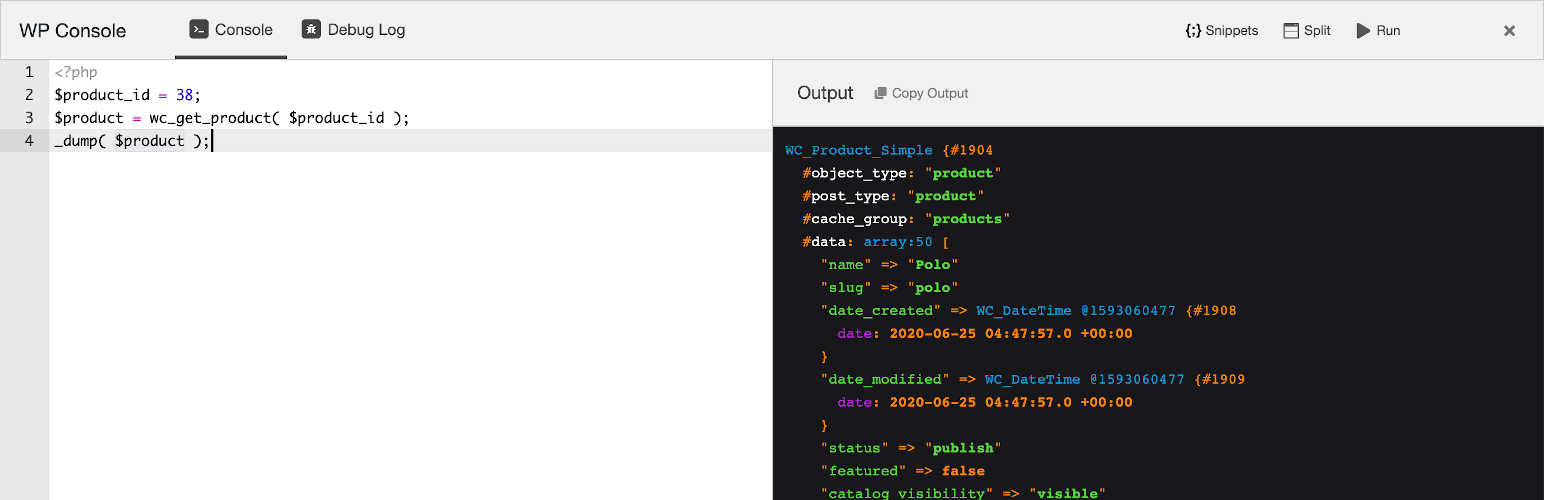
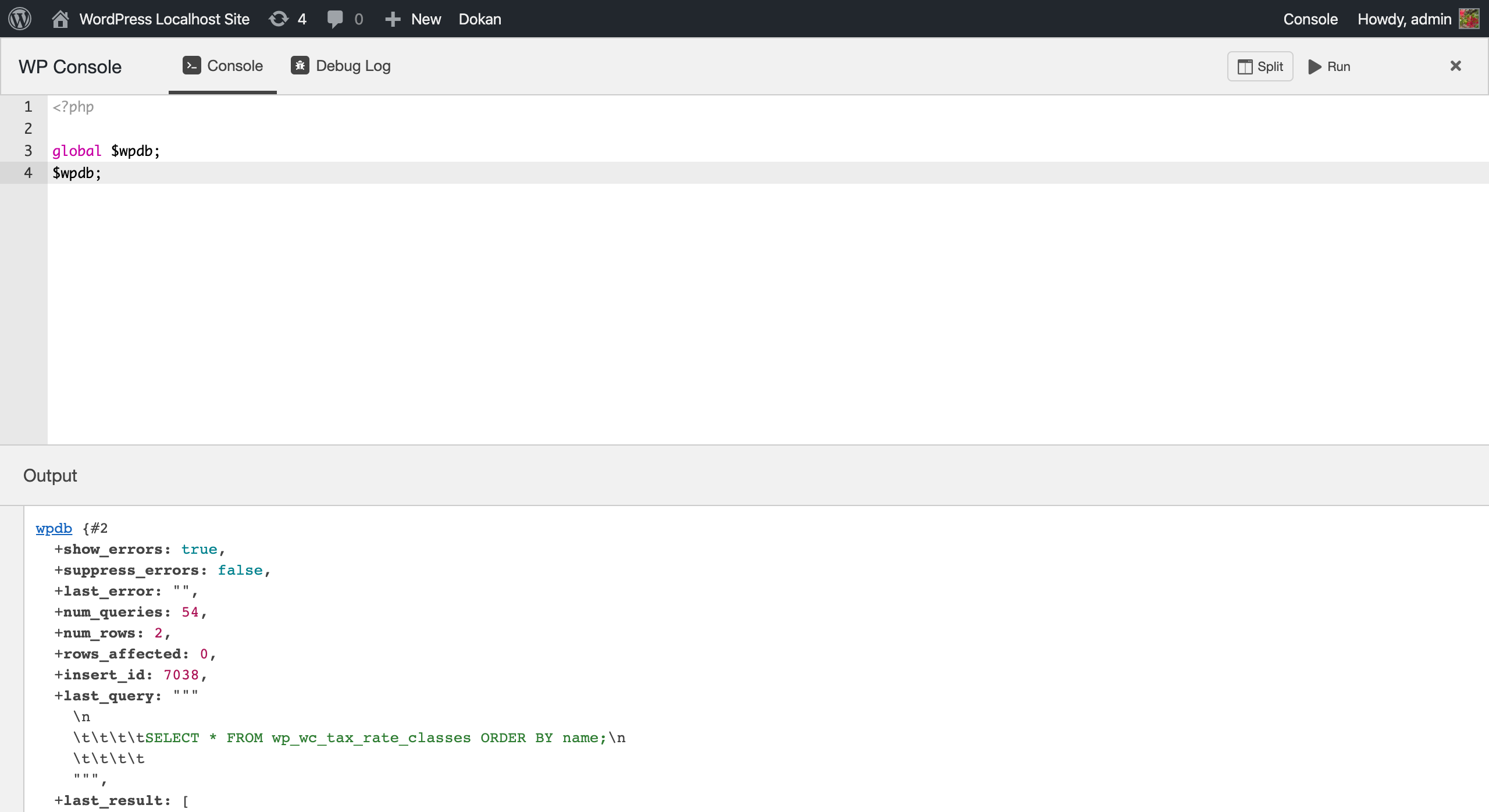
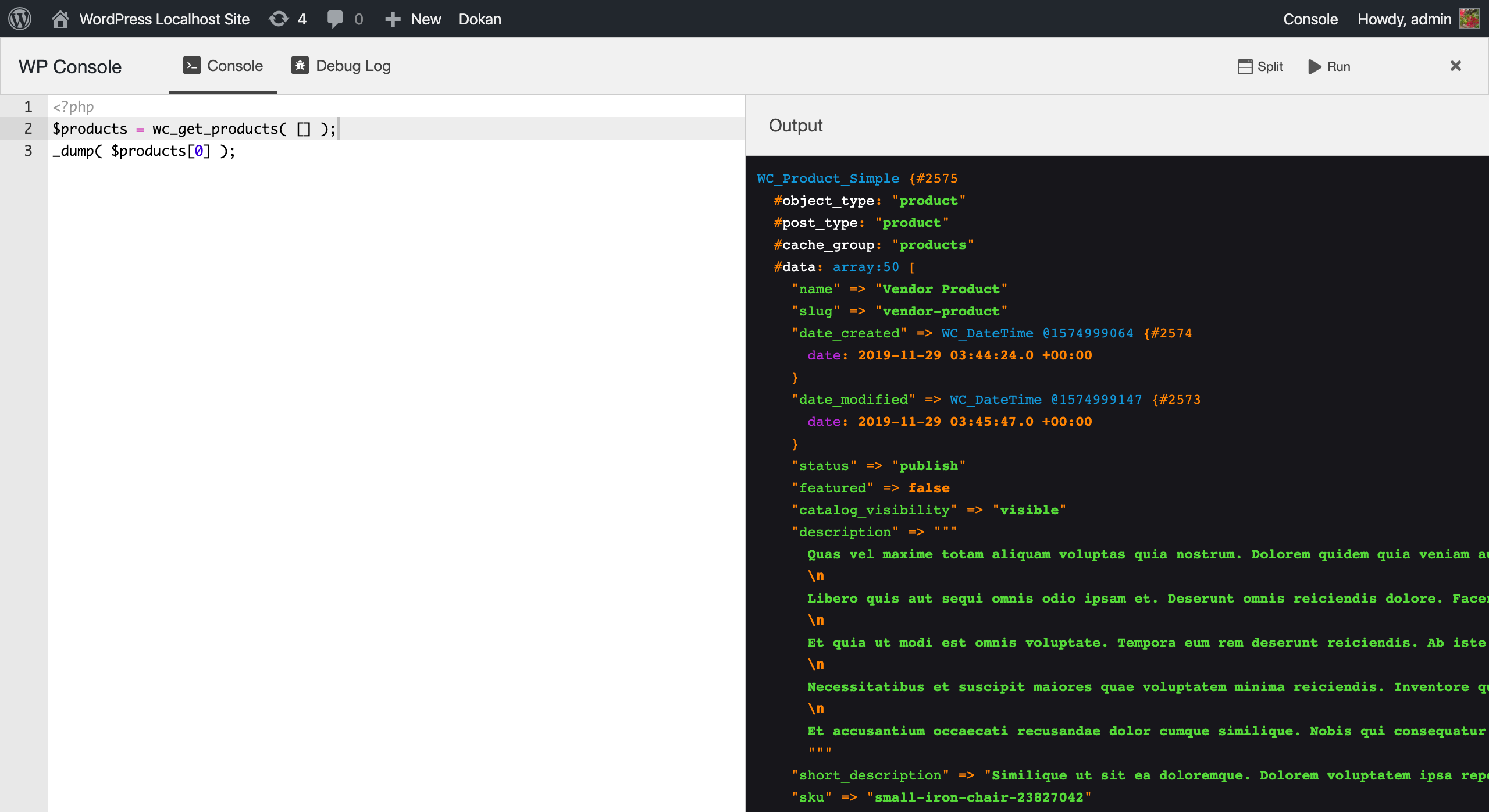
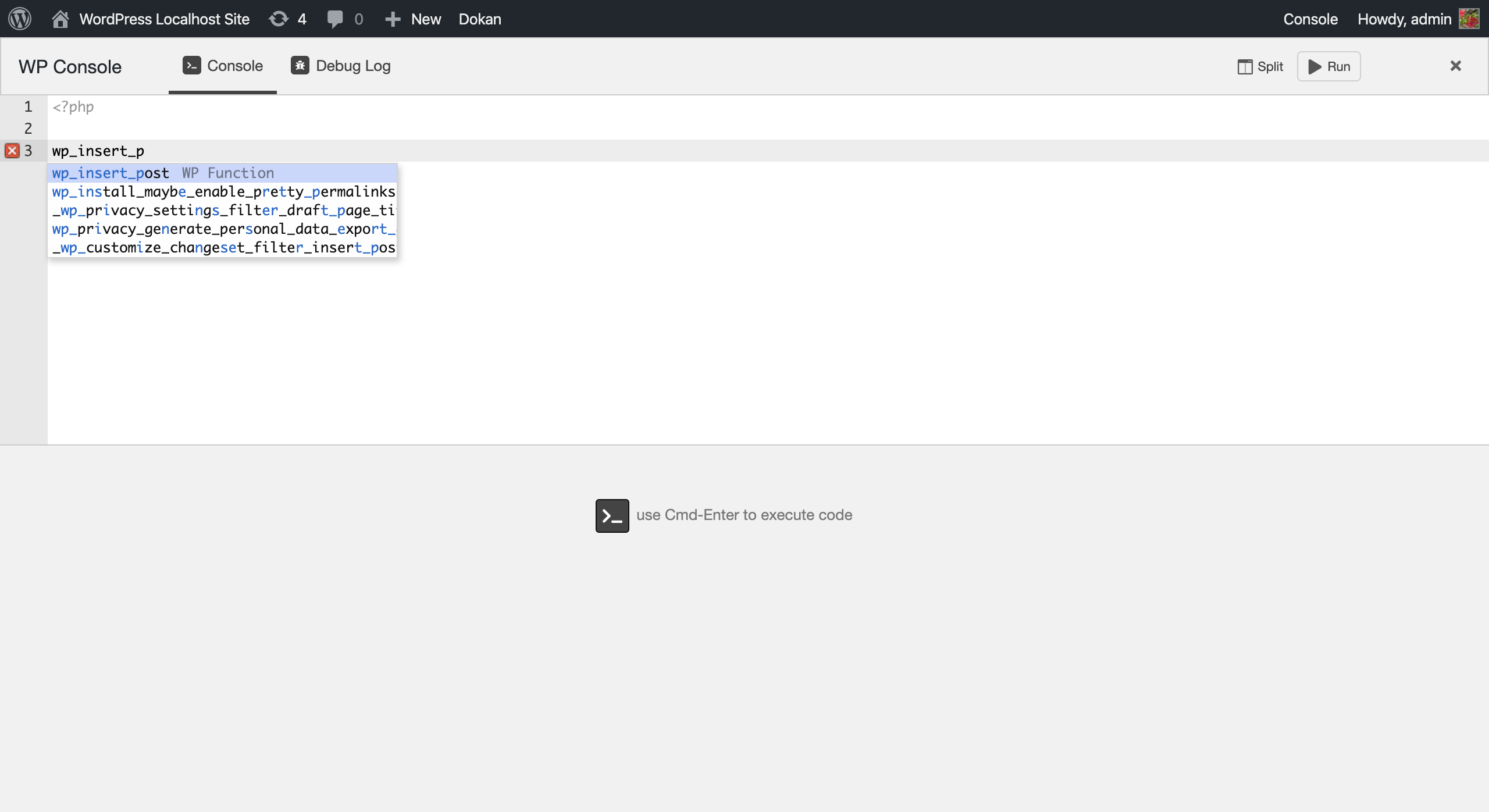
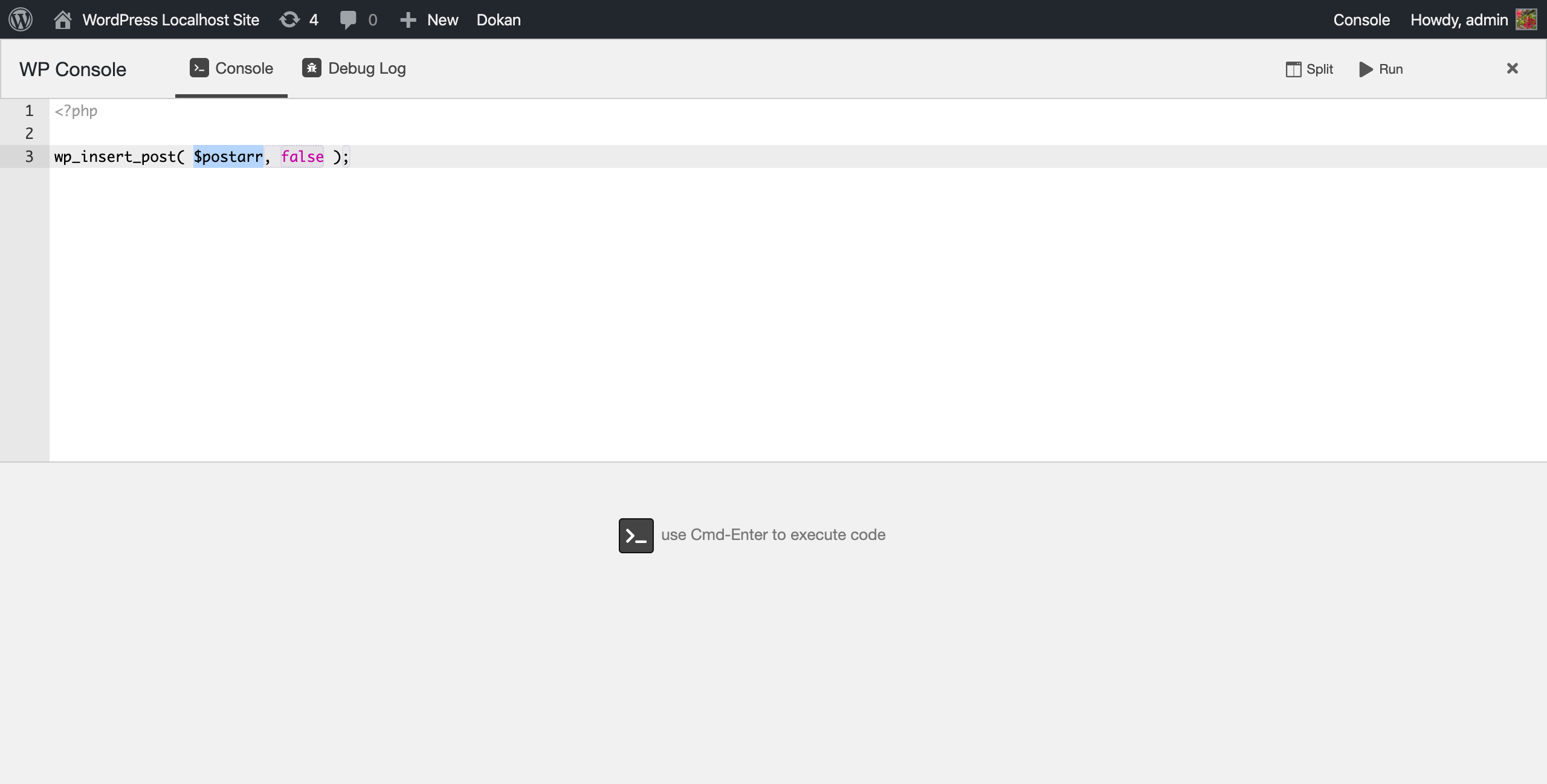
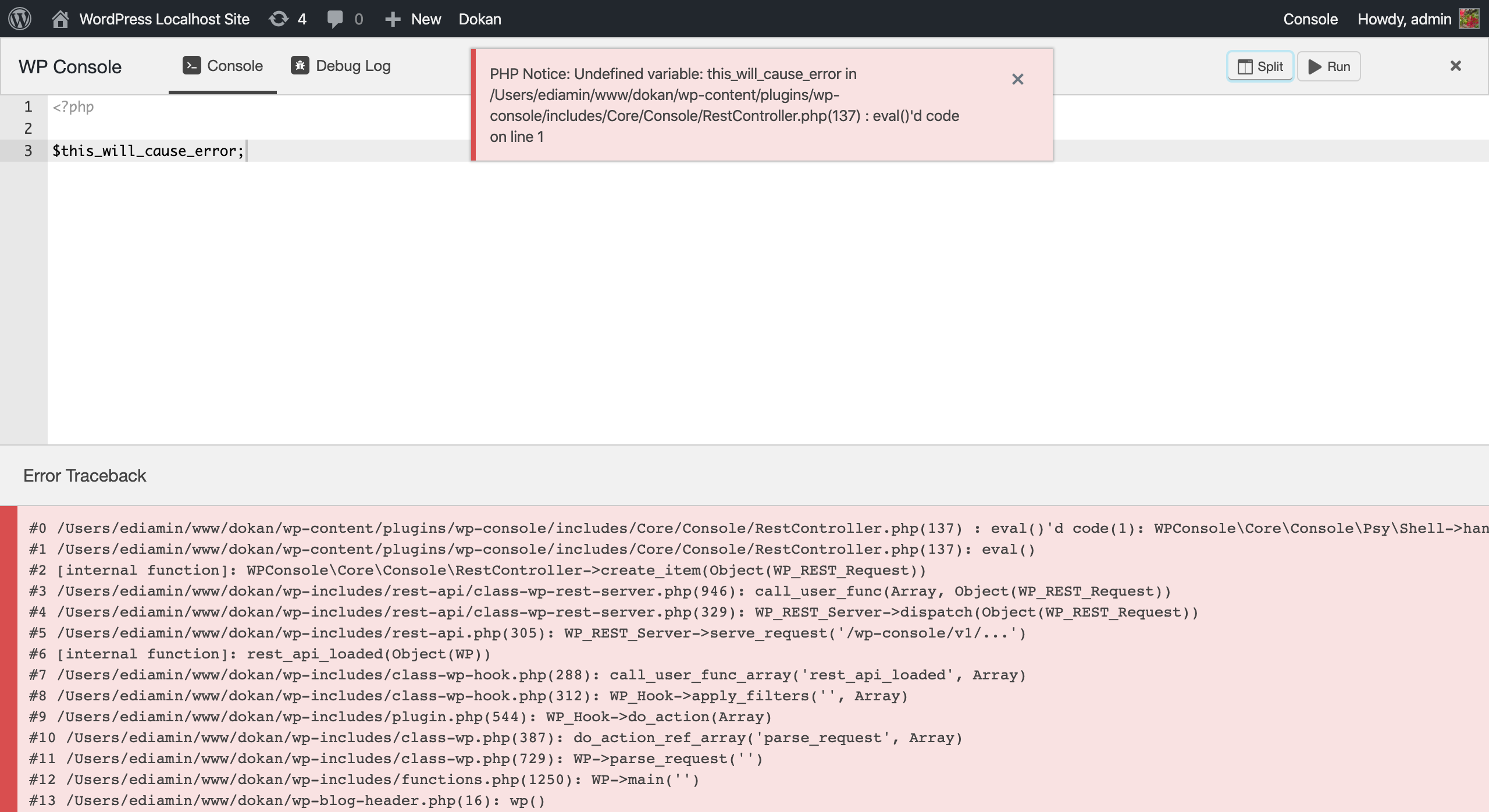
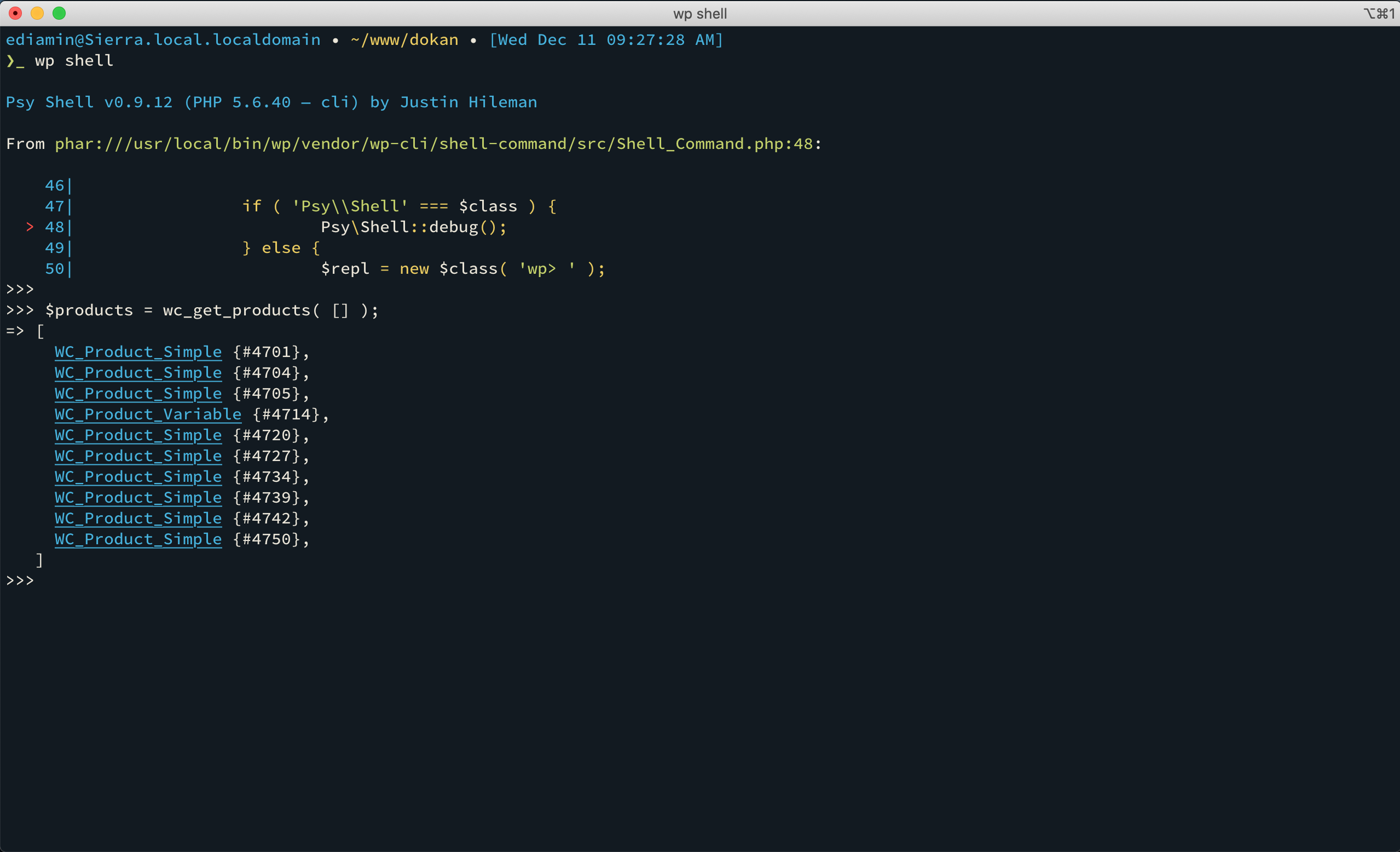
WP Console is a plugin that brings the PsySH developer console to your browser, allowing you to debug and test PHP code in real-time. It includes features such as autocompletion, access to debug logs, and integration with wp-cli. However, it is important to note that this plugin is not intended for use on a production server.Screenshots

Frequently asked questions
What is WP Console?
WP Console is a WordPress plugin that brings the PsySH PHP console directly to your browser. It functions as a runtime developer console, an interactive debugger, and a PHP REPL (Read-Eval-Print Loop).
How do I use WP Console?
To use WP Console, write your code in the editor and press Cmd-Enter (Mac) or Ctrl-Enter (Win/Linux) to see the output. You can also use PsySH with wp-cli by executing the 'wp shell' command, provided WP Console is activated.
What features does WP Console offer?
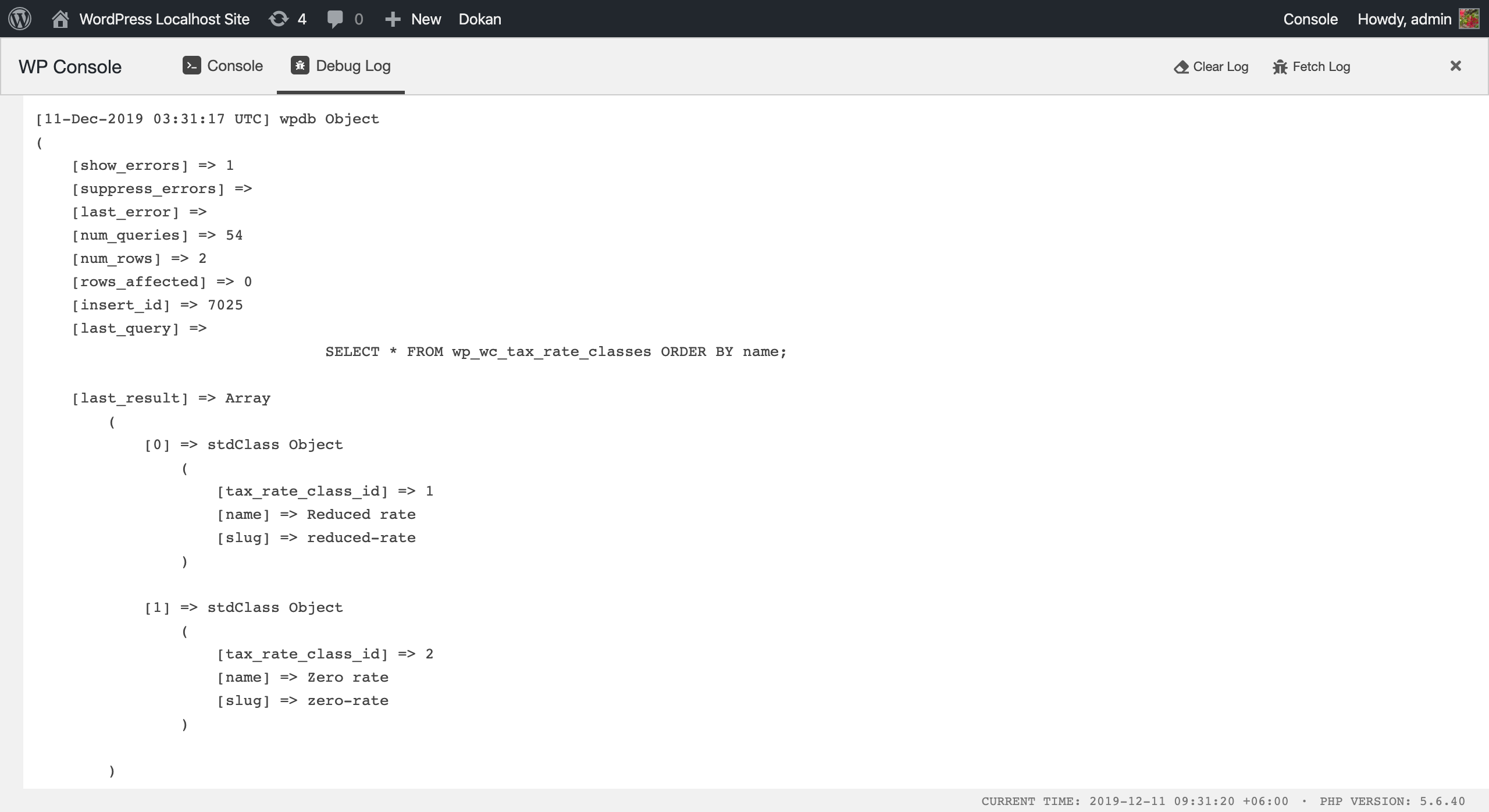
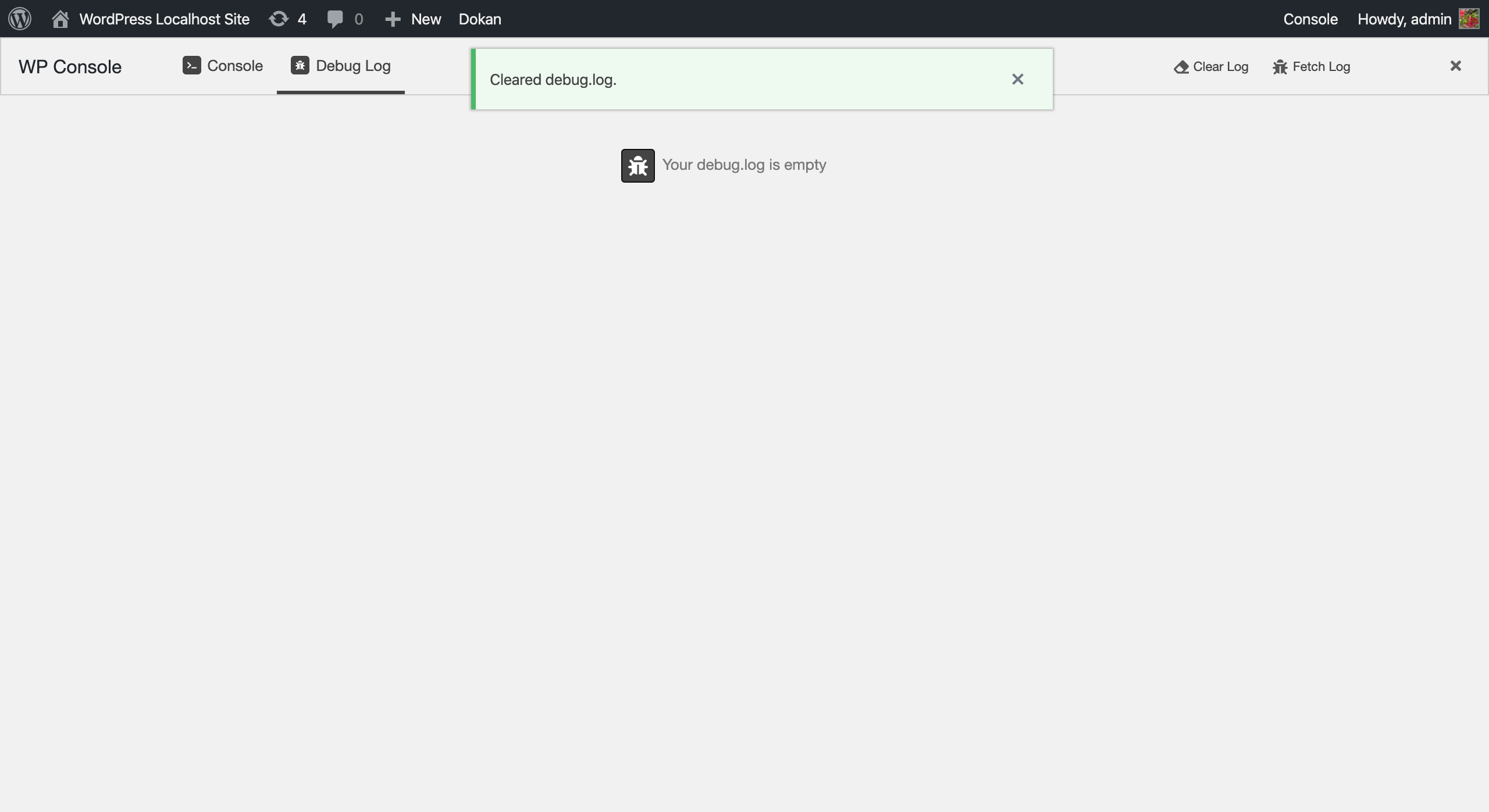
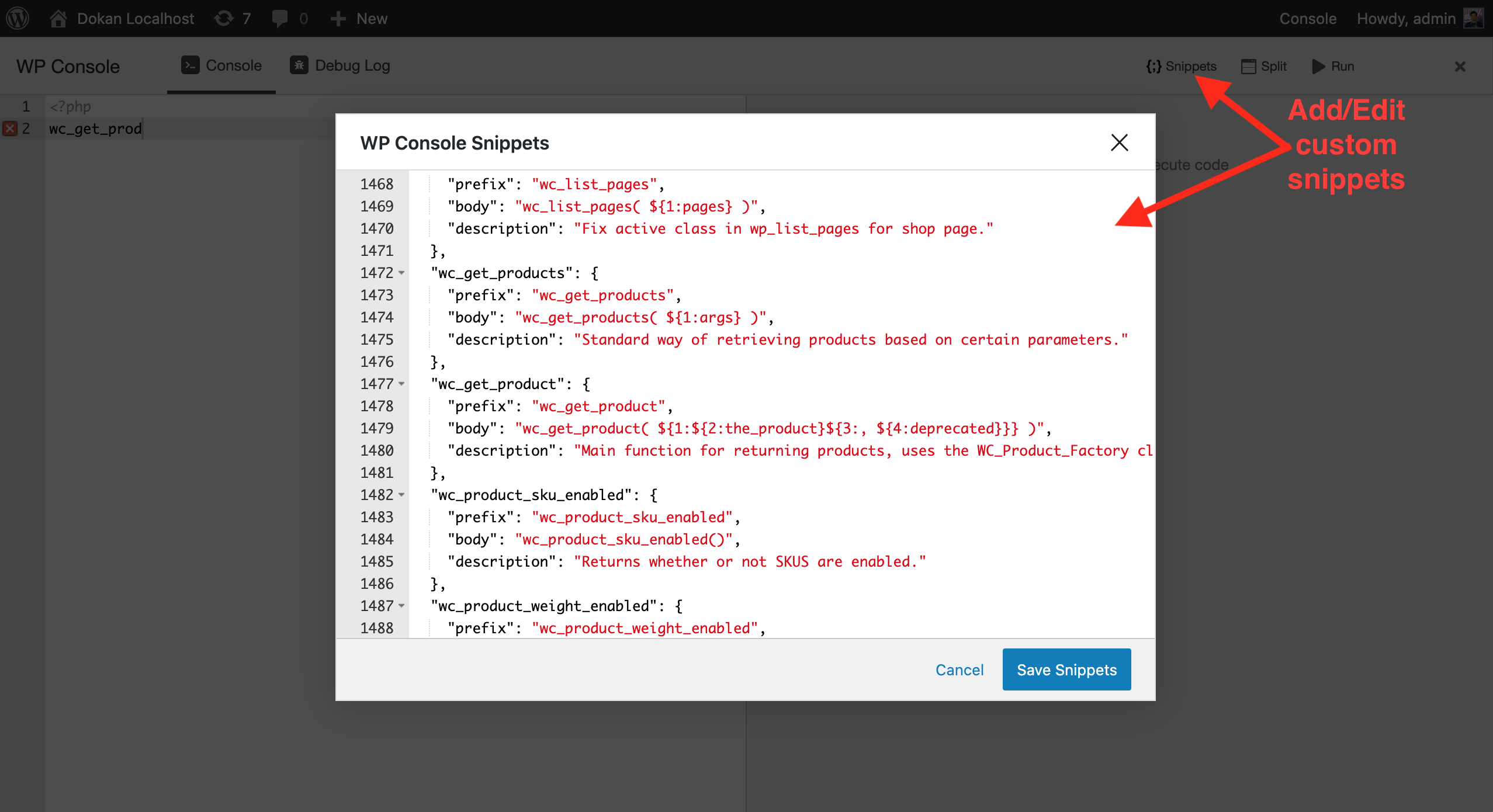
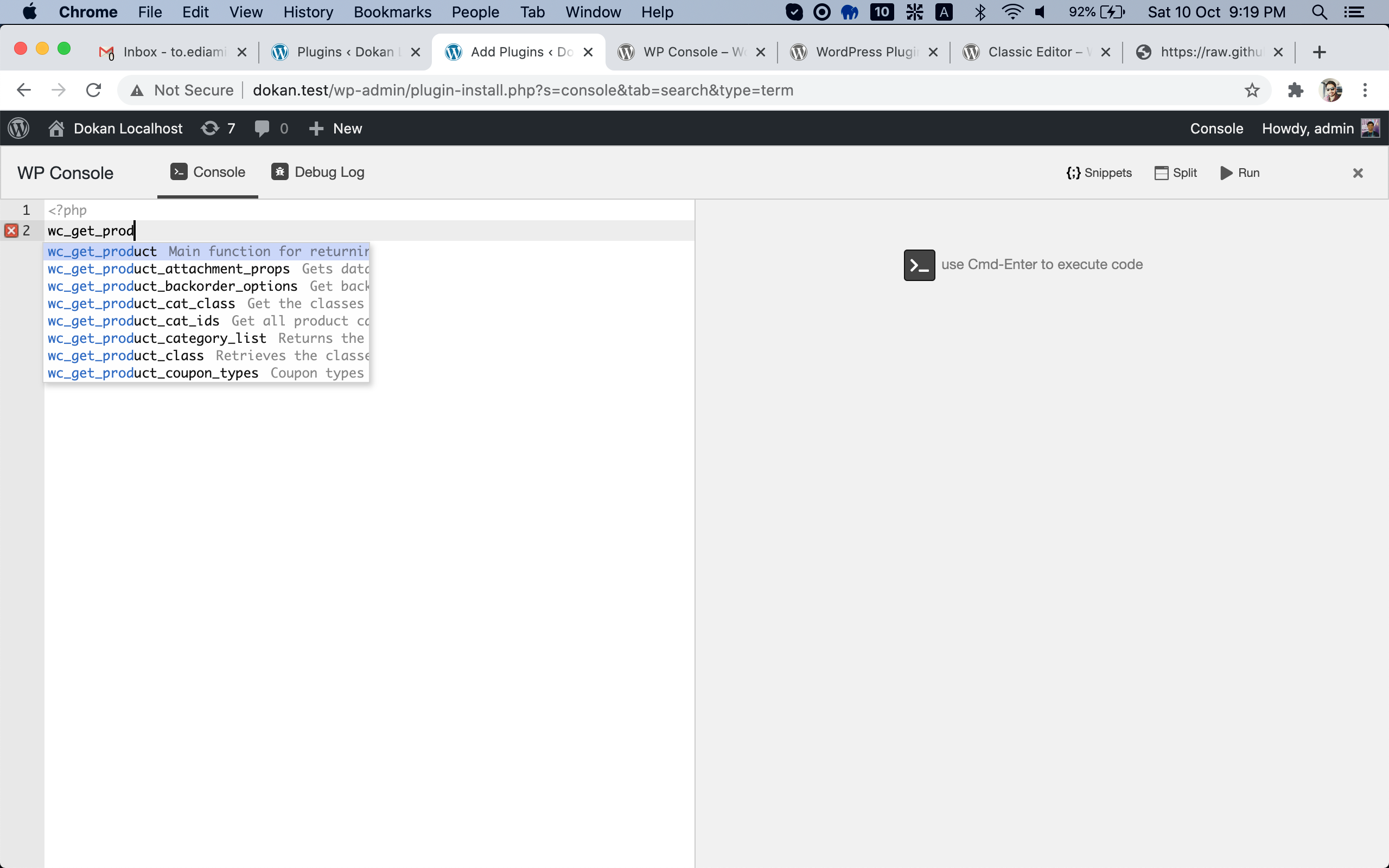
WP Console includes a powerful code editor powered by Ace Editor, real-time autocompletion for PHP and WordPress functions, and a versatile _dump function. It also provides instant access to and clearing of debug.log contents, an enhanced shell experience via psySH, and customizable code snippets.
Are there any limitations to WP Console in the browser?
Yes, certain PsySH commands such as ls, doc, show, and magic variables like $_ and $__class are not currently supported in the browser console.
How do I get started with WP Console?
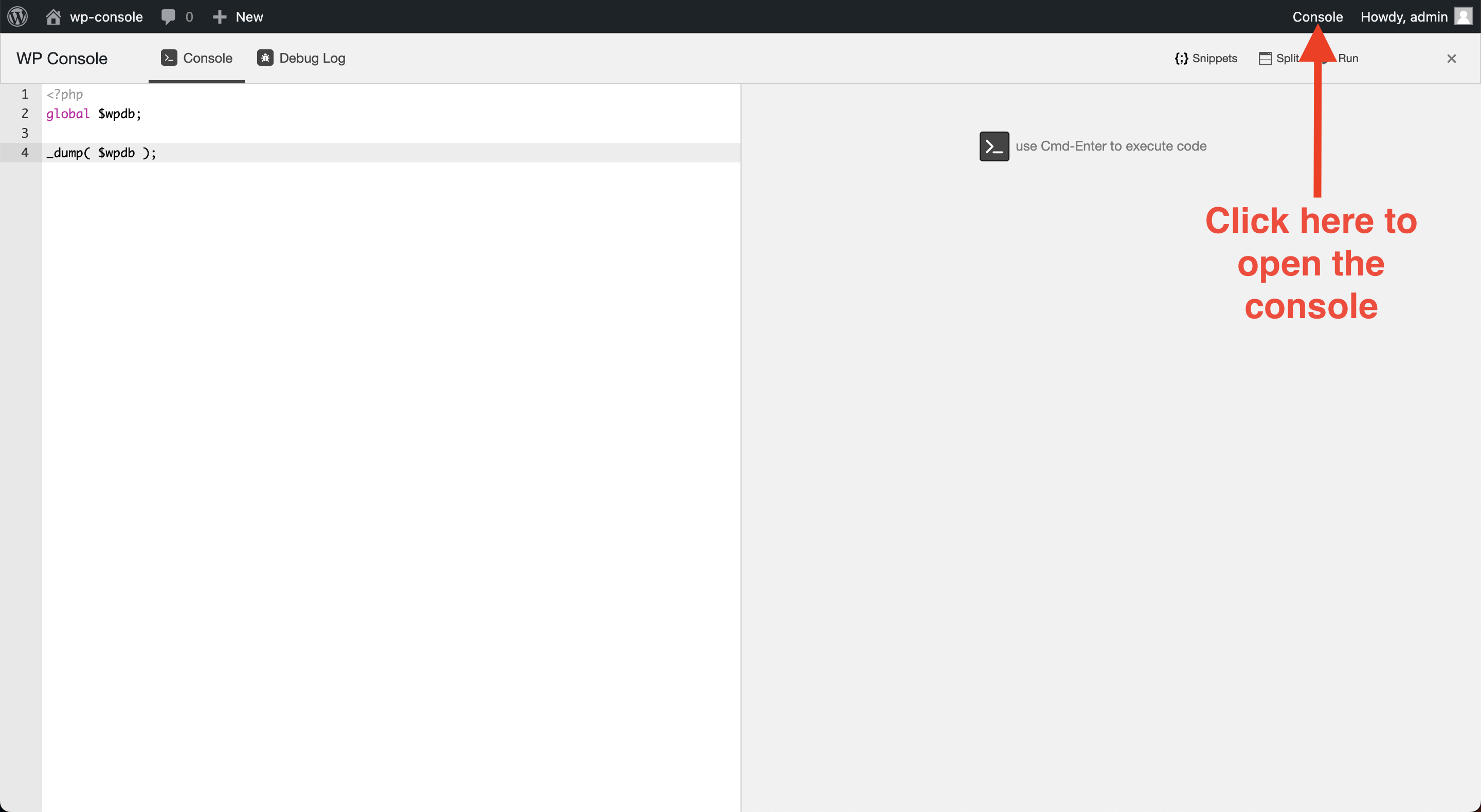
After activating the plugin, you can access WP Console by clicking the 'Console' quick link in the WP Admin Bar on the right-hand side.
Changelog
2.5.1 – January 13, 2025
* Prevent HTML rendering in console output.
2.5.0 – November 17, 2024
* Breaking: Dropped support for PHP 5.6. The minimum PHP requirement is now 7.4.
* Refactored the dependency loading process for improved performance and maintainability.
* Fixed namespace compatibility issues for PHP 8.1+.
* Resolved deprecation warnings in recent WordPress versions.
2.4.1 – November 13, 2023
* Fix deprecation notice in PHP 8.2 related to strtolower argument type.
* Add an admin submenu under the tools menu to open the console window.
* Update WordPress compatibility to the latest version 6.4.2.
2.4.0 – August 09, 2023
* Add support for PHP 8.0+.
* Update Ace Editor version to 1.23.4.
2.3.1 – July 31, 2022
* Update script version of ace.
2.3.0 – July 27, 2022
* Add code execution time in console output panel.
* Use ace.js with custom namespace to avoid conflict with other ace.js source.
* Fix snippet manager module style.
* Use verticle split as default in console panel.
* Fix error handling for PHP v5.6.
* Fix some UI issues in different WordPress versions.
* Add wp-env and e2e testing with Jest using wp-scripts for developing the plugin.
2.2.0 – November 22, 2020
* Add custom code snippet support. You can use VS Code supported PHP code snippets now.
* Add Copy Output button.
* Enqueue scripts only for manage_options capability owners.
* Improve handling uncaught fatal errors.
* Add Twenty Twenty theme compatibility.
* Set default values for user Console settings in REST API.
* Fix horizontal output scolling issue for vertically split console.
* Fix close button get disappear in WooCommerce admin pages.
* Fix error line no in console editor.
2.1.0 – April 14, 2020
* Lazy load React components to improve performance.
* Use a single store source for all components.
* Reset console responses after close app window.
* Fix navigation button icon css for WP v5.4.
* Resize editor screen after toggle split mode.
2.0.0 – December 11, 2019
* Revamp UI/UX.
* Add Ace editor as code editor plugin. Remove CodeMirror.
* Live autocompletion with placeholders.
* Option to vertically split editor and output window.
* Add ability to clear debug.log.
* Restrict plugin UI and REST APIs for users who have manage_options capability.
1.5.0 – November 07, 2019
* Tweak – Change dump function name to _dump to resolve conflict with wp-erp.
1.4.0 – November 02, 2019
* New – Save code editor history in localStorage.
* Tweak – Use wp-scripts for assets build process.
1.3.0 – October 26, 2019
* New – Fetch debug.log contents.
* Tweak – Support PHP version 5.6.
1.2.0 – July 27, 2019
* New – Add autocompletion data(WP functions, PHP booleans, constants, functions, keywords).
* New – Add codemirror closebrackets, matchbrackets addon scripts.
* New – Show error stacktrace.
1.1.0 – June 25, 2019
* New – Use output buffer handler.
* New – Add build process.
* Tweak – Remove unnecessary code.
1.0.0 – June 21, 2019
Initial release.

