

Just another contact form plugin. Simple but flexible.
About WP Coder – Powerful HTML, CSS & JS Injection
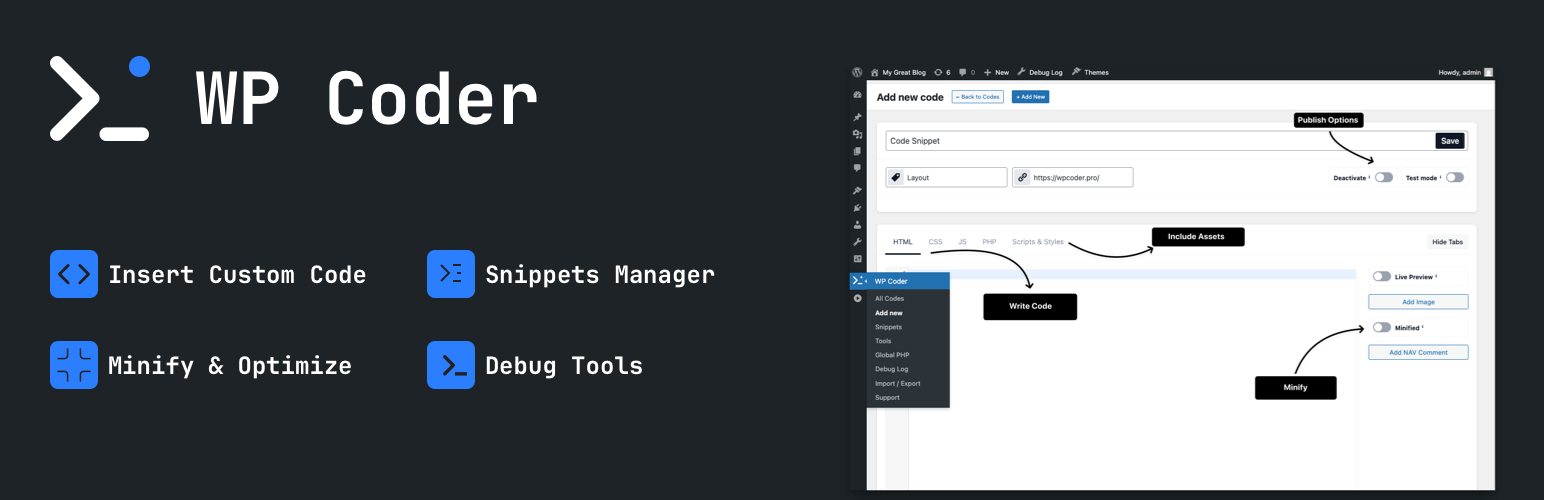
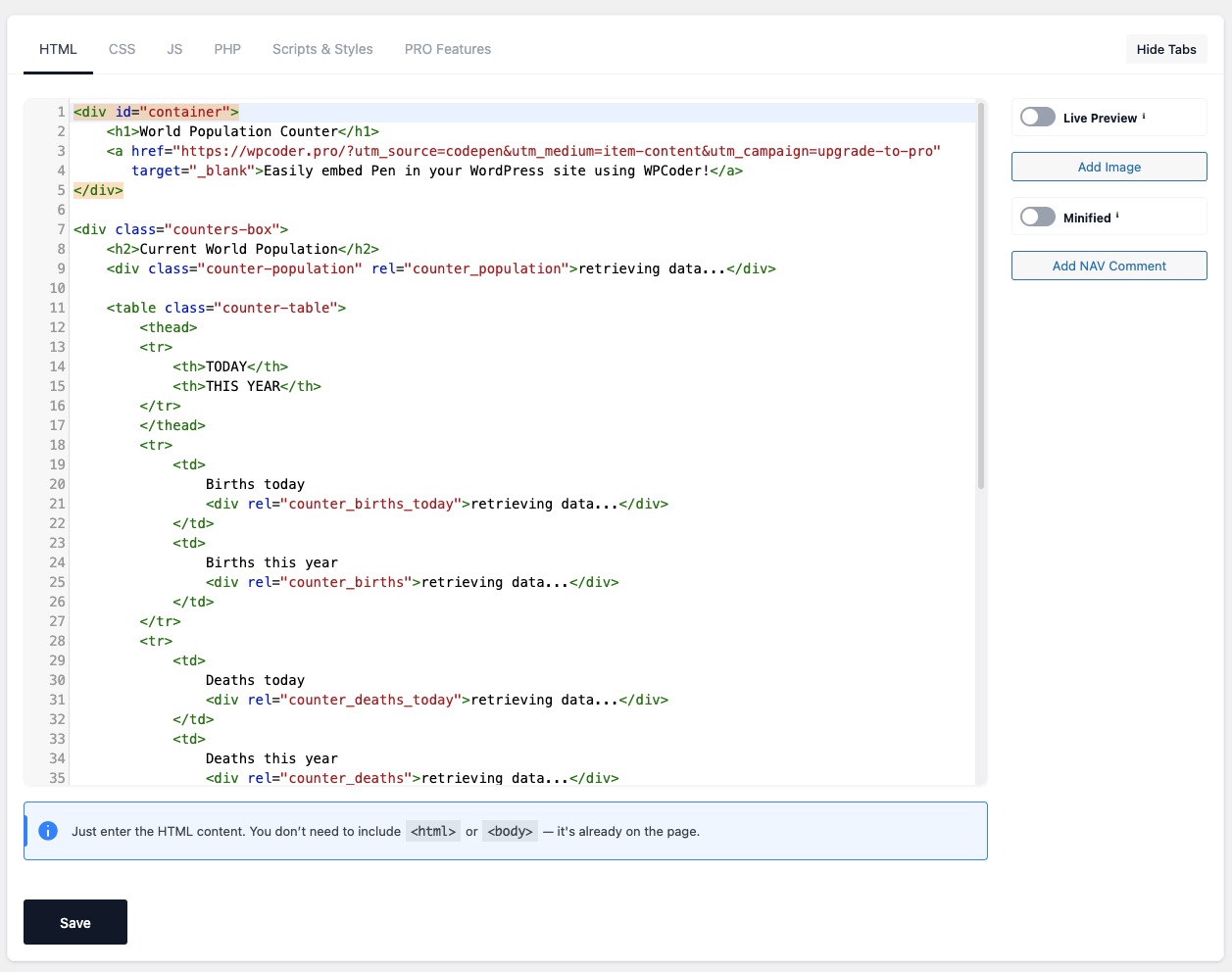
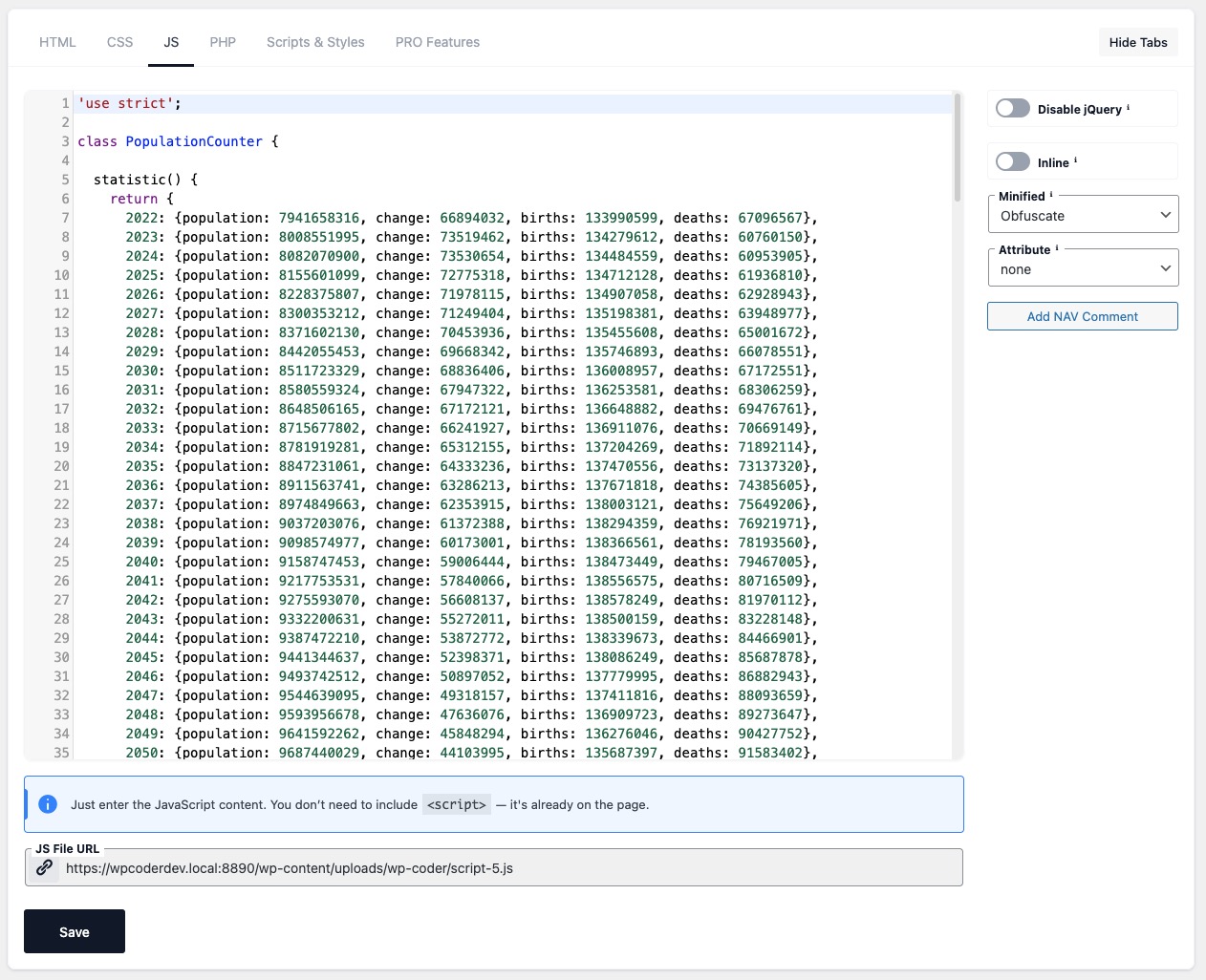
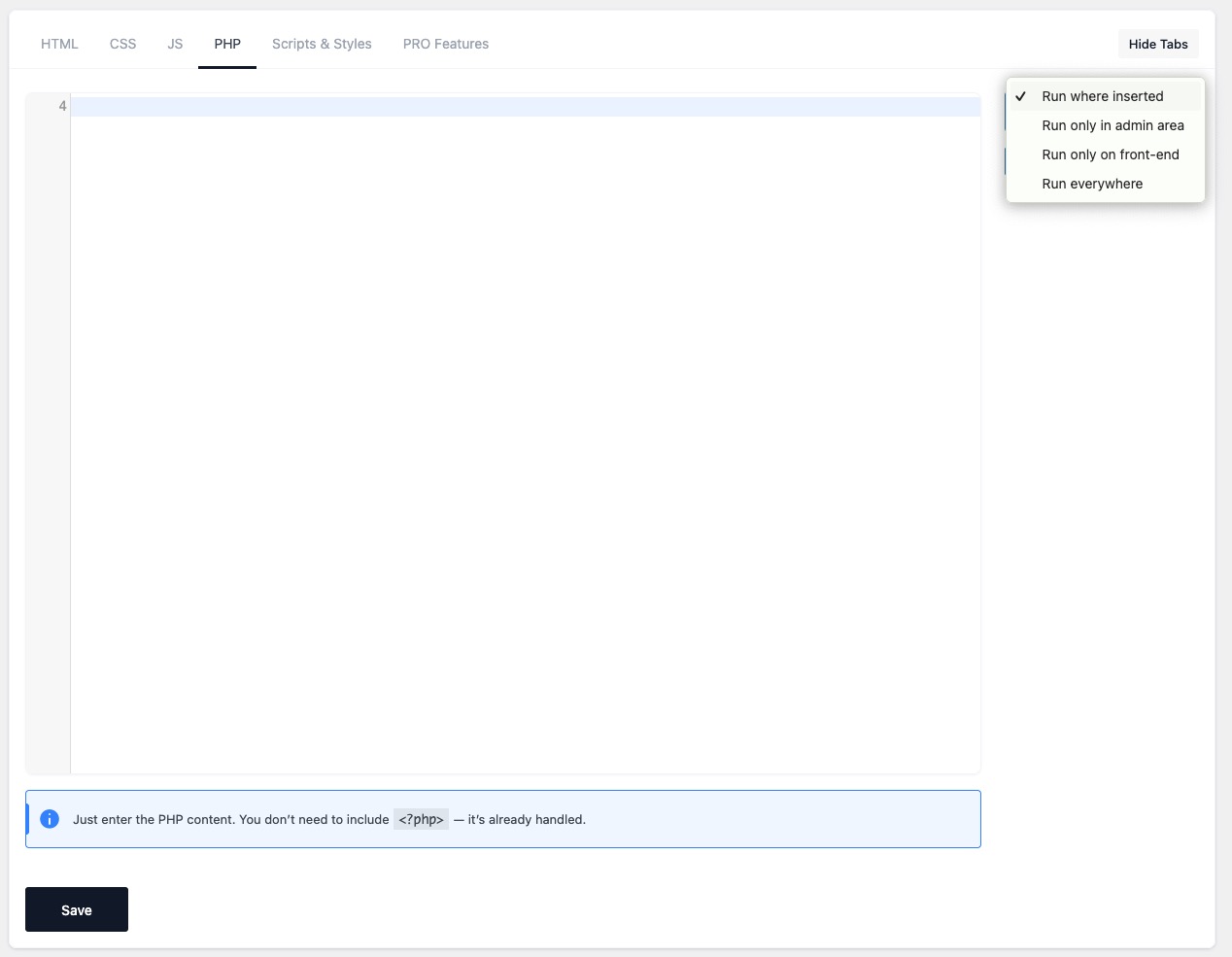
WP Coder is a plugin for WordPress that allows you to easily embed HTML, JS, CSS, and PHP codes into your website. It is a powerful tool for customizing your website's design and adding interactive features. The plugin also includes additional tools and snippets for further customization.Screenshots

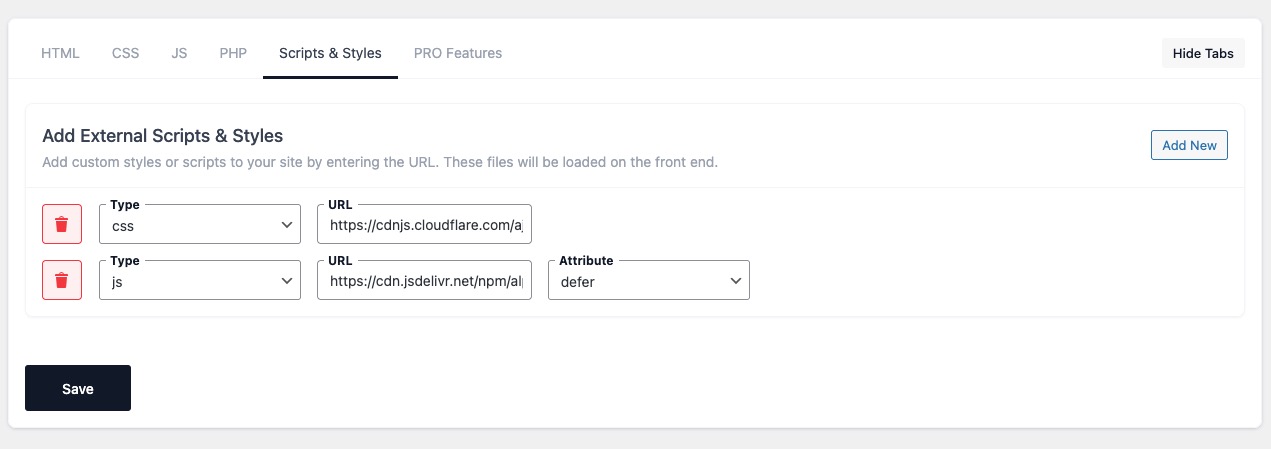





Frequently asked questions
What types of code can WP Coder embed?
WP Coder can embed HTML, JS, CSS, and PHP codes directly into your WordPress pages.
What are some key features of WP Coder?
Key features include direct code injection, PHP Global, Test Mode, Import/Export Functions, and a multifunctional code editor. It also offers advanced CSS and JS options, and integration of external libraries.
How does WP Coder help optimize website performance?
WP Coder allows you to embed various scripts and styles without needing multiple plugins, which can help avoid site performance degradation. It also offers options to have CSS and JavaScript inline or minified to optimize page loading times.
Can I test code changes before they go live?
Yes, WP Coder includes a Test Mode feature that allows you to test different codes without affecting your live site.
Does WP Coder support external libraries?
Yes, WP Coder allows you to integrate external libraries, leveraging existing scripts or styles to optimize site development.
Changelog
Links:
Website
Documentation
Upgrade to Pro!
3.6.1
- Fixed: security issue with escaping in 1.list.php
3.6
- Added: location for include PHP snippet
- Added: option for hide the tabs in the Settings
- Fixed: admin style for Safari
3.5.2
- Fixed: admin style for plugin
- Fixed: minor bugs
3.5.1
- Change: User access for use the plugin
3.5
- Added: Tool “Tracking Code Manager” for integrate Google Analytics, Facebook Pixel, and Pintrest Pixel;
- Added: Tool ‘Google AdSense’ for integrate Google AdSense on the site;
- Added: users roles for snippet ‘Disable The WP Admin Bar’;
- Changed: link to the back;
3.4
- Added: Snippets page with pre-set the most popular snippet.
3.3
- Added: Button for add image in HTML code
- Added: HTML Minificator
- Improvement: CSS Minificator
3.2.1
- Fixed: minor bug with plugin database.
3.2
- Added: the buttons ‘Add new’ and ‘All Codes’ in the code editor
- Fixed: Admin Style
3.1.1
- Fixed: save into the database
3.1
- Added: Global PHP block
- Added: Using the content inside the shortcode in the HTML code
- Added: Ability to copy the shortcode by clicking on the icon next to the shortcode
- Changed: Remove any included file, not just the last one in the ‘Includes’ tab.
- Changed: Admin Style.
- Changed: Shortcode from [WP-Coder] on [wp_code]. Old shortcode still work
3.0.5
- Fixed: minor bug with update
- Fixed: admin notification
3.0.4
- Fixed: updated datatable.
3.0.3
- Fixed: Inline scripts and styles.
3.0.2
- Fixed: Execution queue for styles and scripts.
3.0.1
- Fixed: update and save items.
- Fixed: change the capability for the admin page plugin.
3.0
- Added: ‘Test Mode’ and ‘Status’ for items.
- Added: ‘Tag’ and ‘Link Options.’
- Added: ‘Inline’ and ‘Minified’ options to the CSS block.
- Added: JavaScript (JS) block options include ‘JQuery Dependency,’ ‘Inline,’ ‘Minified,’ and ‘Attribute.’
- Added: Attributes for JavaScript in the ‘Includes block.’
- Added: ‘Export/Import’ function.
- Updated: Database structure.
- Updated: The style of the admin interface.
2.5.6
- Fixed: minor bug in page-list
2.5.5
- Fixed: minor bug
2.5.4
- Fixed: security update
2.5.3
- Fixed: security update
2.5.2
- Fixed: minor bug on main page of the plugin
2.5.1
- Fixed: minor bug.
2.5.
- Added: alternative shortcode.
- Added: processing shortcodes inserted into the HTML code
2.4
- Fixed: Adding tag in HTML code
- Fixed: shortcode code
2.3.2
- Fixed: deleting item
- Fixed: saving into database
2.3
- Fixed: minor bugs
2.2
- Fixed: order of connection scripts and styles
2.1
- Fixed: Saving in the database
2.0
- Added: Codemirror
- Optimized: file storage
- Changed: admin style
1.1
- Fixed: display shortcode in content
1.0
- Initial release

